Learn how to use Apple's built-in Split View feature to run two iPad apps side-by-side for a superior multitasking experience.
How to use Split View on iPad and use two apps side-by-side
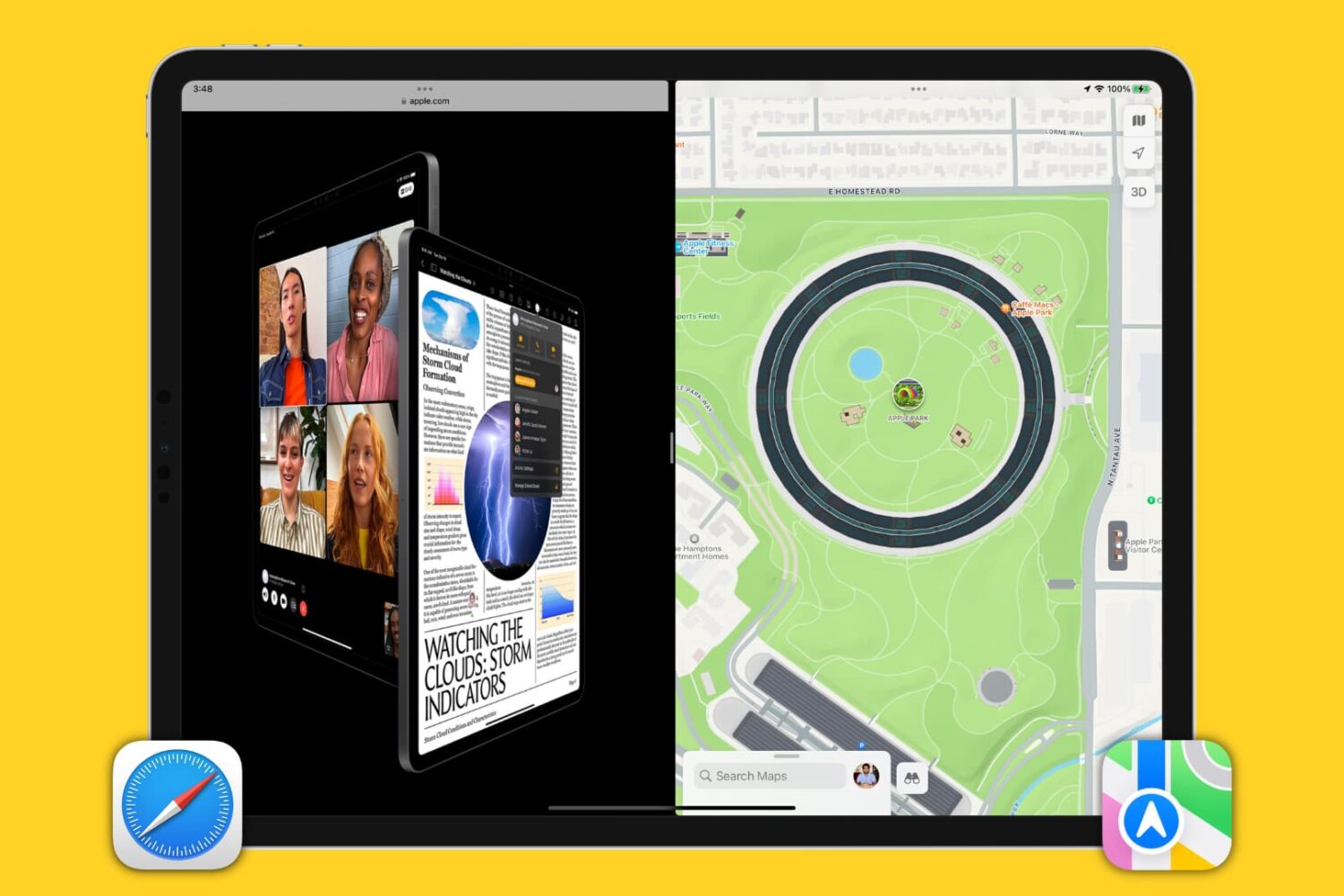
Learn how to use Apple's built-in Split View feature to run two iPad apps side-by-side for a superior multitasking experience.
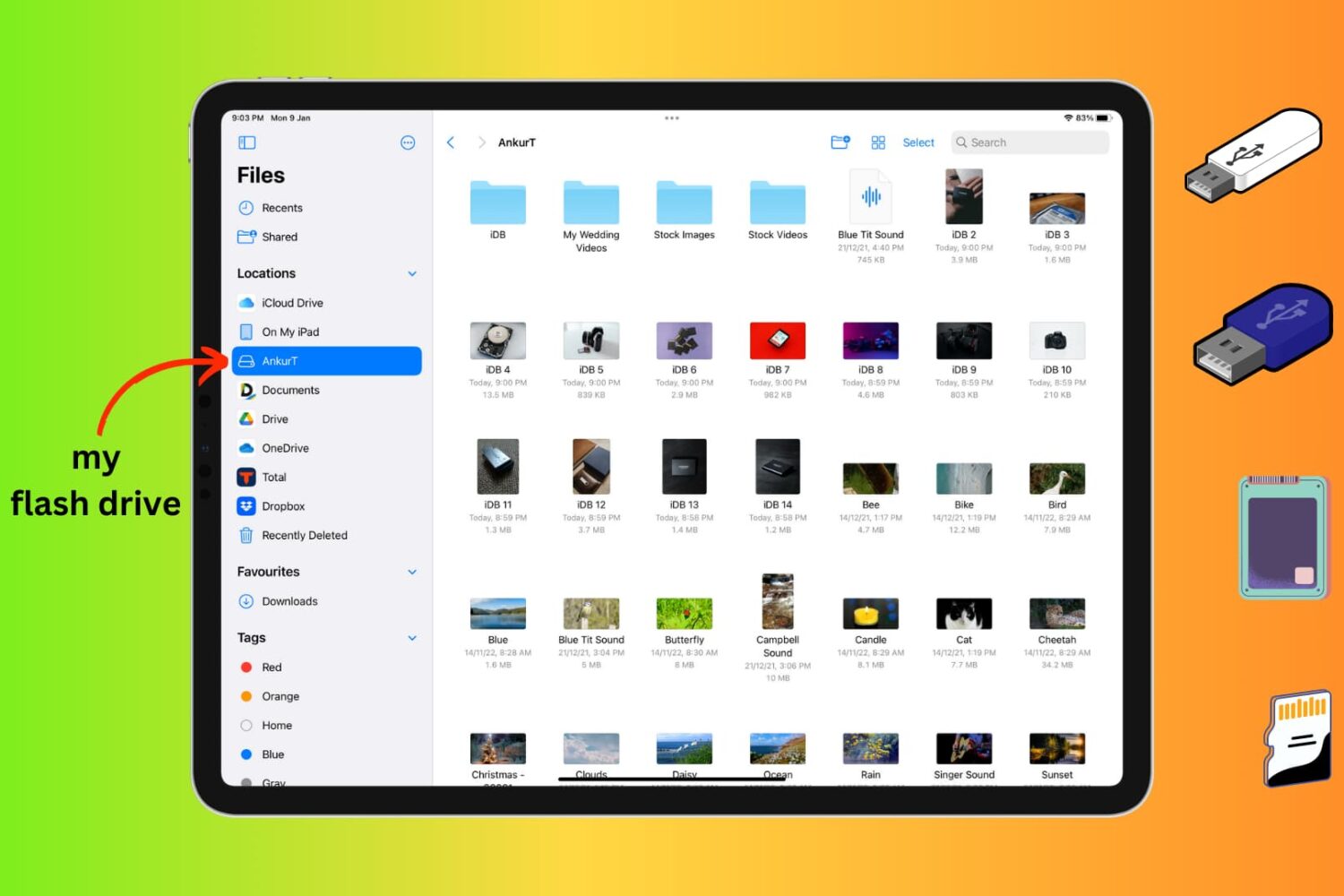
Learn how to connect an external storage device like a flash drive, SSD, SD card, etc., to your iPhone or iPad to store files on it.
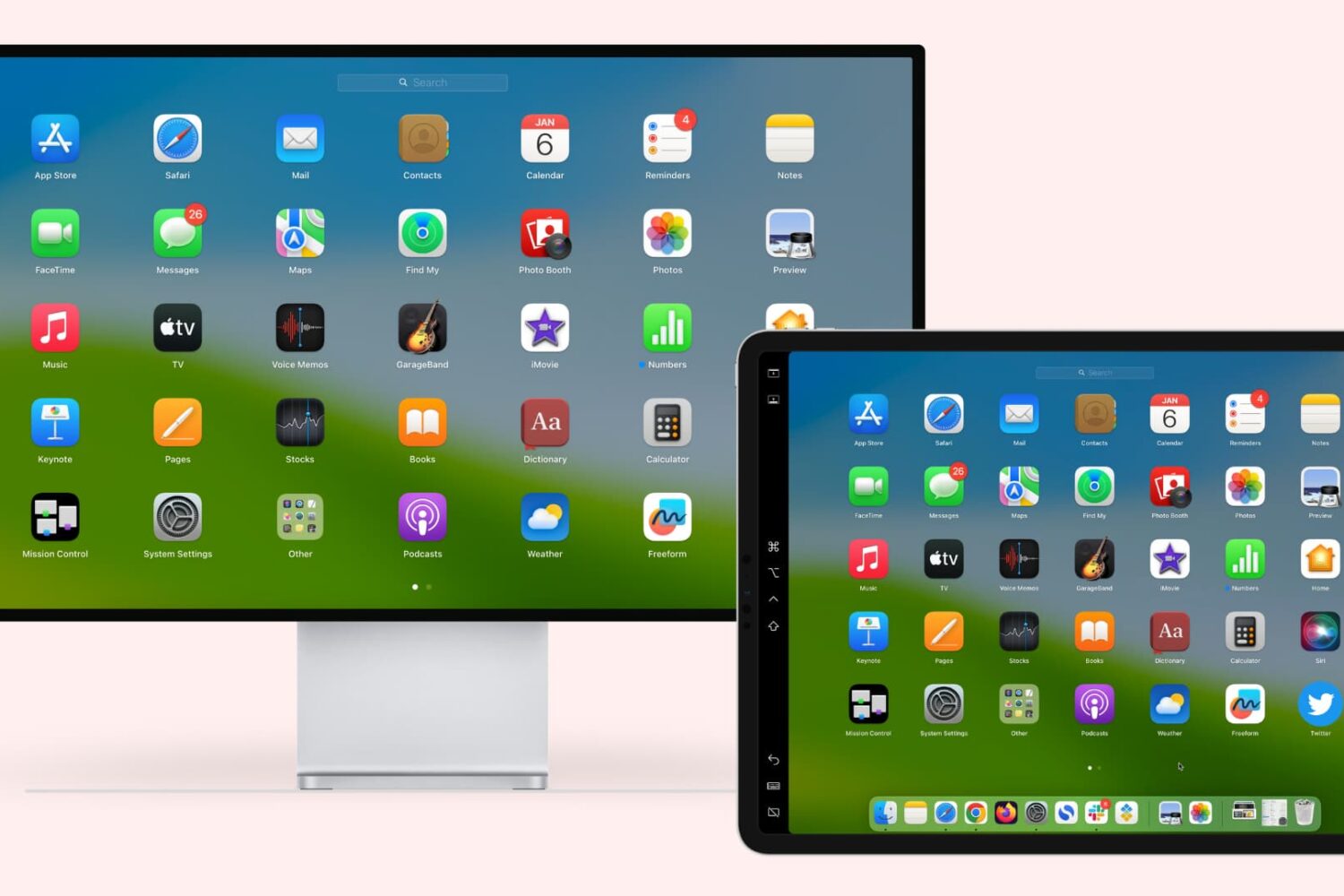
Learn how to extend or mirror your Mac’s display to your iPad wirelessly or via USB, without requiring third-party apps!
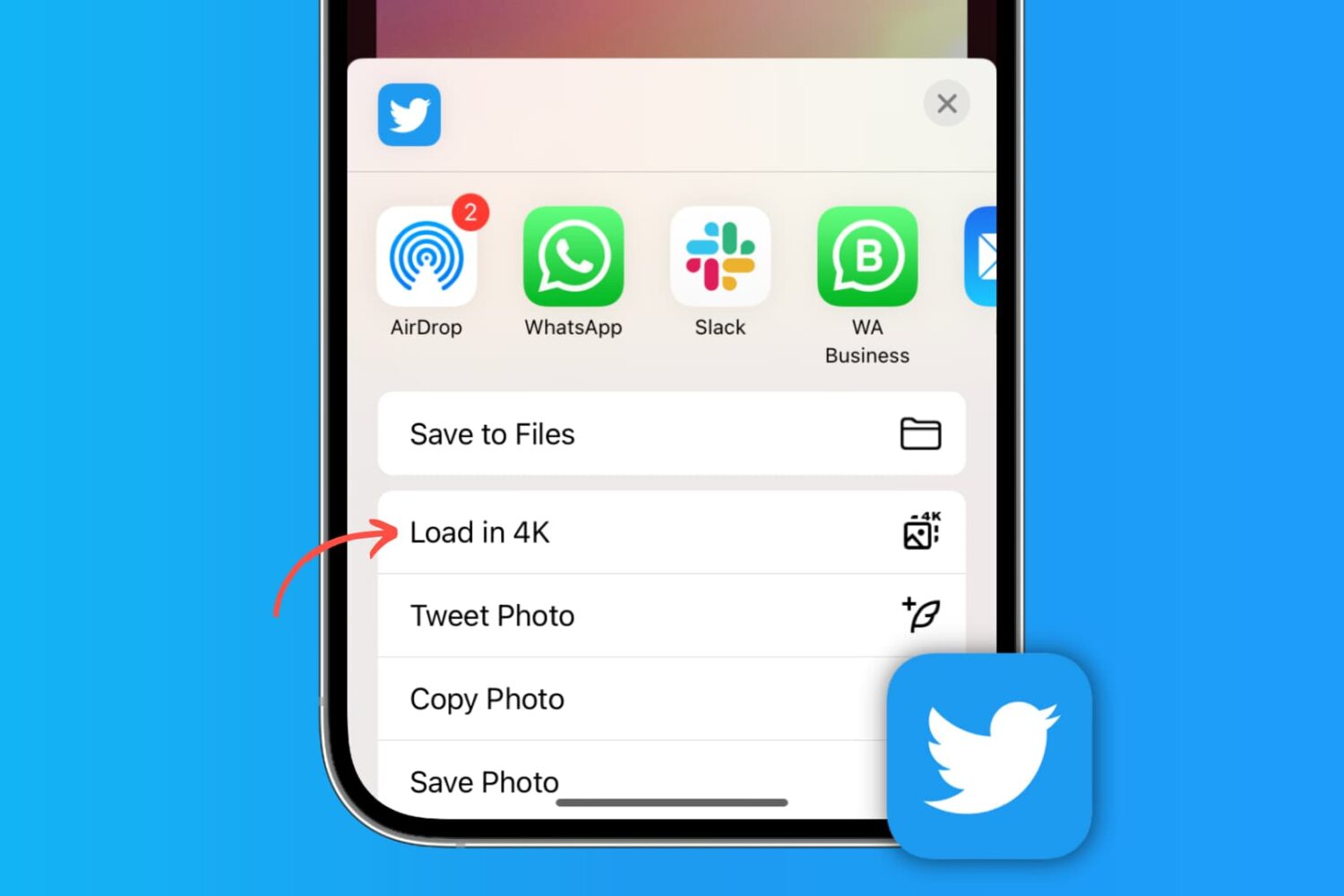
Learn how to post high-quality images to X (formerly Twitter) and download photos from there in the best resolution on your phone or computer.
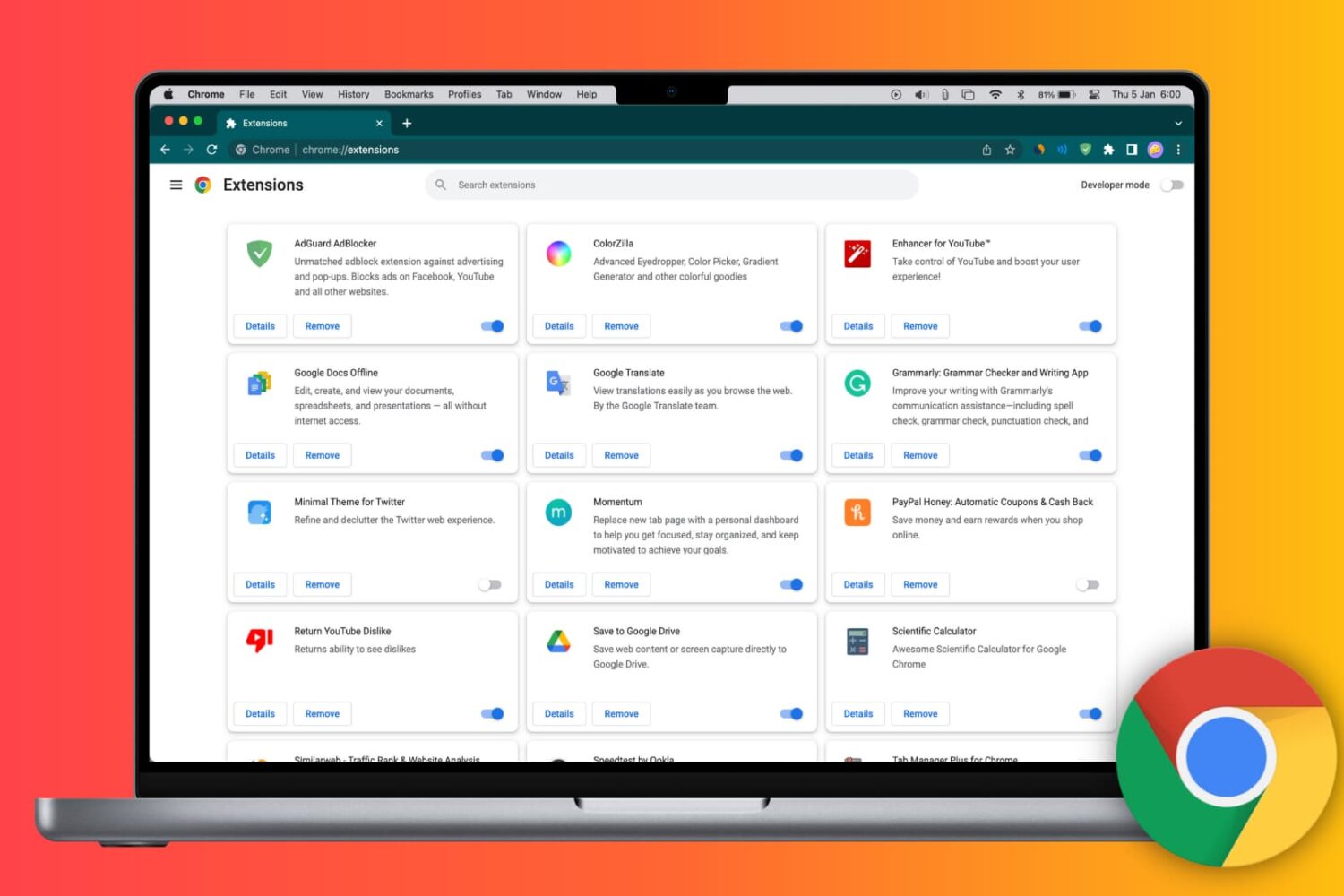
Learn how to install Google Chrome extensions on your Mac or Windows PC to get extra features, as well as manage, update, or remove them.
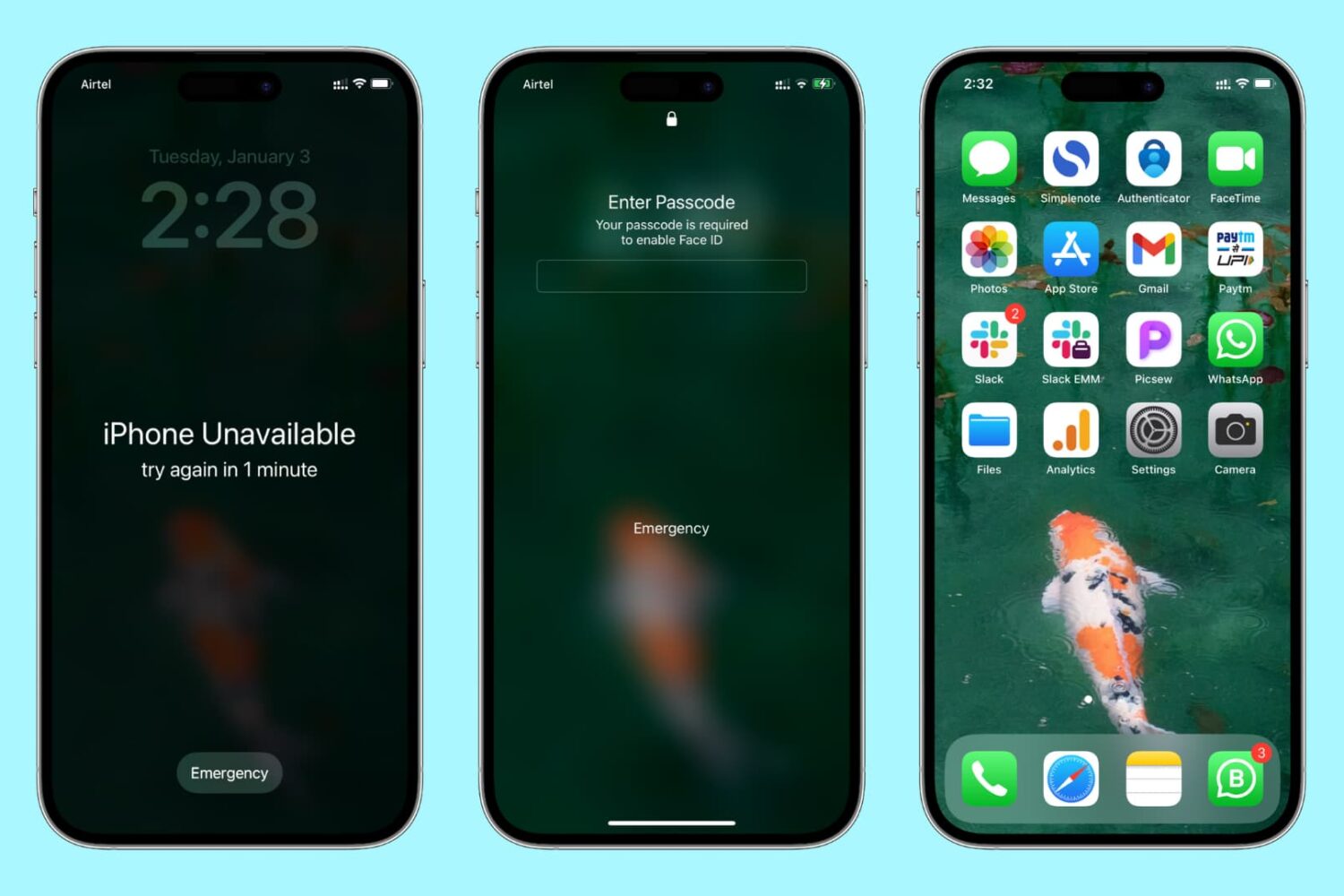
Learn how to reset the passcode on your iPhone or iPad if you’ve forgotten it, so you can unlock the device and regain access to your apps, settings, photos, etc.
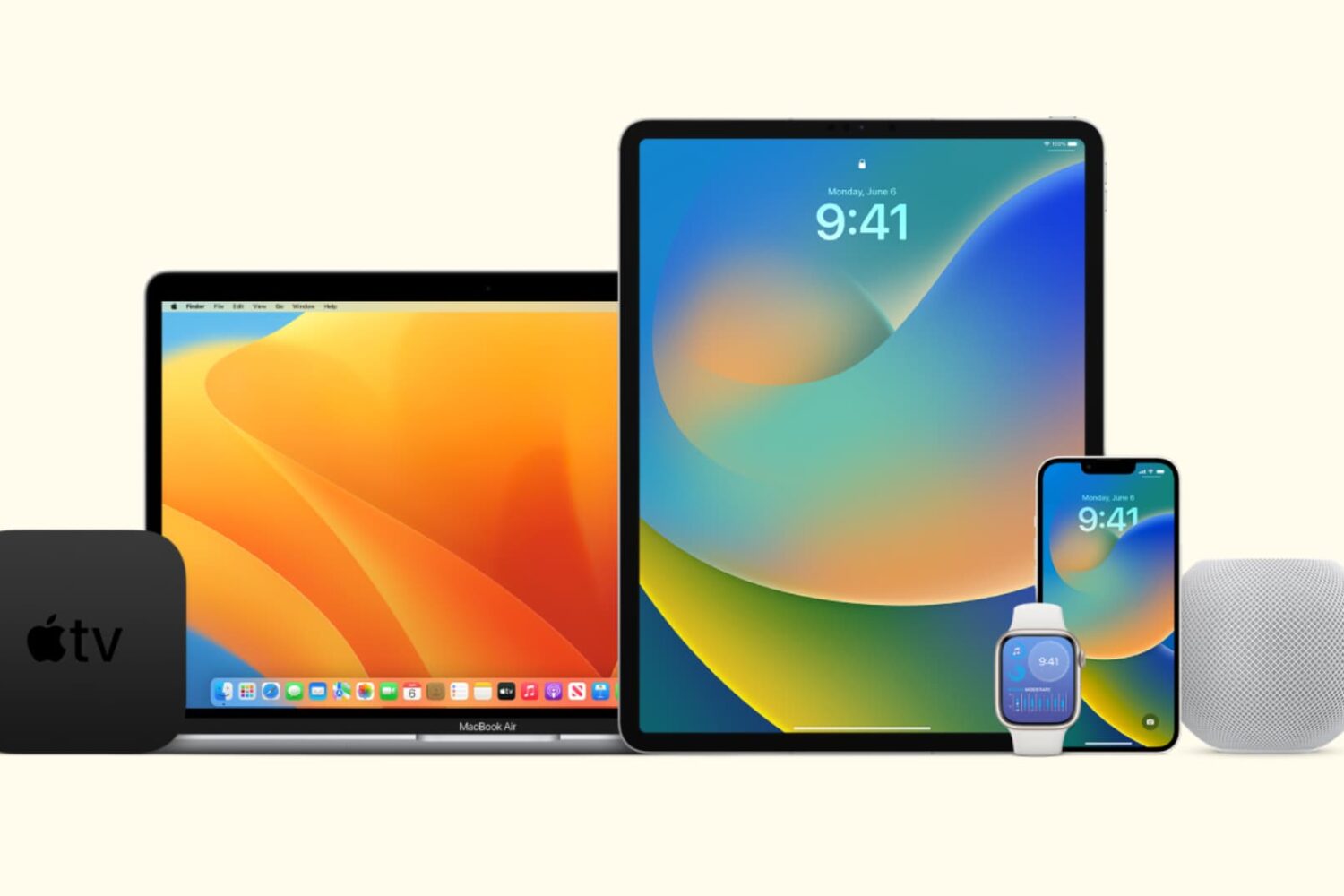
In this tutorial, we’ll show you how to stop all your Apple devices (iPhone, iPad, Mac, Apple Watch, HomePod, Apple TV, and Vision Pro) from automatically downloading and installing software updates.
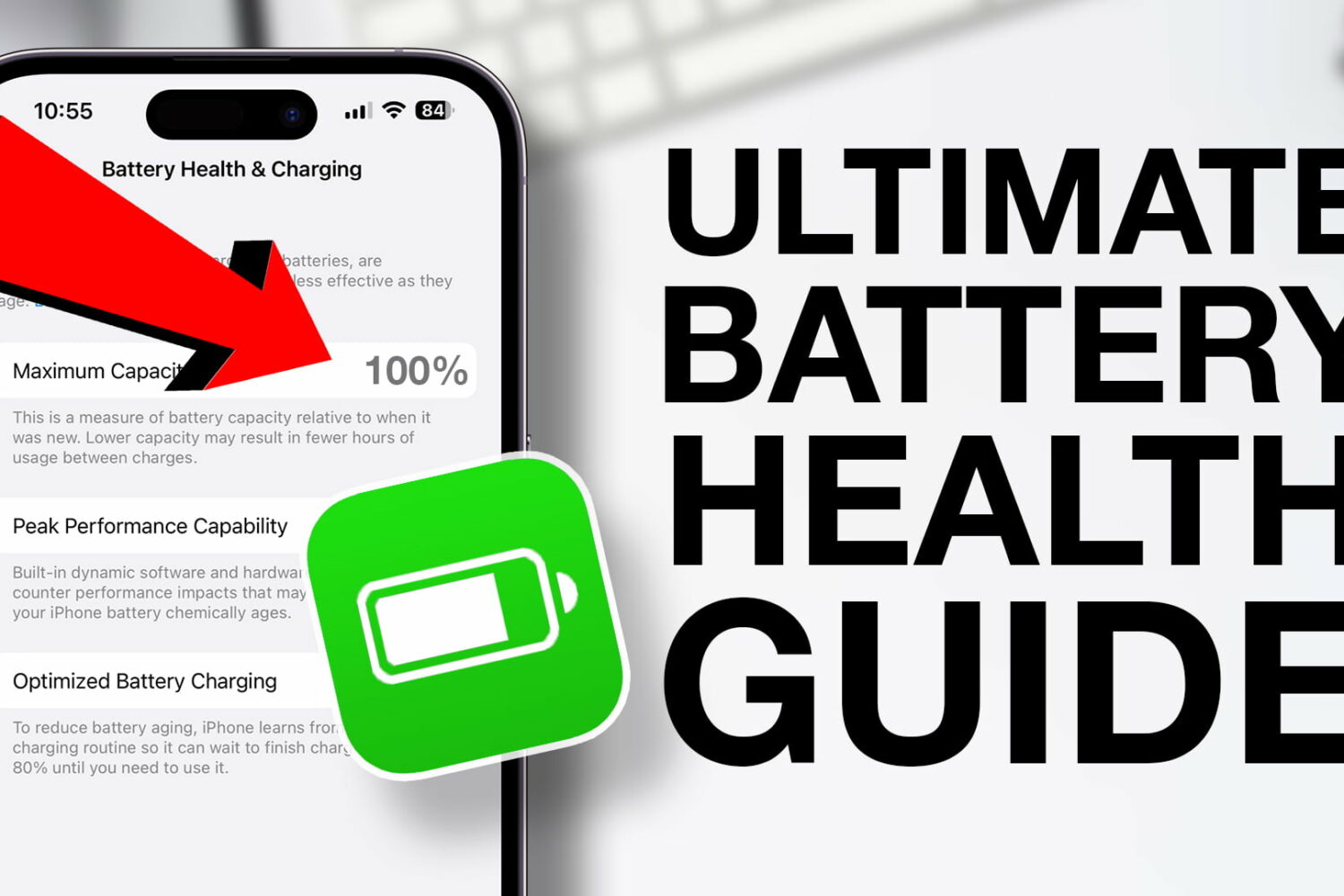
Check out these quick tips to extend the battery health of your iPhone and make sure you can use it for many years to come.
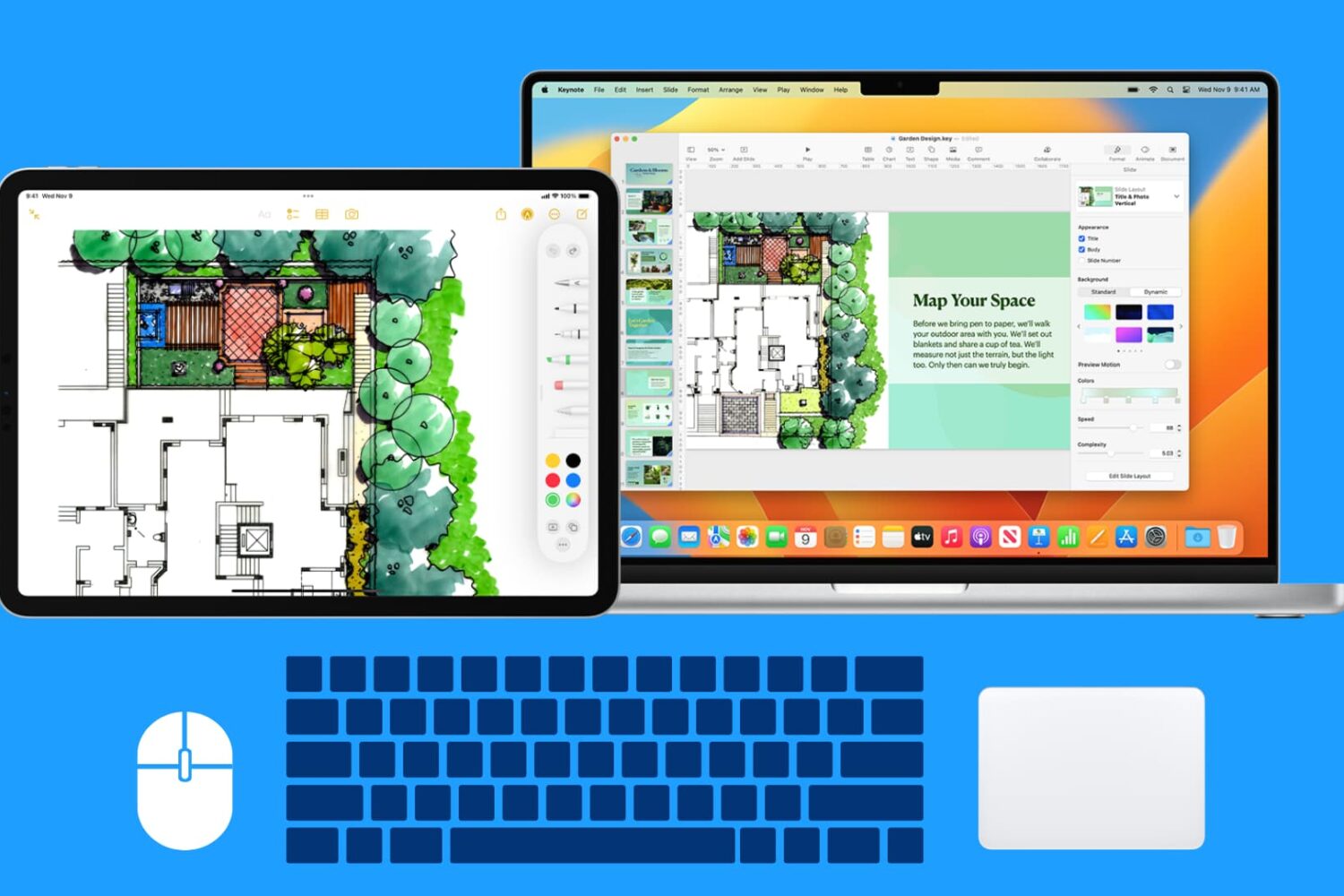
Learn how to use your Mac’s wireless or wired mouse, trackpad, and keyboard with your iPad at the same time, thanks to the Universal Control Continuity feature.
Learn how to fix Apple Music not working or exhibiting interruptions, pauses, or breaks on your iPhone, iPad, Mac, TV, HomePod, Android phone, PC, and other devices.
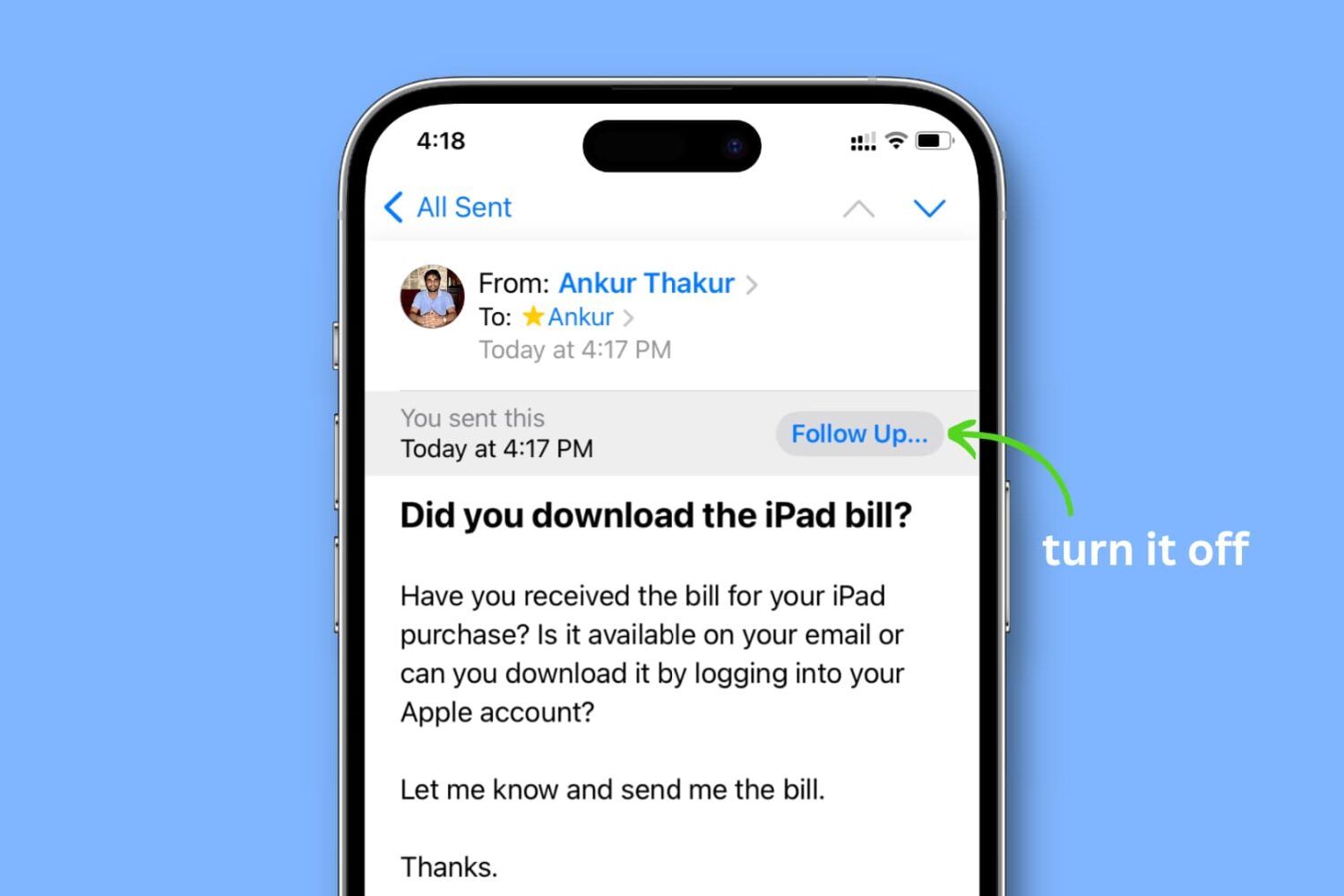
Learn how to turn off the ‘Follow Up...’ banner for emails you’ve sent in the Apple Mail app on your iPhone, iPad, and Mac.
