Learn what to do if iPhone or iPad charging is on hold, and an alert pops up informing you that charging will resume when the device “returns to normal temperature.”
Safely fix iPhone or iPad charging on hold issue
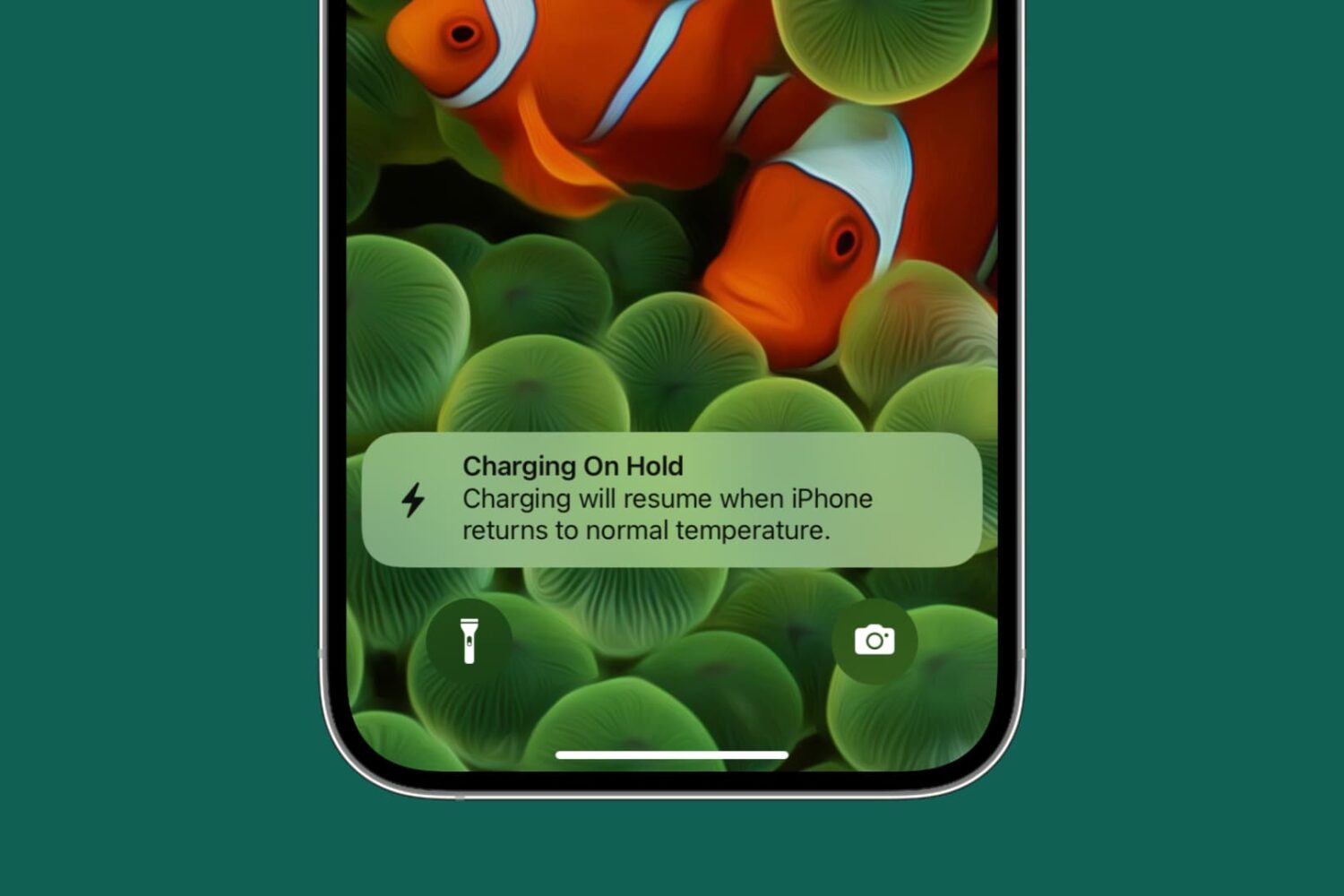
Learn what to do if iPhone or iPad charging is on hold, and an alert pops up informing you that charging will resume when the device “returns to normal temperature.”
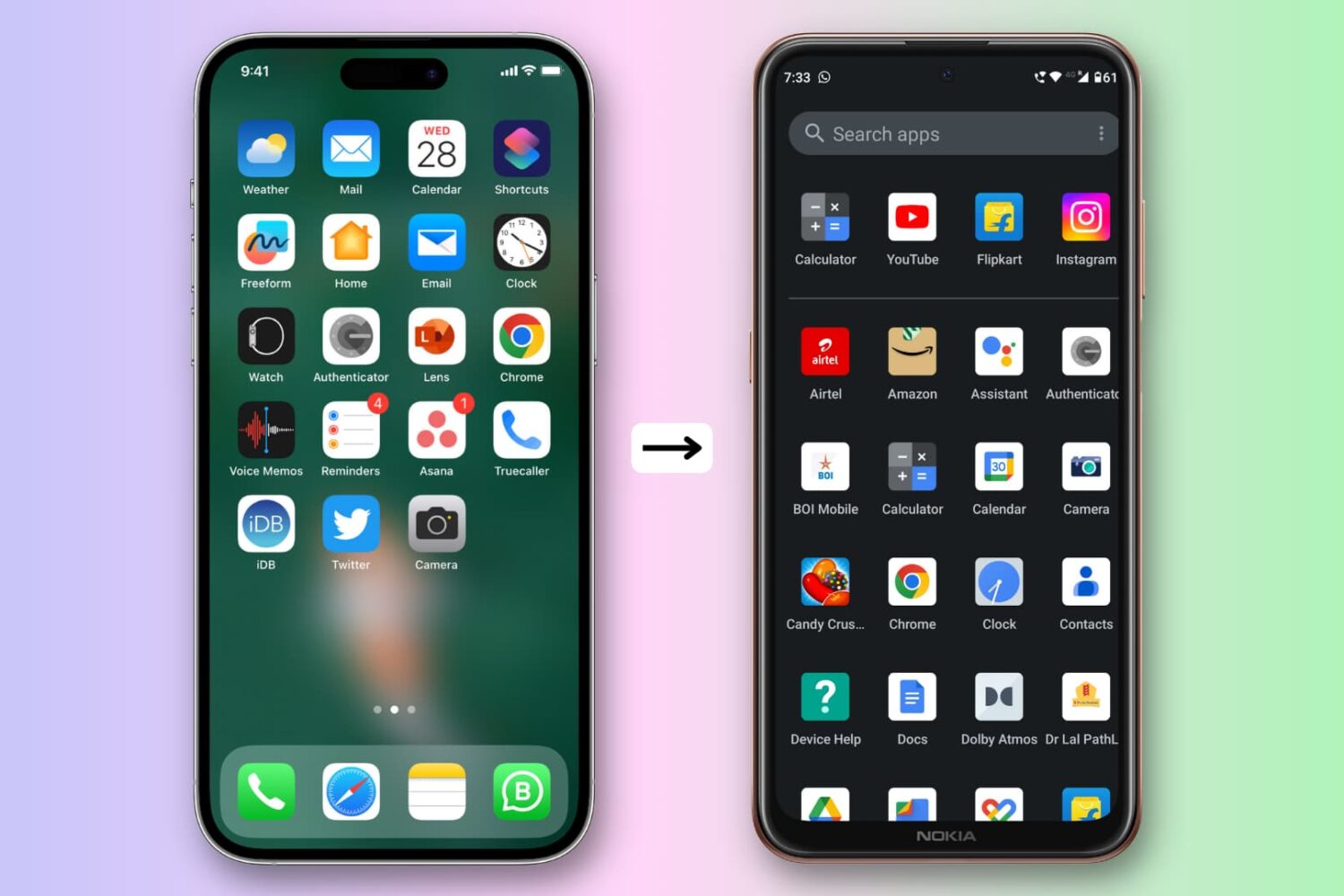
Check out everything you need to do when switching from an iPhone to an Android phone, including transferring your texts, data, settings, etc.
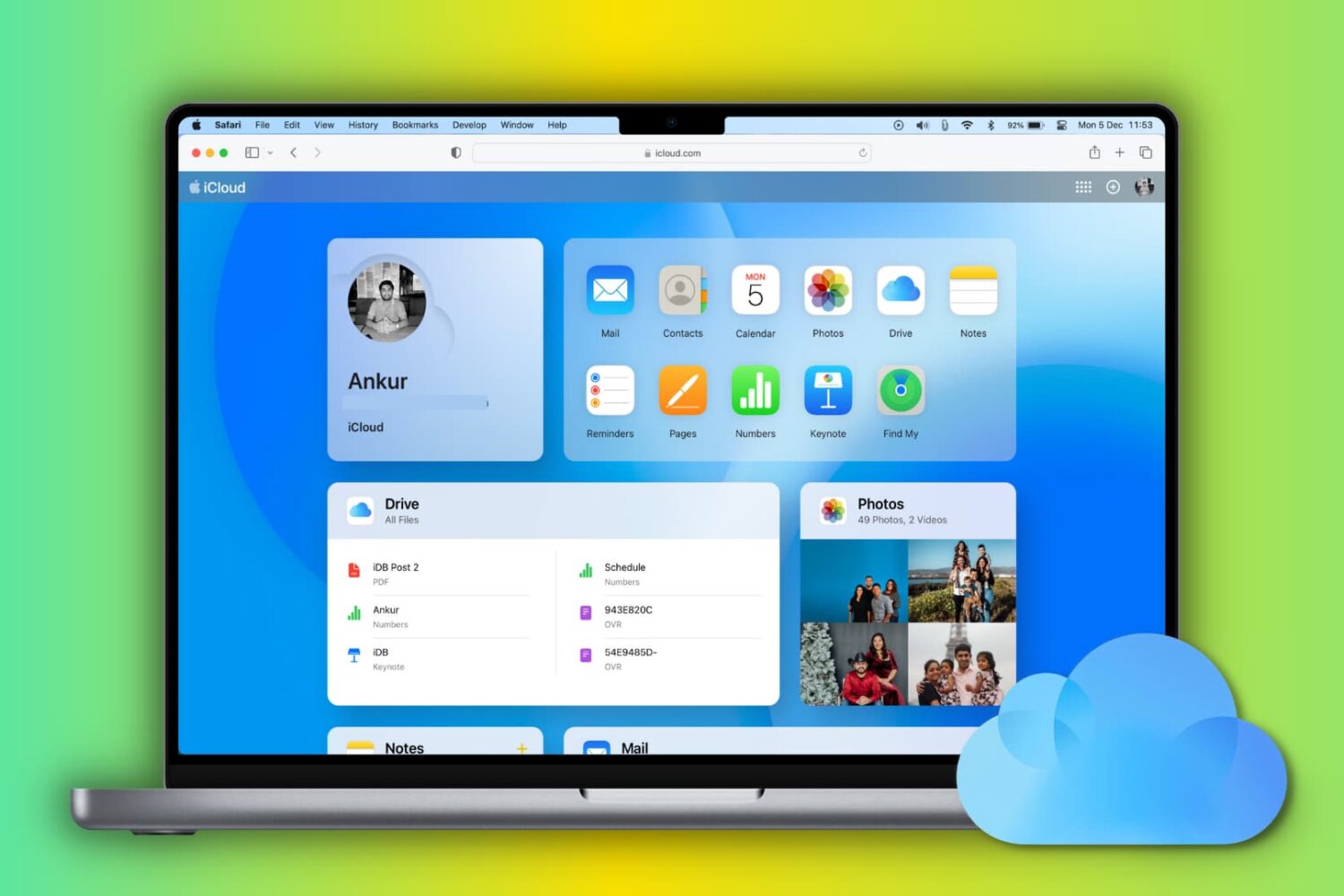
Learn how to set up and use iCloud and iCloud Drive on your Mac to store and sync data across your various Apple devices.
Learn why your MacBook lowers the screen brightness when you unplug the charging cable, and find out how to stop it from doing this.
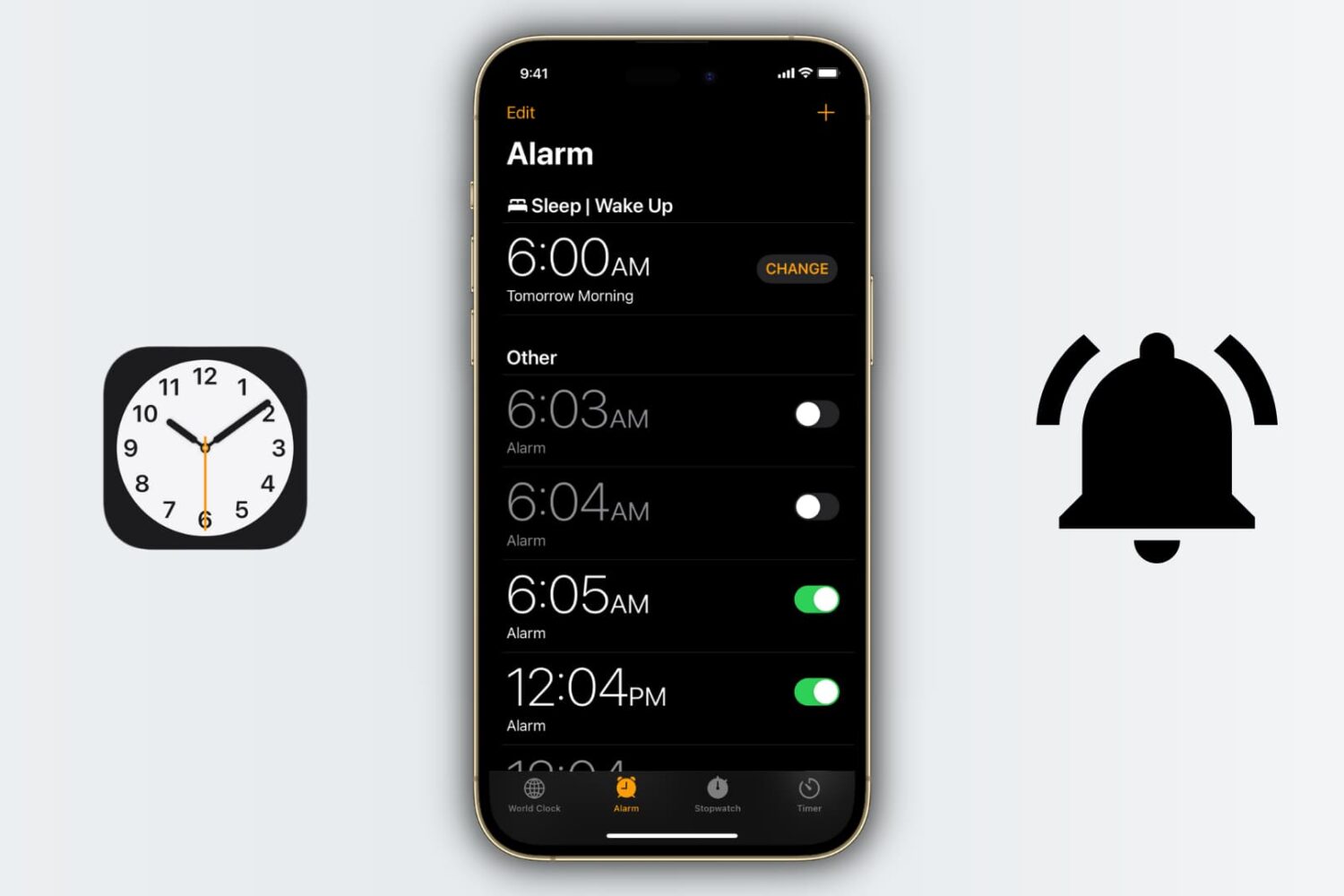
This simple tutorial will show you all the ways you can set, edit, and manage alarms on your iPhone or iPad.
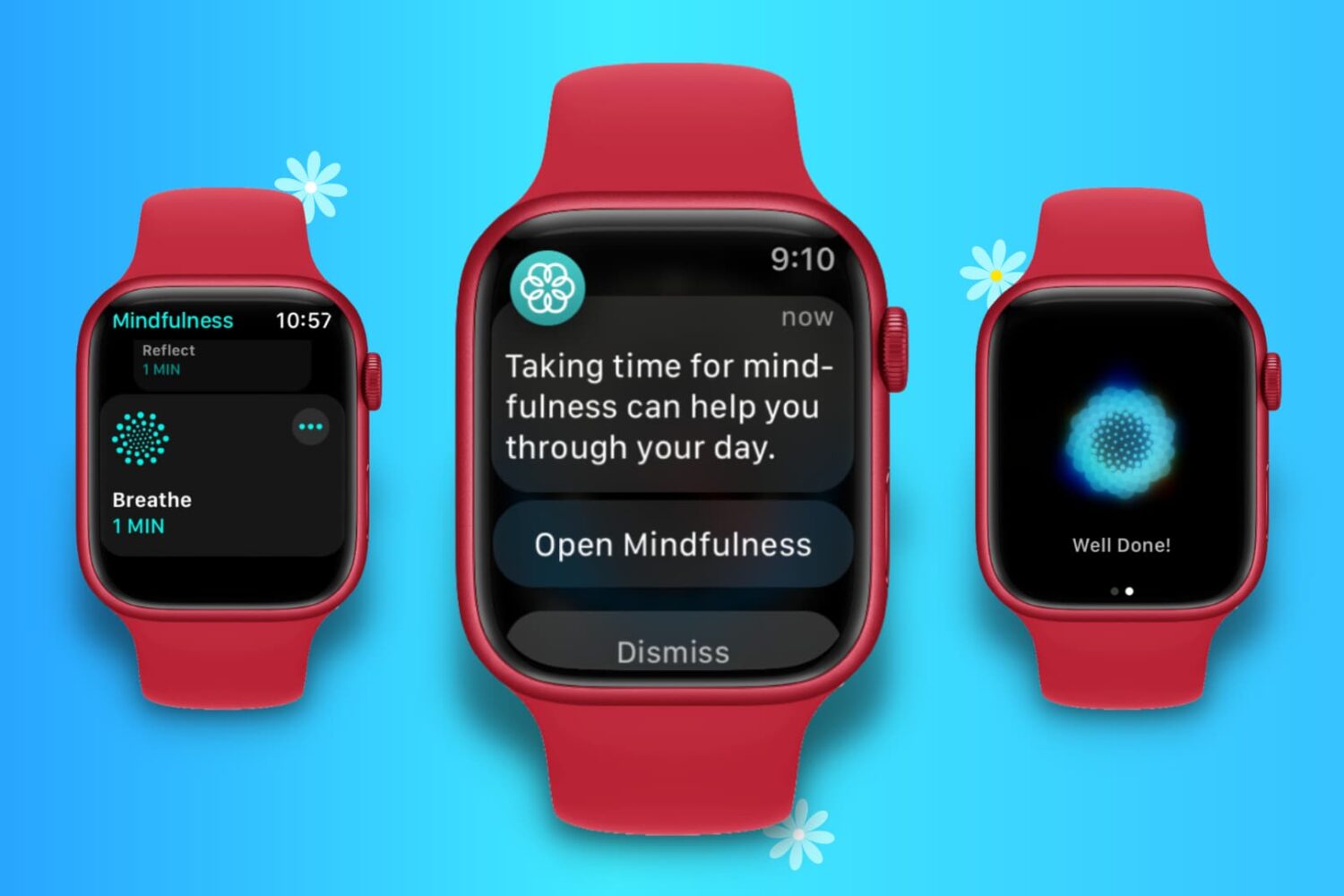
Learn how to stop notifications from the built-in Mindfulness app on Apple Watch to cut down on the number of wrist alerts.
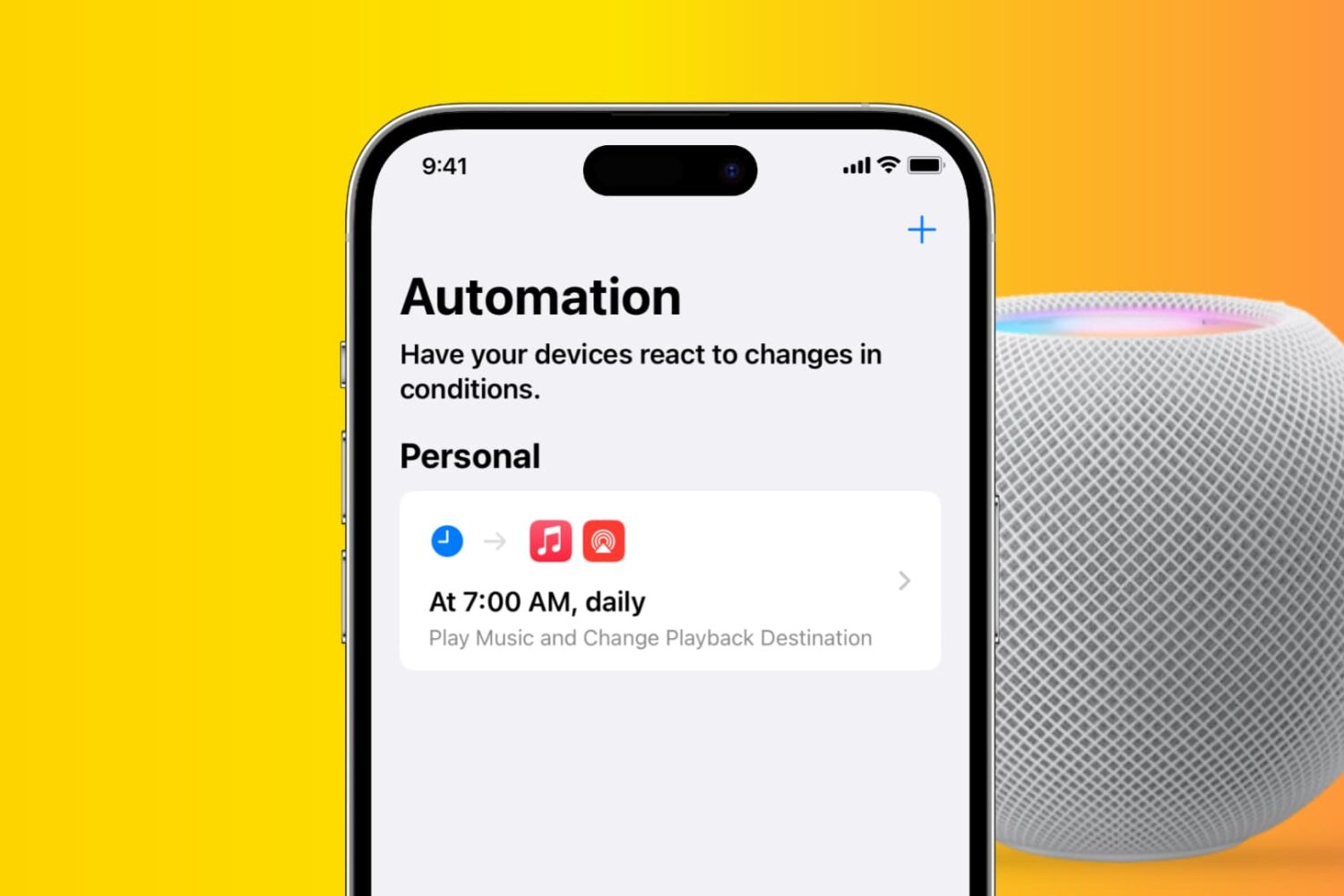
Learn how to set your iPhone to play music every morning, evening, or any other time you choose, as well as route audio playback to HomePod.
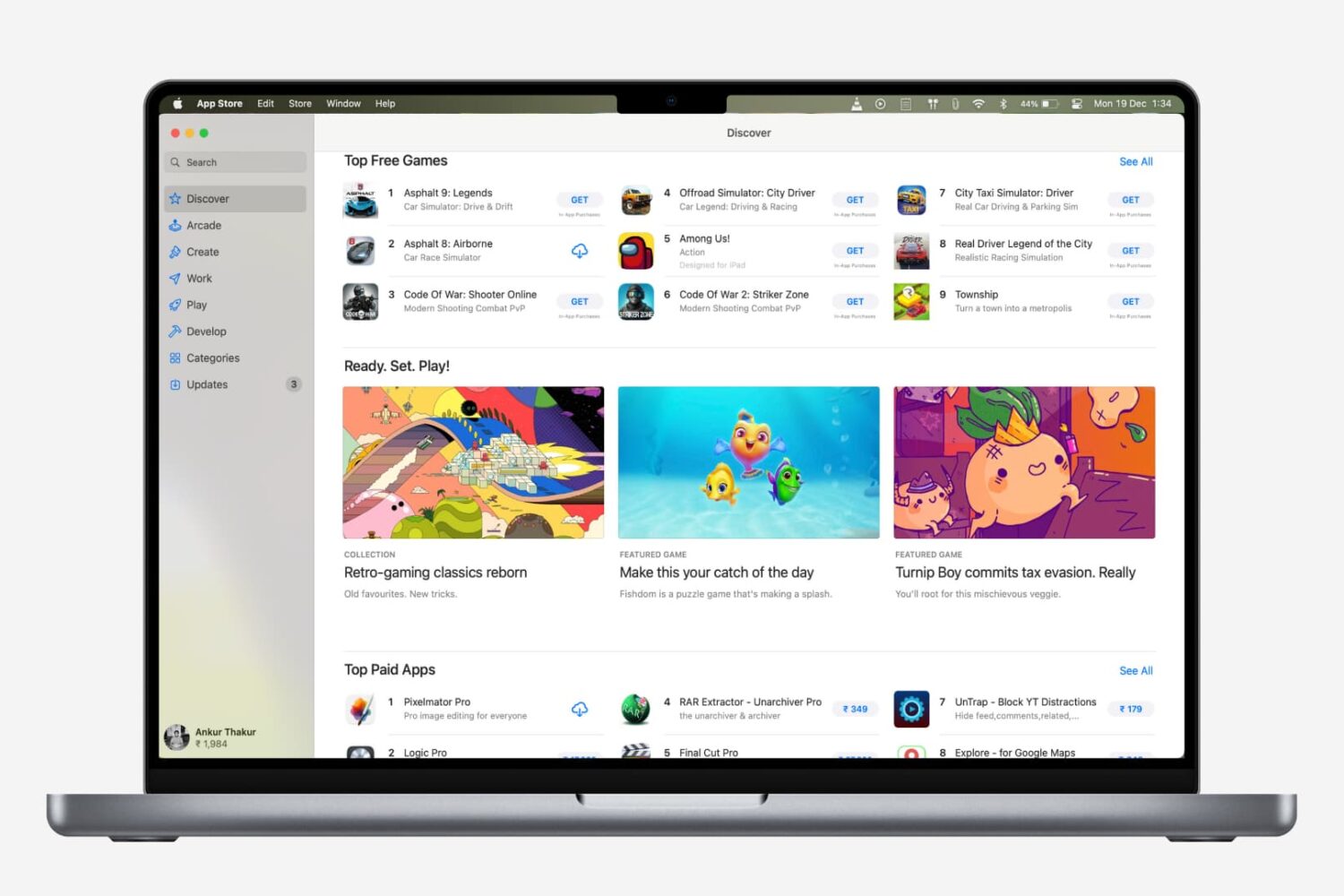
Are you new to a Mac? Check out all the ways to update apps on your Mac, regardless of where you downloaded them from.

Check out some quick tips to boost file download speeds on your Mac, so you can avoid slow downloads and save time, all while increasing your productivity.
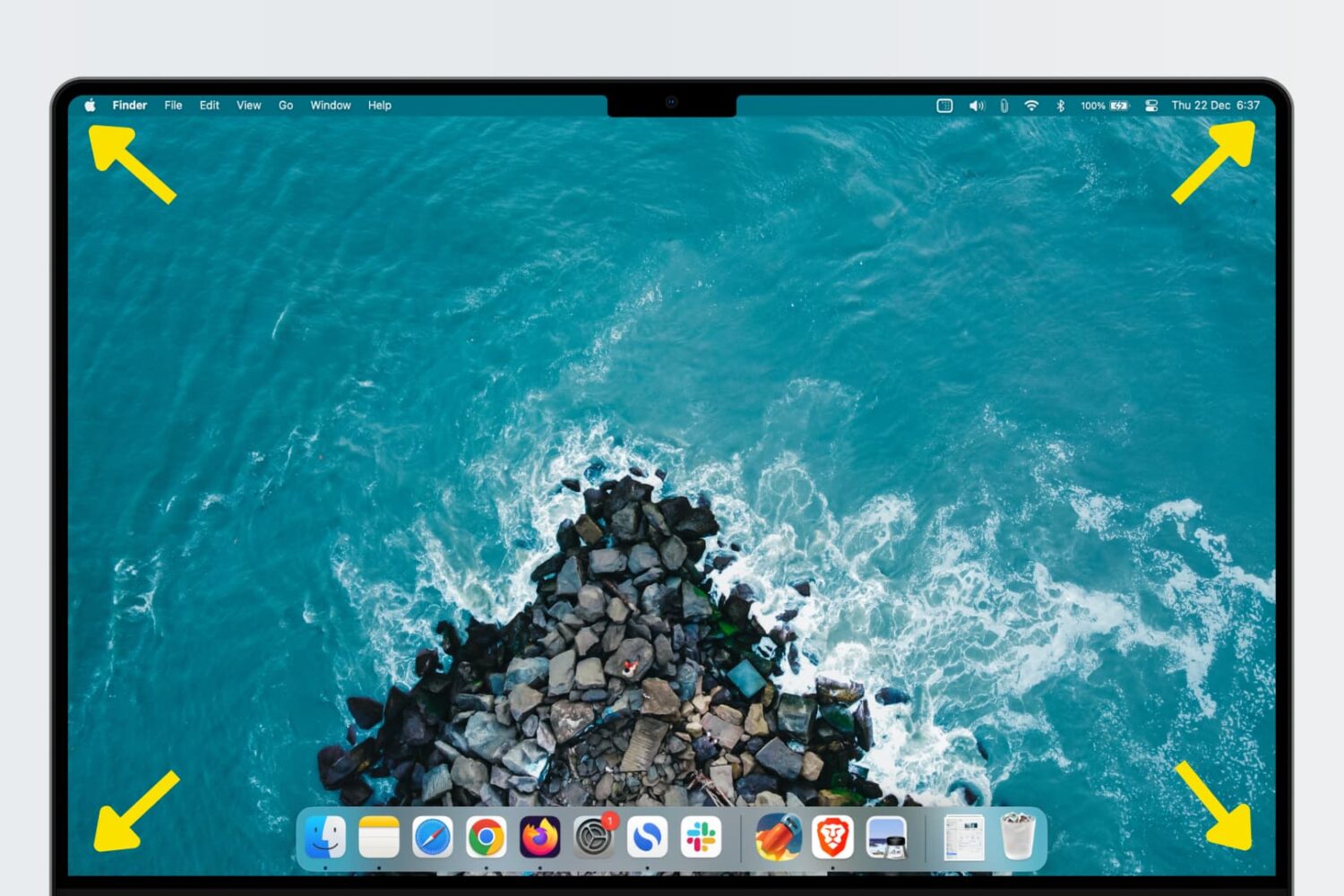
Learn how to use Hot Corners, a feature that allows you to trigger specific actions quickly by moving the mouse/trackpad cursor to any of the four corners of your Mac’s display.
Learn how to turn your iPhone or iPad into a wired or wireless thumb drive to store and transfer files between your Mac or Windows PC.
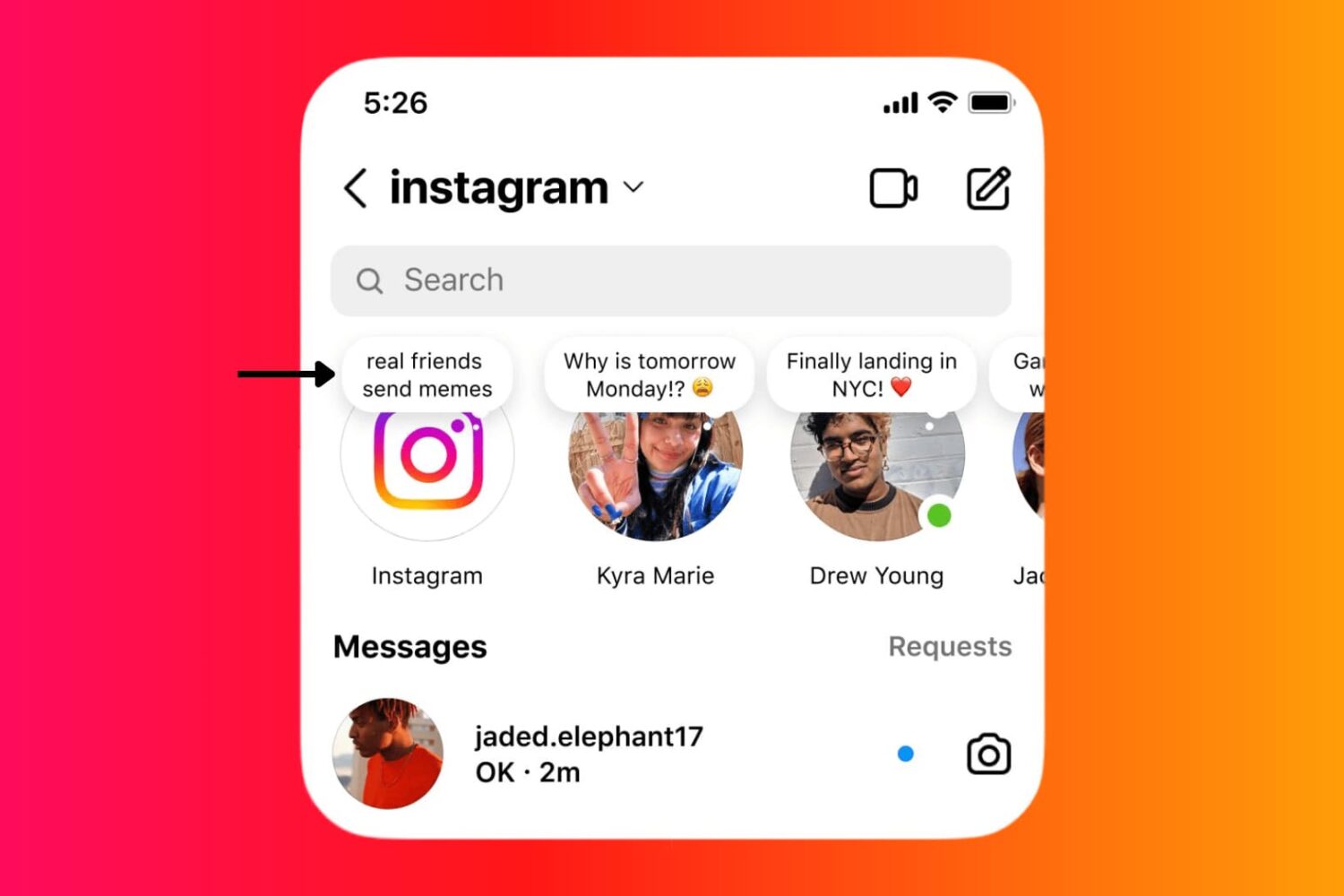
Learn how to use the Instagram Notes feature on your iPhone or Android phone to share 60-character text/emojis, song, and 2-second video that show up at the top of your friend's Instagram inbox.