Learn how to cut down unwanted calls by setting your Telegram app to receive calls only from people who are in your contacts list, or choosing to get calls from absolutely no one.
How to set who can call you on Telegram (only contacts or nobody)

Learn how to cut down unwanted calls by setting your Telegram app to receive calls only from people who are in your contacts list, or choosing to get calls from absolutely no one.
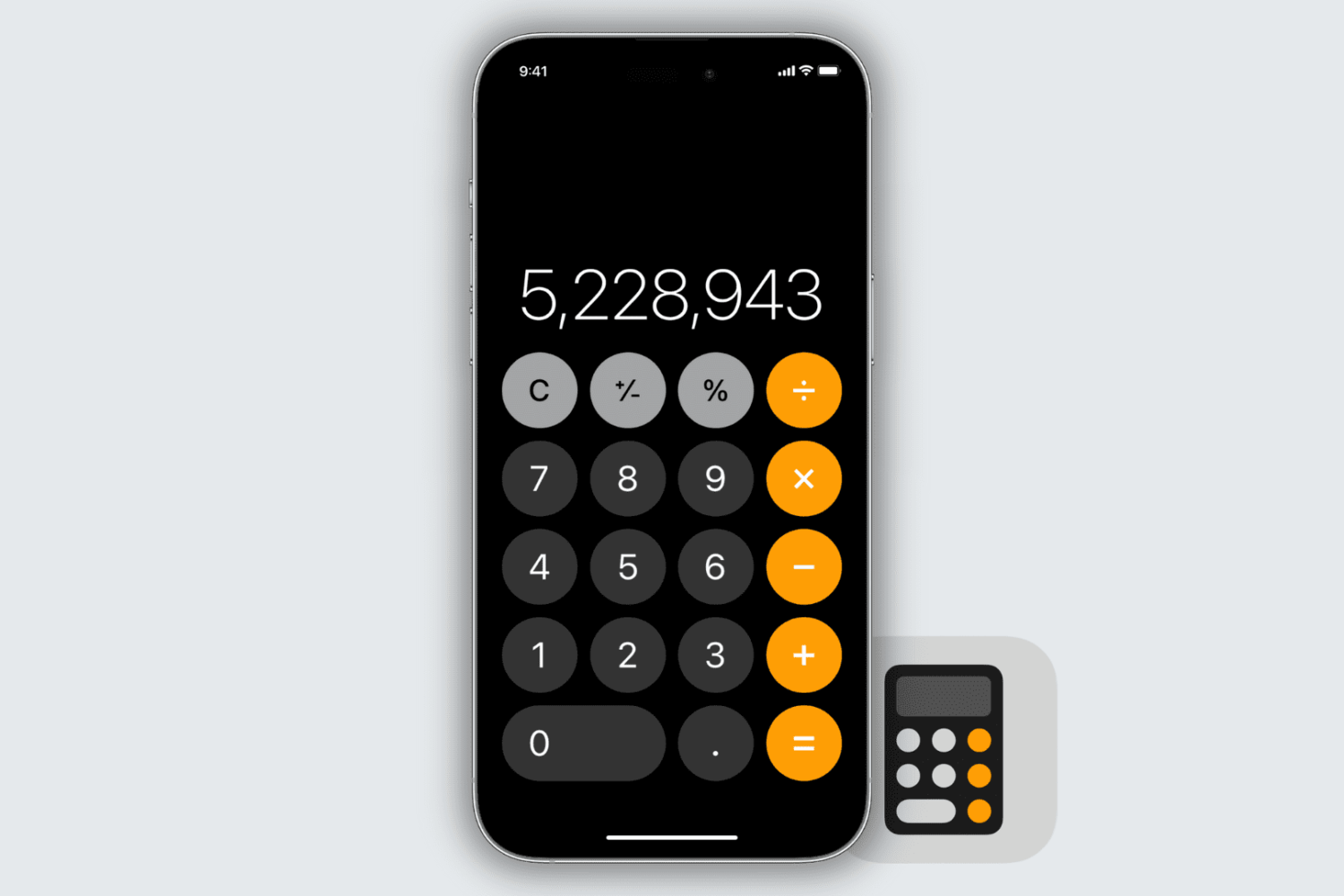
Learn how to delete individual digits in the iPhone and iPad Calculator app without clearing the entire entry.
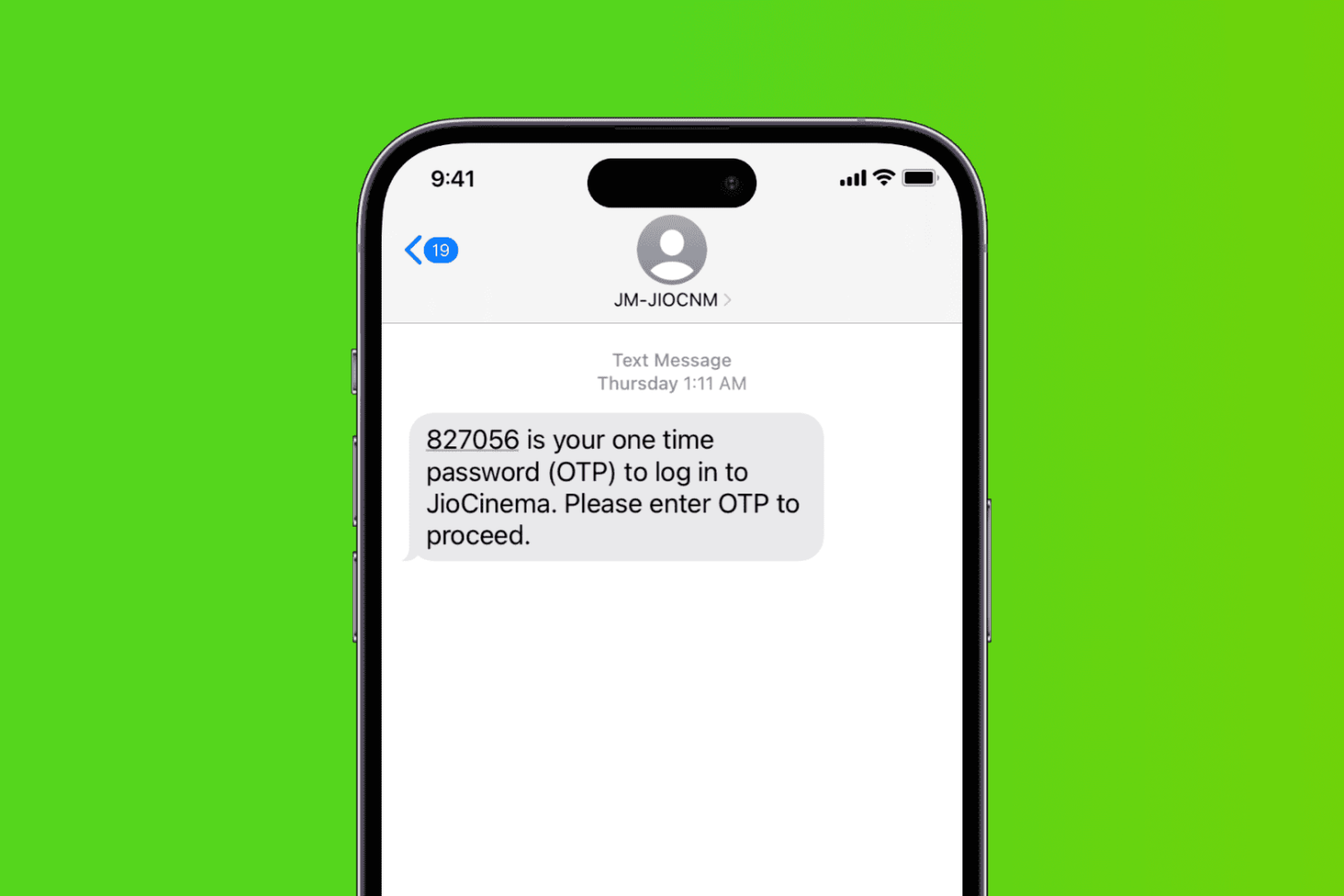
Here are 17 potential solutions to fix an iPhone that is not receiving text messages.
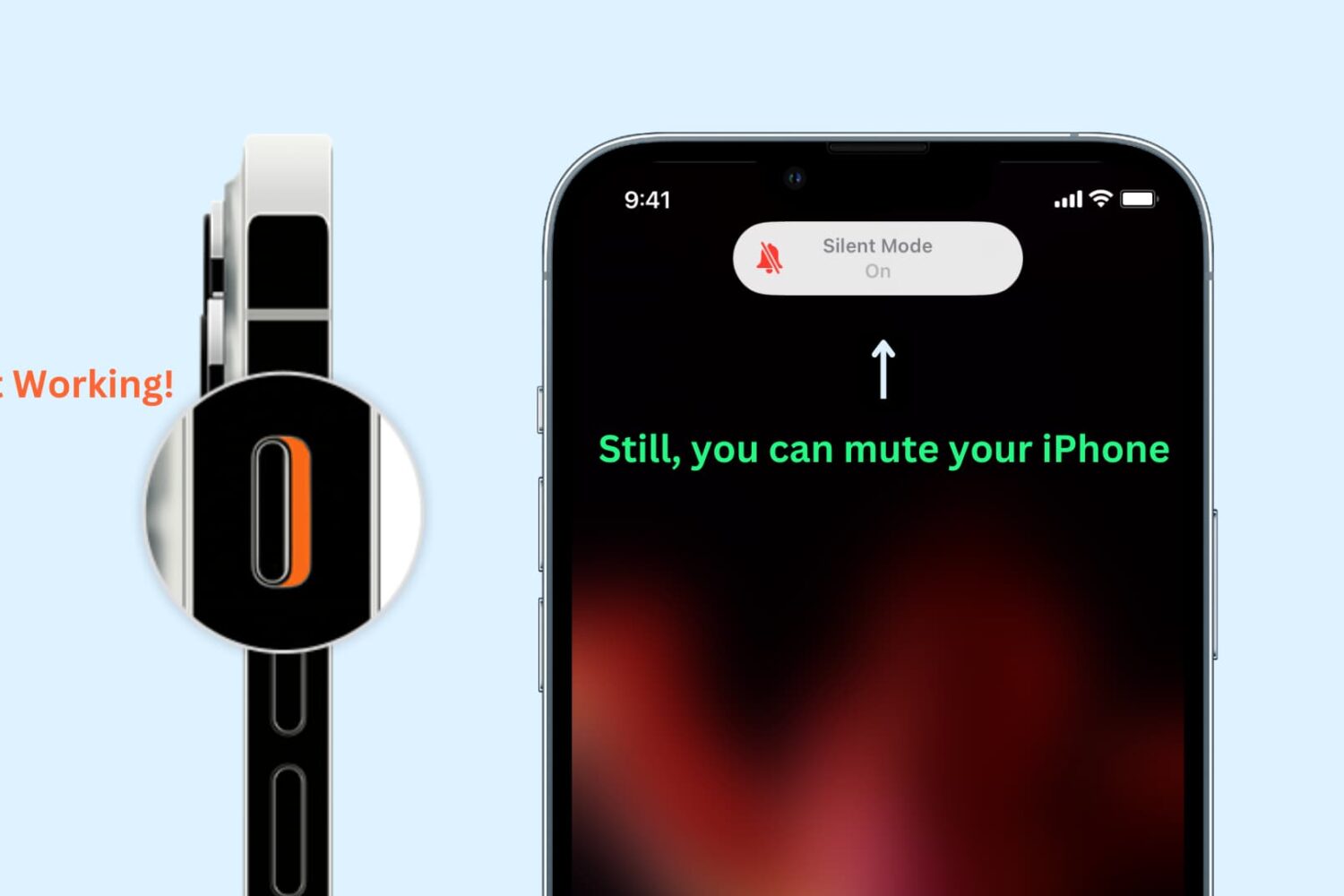
Learn how to enable silent mode or vibrate-only mode on your iPhone, even if the physical Ring/Silent switch or the Action button on the side of your device is broken or unresponsive.
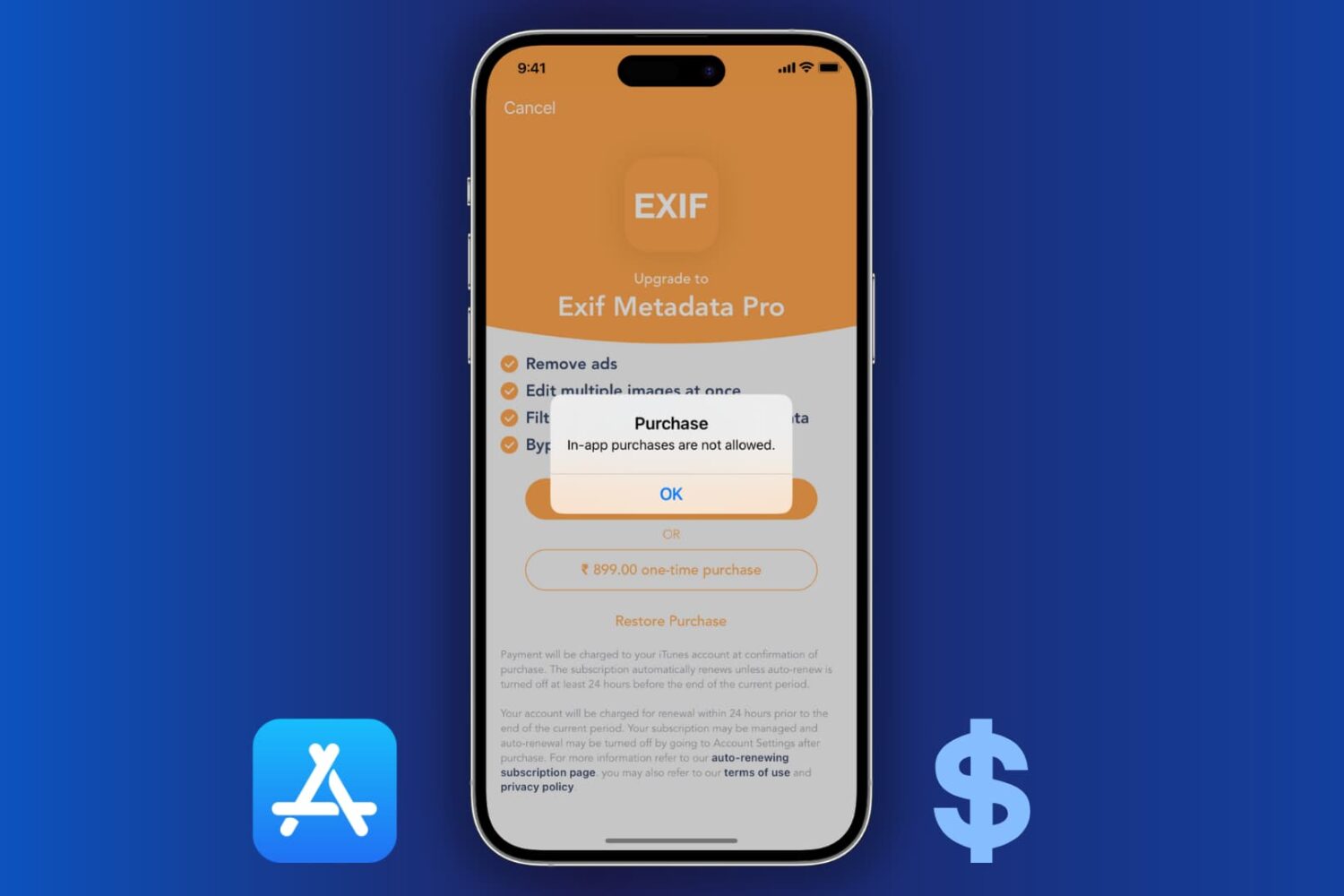
Learn how to block the ability to purchase content in apps on your or your kid’s iPhone, iPad, or Apple TV to avoid unwanted spending and bill shock.
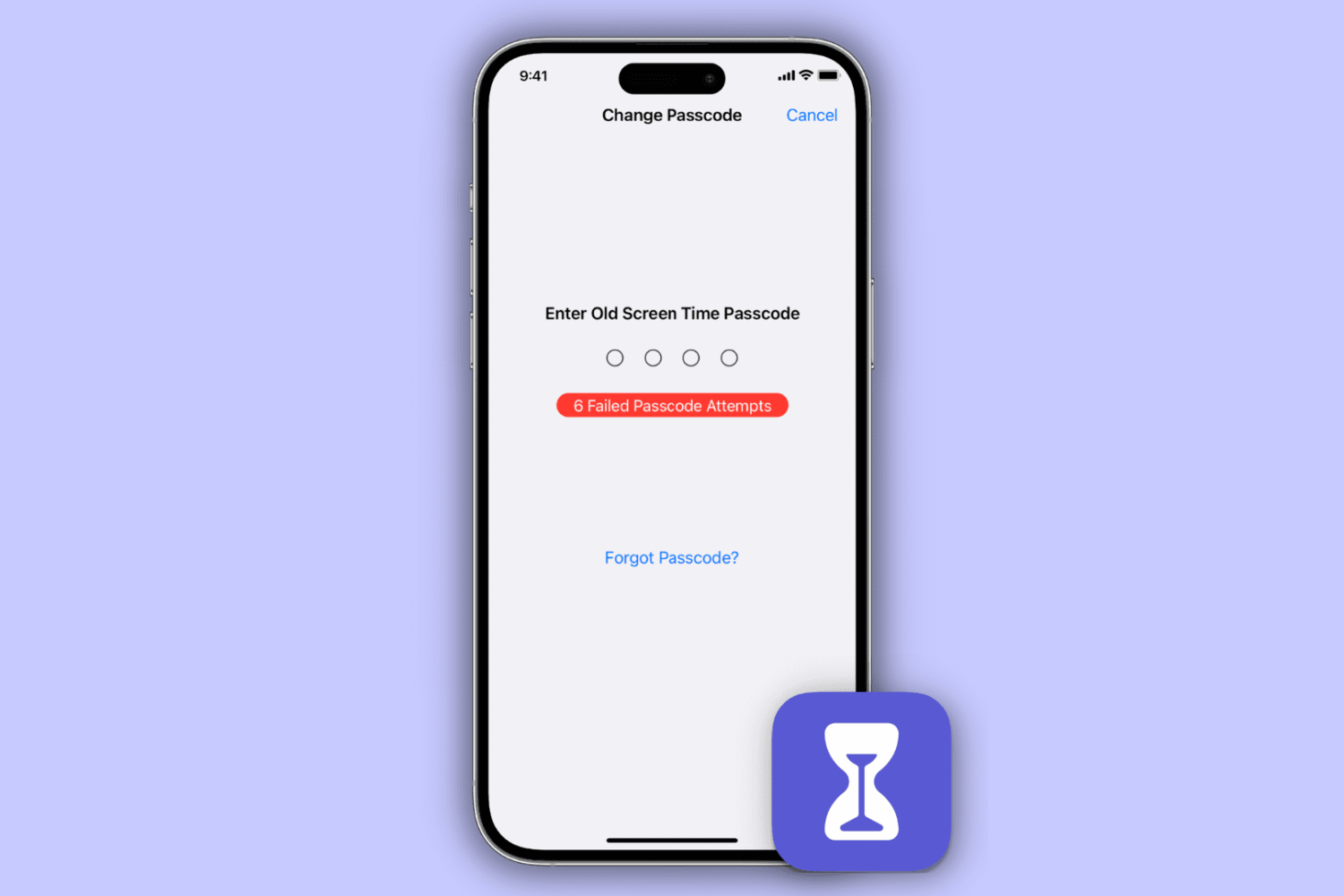
Learn how to reset your Screen Time passcode if you have forgotten it, whether for your own Apple devices or your child’s iPhone, iPad, or Mac.
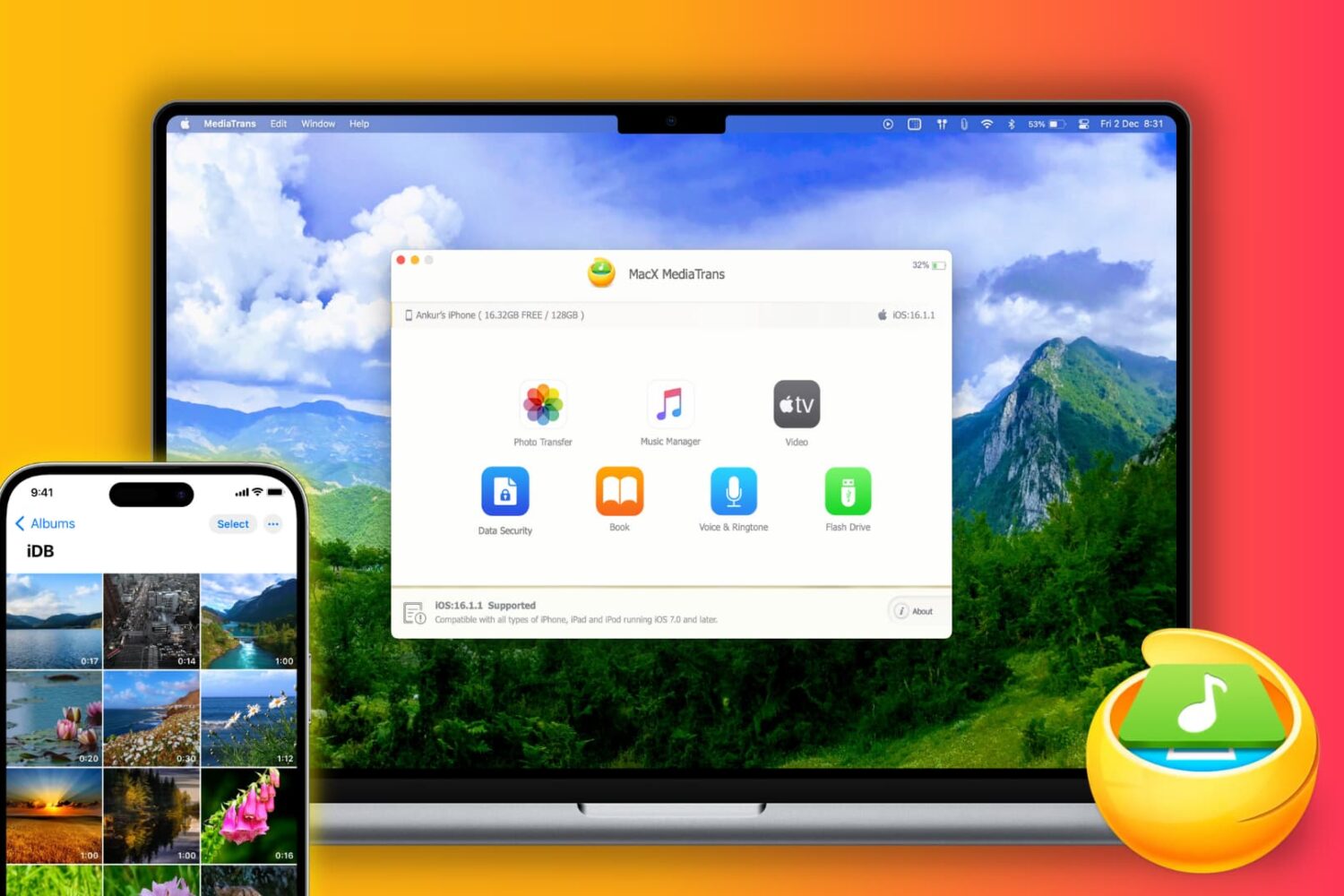
Do you regularly transfer photos, videos, songs, books, and other files from your iPhone or iPad to your Mac? You may do this for backup purposes, to free up space on your primary iPhone, or move data while switching to a new phone. In order to make your iOS to computer transfers effortless, you should try MacX MediaTrans on your Mac or WinX MediaTrans on your Windows PC.
Let us tell you more about the app's Mac version and a limited-time giveaway where you can win free licenses for either MacX MediaTrans or WinX MediaTrans!
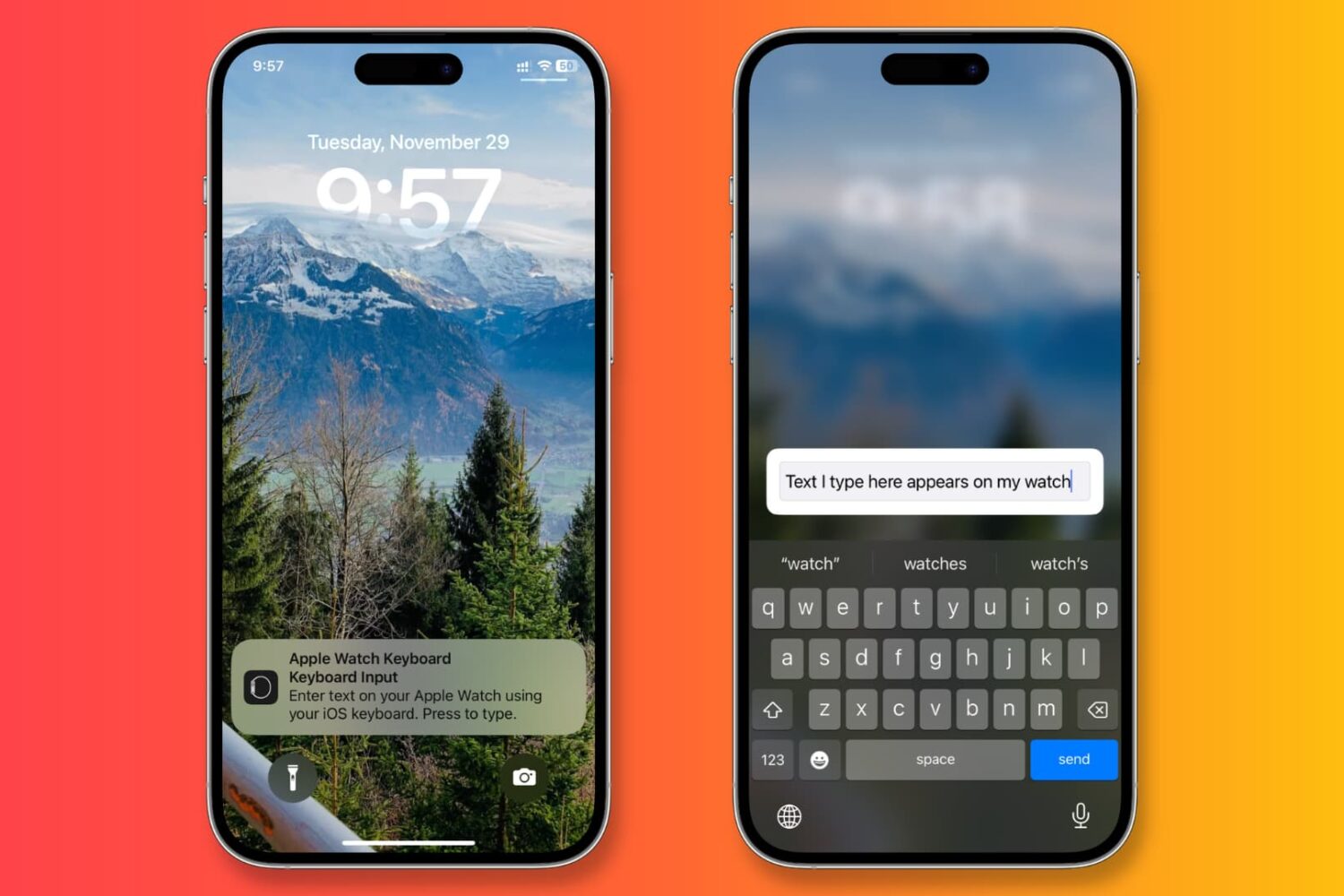
Learn how to stop receiving keyboard notifications on your iPhone or iPad whenever you select a text field on an Apple Watch or Apple TV.
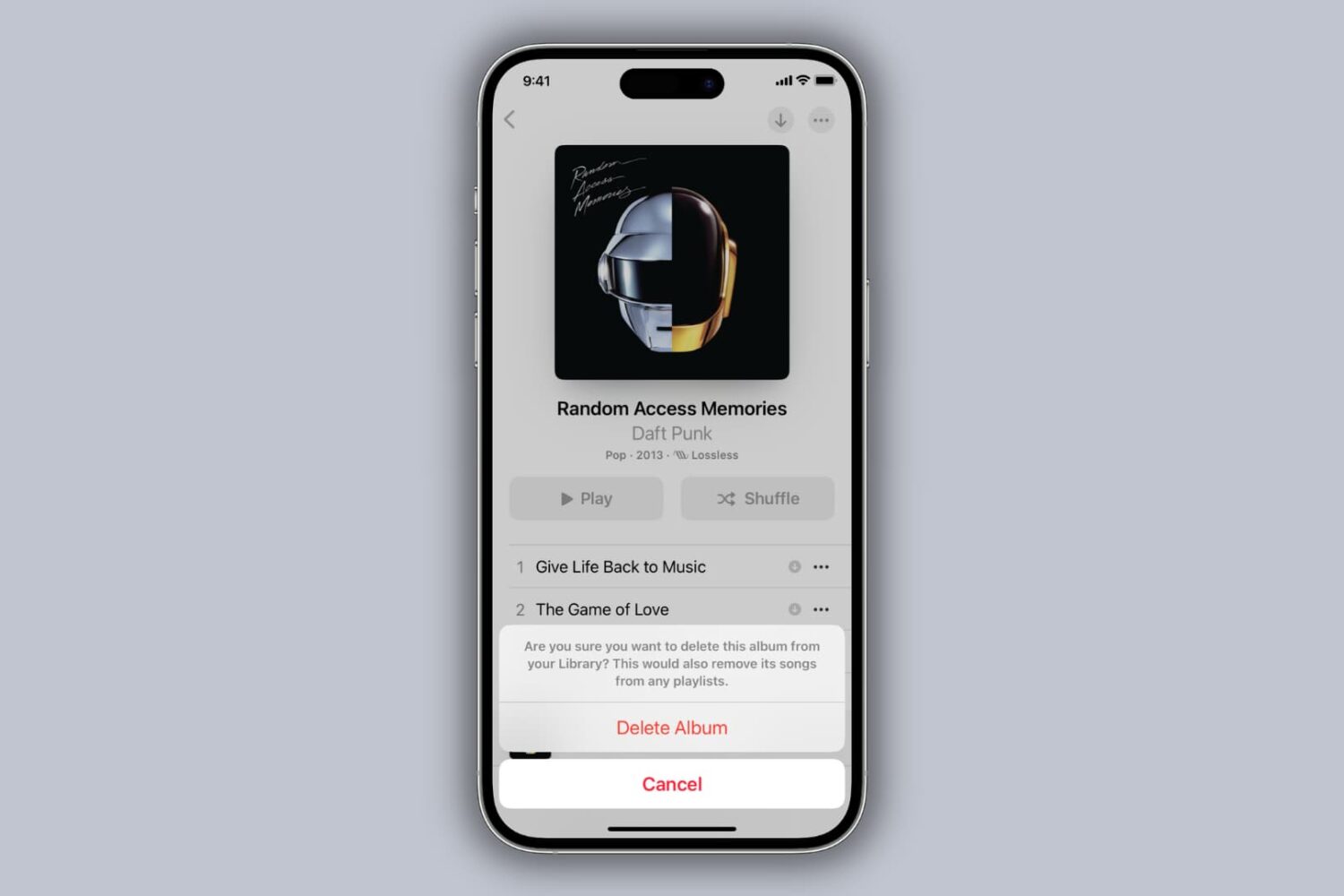
Learn how to delete Apple Music songs downloaded on your iPhone, iPad, or Mac for offline listening, as well as remove them from your library.
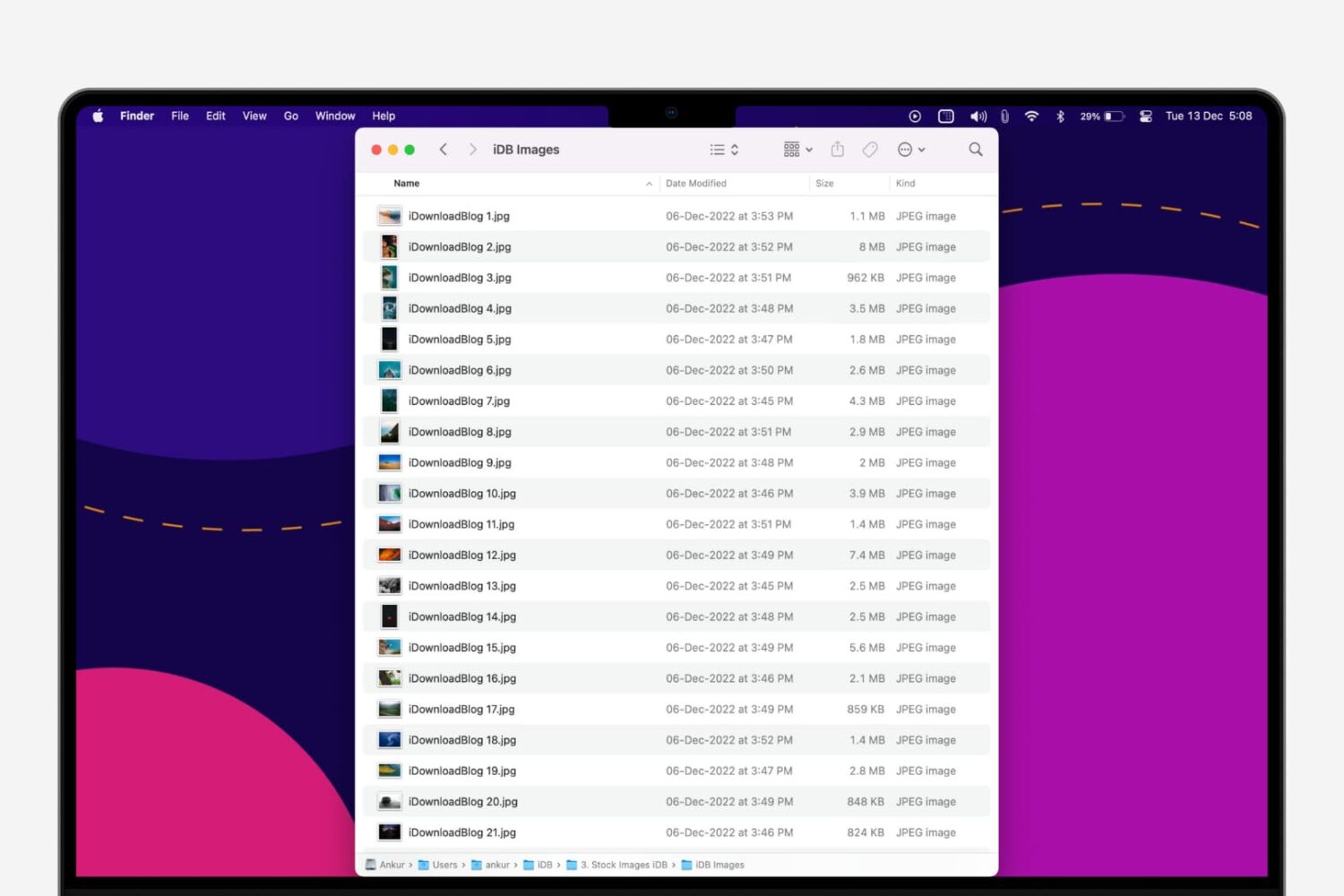
In this step-by-step tutorial, we’ll show you how to quickly rename multiple files at once on a Mac without having to download a third-party app.
Learn why your Mac’s screen flickers, flashes, or shimmers randomly and explore troubleshooting solutions to fix the issue.