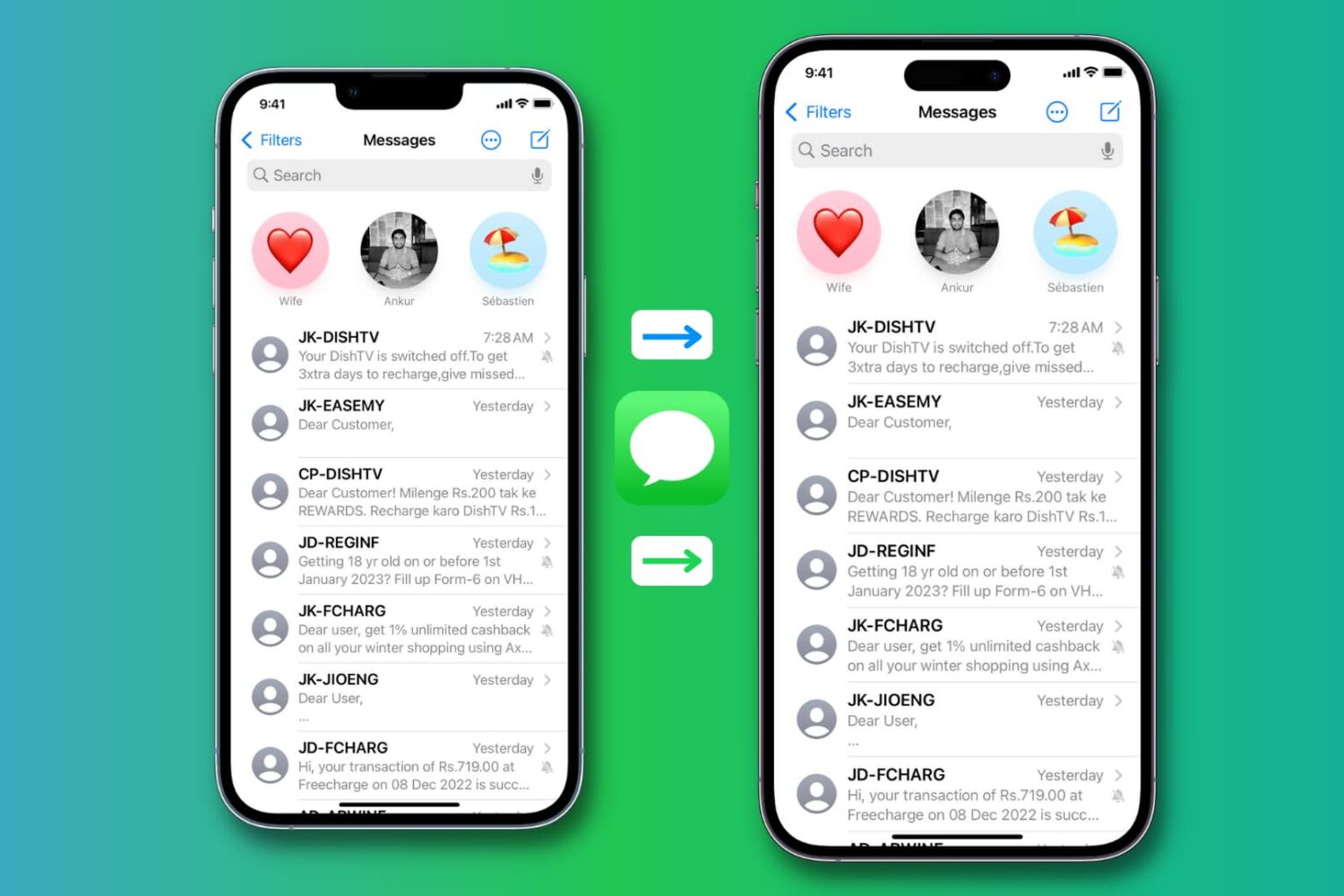
Learn how to set a custom tone for messages received from specific contacts or groups on WhatsApp on your iPhone.
How to set a custom tone for a person or group on WhatsApp
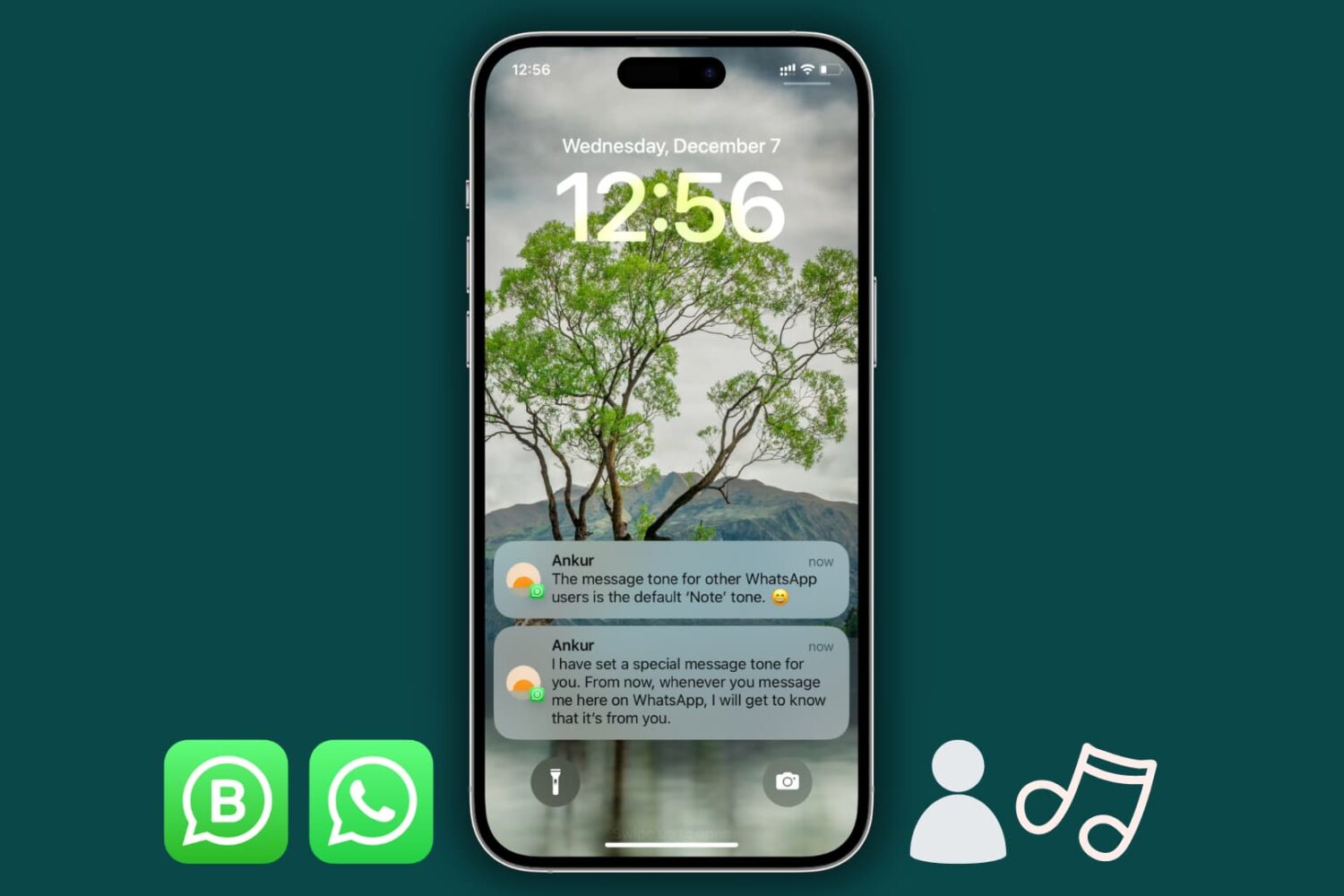
Learn how to set a custom tone for messages received from specific contacts or groups on WhatsApp on your iPhone.
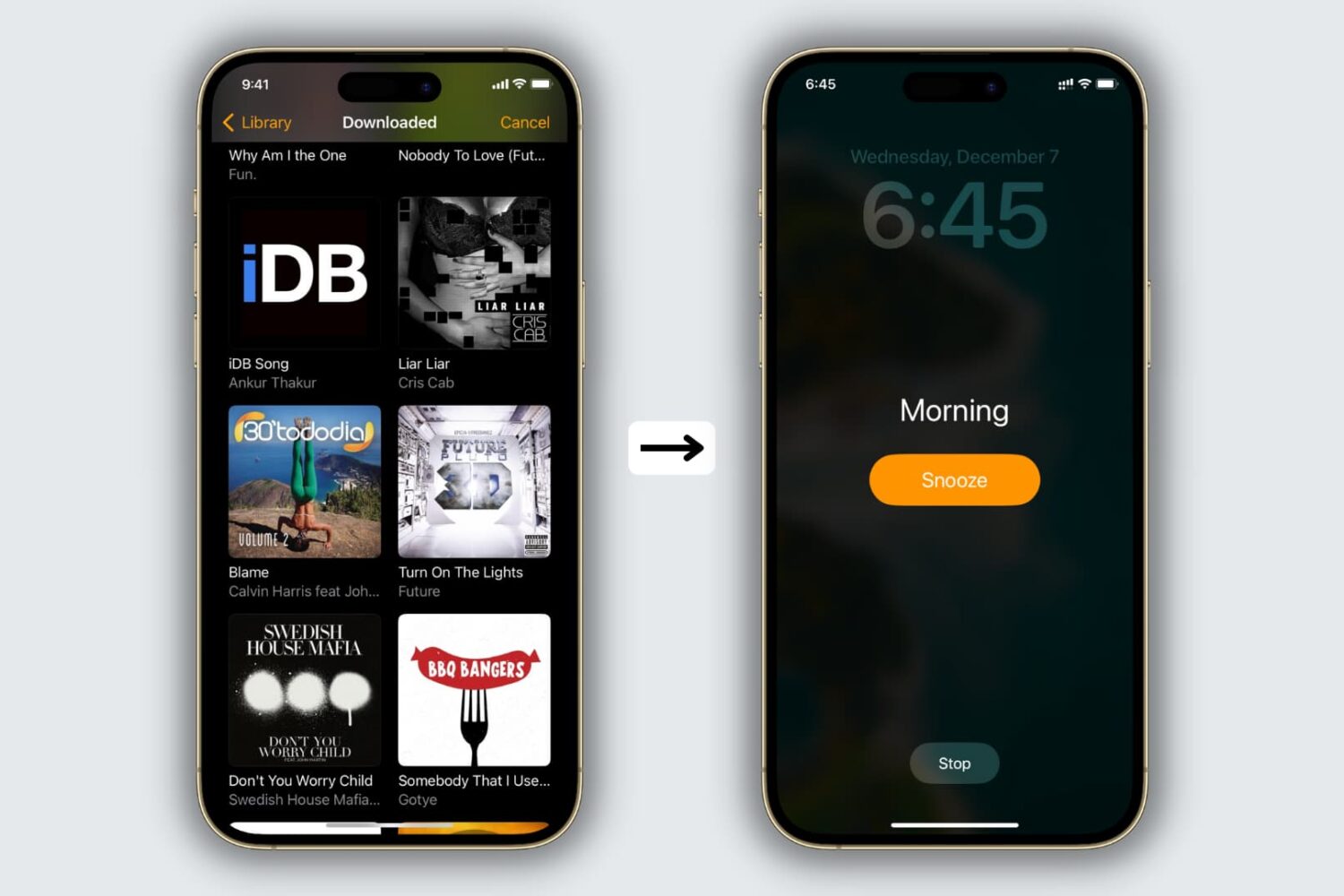
The Clock app offers several alarm tones to choose from, but if you’re tired of being woken up by default sounds like Radial, Night Owl, or By the Seaside, you’ll be happy to learn that you can use your own music as the alarm sound.
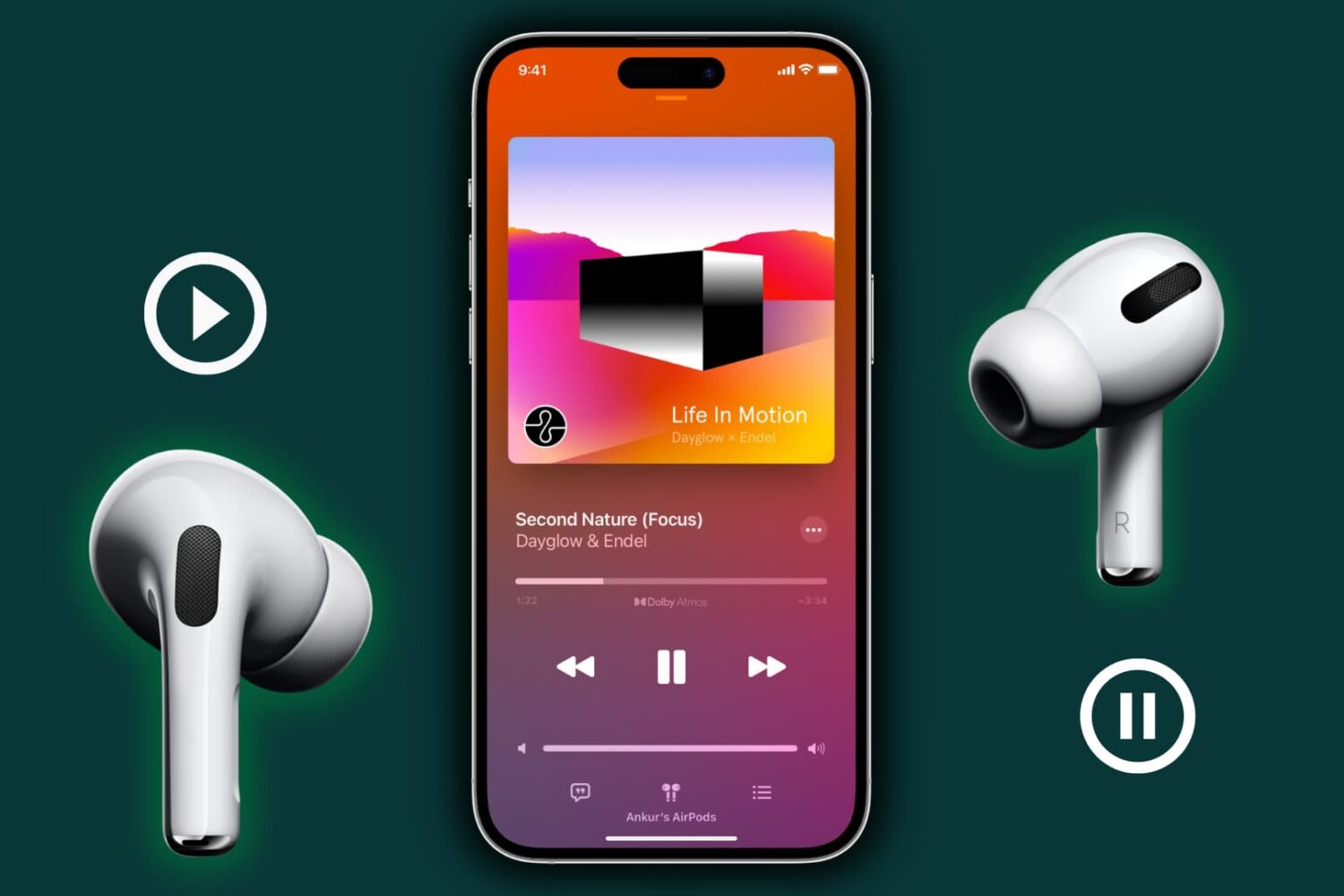
Find out why music pauses when you remove one AirPod from your ear, and learn how to stop this from happening.
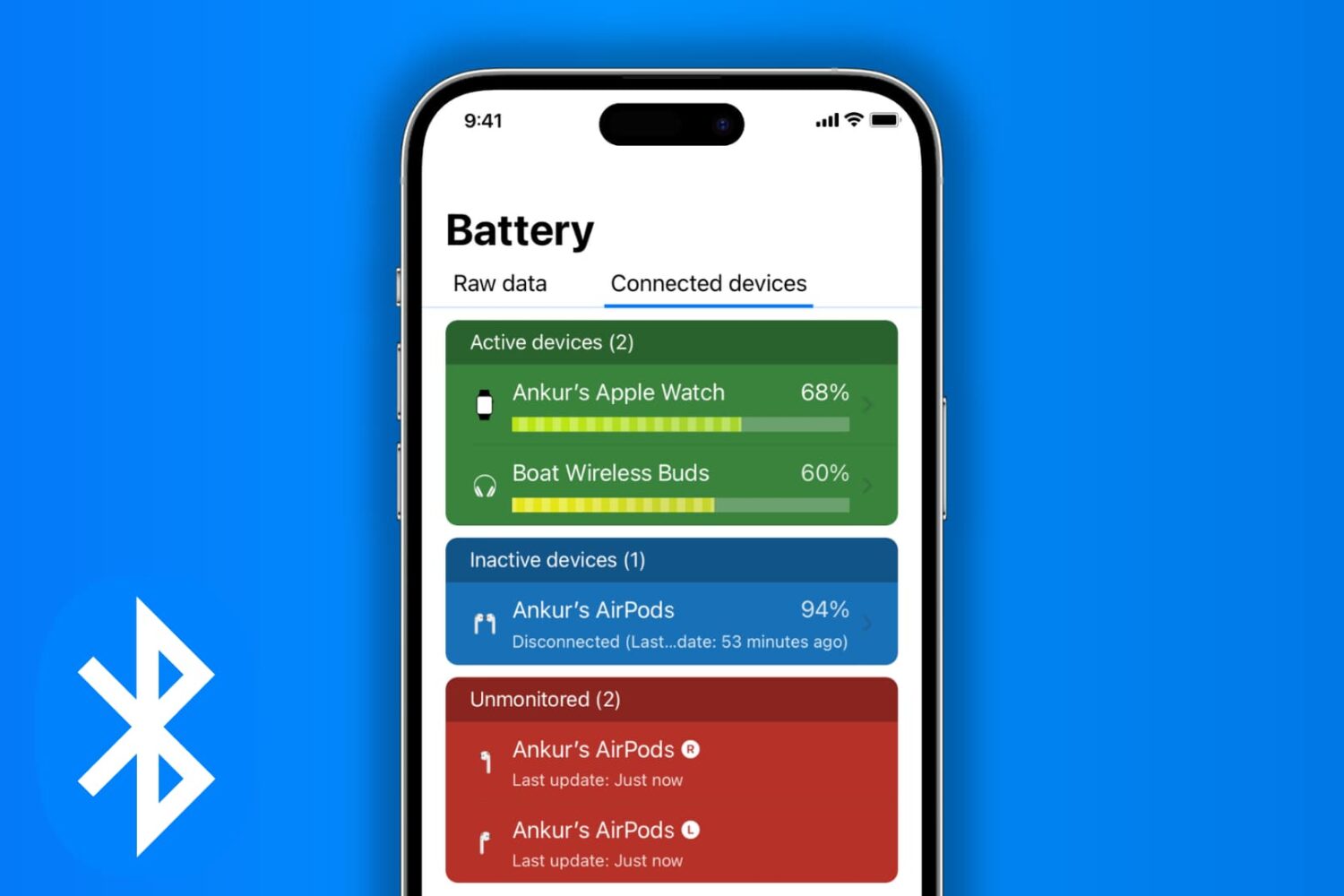
Check out all the ways to view the current battery percentage of Bluetooth accessories connected to your iPhone or iPad.
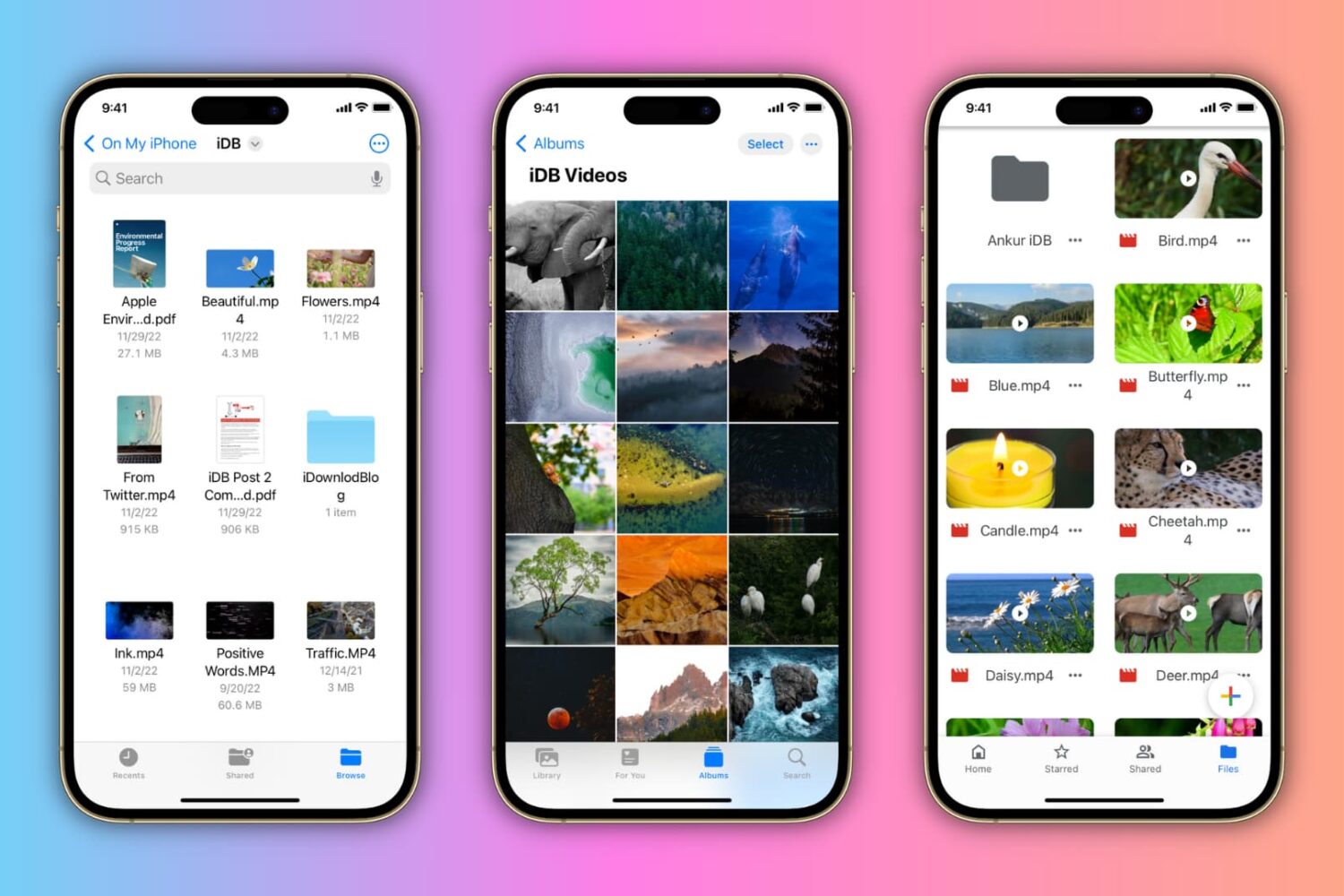
In this tutorial, we'll show you how to rename PDFs, Word documents, photos, videos, and other files on your iPhone or iPad.
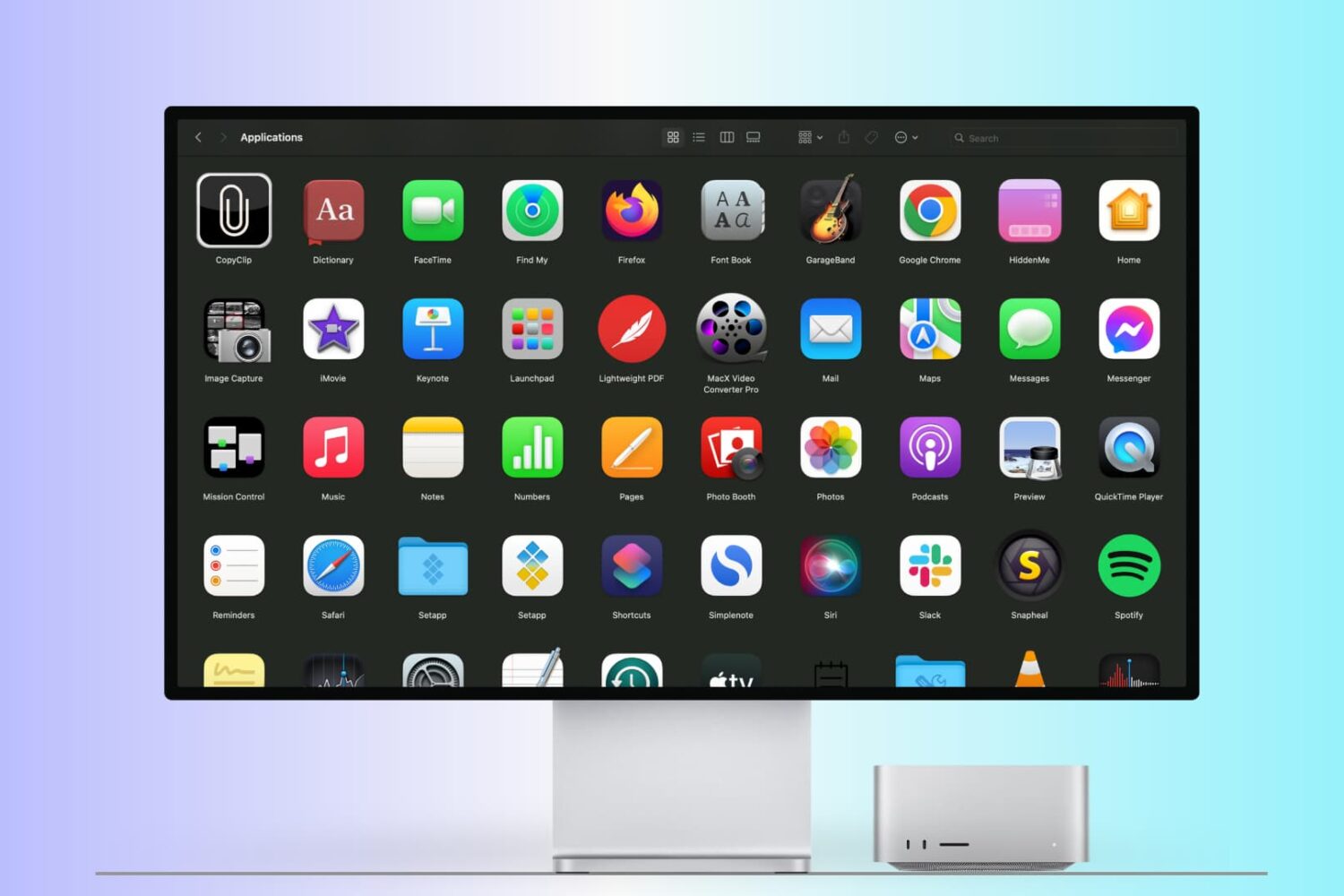
There are many ways to open an app on your Mac, and in this tutorial, we’ll cover 14 easy methods, including some you probably don’t know.
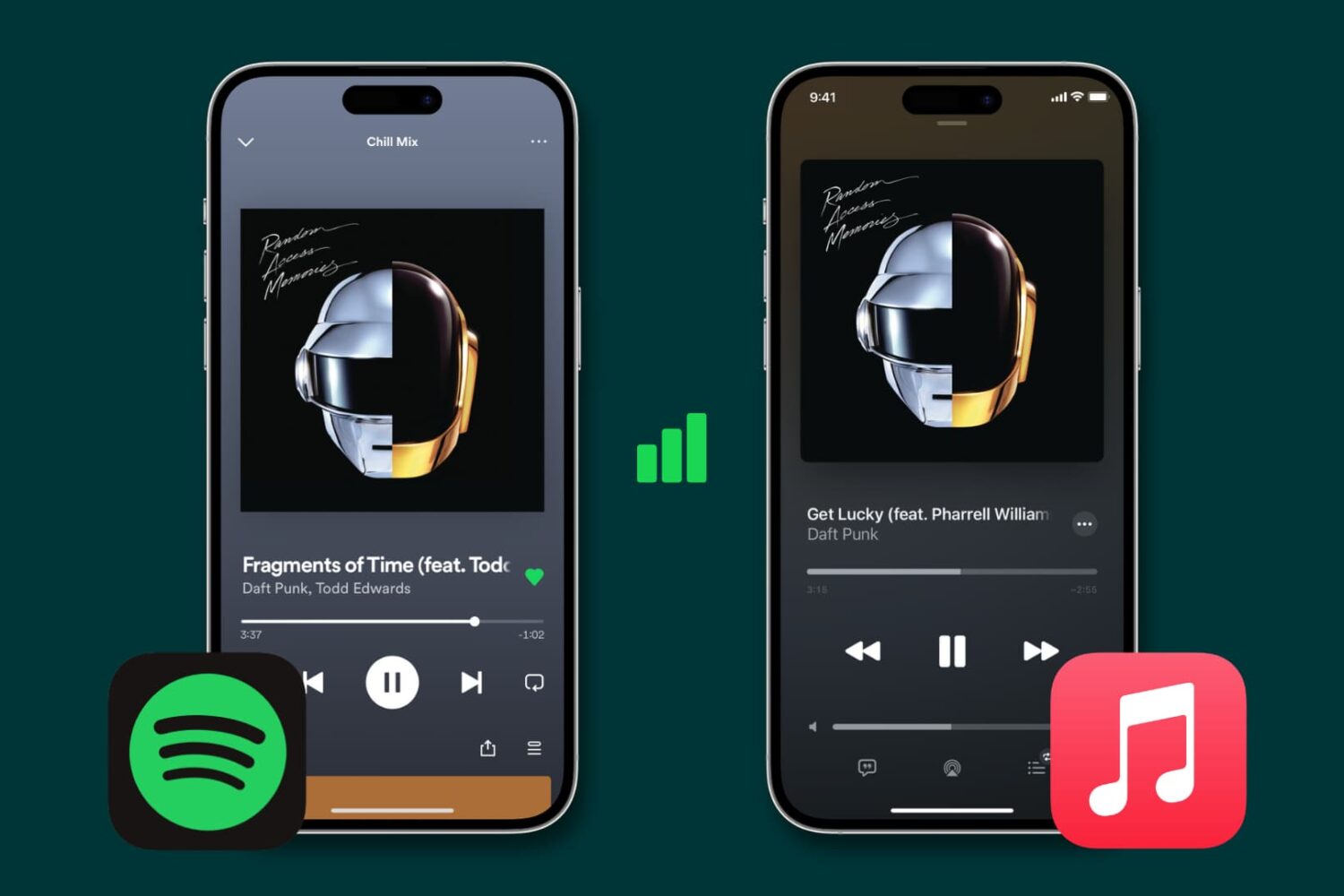
Learn how to stop Spotify, Apple Music, and other similar data-hungry apps from gobbling up cellular data on your iPhone and instead restrict them to Wi-Fi connectivity.
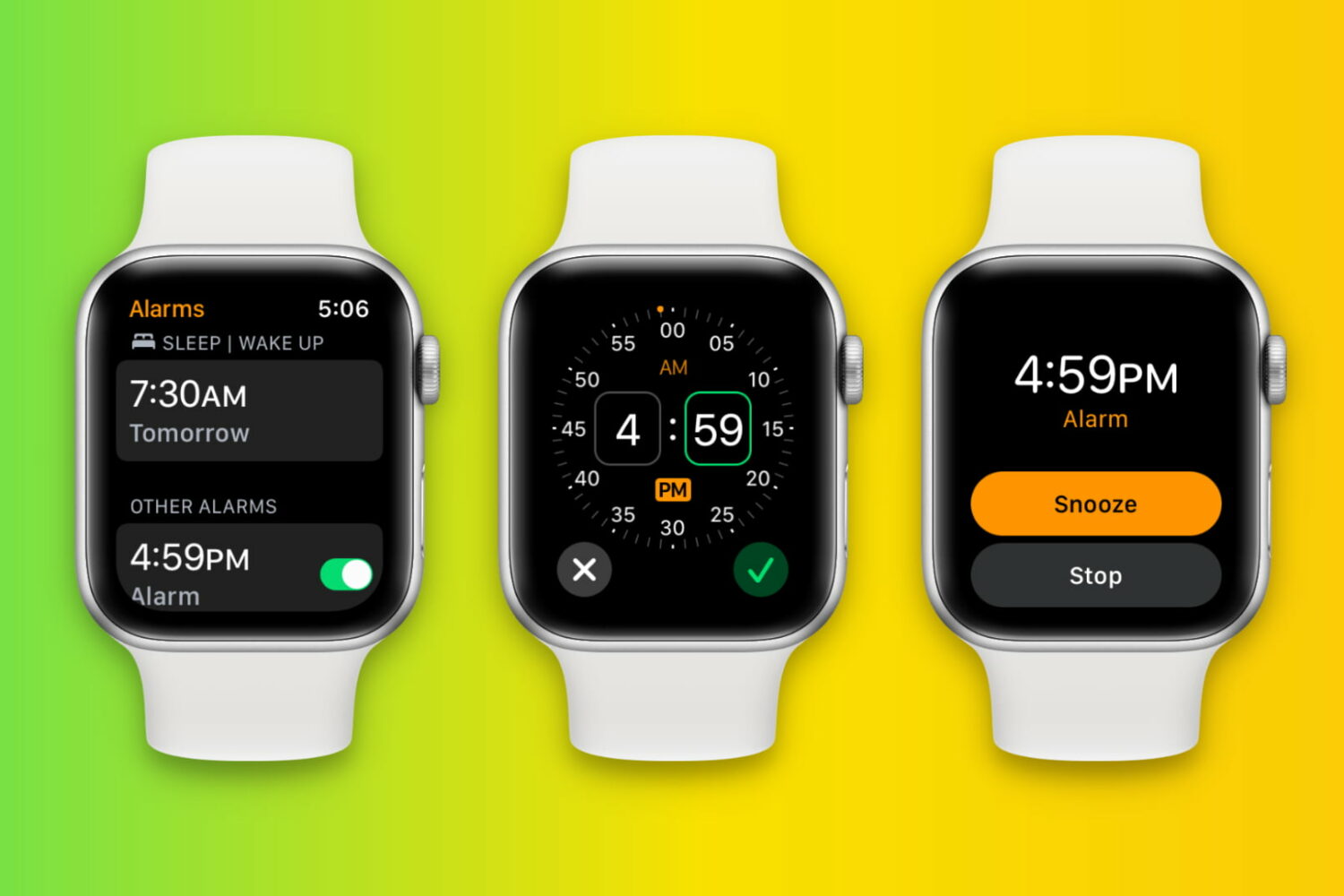
Learn how to set up, edit, delete, and manage alarms on your Apple Watch in this full walkthrough guide.

Learn how to use your iPhone as a high-quality webcam and microphone for your Mac for making FaceTime, Zoom, Slack, and other video calls.
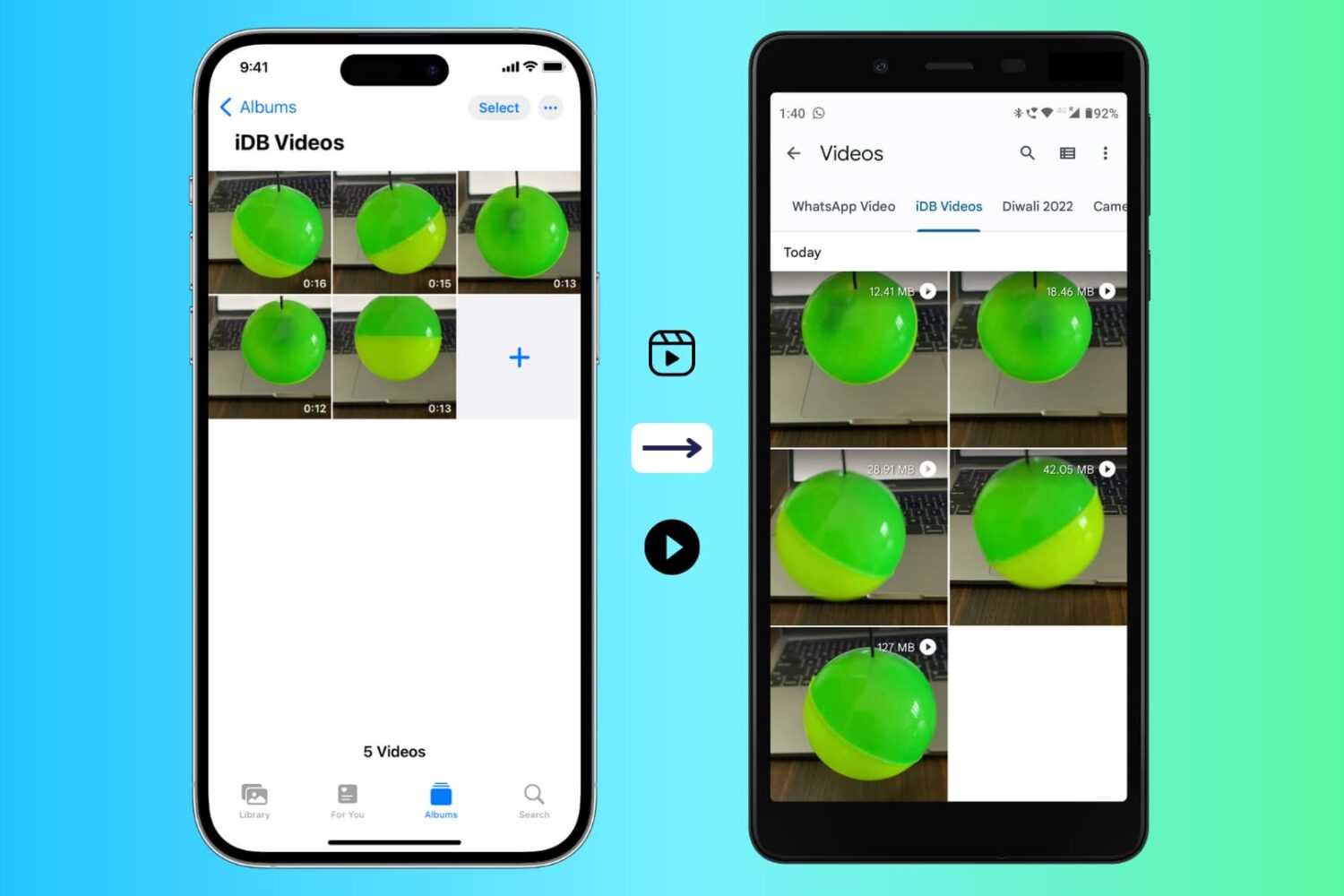
Follow these handy tips to make videos recorded with your iPhone camera watchable on an Android phone.
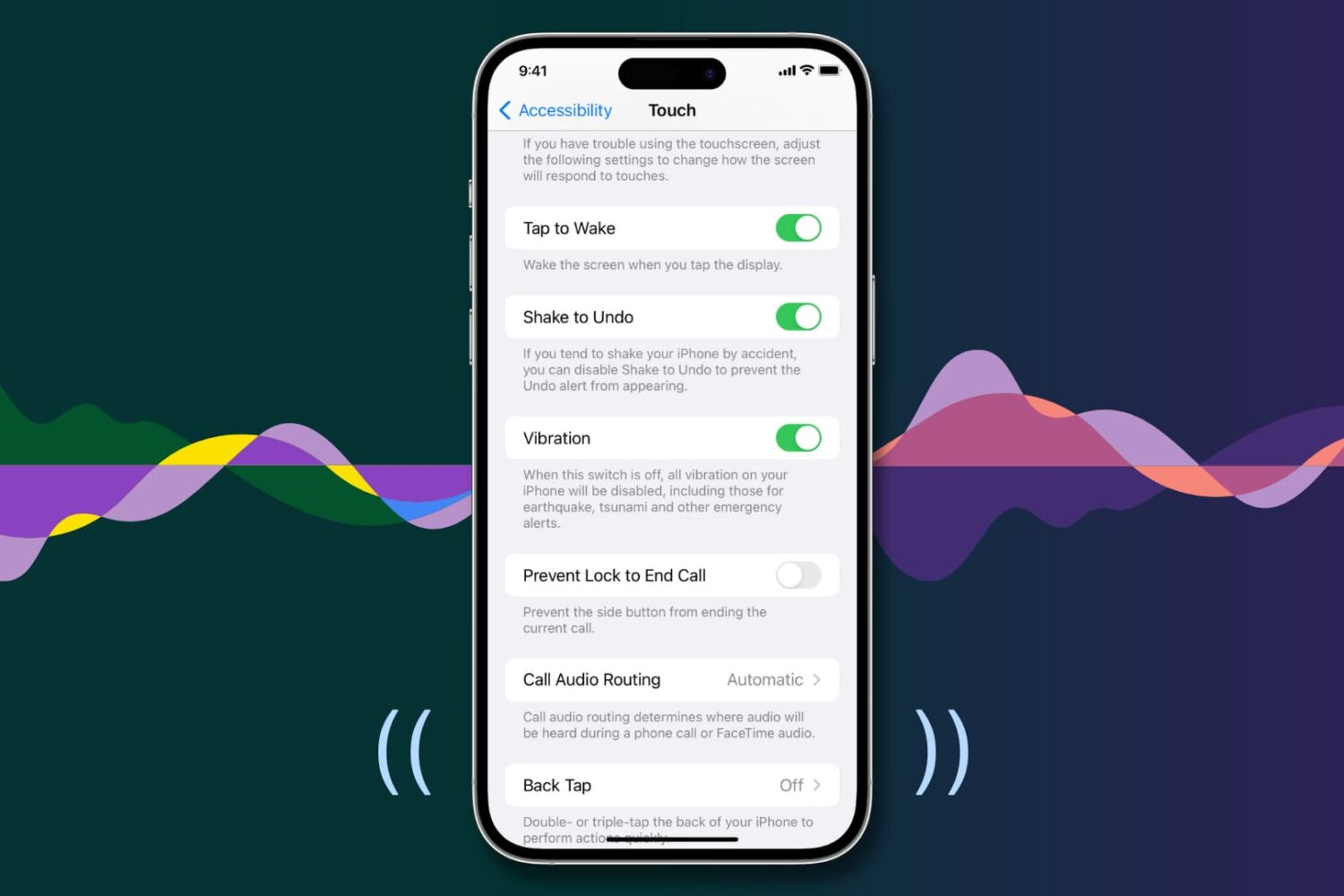
Your iPhone vibrates to alert you about incoming calls, texts, and app notifications, making it easier to react when the device is deep in your pocket or set to silent mode.
Similarly, iOS offers haptic feedback throughout the operating system to complement touch input and elevate interactions.
If you aren’t getting any vibrations or haptic feedback from your iPhone, the troubleshooting tips below should help fix that.