Ankur Thakur

Ankur Thakur joined iDownloadBlog.com as an Editor and Technical Consultant in 2021. He specializes in creating detailed tutorials and how-to guides for Apple products, simplifying complex tech for everyday users. With his clear instructions and extensive knowledge, Ankur makes it easy for readers to master their Apple devices and stay updated with the latest features and updates. Besides writing about Apple, Ankur likes to watch tech videos, romantic and comedy movies & TV shows, as well as listen to very old songs.

Fix vibrations not working for calls, texts, and alerts on iPhone

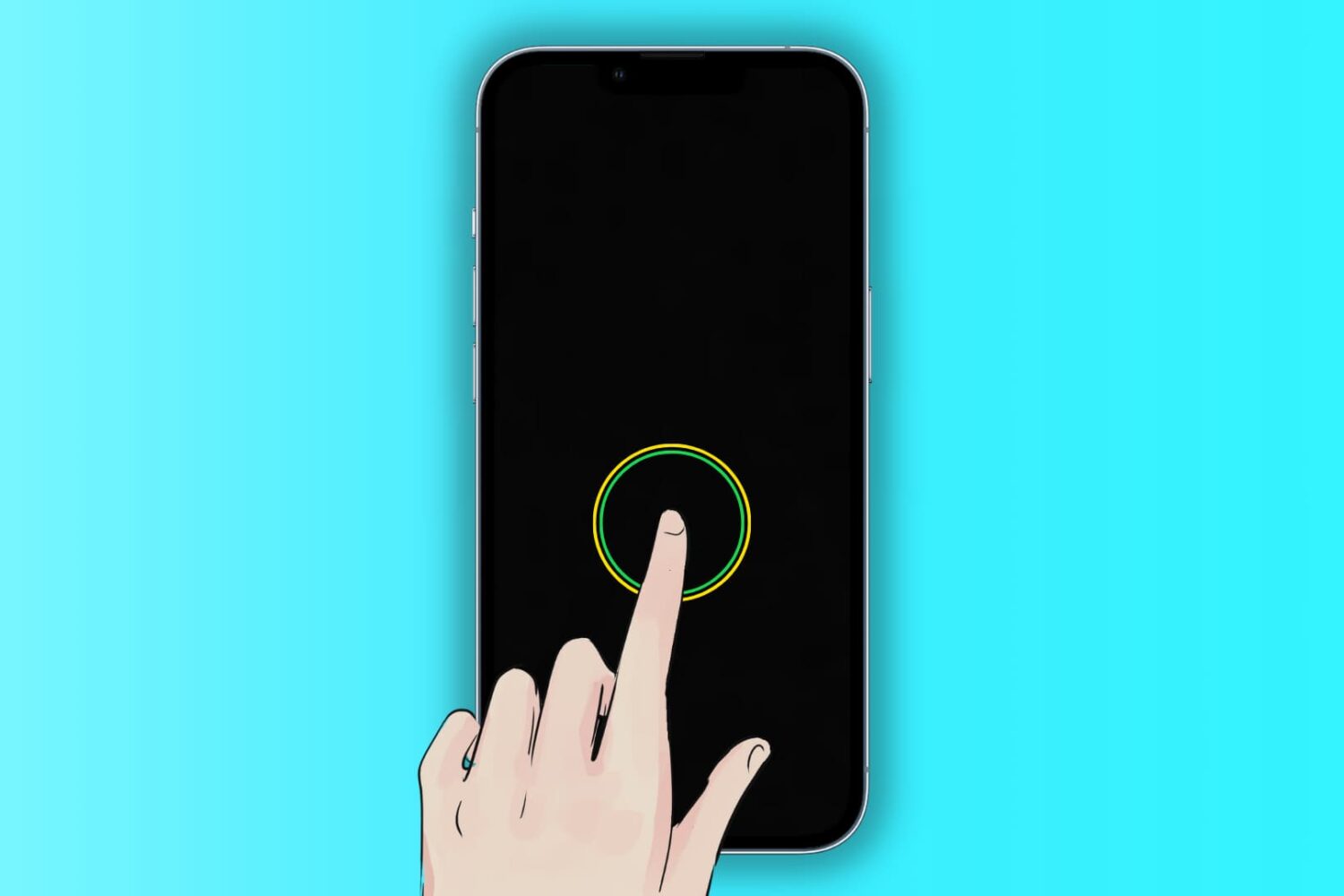
Image illustration showing iPhone vibrating

Your iPhone vibrates to alert you about incoming calls, texts, and app notifications, making it easier to react when the device is deep in your pocket or set to silent mode.

Similarly, iOS offers haptic feedback throughout the operating system to complement touch input and elevate interactions.

If you aren’t getting any vibrations or haptic feedback from your iPhone, the troubleshooting tips below should help fix that.