Try these troubleshooting tips to fix your Mac that refuses to shut down or restart, which can happen for a variety of reasons.
What to do if you can’t shut down or restart your Mac
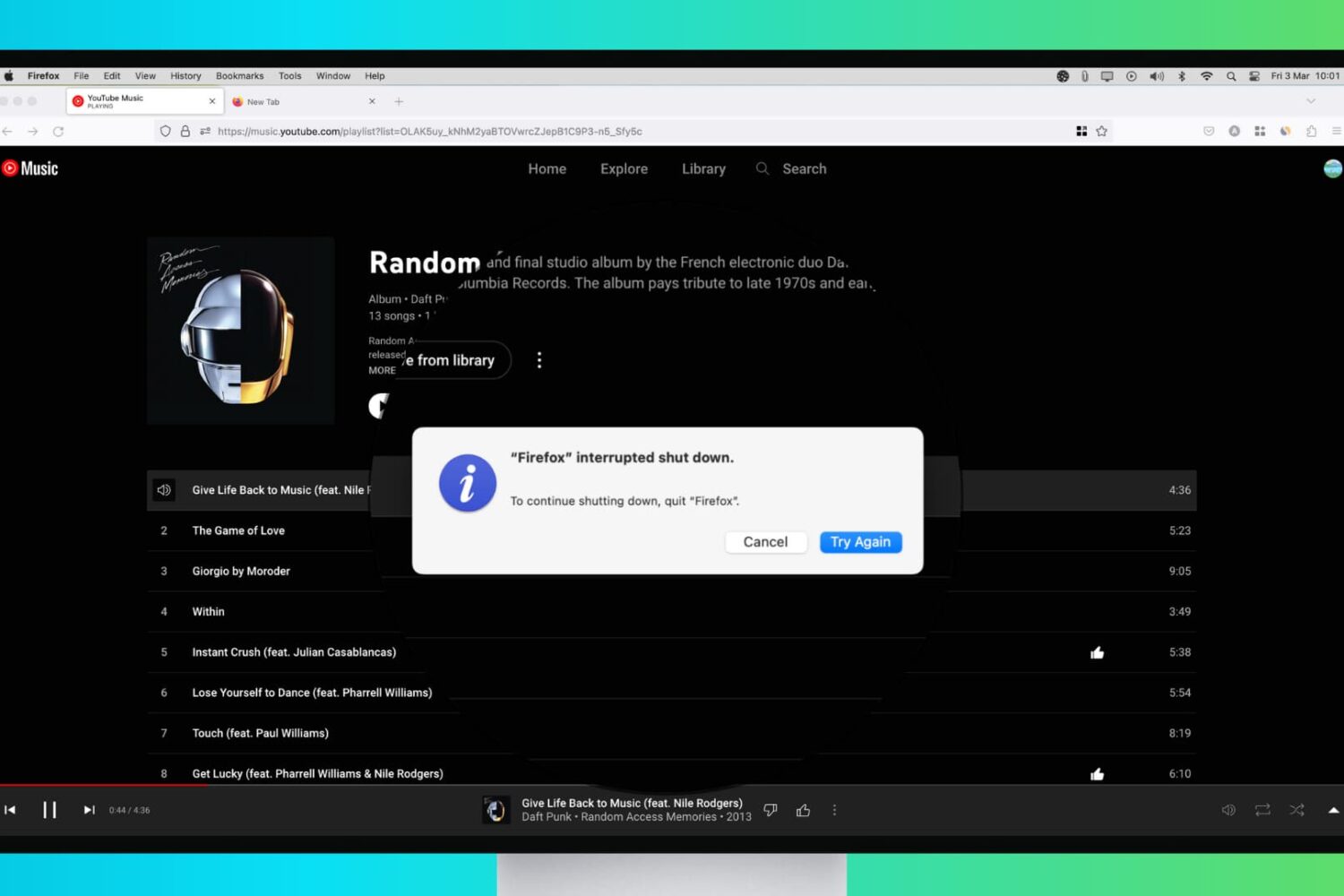
Try these troubleshooting tips to fix your Mac that refuses to shut down or restart, which can happen for a variety of reasons.
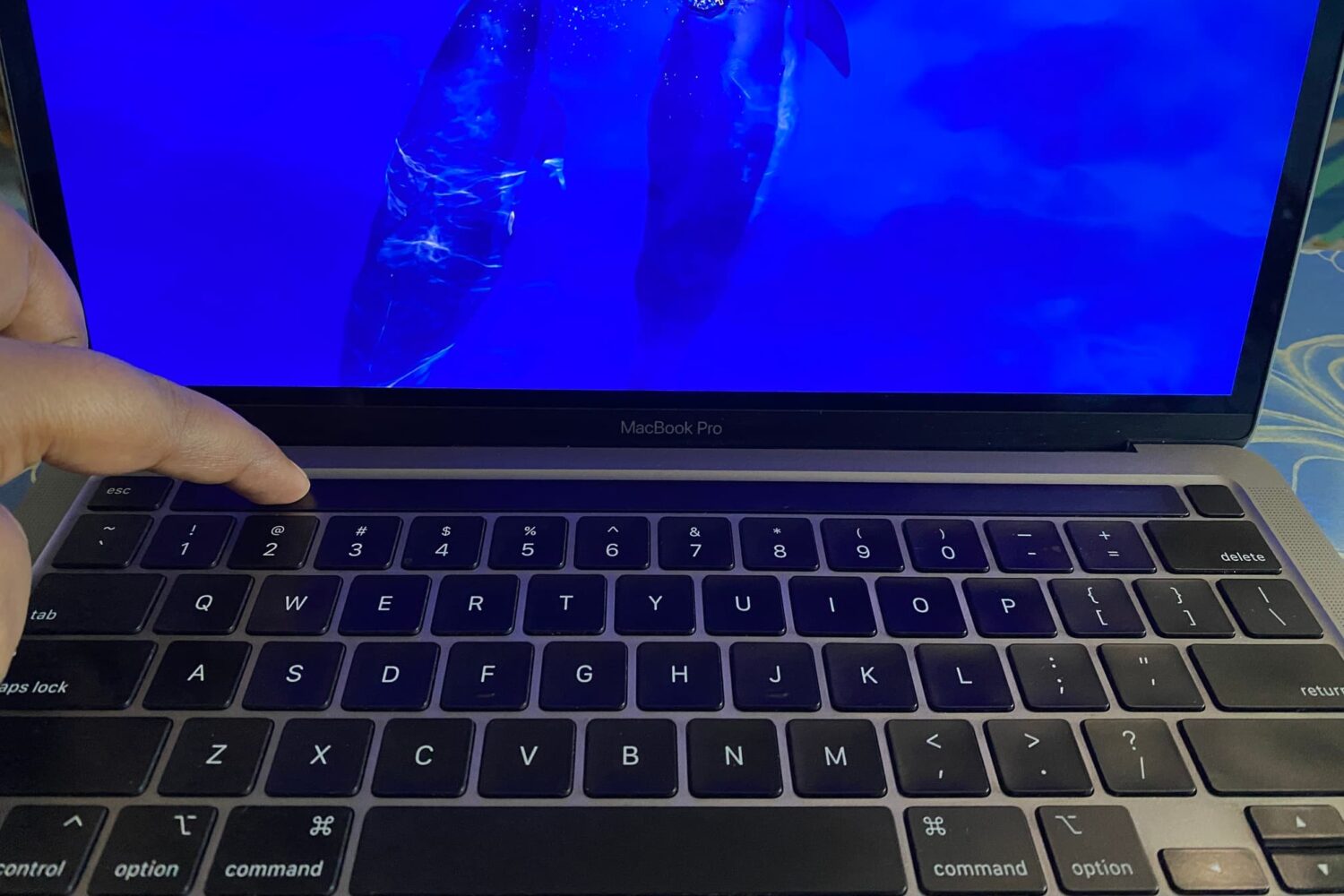
macOS has no option or Terminal command to turn off the Touch Bar. However, with some simple tweaks, you can turn off the Touch Bar's functionality to disable it and have it appear as an empty, non-lit black strip.
In this tutorial, we will show you how to disable your MacBook Touch Bar and make it unresponsive to touch.
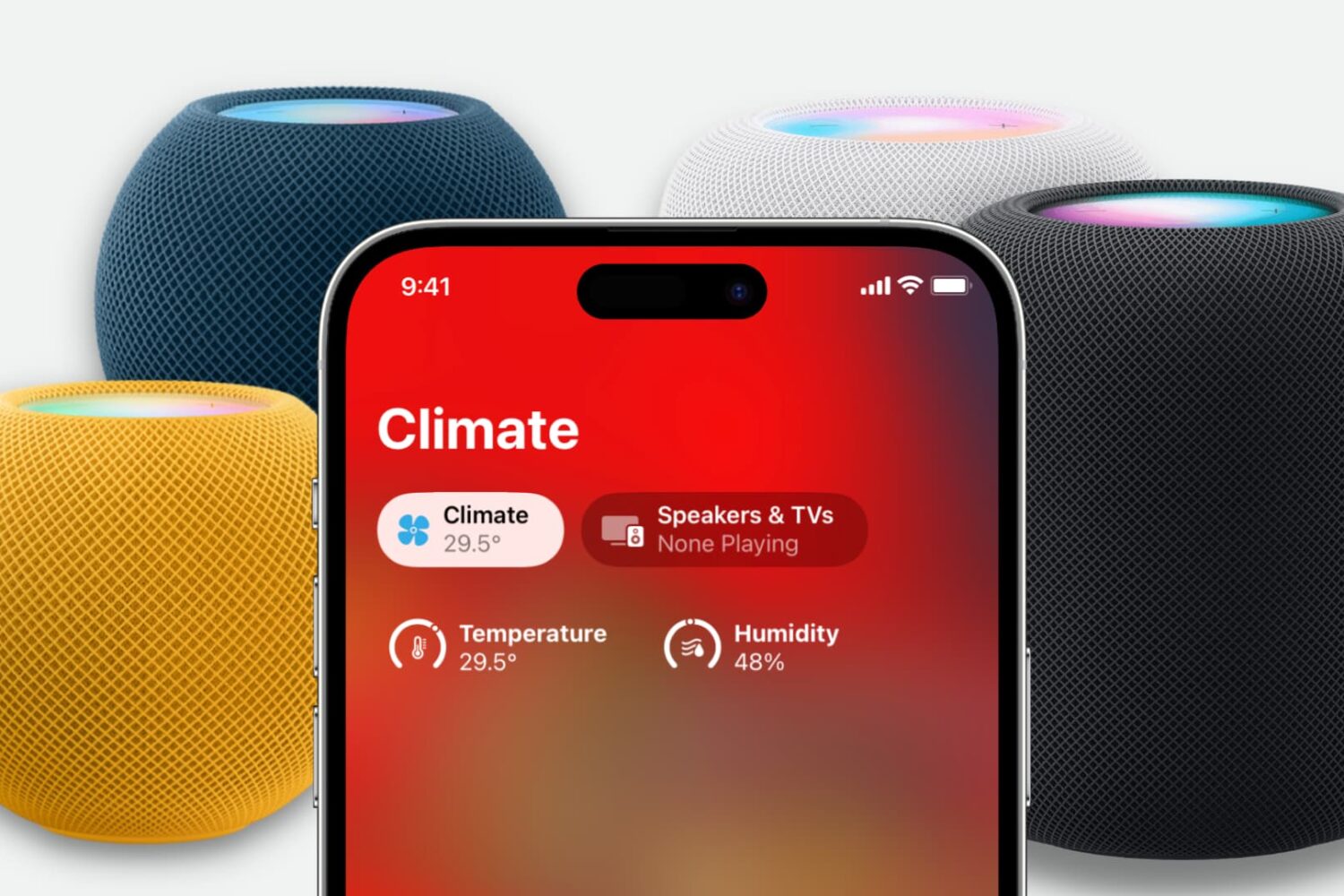
Learn how to measure a room’s temperature and humidity levels using your Apple HomePod speaker and an iPhone, iPad, or Mac.
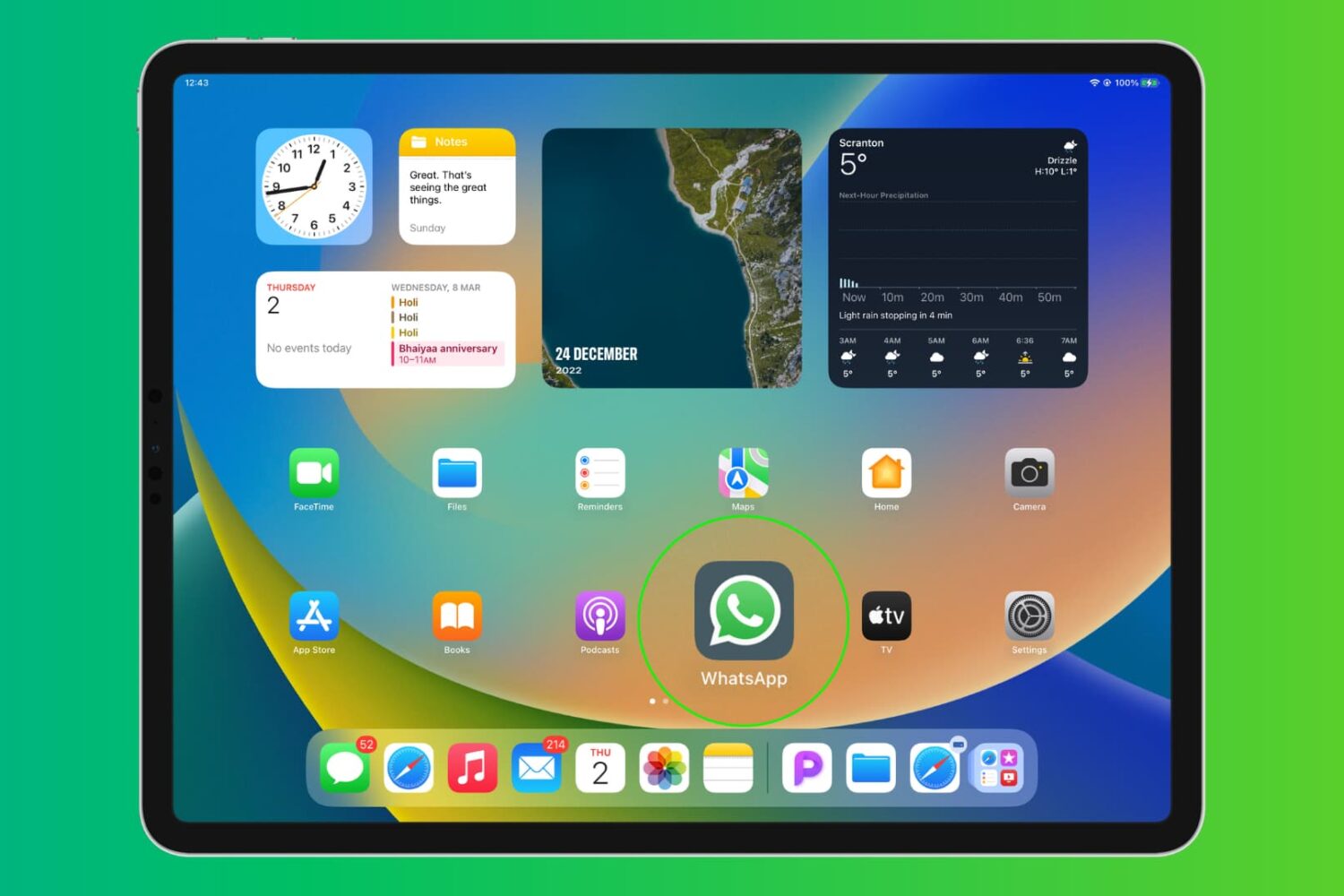
Learn how to install and use WhatsApp on your iPad to text from the big screen and stay connected with your friends and family.
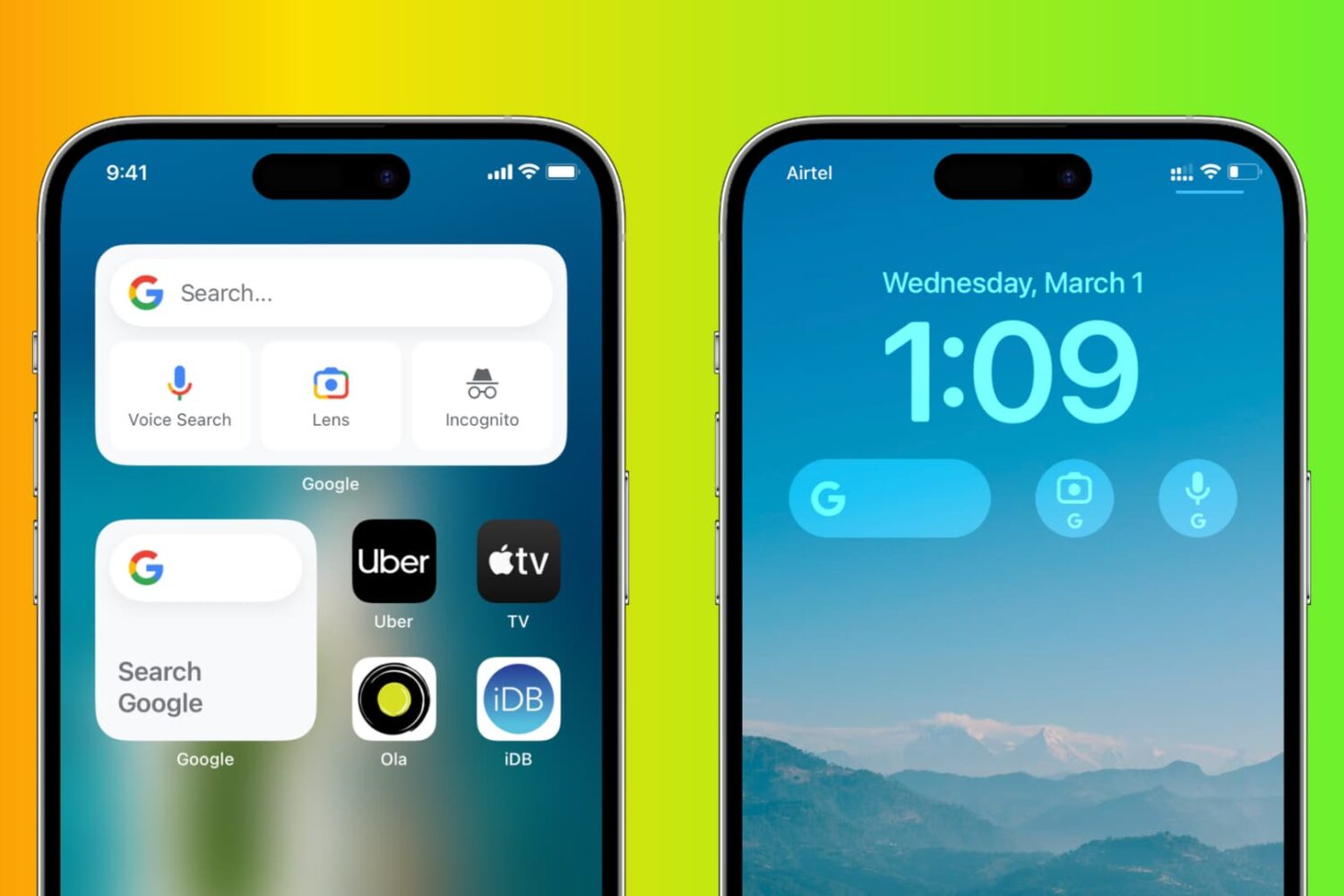
Bring some Android flavor to your iPhone by adding Google Search and Google Lens widgets to your Home Screen and Lock Screen for quicker access to these tools.
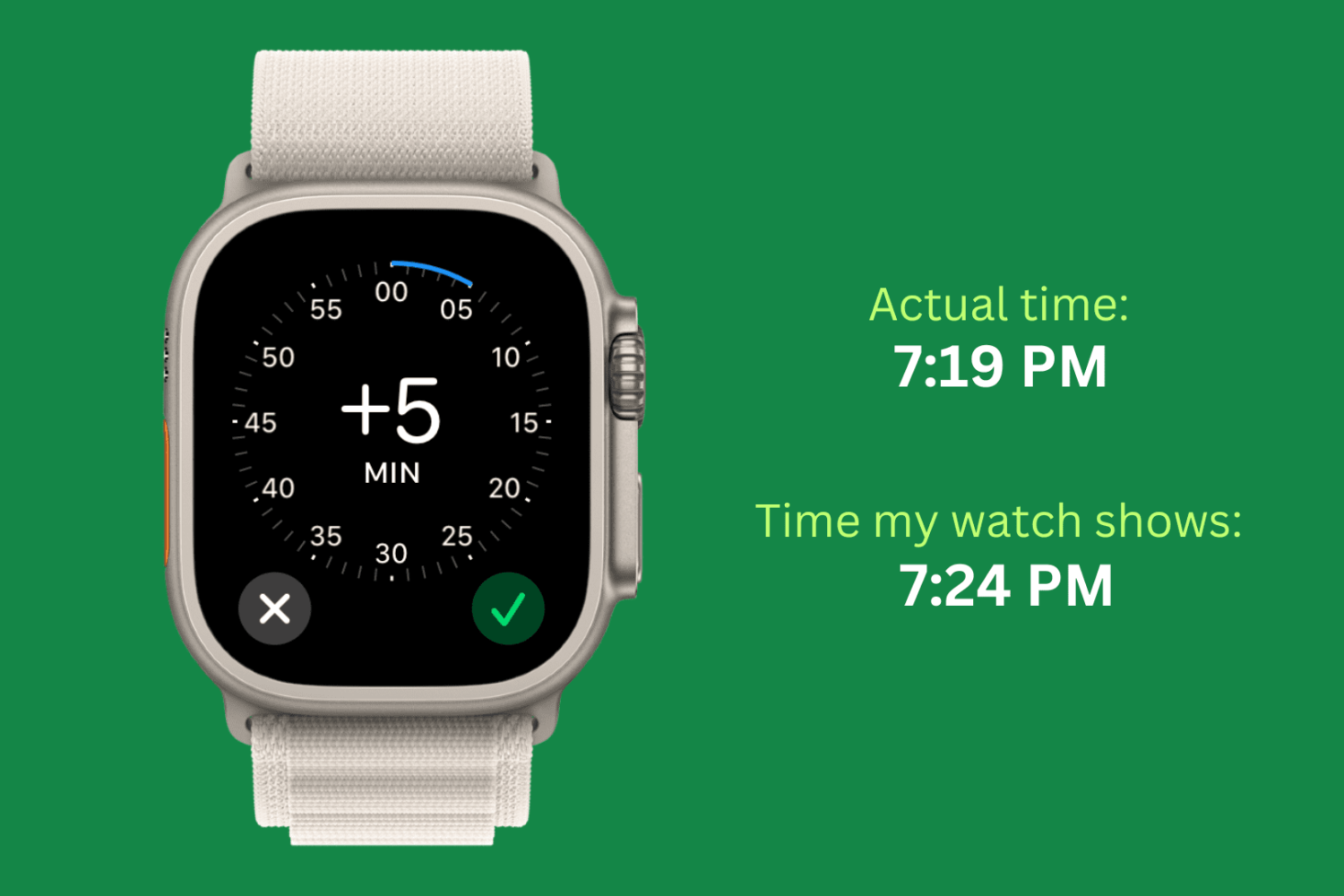
Check out this simple guide on setting the time ahead by a few minutes on your Apple Watch to always stay ahead of schedule!
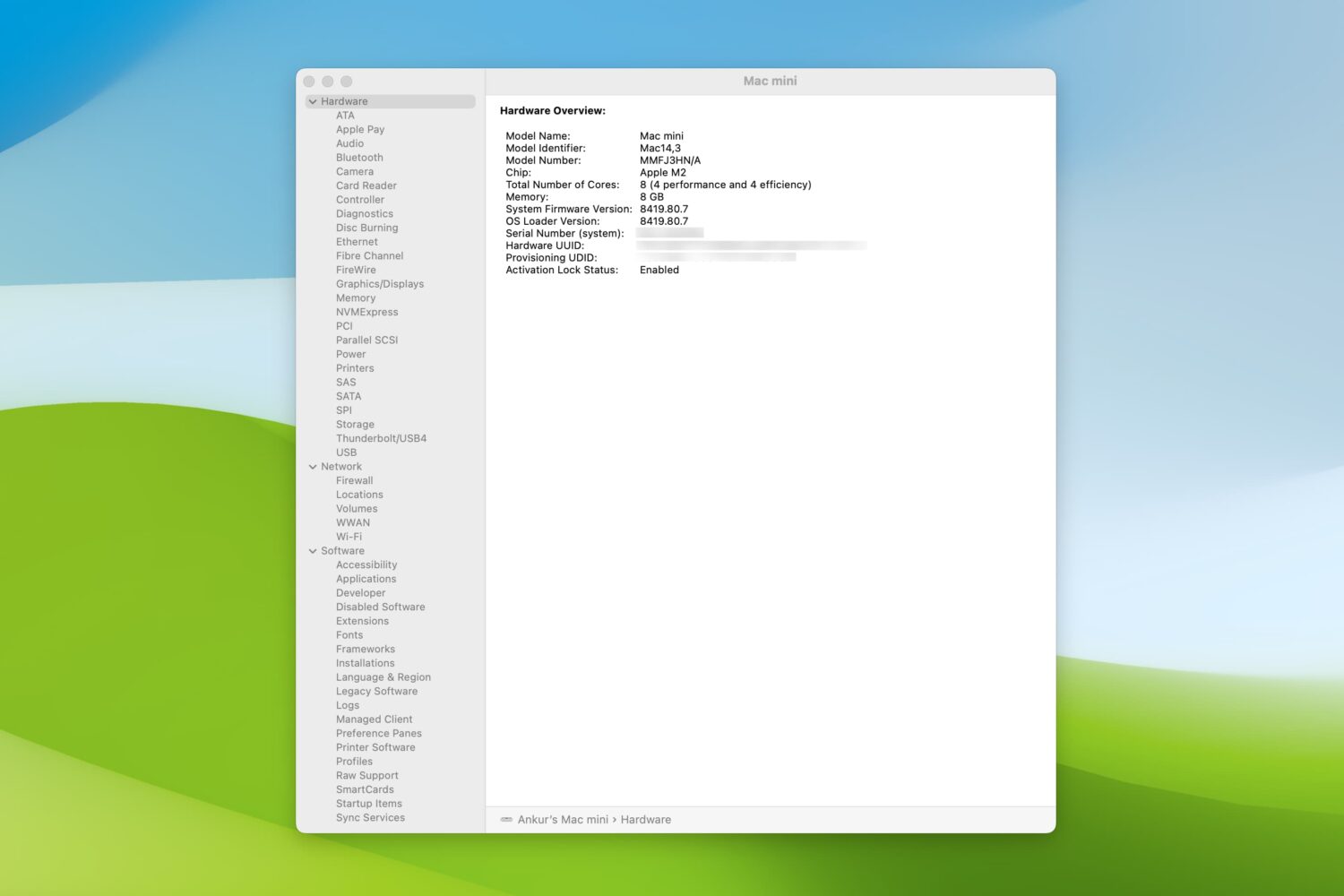
Check out these 5 simple ways to view the system report on your Mac to learn more about your computer or gather useful troubleshooting information.
Learn how to prevent your MacBook Air, MacBook Pro, MacBook Neo, iMac, or external Apple Studio Display from randomly dimming or increasing the screen brightness.
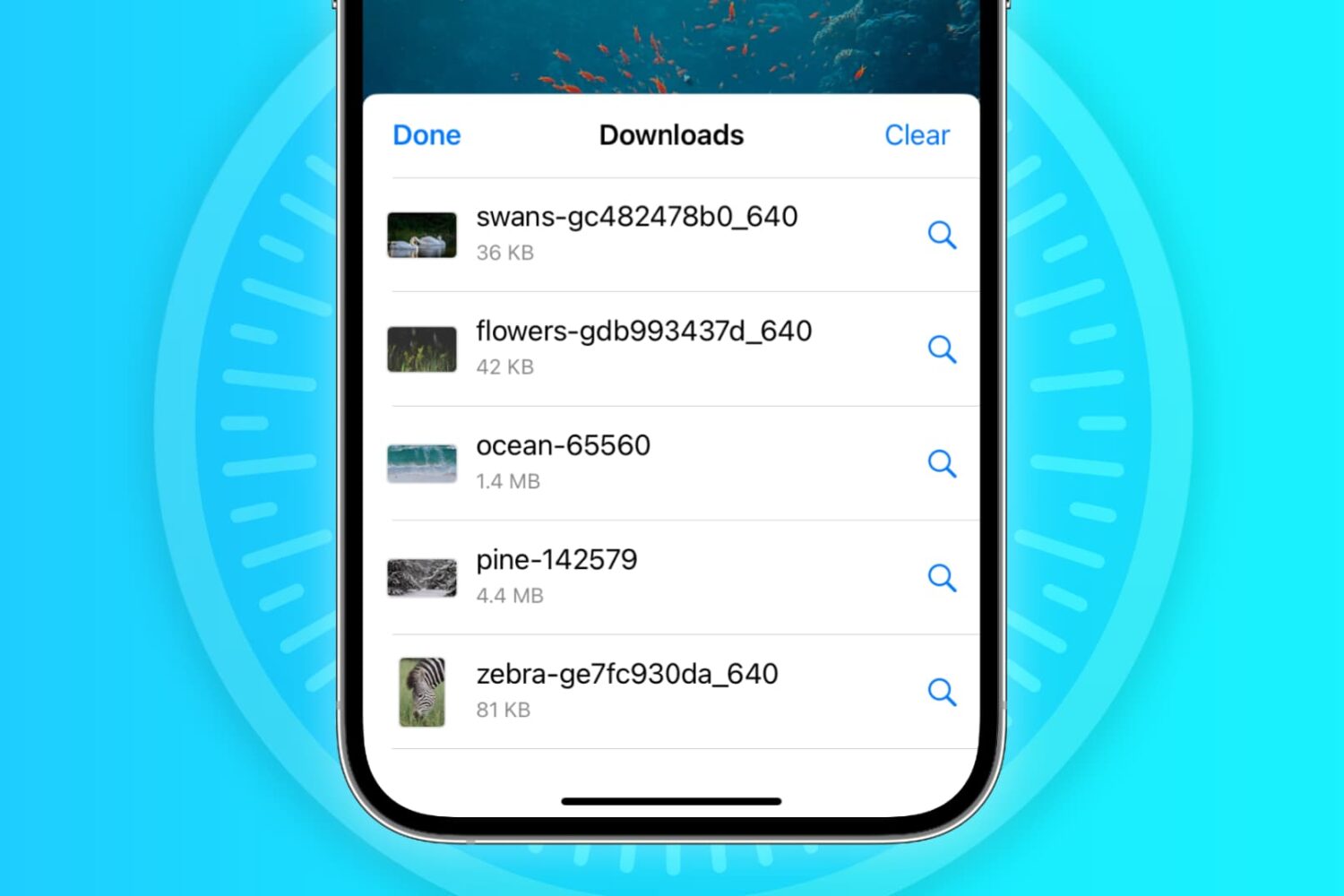
In this troubleshooting guide, we'll explore common reasons why Safari may not be downloading files on your iPhone, iPad, or Mac and provide solutions to help you resume downloading with ease.
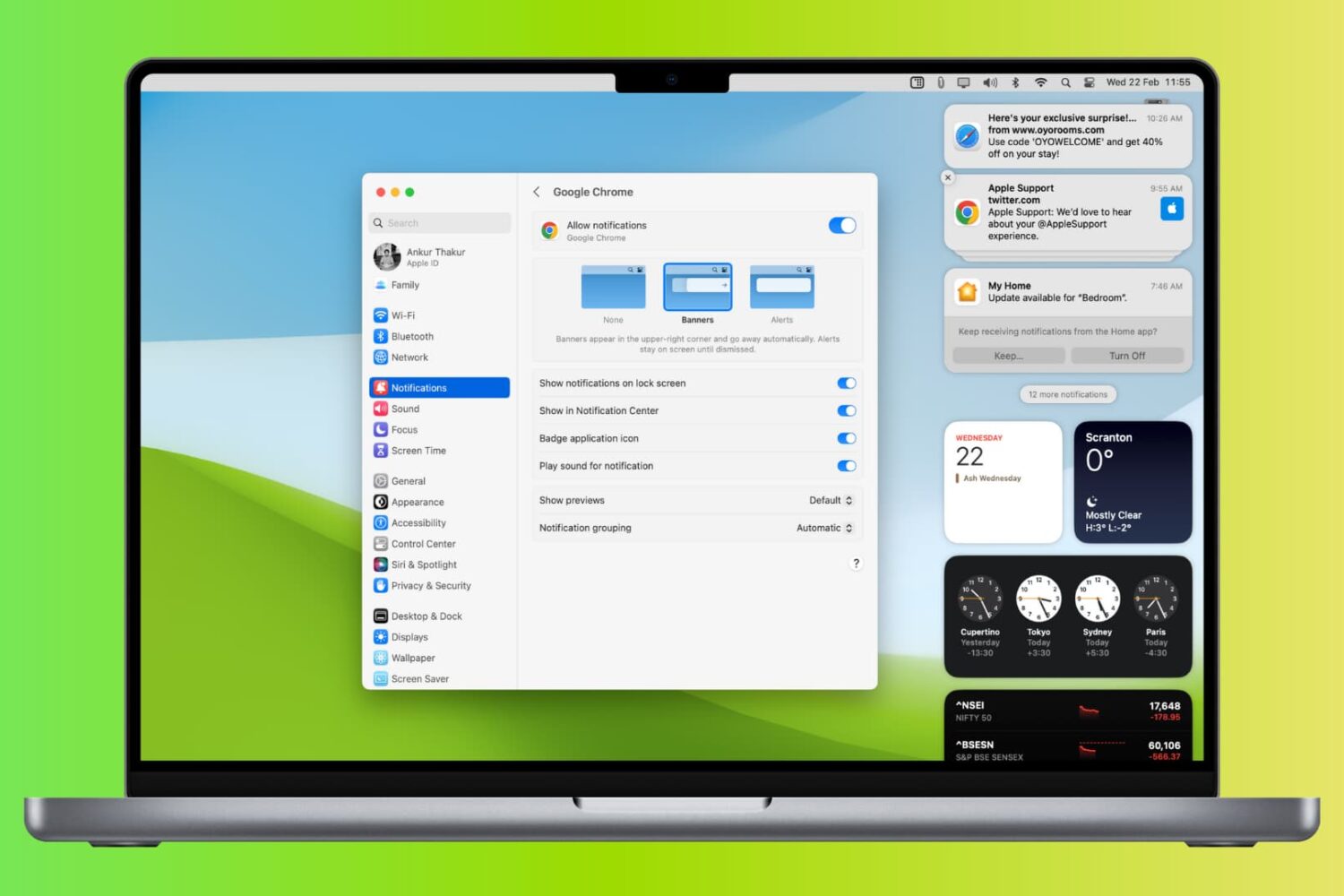
Learn what to do if you’re not receiving new notification banners or sounds on your Mac for all or specific apps and websites.
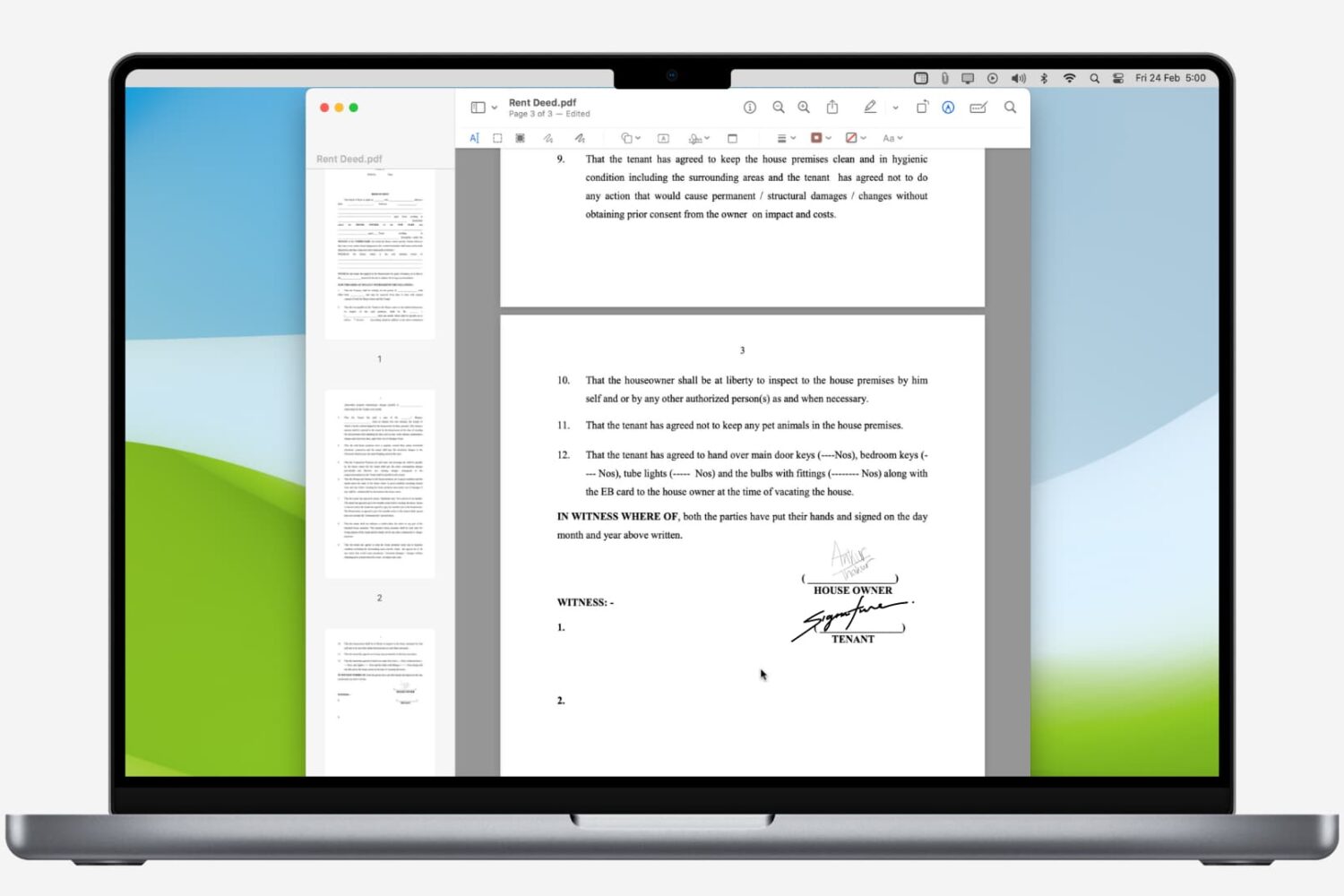
Learn how to digitally sign a PDF on your Mac using built-in apps, and never waste time with printing and scanning again.

Learn how to add emojis to your photos on iPhone, iPad, and Mac to protect your privacy or creatively enhance your social media presence.