In this article, we'll show you how to use the right browser extensions to enable Dark Mode on every website in Safari, Google Chrome, Edge, Brave, Opera, and Firefox on your Mac or Windows PC.
How to force Dark Mode for any website on Mac or PC
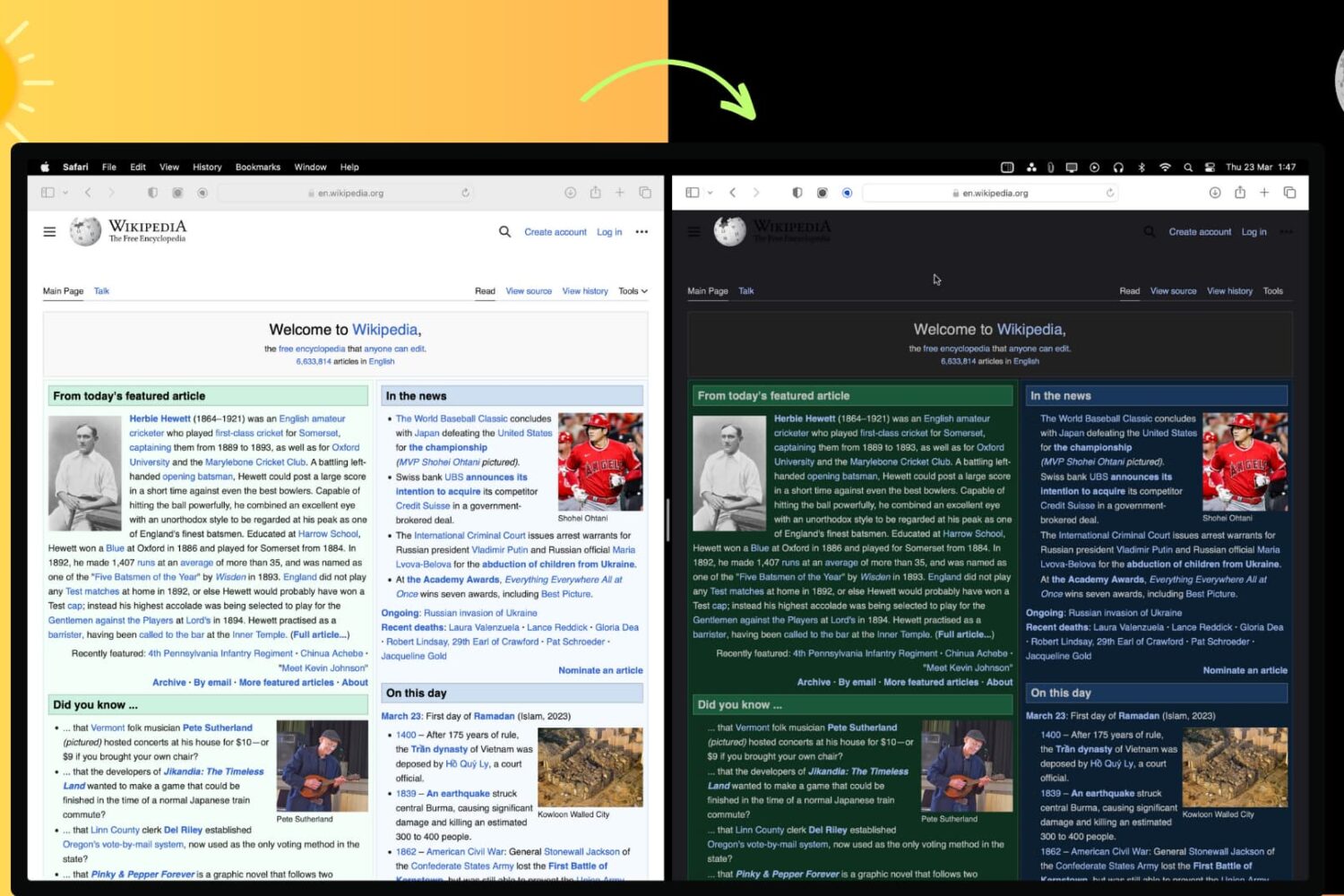
In this article, we'll show you how to use the right browser extensions to enable Dark Mode on every website in Safari, Google Chrome, Edge, Brave, Opera, and Firefox on your Mac or Windows PC.
In this comprehensive troubleshooting guide, we provide all the solutions to fix slow or unresponsive Google Chrome on your Mac and restore optimal performance.
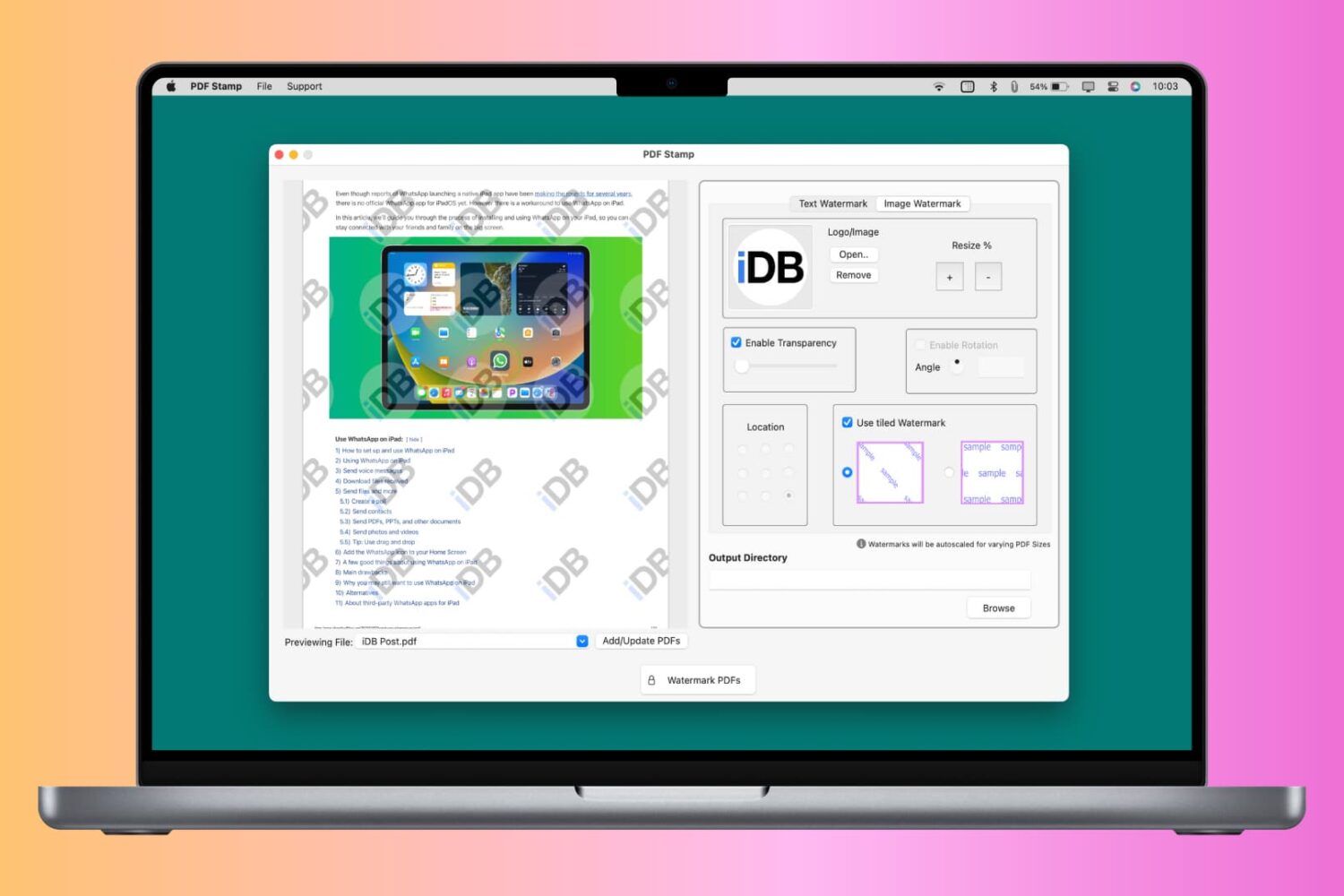
You can watermark your PDF with text, logo, or image to let people know that the PDF is private, confidential, or created by you or your organization. Though a watermark can’t prevent content theft, it certainly can prevent misuse and help convey that you’re the creator or owner of that PDF.
So, whether it is for school, work, or personal use, this tutorial will show you how to watermark PDFs for free on your iPhone, iPad, and Mac.
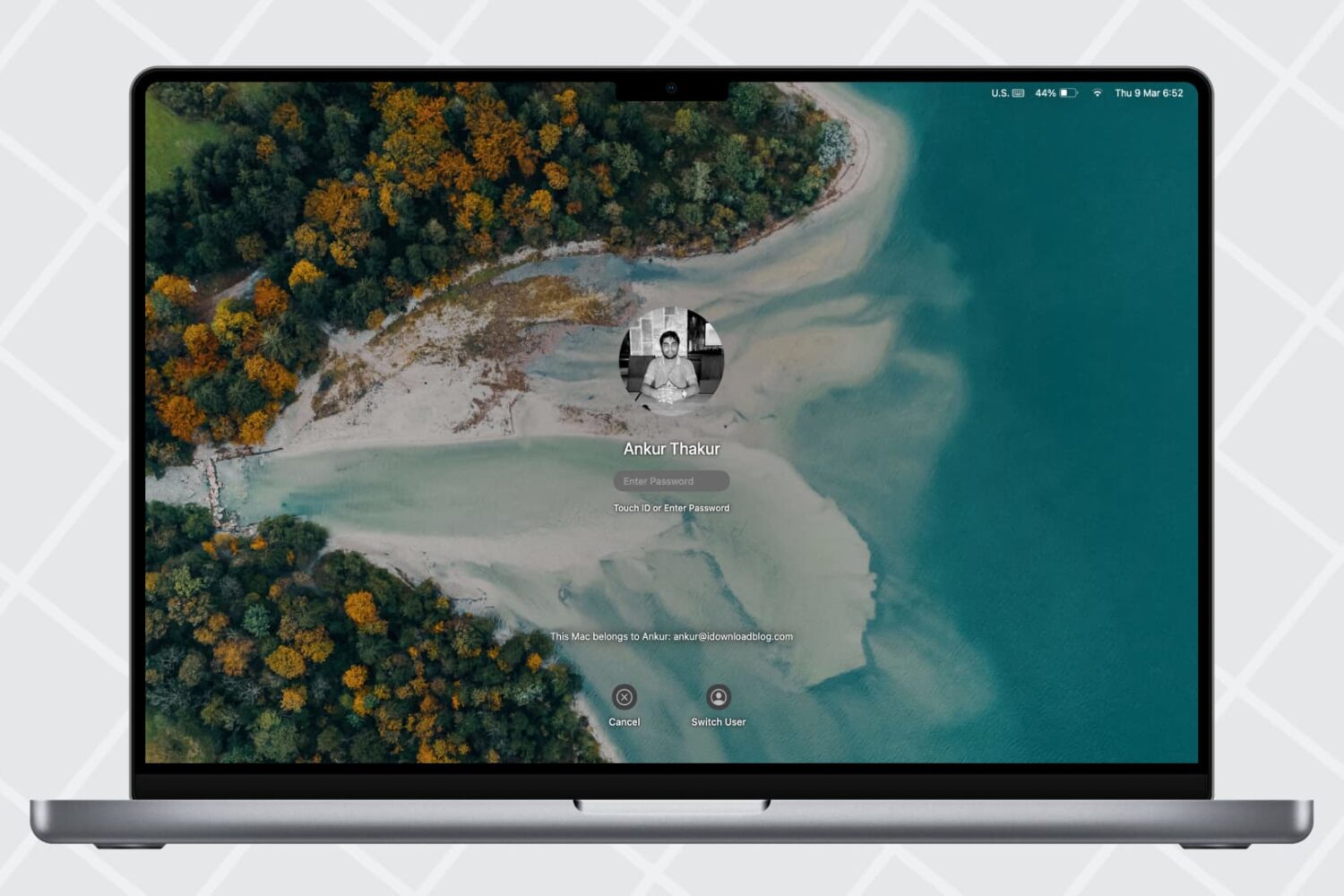
Learn how to change your Mac’s sleep time settings to adjust when the screen turns off automatically and explore related options.
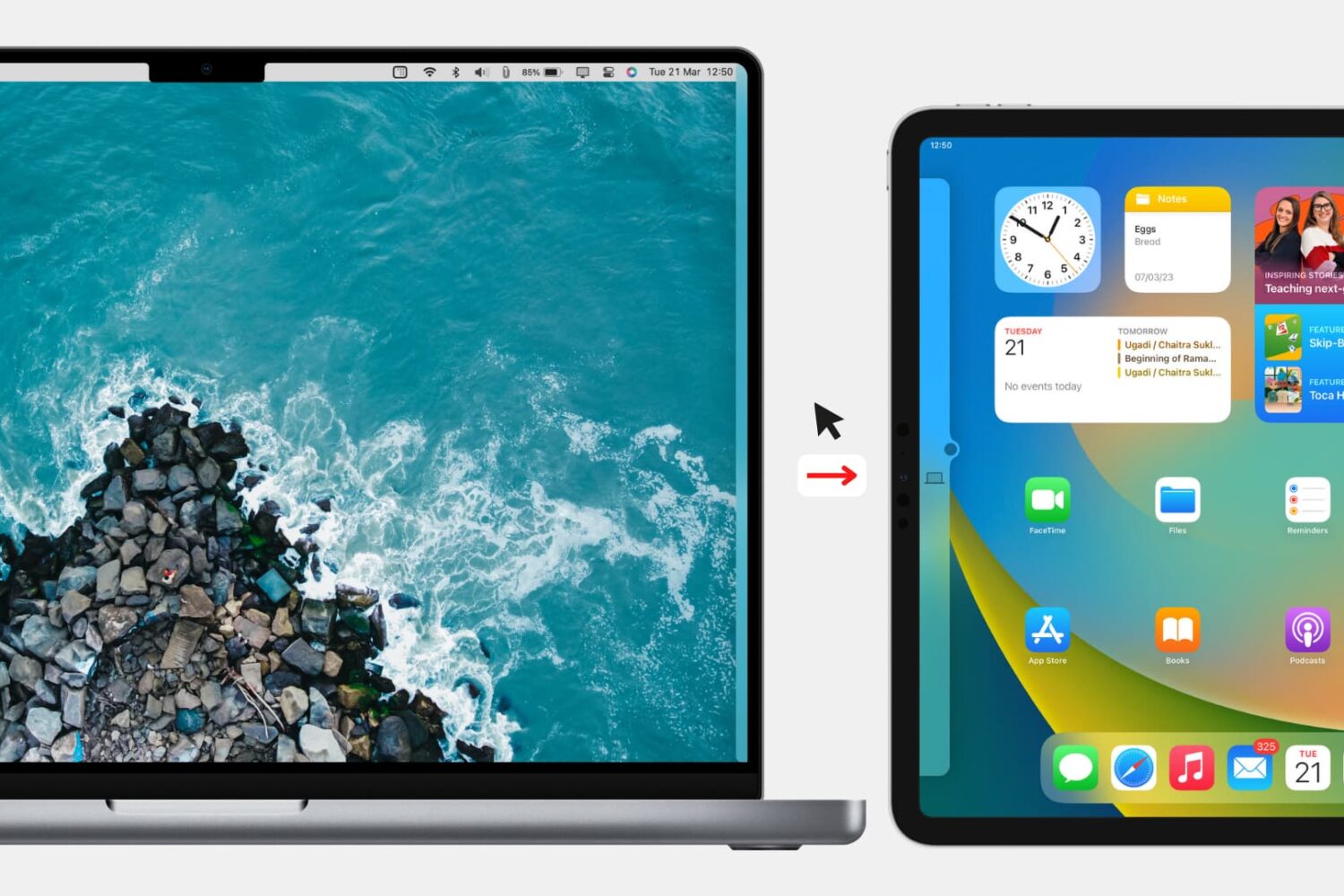
Check out the quick steps to block your Mac’s keyboard, mouse, and trackpad from being used on a nearby iPad or other Mac.
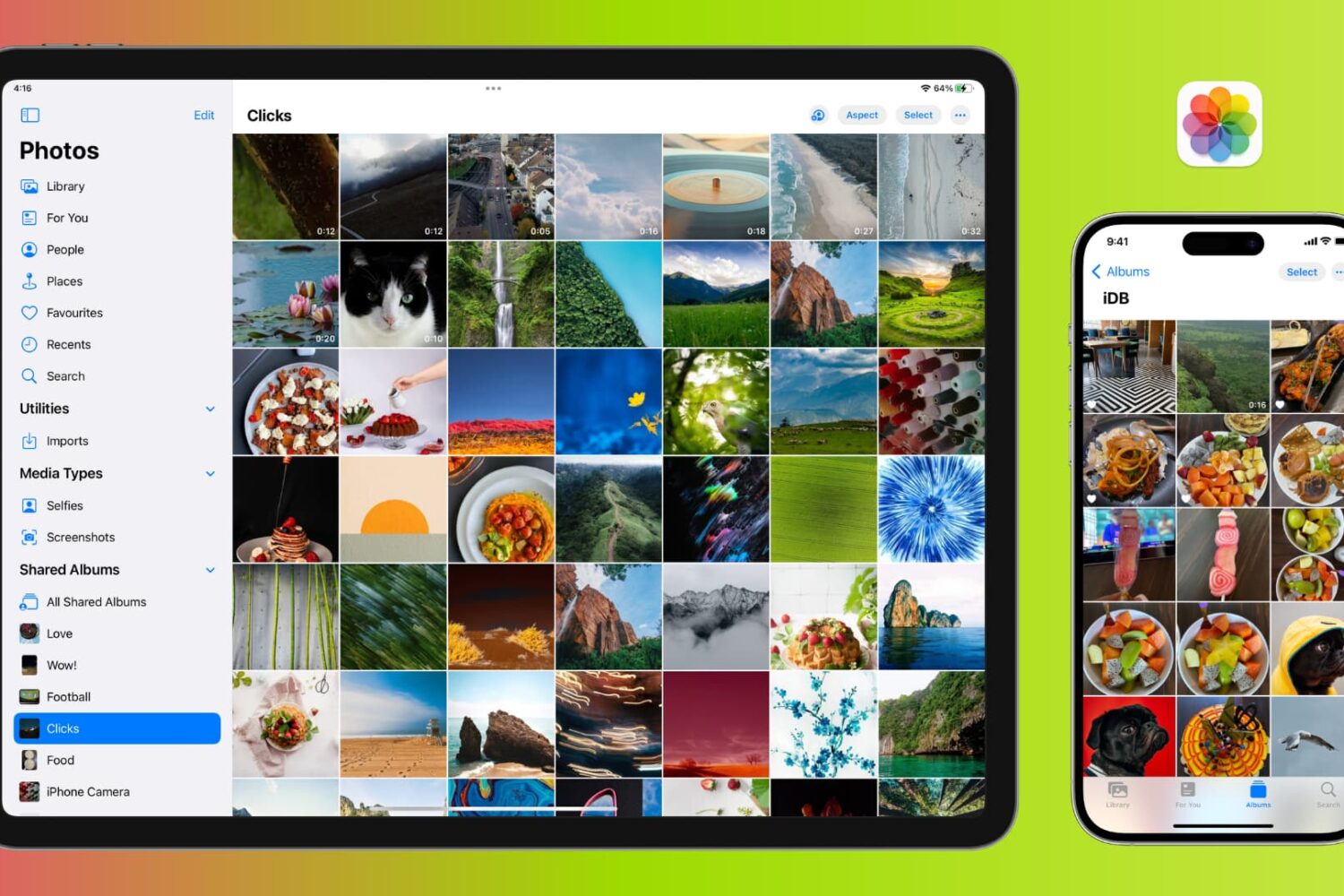
Learn how to manage photos and videos to efficiently optimize your iPhone or iPad's storage and free up valuable space.
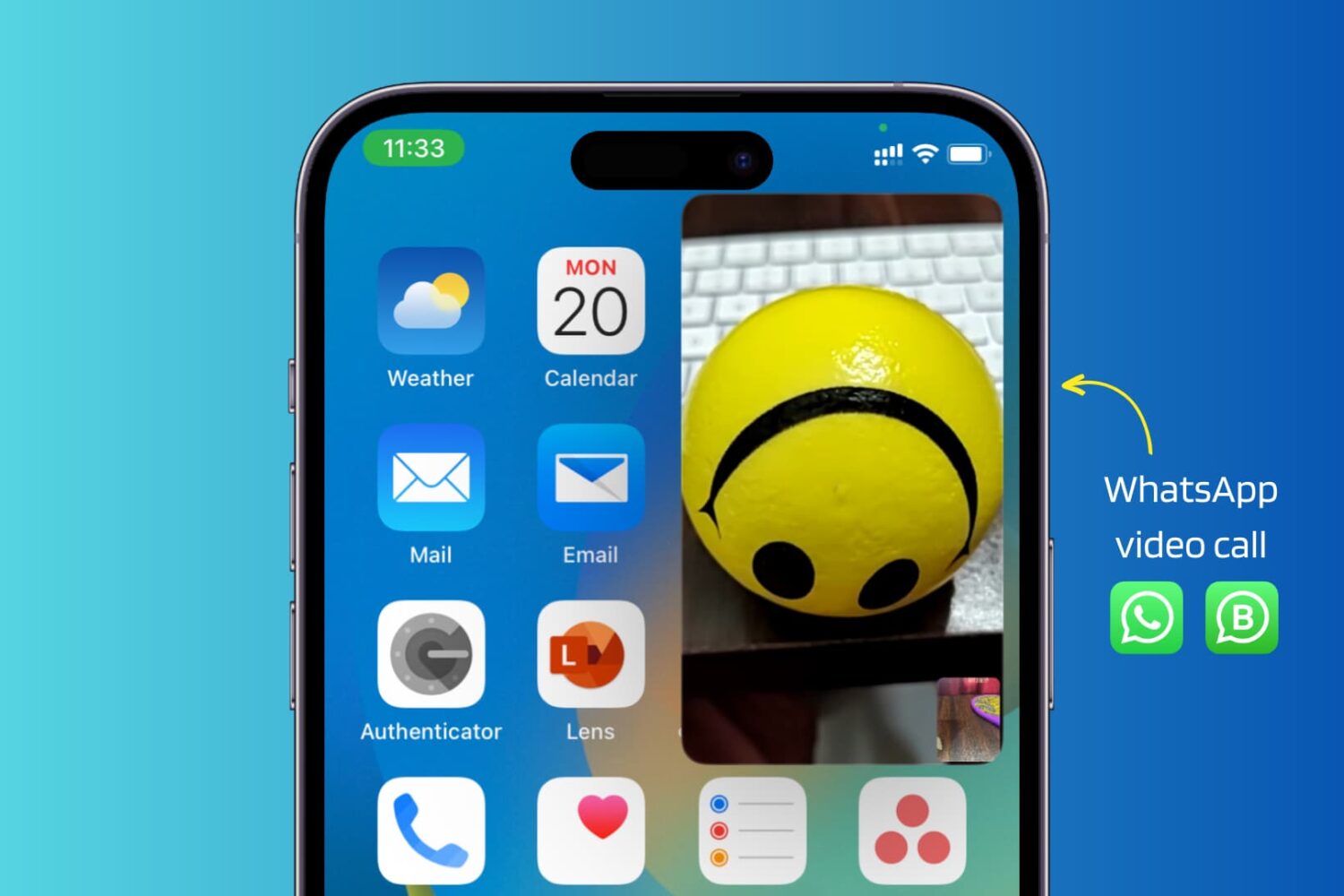
Use these troubleshooting tips to fix WhatsApp video calls not working in picture-in-picture (PiP) multitasking mode on your iPhone.
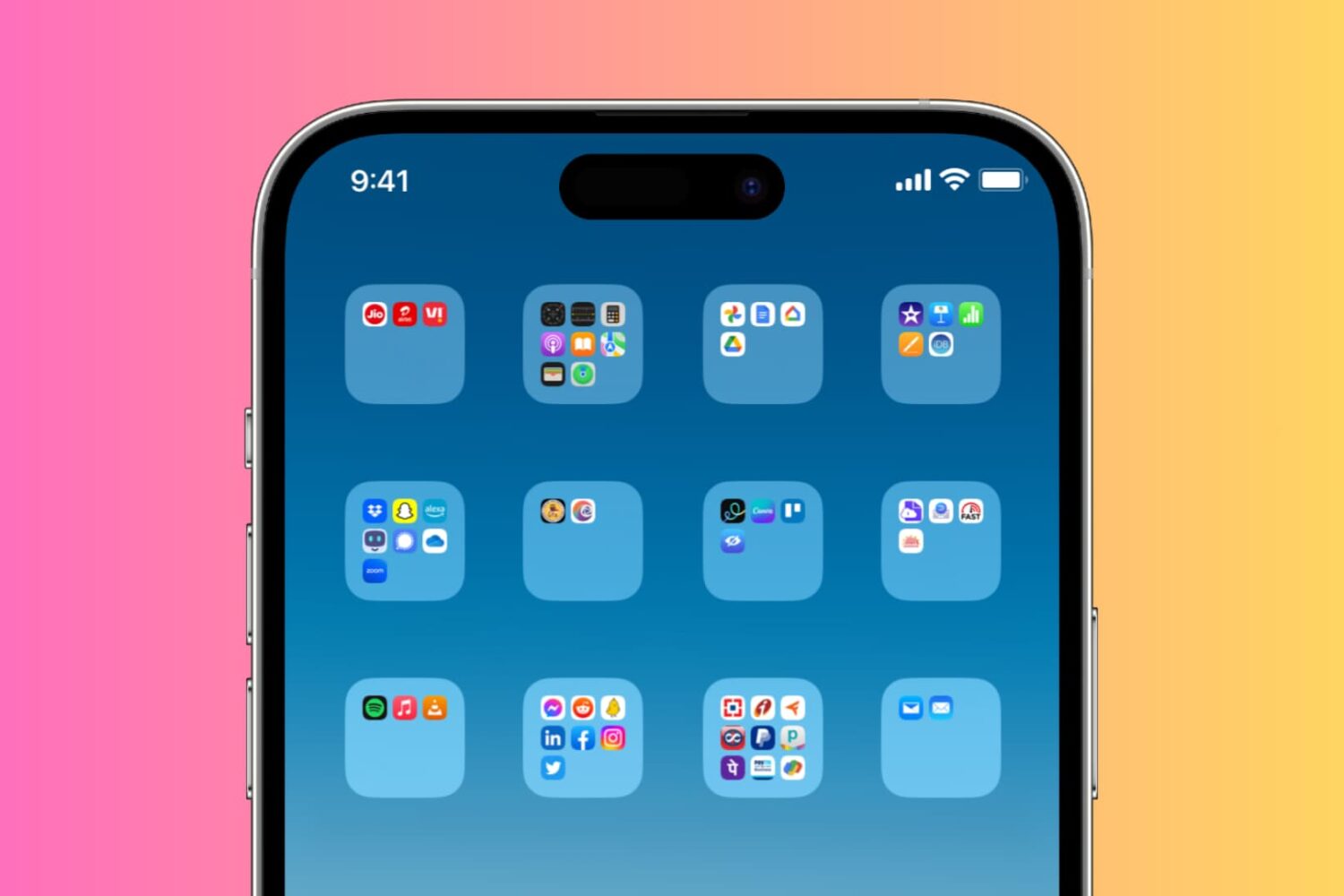
Check out two simple ways to create blank or invisible app folder names on your iPhone or iPad Home Screen, giving it a clean and distinctive appearance.
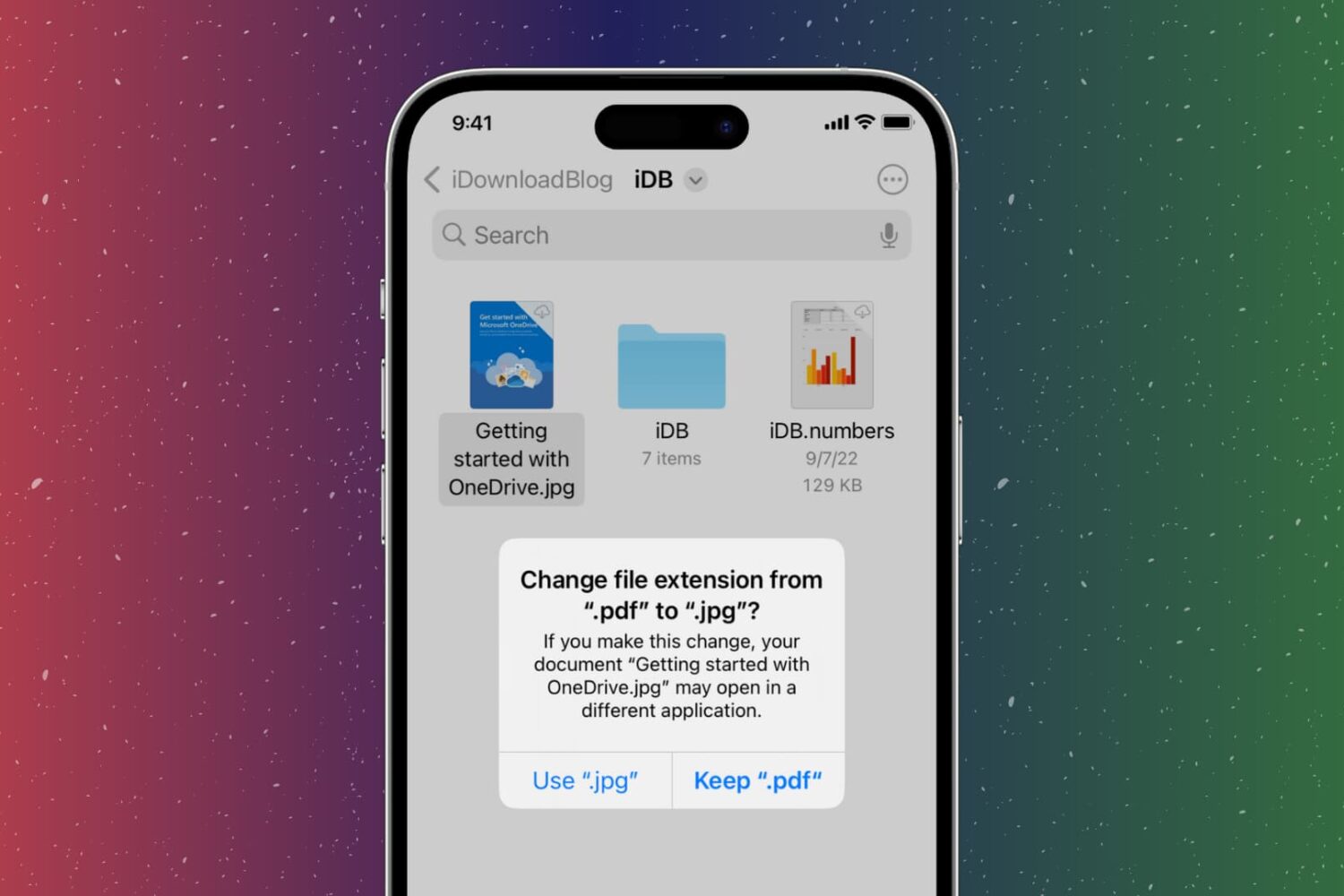
In this step-by-step tutorial, we show you how to change the extension of an image, video, audio, document, or other file on your iPhone, iPad, or Mac, why you might want to do that, and potential issues to avoid.

Learn how to change the default audio and subtitle languages on your Apple TV and in the TV app across iPhone, iPad, Mac, and Windows PC.
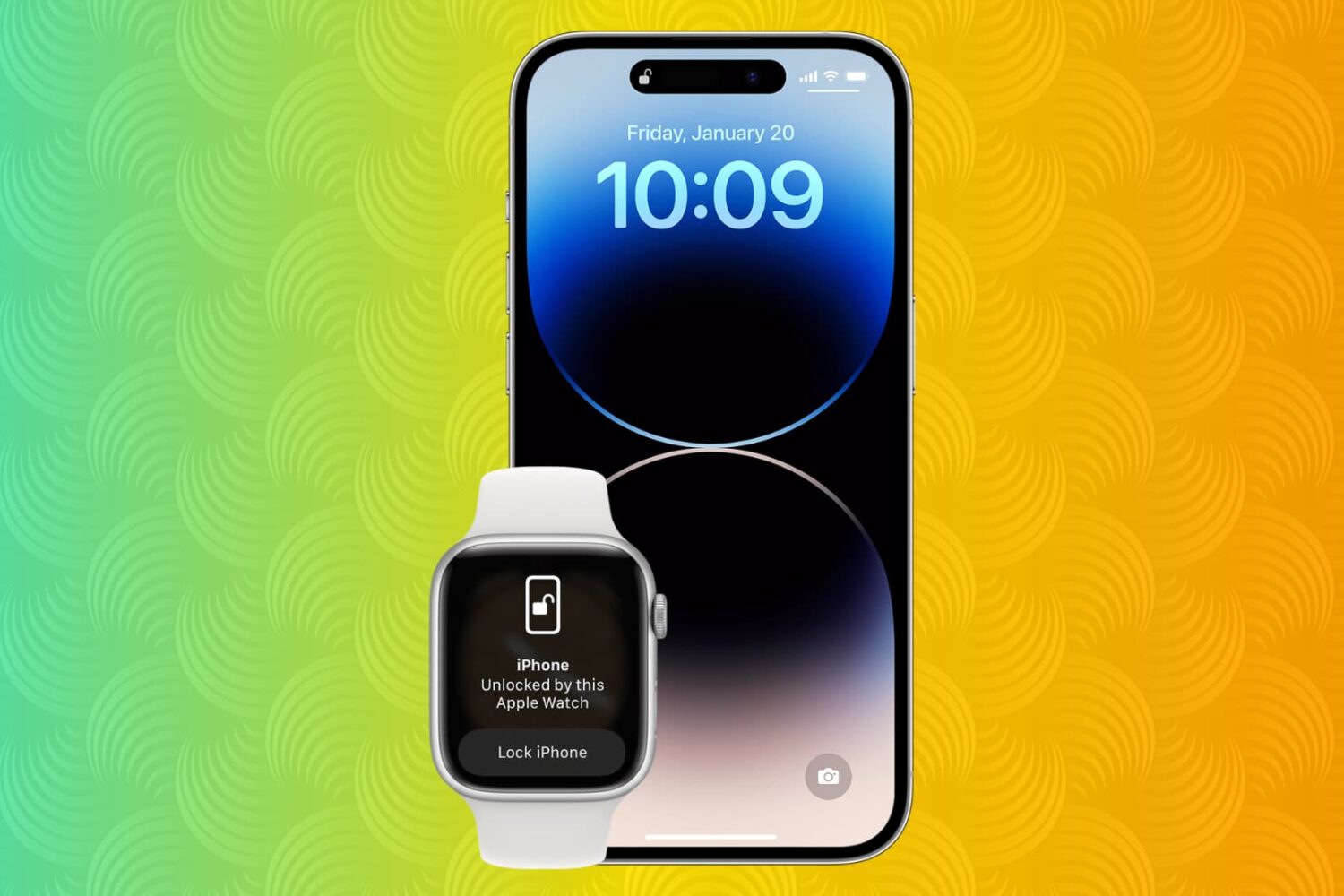
Here are some practical reasons why you may want to buy an Apple Watch if you’re an iPhone user. Go through the list and see if you’re convinced to get Apple’s smartwatch.