In this guide, we’ll discuss how to use the Visual Look Up feature on your iPhone and iPad to identify plants, animals, landmarks, and other objects in your photos.
How to identify plants, animals, and more on iPhone and iPad
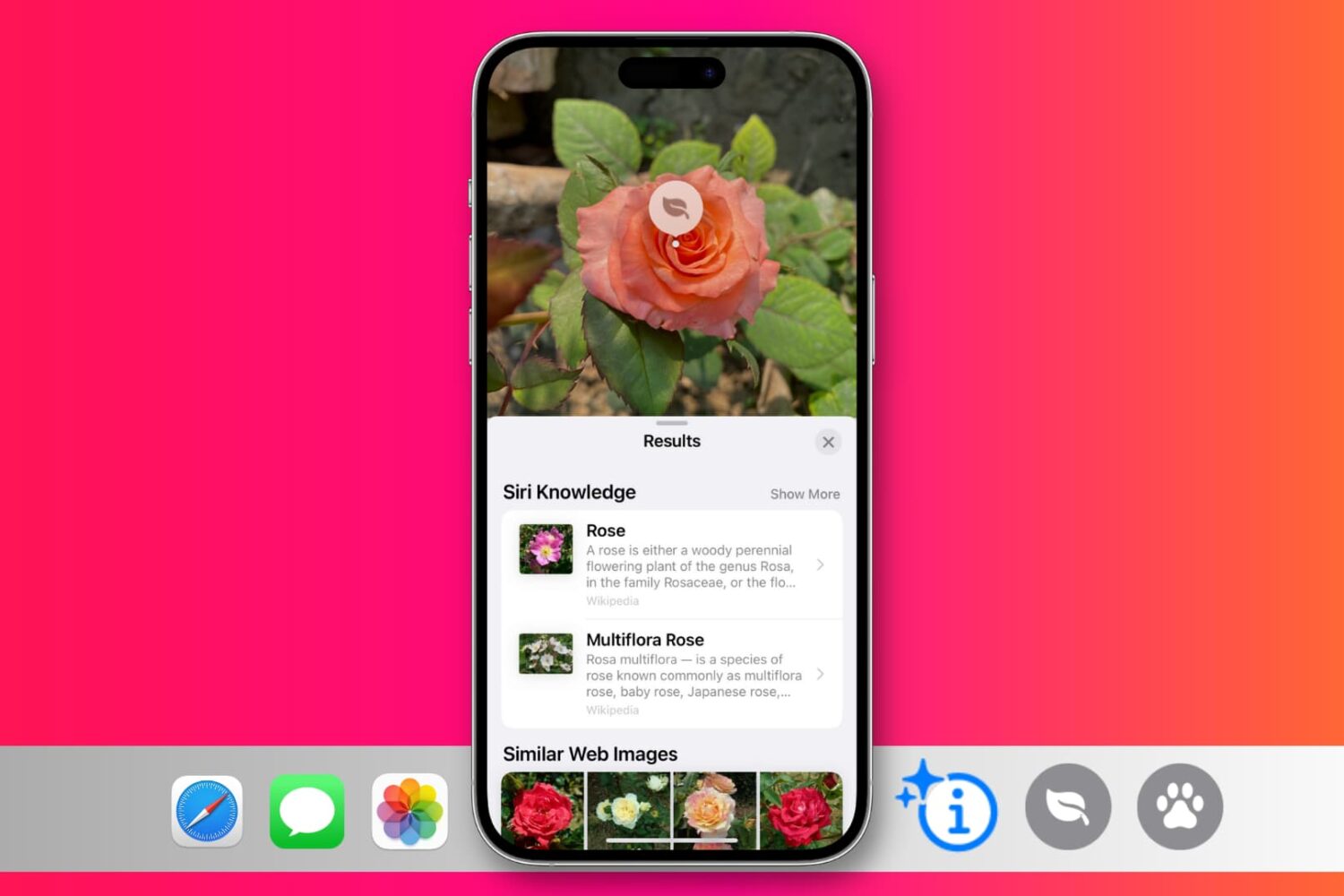
In this guide, we’ll discuss how to use the Visual Look Up feature on your iPhone and iPad to identify plants, animals, landmarks, and other objects in your photos.
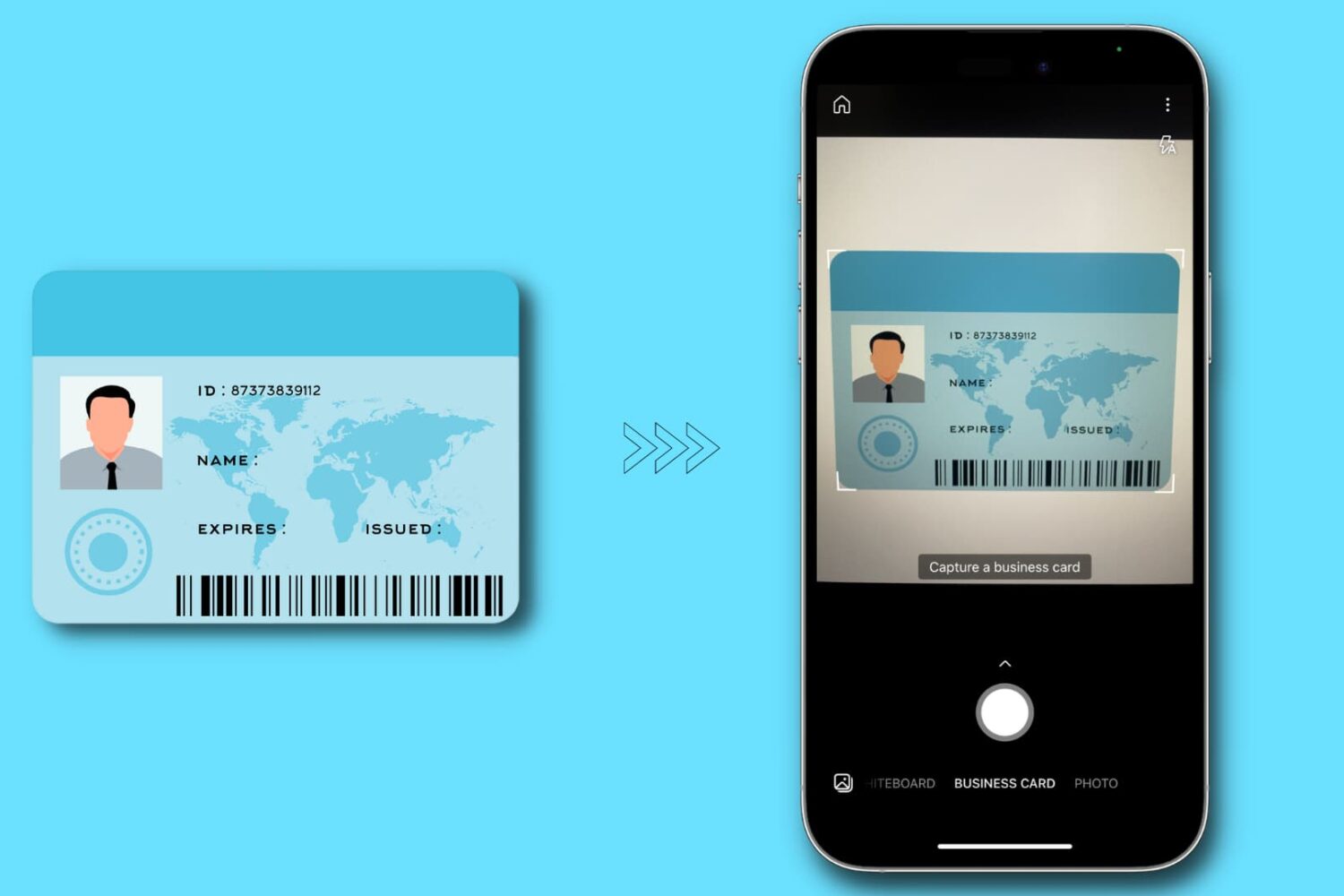
In this tutorial, we'll show you how to make digital copies (image or PDF) of your physical identity card using your iPhone or iPad. You can use these digital copies when filling out online forms or keep them on your device for safe backup.
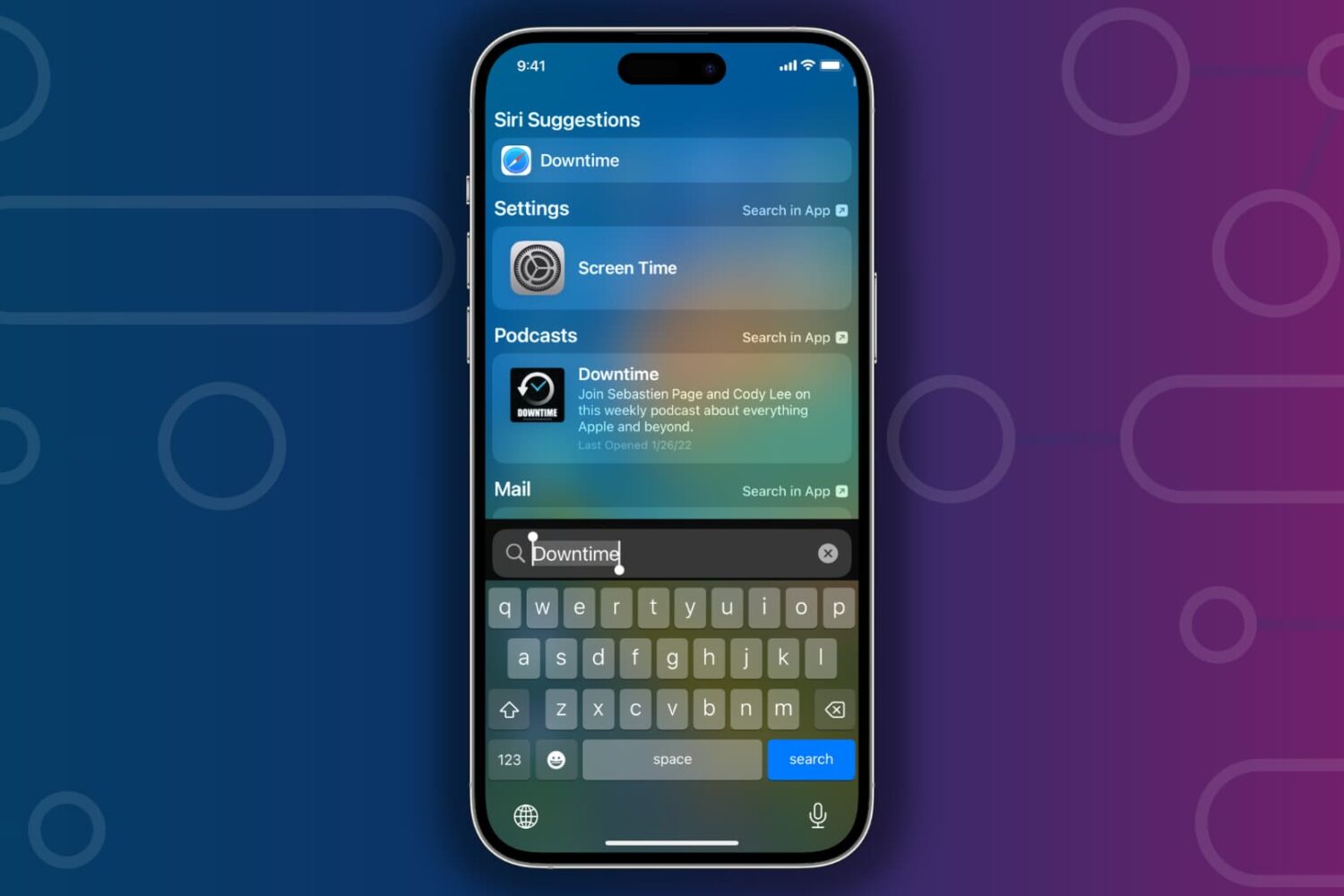
Learn what to do if Spotlight Search is slow to show results when you’re trying to find something on your iPhone or iPad.

Learn how to secure your iPhone and iPad Lock Screen notifications for maximum privacy and security.

Learn how to stop the Telegram app on your iPhone or Android phone from sending notifications when a contact of yours joins the platform.

This tutorial shares some quick and practical ways to improve the quality of video calls on your Mac. The tips here apply to all video conferencing services like FaceTime, Zoom, Skype, Google Meet, Slack, Microsoft Teams, WebEx, Discord, Facebook Messenger, LINE, and more.

Learn what to do if WhatsApp blocks you from making audio and video calls or sending voice notes because it cannot access your iPhone’s camera and microphone.

Learn how to securely add, update, and remove saved credit and debit cards for Safari Autofill on your iPhone, iPad, or Mac.

Check out six free ways to convert a PDF into an MP3 audio file or have your computer read the PDF aloud to you.

Learn how to change a few settings on your iPhone or iPad so the Mail app sends you timely notifications for new emails.
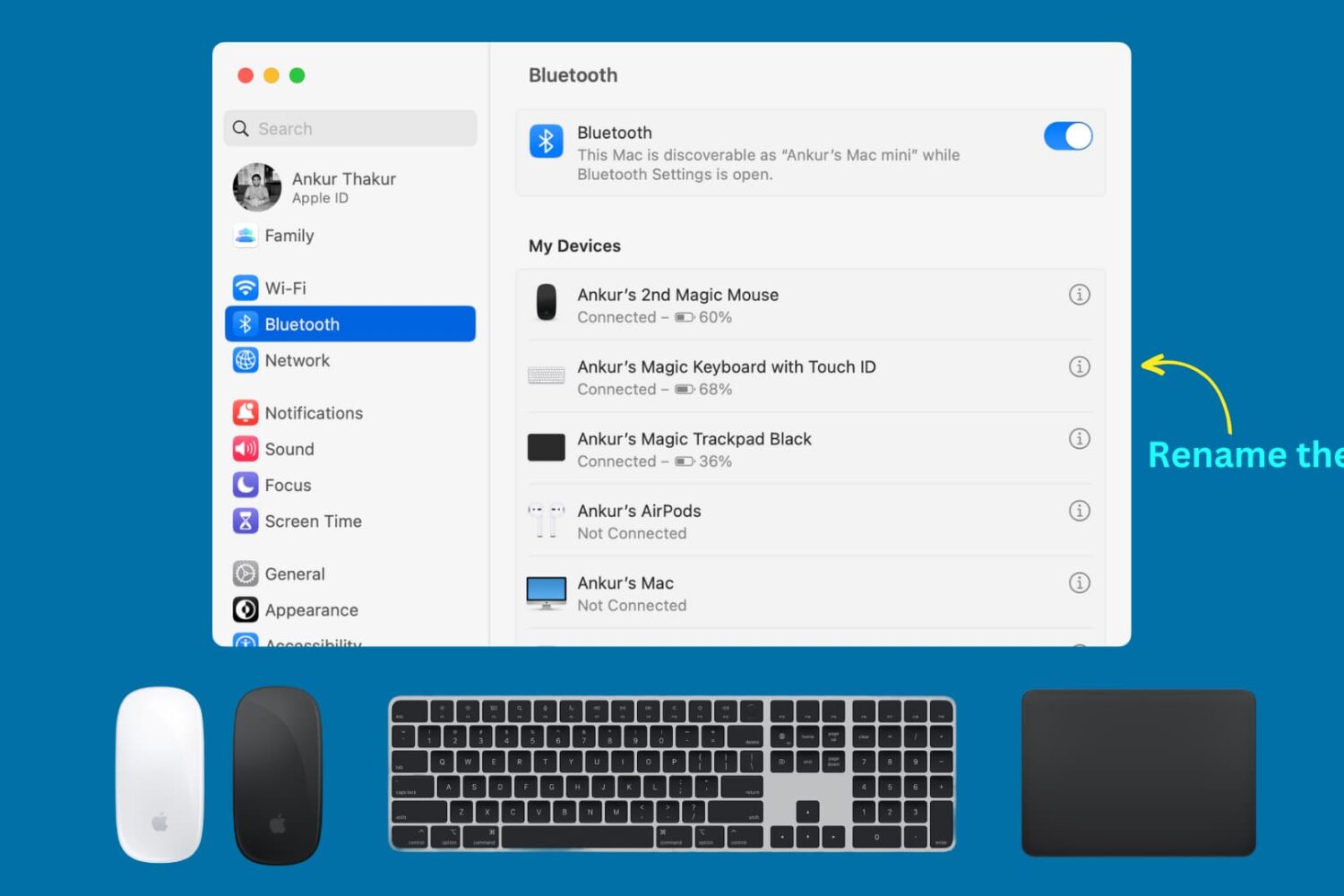
Learn how to rename your Apple Magic Keyboard, Magic Mouse, or Magic Trackpad so that macOS displays these Mac accessories with custom names instead of default ones.