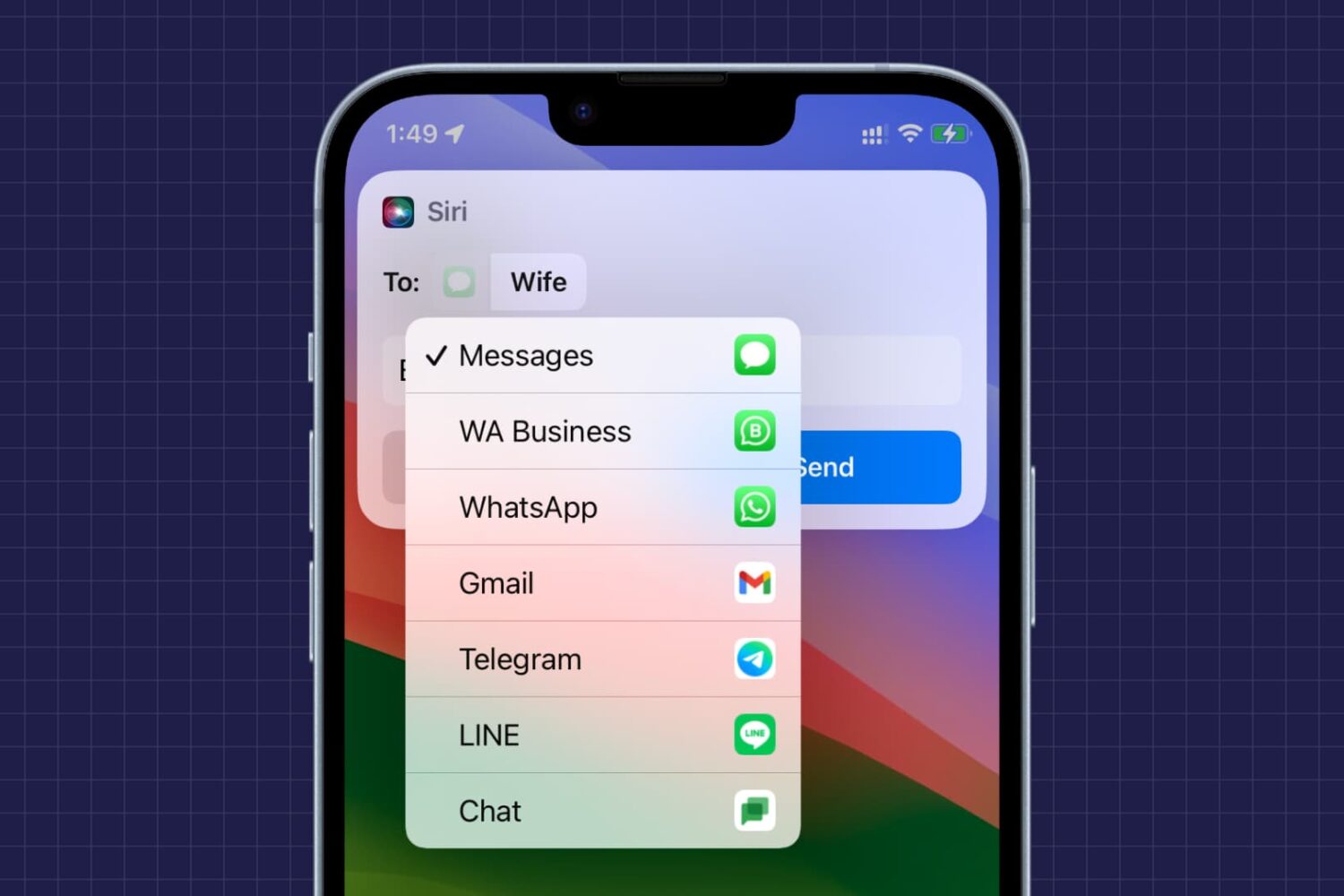
Check out 21 quick tips designed for parents and seniors to make using their iPhone easier and help build digital confidence.
Useful iPhone tips for parents and older people

Check out 21 quick tips designed for parents and seniors to make using their iPhone easier and help build digital confidence.
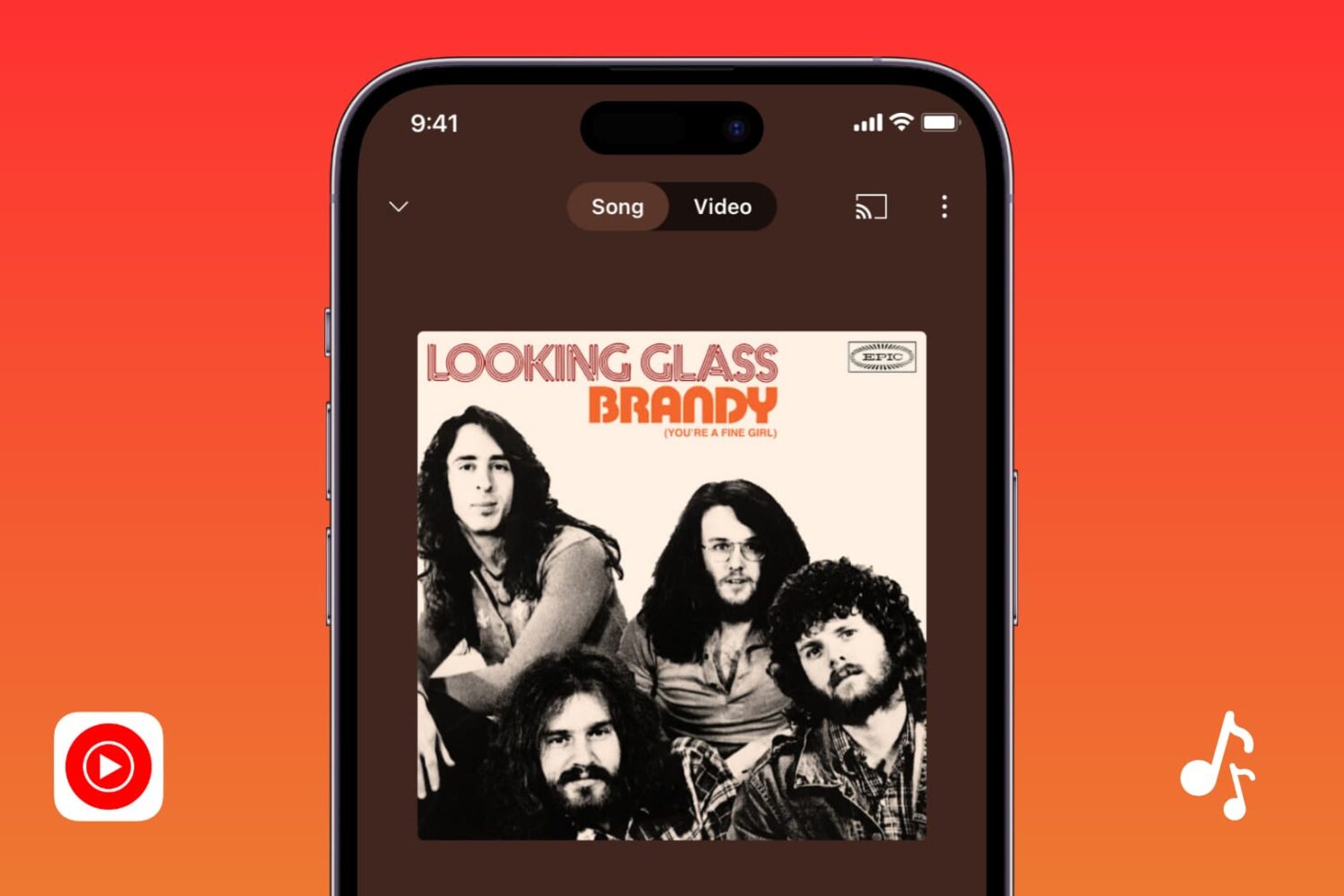
In this guide, we cover all the solutions to fix YouTube Music when it’s not working or downloading songs on your iPhone, iPad, and other devices.
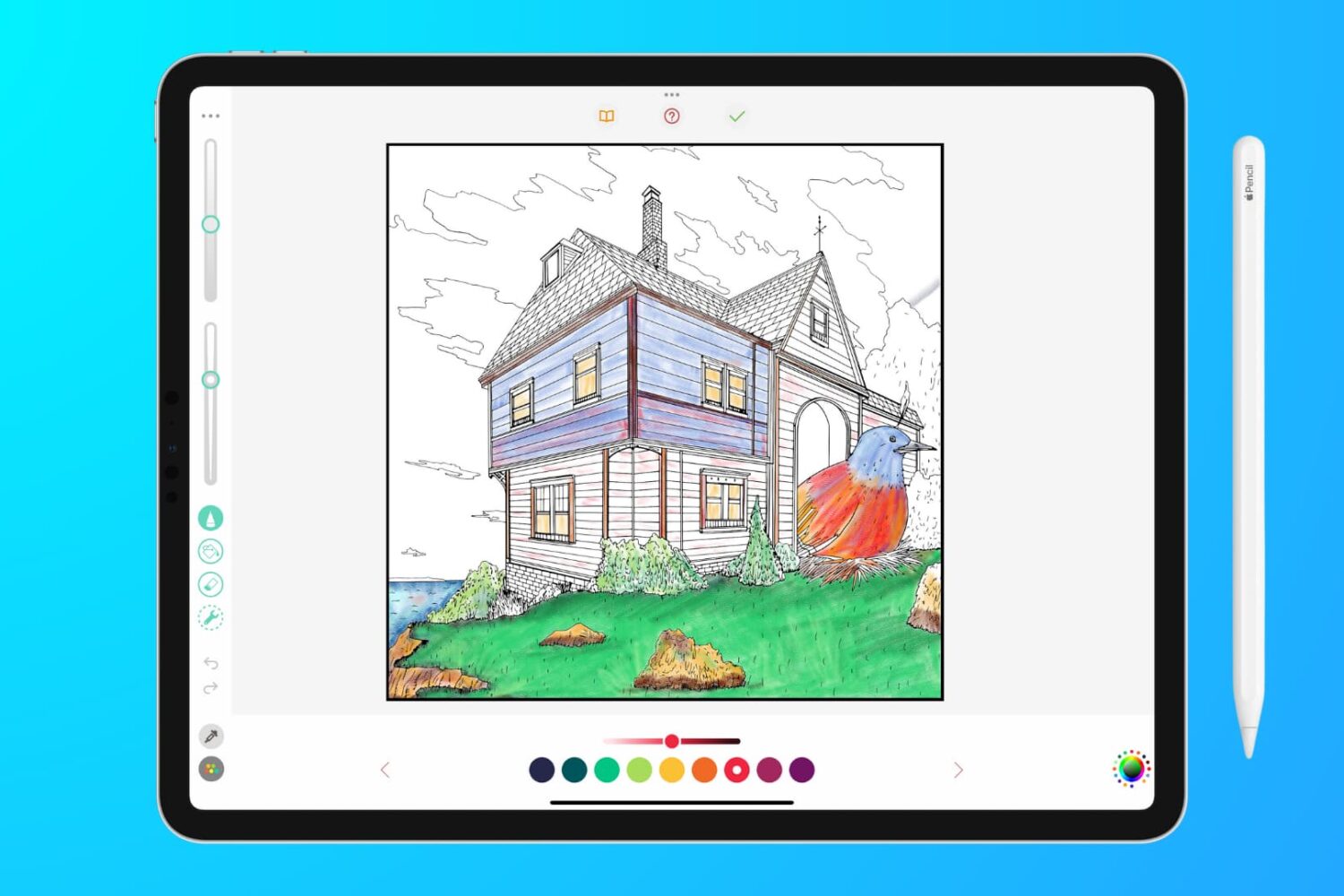
In this troubleshooting guide, we outline effective solutions to fix lag, glitches, and unresponsiveness when writing, sketching, or coloring on your iPad with your Apple Pencil.
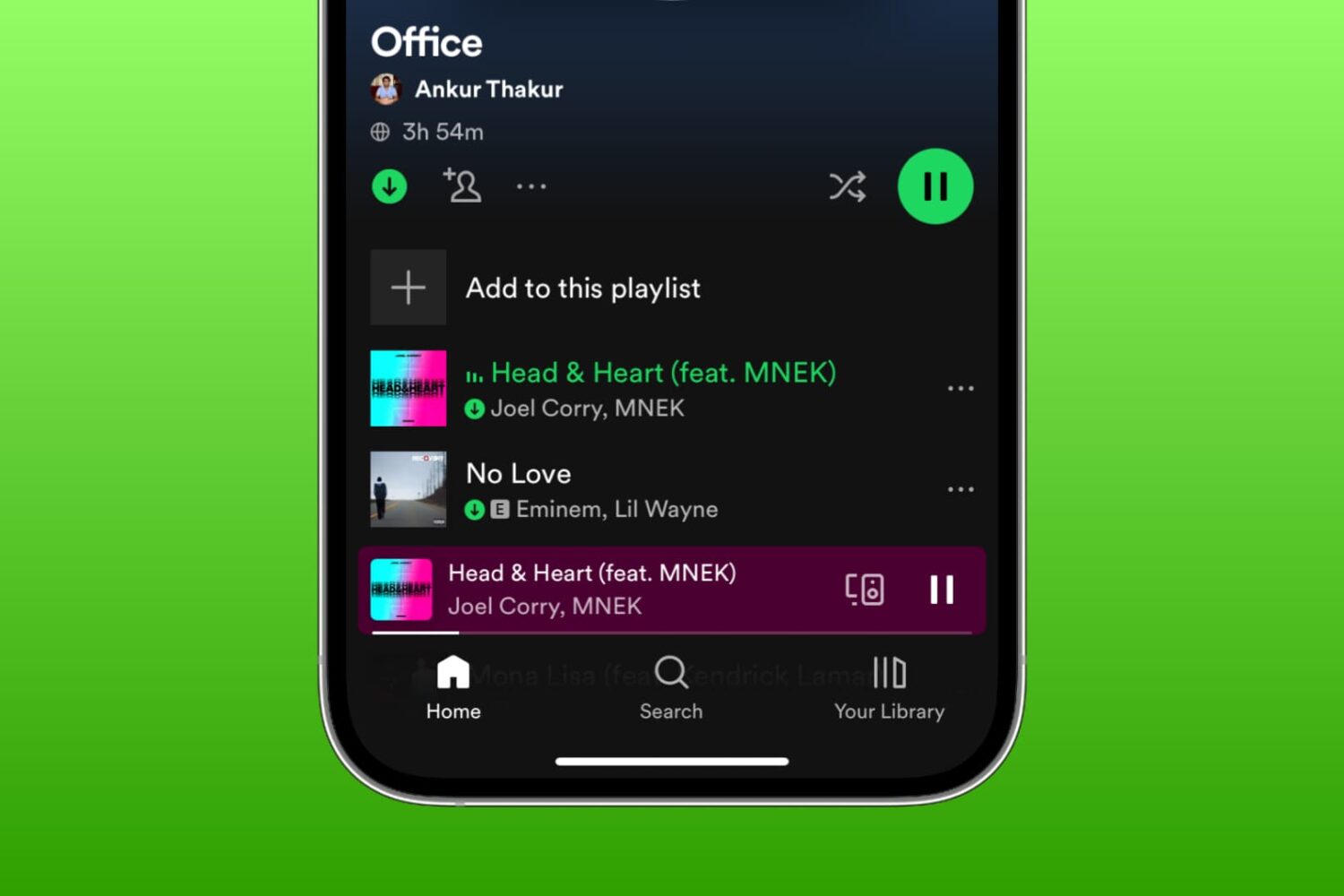
Learn what to do if you're unable to download songs and podcasts for offline listening in the Spotify app on your iPhone, iPad, or Mac.
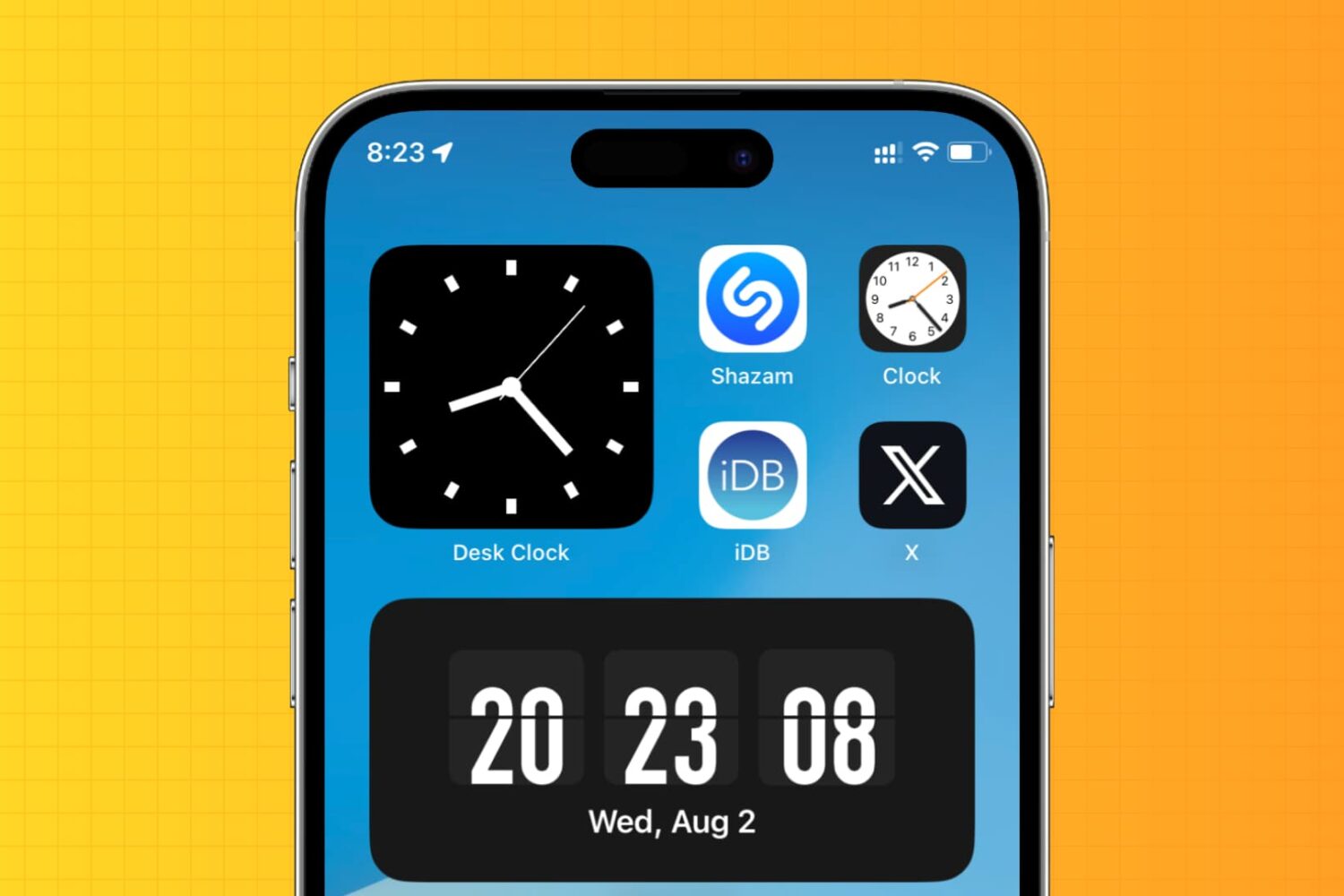
Learn how to display an analog clock on your iPhone or iPad with the hours, minutes, and seconds hands to keep track of the exact time down to the second.
Learn how to add phone numbers and email addresses of your family members, friends, and other contacts saved in your Google account to your Mac's Contacts app.
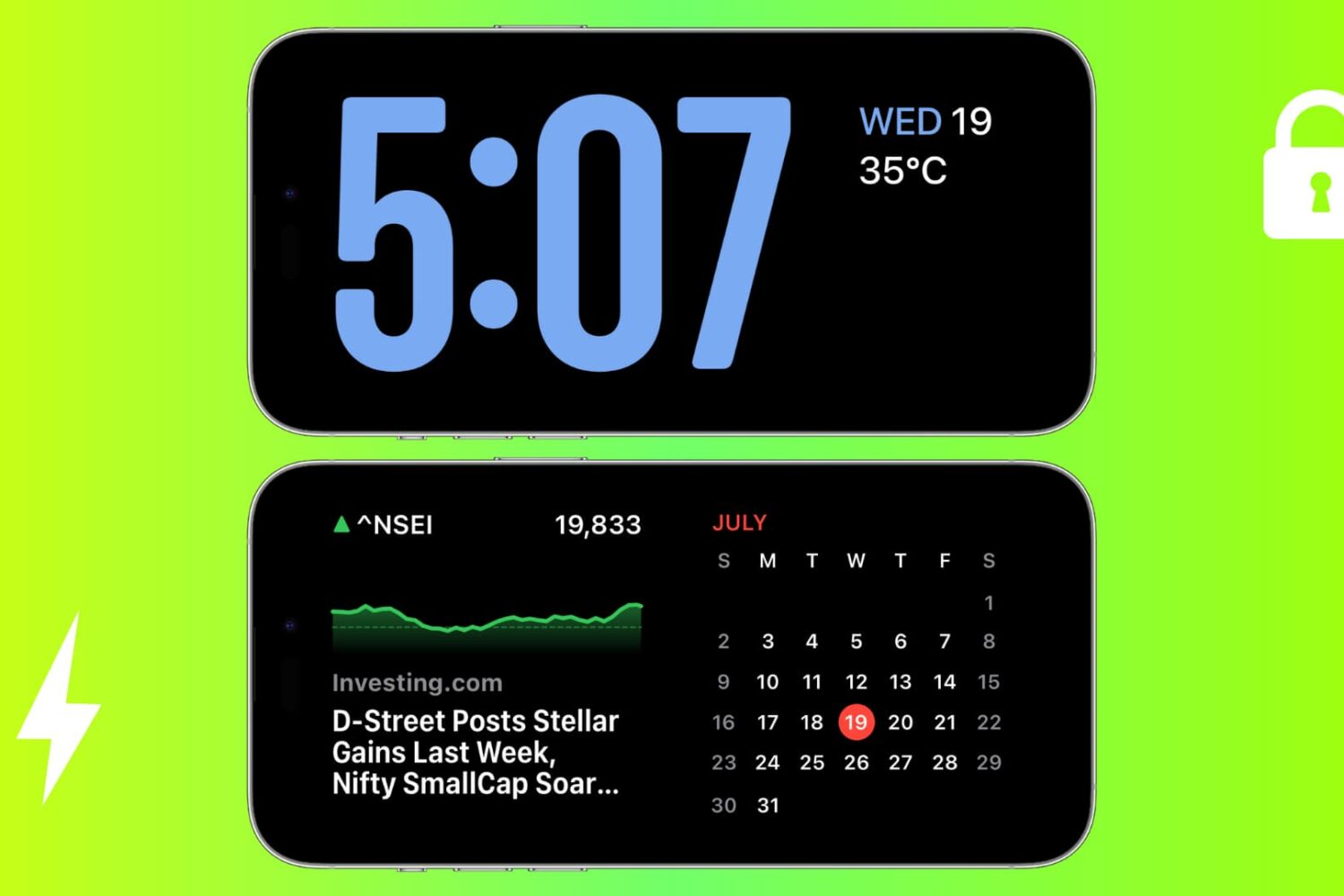
Check out these solutions to fix StandBy issues on your iPhone, ensuring it functions perfectly as a desk or nightstand display.
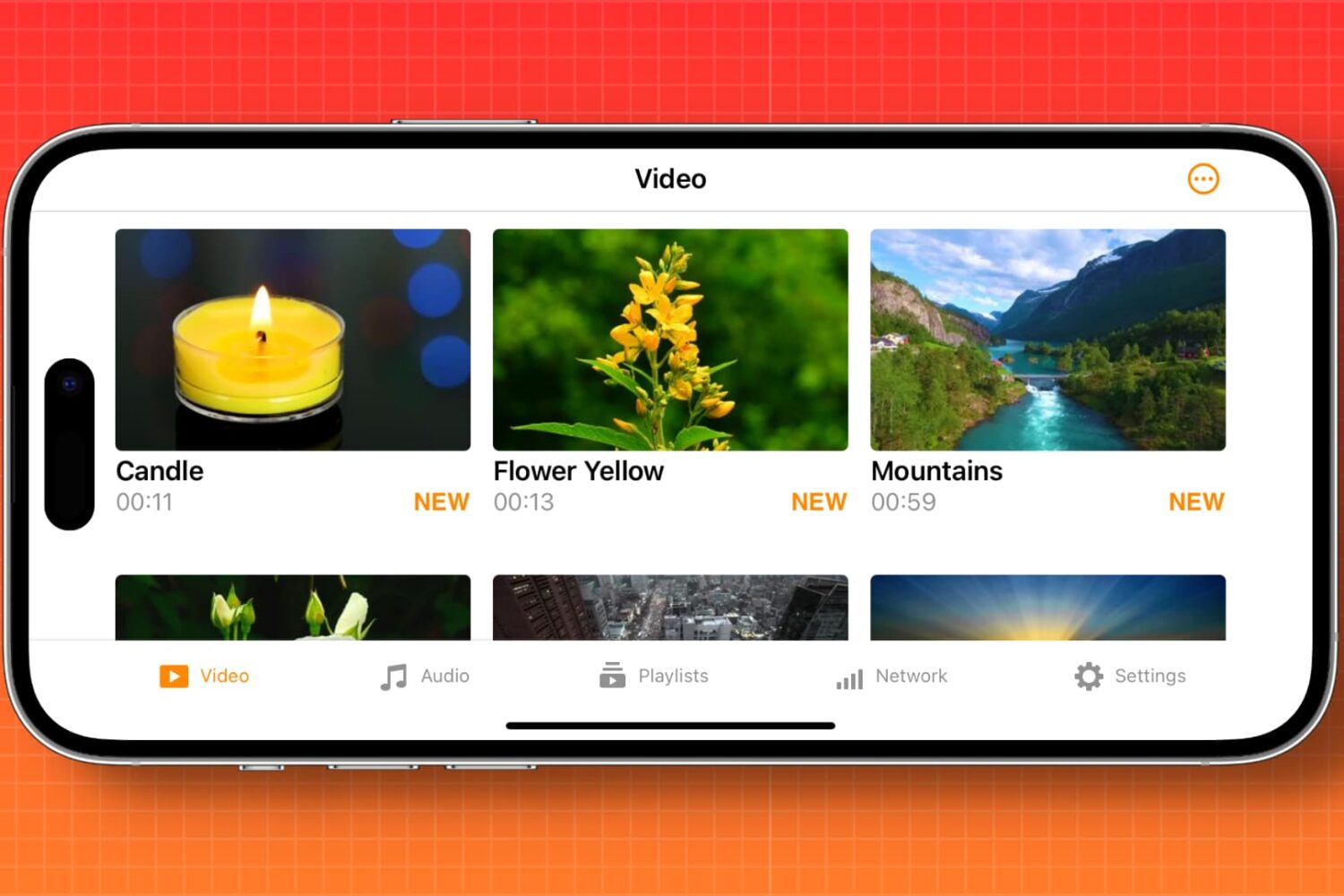
Learn how to automatically enable screen rotation for specific apps like Apple TV, YouTube, VLC, and Netflix on your iPhone.
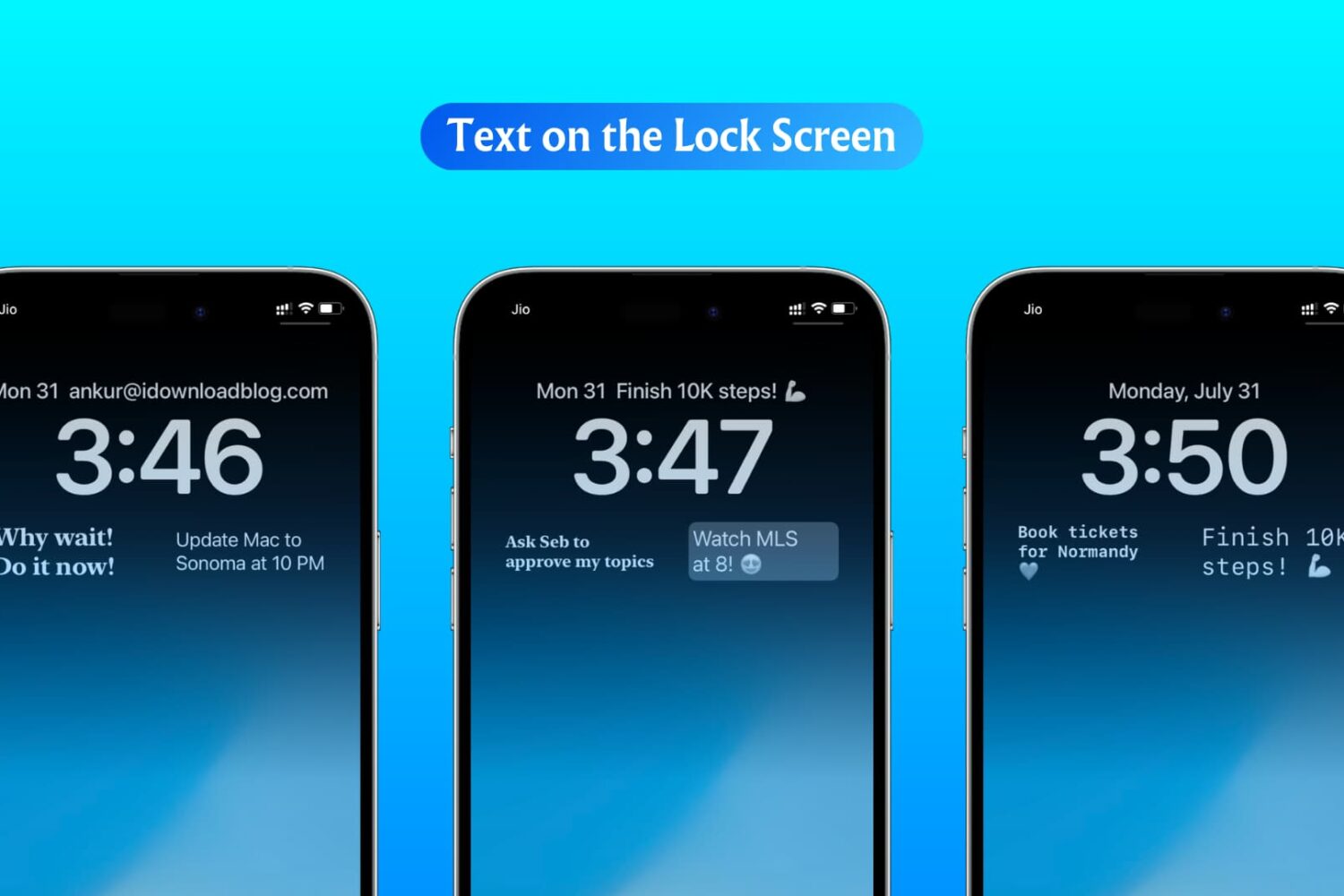
In this step-by-step tutorial, we show you how to display custom text, like your name, email address, phone number, or an inspirational quote, on your iPhone or iPad Lock Screen.
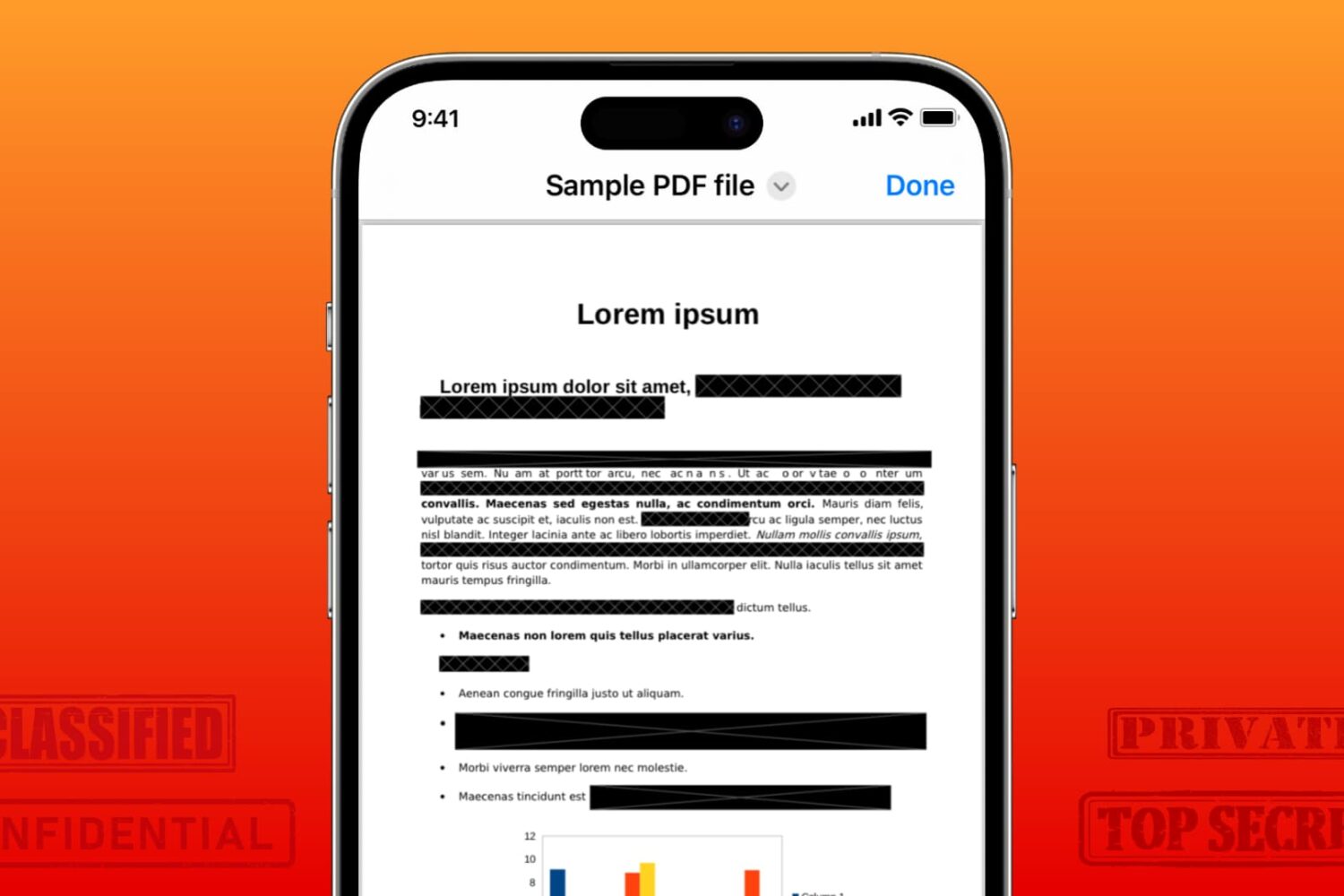
Learn how to securely redact or black out emails, phone numbers, bank accounts, and other confidential text in PDF documents to protect your privacy.
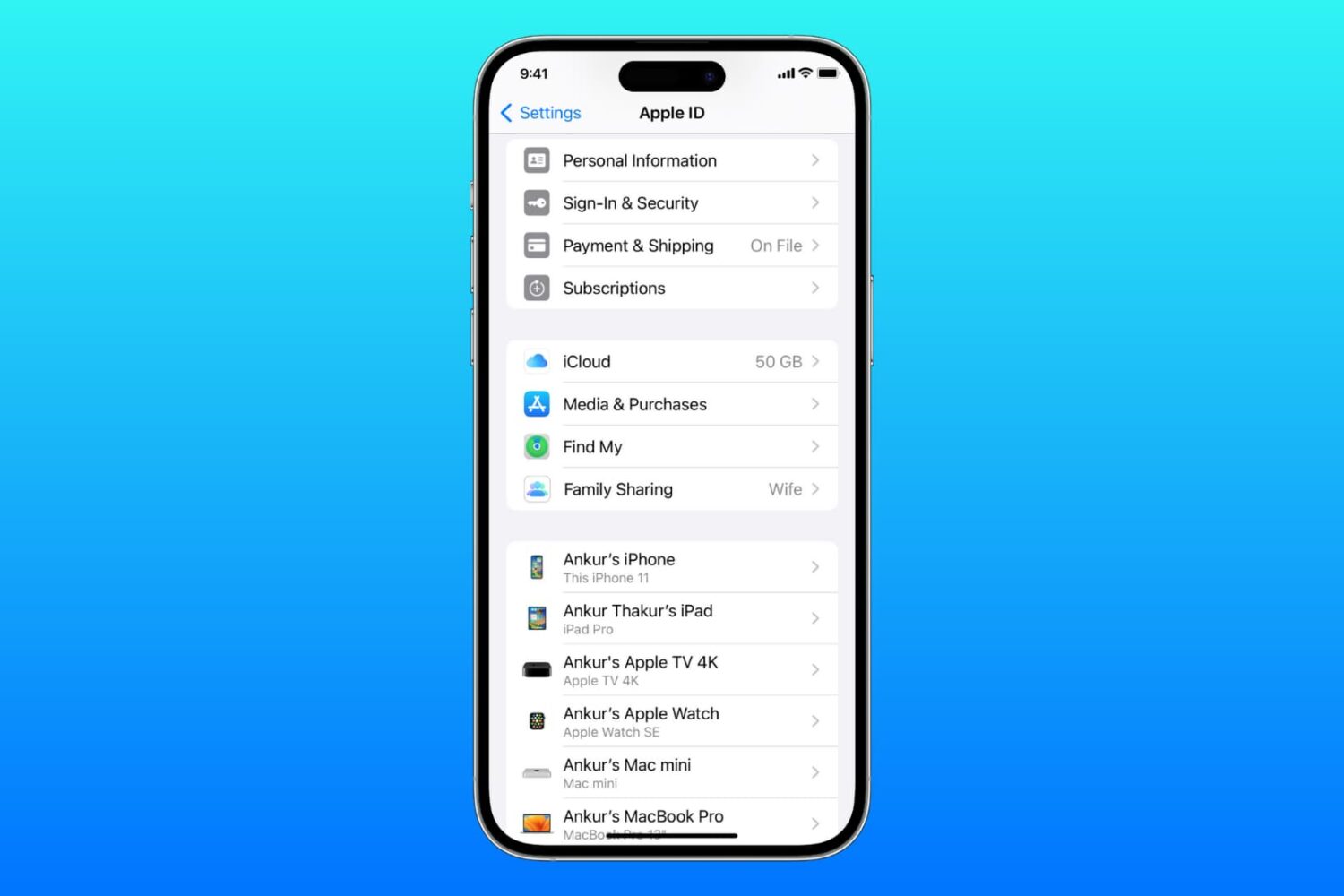
Learn what to do if you cannot access your iCloud or Apple Account settings because they’re grayed out or unclickable on your iPhone, iPad, Mac, or web browser.