Learn how to use Find My on your friend’s iPhone or iPad to locate your lost iPhone, iPad, Mac, AirTag, or other Apple device.
How to use friend’s iPhone to find your lost Apple device
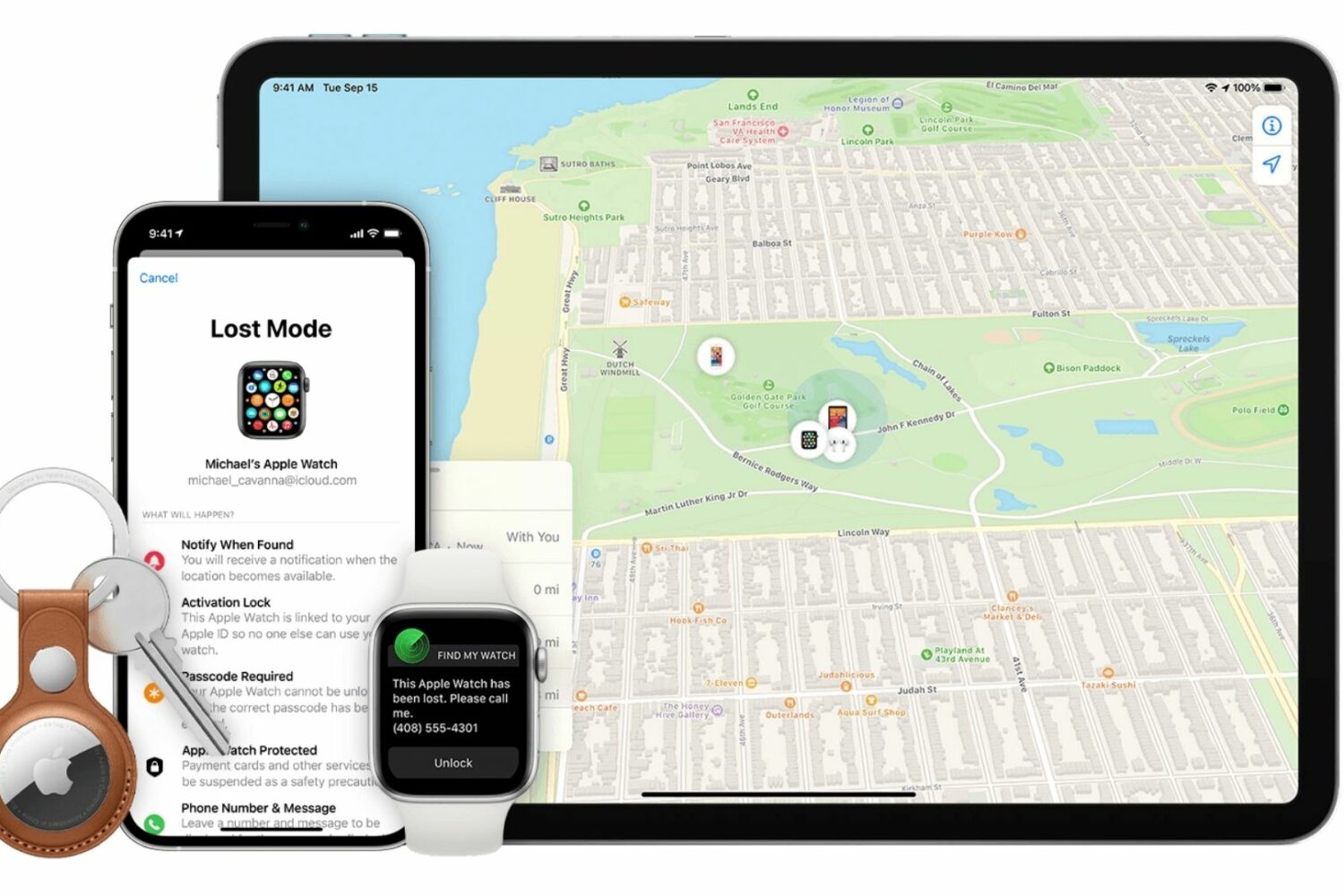
Learn how to use Find My on your friend’s iPhone or iPad to locate your lost iPhone, iPad, Mac, AirTag, or other Apple device.
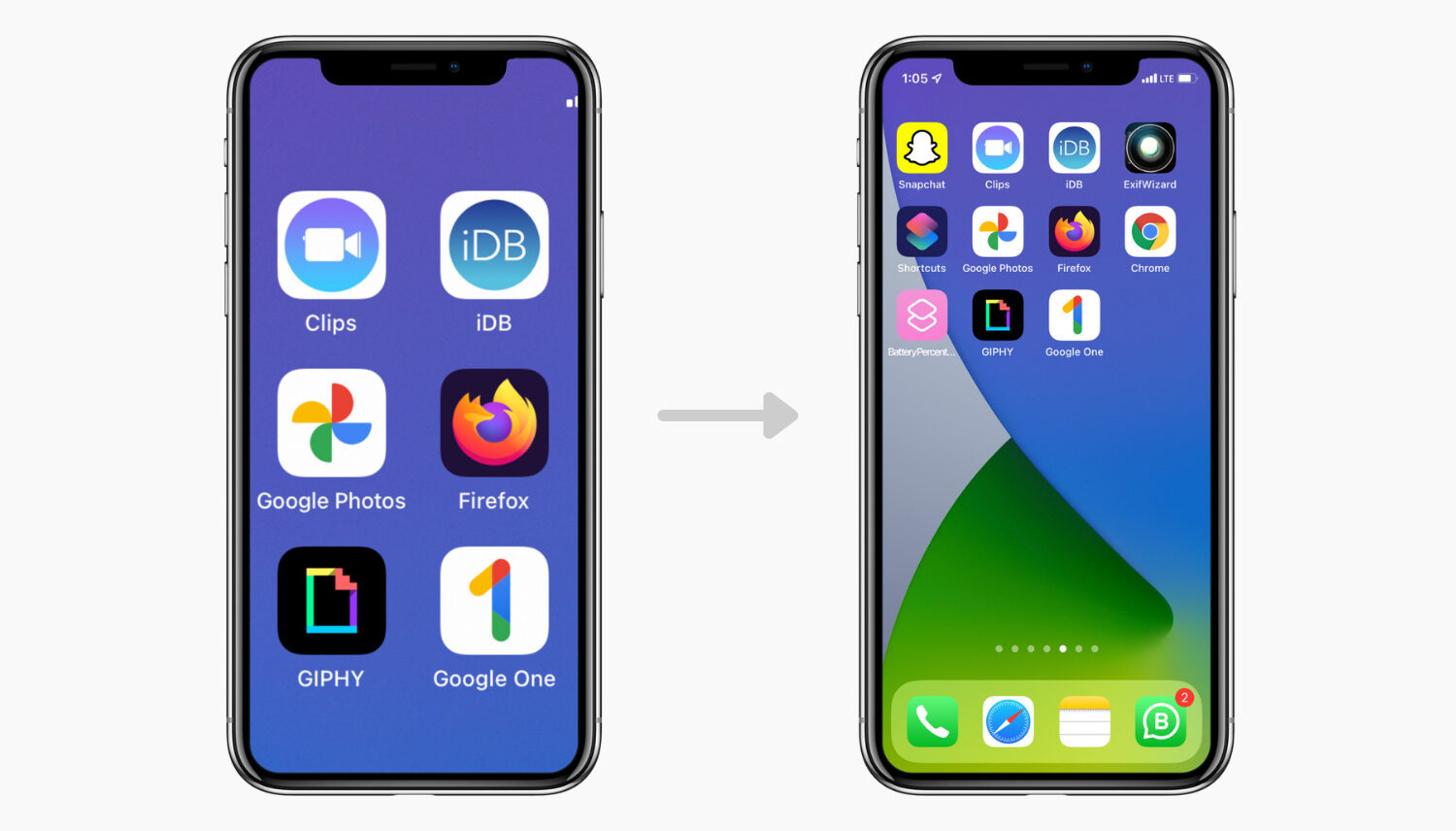
Check out this quick solution to unzoom your iPhone or iPad screen and have it return to normal if your device is stuck in zoom mode.
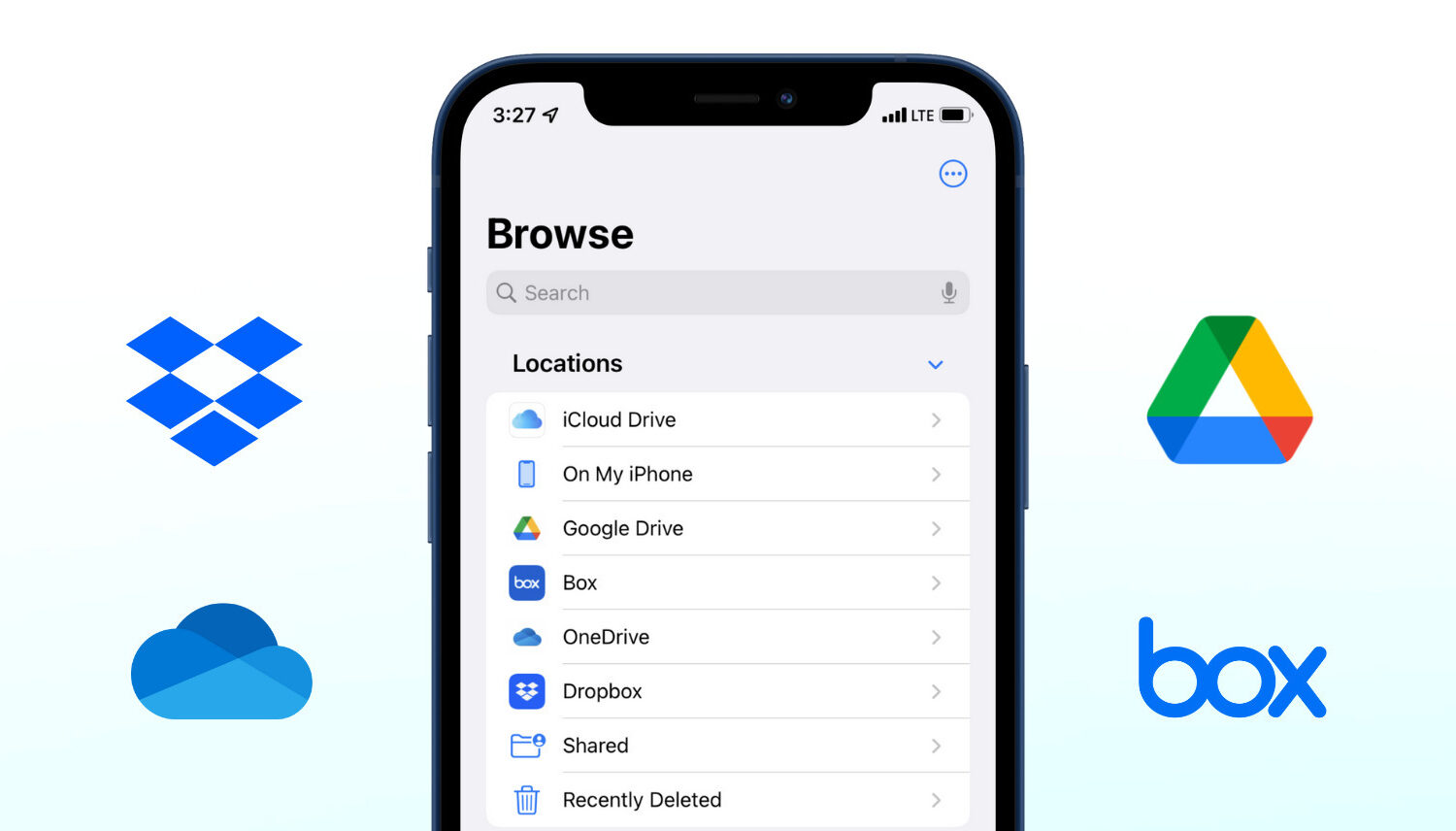
Learn how to add Google Drive, Dropbox, OneDrive, Box, and other storage services to the Apple Files app on your iPhone or iPad to access and copy data freely among all these services.

Slack is down globally for several users due to "connectivity issues related to DNS." The situation is so bad that even its status page, which has one job to show Slack's status, is not loading for many users. However, we have found two quick and easy solutions that have worked for us and may work for you as well.
So, here is how to use Slack on your iPhone, Mac, Android, PC, or in a browser even when Slack is down, unresponsive, and not loading for you.
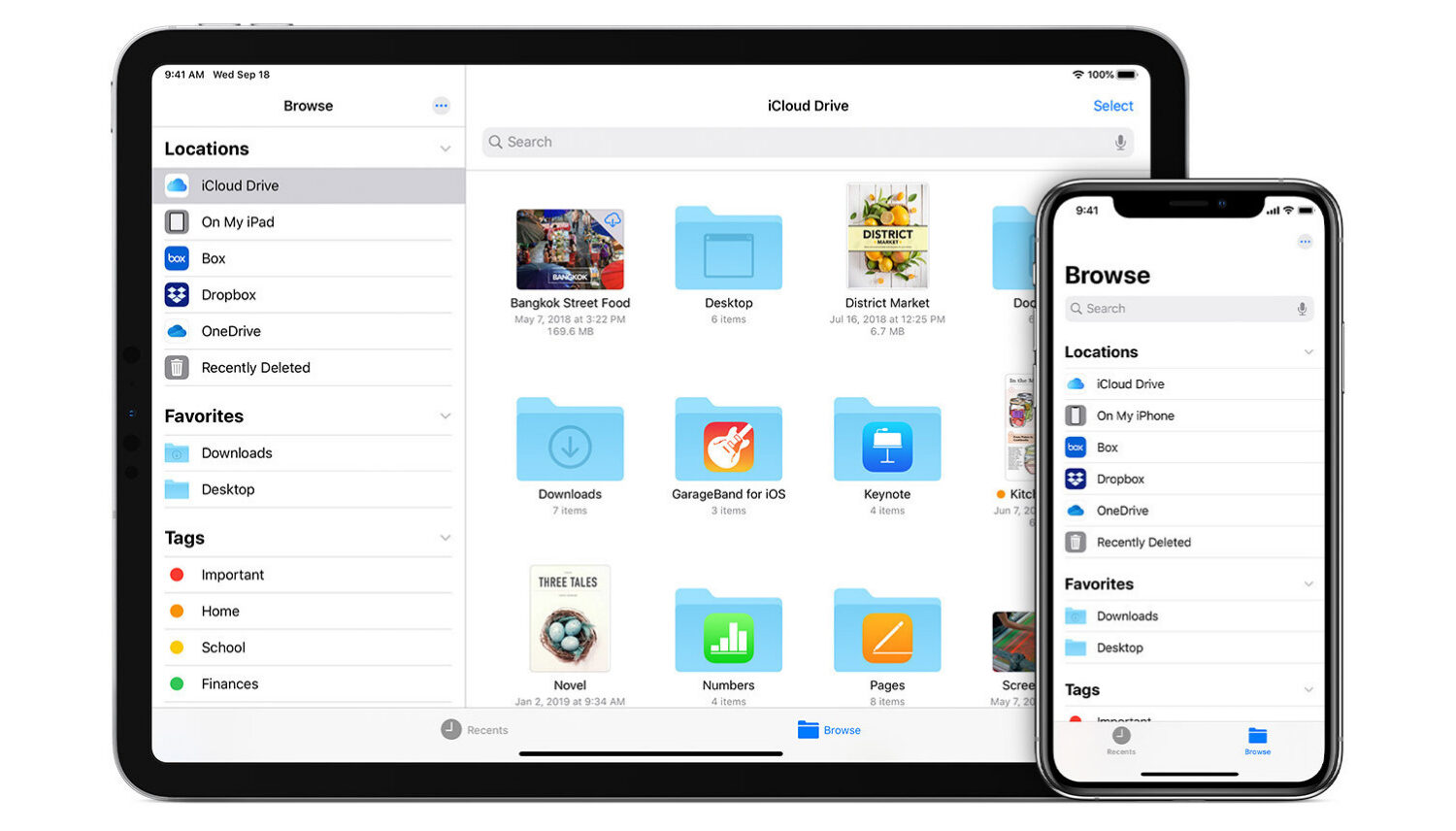
Learn how to sync contacts, reminders, photos, videos, books, apps, files, and documents from one iPhone to another iPhone or iPad.

Learn about the “Notify When Left Behind” feature in the Find My app so you can get notified if you accidentally leave your Apple devices or items attached to AirTags behind.

Check out these six easy ways to sync and transfer contacts from your iPhone to your Mac, ensuring seamless communication from all your devices.

Learn how to archive a backup of your iPhone or iPad on a Mac to keep it intact, rather than have it overwritten by future backups.
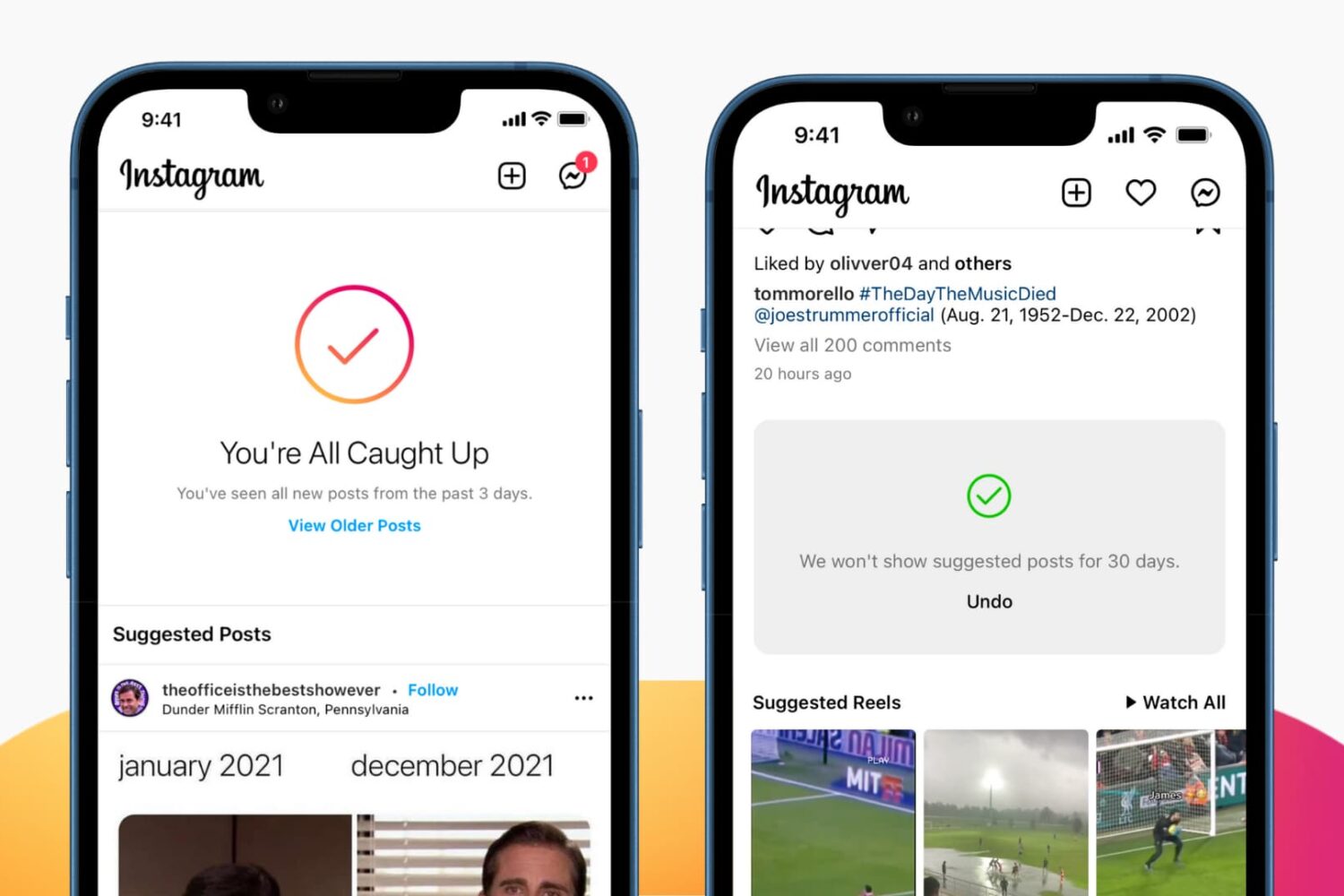
While many find suggested Instagram posts on their Timeline helpful for expanding their interests, others find them less than useful and even distracting. If you'd like suggested posts to stop appearing on your Instagram feed, we have good news and bad news. Have a look.

Learn how to change or delete the date, time, location, and other metadata of a photo on your iPhone, iPad, and Mac.
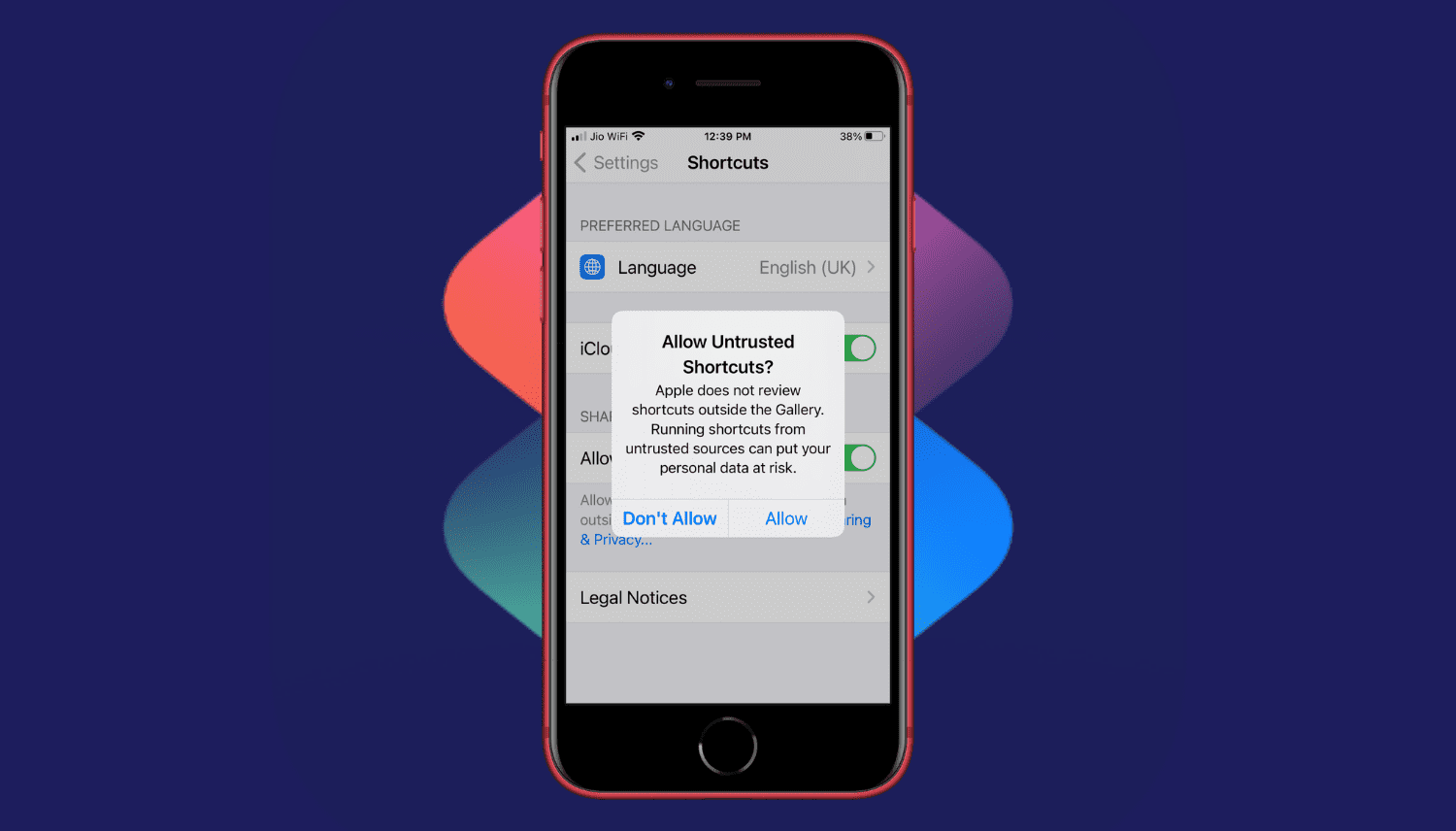
Are you trying to add a shortcut on your iPhone or iPad but can't proceed as your device is blocking unknown shortcuts? Here's how you can easily flip a switch and allow untrusted shortcuts on your iPhone. After this, you can use non-Apple curated shortcuts from elsewhere, like a website, shared via services like iMessage, received from AirDrop, and more.

Find out what to do if either the left or right AirPod won’t connect to your phone or computer or has completely stopped working.