Learn how to fix the multi-layered depth effect not working on your iPhone or iPad’s Lock Screen wallpaper.
Fix wallpaper Depth Effect not working on iOS Lock Screen
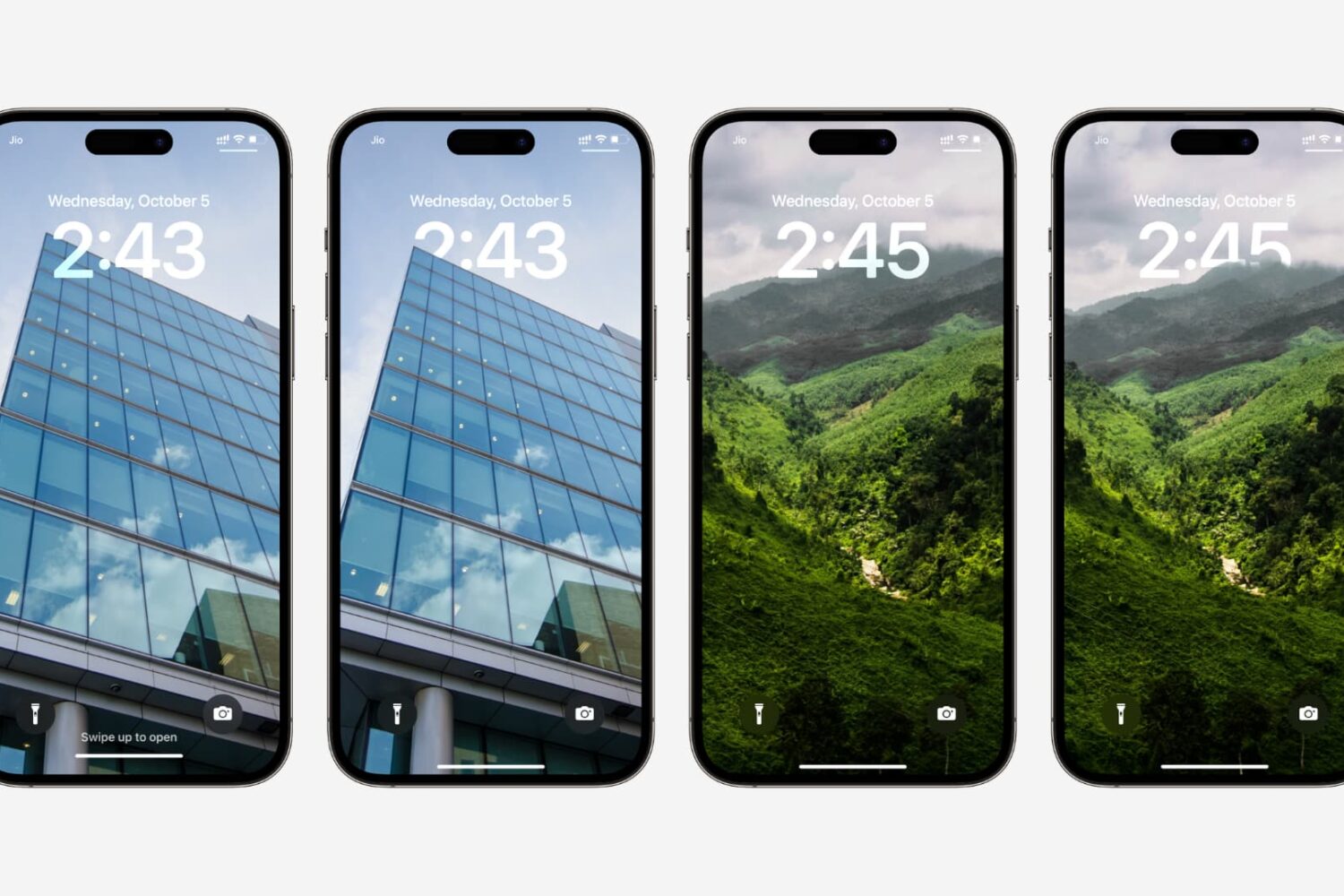
Learn how to fix the multi-layered depth effect not working on your iPhone or iPad’s Lock Screen wallpaper.
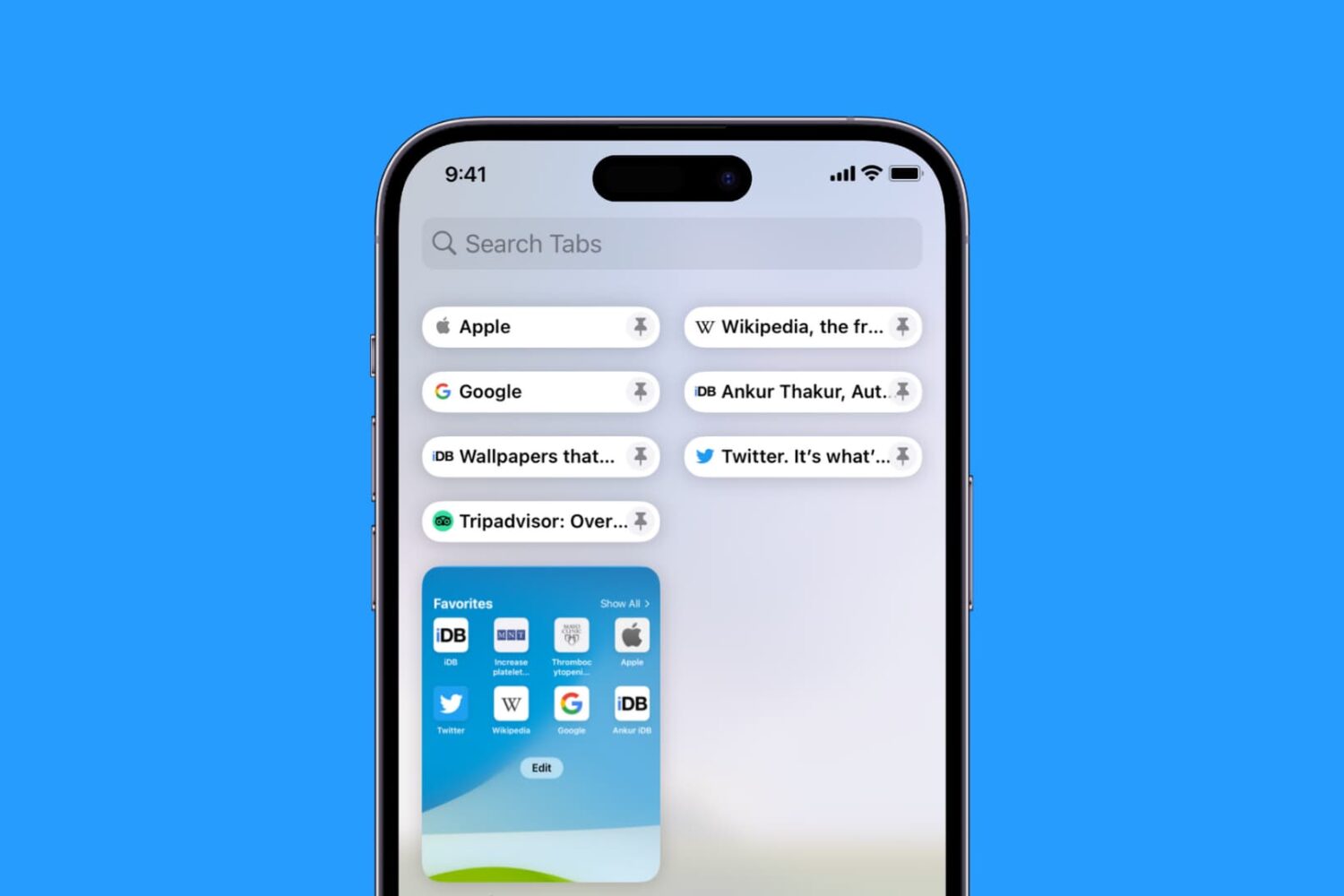
Learn how to pin Safari tabs on your iPhone, iPad, and Mac so that you can quickly get to your favorite websites anytime.
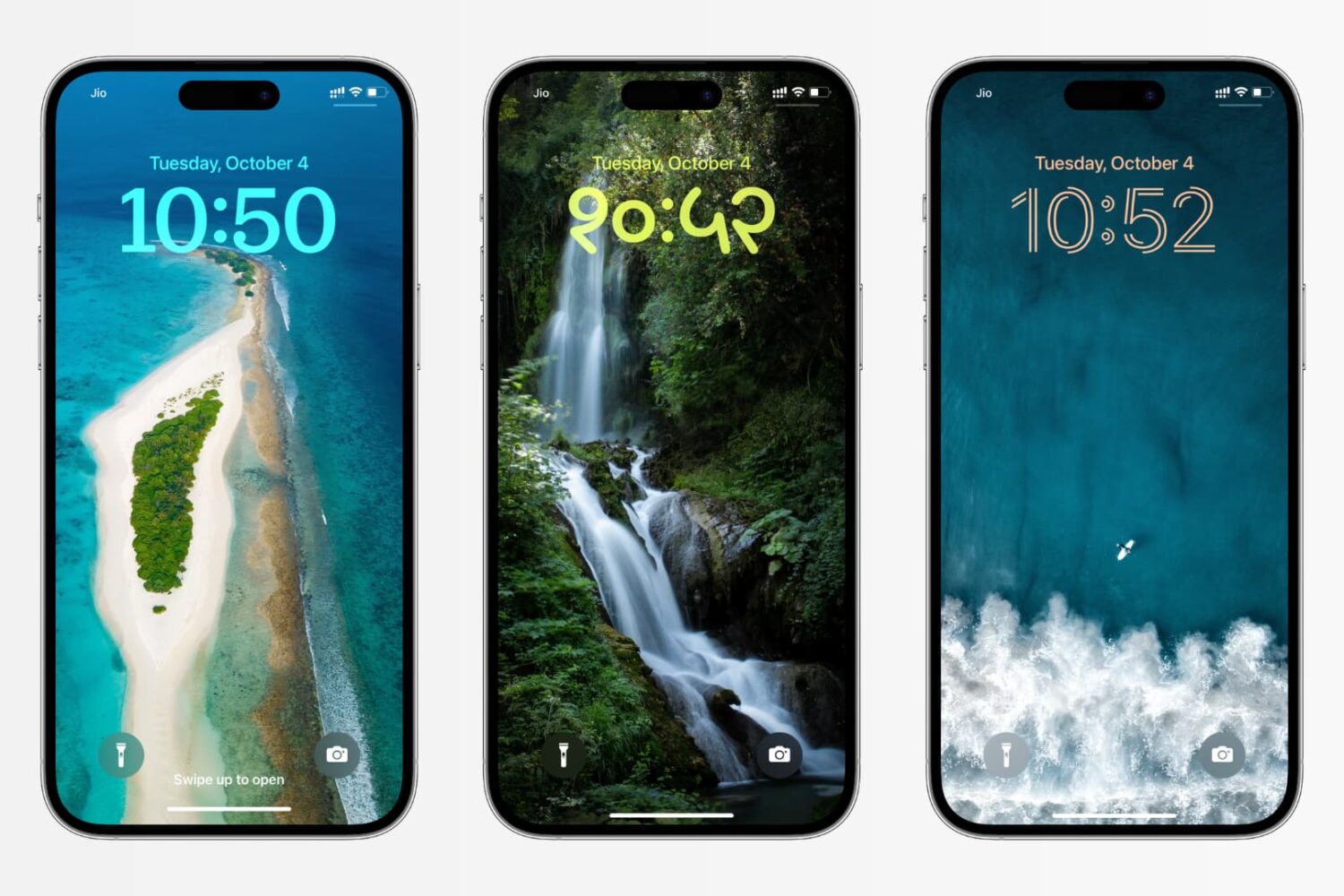
In this tutorial, we’ll show you how to change the color, font, and even the script for the clock on your iPhone or iPad Lock Screen to create a unique look.
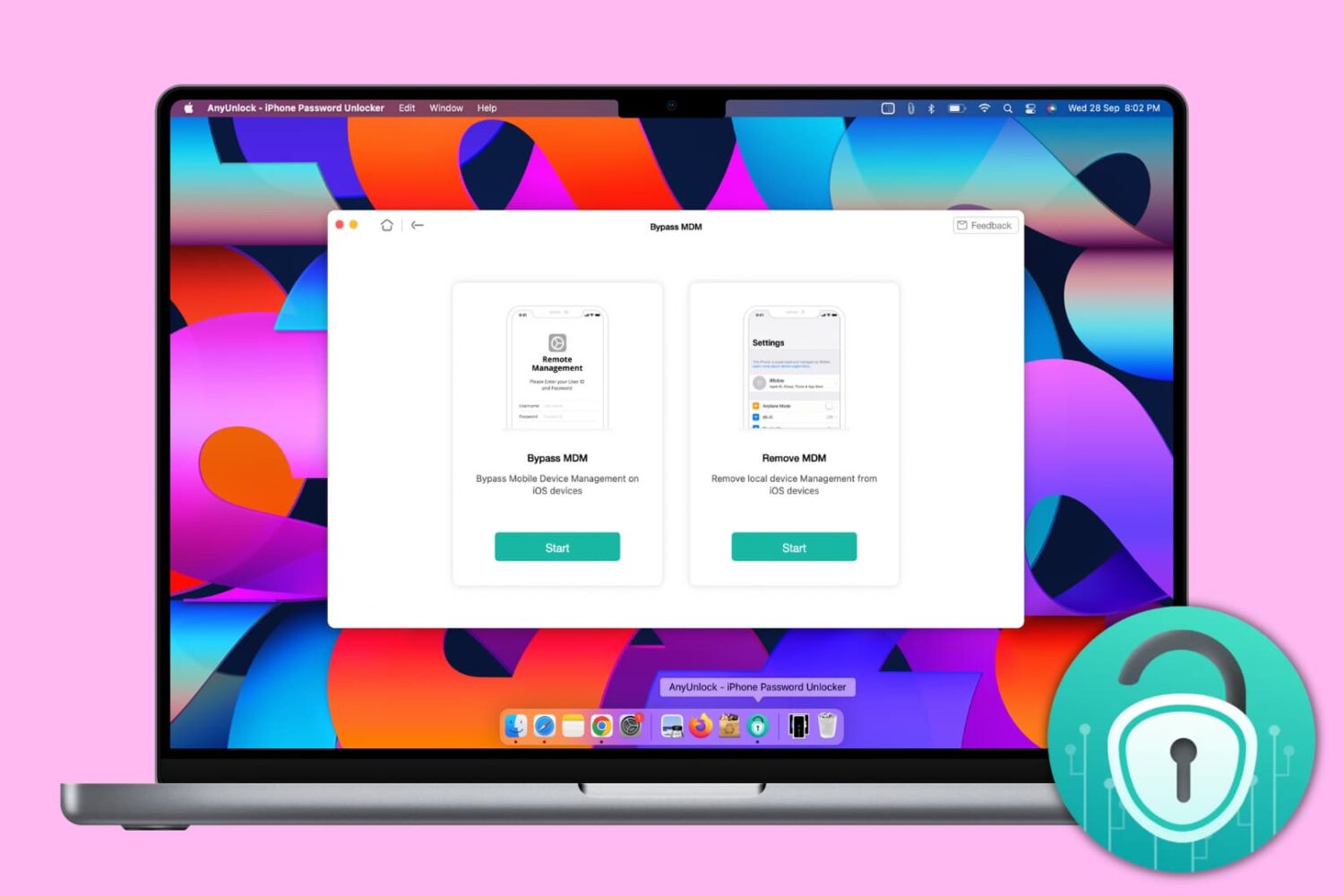
Mobile Device Management, or MDM, lets big organizations remotely manage Apple devices such as iPhone, iPad, and Mac, they give to their employees. With this, the organization can deploy updates, install apps, and put several restrictions on the iOS devices.
You will encounter an iPhone with a Remote Management screen asking you to enter the username and password if you're an employee of an organization who has been allotted this device or if you bought a second-hand iPhone and the seller didn't remove the MDM profile beforehand.
An iPhone with MDM may have many restrictions, and you may not be able to use it fully. And if it's an erased iPhone, the lack of the right credentials may not even let you go past the Remote Management setup screen.
To get out of such situations, you can use AnyUnlock by iMobie, and in this tutorial, we show you how.
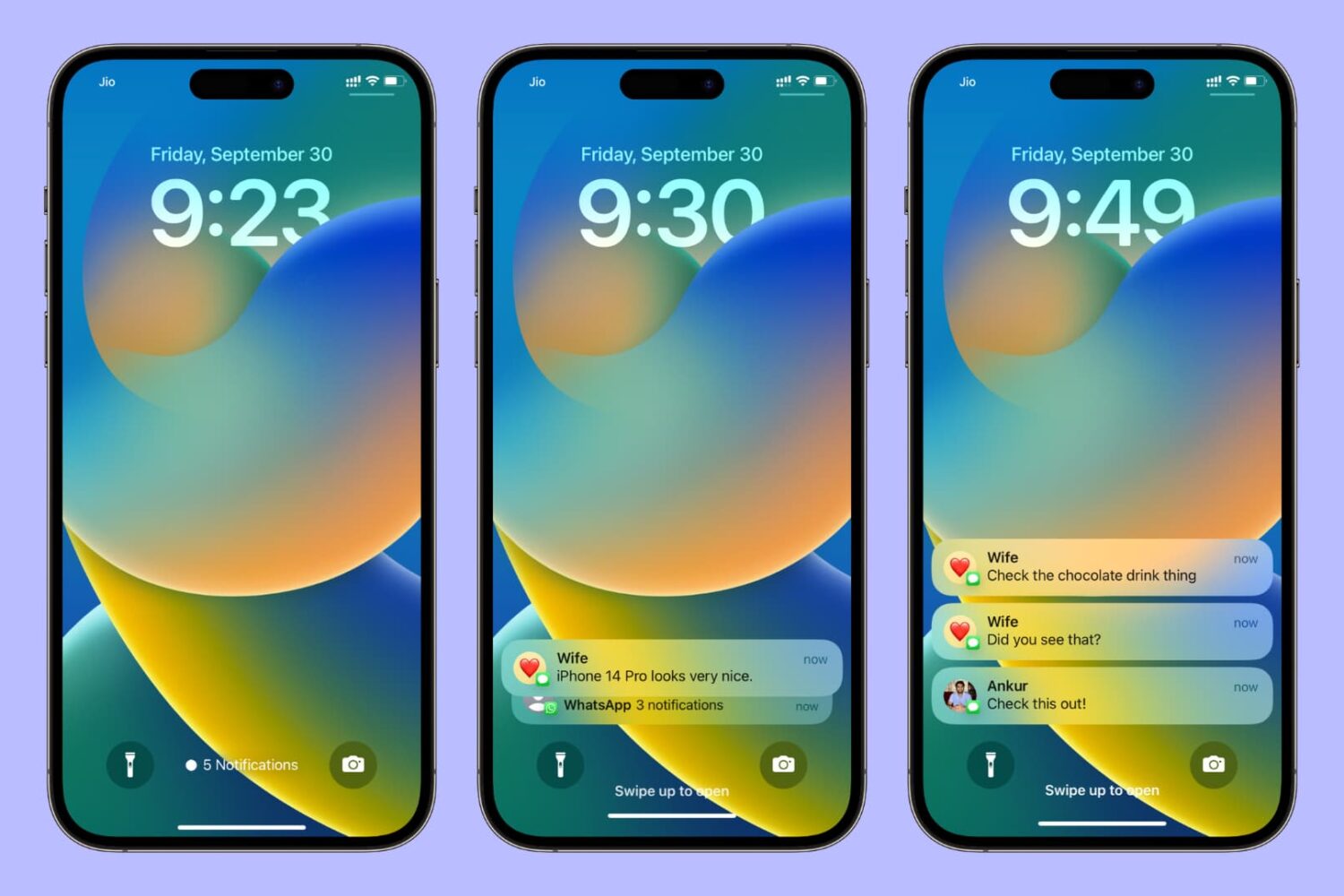
Learn how to change the way notifications are displayed on your iPhone or iPad Lock Screen and choose between three different styles — Count view, Stack view, or the classic List view.
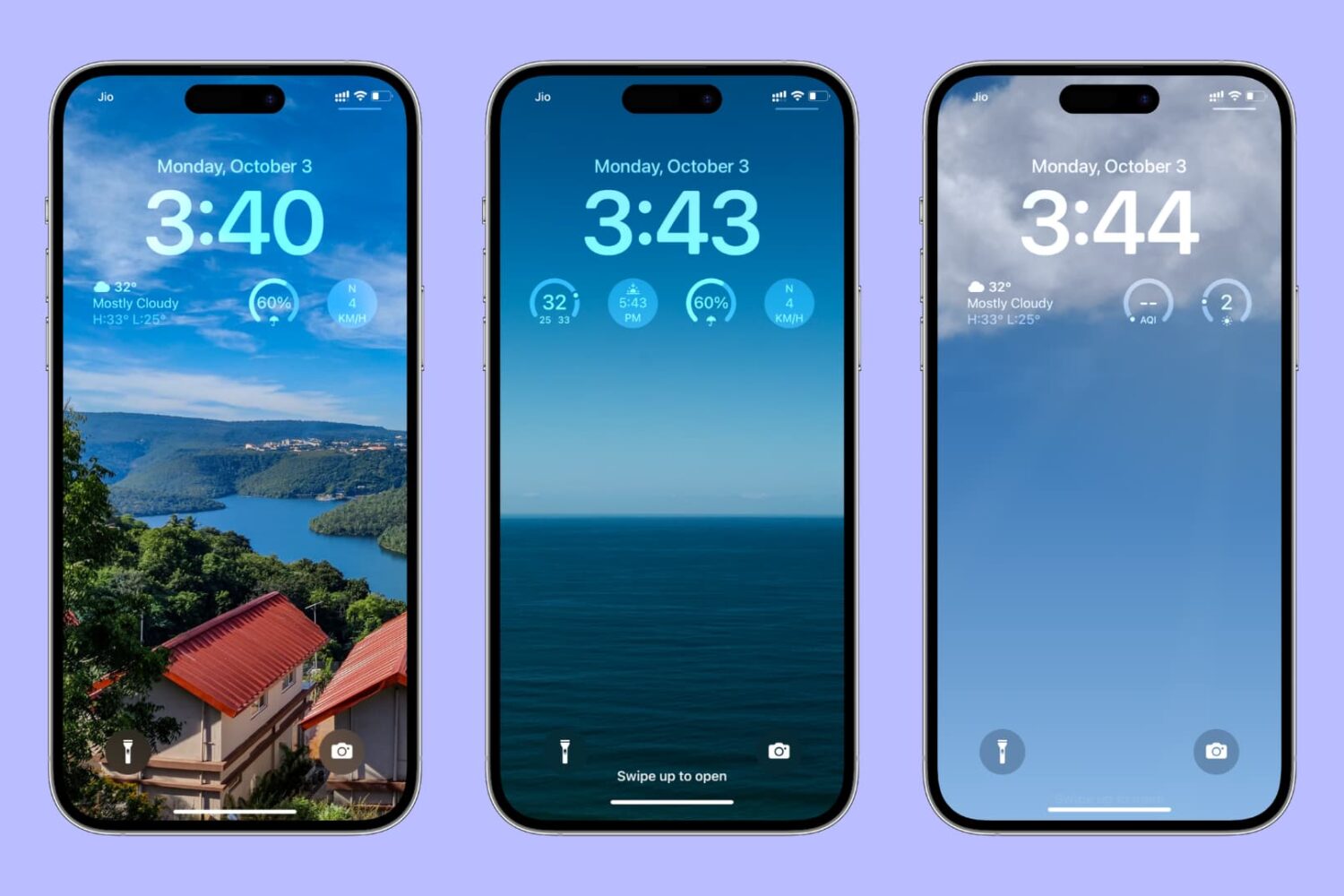
Learn how to use weather widgets or smart weather wallpaper to always see weather conditions right on your iPhone or iPad Lock Screen.
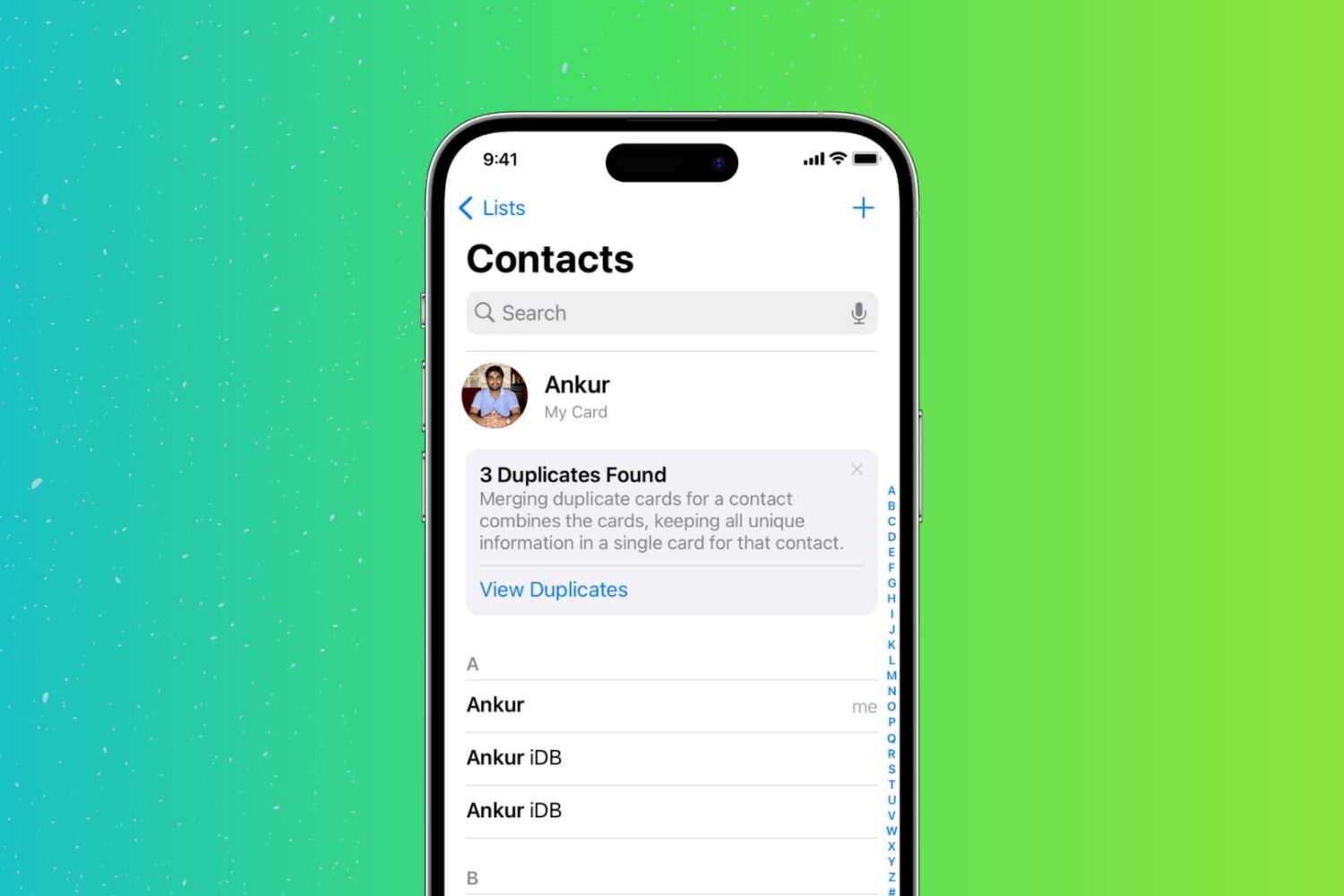
Too many duplicate contacts in your address book? Here are 3 free ways to find, merge, or delete those duplicates directly from your iPhone.
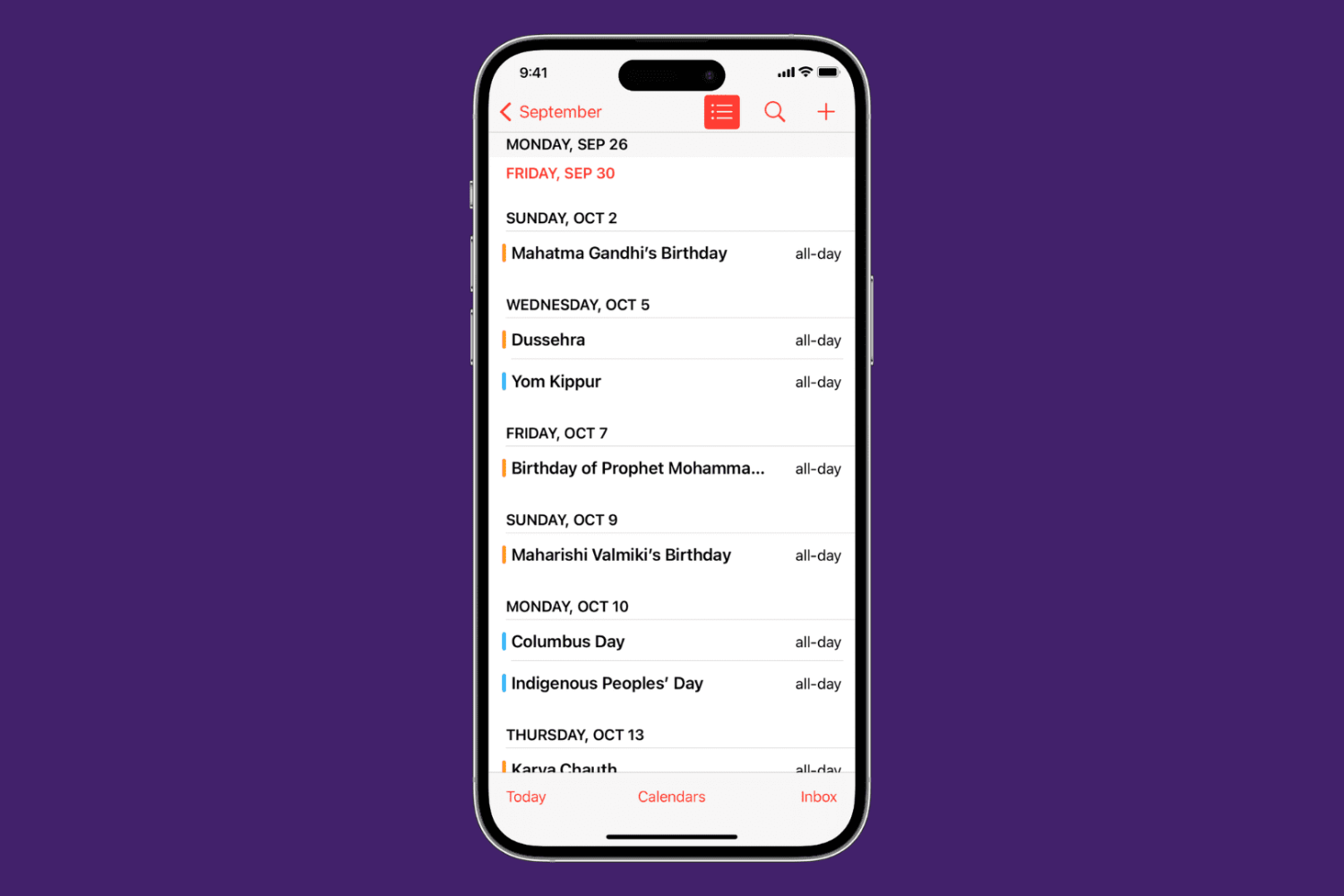
Learn how to view calendar events as a list in the Calendars app, as well as on the Home Screen and Lock Screen of your iPhone, iPad, and Apple Watch.

Learn how to use the Safety Check feature on your iPhone to audit what you're sharing with people and apps so you can take the appropriate actions to keep yourself and your data safe.
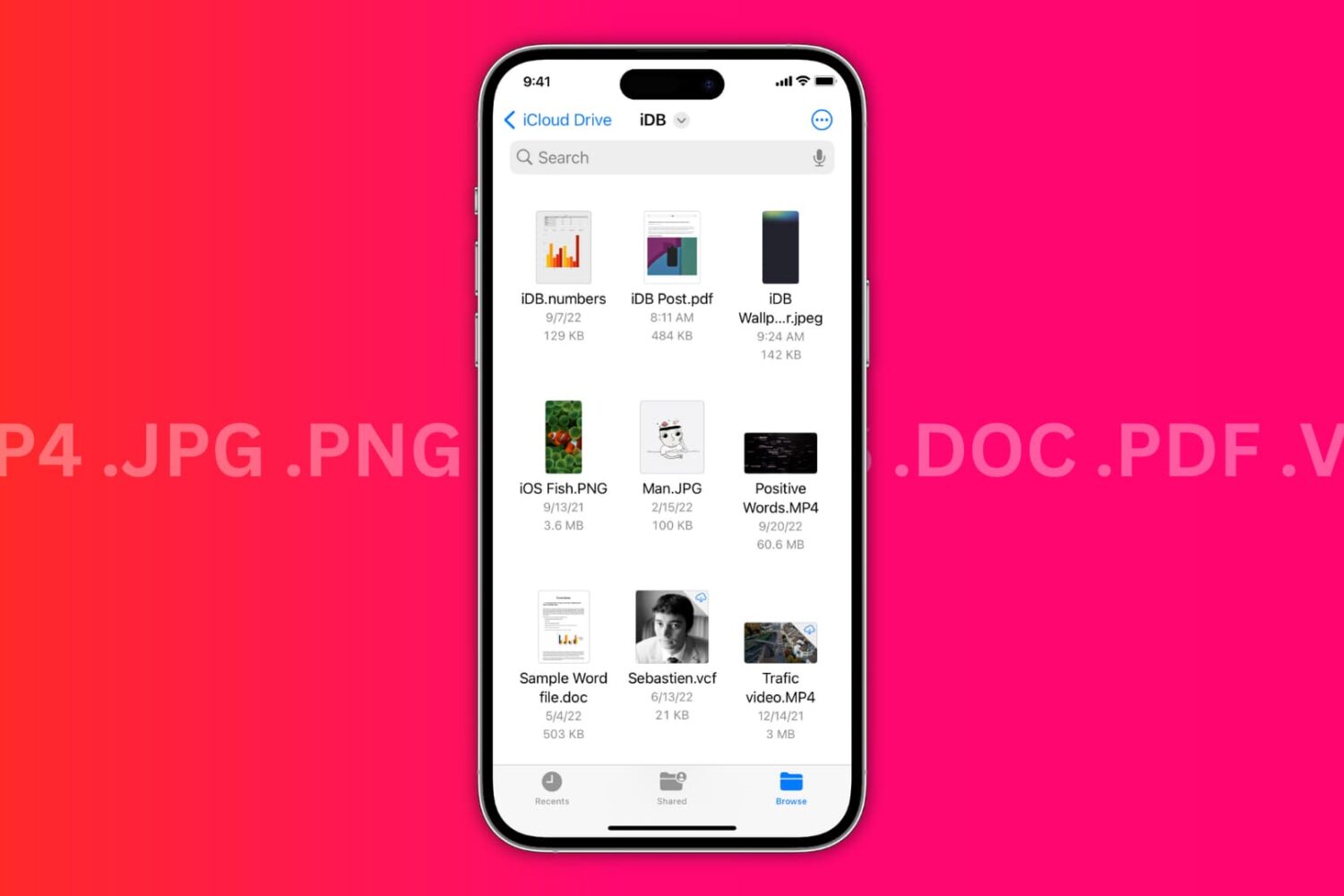
In this brief tutorial, we’ll discuss two ways to check the file extension for saved images, videos, audio, documents, and more in the Files app on iPhone and iPad.
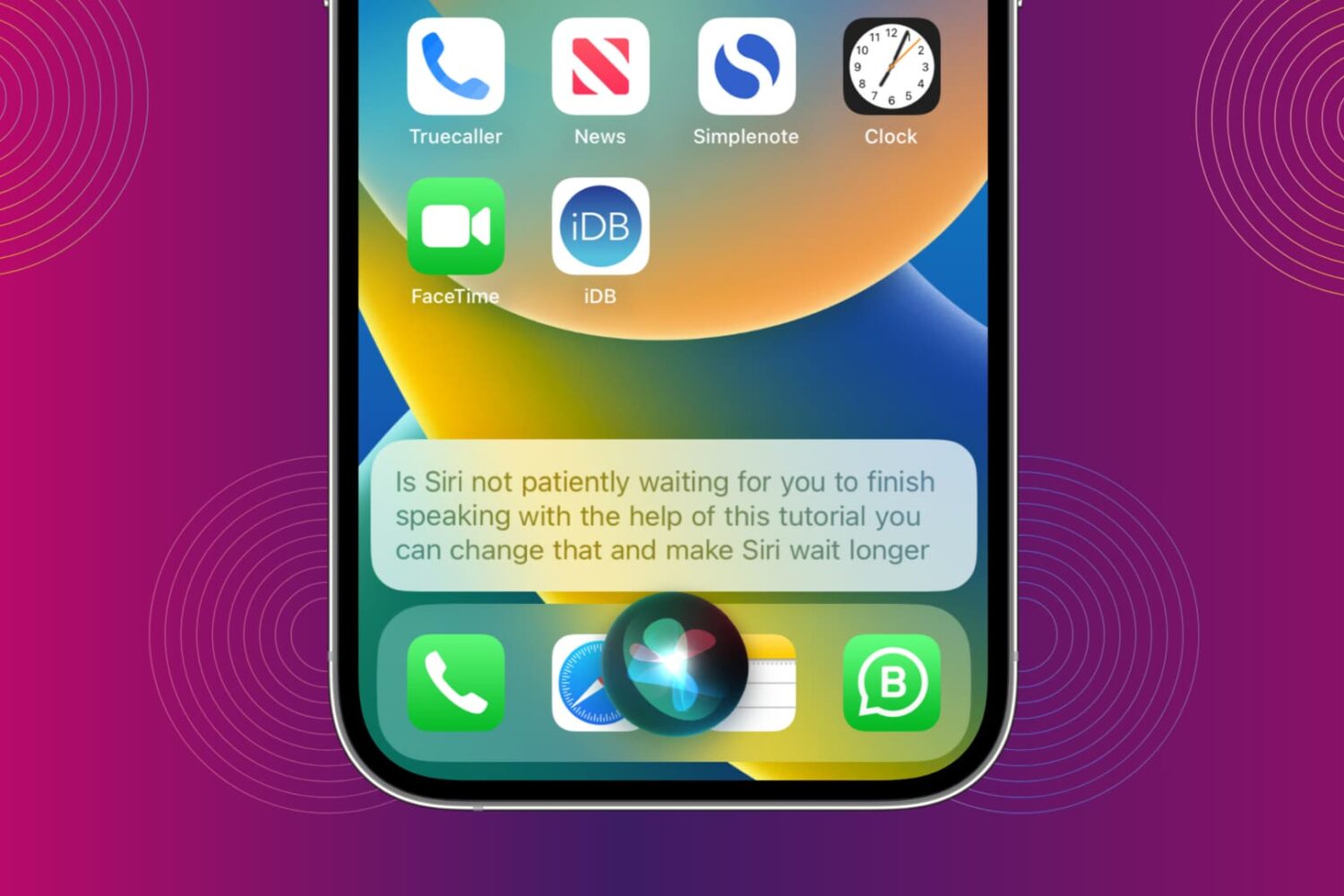
You can make Siri wait longer and have it keep listening until you finish speaking. We show you how to do that and increase Siri Pause Time so the assistant waits patiently for your voice command to be over before it starts working on it.
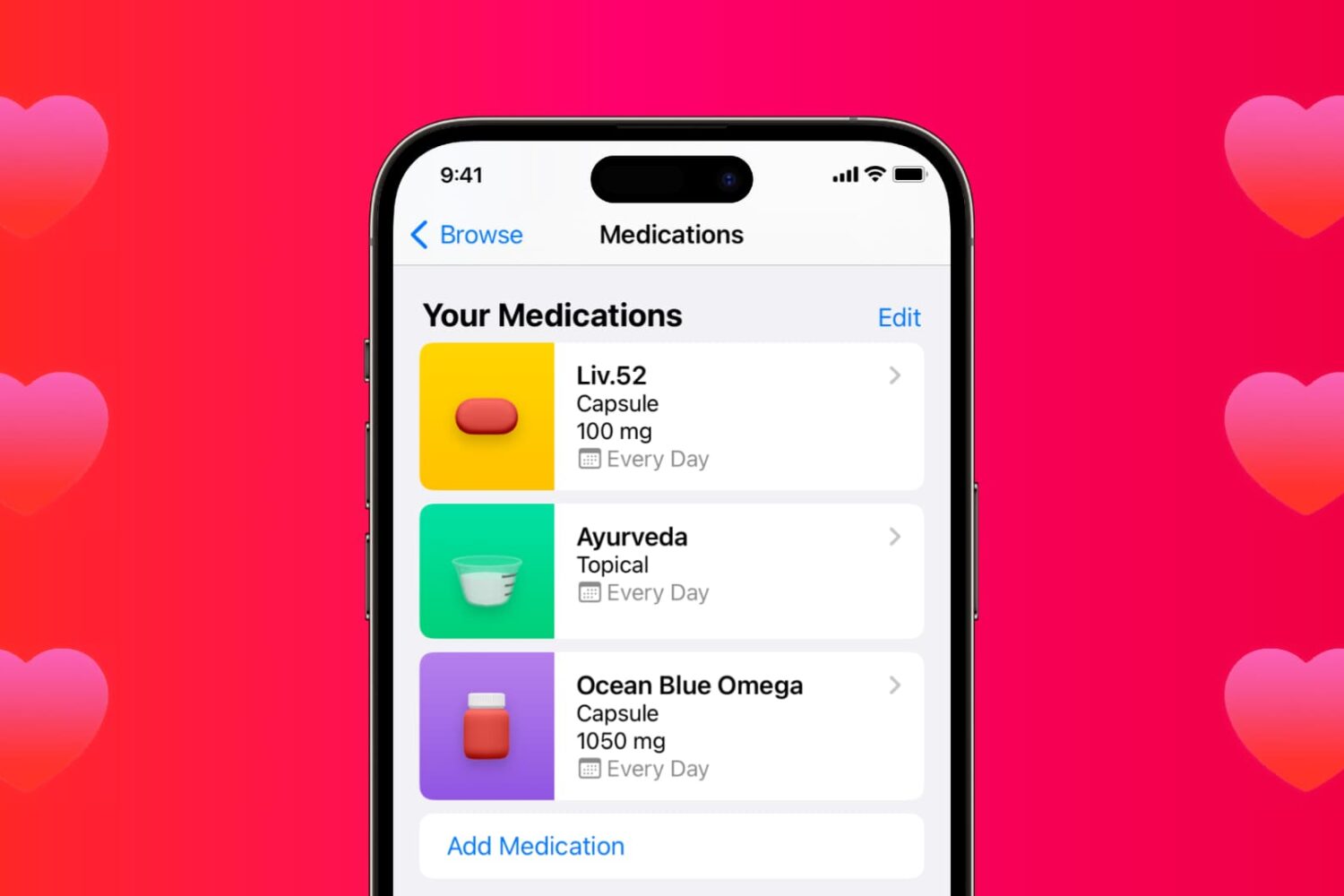
Learn how to use the Medications feature in the iPhone and iPad Health app to keep track of your medications and be reminded to take them on time.