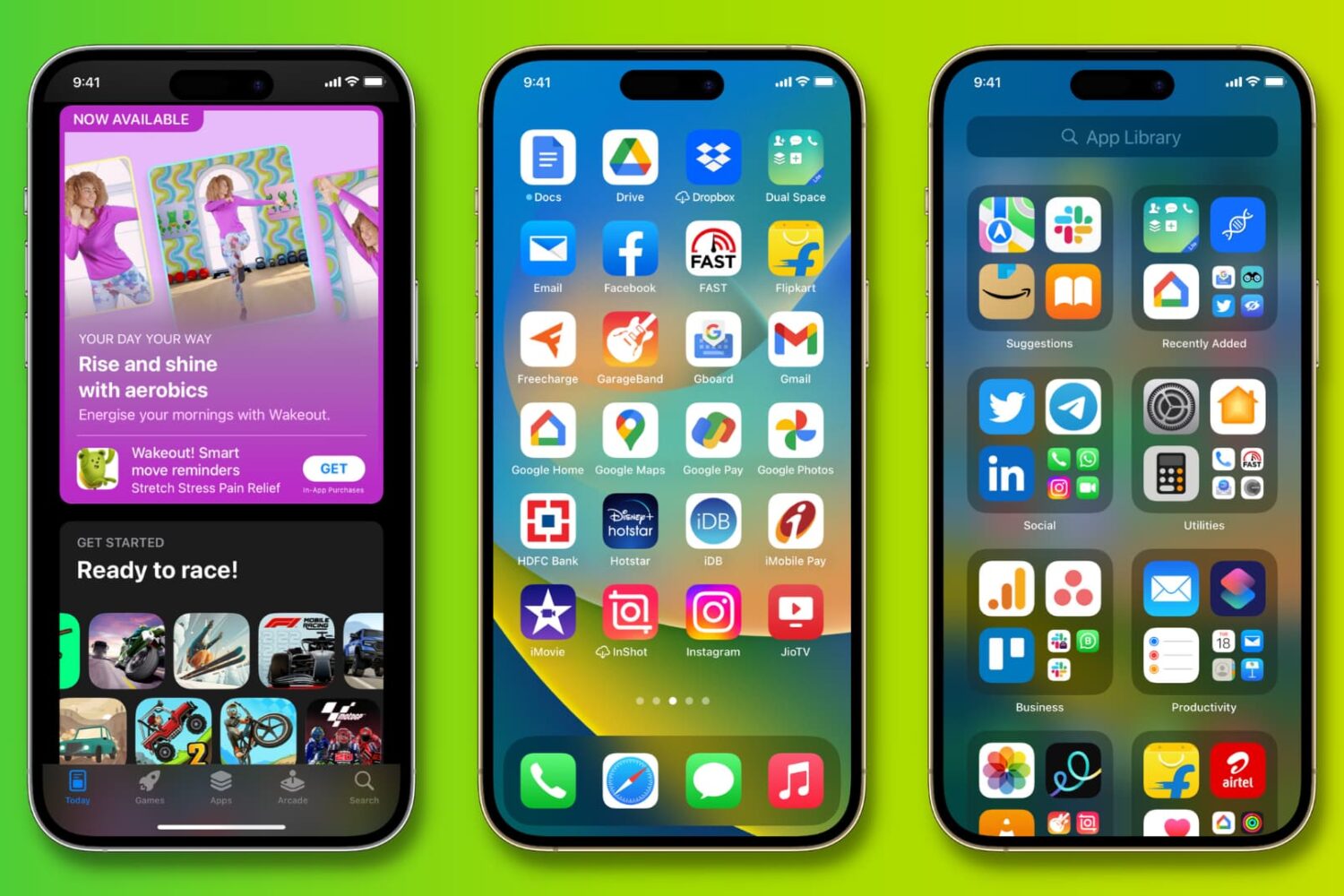
Learn how to set two different pictures as the Home Screen and Lock Screen wallpapers on your iPhone or iPad running iOS 26 or earlier.
How to set different Lock and Home Screen wallpapers on iPhone
Learn how to set two different pictures as the Home Screen and Lock Screen wallpapers on your iPhone or iPad running iOS 26 or earlier.
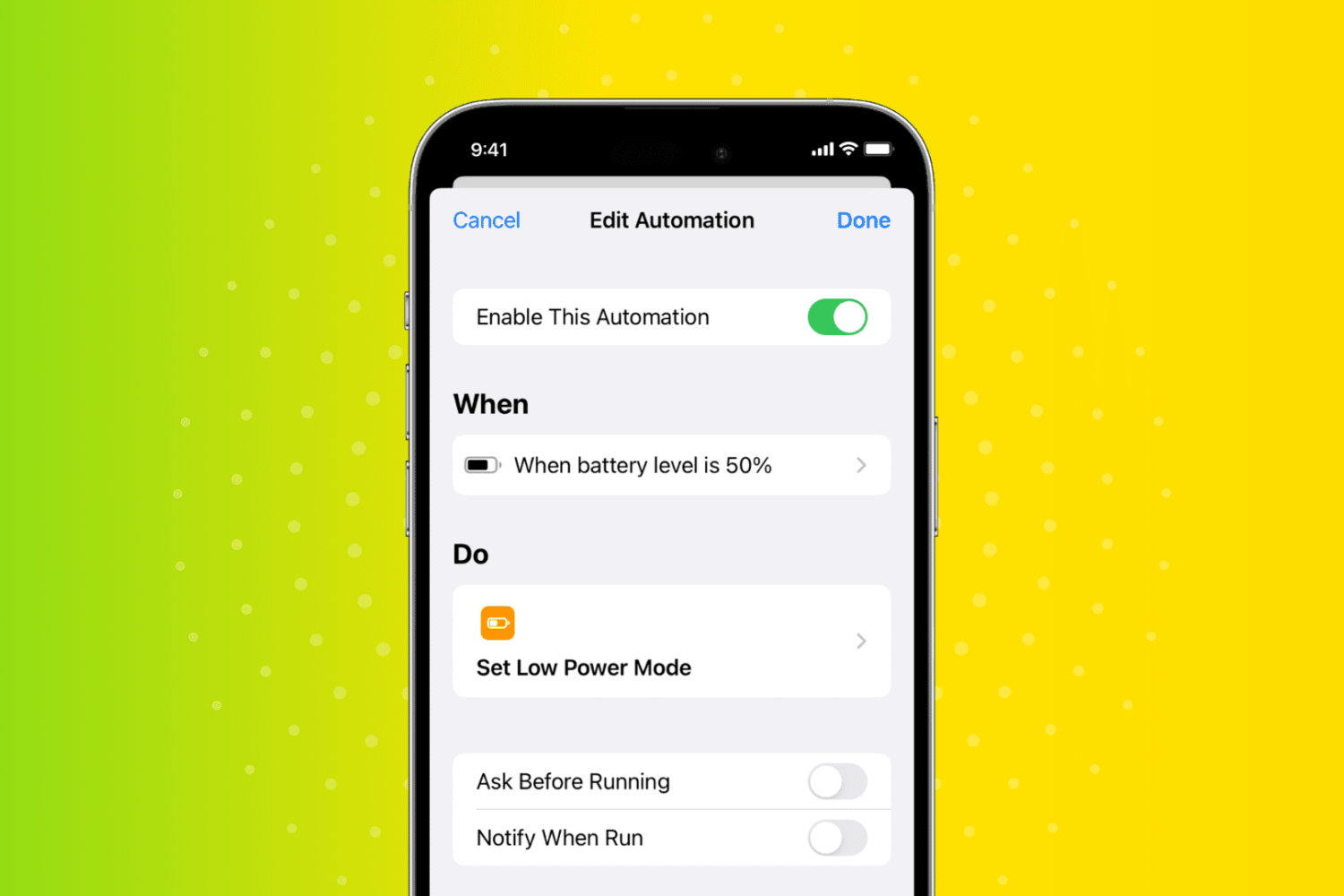
Go through these tips to ensure your Apple Watch stays safe from liquid damage after you have submerged it in water or showered with it.
Learn how to crop an image down to the correct dimensions to use it as a perfect wallpaper for your iPhone’s Home Screen and Lock Screen.
Check out these tips to make your current iPhone last longer instead of buying the new iPhone 17.
Have you ever wanted your favorite songs to start playing automatically when you turn off your morning alarm? In this quick tutorial, we’ll show you how to do that on your iPhone or iPad using the built-in Apple Shortcuts app.
You can easily hide an Amazon order and prevent it from showing on your orders history page by following these simple steps.
Learn what to do if your external hard disk, SSD, thumb drive, or other USB device is not connecting to your Mac and you can’t use it as expected.
Go through these useful iPhone and Mac tips to help you stay healthy and productive while working from home.
Learn how to disable Siri on your Apple Watch if you don’t use it or find yourself activating it accidentally during workouts and other situations.
In this guide, we go over 18 effective tips to help you boost mobile data speed on your iPhone or cellular iPad if you’re experiencing connection drops, slow loading times, or generally poor download and upload performance.
Go through these solutions to fix the Notes app not working, opening, freezing, crashing, or not displaying your notes on iPhone, iPad, and Mac.
Learn what steps to take if your AirPods, AirPods Pro, or their charging case get dropped in water or exposed to sweat, juice, beer, and other liquids.