Try our expert troubleshooting tips if Face ID fails to unlock your iPhone or iPad, won’t let you authorize downloads, locked apps, autofill passwords, or use Apple Pay.
Fix Face ID not working on your iPhone or iPad
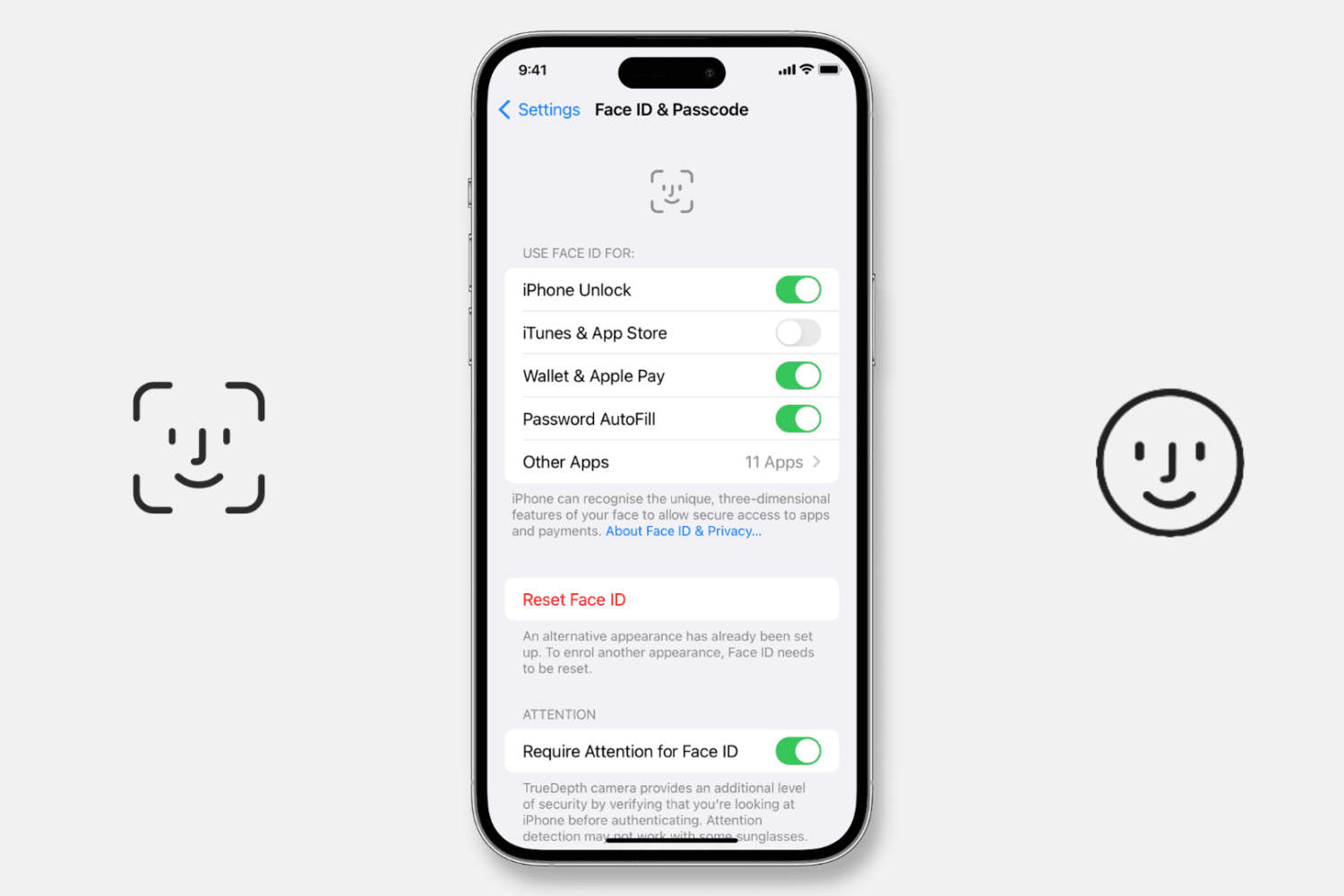
Try our expert troubleshooting tips if Face ID fails to unlock your iPhone or iPad, won’t let you authorize downloads, locked apps, autofill passwords, or use Apple Pay.
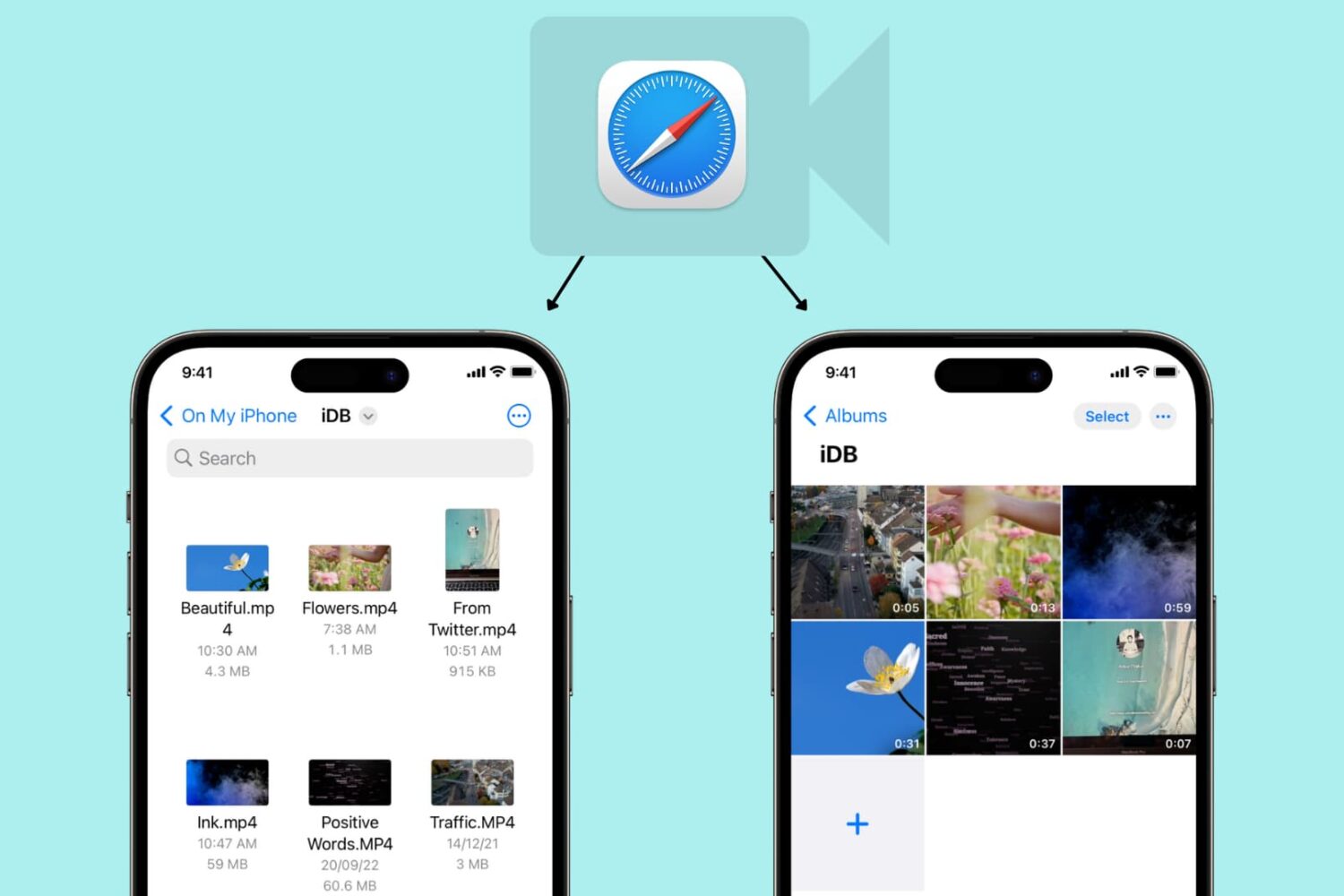
Learn how to use Safari on your iPhone or iPad to download video files directly to the Photos app or Files app for offline viewing.
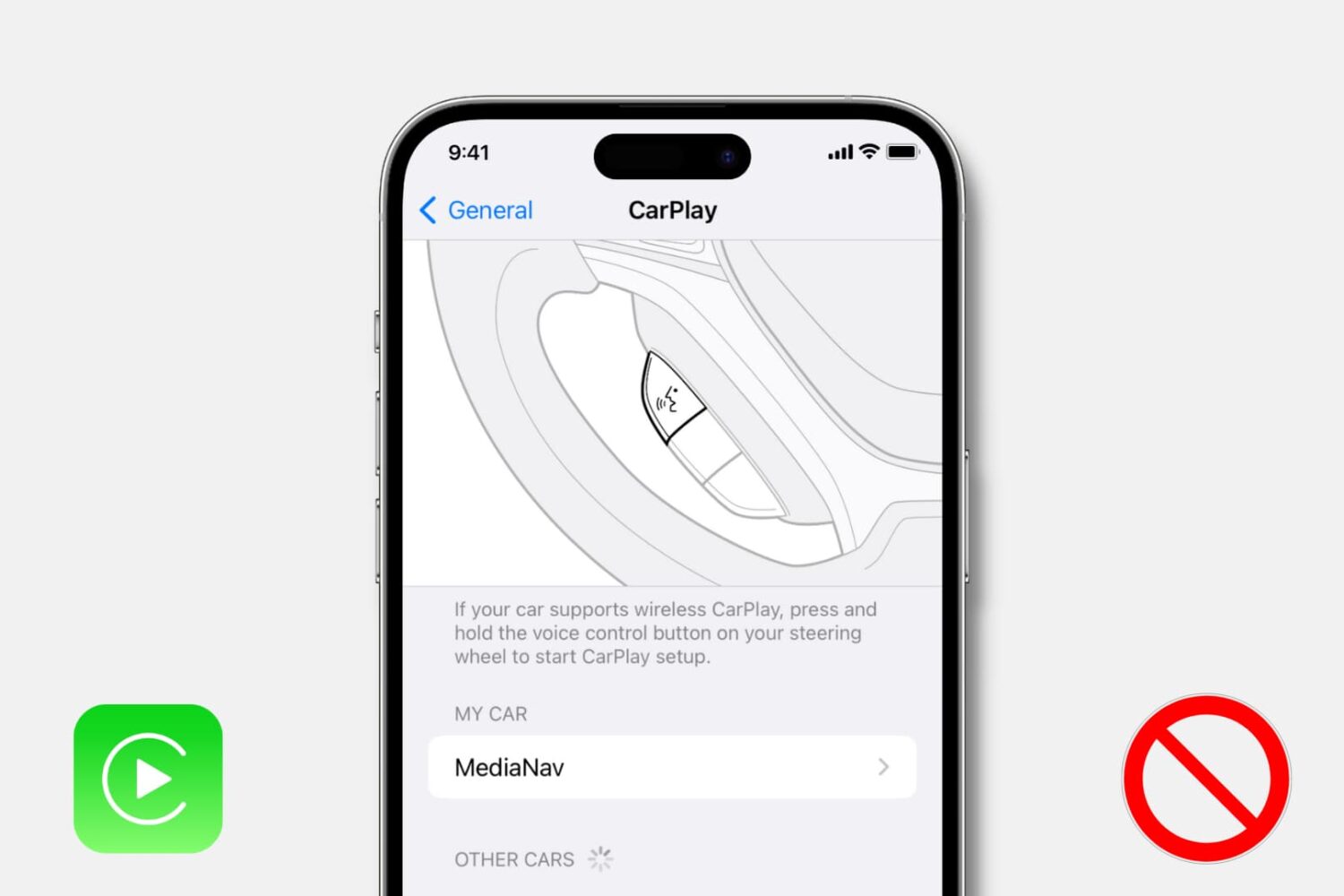
Learn how to turn off CarPlay for a particular car or disable it entirely on your iPhone if you don’t want to use it with any car.
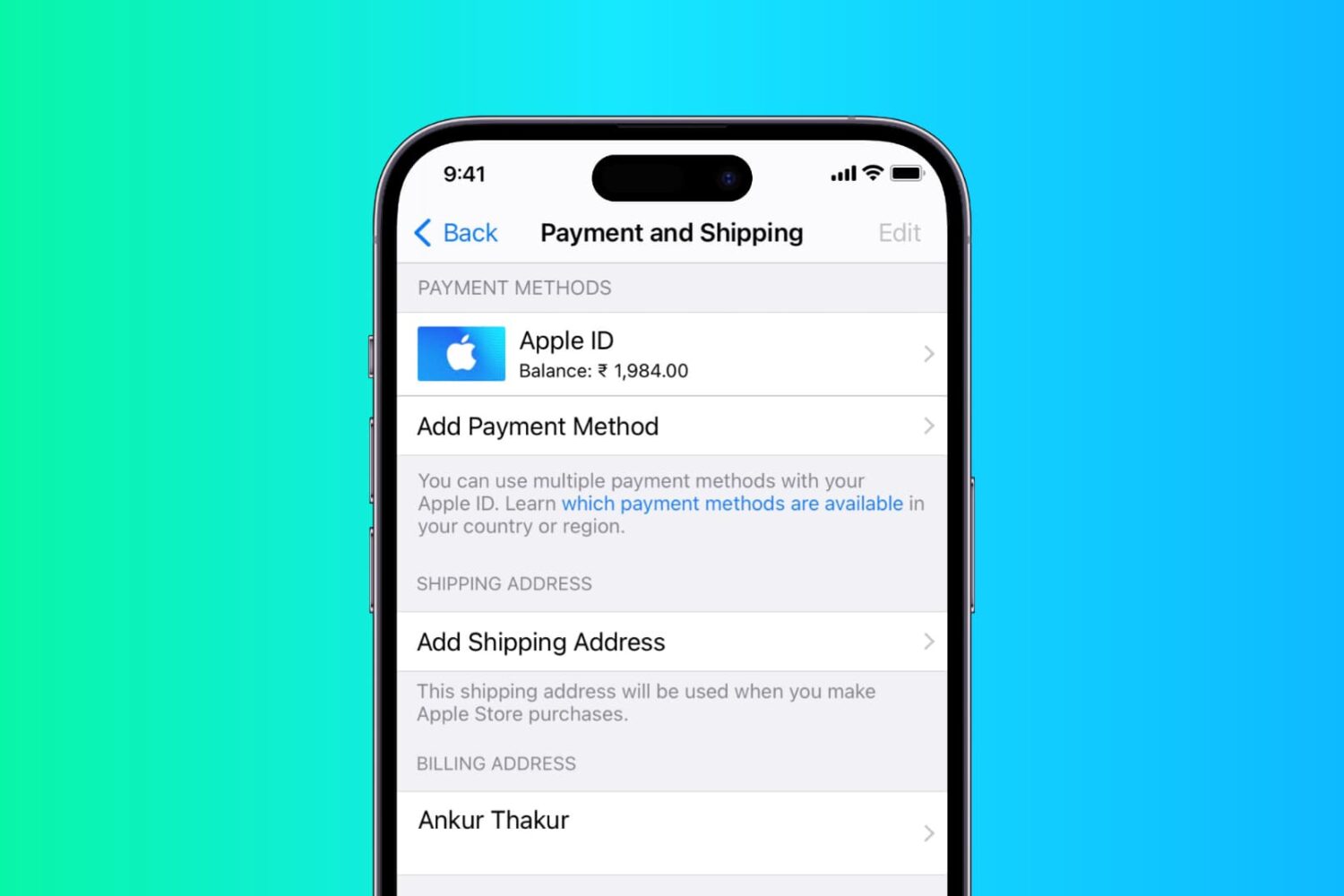
In this step-by-step tutorial, we show you how to add or change the shipping and billing addresses in your Apple Account from iPhone, iPad, or Mac.

Learn how to fix the left or right AirPod sounding louder or quieter than the other when listening to music or watching videos.
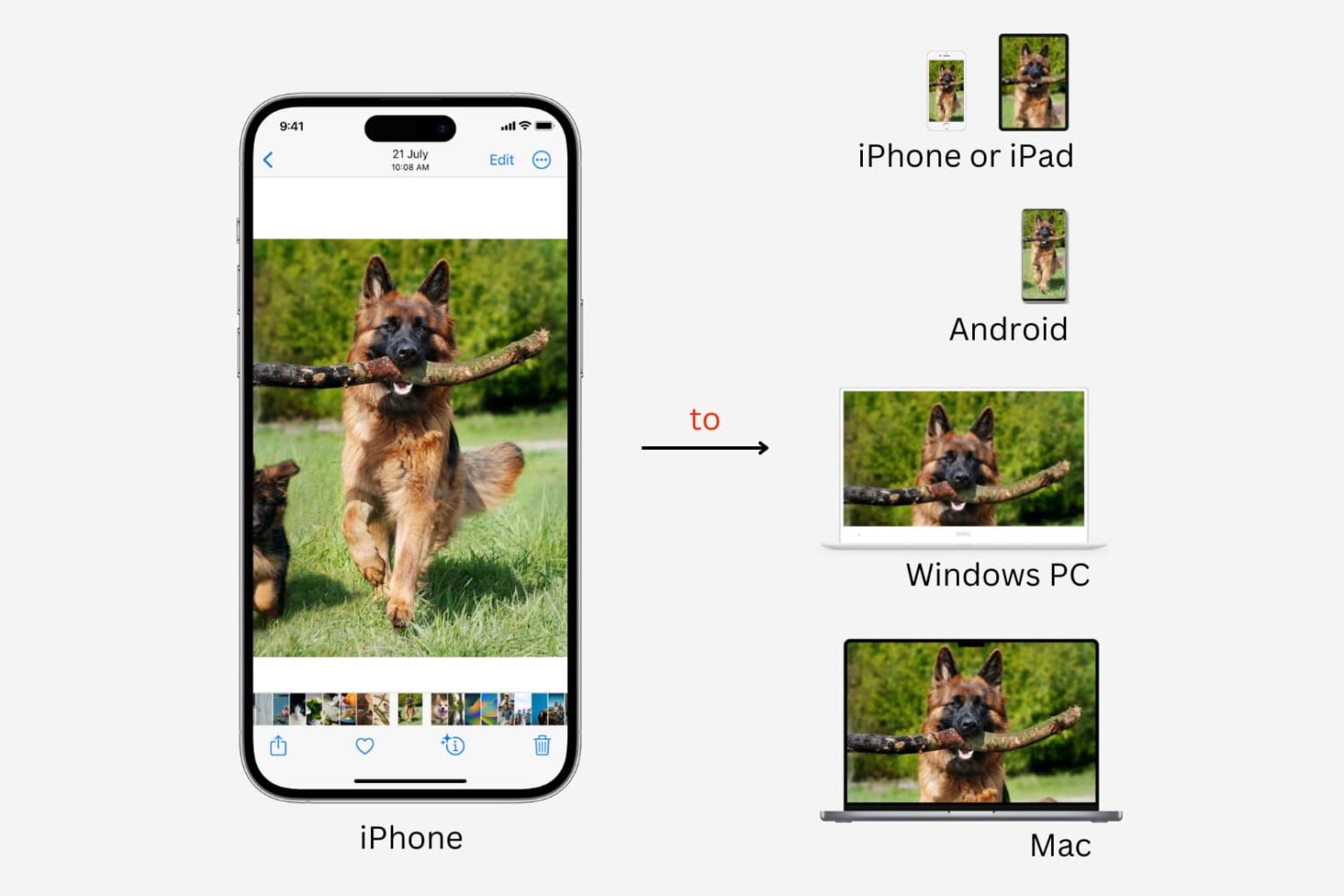
Learn how get photos and videos off your iPhone and transfer them to another iPhone, iPad, Mac, Android phone, or Windows PC.

Learn why and how to reset your AirPods, AirPods Pro, or AirPods Max using an iPhone, iPad, Mac, Android phone, or directly from the device, and what to do afterward.
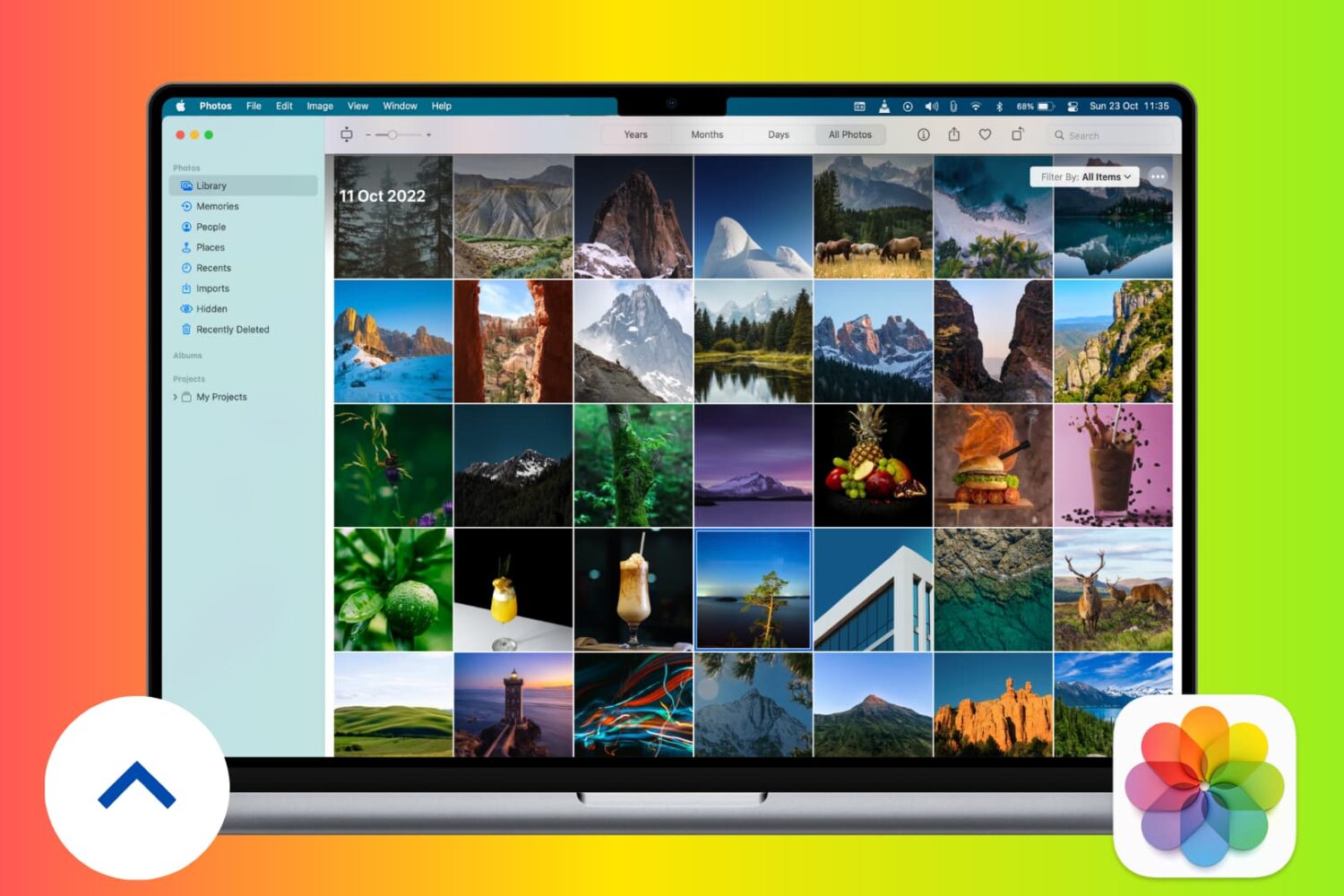
Learn how to back up photos and videos on your Mac to Apple’s iCloud, Time Machine, Google, external drives, and more for safekeeping.
In this tutorial, we'll cover four easy ways to find out which song is currently playing on your HomePod.
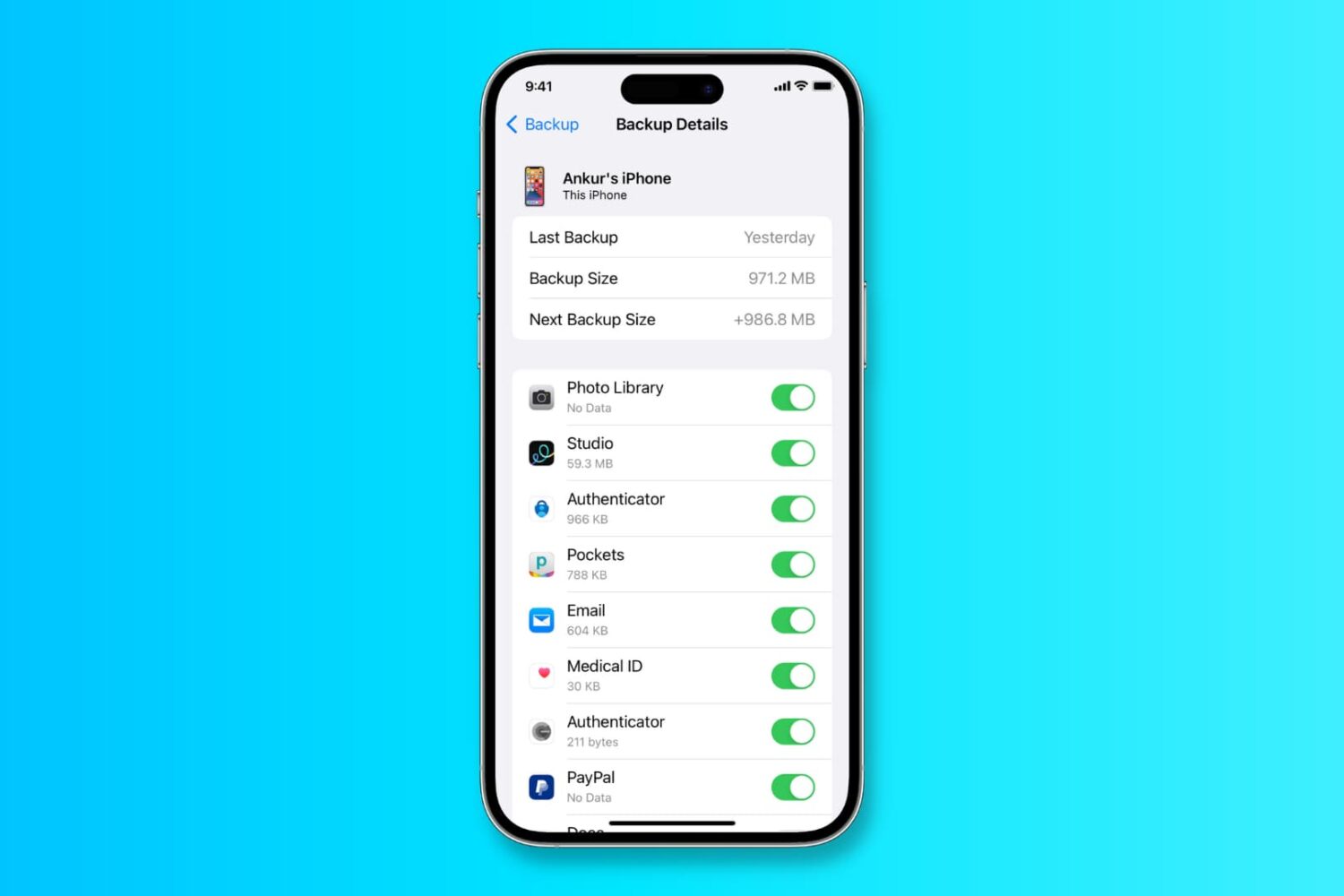
In this tutorial, we’ll show you how to back up your iPhone or iPad to iCloud, a Mac, or a Windows PC.
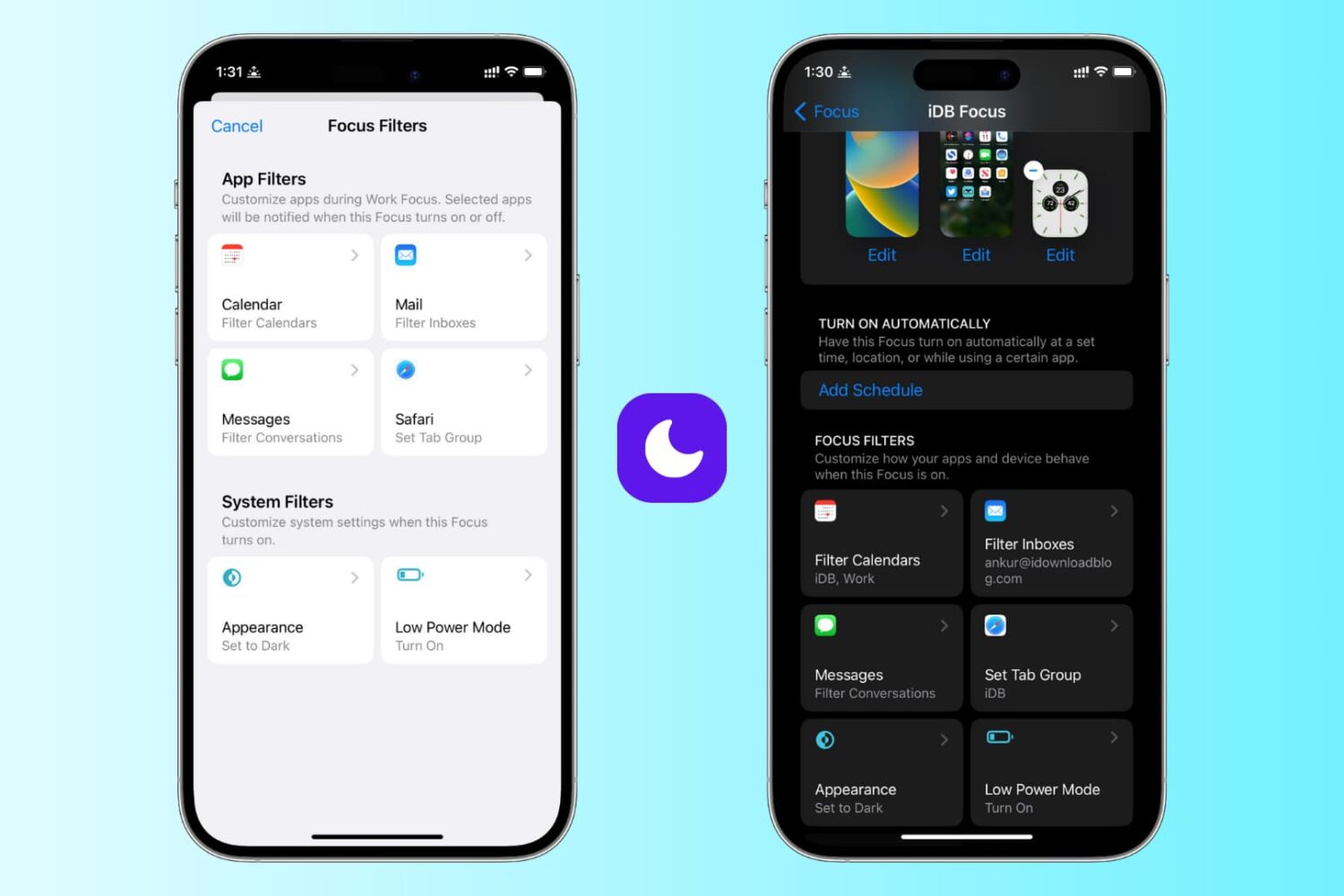
Learn how to use focus filters on iPhone and iPad to increase your productivity and limit outside distractions when a Focus mode is active.
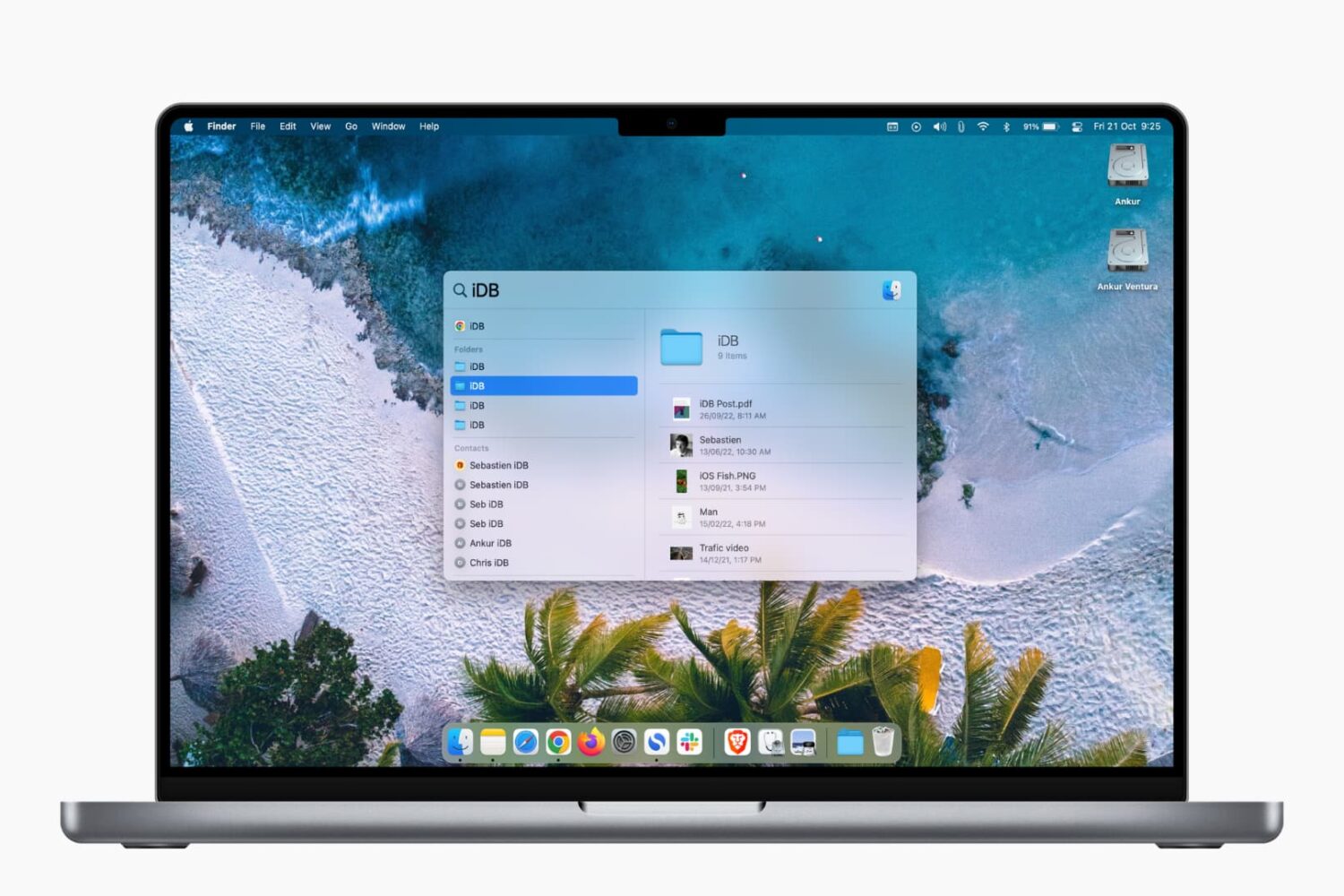
Learn how to prevent specific files, folders, disks, categories, and file types from showing up in Spotlight Search on your Mac to strengthen your privacy.