Learn how to insert emojis into your text via voice using Dictation or Siri so you can be more expressive without having to switch to the emoji pane of the on-screen keyboard.
How to insert emoji using Siri or Dictation on iPhone
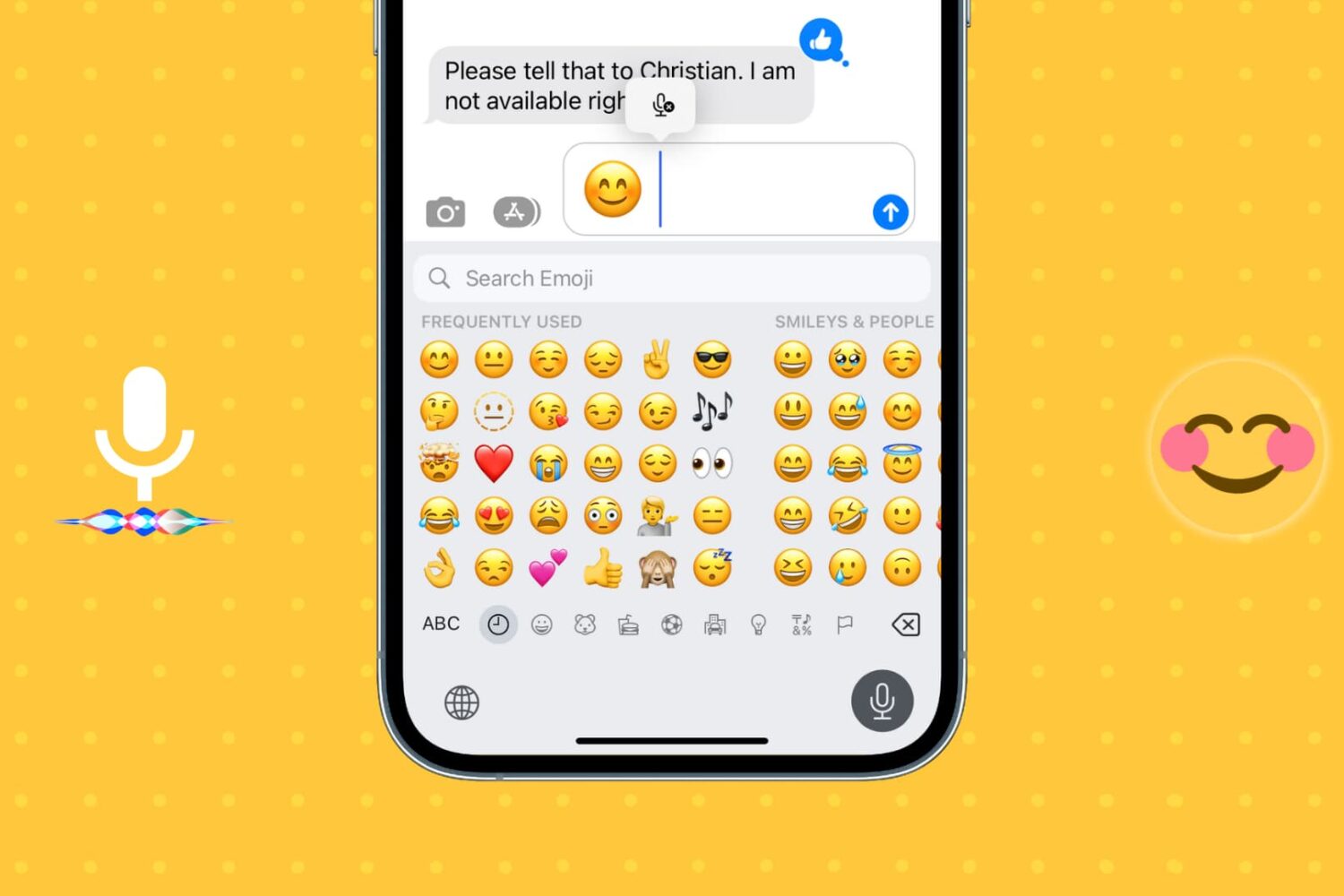
Learn how to insert emojis into your text via voice using Dictation or Siri so you can be more expressive without having to switch to the emoji pane of the on-screen keyboard.
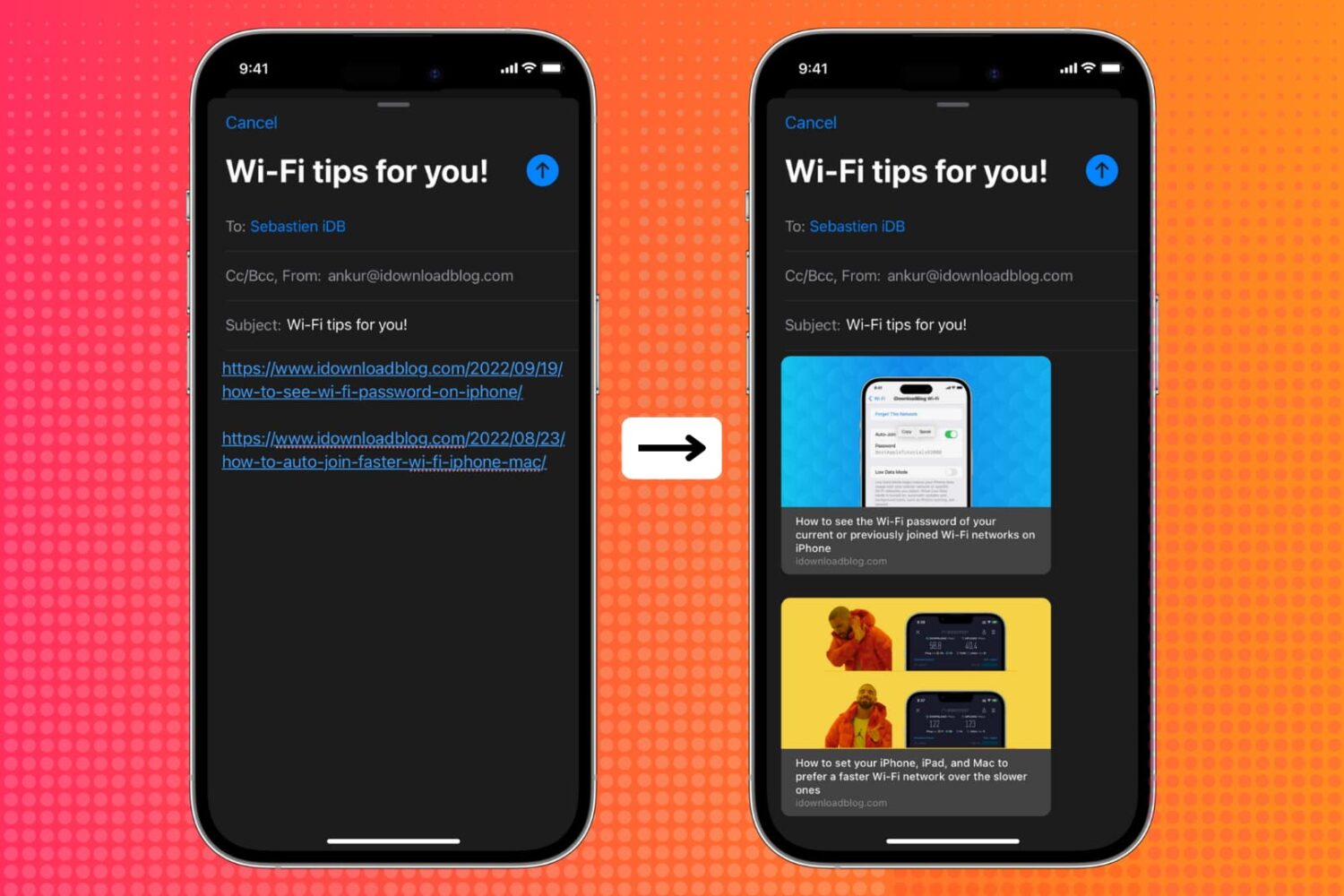
Learn how to show link previews by converting plain URLs into rich links in the Apple Mail app on iPhone, iPad, and Mac.
iOS 16 is now available for all iPhone users who have an iPhone 8 or later. In most cases, the update should download and install within minutes.
However, when updating an iPhone to iOS 16 or one of its incremental versions, such as iOS 16.0.2 or 16.1, you may face problems such as your iPhone staying stuck on the Apple logo, or the screen turning black/blue/white with no progress bar. It's also possible that your iPhone keeps rebooting more than it should, ultimately leading to a failed iOS 16 update.
To get you out of these situations, PhoneRescue by iMobie can be a helpful companion! It's a piece of software for your Mac and Windows PC that can fix most iOS 16 update issues.
So, if you're unable to update your iPhone from iOS 15 to iOS 16 or iOS 16 to one of its future versions, read along and learn how to fix this.
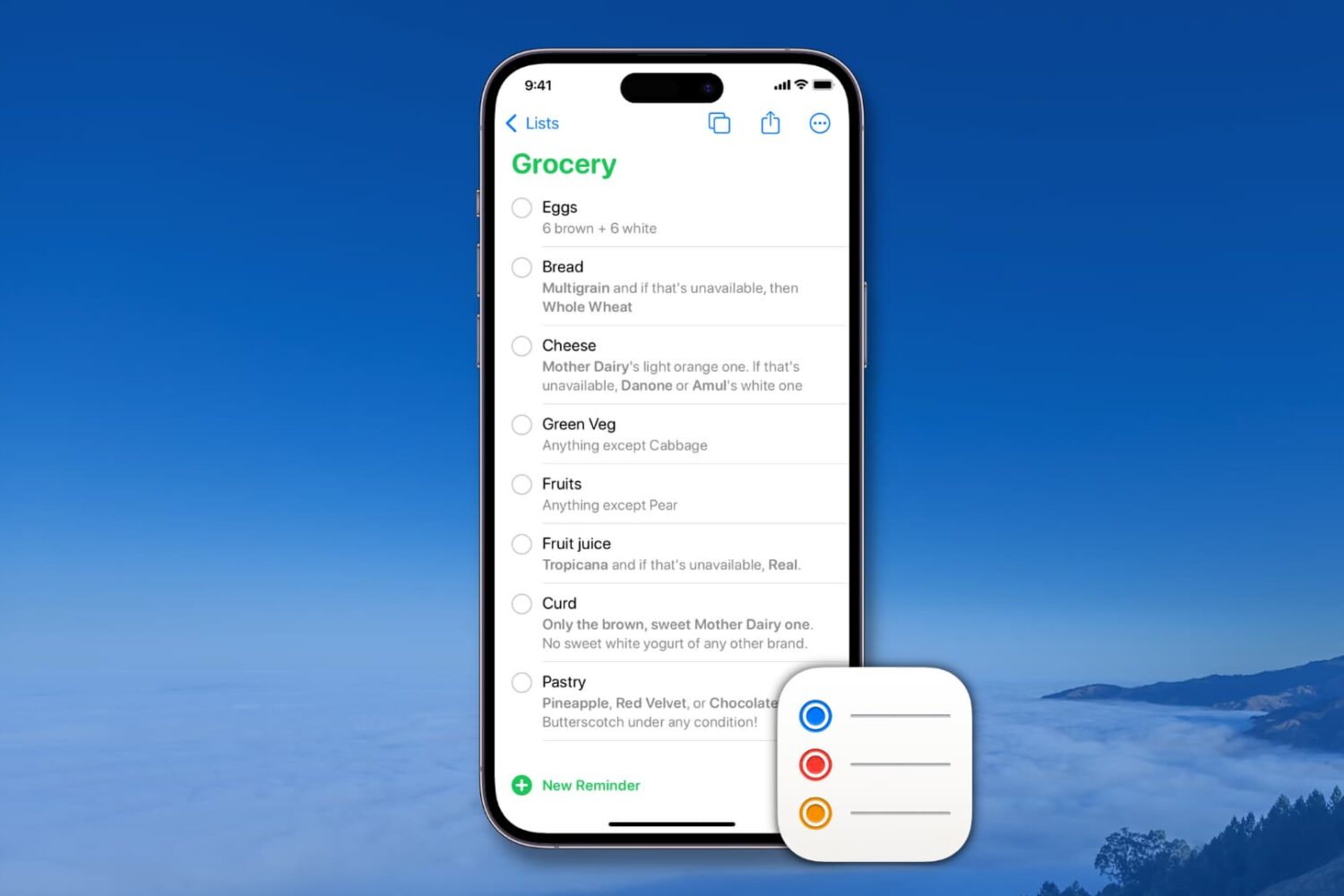
Learn how to create and manage reusable reminder templates on your iPhone, iPad, Mac, and Apple Vision Pro to quickly create new to-dos and save time.
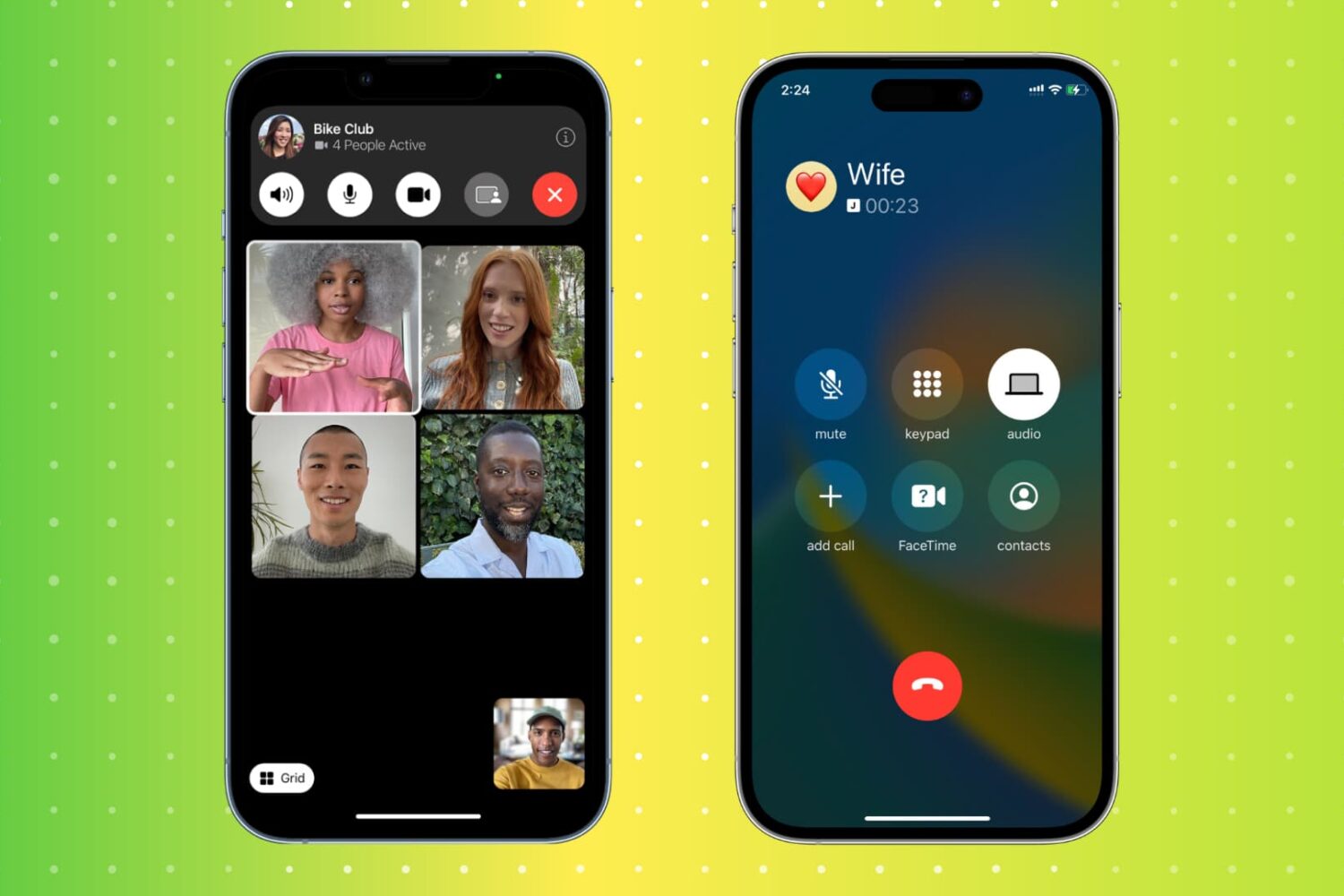
Hanging up a call on an iPhone is a simple task, but there are actually multiple ways to do it. From the traditional red hangup button to more unconventional methods, this article will explore 11 different ways to end a call on an iPhone. Whether you're looking for a faster way to hang up or simply want to try something new, this guide has got you covered.
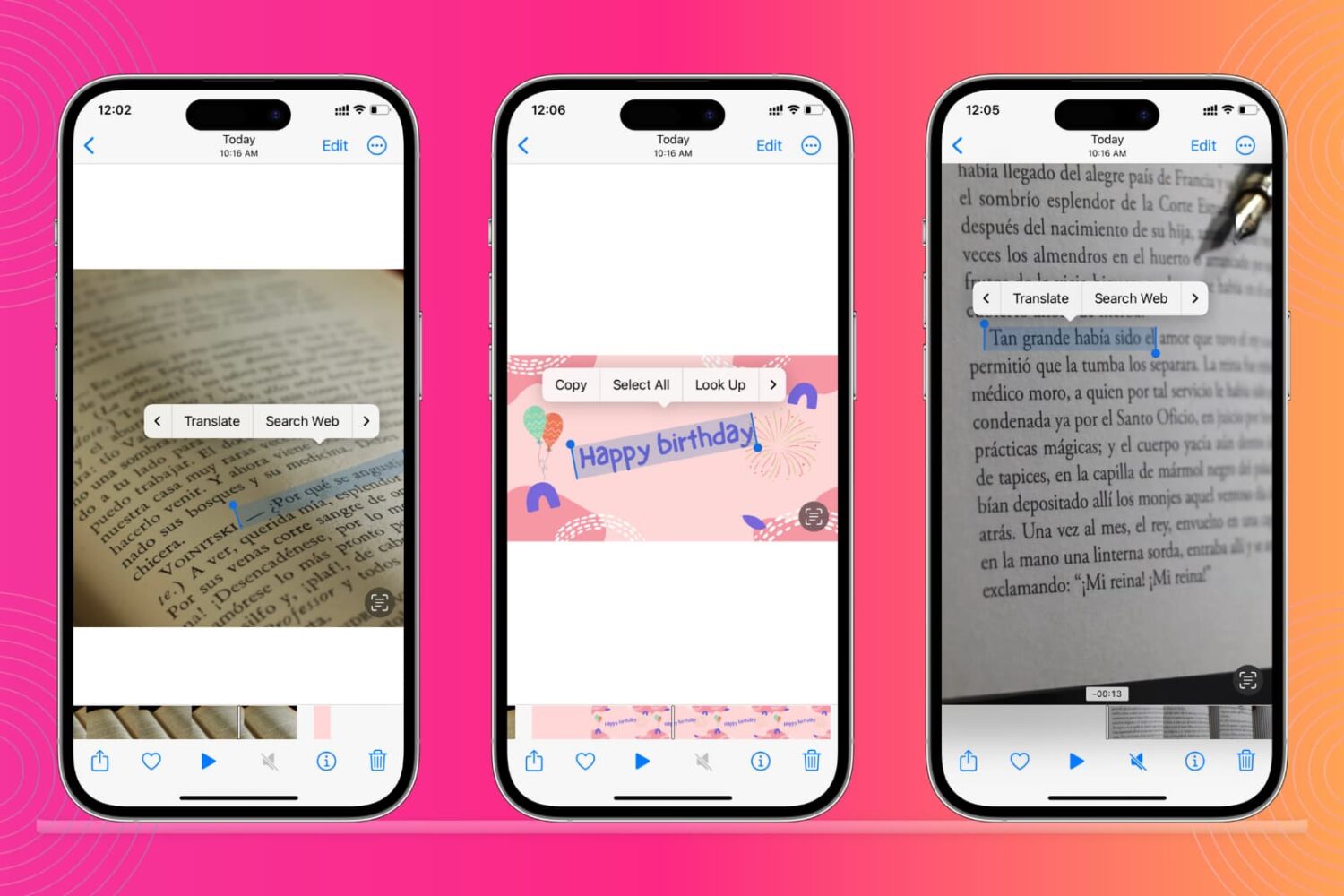
Learn how to recognize and extract text from images or videos using the built-in Live Text feature on your iPhone, iPad, and Mac.
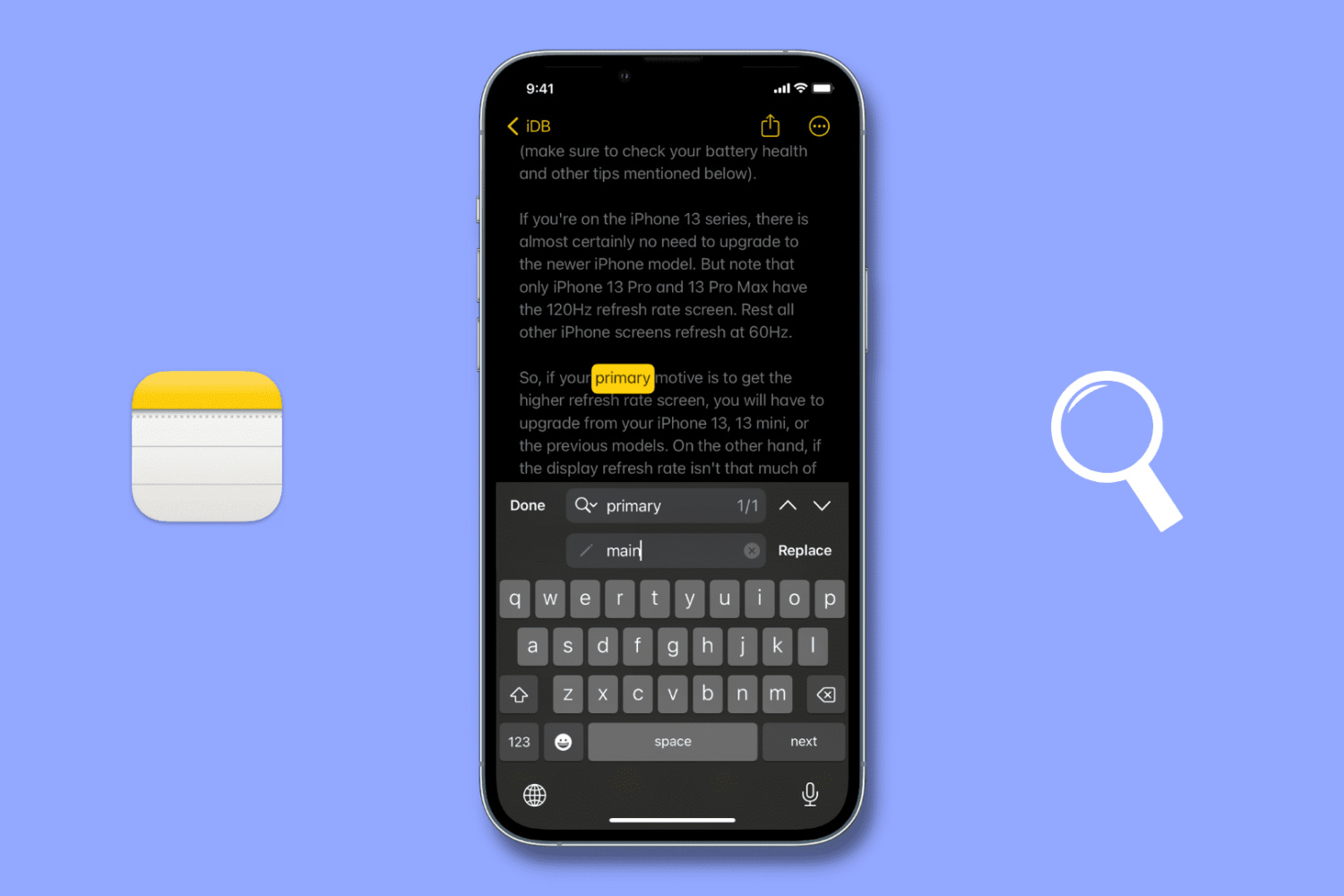
Check out these two simple ways to use the Find & Replace feature in the iPhone or iPad Notes app to quickly locate and replace text for easier note editing.
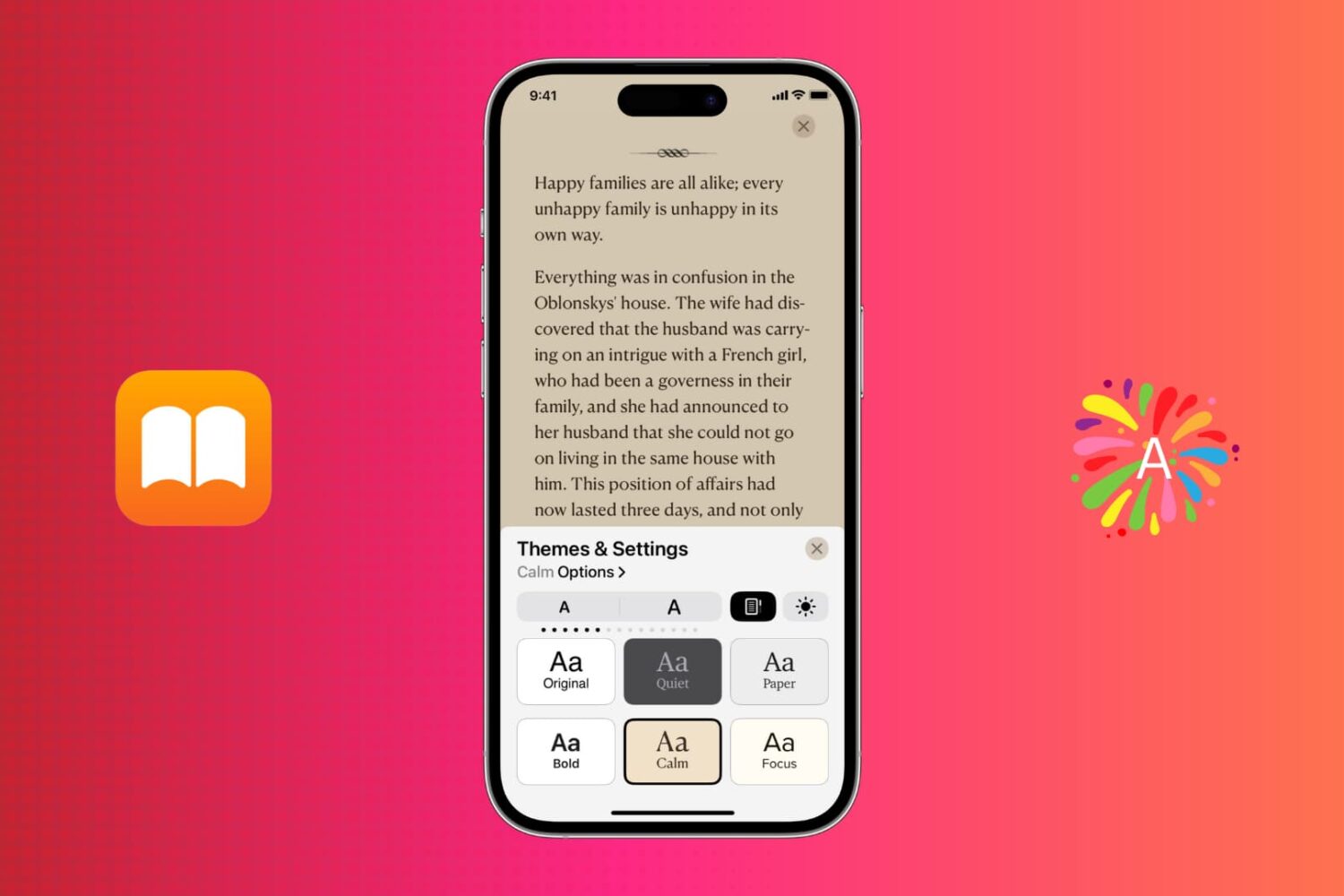
Learn how to customize your reading experience and make it more comfortable with themes in the Apple Books app on your iPhone, iPad, and Mac.

Learn how to translate foreign language words, sentences, or paragraphs and see their definition on your iPhone, iPad, and Mac using built-in tools.

This tutorial will guide you through the process of downgrading your iPhone from iOS 16 to iOS 15. But first, let's go over the reasons why you might want to do this, and what you need to downgrade from a newer version of iOS 16 to an older version of iOS 15.

Learn how to remove the security lock from your Hidden and Recently Deleted folders in the Photos app on your iPhone, iPad, and Mac.
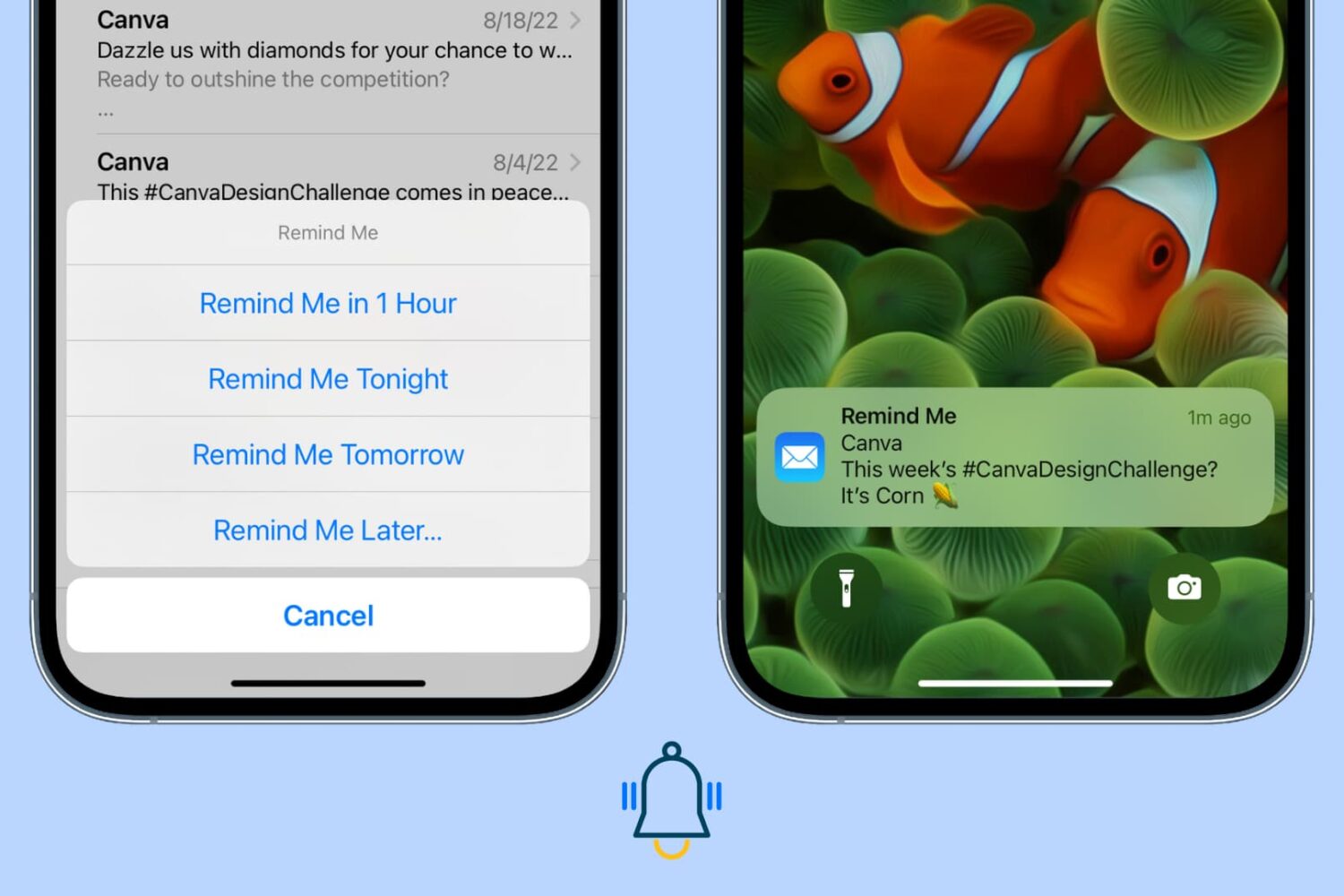
Use the Remind Me feature in the Apple Mail app on iPhone, iPad, and Mac so you never miss replying to or attending to an important opened email.