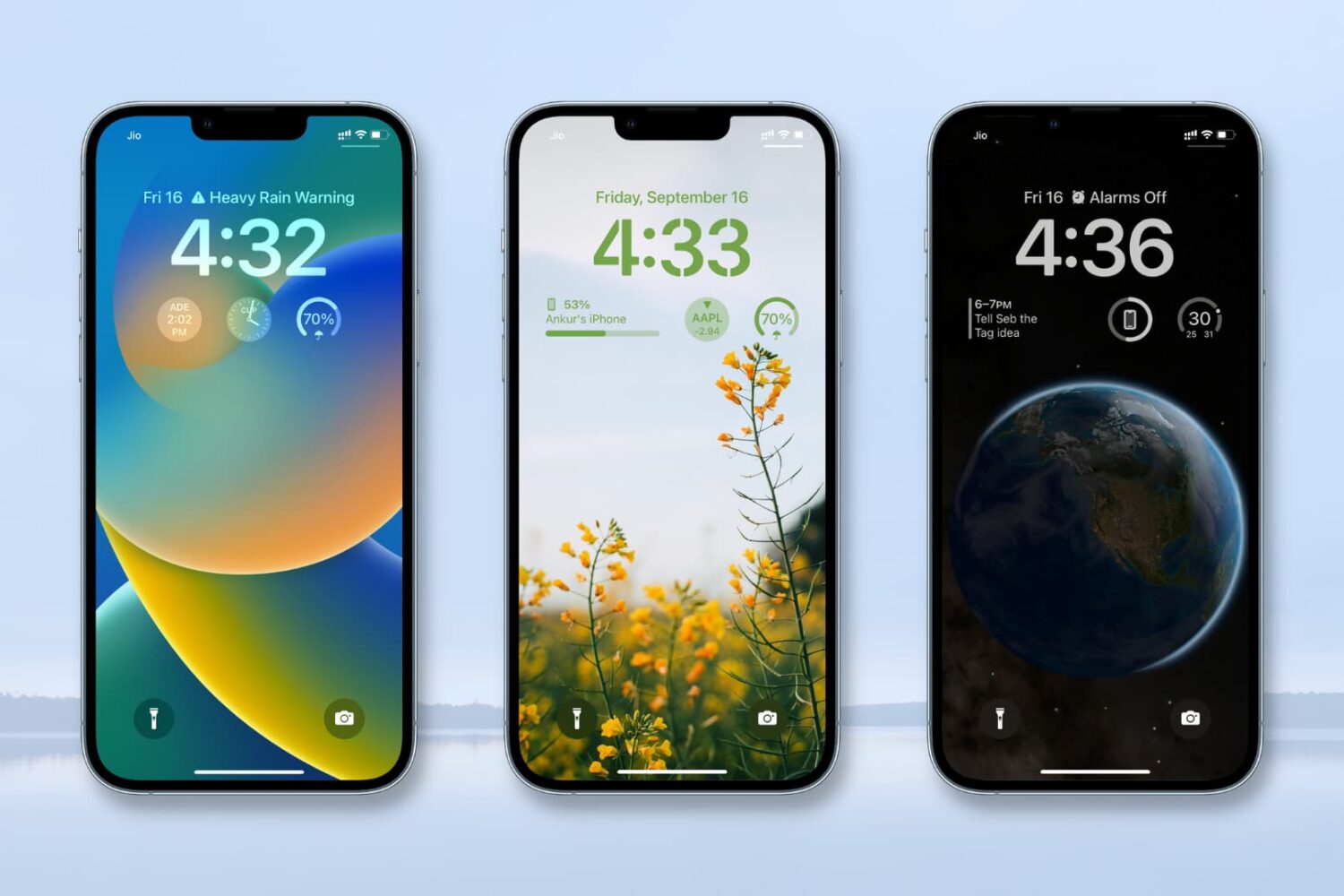
It's that special time of the year when people are getting their hands on the new iPhone 14 series and the exciting iOS 16.
If you bought an iPhone or are planning to buy one, you might be thinking about moving your data from your current smartphone to your new iPhone.
Sure, Apple has the Move to iOS app to help you switch from Android to iOS and the Quick Start feature to migrate your data from your current iPhone to a new one. On the basic level, these tools are handy. But as you will find out, they have some drawbacks.
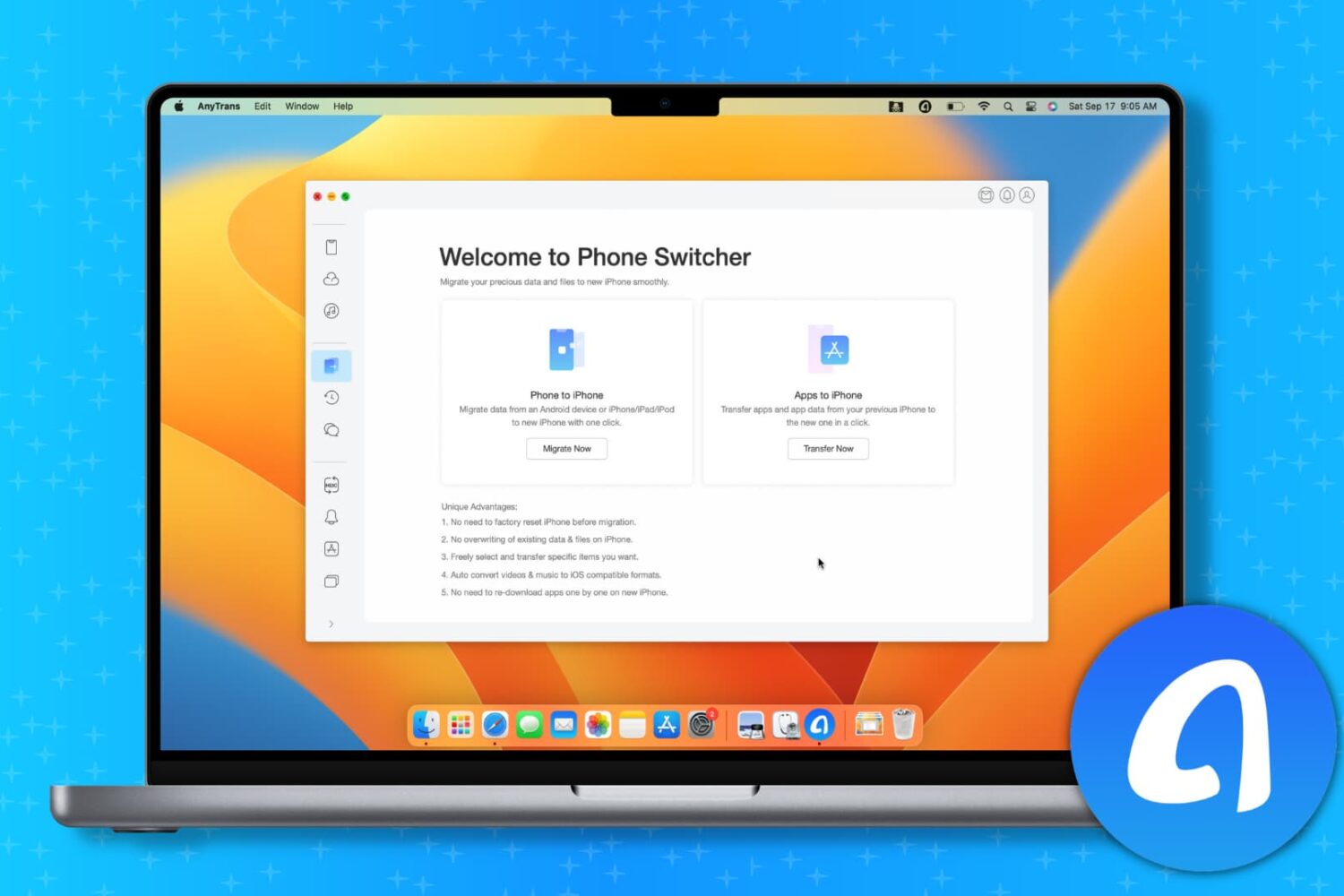
Thankfully, AnyTrans from iMobie, a continuously updated decade-old app, will comfortably allow you to transfer all or selected data from your current iPhone or Android phone to your new iPhone 14.