Learn how to fix the screen flickering display issue on your Apple Watch so you can use the device normally without squinting or hurting your eyes.
Turn off the always-on display feature
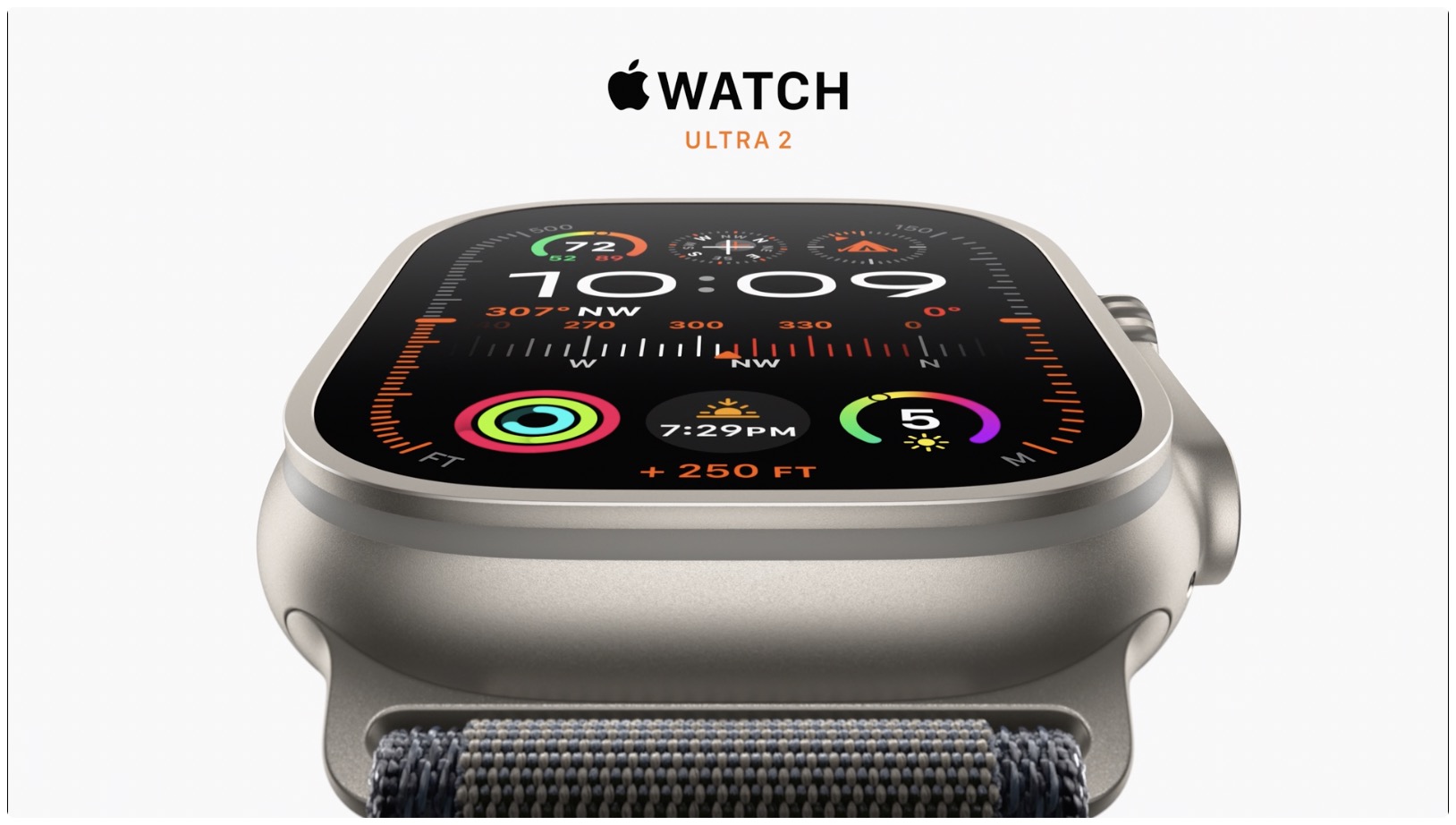
Reports from affected users indicate that some Apple Watch units, especially the Apple Watch Series 9 and Apple Watch Ultra 2 models, suffer from a display flickering issue. Some owners went to Apple Stores to get their watches replaced. However, Apple told its authorized service providers to stop replacing such units and instead offer a band-aid solution until it addresses the problem with a software update.
Apple’s memo to service technicians explains that turning off the Always-On display setting will stop the flickering. This feature displays the time and other glanceable information even when your wrist is down. So, turn on the Always-On switch and then update your watch.
- Open the Watch app on your companion iPhone.
- Tap Display & Brightness in the My Watch tab.
- Tap Always On.
- Turn off Always On to temporarily fix screen flickering (and lose always-on functionality).

You can also turn off this setting in the Display & Brightness section of the Settings app on your Apple Watch. But since you’re bogged down with a flickering display issue, doing it through the Watch app is less frustrating.
Update your Apple Watch to the latest watchOS version
An internal memo that Apple shared with its authorized service providers acknowledges that display flickering predominantly affects the latest watches without naming specific models. The flickering seems to be rooted entirely in software, strongly suggesting a bug in watchOS 10.
After updating, you can go back to the display settings and turn the Always On switch back on.
Activity rings turning pink? You’re not alone
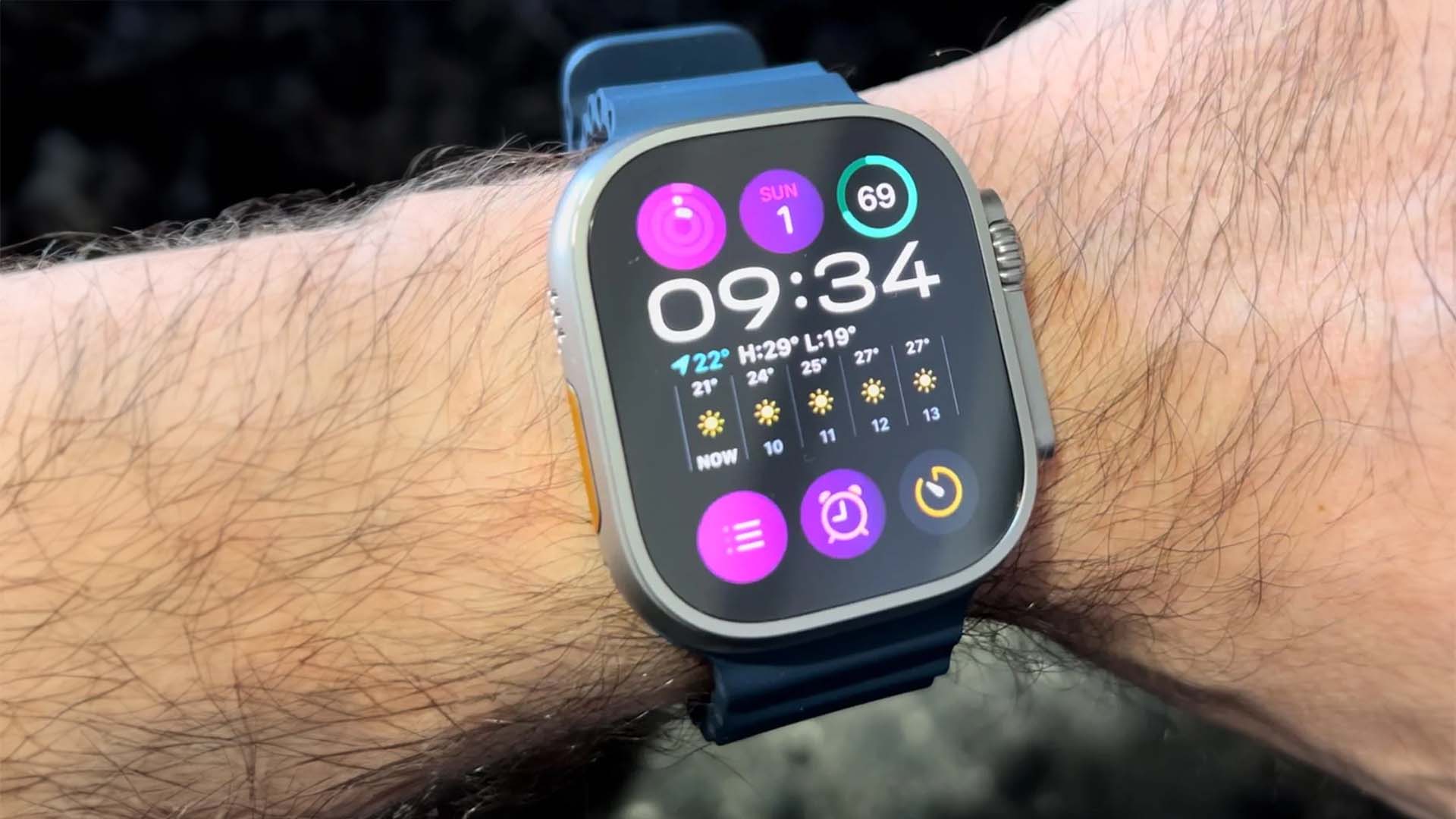
The memo also acknowledges another software bug causing a user’s Activity rings to “temporarily turn pink.” This only happens with the Activity rings on a watch face, not in the Fitness app. A post on Reddit suggests other watch complications might be affected.
“Randomly after waking them up, random complications flicker to pink. It happens maybe once in 20-30 tries and usually 1 or up to 5 complications flicker to pink for like 0.2 seconds. Doesn’t matter what watch face I use and it happened on 10.0.0 and also on 10.0.1 even after unpairing and erasing the watch,” it reads.
Updating your watch will fix this issue.
Erase and set up your Apple Watch again
In case the problem continues and force restarting isn’t helpful, consider erasing and setting up your Apple Watch from scratch.
Also, check out: