Learn how to set Safari on your Mac to automatically reopen all windows from the last session so you can continue browsing where you left off without skipping a beat.
Many people visit the same websites every day, such as Gmail, a weather forecast service, news sites, and more. If you regularly visit the same websites, you can bookmark or pin them in Safari on your Mac.
But did you know that you can set Safari to automatically reopen all the windows from your last session every time you launch it? Follow along to learn how to do it.
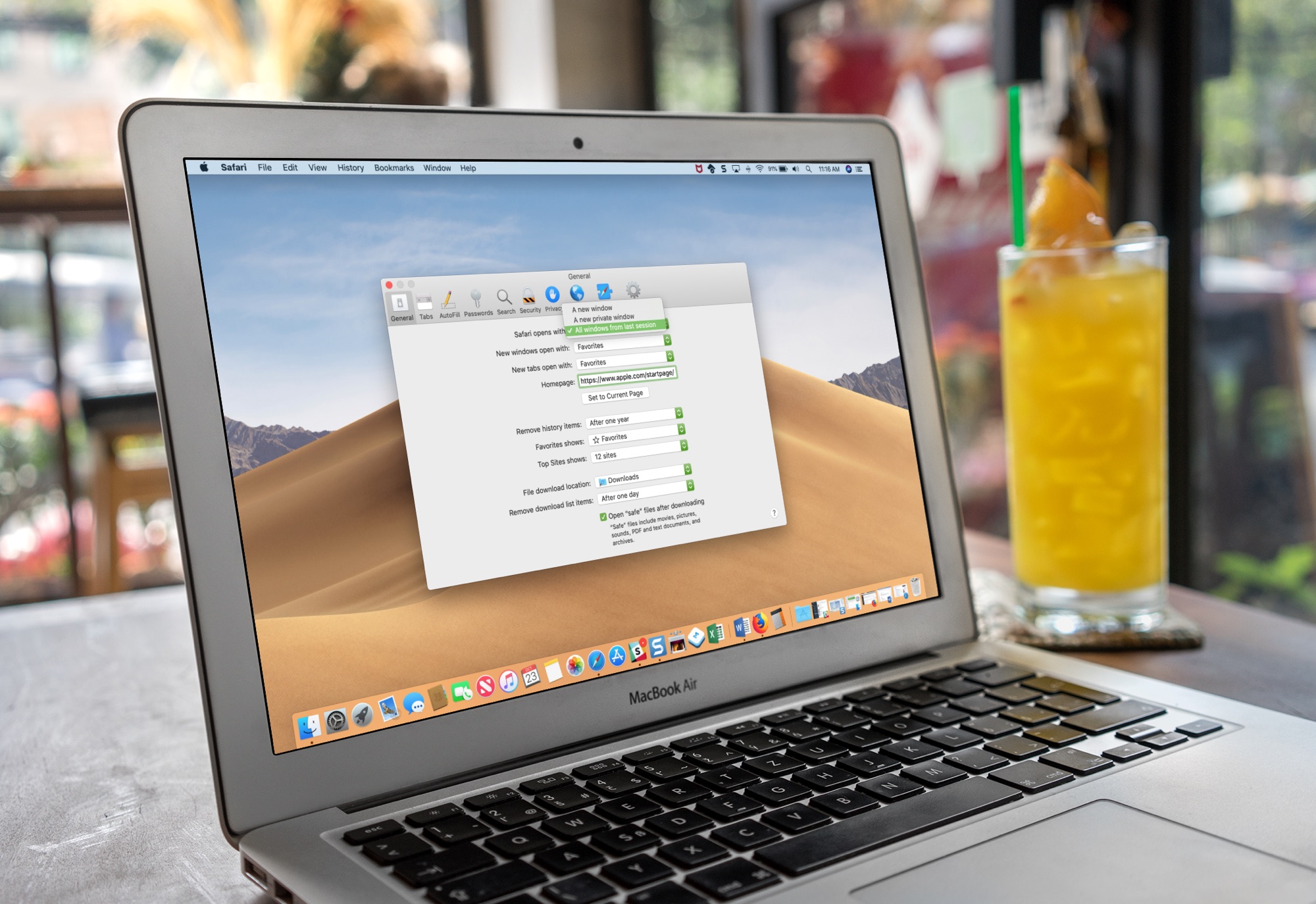
Step 1: Set Safari to open windows from the last session
- Launch Safari on your Mac.
- Click Safari > Settings or Preferences in the top menu bar.
- Make sure you’re in the General tab.
- Click the menu next to “Safari opens with:” and choose either All windows from last session or All non-private windows from last session. The latter will prompt Safari to open both regular and private windows from the last session.

If you’d like to have Safari retain all windows across browsing sessions until you manually close them, venture into System Settings > Desktop & Dock and enable “Close windows when quitting an application.”

Step 2: Quit Safari the right way for this to work
Don’t close Safari by clicking the red traffic light button in the window’s top-left corner, or there’ll be no windows to reopen the next time you open the app. Instead, quit Safari properly; you can do it in two ways.
Option 1: Click the Safari menu and choose the Quit Safari command or press the Command + Q keys.

Option 2: You can also quit Safari from the Dock. Right-click or Control-click the Safari icon in the Dock and choose Quit from the menu.

You can also manually reopen just your recently closed tabs or all windows and tabs from the last session.
On the iPhone and iPad, however, Safari retains your open tabs across browsing sessions. iPhone owners who are unaware of this often end up with hundreds of open tabs that slow down the browser and waste battery power. To fix that, you can set Safari on iPhone to automatically close tabs after a custom period.