Learn how to use Apple’s free Pages app to turn your iPhone or iPad into a handy teleprompter for your speeches, lectures, video recordings, and more.
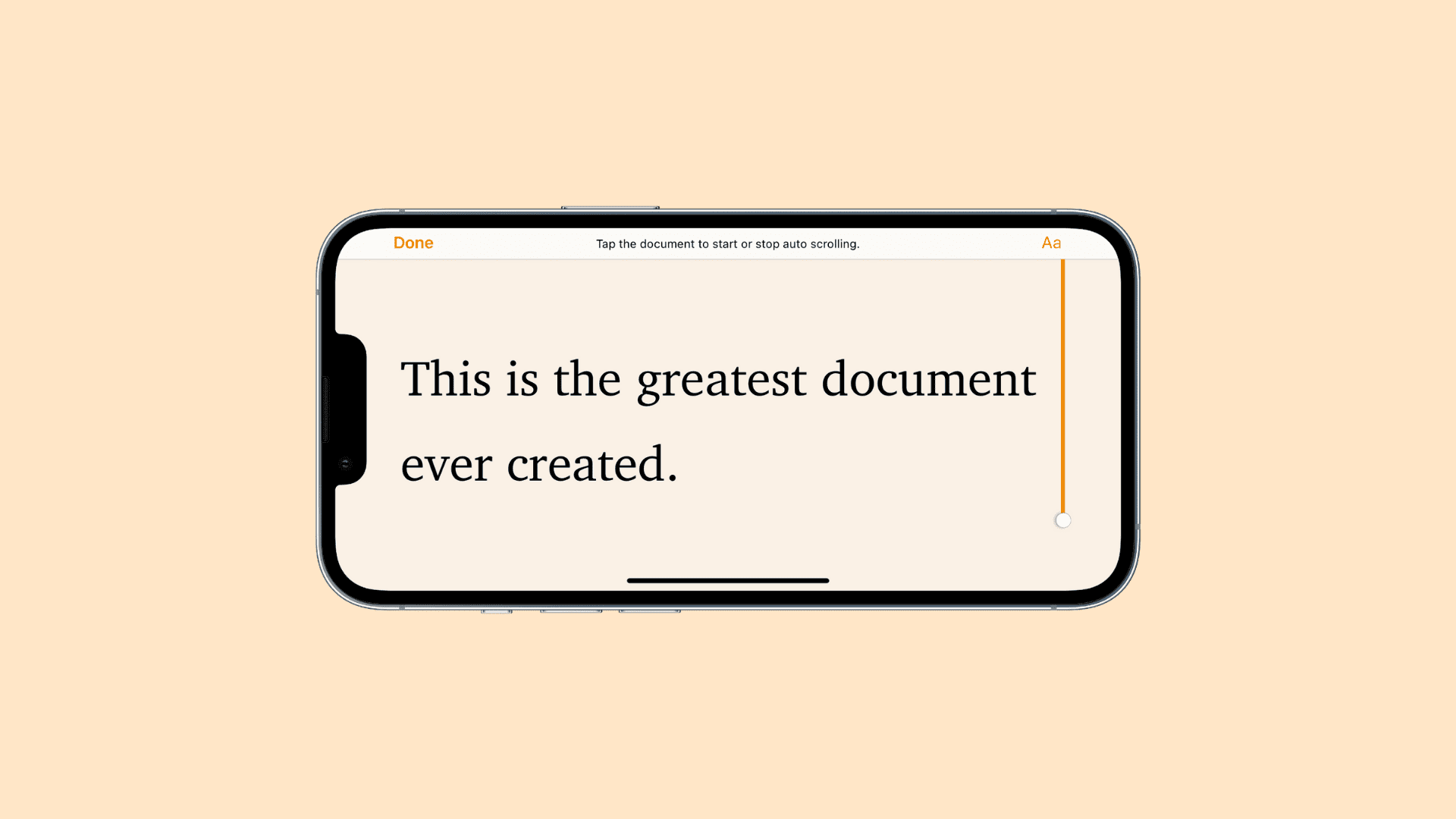
If you write notes for your podcasts or YouTube videos in Pages, you can turn your iPhone or iPad into a teleprompter in a few taps. You’ll see the script on your iPhone or iPad; no need to print it or transfer it to index cards.
You should never speak at places like school lectures or business meetings without a speech outline handy. The same is true for scripted videos; instead of memorizing long segments, have your iPhone scroll the script while you’re recording.
Turn your iPhone or iPad into a teleprompter
- Open the Pages app on your iOS device and open your document.
- Tap the three-dot menu button in the top-right corner.
- Choose Presenter Mode. The document’s format changes to large white text set against a solid black background, but you can customize the formatting to your liking.

Customize Presenter Mode layout
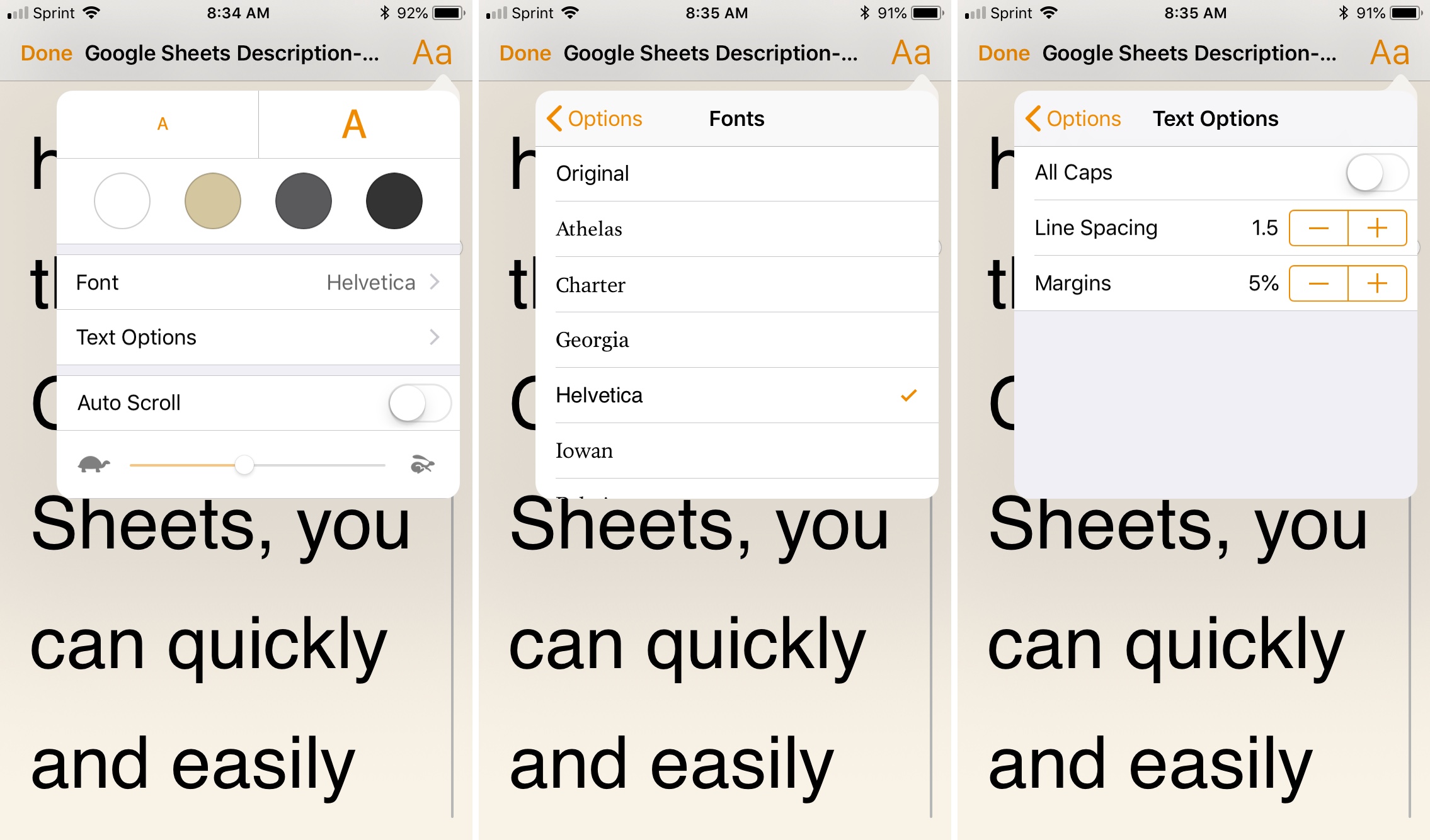
When in Presenter Mode, tap the Aa button in the top-right corner to customize the teleprompter screen with font and styling options.
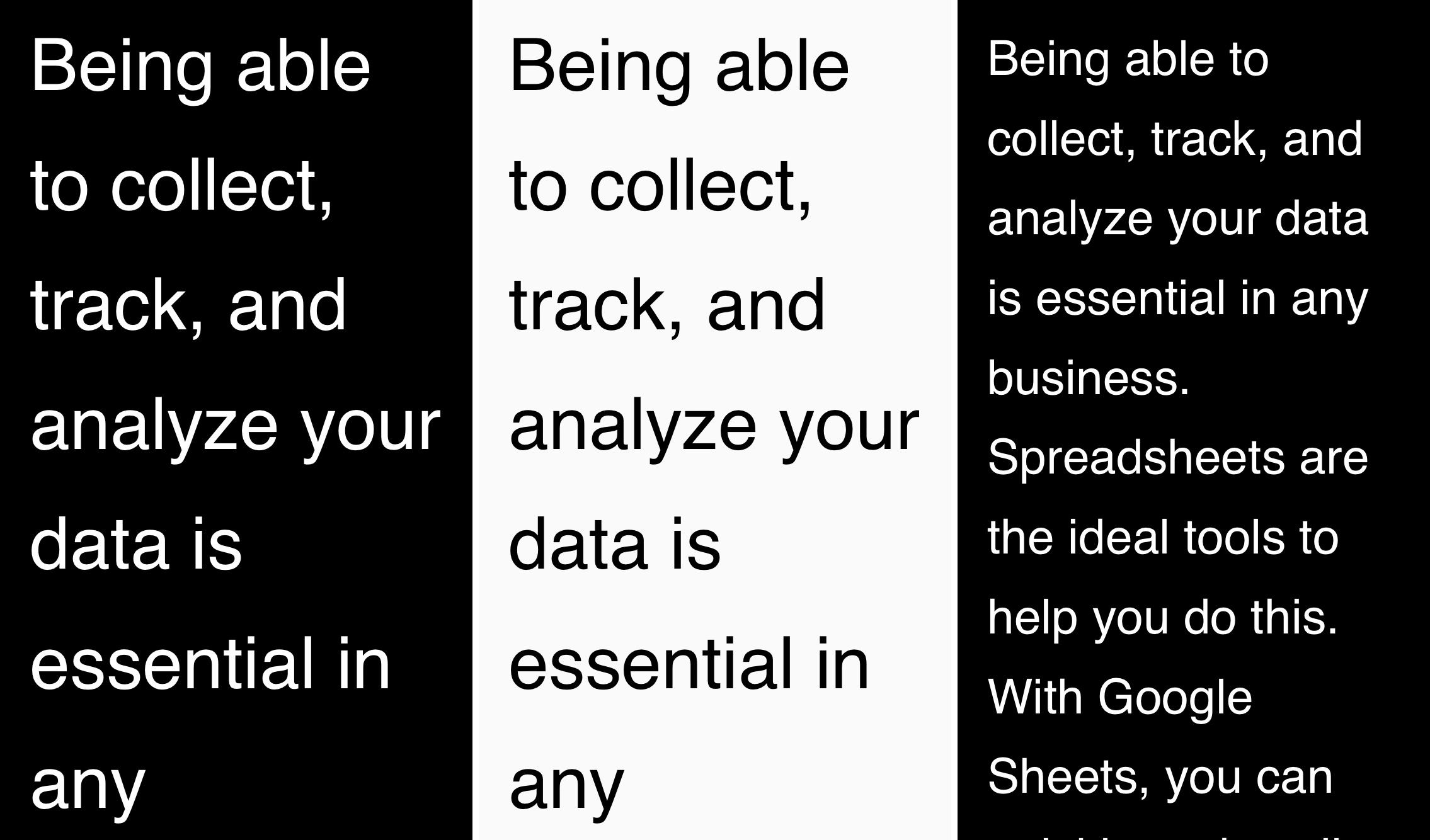
- Tap the small and large A at the top to choose among typefaces and set font size.
- You can set a different text and background color by selecting a colored circle below font size.
- Under Text Options, you can adjust line spacing and margins and set Presenter Mode to use capital letters.
- If you’d like to use Presenter Mode in landscape orientation, turn off the screen rotation lock.
Enable automatic scrolling
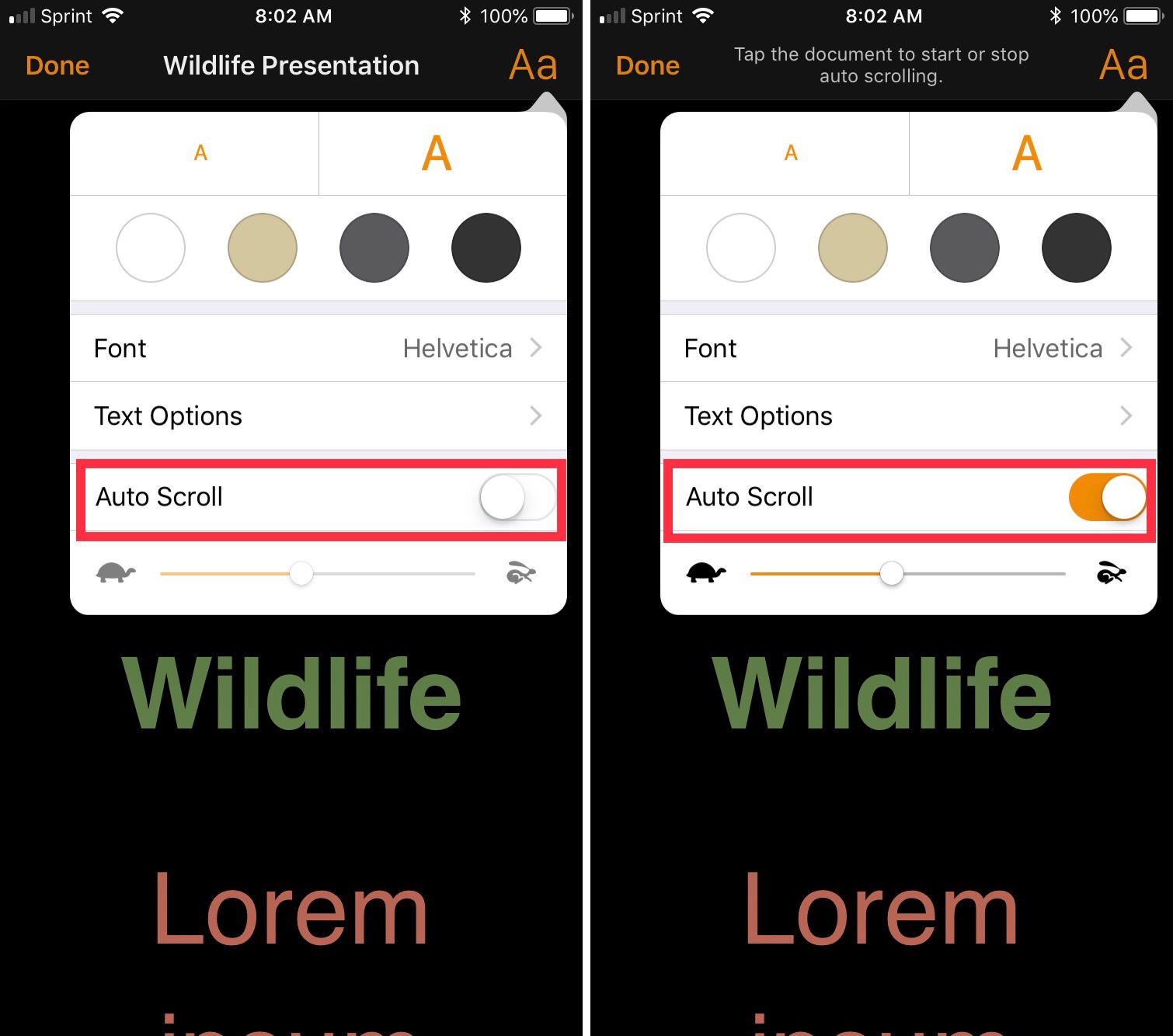
You can scroll manually through the document in Presenter Mode or automatically. For automatic scrolling, tap the Aa button in the top-right corner, turn on the Auto Scroll option, then drag the slider to adjust scroll speed. When presenting, tap the screen to pause scrolling and tap again to resume.
Presenter Mode in Pages is a decent software teleprompter and the perfect accompaniment to your next presentation, lecture, or meeting.
Have you tried it yet? Do you know of any great third-party teleprompter apps? If so, please mention them in the comments below.
More tips for the Pages app: