Year: 2014

Photo apps optimized for iOS 8

Back in June, Apple announced PhotoKit, a new way to edit photos using third-party apps and filters – all from the stock Photos app. Many legacy photography apps have received updates enabling these features, making accessible a great deal of functionality, all in one app. iOS users can now apply watermarks, filters, effects, and more directly in Photos, a feature iPhoneographers are sure to love.

We've brought together a list of the photo apps that have been updated to support Apple's PhotoKit and can be downloaded now. 
Looking for an alternative to Zephyr? Try Tage

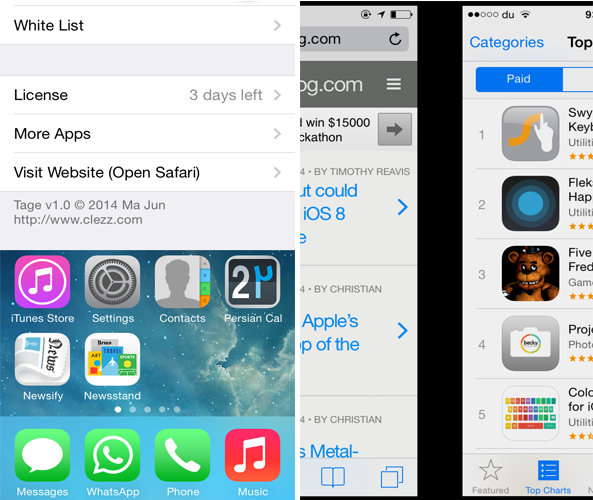
Zephyr was one of the most popular multitasking tweak for iOS 6, however it hasn't been updated yet for iOS 7. If you miss the tweak, you should definitely check out an alternative to it known as Tage.

Developed by Ma Jun, Tage features functionality similar to Zephyr and changes the way you switch between opened apps. The tweak is made up of five major parts. You can swipe the left or right side of the screen to switch between active apps. Additionally, you can swipe up from the bottom of the screen to either close the app or launch the App Switcher. Finally, swiping left or right from the top edge of the screen allows you to lock your device.

Apps of the week: keyboards, widgets, bundles, and more

Oh boy, oh boy. For me, the best part about a big update to Apple’s mobile operating system is the super cool updates and new apps that make use of new features. This weekend is going to be fun for me. If you are excited about the new features in iOS 8 that you’ll be able to take advantage of, or just want something fun to pass the time with, we’ve got a list of apps and games we think you’ll enjoy.

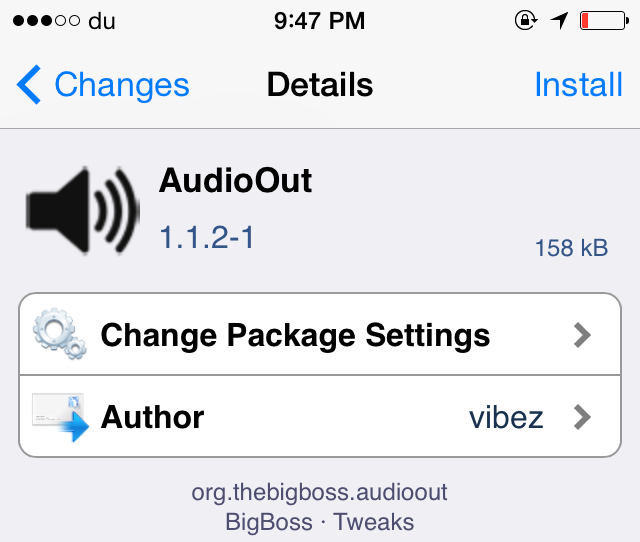
AudioOut: output audio through speaker when the headphone is connected

Normally, when you connect your headphone to your iOS device, it will start to output the audio from the headphone rather than the speaker and there's no way you can switch to the latter. AudioOut is a brand new jailbreak tweak that aims to save your day by fixing this issue.

Developed by vibez, AudioOut allows you to listen to a song from the device's external speaker even when the headphone is plugged in. Not only this, but the tweak also lets you control the audio from the headphone's controls such as its volume. This means that you can listen to a song from the device's external speaker and at the same time control the sound with the headphone's remote control.

A first look at SwiftKey Keyboard for iOS 8

My brother is an Android user and I am an iOS 8 user. So of course he is always showing me things that he can customize on his smartphone that I can’t. One time, he showed me how he could swipe his finger across his keyboard to type words. “Big deal,” I said. “Jealous,” I thought.

Now that SwiftKey Keyboard is available as a default keyboard for iOS 8, I was quick to download it to see just how cool the feature really is. SwiftKey is mainly a predictive keyboard that learns your writing style and gives you suggestions for what you might want to say next. But, it also has that cool “Flow” swiping feature so you can type without tapping.

Where did your iOS 8 Camera Roll go?

Following Wednesday's public release of iOS 8 and today's launch of the iPhone 6 and iPhone 6 Plus, the Apple Support Forums are already buzzing with disgruntled users who are venting their frustration with iOS 8 presumably removing some of their photos, a point driven home by the company's inexplicable removal of the Camera Roll album in iOS 8.

Indeed, it looks like Apple has introduced a major customer pain point by not elaborating whether the missing Camera Roll has anything to do with iOS 8's newly gained ability to access large photo libraries in iCloud within the Photos app.

So, where did your Camera Roll go and is there anything sensible to be done about it?

Parental Controls For iOS restricts the amount of time your child spends on your device

One of the features that iOS 7 lacks is the ability to control the amount of time your child spends using your device. Parental Controls for iOS is a new jailbreak tweak that aims to bring this highly anticipated feature to jailbroken iOS 7 devices.

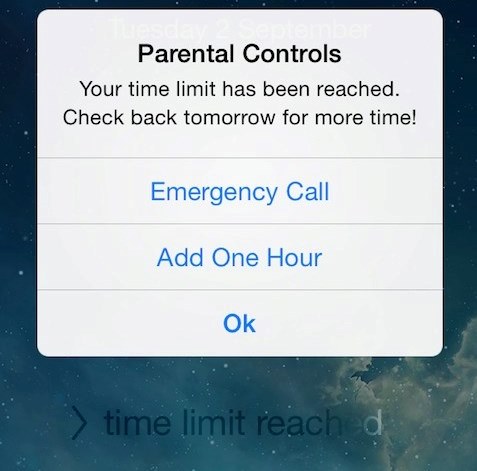
Developed by Ge0rges, the tweak allows you to limit the amount of time a person can use your iOS device. Once the time has ended, the user will be automatically be locked out of your device and a pop-up will be displayed with three buttons: 'Emergency Call', 'Add One Hour' where a person will be allowed to use the device for an extra hour once the parental passcode has been entered and an 'Ok' button. The only way your child can gain access to your device once the time limit has been reached is when you choose to add an extra hour. 

OmniFocus 2 for iPad now available with new iOS 8 features

OmniFocus is probably the most comprehensive getting things done (GTD) app available on the iPhone. It makes project management easy and convenient, helps keep you organized and on task, and makes it possible for you to schedule your busy life.

Finally, OmniFocus 2 is now available on the iPad as a new download. It has a completely redesigned user interface that takes advantage of the larger screen. It combines all of the best features of OmniFocus 2 for Mac and OmniFocus 2 for iPhone into one great app on the iPad.

Photographer tests iPhone 6/Plus cameras, Focus Pixels, Exposure Control, OIS and more

As Apple's iPhone 6 and iPhone 6 Plus hit store shelves in the United States and a few major markets around the world, first hands-on videos are appearing online (and let's not forget about torture tests, too).

Teaming up with The Verge, professional photographer Austin Mann put the handsets' enhanced cameras through the paces on beautiful locations in Iceland.

He took a series of photographs and videos that do an excellent job showing off improvements such as the new Focus Pixels, manual Exposure Control, higher-resolution Panorama photography, Slo-Mo video enhancements and Optical Image Stabilization.

The results are quite impressive: the more accurate sensor, Apple's enhanced signal image processor inside the A8 chip and iOS 8's software improvements enable noticeably sharper images, despite the same eight-megapixel camera resolution.

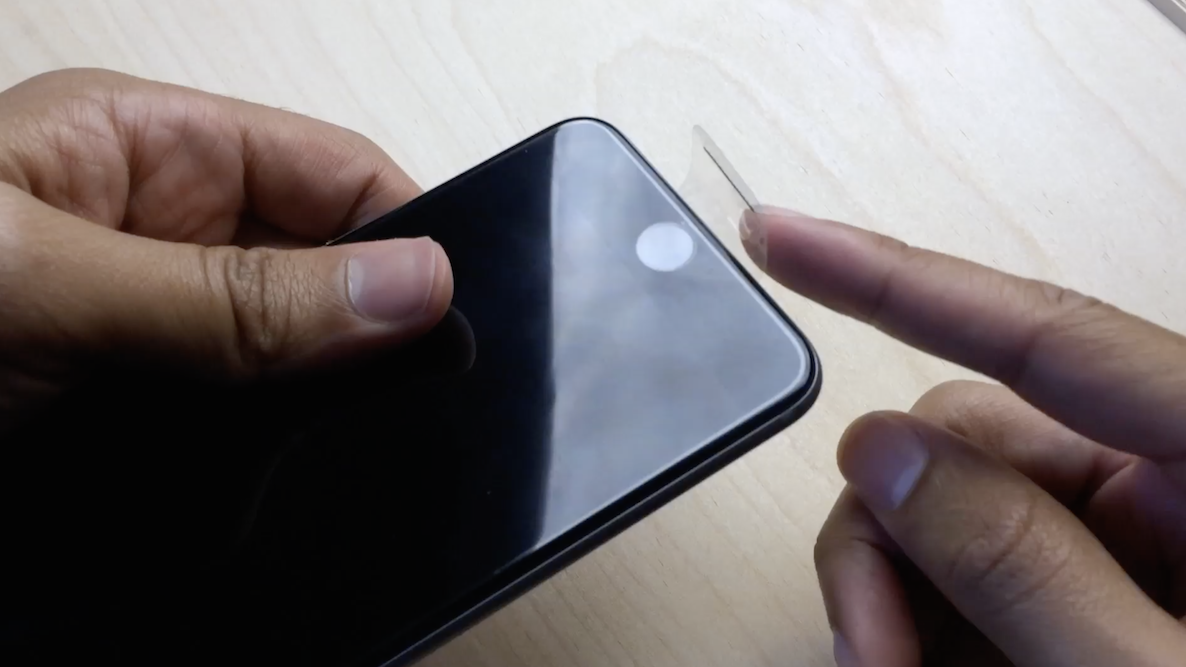
What you can do with your iPhone’s plastic screen protector

So you just got your iPhone 6 or iPhone 6 Plus. Or, perhaps you're waiting for it to arrive via the mail. Whatever the case may be, you just got (or are getting) a new device, and you're thrilled.

Now, the question that all of us have to ponder at some time during the day: What do I do with the plastic screen protector that wraps around my iPhone?

If you're like most people, the answer to this question is simple: Remove it as fast as humanely possible, and let your hands enjoy the build quality and curves of Jony Ive's latest creation.

But for me, and no doubt, others, the answer to that question is a tad more complex. Sometimes I find myself removing the plastic, yet at other times, I like to keep it on my device. It is free, after all...