Learn how you can back up all your Apple Vision Pro apps, data, and settings to iCloud for safekeeping and restore them later if needed.
How to turn on and manage an iCloud backup on Apple Vision Pro
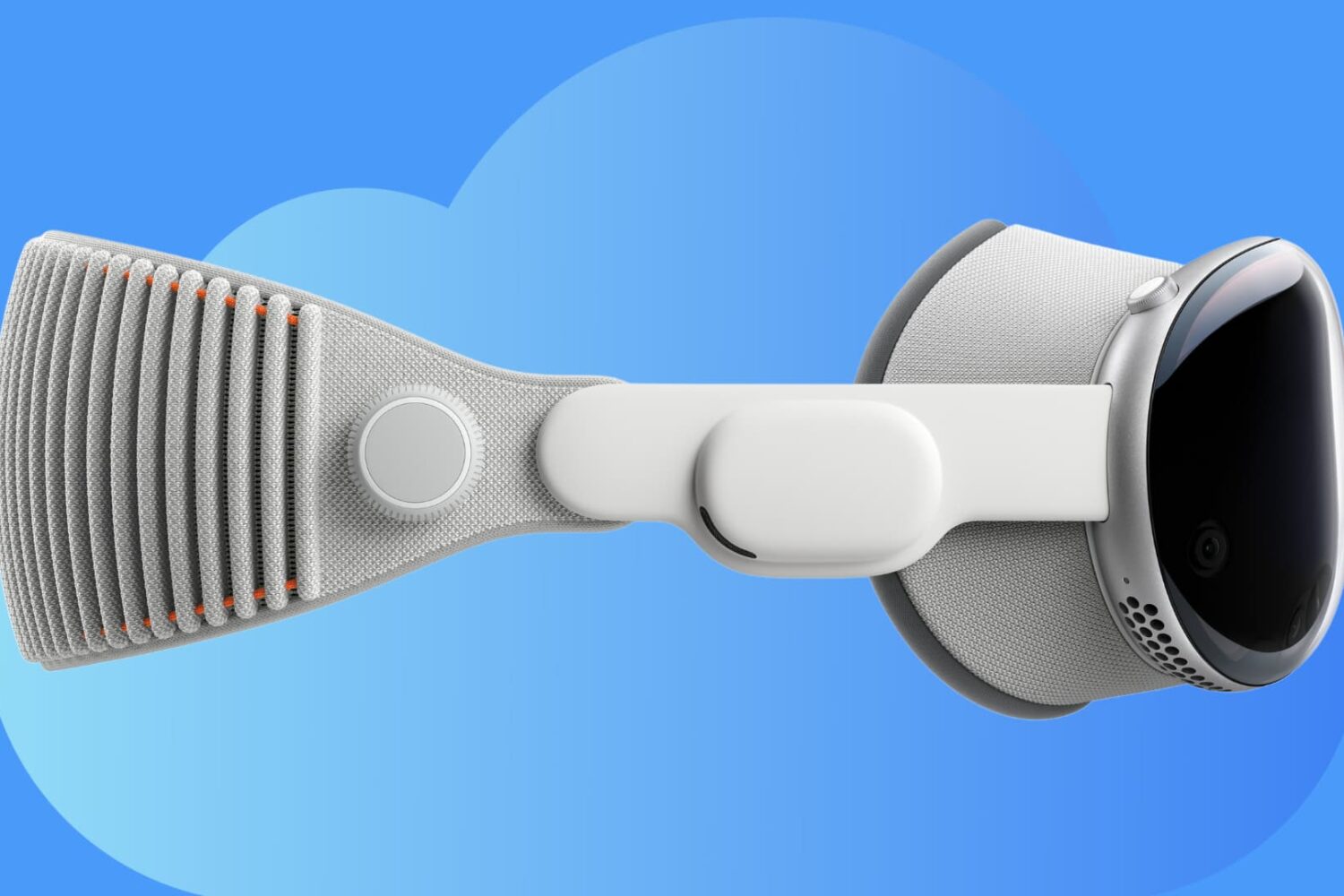
Learn how you can back up all your Apple Vision Pro apps, data, and settings to iCloud for safekeeping and restore them later if needed.
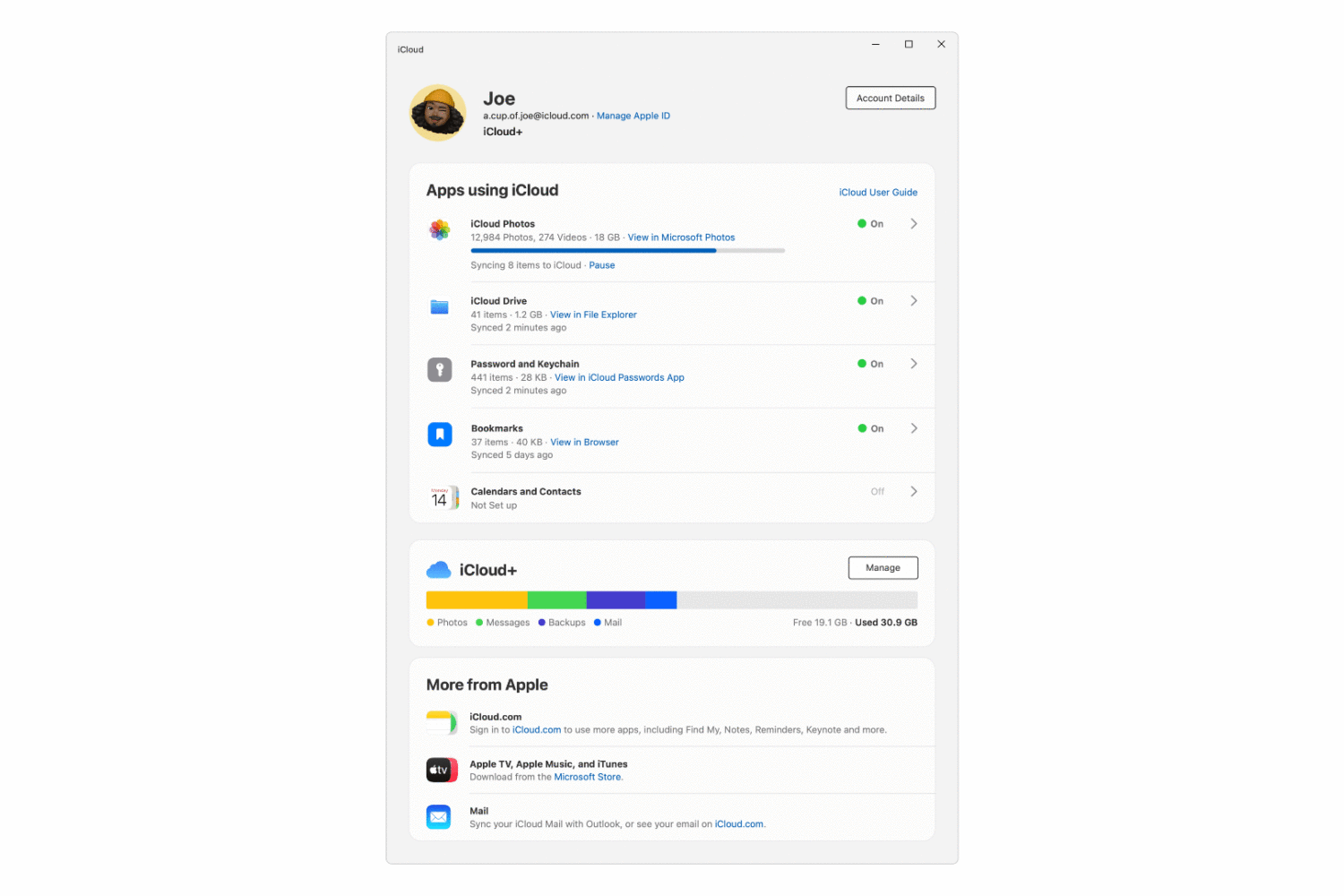
Apple has revamped and updated iCloud for Windows with a more streamlined interface, adding new features such as support for physical security keys.
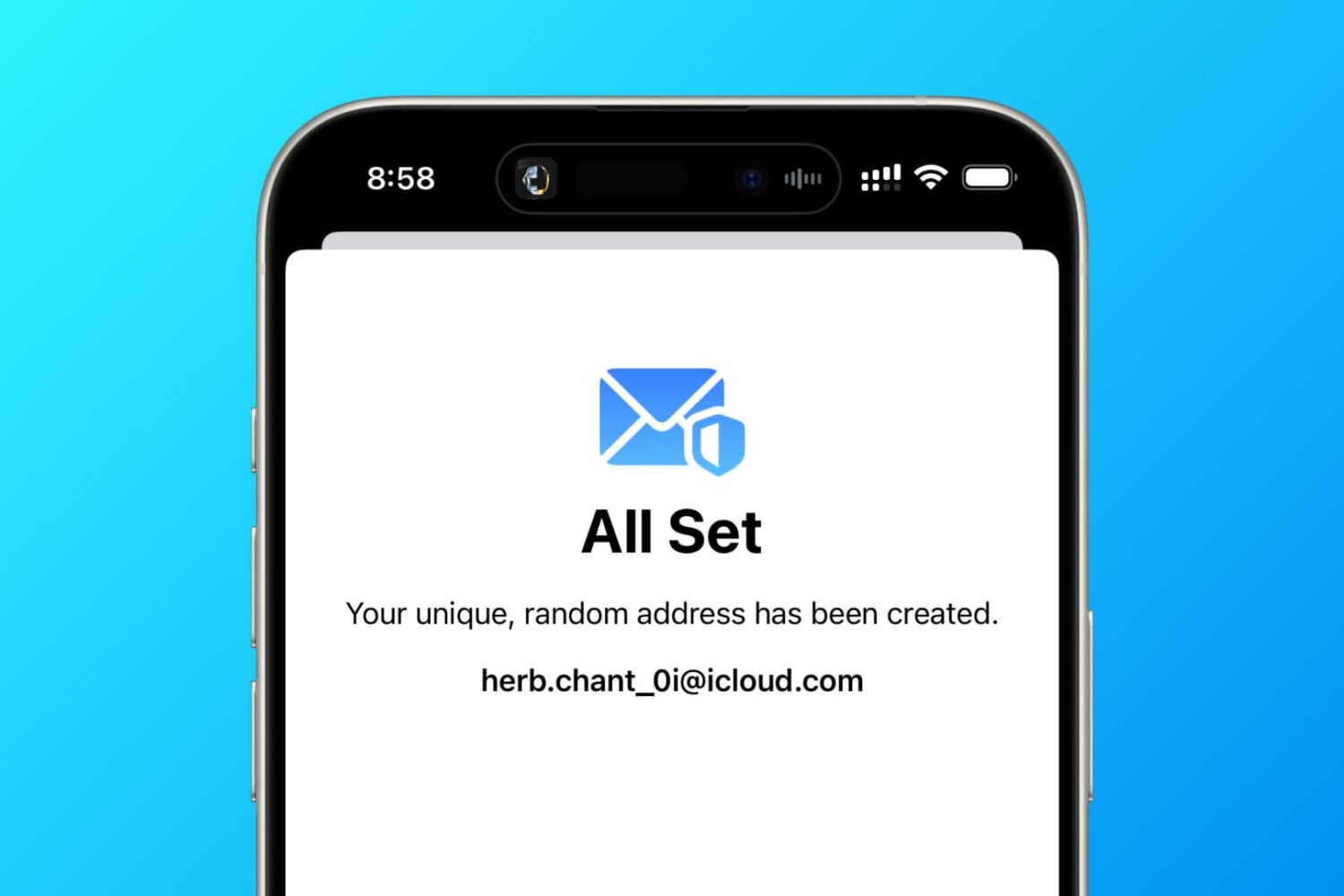
In this tutorial, we will share several ways to create a fake, anonymous, temporary, or disposable email address on your phone or computer that you can use to protect your actual email address.
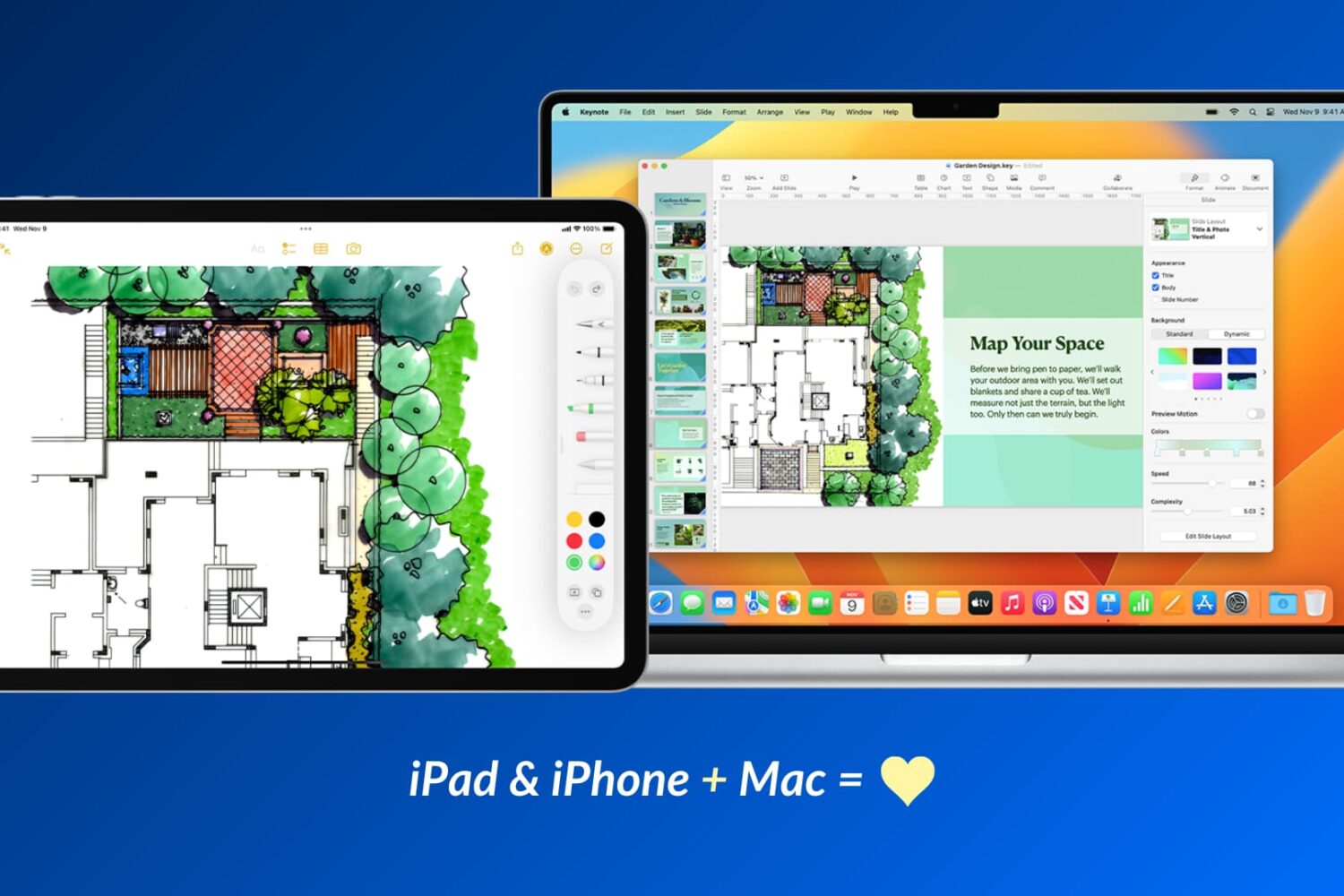
Apple devices work particularly well with one another, and in this guide, we will share fifteen ways to use your iOS device and your Mac together for a more productive and creative experience.
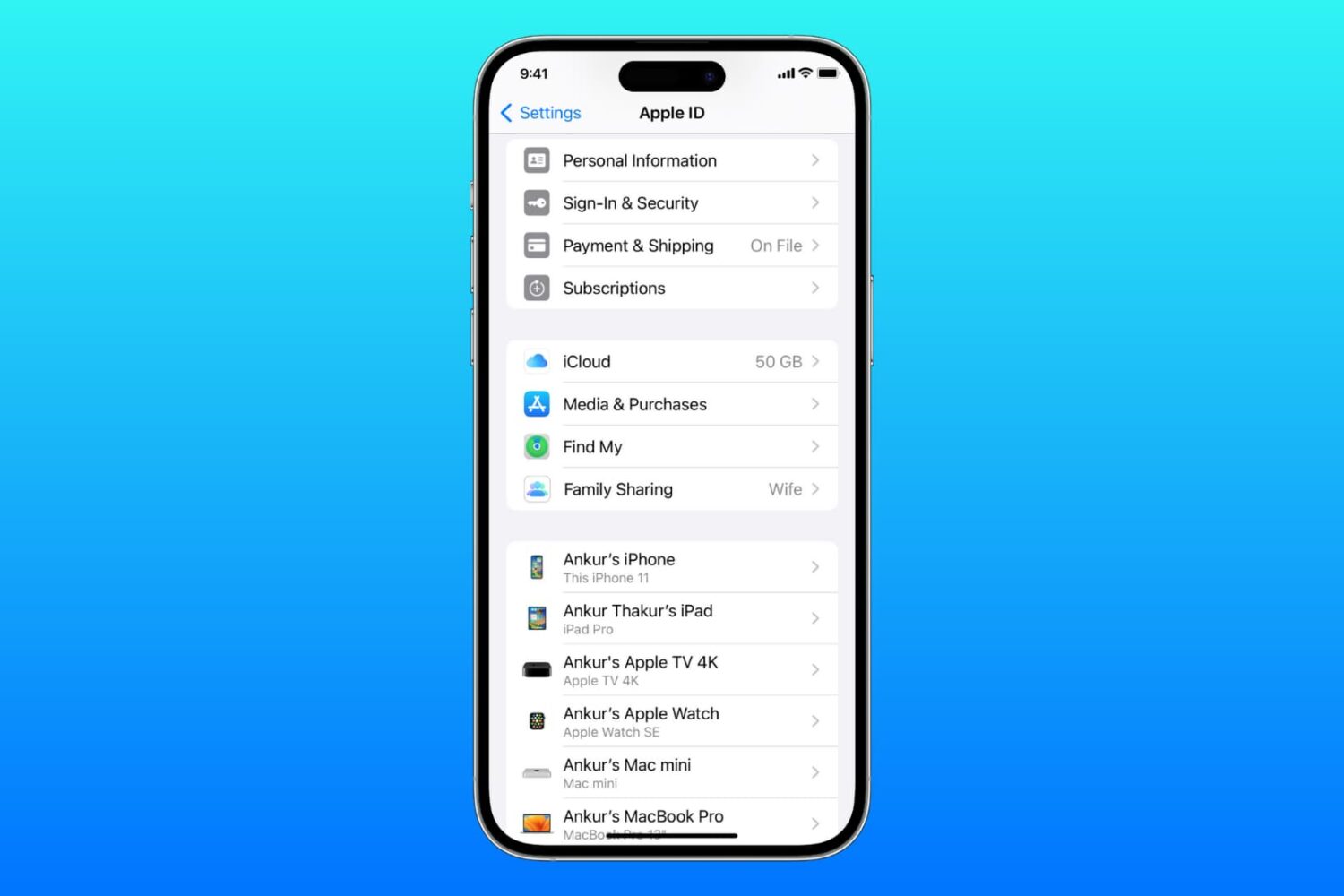
Cannot get to your iCloud or Apple ID settings as it's grayed out, unclickable, or inaccessible? Check out all the solutions to fix this issue on your iPhone, iPad, Mac, and web browser.
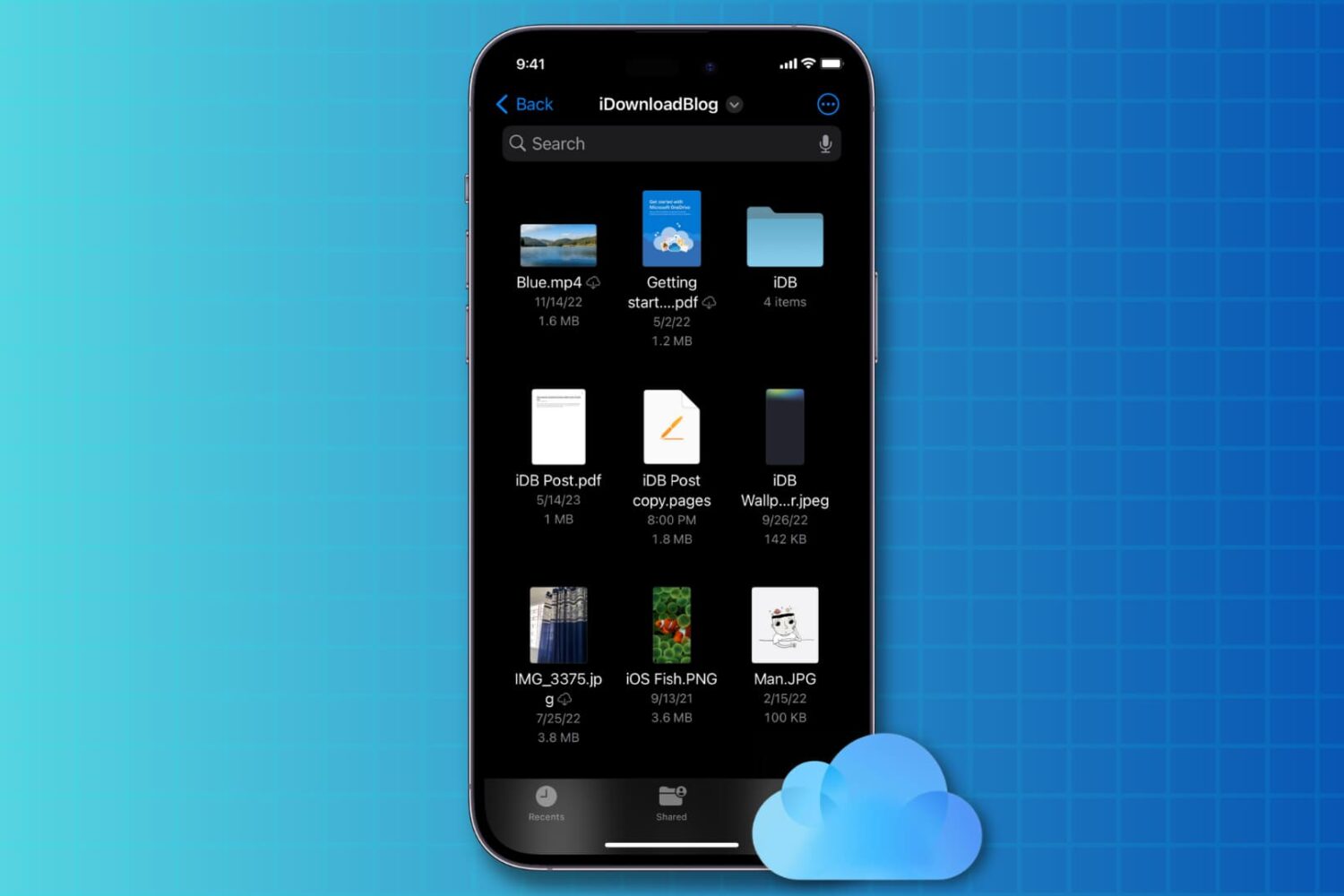
You can disable iCloud Drive on iOS 17 without losing iCloud syncing features in third-party apps that use Apple’s CloudKit framework.
Apple will shut down My Photo Stream in July 2023, with new uploads no longer accepted. Learn what to do and how to save your originals to keep them.
This tutorial will show you three easy ways to access all your iCloud Drive images, audio, video, PDF, documents, and other files on your iPhone or iPad.
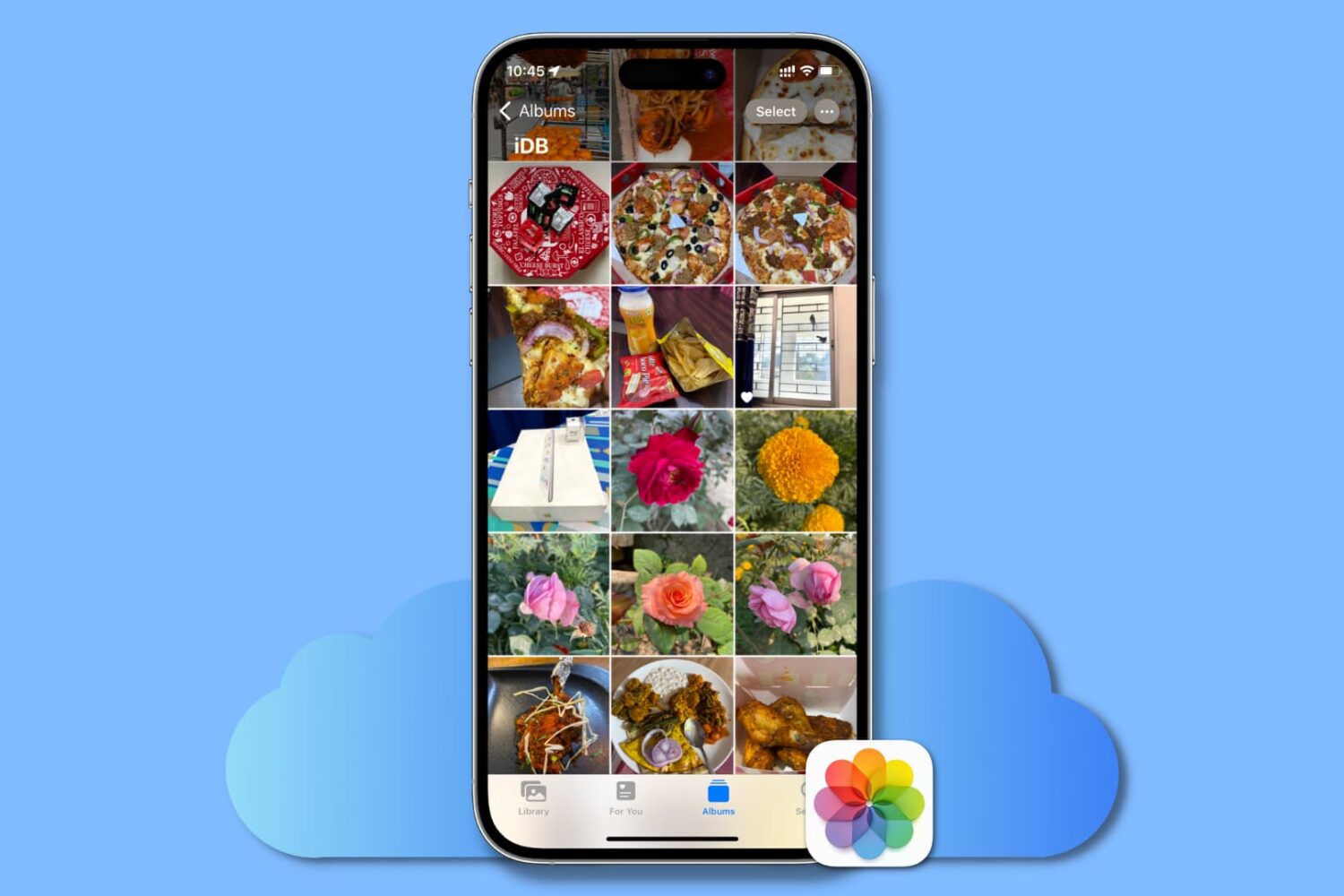
This guide lists all the solutions to fix iCloud Photos not syncing pictures and videos across your Apple devices, iCloud web, and Windows PC.
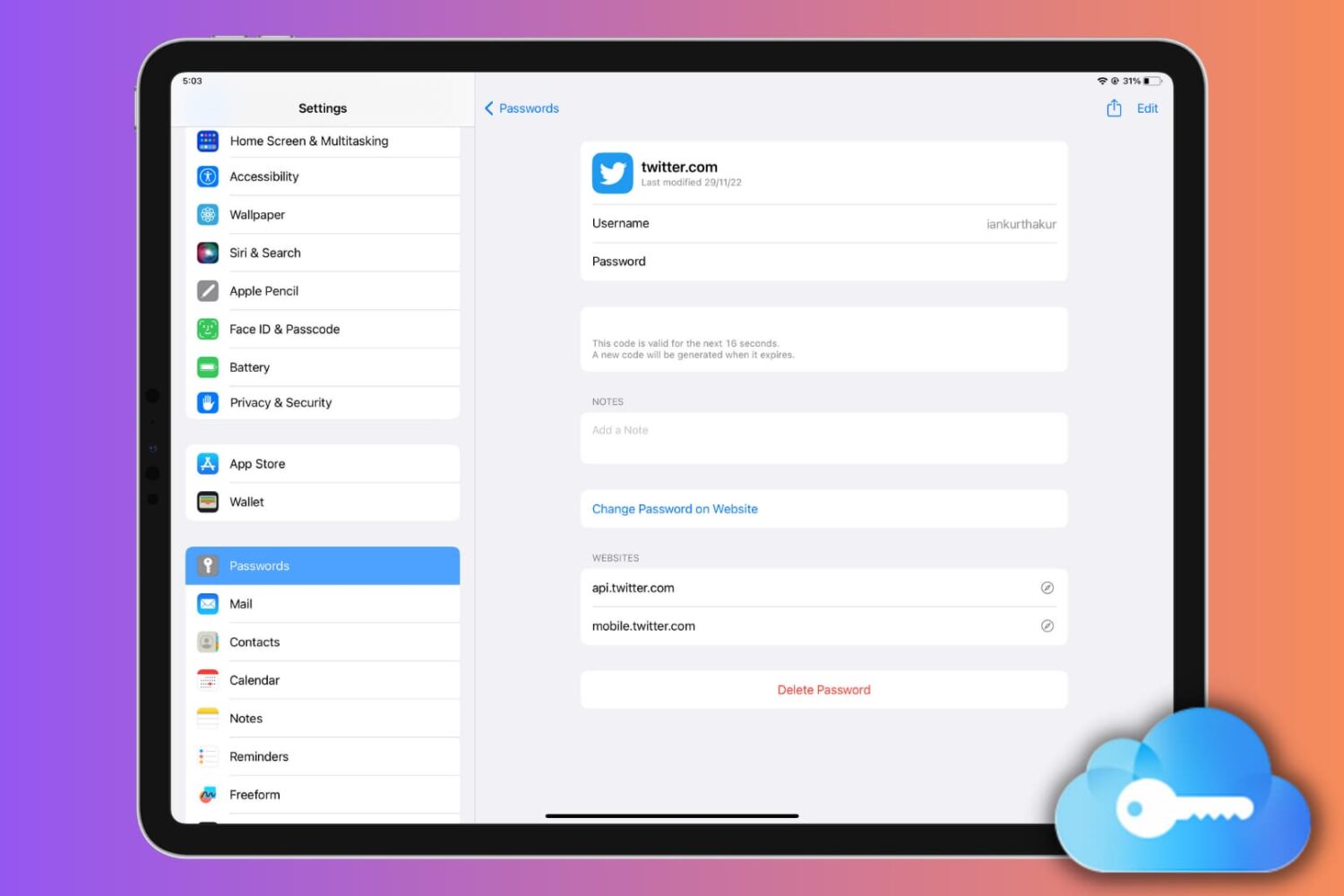
This comprehensive guide will teach you how to set up, use, or turn off iCloud Keychain on your Apple devices, simplifying your digital life and keeping your passwords secure.
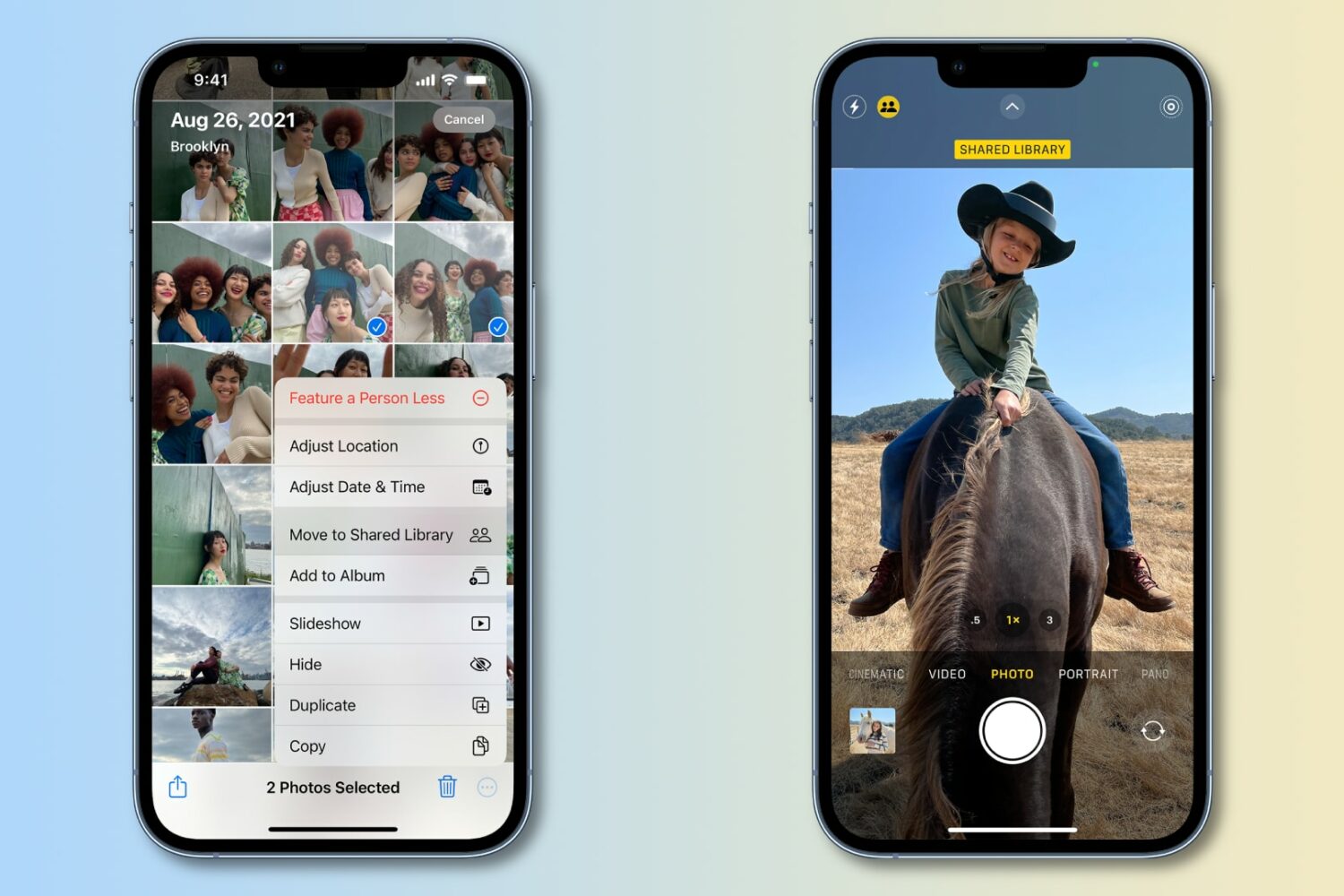
Update your iPhone, iPad or Mac to iOS 16.4, iPadOS 16.4 or macOS Ventura 13.3 to have the Photos app detect duplicates in your iCloud Shared Photo Library.
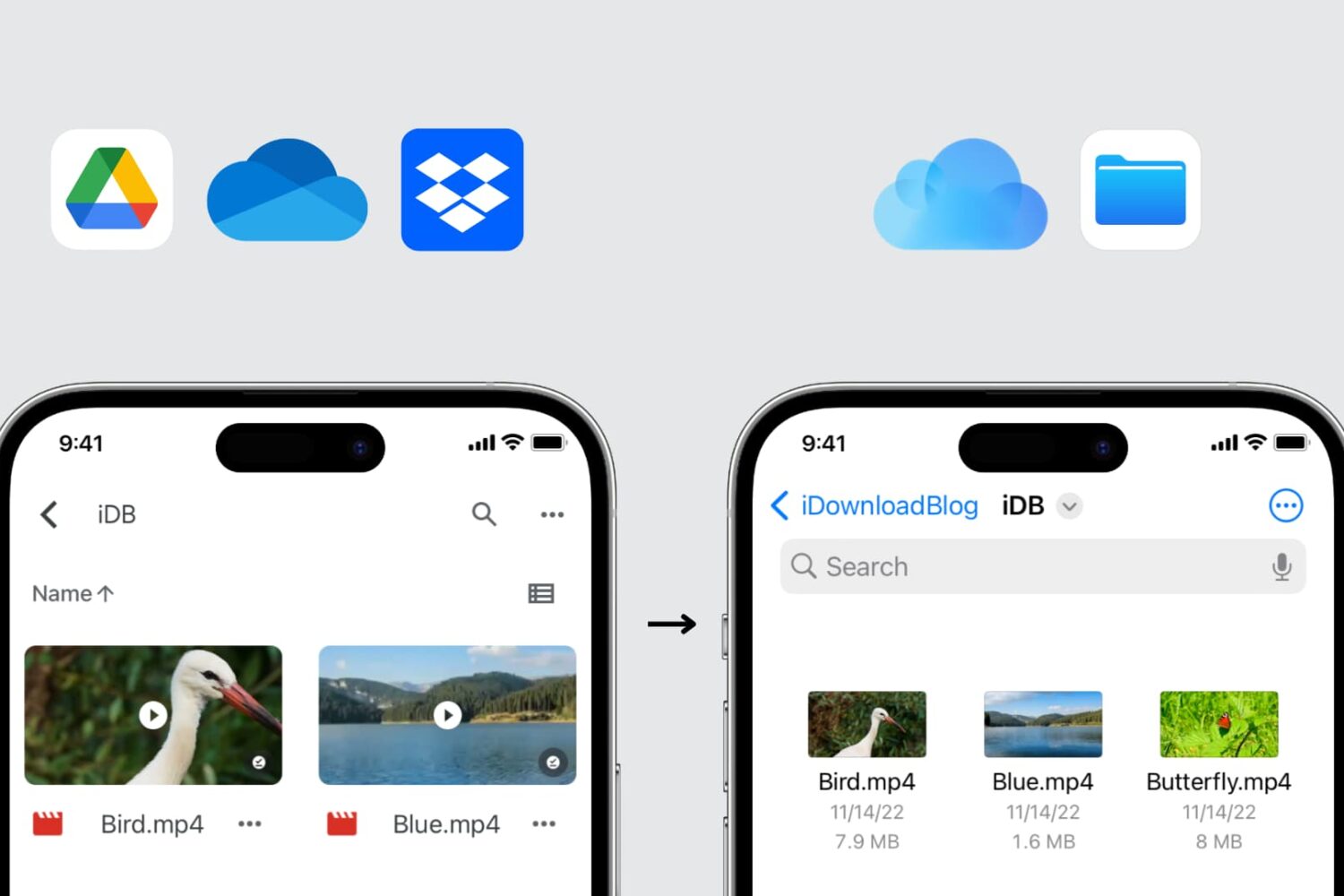
There are a few easy ways to move your files and folders from Google Drive, Dropbox, OneDrive, or other cloud storage services to Apple's iCloud Drive, and this tutorial shows you how to do that directly from your iPhone, iPad, Mac, or Windows PC.