watchOS

MiniStats shows detailed iPhone stats directly on your Apple Watch

If you're looking for the next cool app to install on your Apple Watch, look no further than MiniStats, a useful utility and statistics app for the iOS platform that's usually $0.99, but is currently free in the App Store.

This app lets you see various statistics about your iPhone usage on your handset itself, and even right from your wrist on your Apple Watch.

watchOS 2.1 for Apple Watch is out with new language support and bug fixes

In a flurry of software updates released today, Apple hasn't forgotten about the Apple Watch. The new watchOS 2.1 software update is available for your watch, bringing out new language support and bug fixes to improve your experience.

Available through the companion Watch app on your iPhone, the 57.1-megabyte download introduces an expanded support for system languages, adds support for right-to-left user interface, Siri dictation in Arabic and more.

New in watchOS 2: status icon when Apple Watch is connected to known Wi-Fi on its own

Joining a bunch of status indicator icons at the top of the Apple Watch screen is a handy new icon displayed when the device is on a known Wi-Fi network without the paired iPhone present.

Before watchOS 2, the wearable used to indicate that it's lost connection with its paired iPhone but would not distinguish whether it's remained connected to a known Wi-Fi network on its own.

Hands on with Night Sky’s ISS Complication for Apple Watch

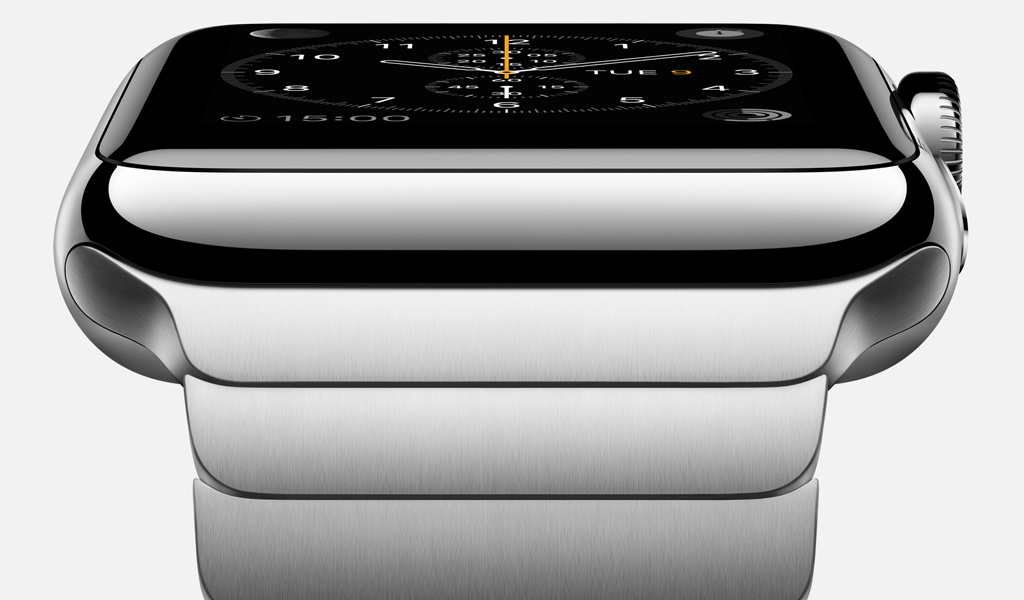
Complications in the watch making industry are added features to the movement of a watch beyond simply telling the hour and minutes. The Apple Watch, of course, features a selection of software-based Complications allowing you to put stuff like Activity rings, the weather, stocks, the latest sports scores and more right on your watch face.

With watchOS 2, Apple began permitting third-party complications on watch faces. To tell learn more about how third-party Complications work in watchOS 2, I took iCandi Apps' awesome stargazing app called Night Sky for a spin.

New in watchOS 2: a bigger, square keypad

Apple yesterday unleashed the free watchOS 2 software update for the Apple Watch and with it came tons of improvements, most of which our writers will be explaining in detail here on iDownloadBlog in the coming days and weeks,

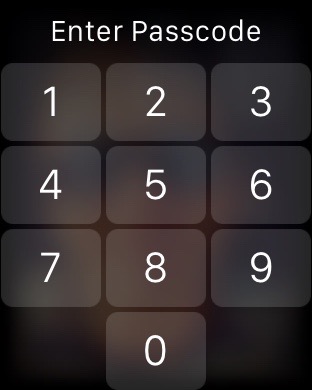
One of the little things that I think many Apple Watch wearers will greet with a resounding 'at last!'  is a redesigned keypad for entering your passcode. Here's what it looks like and why it's better than the old Apple Watch keypad from a user experience standpoint.

Check out new animated emoji in watchOS 2

WatchOS 2 expands availability of emoji on your Apple Watch with more than two-dozen newly added, fully animated hand symbols and smileys.

The new smileys and hands let you convey your feelings and express emotions more precisely than before. Some of the new emoji support changing colors between yellow and red by way of pressing firmly on the screen.

Here’s everything that’s new, improved and enhanced in watchOS 2

Following a slight delay in launching watchOS 2 due to a critical bug discovered at the last minute, Apple on Monday released the first major update to the operating system powering the Apple Watch.

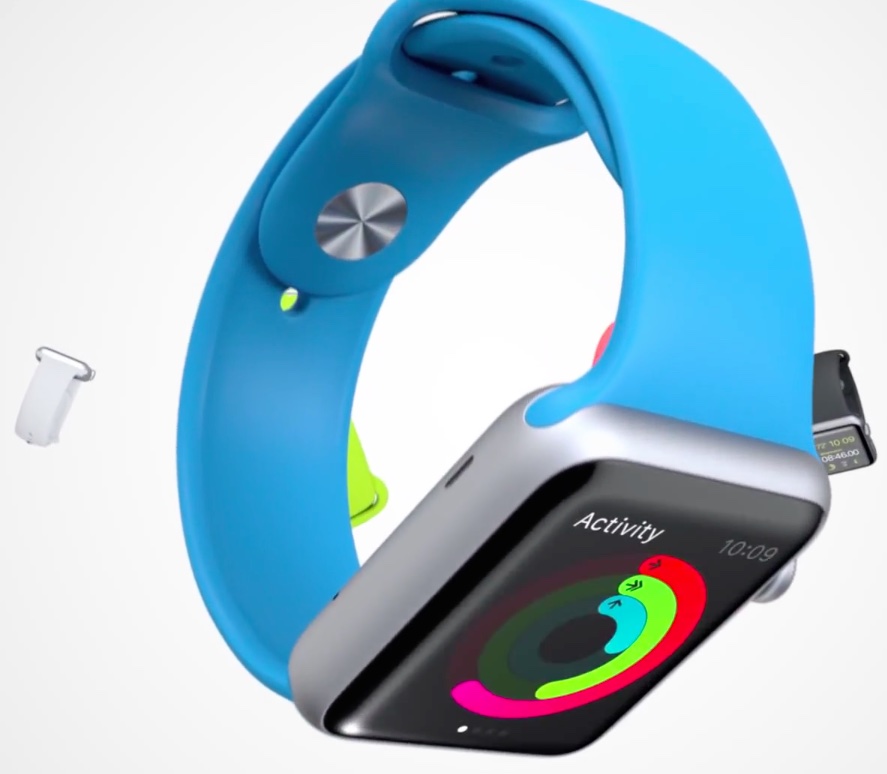
In addition to executing your favorite apps directly on the device rather than on your iPhone, watchOS 2 lets native apps take advantage of hardware features such as built-in mic, the Digital Crown and the Taptic Engine.

For the full list of changes, check out Apple's official release notes further below detailing everything that’s new, improved and enhanced in watchOS 2.

Apple seeds watchOS 2 beta 3 to developers

In addition to releasing a third developer preview of OS X El Capitan and seeding iOS 9 beta 3 with Apple Music to members of the Apple Developer Program, Apple on Wednesday also released watchOS 2 beta 3 for developers.

It follows watchOS 2 beta 2, which was seeded to developers just a little over two weeks ago, and the first watchOS 2 beta that was posted minutes after last month's Worldwide Developers Conference keynote talk had wrapped up.

The latest watchOS software update must be applied through the Apple Watch companion app on an iPhone with iOS 9 beta by going to the General -> Software Update section.