Video

LockToCell: lock app icon spacing in the app switcher

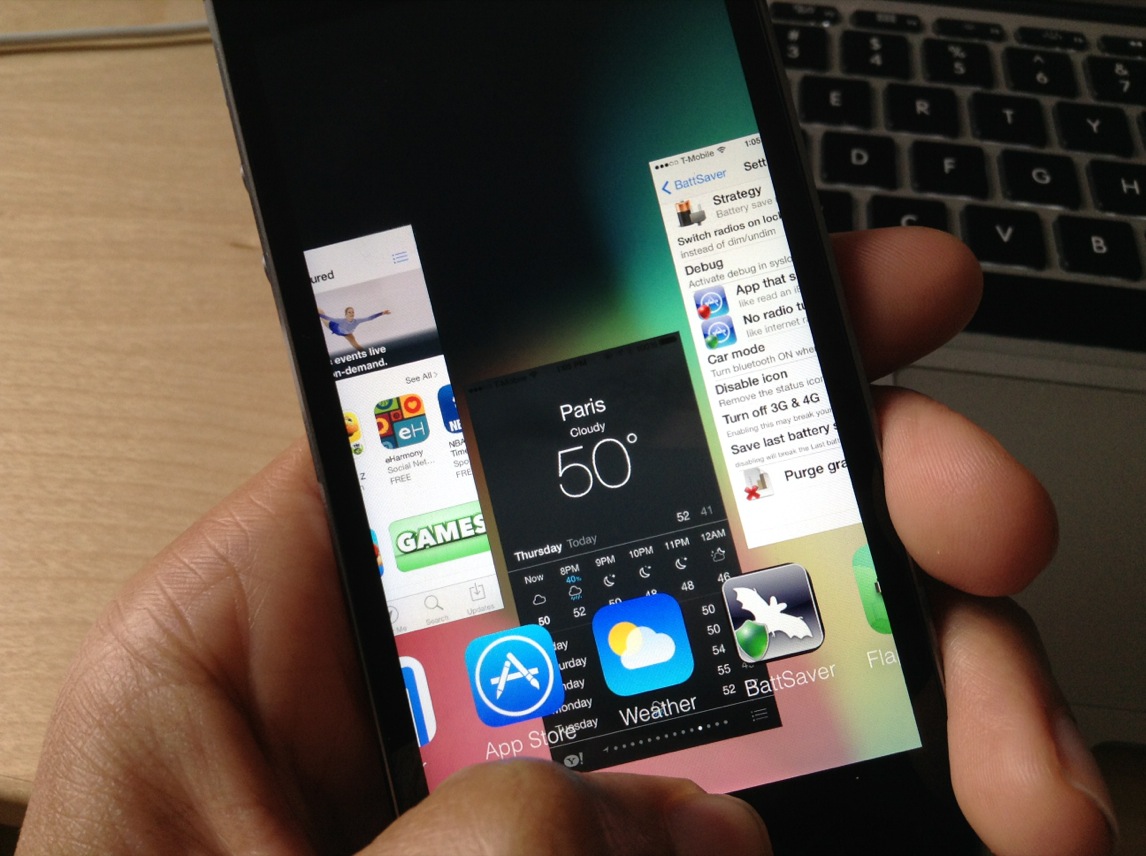
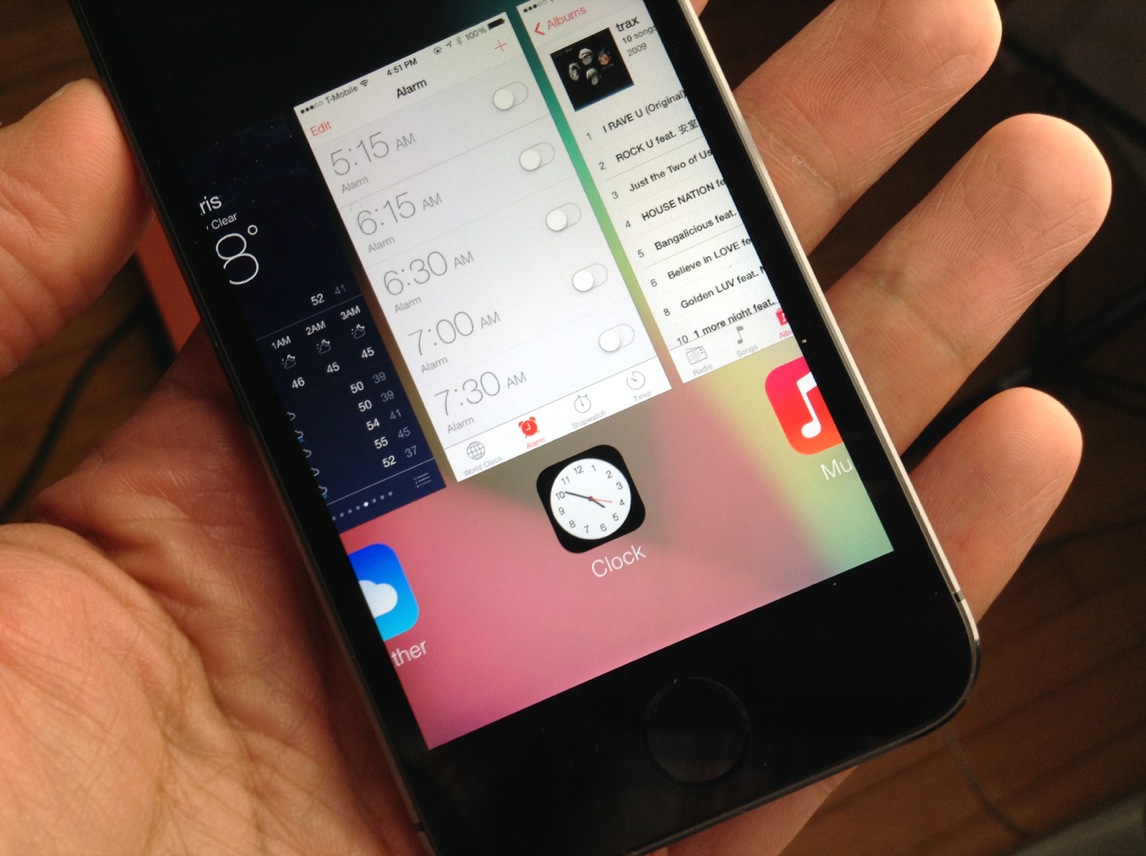
When you open the app switcher in iOS 7 and scroll through the list of apps, you'll notice that the app icons beneath the app switcher cards change spacing as you scroll through. In other words, the spacing isn't always equal between app icons, and the app icons aren't always located directly beneath the app card that they represent.

LockToCell is a new jailbreak tweak that forces even spacing for the app icons that lie beneath the cards in the app switcher. It makes it so that the spacing stays the same, even when scrolling fast through the app switcher. Have a look at our full video walkthrough inside to see what I mean.

Springtomize 3 updated with new Barrel-inspired animations and more

Filippo Bigarella has pushed the latest update for Springtomize 3 to Cydia, and it's a doozy. The update brings loads of bug fixes, but it also adds new features like lock animations, new app switcher features to handle the look of inactive apps, new Barrel-like scroll animations, and more.

Springtomize 3 is one of the best tweaks for iOS 7, and with this latest 1.1 update, it only gets better. Have a look at our new video, which showcases some of Springtomize 3's new features—including all two-dozen plus scroll animations—after the jump.

Springshot: add a slingshot effect to the app switcher

Whenever I see one of Adam Bell's tweaks hit Cydia I get excited, because I know it's going to be something innovative and/or fun to use. And Adam didn't disappoint with his latest release, which is appropriately titled Springshot.

Springshot is a jailbreak tweak that allows you to pull down on the app switcher cards to dismiss apps using a slingshot effect. The WebOS inspired tweak is available free of charge from Cydia's BigBoss repo. Have a look at our video walkthrough inside to see what Springshot is all about.

IconLock7: prevent apps from being moved or deleted in iOS 7

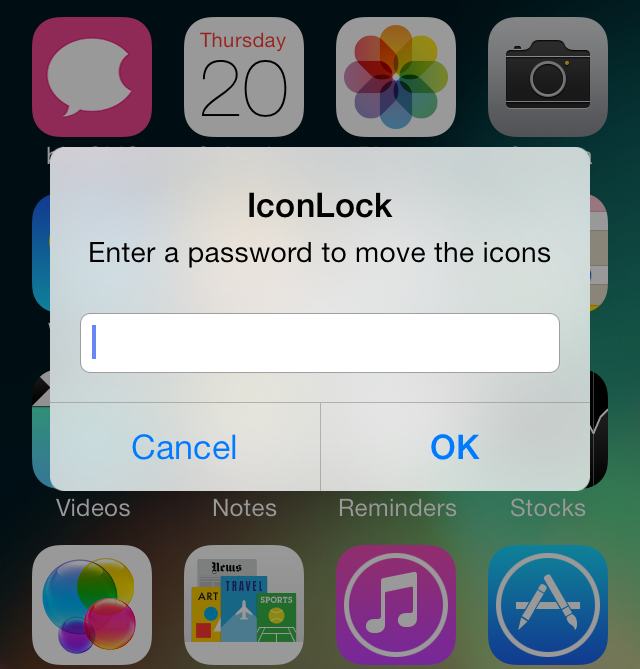
IconLock7 is a free jailbreak tweak recently released on Cydia's BigBoss repo. It's a tweak that allows you to add a password to prevent apps from being moved or deleted without verification.

Unfortunately, IconLock7 has a few design flaws, most notably, the lack of password verification when establishing the initial password. Check inside as we walk through IconLock7's pluses and minuses in this hands-on video demonstration.

AutoPause: pause the current song when volume is decreased to zero

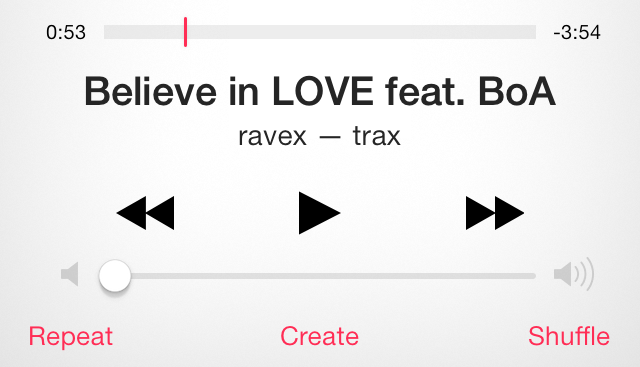
One of the great things about /r/jailbreak on Reddit is that users can submit tweak requests and many times they are fulfilled by generous developers. AutoPause is a new jailbreak tweak resulting from one of those requests, and it forces music to automatically pause when the volume on your iPhone is decreased to zero.

AutoPause only works with the physical volume buttons, so using the software volume controls doesn't cause the tweak to pause the music. Have a look inside at our video walkthrough to see AutoPause in action.

GridSwitcher: show the iOS 7 app switcher in a grid view

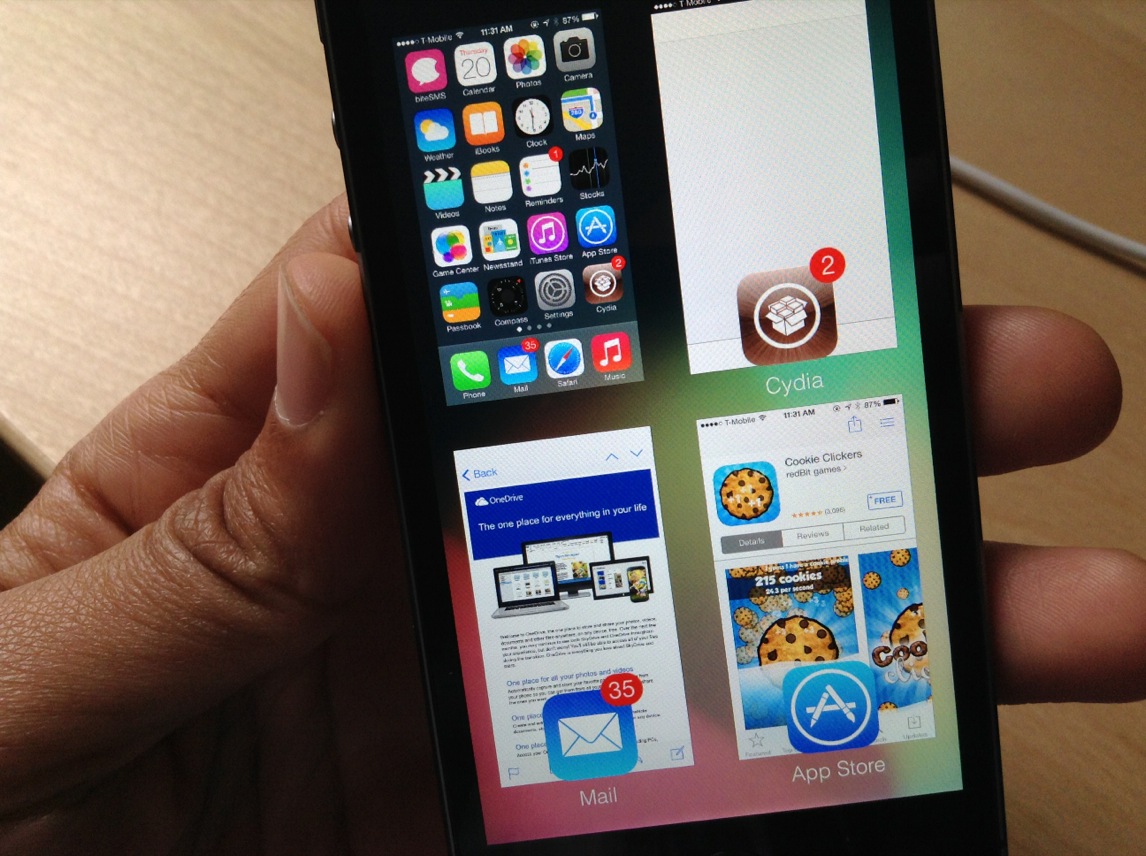
GridSwitcher is an upcoming jailbreak tweak that allows you to display the iOS 7 app switcher in a grid-based view. Most notably, you still retain the same app switcher functionality of the standard app switcher while in grid view.

At this point in the tweak's life, there are no options to configure how it works, just install it and start using it. Have a look at our video walkthrough of the tweak after the break.

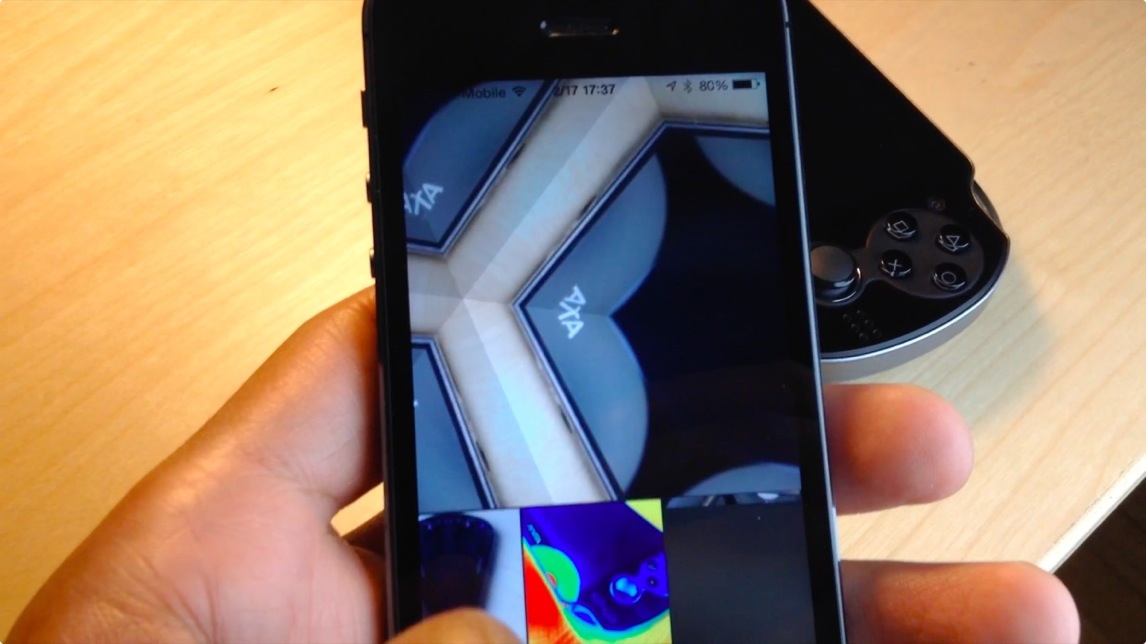
New Photo Booth port for iPhone released on Cydia

The last Photo Booth port for iPhone that we covered didn't worked very well. It featured only a handful of effects, and it was susceptible to crashes. To add insult to injury, the legality of such a port has been debated, because it redistributes assets from Apple.

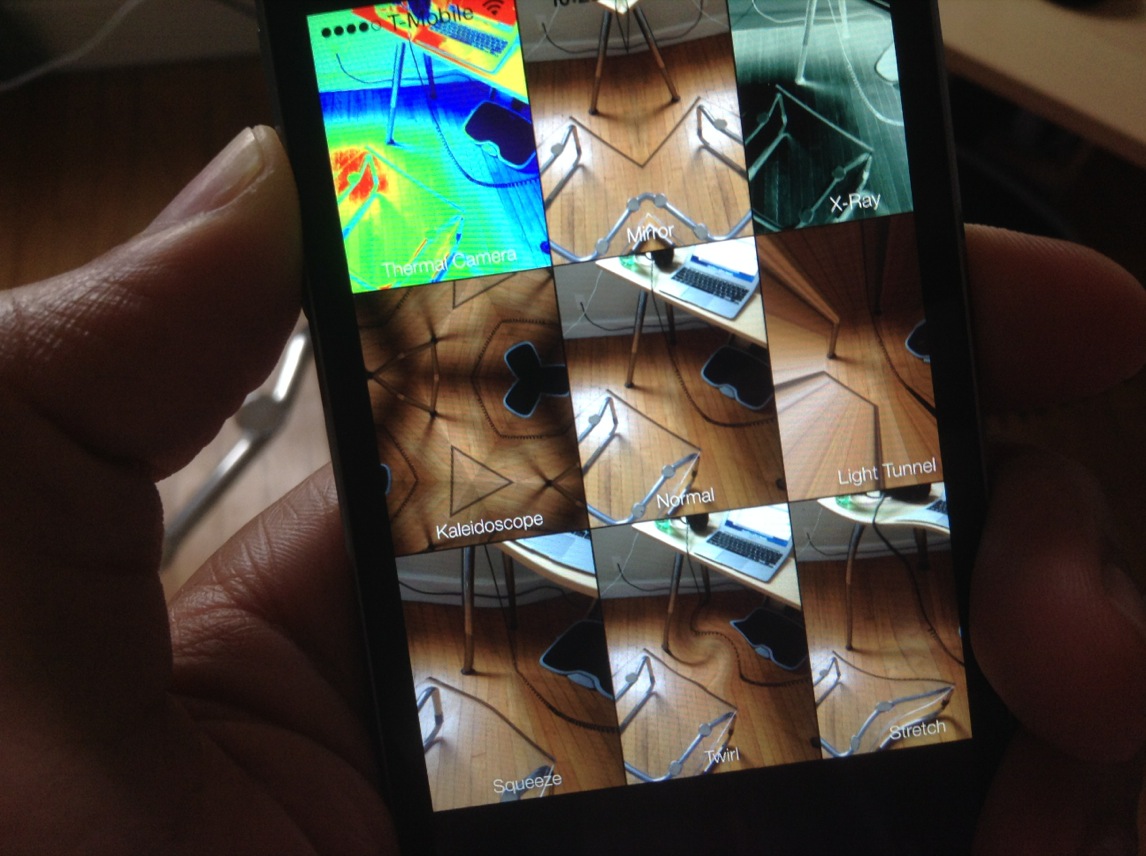
Thankfully, CoolStar, the iOS hacker and jailbreak mainstay, has devised his own version of Photo Booth, and it features none of the caveats listed above. Check inside as we walk through this latest version of Photo Booth for the iPhone.

Snapper: a new way to take and manage screenshots

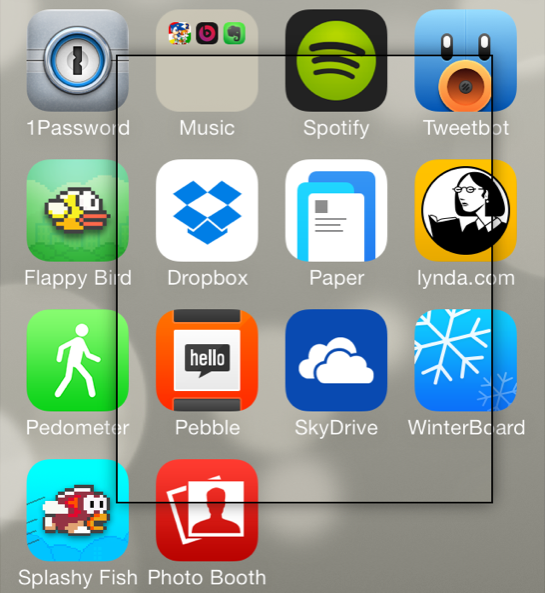
Snapper is a recently released tweak that allows you to manually draw screenshots using your finger. It's a bit difficult to explain without actually seeing it in action, but it allows you to "cut out" screenshots and pin them on the screen as you go about your business on your iPhone.

An Activator gesture needs to be assigned to Snapper in order to invoke the tweak. Once you cut out the screenshot, you can then tap and hold on it to bring up a screenshot management sheet. This sheet allows you to save the screenshot, close the screenshot, copy it, or use a combination of those commands.

To help better explain how Snapper works, we've created a video walkthrough. Have a look inside to learn more.

RocketLauncher: quickly view and launch apps from the Lock screen

RocketLauncher is an upcoming jailbreak tweak from @busheman, which allows you to view previews of your running apps, and launch those apps directly from the convenience of the iOS Lock screen. The tweak, which will be available in the near future on Cydia's ModMyi repo, is accessible by tapping and holding any area of the Lock screen.

Folks, this is one of the more promising upcoming tweaks that I've seen in a while. Have a look at our full video walkthrough to see how RocketLauncher performs in action.

biteSMS 8: the best messages app for iOS 7

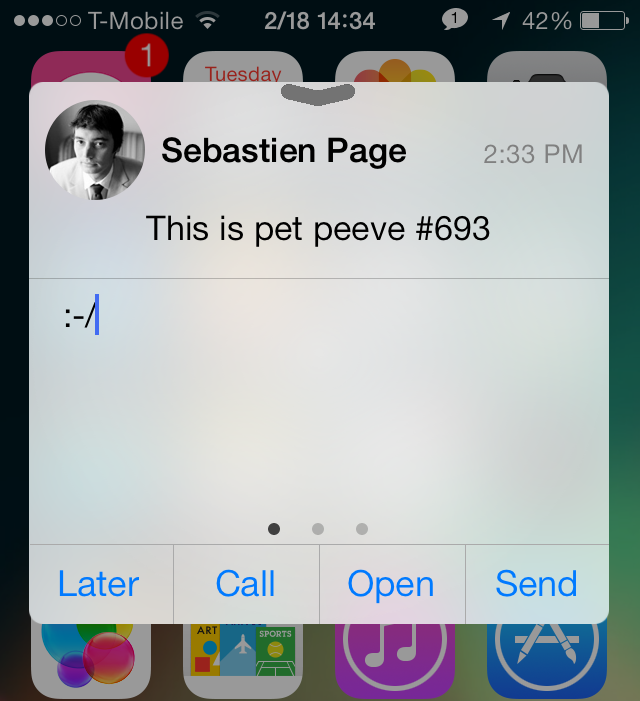
Do you hear that? That's Sebastien Page popping open a bottle of the finest bubbly in celebration of the public release of biteSMS for iOS 7. Of, course, I'm joking. Sebastien would likely save his bubbly for a more apt occasion, but he's no doubt happy to hear about biteSMS' release, and for good reason.

Despite some of the criticism I've heaped on biteSMS over the years, it's still without a doubt one of the finest, and one of the most cared-for jailbreak apps in history. I mean, who else can you think of that meticulously updates its apps as much as the folks behind bite do? Instead of milking the success of biteSMS, it's always being worked on, perfected, and enhanced for the customer.

biteSMS 8.0, which is the first public release sporting the highly coveted iOS 7 compatibility, is a pivotal change for the app's look. Of course, the creators of biteSMS had to match the style of iOS 7, which was, besides the under-the-hood changes, one of the more pressing issues for them to get right.

I'm happy to report that biteSMS 8.0 looks great, and works in the same familiar fashion that we've all grown accustomed to over the years. If you're a bite fan, you're not going to be disappointed. If you're new to the world of biteSMS, then you're in for a treat. Have a look at our full walkthrough after the break as we explore what has made biteSMS such a loved Messages app enhancement over the years.
JellyLockClock7: an Android Jelly Bean inspired Lock screen clock for iOS 7

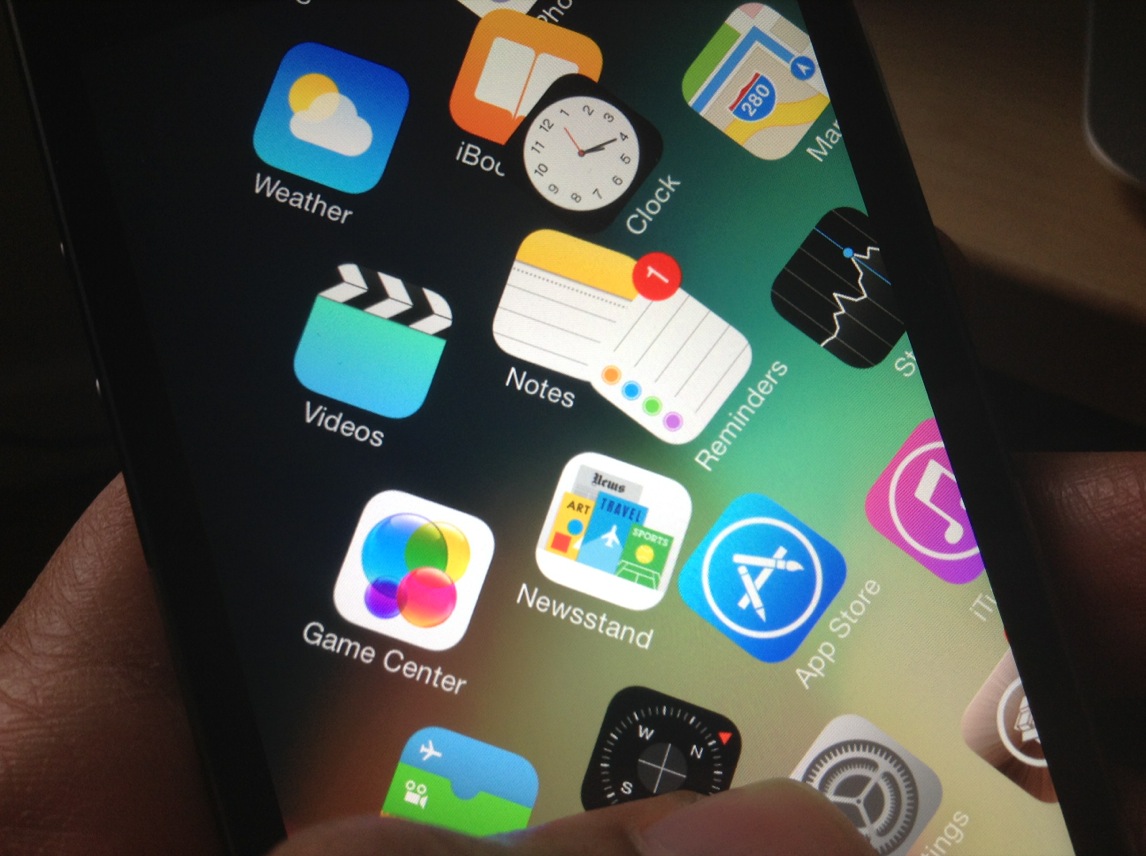
If you're a fan of the JellyLock jailbreak tweak, which brings an Android inspired Lock screen launcher to then iPhone, then boy, do I have a tweak for you. JellyLockClock7 is a brand new jailbreak tweak that's currently in beta, and it allows you to compliment your Android inspired Lock screen launcher with an Android inspired Lock screen clock.

As someone who's a big fan of JellyLock, I have to say that this is the perfect compliment tweak. We've got more details, a video, and the download information inside.

How to get a semi-working Photo Booth port on the iPhone

Photo Booth—it's one of the iPad only apps that sort of gets lost in the shuffle when talking about stock apps. It's an app that people play with when they first get their iPad's only to never really touch it again. Despite that, there always seems to be a concerted effort amongst members of the jailbreak community to port Photo Booth to the iPhone.

Two years ago, Photo Booth was ported to the iPhone 4S with much fan fare. Today, it's been ported to iPhone's running iOS 7. The good news is that it more or less works like you'd expect. The bad news is that, at least in its current form, it's a buggy mess devoid of many of the effects found on the iPad version. Have a look at our video walkthrough past the break to see what I mean.