Video

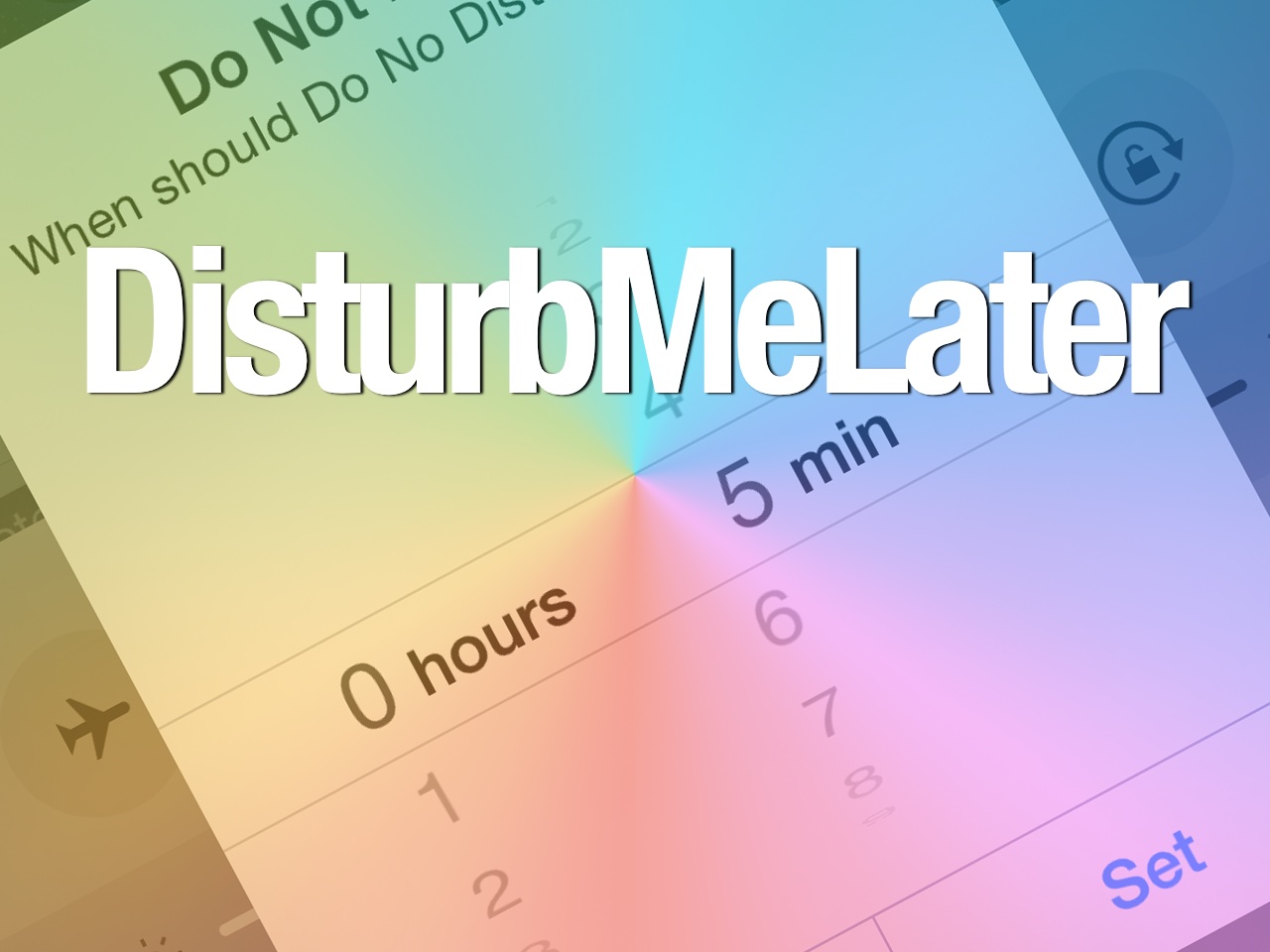
DisturbMeLater: disable Do Not Disturb after a set period of time

Do Not Disturb is a great feature in iOS, and it's one that I use quite often. However, from time to time, I forget to disengage Do Not Disturb, and it causes me to miss texts, phone calls, etc. Yes, it's a great feature, but it can be a little dangerous if you have the tendency to forget to turn it off, especially if you have it set to silence notifications even when the phone is unlocked.

DisturbMeLater is a newly released jailbreak tweak that can help alleviate this issue. It allows you to establish a time interval when Do Not Disturb will disable by itself with no user interaction. This differs from the schedule feature in Do Not Disturbs settings because you can set it on the fly directly from Control Center, which makes it much less tedious to use.
How to increase the availability of QuickType in iOS 8

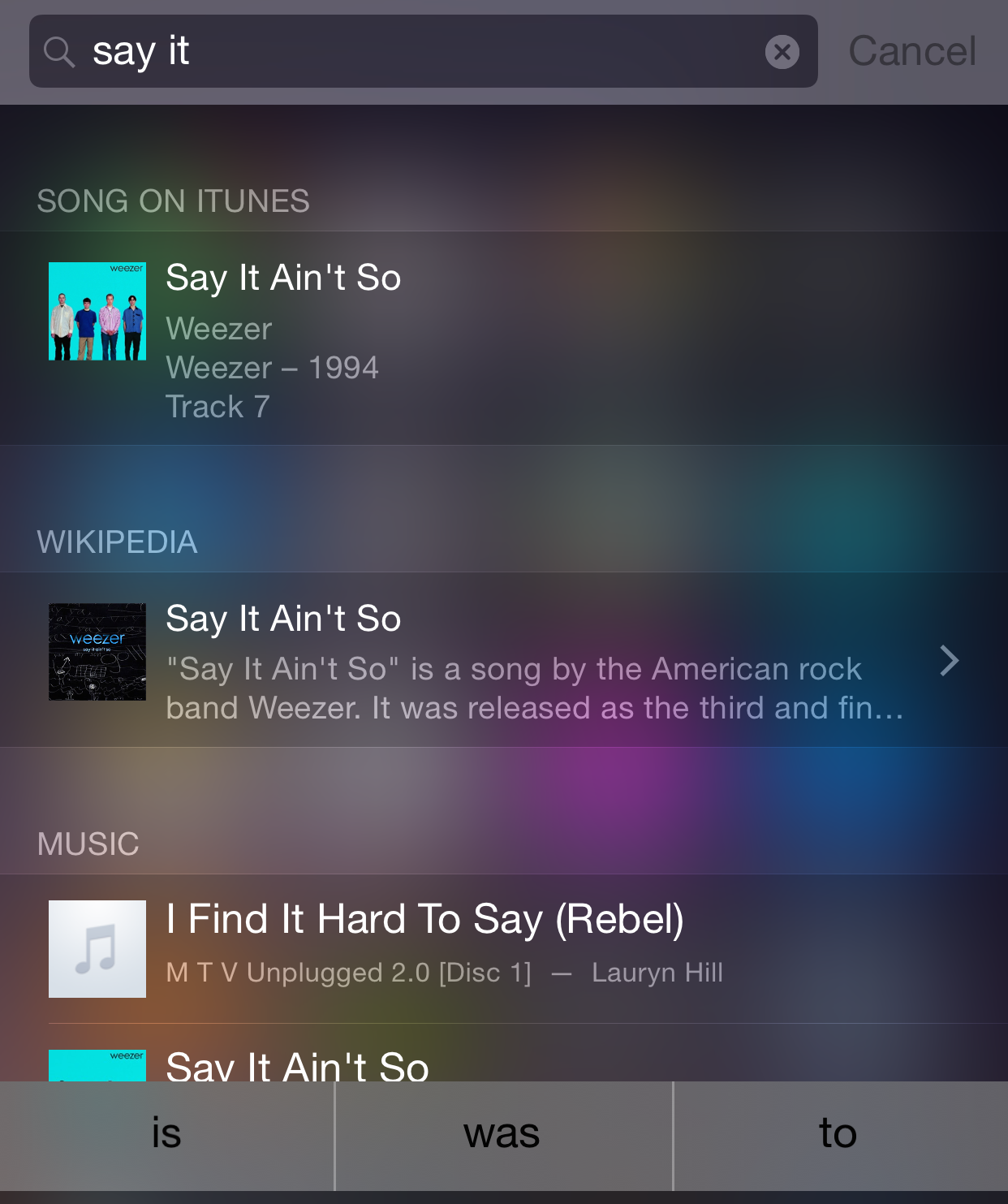
iOS 8 ushered in a new QuickType predictive text feature that is bolted on to the top of the keyboard. The purpose of the QuickType feature is to help you type faster by predicting the words you might use next. I find that QuickType is usually a hate it or love it feature, but some people swear by it.

For those of you who can't live without QuickType, there's a brand new jailbreak tweak that may garner your interest. It's called SystemWidePredictiveText, and it enables the iOS 8 QuickType feature in places where it's not normally available.

Slingshot adds swiping between selfie and frontie and more

Slingshot, Facebook's weird ephemeral messaging app, is actually getting better and more useful with each update.

After releasing a major 2.0 version rebuilt from the ground up and enriched with such new features as private reactions, photo filters, drawings, emojis and notifications on a per-contact basis.

Today's update keeps smoothing out the remaining few rough edges.

For instance, you can now switch smoothly between your iPhone's front-facing FaceTime camera for ‘selfies’ and the iSight camera out the back for ‘fronties’ by swiping left and right.

Let’s Talk Jailbreak 86: Tempting for thieves

Episode 86: We talk about Adam Bell's upcoming CarPlay jailbreak tweak, the iOS 8.1.2 jailbreak, downgrading to iOS 8.1.1, Auxo for iOS 8, two new alarm clock tweaks, and a tweak that lets you take screenshots without the status bar...sort of.

Subscribe via RSS

This episode has no sponsor, but you can always support Let’s Talk Jailbreak and iDB by downloading our OS X Yosemite Interactive User Guide in the iBooks Store.

LockSmoother+ provides an elegant looking Lock screen on iOS 8

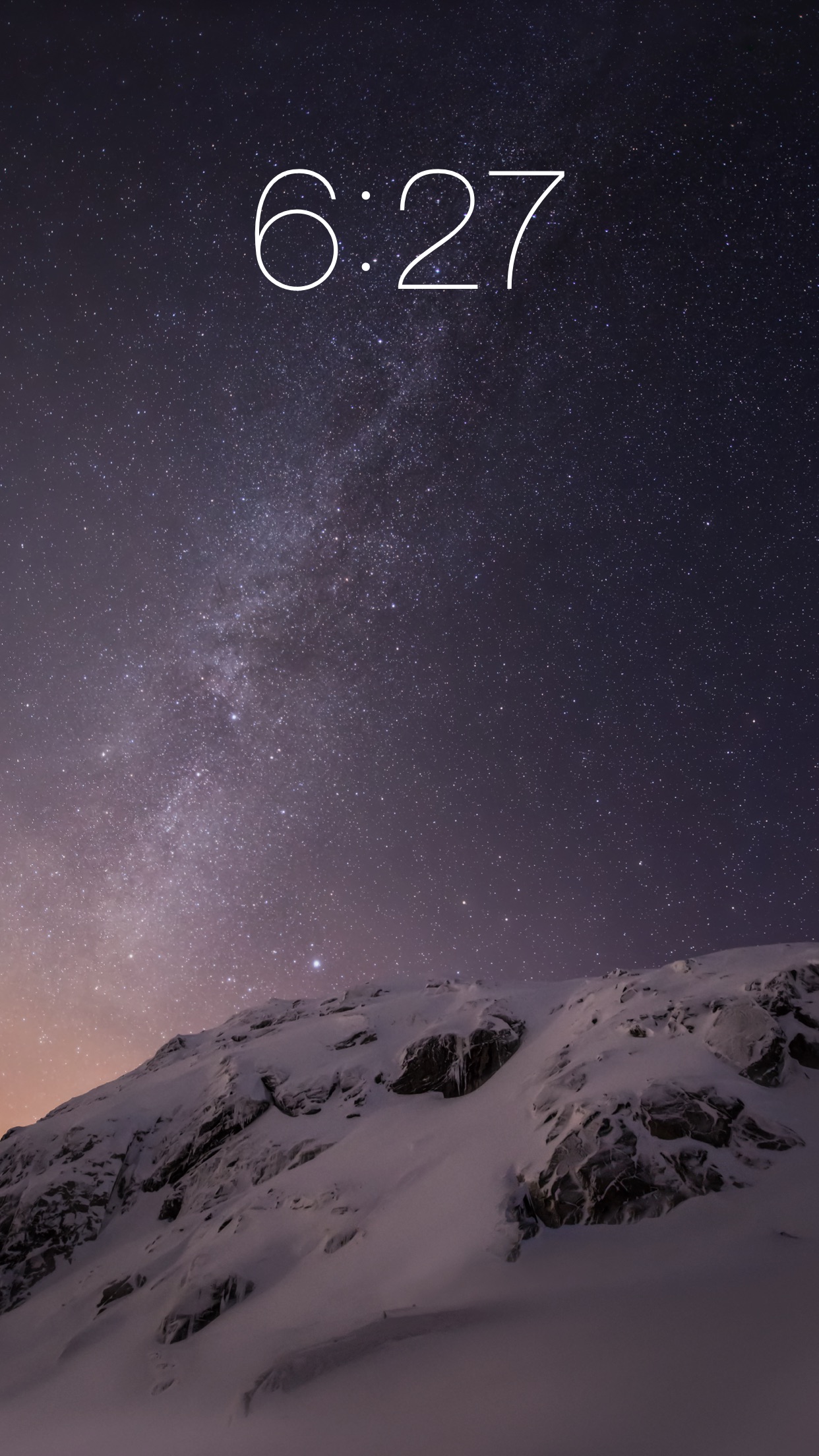
If you have an especially good-looking Lock screen wallpaper, perhaps you find it annoying when iOS clutters it up with all of its Lock screen UI elements. If so, then LockSmoother+ is something that you may want to give a shot. It's a $0.99 jailbreak tweak that just became available today on Cydia's BigBoss repo. As its name states, LockSmoother's goal is to provide a smoother and sleeker looking Lock screen that can compliment beautiful wallpaper. But does it work?

ReachWeather: view current weather conditions when invoking Reachability

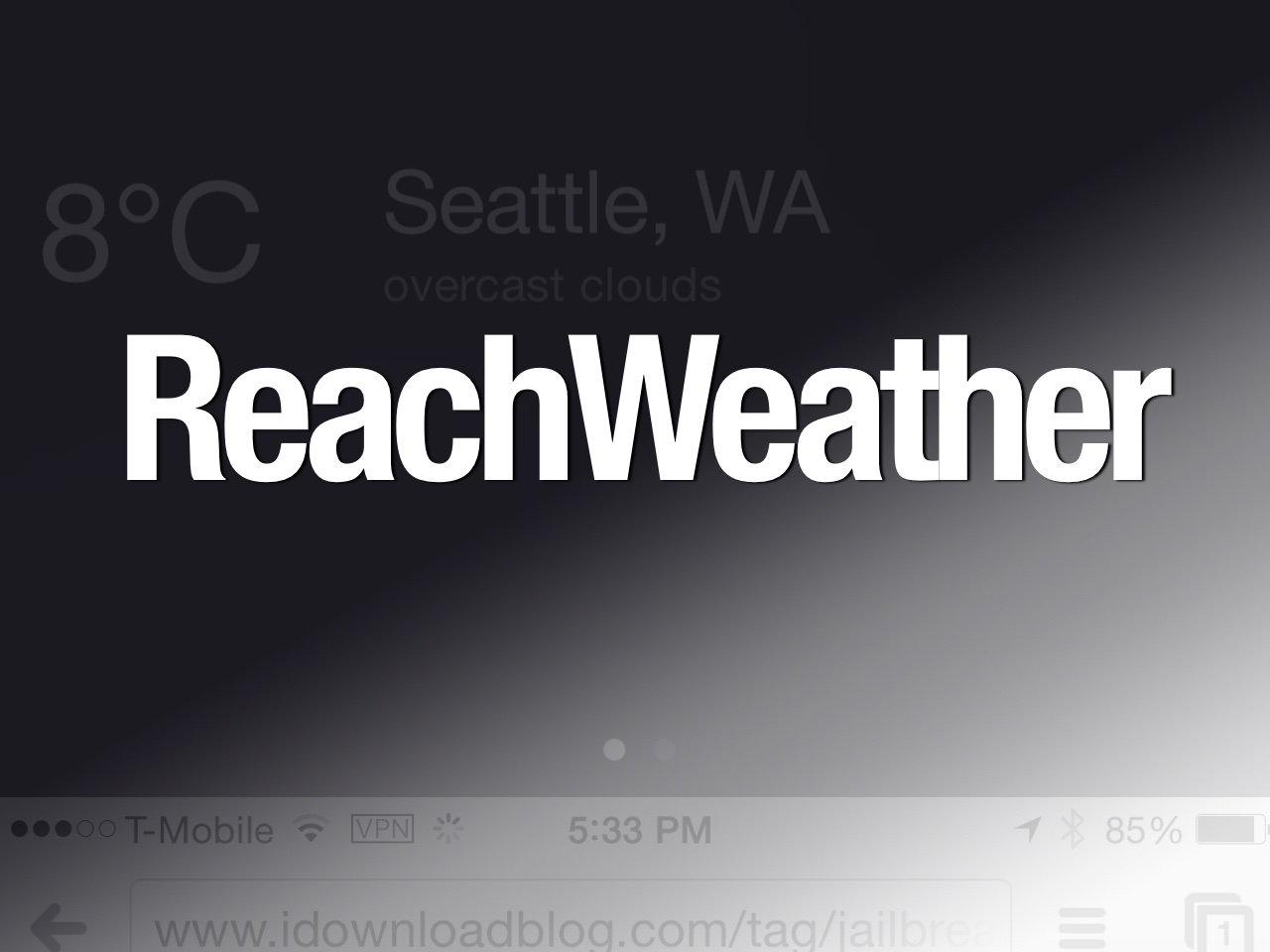
Do you ever wish that you could use the blank space that appears when invoking Reachability on the iPhone 6 or iPhone 6 Plus? The developer of ReachWeather apparently did, and so he did something about it. ReachWeather is a new jailbreak tweak that uses the available Reachability real estate to place something useful there—current weather conditions for a predetermined location.

How to add a round dock to the iPhone’s Home screen

Interested in rounding off the look of your iPhone's dock? If so, there's a new jailbreak tweak that you should check out, which is aptly entitled RoundDock. RoundDock is a brand new jailbreak tweak available on the BigBoss repo that will round the corners of your Home screen dock at the bottom of the SpringBoard.

Apple airs new holiday commercial “The Song”

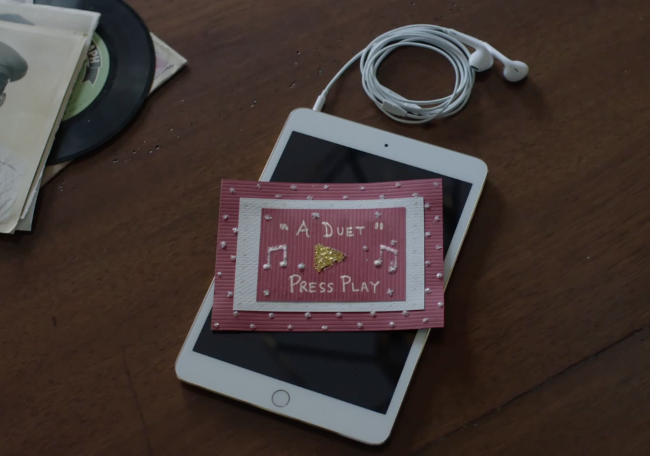
Apple today began airing a new holiday-themed commercial entitled "The Song." The spot showcases products from all of the company's major device lines, including a MacBook Air, iPhone and iPad, and how they can be used to create "thoughtful, emotional gifts."

More specifically, the ad shows a woman using her MacBook Air and GarageBand to record herself singing along with a recording of her grandmother from several years ago. She then presents the song to her on an iPad, as a gift, and as you can imagine, it's a big hit.

How to take iPhone screenshots without the status bar

Everyone knows that the status bar tends to get in the way when taking screenshots. Either your battery's near death, which makes the screenshot looks a bit odd, or your signal strength is low, etc. Having a status bar tends to make screenshots look a bit asymmetrical. A new jailbreak tweak, aptly entitled NoBarScreen, allows you to take screenshots without a status bar.