Video

Vine app gains 3D Touch, caption editing and post ordering features

Vine, a Twitter owned mobile application for short-form video sharing, has been updated in the App Store this morning with three new features. For starters, owners of the iPhone 6s or iPhone 6s plus can press Vine's icon on the Home screen to access a shortcut menu with a pair of options to make a Vine or jump into the Explore feed.

In addition, you can now edit your Vine’s caption for a brief period after you post and watch an account’s Vines in any order you want.

How to rotate a video on your Mac

Every so often, you may come across the need to rotate a video after you've recorded it with your camera or iOS device because it didn't quite come out how you expected it to.

Fortunately, Apple's QuickTime app, which is built into the macOS operating system on your Mac, is powerful enough to do just that; and it's very easy to do.

In this tutorial, we'll be showing you how to rotate a video in any direction on your Mac using the QuickTime app.

tvOS 9.2 beta 3 preview: Search the App Store with Siri, use Dictation to enter text and login credentials

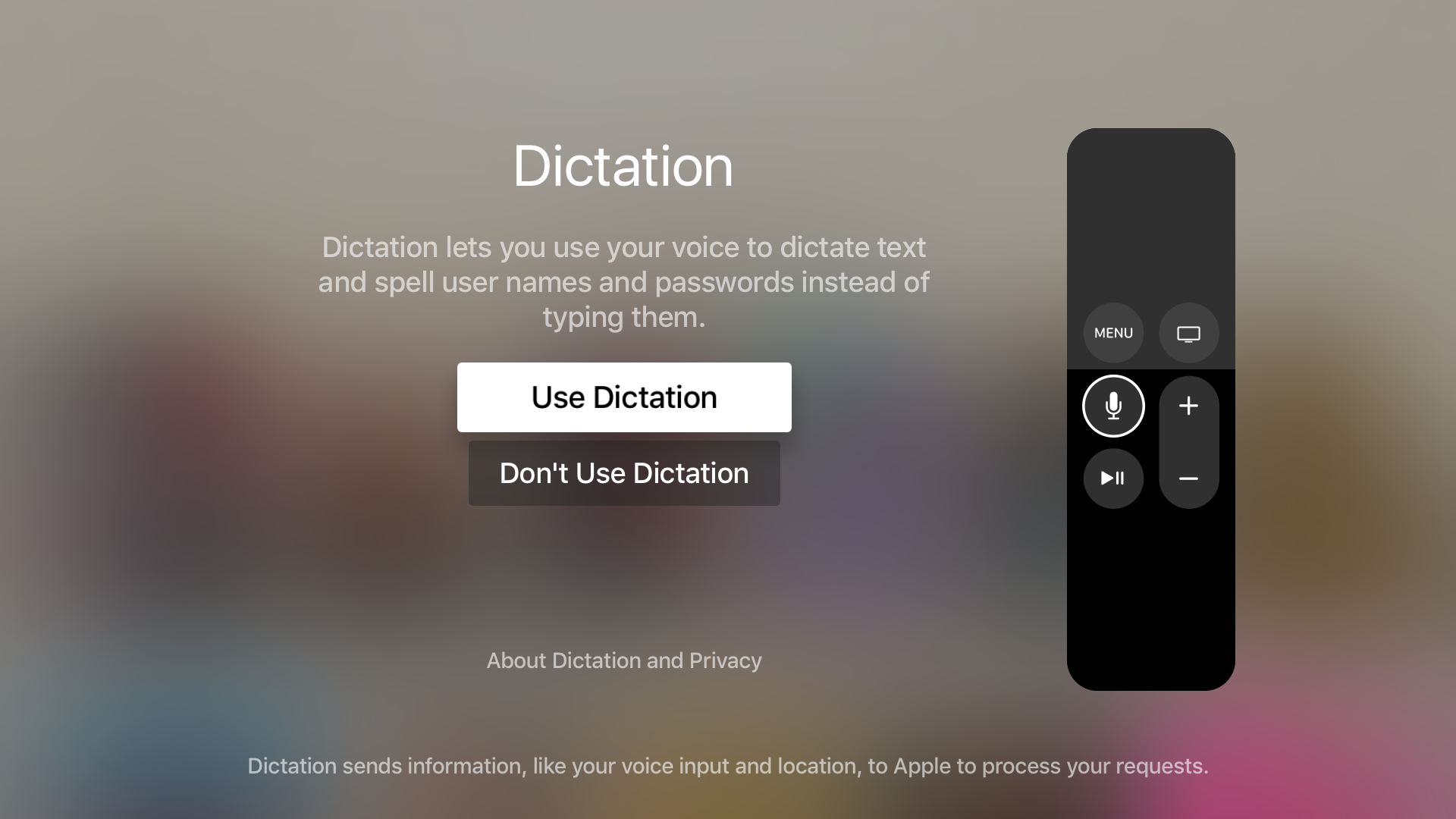
It seems like every time there's a new tvOS beta, an interesting new feature is included for us to talk about. With tvOS 9.2 beta 3, that new feature is the ability to use Dictation on text input fields. It also includes the ability to dictate—character by character—usernames and passwords.

Along with the new Dictation feature, comes support for searching the App Store using voice input from the Siri Remote. Have a look at our video preview that showcases each new feature in action.

How to stop ‘Up Next’ videos from autoplaying on YouTube

One of my pet peeves with YouTube is how after completing a video, the service shoves a new video down your throat with a feature called "Up Next," which gives you a 15-second time frame to click the "X" button at the top right of the video before the next video starts to play.

Sounds familiar? If you feel the same way, then you've stumbled upon the right tutorial, because we're going to be showing you how you can disable this feature right from the YouTube website without installing any plug-ins, hacks, or other crazy stuff.

Gravitation: a jailbreak tweak that adds gravity to your Home screen

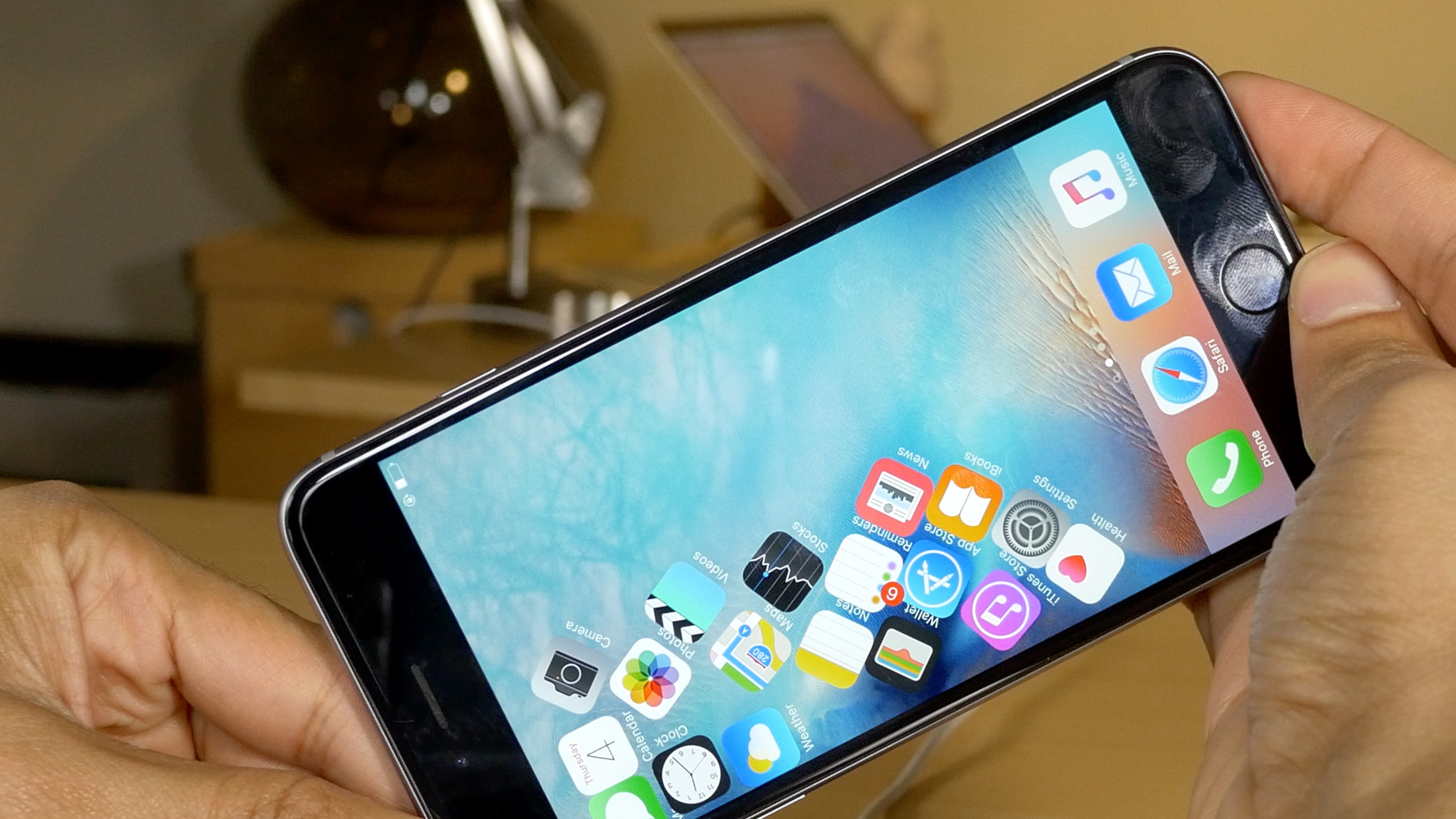
Gravitation is a brand new tweak that adds gravity to your Home screen app icons. If you've been around jailbreaking for some time, then it may remind you of 2010's Graviboard, by Conrad Kramer, now of Workflow fame. Activated by means of an Activator gesture or a shake of your iPhone, Gravitation adds fun to an otherwise mundane and regular iOS Home screen experience.

As expected, Gravitation, a $1.99 jailbreak tweak available on Cydia's BigBoss repo, features several settings for adjusting the way the tweak looks and behaves. Watch our video demonstration to see how it works in action.

GarageBand: a beginner’s guide to Live Loops [video]

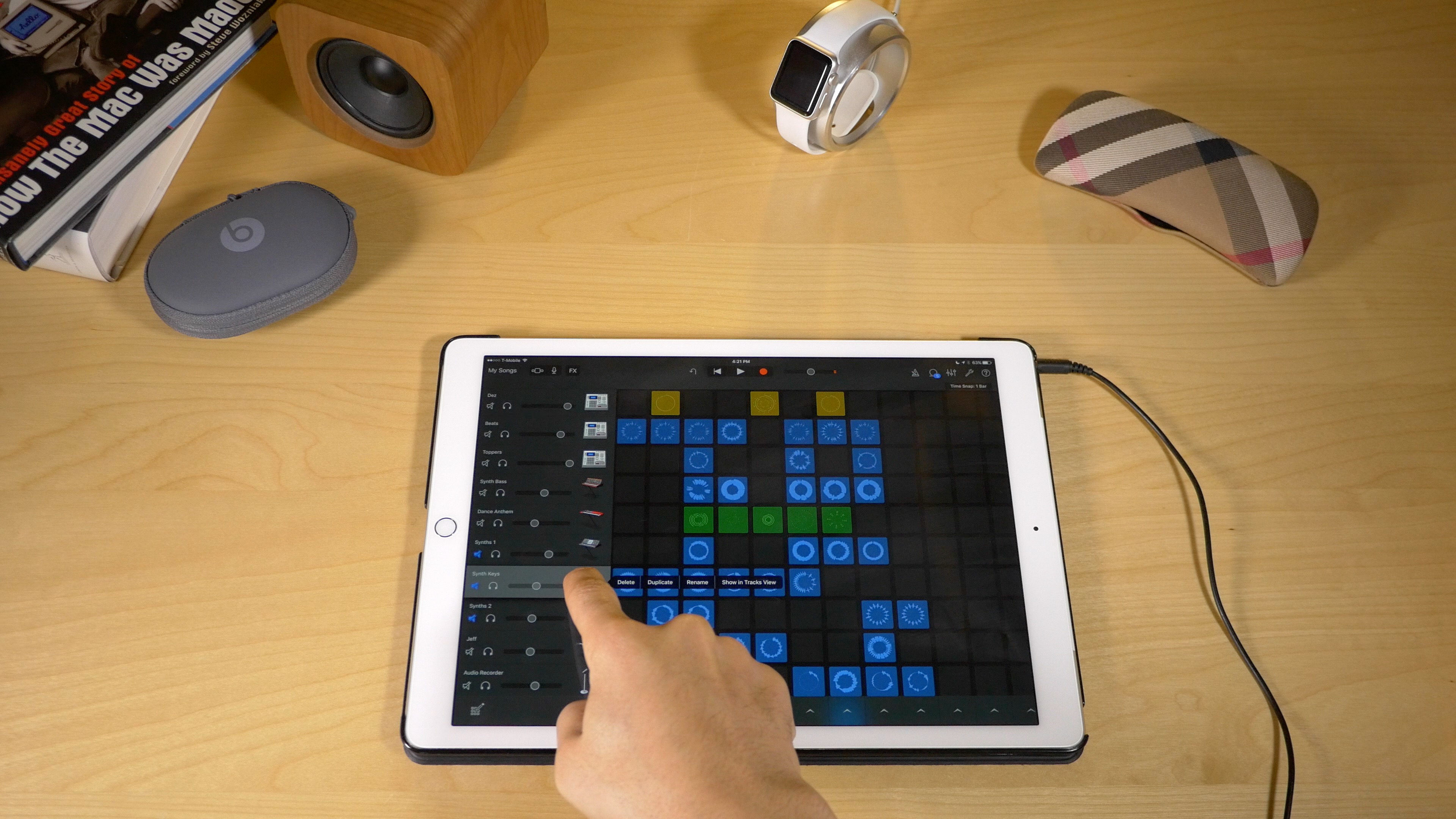
In addition to the iPad Pro support brought forth in the GarageBand 2.1 update, the app comes with a new killer feature called Live Loops. Live Loops makes music creation accessible to anyone. Creating songs using Live Loops features a low barrier to entry, but a high ceiling and virtually endless possibilities.

In this video walkthrough, I'm going to share with you 20 basic GarageBand Live Loops tips for getting started with this awesome new feature. I'll even make a song, and rap to it on the fly! If GarageBand has always seemed intimidating to you, then I guarantee that after watching this video, you'll be ready to roll your sleeves up and start creating your own musical masterpieces.

Review: Channels – watch live TV on your Apple TV with an HDHomeRun [video]

If you want to watch live TV on your Apple TV with an HDHomeRun, you can go the free route by using Kodi, but Channels is by far the best live TV watching experience to be had on Apple TV. Not only does Fancy Bits' Channels app allow you to watch live TV, but you can also pause and rewind local or cable TV directly from your Apple TV when paired together with an HDHomeRun.

If you're unsure what an HDHomeRun is, or how it can help you, then be sure to check out our post on the device. In a nutshell, the HDHomeRun allows you to stream free (or paid) television over your home network. The Channels app can then acquire the stream made available by the HDHomeRun, and display it on your television.

At $14.99 for a limited time (normally $24.99), Channels isn't cheap, but it's a great-looking and overall solid experience for cord cutters. Have a look at our full video walkthrough for more details.

Review: Spigen Style Ring

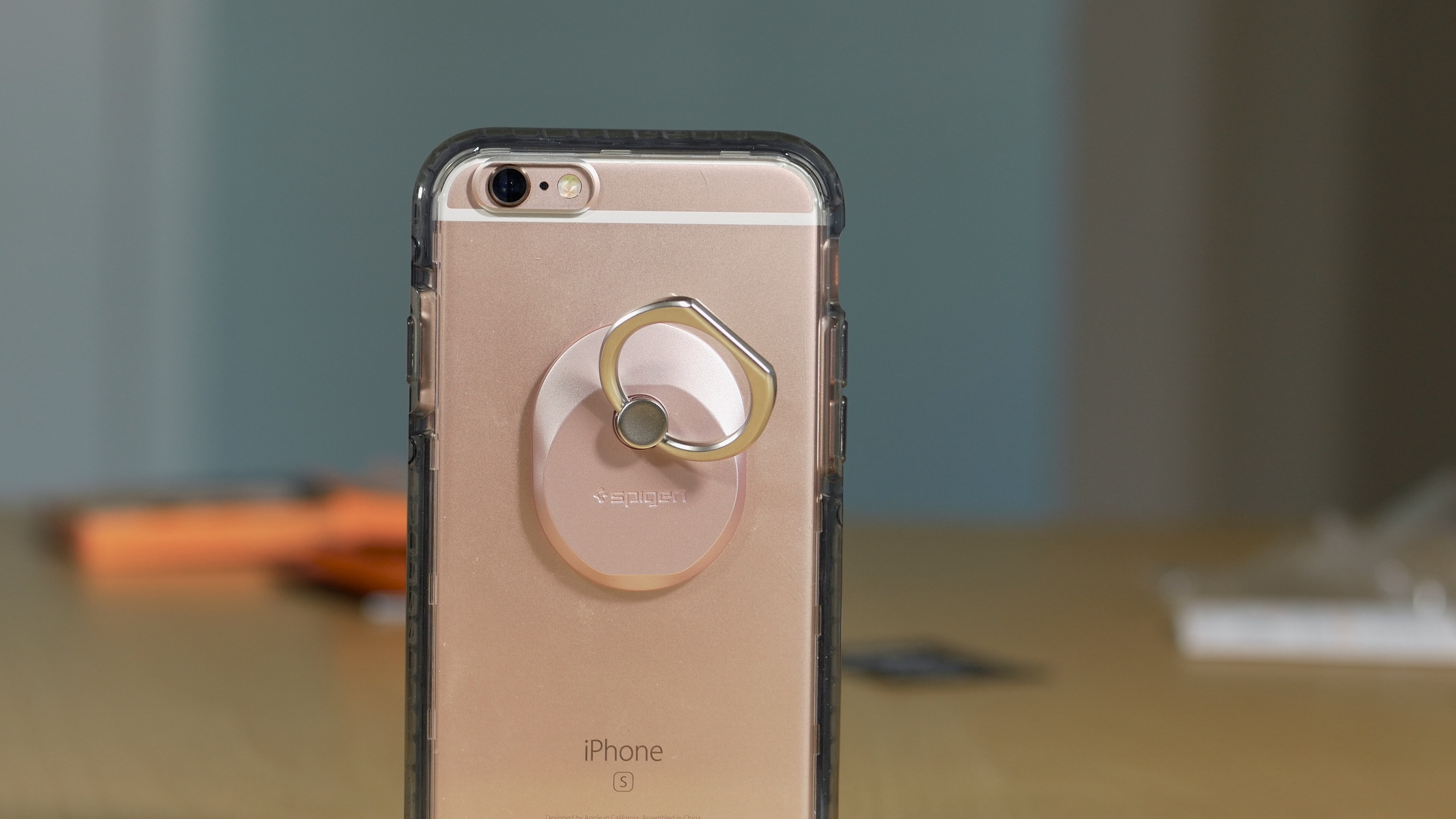
The Spigen Style Ring ($12.99 on Amazon) is an interesting accessory from Spigen, a company best known for producing smartphone cases. It's a platform-agnostic accessory that attaches to any case or smartphone using an easily-removable, non-residue-leaving, adhesive gel pad.

Once the Style Ring is attached to your case or smartphone, you can use it to assist with grip or let it function as a kickstand. You can also use the Style Ring to mount your smartphone to your car's dash using the included car mount adapter.

If you have problems gripping larger phones, then have a look and see what the Spigen Style Ring might do for you. Watch our video review for all the details.

Spotify’s iPhone app gaining video content from BBC, Maker Studios and ESPN next week

A Spotify-branded video-streaming service that should augment its music platform has been in the works since May 2015 and now the Swedish startup is poised to launch the new product, The Wall Street Journal said yesterday.

An update to Spotify's iPhone and iPad application with support for ad-free video content for all users in the United States, the United Kingdom, Germany and Sweden is expected by the end of next week.

Browse viral memes and see posts that are blowing up on Vine’s new Trends page

Yesterday, Vine celebrated its third anniversary and launched a dedicated Trends webpage which collects all the clips that have gone viral on the service in one central place. Users can check out the original video that started the trend, see related Vines and select a growing trend.

In addition, they have collected 2015's most entertaining Vines, remixes and collaborations at the website year3.vine.co, including stuff like the most-looped Vine of Year 3 and posts that sparked some of the biggest trends of the year, such as What are Those?, Why You Always Lying? and Duck Army.

Snapper 2: an awesome screenshot tool for jailbroken iPhones

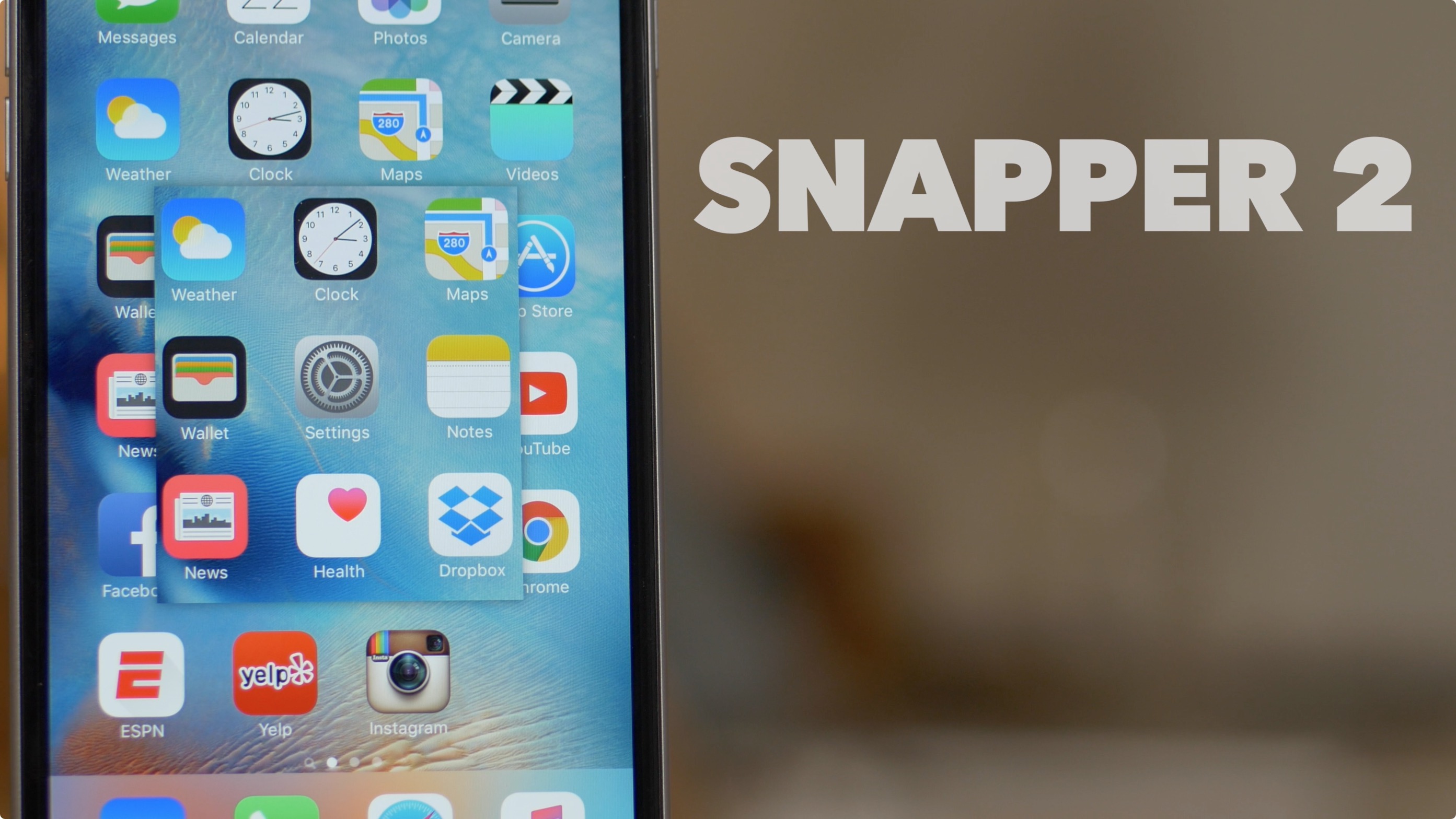
Snapper 2 is a follow-up jailbreak tweak to the original Snapper, a release that enhances screenshot-taking ability on iOS. If you're a prolific screenshot taker like I am, then Snapper 2 is a tool that can make your life a lot easier.

Instead of having to crop screenshots in post, Snapper 2 lets your crop them on the fly as you take them. You can even pin cropped screenshots on top of the screen in order to reference pertinent information.

For example, you can use Snapper 2 to cut out a photo that you need to describe within the Notes app. Instead of jumping back and forth between the Photos app and the Notes app, use Snapper 2 in order to view two items at once. Have a look at our full video walkthrough for all of the details.