Video

Apple posts new Apple TV ad ‘The Future of TV is Apps’

Apple on Thursday shared a new video advertisement for the Apple TV on its YouTube page. Aptly named "The Future of TV is Apps," the spot highlights a number of popular games and applications that are available through the tvOS App Store.

Titles mentioned include WatchESPN, Asphalt 8, and HBO Now, and instead of showing them in action in a normal Apple TV interface, the ad illustrates them using 3D animations. It's a bit hard to explain, so you should probably just watch it.

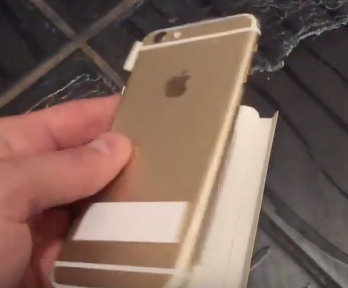
Did this video just show us Apple’s upcoming four-inch iPhone refresh?

M.I.C. Gadget, which in the past supplied genuine pictures and clips of unreleased Apple devices, today published a video which they claim shows off Apple's forthcoming four-inch iPhone obtained from a source at Foxconn.

The clip could be an elaborate hoax, of course, but it looks genuine if you consider that the device appears to resemble a four-inch iPhone with an iPhone 6s-style design, as the rumor-mill's predicted.

Apple Pay’s China launch could be imminent

In December 2015, Apple officially confirmed plans to roll out its mobile payment service in China in co-operation with UnionPay, as soon as early-2016. Well, here we are in 2016 and a pair of videos discovered by MacRumors gives us a good indication that Apple Pay might be on the verge of launching in the 1.33 billion people market.

The videos show a customer choosing a UnionPay card in Apple Pay and completing a purchase at McDonald's by holding their iPhone near a QuickPass-enabled Verifone payment terminal.

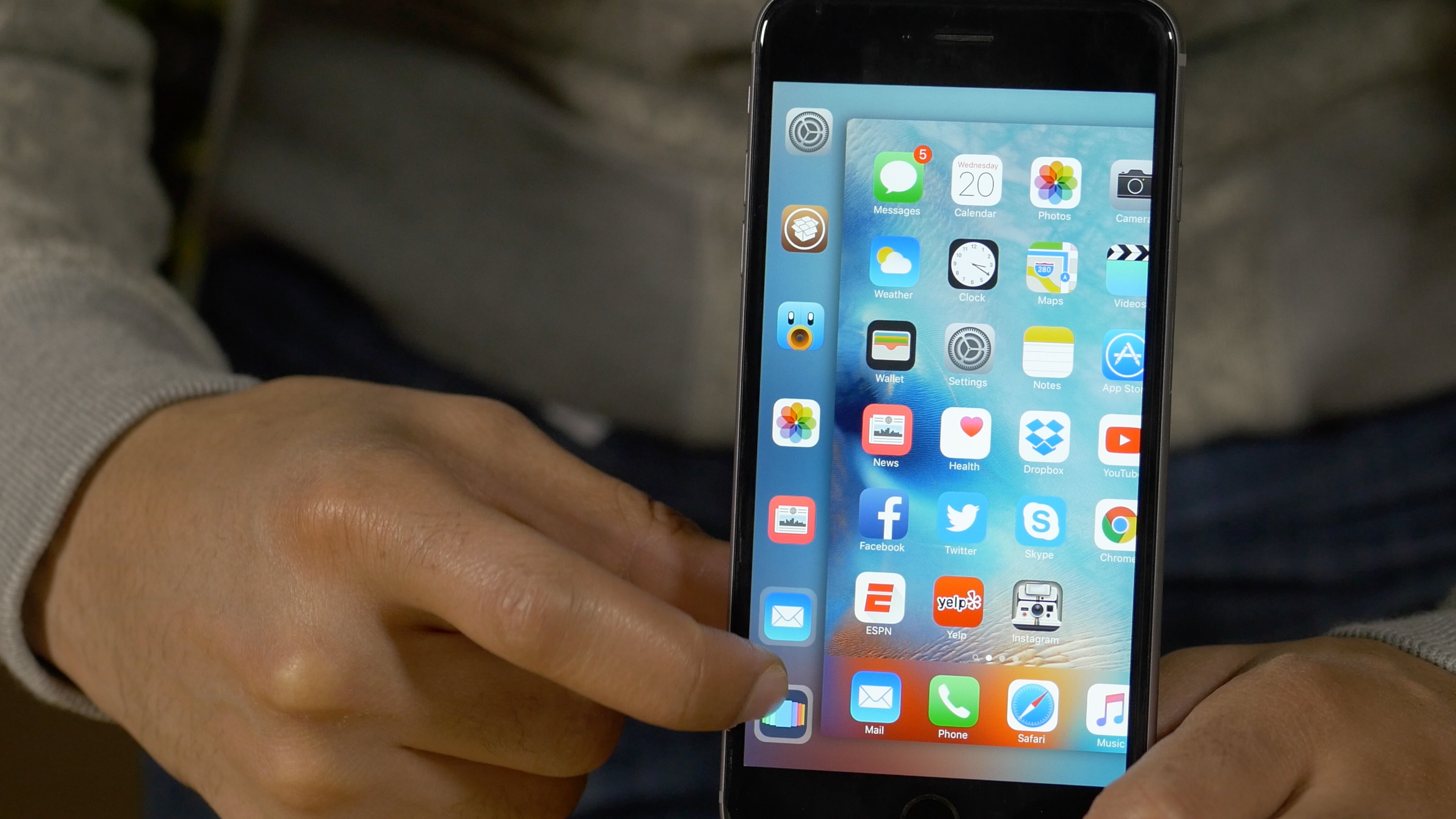
Snakebite: an upcoming tweak for enhancing 3D Touch multitasking

Snakebite is an upcoming jailbreak tweak that works with the iPhone 6s' 3D Touch multitasking gesture. The tweak replaces the App Switcher with a new interface for quickly accessing recently used apps or favorite apps. From the Snakebite interface, it's possible to quickly access the App Switcher via the Multitasking shortcut button.

Even if you don't own a 3D Touch capable device, you can utilize Snakebite by means of a handy tap and drag gesture. Watch our full video walkthrough to see what I mean.

How to watch local live TV on Apple TV with an HDHomeRun + antenna combo

It is possible to legally watch free over the air terrestrial television via the Apple TV. This can easily be accomplished by connecting an HDHomeRun to your home network along with an ATSC antenna to pull in free over-the-air high definition local channels.

It's basically the equivalent of connecting an antenna to your TV. TVs generally include a tuner built in, which allows the unit to display the channels pulled in from over the air. Wouldn't it be cool, though, if you could broadcast all of those channels on your home network? By using an HDHomeRun, you can easily tap into free high definition television streams via the Apple TV and an app like Kodi. You can even watch live TV on your iPhone, Mac, or other devices.

In this video tutorial, I'll show you how easy it is to get live local channels on your Apple TV. That means you can watch high definition streams for NBC, ABC, CBS, FOX, and more. There's no monthly subscription involved, or anything like that, which makes this perfect for cord cutters. Have a look.

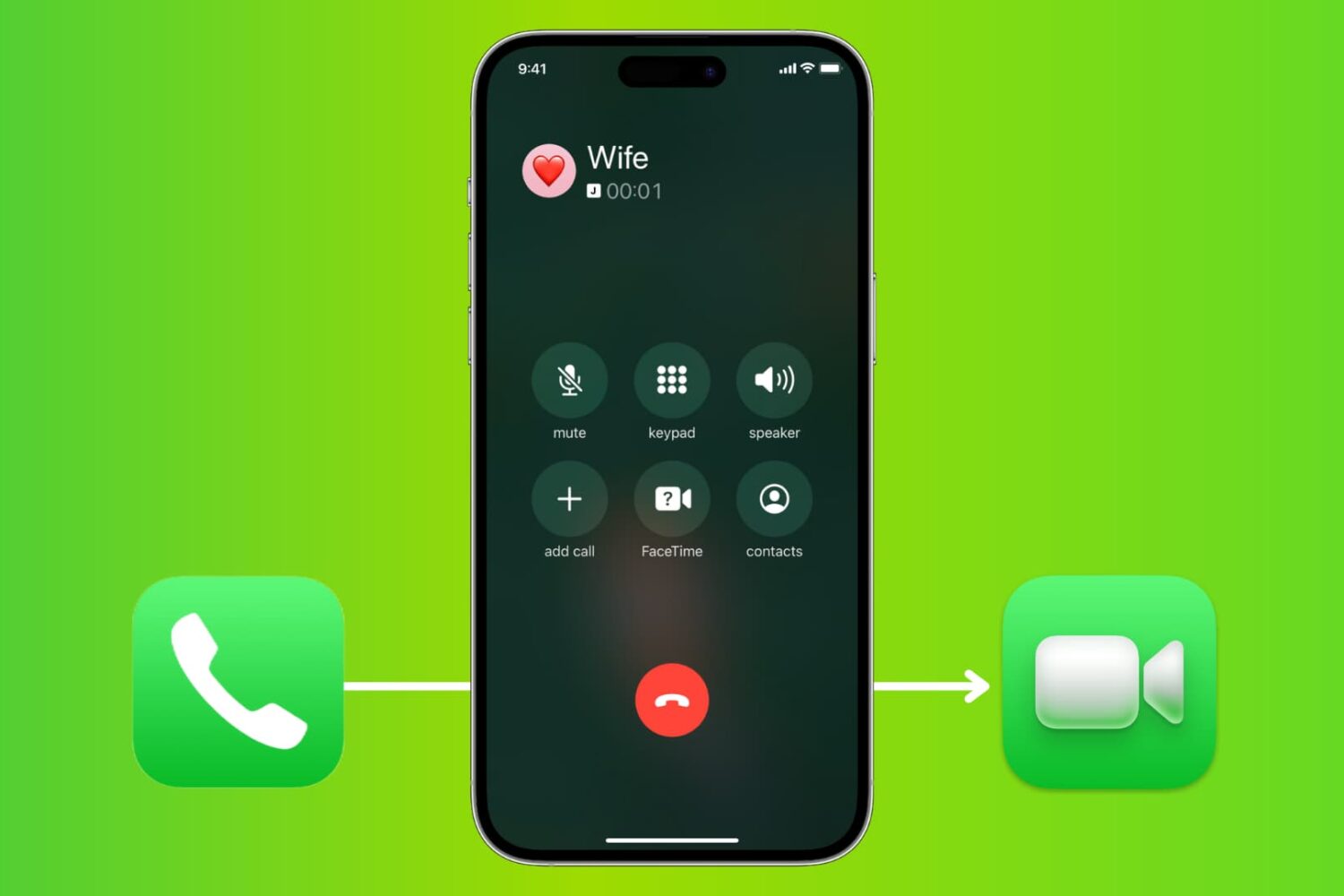
How to transition from a phone call to a FaceTime video call on iPhone

Switch phone call to FaceTime video call on iPhone

From the onset, the iPhone has supported common features such as mid-call switching to an incoming phone call, creating a conference call between multiple parties, and more. These features also extend to FaceTime.

In this tutorial, you will learn how to make a quick transition from a phone call to a FaceTime call on your iPhone without hanging up on the current call.

Free group video calling is coming to Skype’s iPhone and iPad application

Skype is celebrating its tenth anniversary so the Microsoft-owned company yesterday announced that users of its mobile application will soon be able to take advantage of a free group video calling feature.

According to Gurdeep Pall, Skype CVP, group video calling on mobile devices will be coming to Skype's iPhone and iPad app “soon,” and to Windows 10 and Android devices.

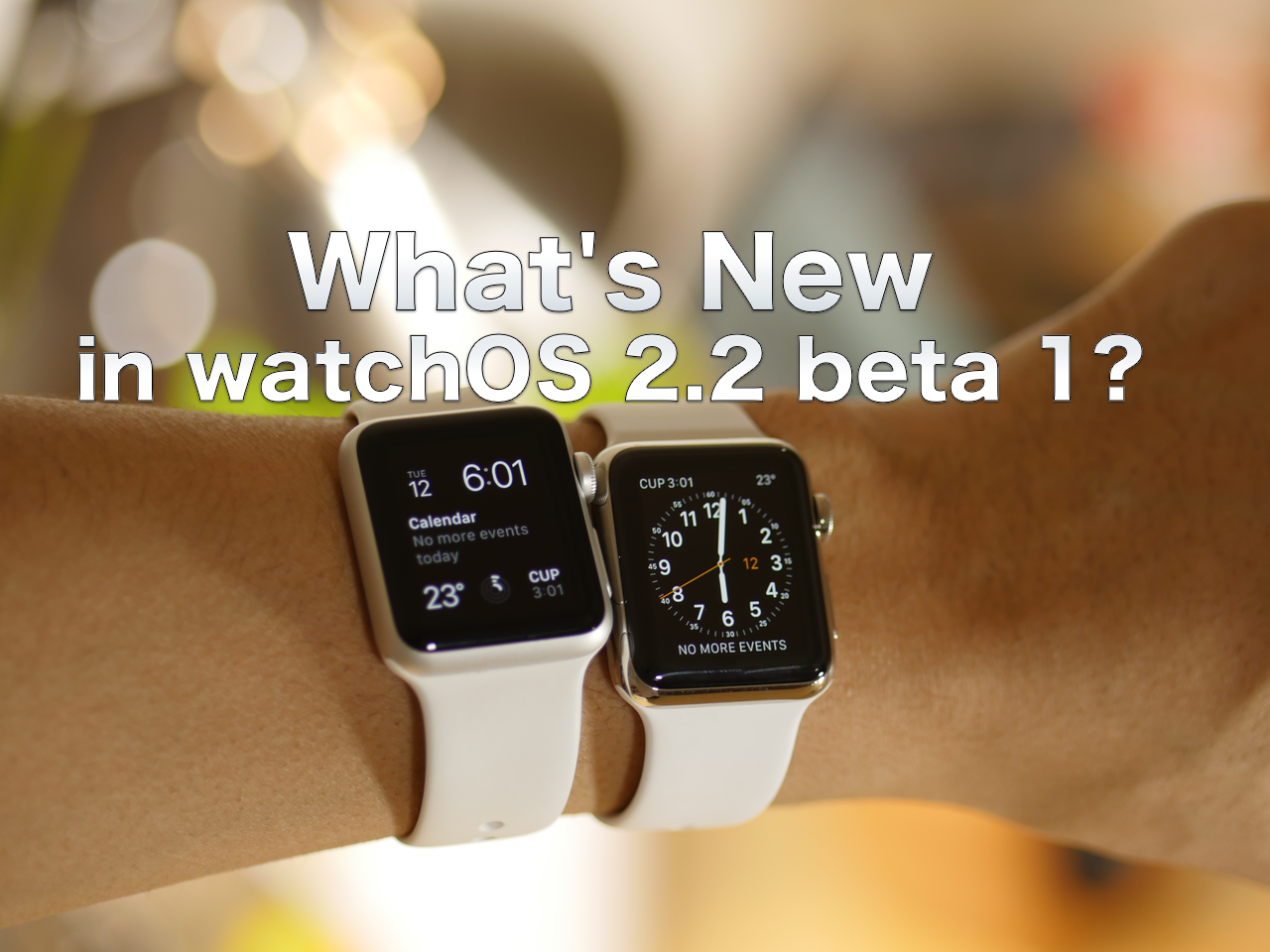
watchOS 2.2 preview: Pairing more than one Apple Watch and Maps app improvements [video + screenshots]

Along with the release of iOS 9.3 beta 1 and tvOS 9.2 beta 1, watchOS 2.2 was seeded to developers. watchOS 2.2 isn't filled with nearly as many features as the aforementioned software for the Apple TV and iPhone, but it does contain a major new feature that will make a specific group of Apple Watch owners happy.

Beginning with watchOS 2.2 and iOS 9.3, users can now pair more than one Apple Watch to a single iPhone. Once paired, you can easily switch between them as the need occurs. Have a look at our full video preview for a demonstration of the pairing process in action.

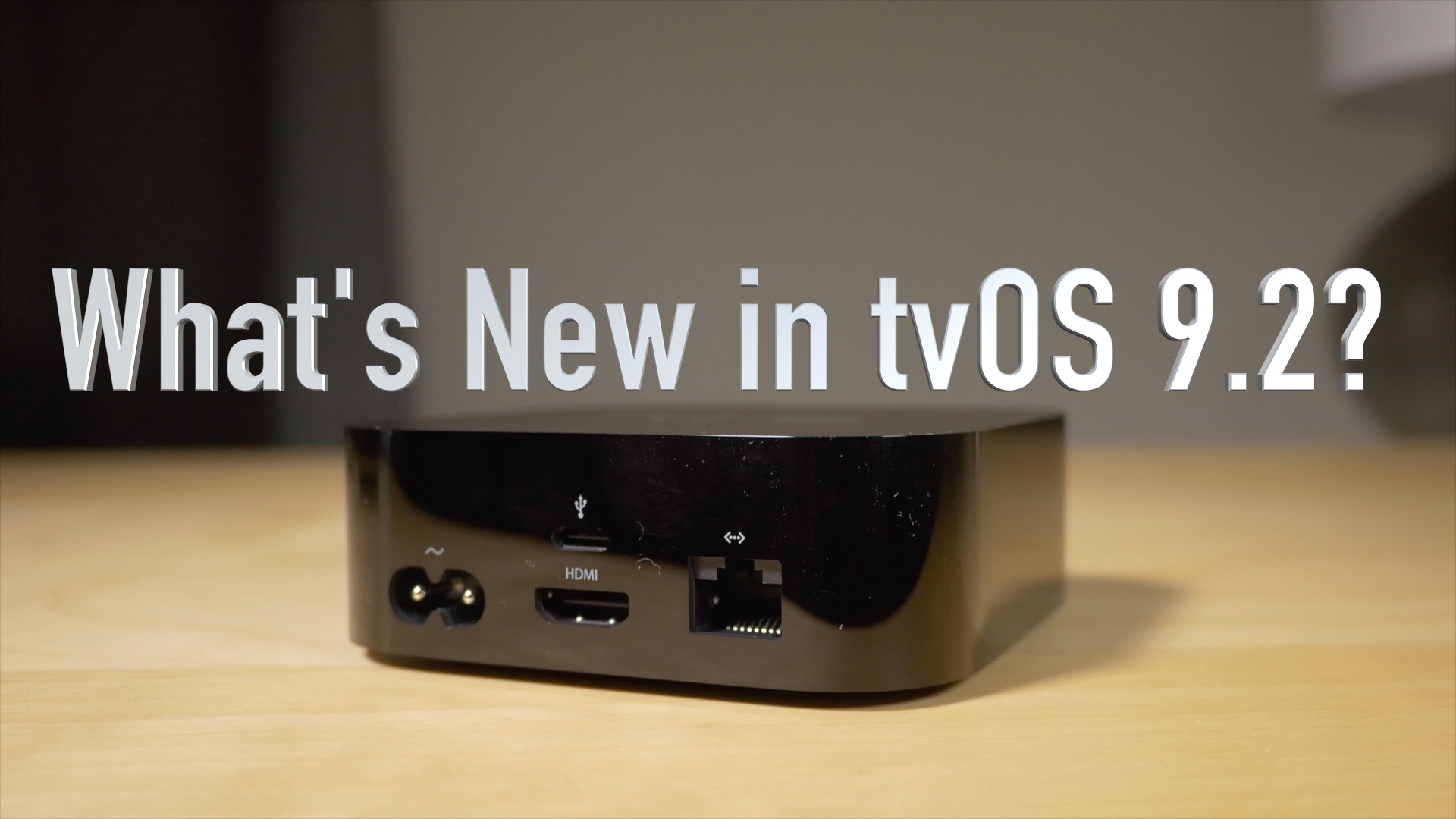
tvOS 9.2 preview: Bluetooth keyboard support, folders, redesigned App Switcher, and Podcasts app [video + screenshots]

Potentially lost in all of the hype over the huge iOS 9.3 beta 1 release, was tvOS 9.2. This release was no slouch either, as it brings a much-wanted addition to the forth generation Apple TV. In this video, I'll showcase many of the new features, including Bluetooth keyboard support, folder support, the redesigned App Switcher, and the new stock Podcasts app. Have a look...

iOS 9.3 preview: Night Shift, 3D Touch, Notes improvements, and more [video + screenshots]

We've put together an in-depth video showcasing many of the new iOS 9.3 beta 1 features. I think it's safe to say that this release packs in many more features for a minor version release than we're used to. In this video, we showcase the new Touch ID security option for the Notes app, the new quick action 3D Touch shortcuts, updated News app features, multiple Apple Watch pairing ability, and much more.

Developer shows off iOS 9.3 beta 1 jailbreak

It looks as if iOS 9.3 beta 1 has already been jailbroken, which lends hope that a public version of an iOS 9.3.x jailbreak may be possible. But don't hold your breath; this is the same hacker/developer—Luca Todesco—that recently shared a screenshot of a jailbroken iPhone 6 running iOS 9.2.1. He previously made it clear that he has no intention of sharing, and it doesn't look like that's changing anytime soon.

How to achieve faster video exports in Final Cut Pro X

One of the great things about Final Cut Pro X ($299 on Mac App Store) is that you can export high quality videos extremely fast, even on underpowered hardware. For example, my Late 2013 MacBook Pro with Retina display lacks a discrete GPU, but I can still export 4K videos with relative ease.

Some of the speed can be attributed to a technology of Intel's called Quick Sync Video. Quick Sync is a hardware accelerator for H.264 encoding. It's baked into Intel's consumer line of chips, so ironically, it doesn't apply to the beefier Mac Pro. Those machines are powered by professional grade Xeon chips that lack integrated graphics.

That means that even the 12" MacBook, which is the most anemic piece of Intel-powered hardware currently available from Apple, can export 4K videos competently.

With all of that said, there are some things that you should know in order to fully take advantage of faster video encoding when exporting projects with Final Cut Pro X, and you can learn more in this post.