UI

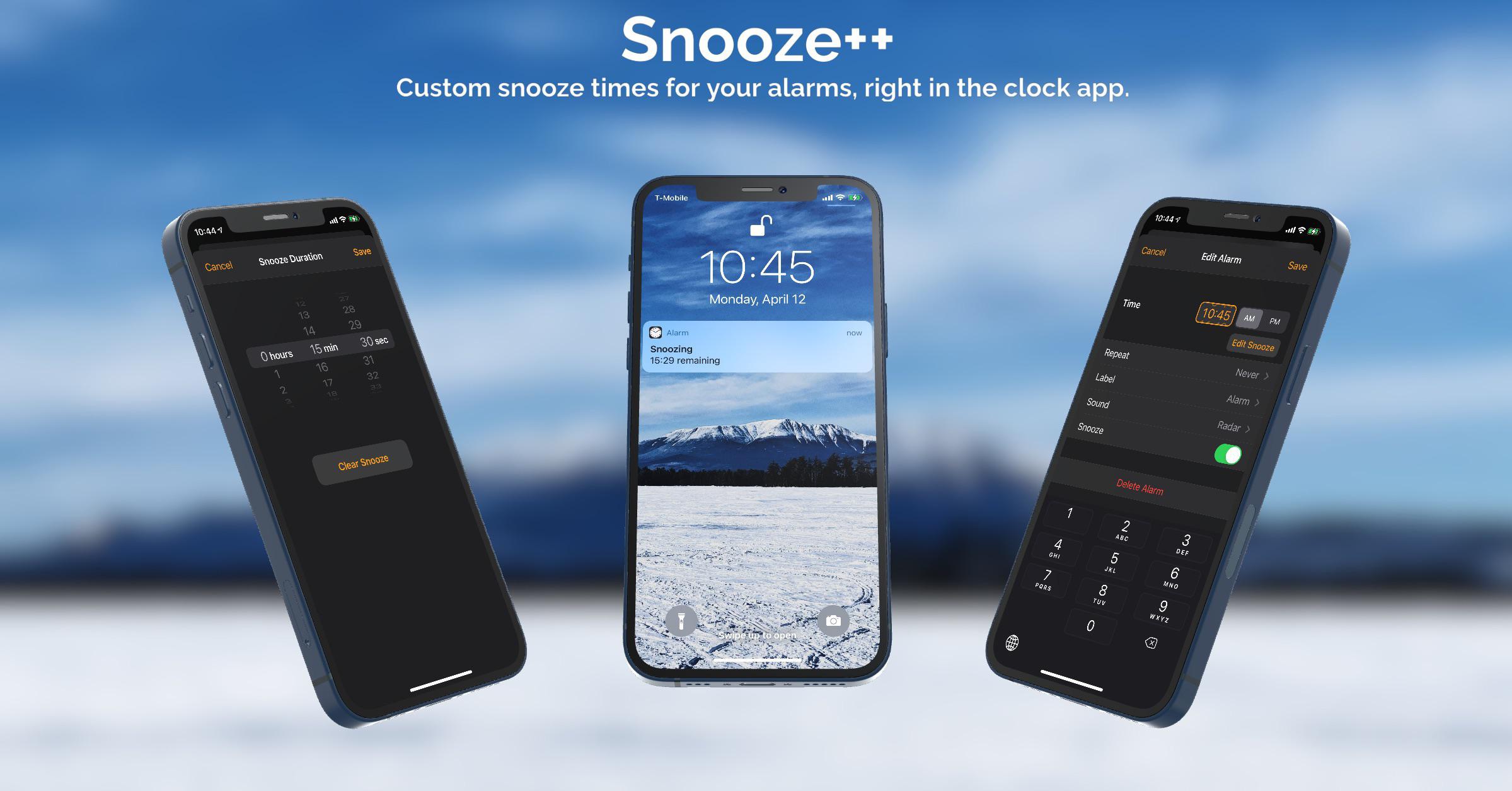
Snooze++ lets jailbreakers specify custom alarm snooze durations via the Clock app

Anyone who uses an alarm to get up in the morning should be at least vaguely familiar with the snooze function, which allows you to procrastinate with respect to waking up for a short period of time before the alarm goes off again. The iPhone’s built-in alarm function also provides this feature, albeit not with as much customization as some would like.

Snooze++ is a newly released and free jailbreak tweak by iOS developer arya1106 that changes this for alarm-using jailbreakers. With it, users can optimize each of their individual alarms’ snooze durations directly from iOS’ native Clock app.
This jailbreak tweak enables Battery Health on iPads and iPod touches

When navigating to Settings →  Battery →  Battery Health on an iPhone, users can determine just how used and abused that handset’s internal battery might be.

This feature has been used for a multitude of reasons ranging from discerning when a battery needs to be replaced to identifying whether a used iPhone is worth the asking price. This of course begs the obvious question… why hasn’t Apple enabled this feature on iPads and iPod touches yet?

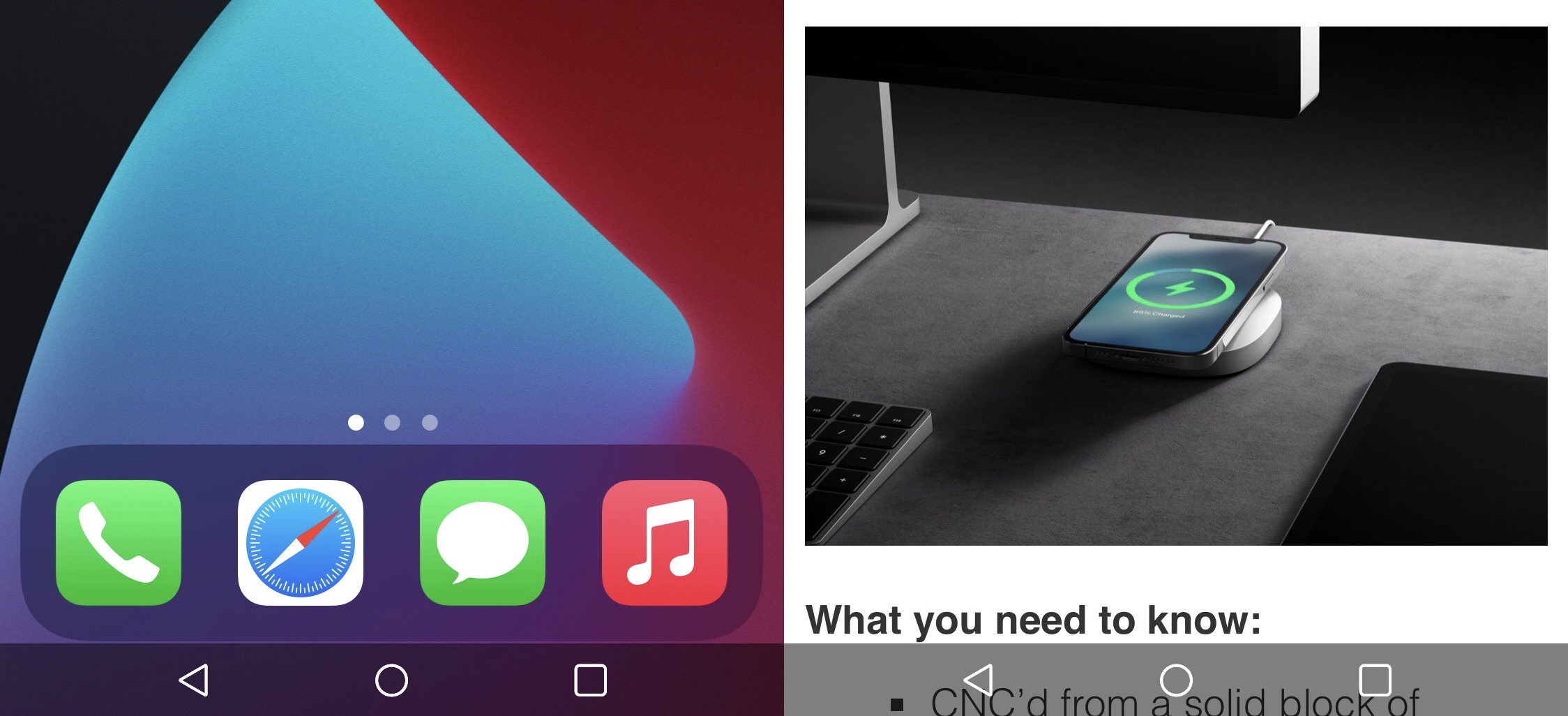
Alternate your iPhone’s Status Bar time indicator between the date and time with TimeStamp

The iPhone’s Status Bar has always been home to a time indicator  so that you can always glance there from any interface you might be using to see what time it is. But how many times have you found yourself wondering what the date is — just to find yourself going back to the Home Screen or Lock Screen to check?

I’ve long wondered why the iPhone’s Status Bar didn’t display the date in addition to the time, and interestingly enough, iPadOS now does this natively. This begs the question of why a similar feature isn’t yet available for the iPhone or iPod Touch, especially with the extra vertical real estate afforded by the device’s notch.

Uranium offers free all-in-one iOS customization for jailbreakers on iOS 13 or 14

If you just jailbroke your iOS or iPadOS 13 or 14 device and you’re in the market for a way to make subtle adjustments to your mobile operating system without breaking the bank, then we’ve got a treat for you.

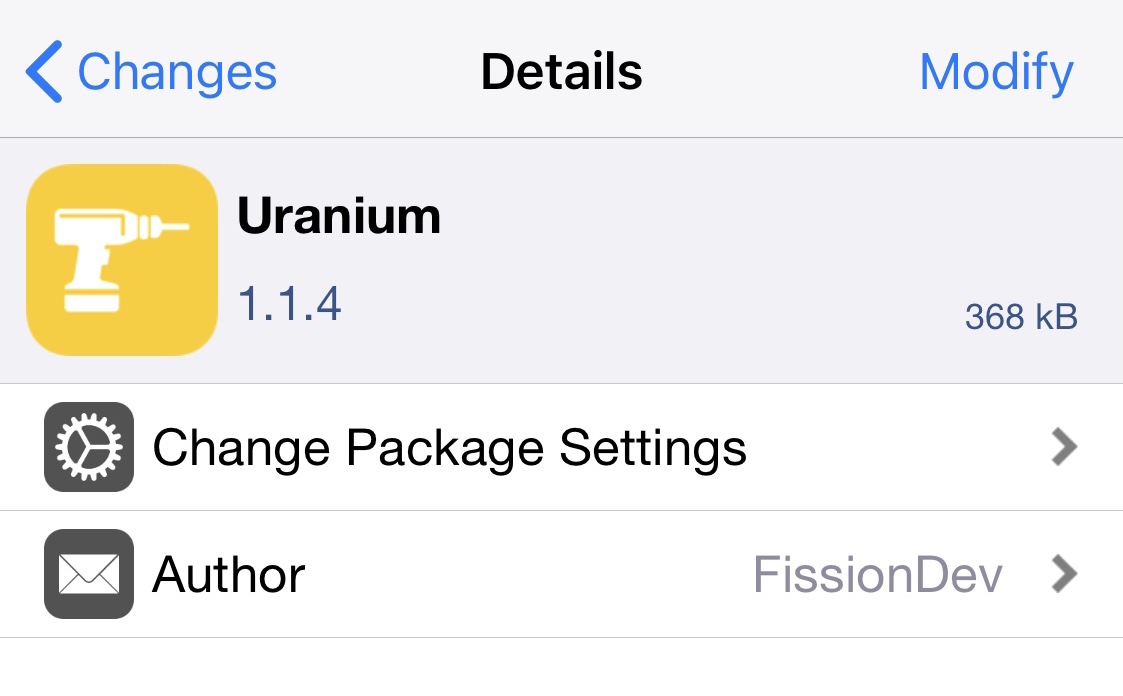
Uranium is a newly released and free jailbreak tweak by iOS developer FissionDev that introduces a myriad of miscellaneous options for tweaking the iOS and iPadOS user interface.

Give Sileo floating package depiction headers with uki

If you’re taking advantage of a jailbreak that uses the Sileo package manager by default, then you’re already enjoying pleasant aesthetics that look and feel like they belong on the latest versions of iOS and iPadOS.

But let’s say you wanted to change those aesthetics in one way or another; what would you do then? You could petition the Sileo Team to make changes, or you could install a jailbreak tweak to accomplish the same task.

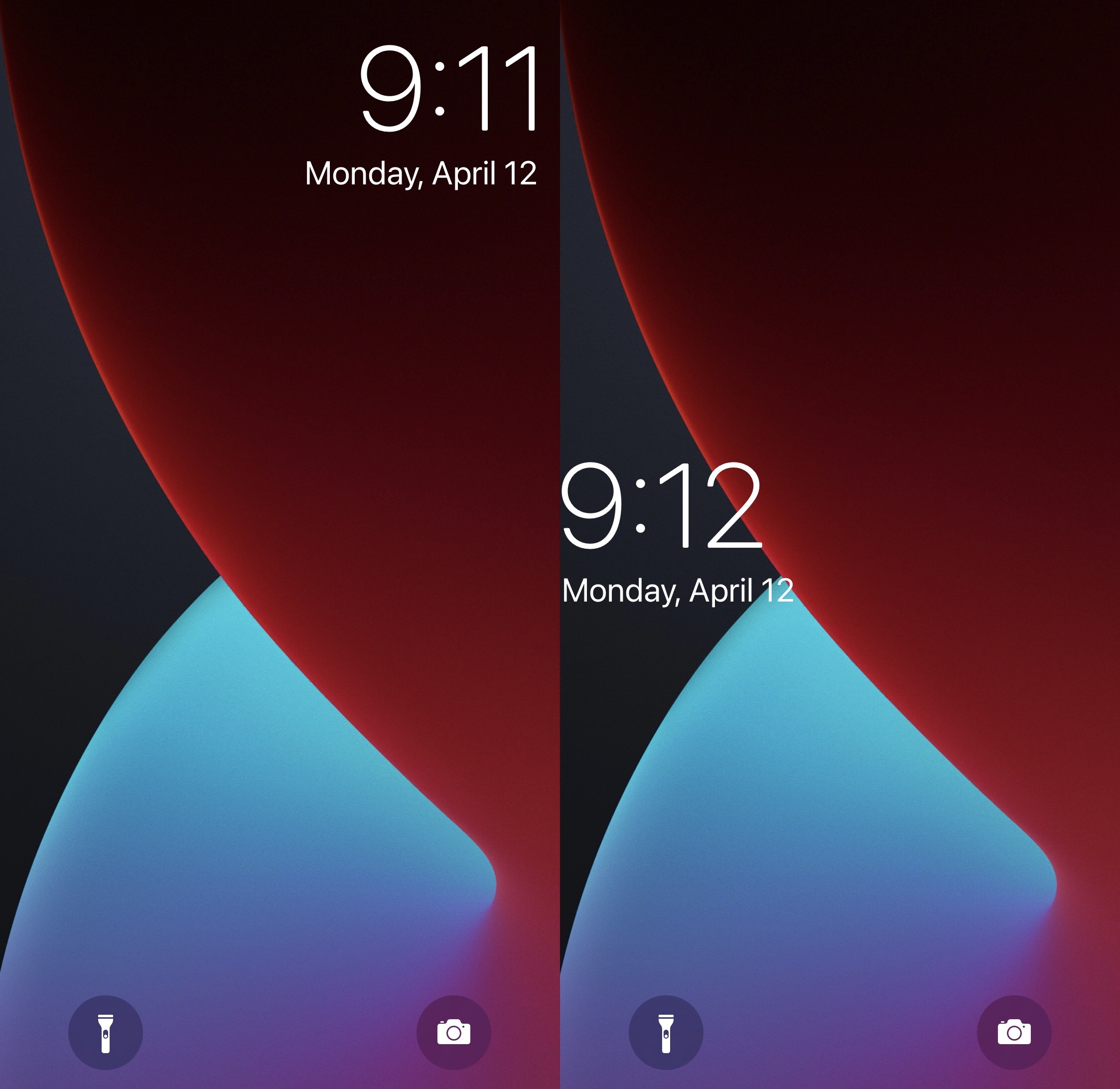
ByeQuickAction removes the Lock Screen’s Quick Action buttons

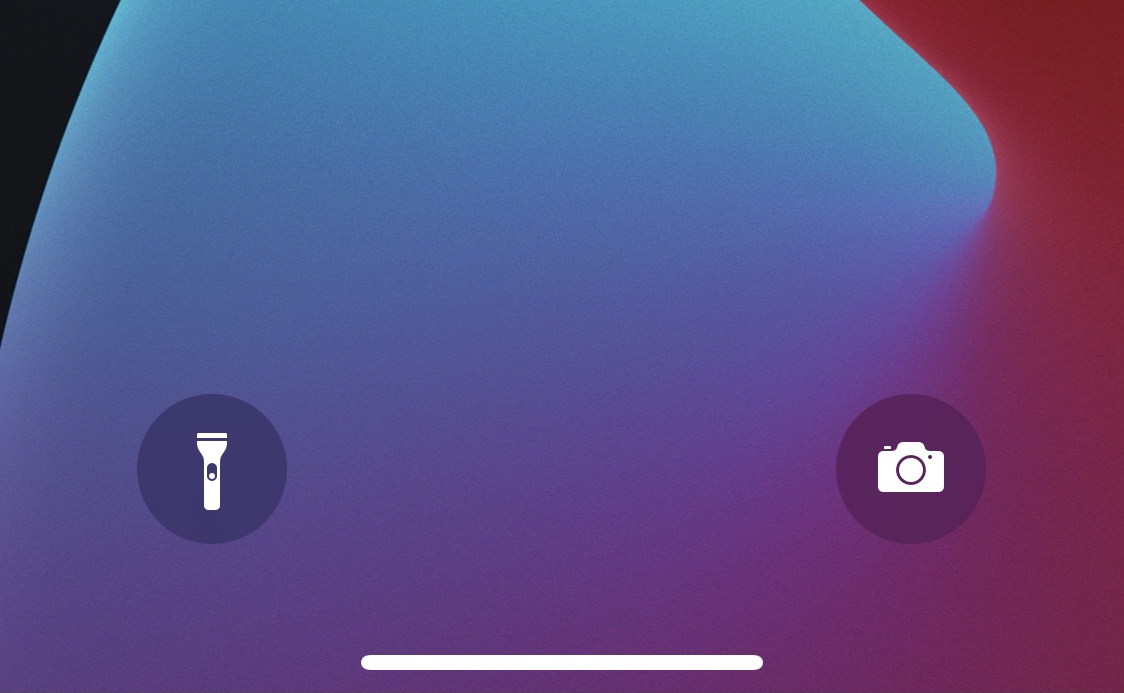
Quick Action buttons.

The Lock Screen is home to two familiar Quick Action buttons on notched handsets that allow users to launch their Camera or ignite their flashlight on demand. But some users either don’t like these buttons or toggle them accidentally so often that their sheer existence isn’t worth it at all.

For those who’d like to remove the Camera and Flashlight Quick Action buttons from the Lock Screen, ByeQuickAction is a new and free jailbreak tweak by iOS developer AJB that does exactly that.

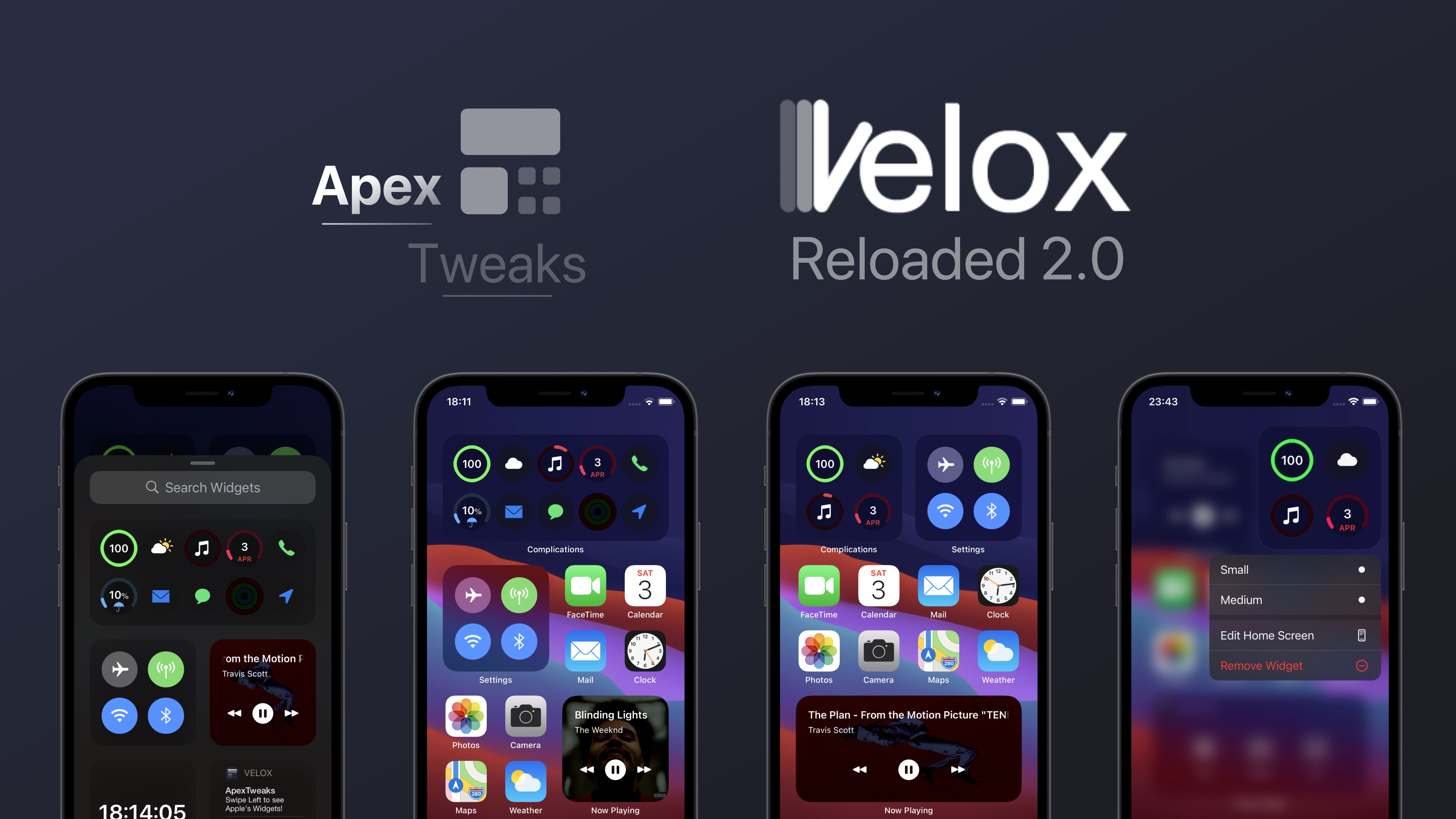
Velox Reloaded 2 expands upon iOS 14’s native widget system in wonderful ways

Upon unleashing iOS 14 at the end of last year, Apple introduced a refreshed widget system in which specialized widgets can be placed alongside app icons on the Home Screen instead of being crammed into the totally separate Today page.

Home Screen-centric widgets have been a wishlist item for iPhone users for several years, so this was a dream come true for many. Still, it’s important to note that jailbreakers have enjoyed Home Screen widgets for what feels like forever thanks to tweaks like Velox Reloaded and the likes.

This tweak switches the Clock app’s animated analog icon to a digital format

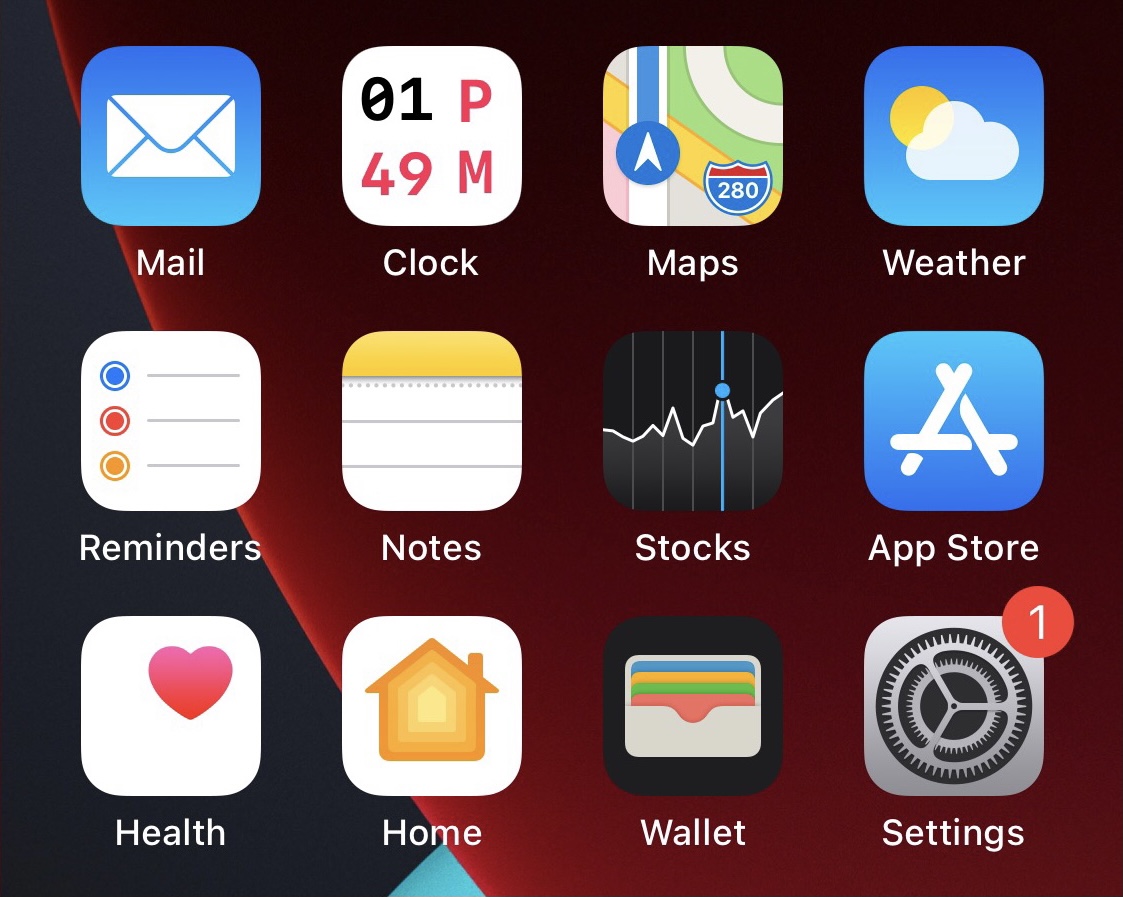
One of the small details that I appreciate about my iPhone’s Home Screen is the fact that the Clock app’s icon has been animated with moving hands (seconds, minutes, and hours) to display the correct time in real time. But it’s still strange to me that Apple only provides an analog option.

With a newly released and free jailbreak tweak called DigitalClock by iOS developer Chr1s, you can replace the Clock app’s animated analog clock Home Screen icon with a digital clock alternative. Additionally, the tweak comes with a plethora of different options for customizing the appearance.