UI

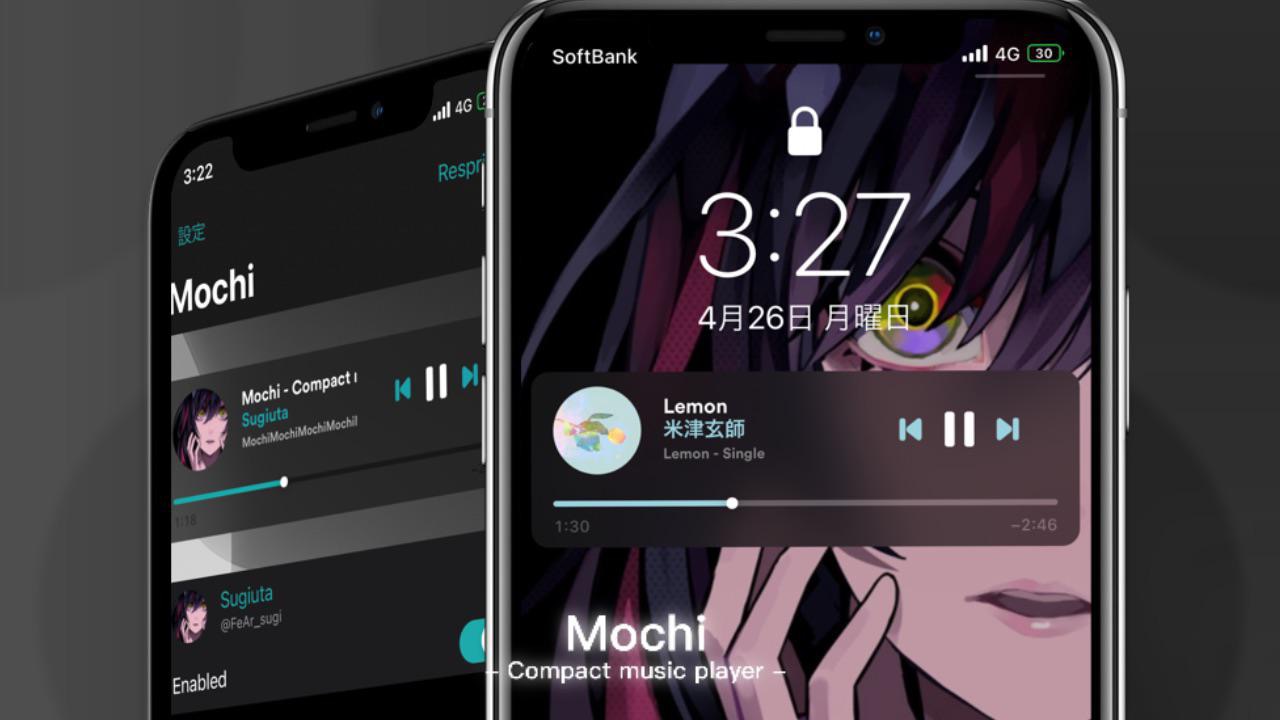
Mochi is a properly-sized Now Playing widget for jailbroken iPhones with tons of customization

After you begin listening to music on your iPhone, iOS automatically kicks the Now Playing widget into high gear by displaying it on the Lock Screen and in Notification Center.

There’s just one problem: it’s rather big any clunky, and such qualities don’t jibe well with an interface that’s also designed to show the user all of their missed notification banners.
April is a new jailbreak tweak for personalizing the Settings app

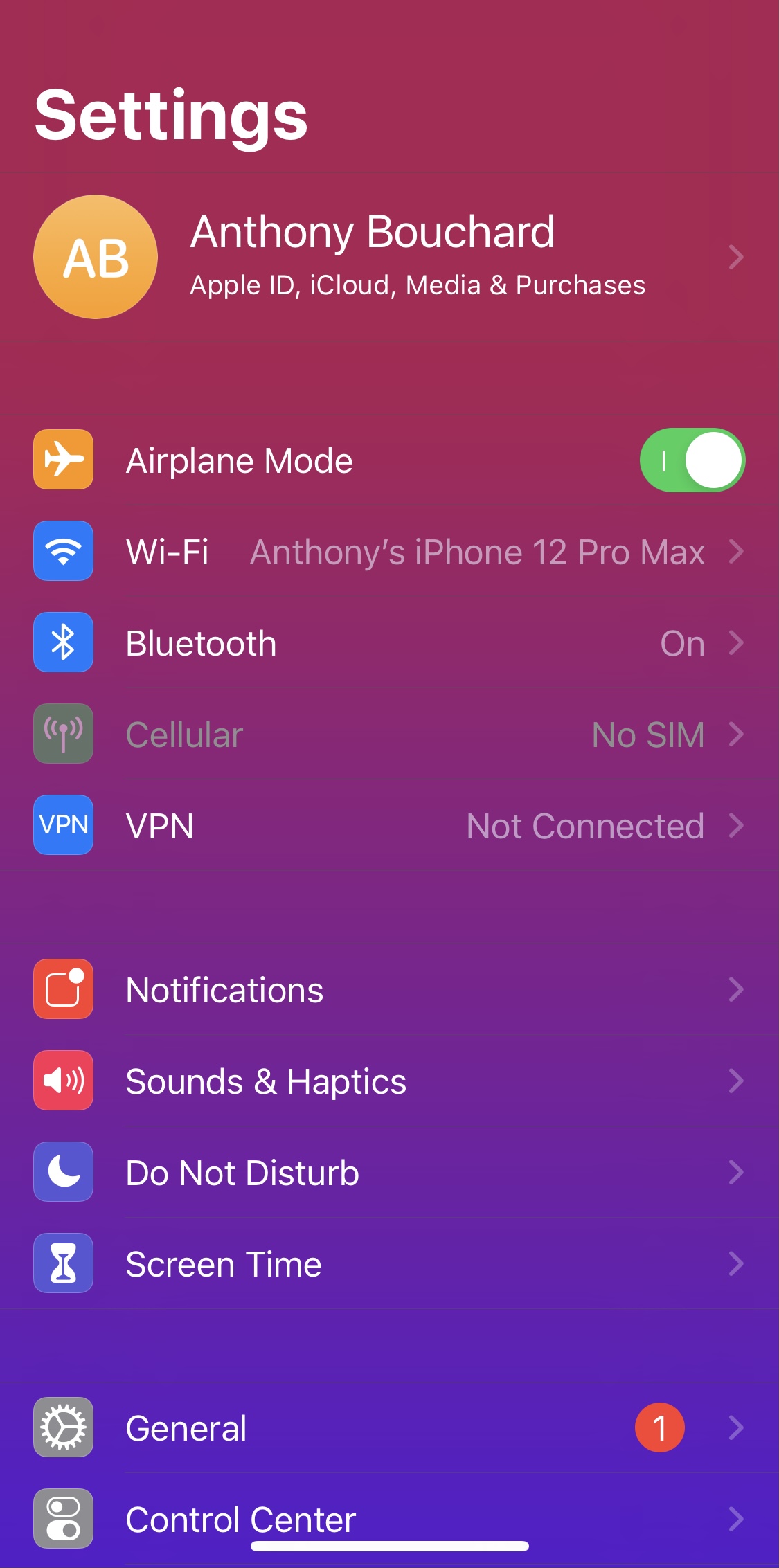
Any and all jailbreakers who might be in the market to add a splash of paint to the otherwise boring Settings app user interface should immediately turn their attention to a newly released and free jailbreak tweak called April by iOS developer Luki134.

Not to be confused with the April jailbreak tweak we showed you last year for customizing the Lock Screen, this April jailbreak tweak focuses primarily on allowing the user to customize the look and feel of the Settings app via various configurable parameters.

This tweak gives the Status Bar a unique color based on the app you’re using

As a jailbreaker, I like adding a footprint of my own personalization to my iPhones and iPads whenever I get the chance. On the other hand, I don’t like anything too eccentric. More often than not, I prefer subtle customizations that don’t over do it.

Anyone in the same boat as me is likely to appreciate a new and free jailbreak tweak dubbed AdaptiveStatusBar by iOS developer MiRO. Just as the name implies, this tweak adaptively colorizes the Status Bar based on the icon of the app you’re using.

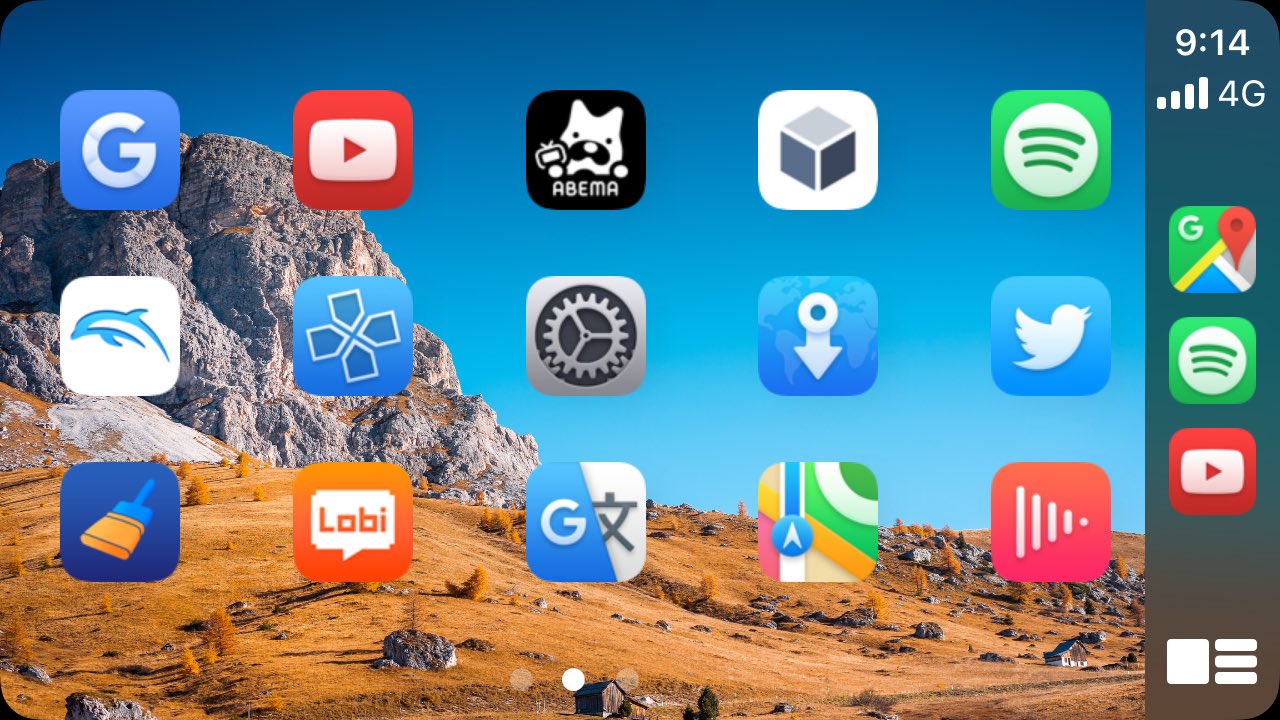
CarPlay++ is a tweak that lets jailbreakers personalize their CarPlay Home Screen

If you’re fortunate enough to have a CarPlay-ready vehicle, then you’re probably familiar with just how restrictive the CarPlay experience can feel, especially from a personalization perspective.

Jailbreakers who might be looking to augment their CarPlay user experience can now take advantage of a new and free jailbreak tweak dubbed CarPlay++ by iOS developer Dcsyhi, which offers aesthetic-boosting qualities for CarPlay in addition to performance-boosting ones.

Speed up or slow down your jailbroken iPhone’s animations with FastUp

Apple’s carefully calibrated operating system animations are among the bevy of things that I think complement the iPhone and iPad user experience. They’re silky smooth enough not to jitter, yet springy enough to provide the user with an ounce of satisfaction each time they witness them.

As satisfying as Apple’s operating system animations may be right out of the box, jailbreakers often have the urge to customize animations speeds. Fortunately, that’s where a newly released jailbreak tweak dubbed FastUp by iOS developer mostafa89 might come in handy.

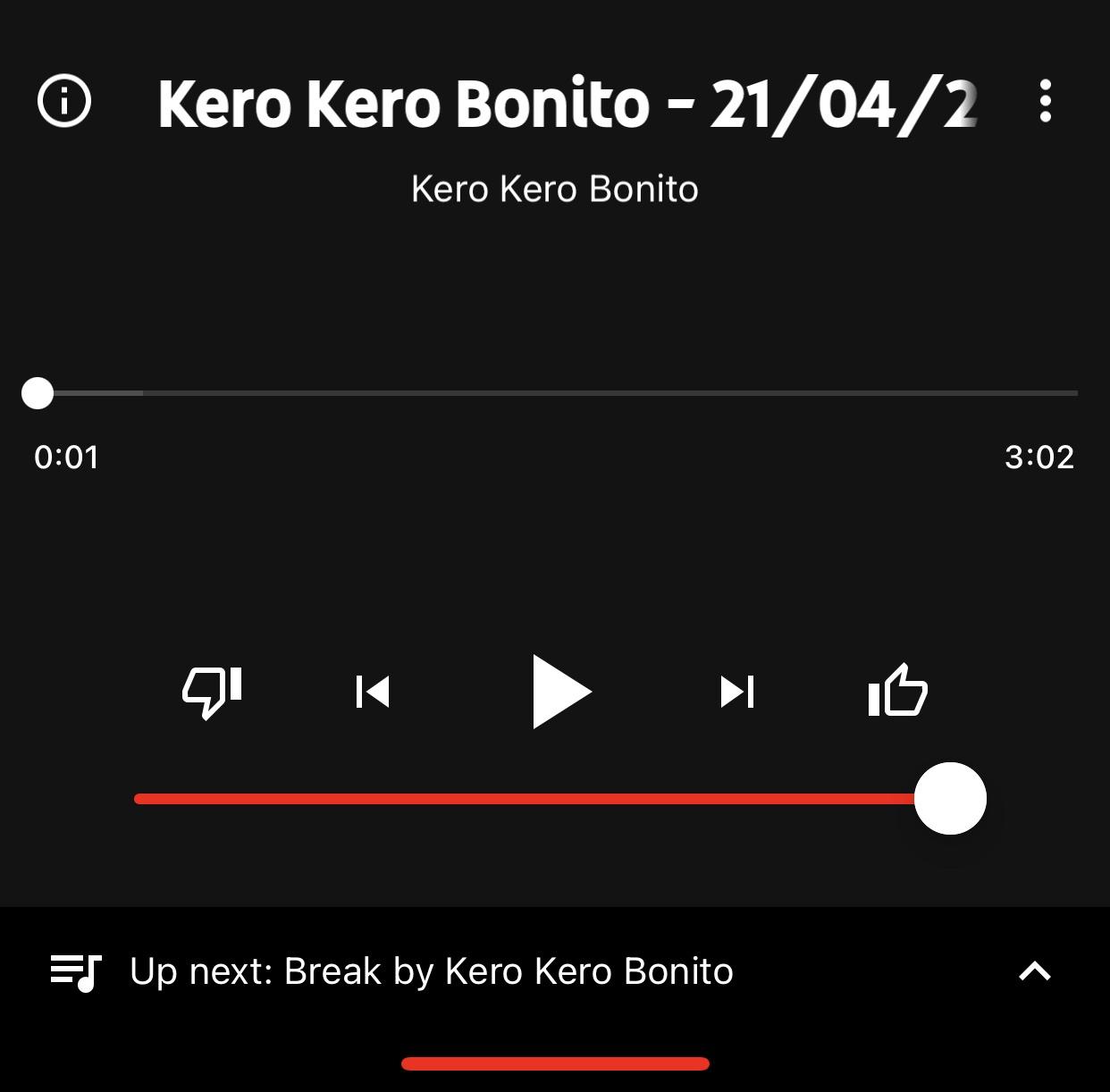
YTMusicVolume adds the missing volume slider YouTube Music’s Now Playing interface

While Apple Music and Spotify are some of the go-to choices for online music streaming, another major contender in this space is YouTube Music, which provides a seemingly endless library of music sourced directly from YouTube.

After signing up for YouTube Premium, one of the first things I did was download the YouTube Music app so that I could enjoy ad-free music streaming without paying an additional fee for a music streaming service. But I noticed something was missing from the app’s Now Playing interface – namely, a volume slider.

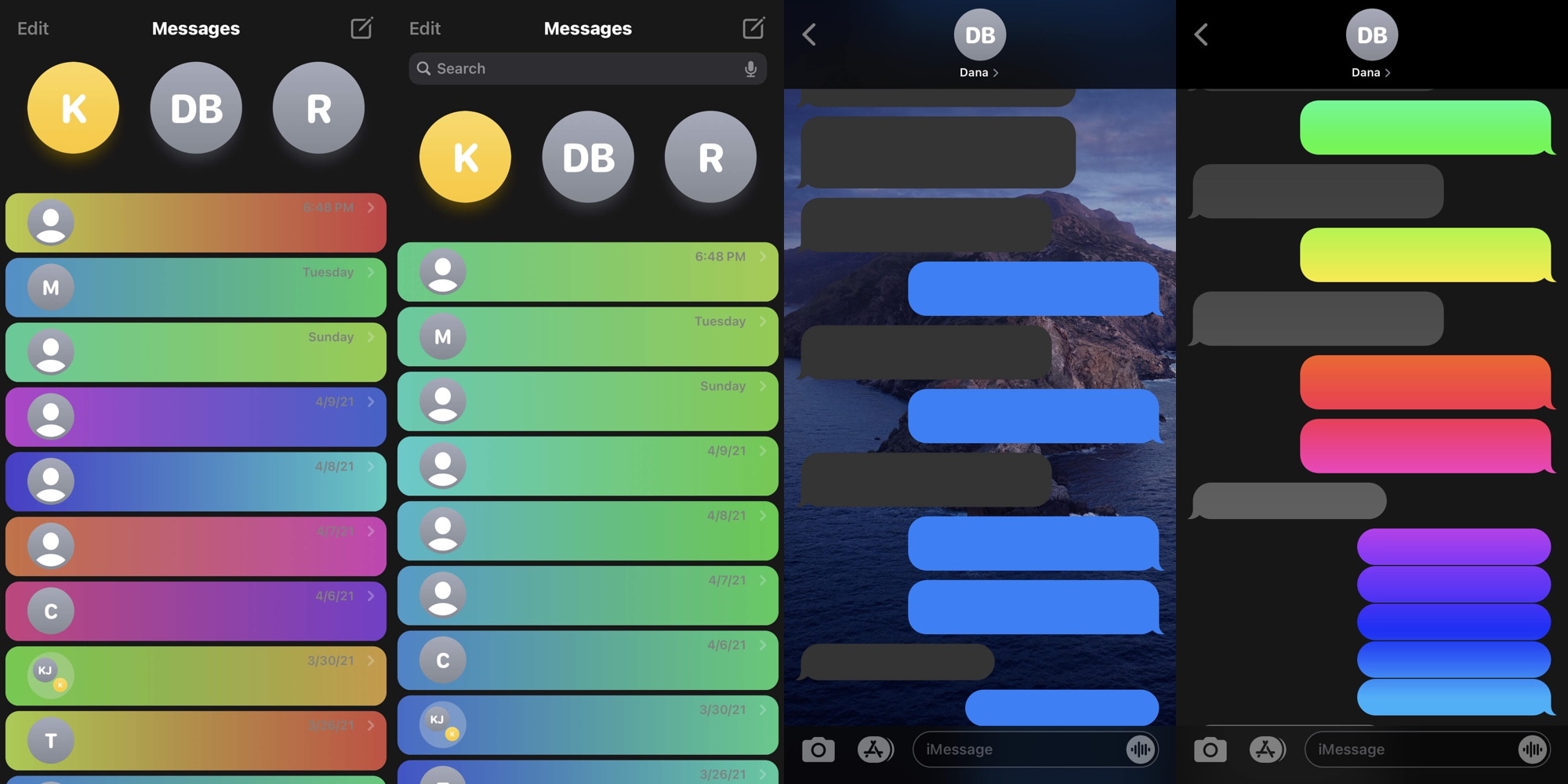
Personalize your Messages app however you want with the new ChatUI jailbreak tweak

Many iPhone users spend absorbent amounts of their time in the Messages app, and that’s not surprising given just how explosively popular text messaging has become over the years. Given that fact, it’s easy to see why someone might desire more customization options with respect to an app they use all the time.

Fortunately for jailbreakers, iOS developer CreatureSurvive is out with a new and free jailbreak tweak dubbed ChatUI that offers a smorgasbord of seemingly limitless customization for the native Messages app that comes pre-installed on iPhones and iPads alike.

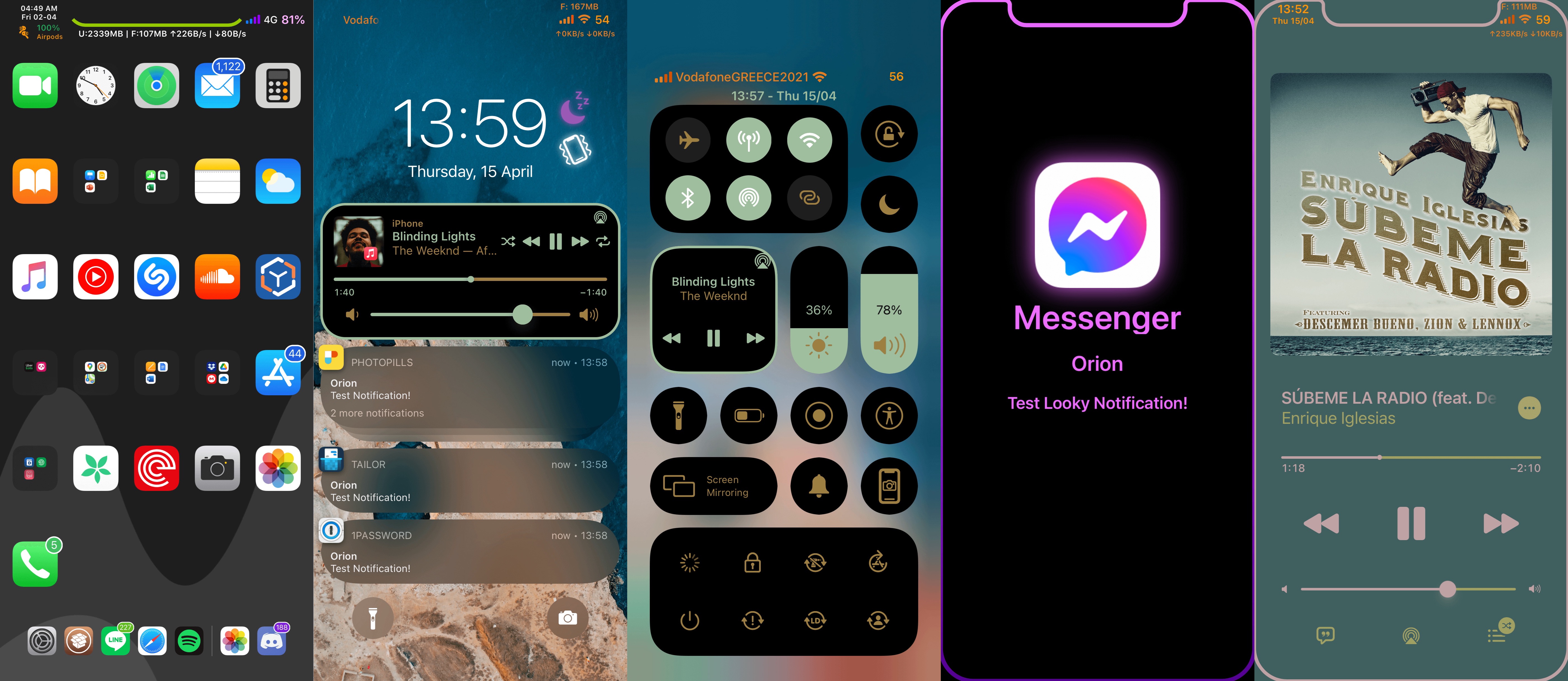
Orion is one of the most comprehensive all-in-one jailbreak tweaks we’ve ever seen

When you jailbreak your iPhone or iPad, one of the first things you’re going to want to do is begin customizing some of the things you can’t usually customize out of the box. This can be done with jailbreak tweaks, which are small add-ons that change the behavior or appearance of your device’s operating system.

When you’re getting ready to tweak your device, you ultimately have two options: 1) download a plethora of single-purpose jailbreak tweaks to achieve your ideal setup; or 2) download an all-in-one jailbreak tweak that can do the same in one fell swoop.

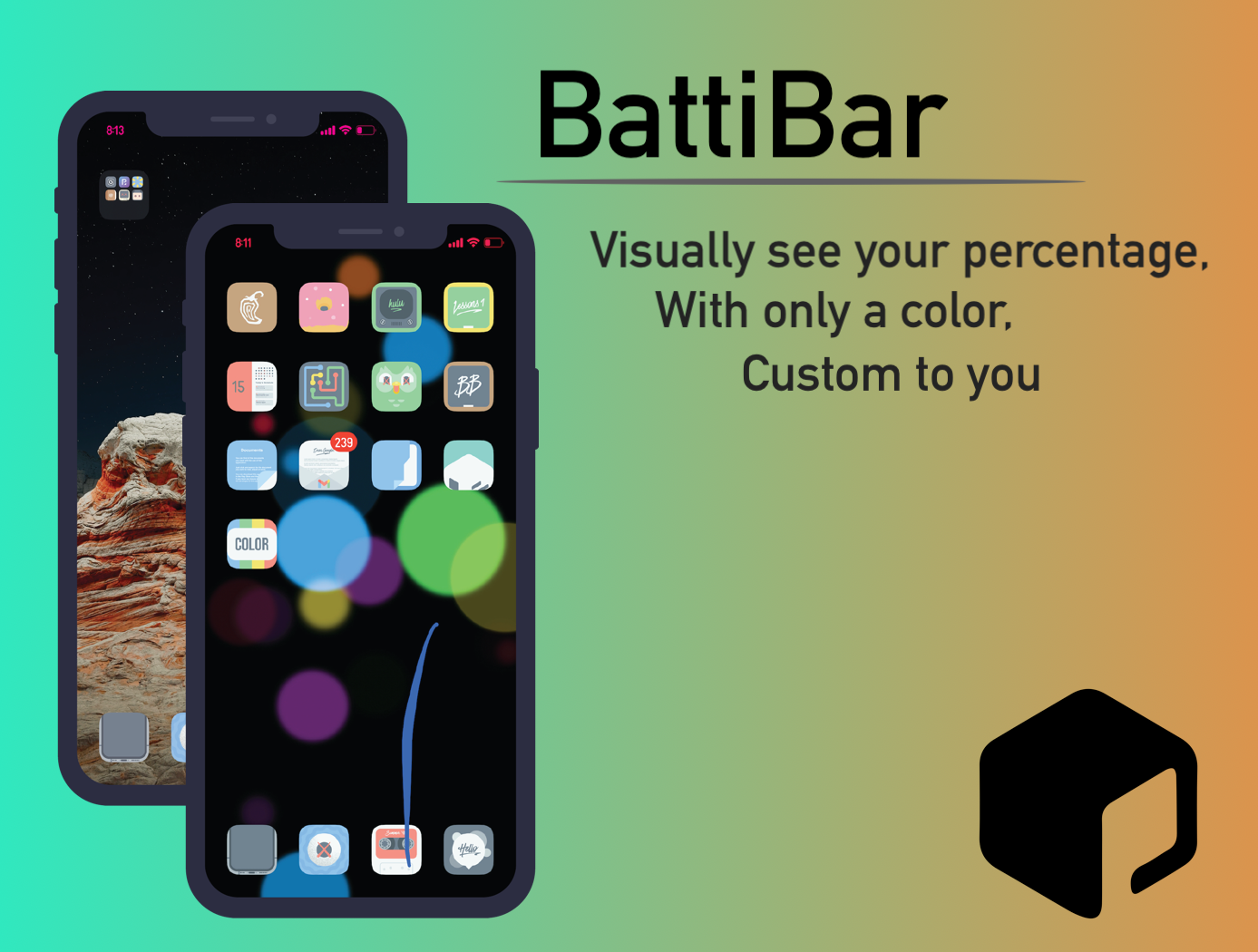
BattiBar colorizes the Status Bar with a slow-changing transitional gradient based on your battery level

The Status Bar of every iPhone and iPad is home to a battery level indicator that keeps the user aware of when they’re going to need a charge. Unfortunately, the indicator tends to be somewhat bland and there doesn’t seem to be any indication that Apple will change that any time soon.

Enter BattiBar, a newly released and free jailbreak tweak by iOS developer HallieHax that offers a solution to the aforementioned quandary. More specifically, it colorizes the entire Status Bar with a transitional gradient color that transforms slowly over time as your handset’s battery discharges with use.

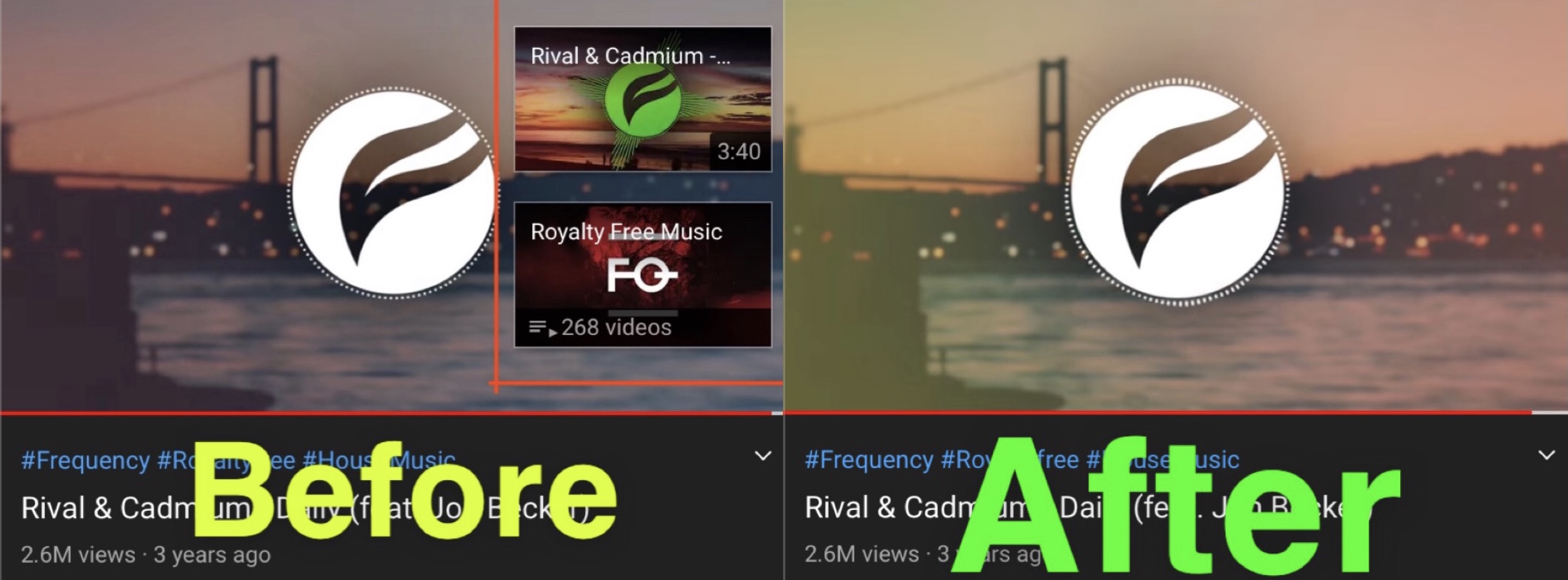
This tweak prevents YouTube from showing those unsightly recommended video thumbnails at the end of every video

I use YouTube all the time — so much in fact that I decided to join the YouTube Premium bandwagon to take advantage of an ad-free viewing experience and background playback via the iOS app.

But even as a YouTube Premium user, I’m still plagued by YouTube’s uncanny attempt to lure me into the platform’s black hole by way of suggested video thumbnails at the end of every video I watch.

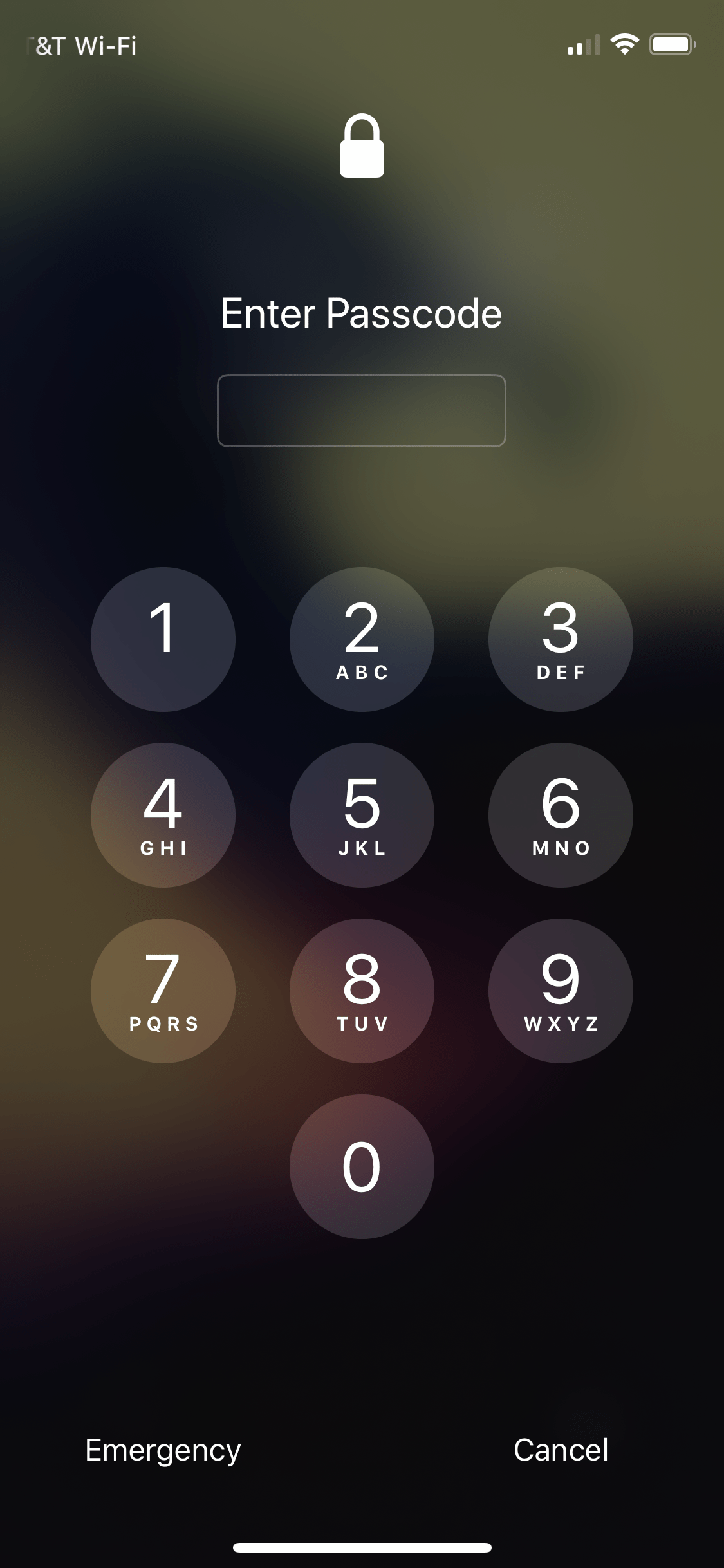
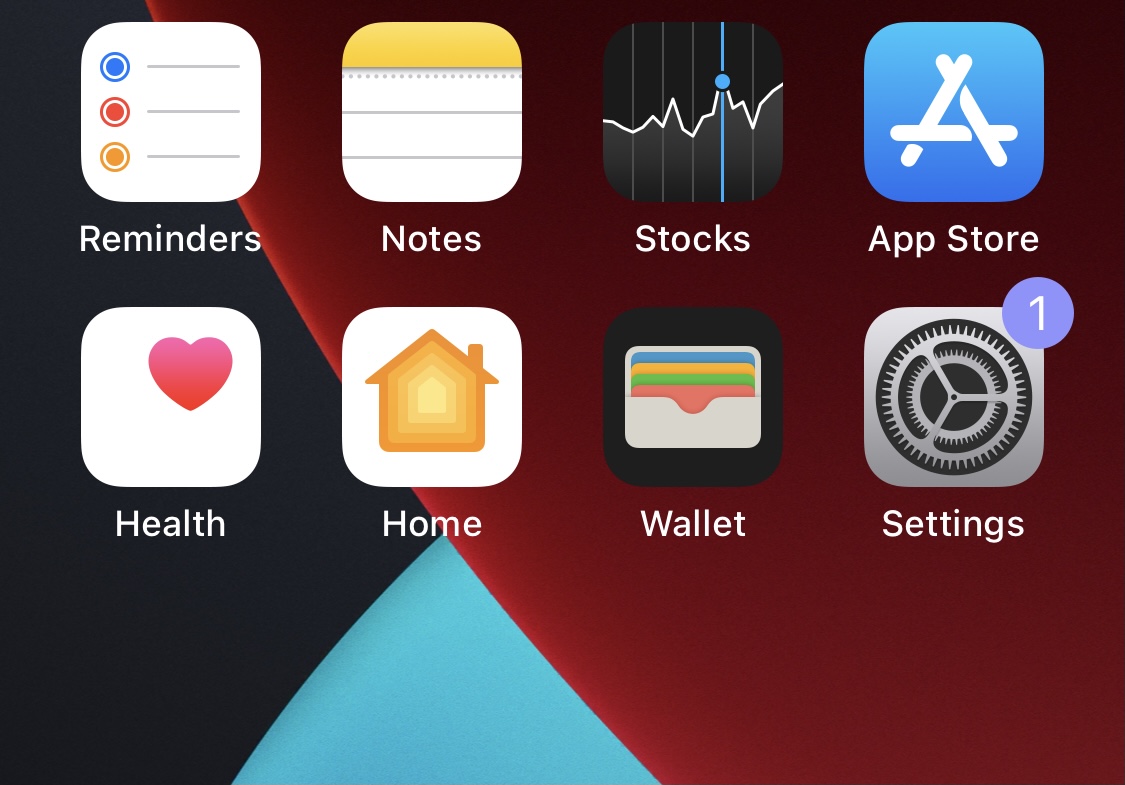
DNDBadges makes notification badges purple when Do Not Disturb mode is turned on

Do Not Disturb mode is an indispensable feature on iPhones and iPads that I’ve grown particularly fond of over the years. Although it isn’t new, I still use it just as much today as I did when it first came out.

There’s just one problem — it’s can be all too easy to forget that you turned Do Not Disturb mode on in the first place, which sometimes results in missed notifications that you otherwise didn’t intend to silence.