UI

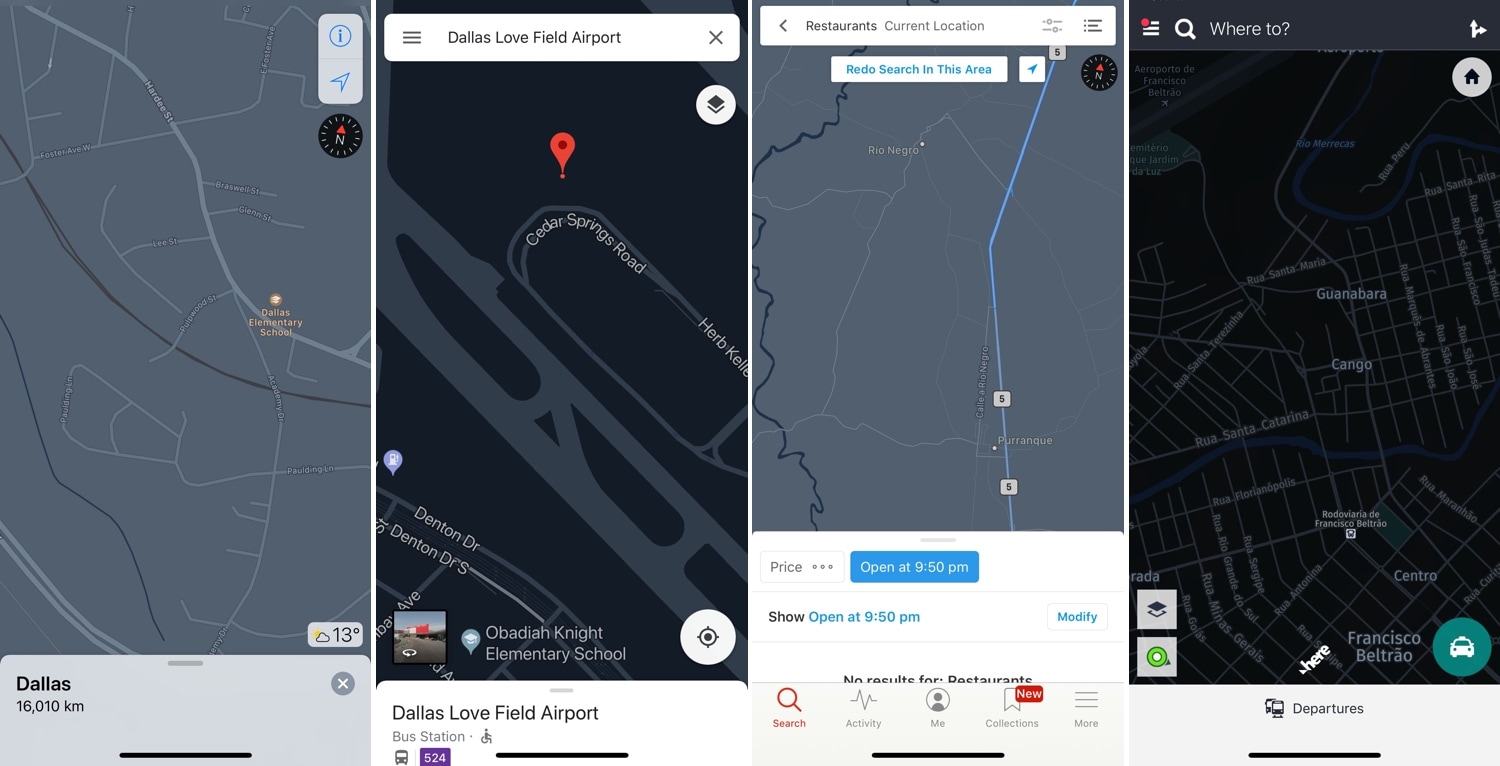
Night Maps brings a universal Dark Mode experience to various mapview-supported apps

Dark Mode-centric jailbreak tweaks have become quite the hot commodity as of late, but many lack support for the different types of mapviews used in the bevy of map and navigation apps available for download in the App Store.

Enter Night Maps, a new jailbreak tweak by iOS developer FoxFortMobile that fills this particular niche. As shown above, Night Maps brings a universal Dark Mode experience to the mapview of almost any map or navigation app you might use on your iPhone or iPad.
HUE2 colorizes your Philips Hue lights based on colors from the Now Playing album artwork

If you’re a fan of the Philips Hue lighting system and also happen to have a jailbroken iPhone, then you might come to appreciate a new jailbreak tweak dubbed HUE2 by iOS developer Antique.

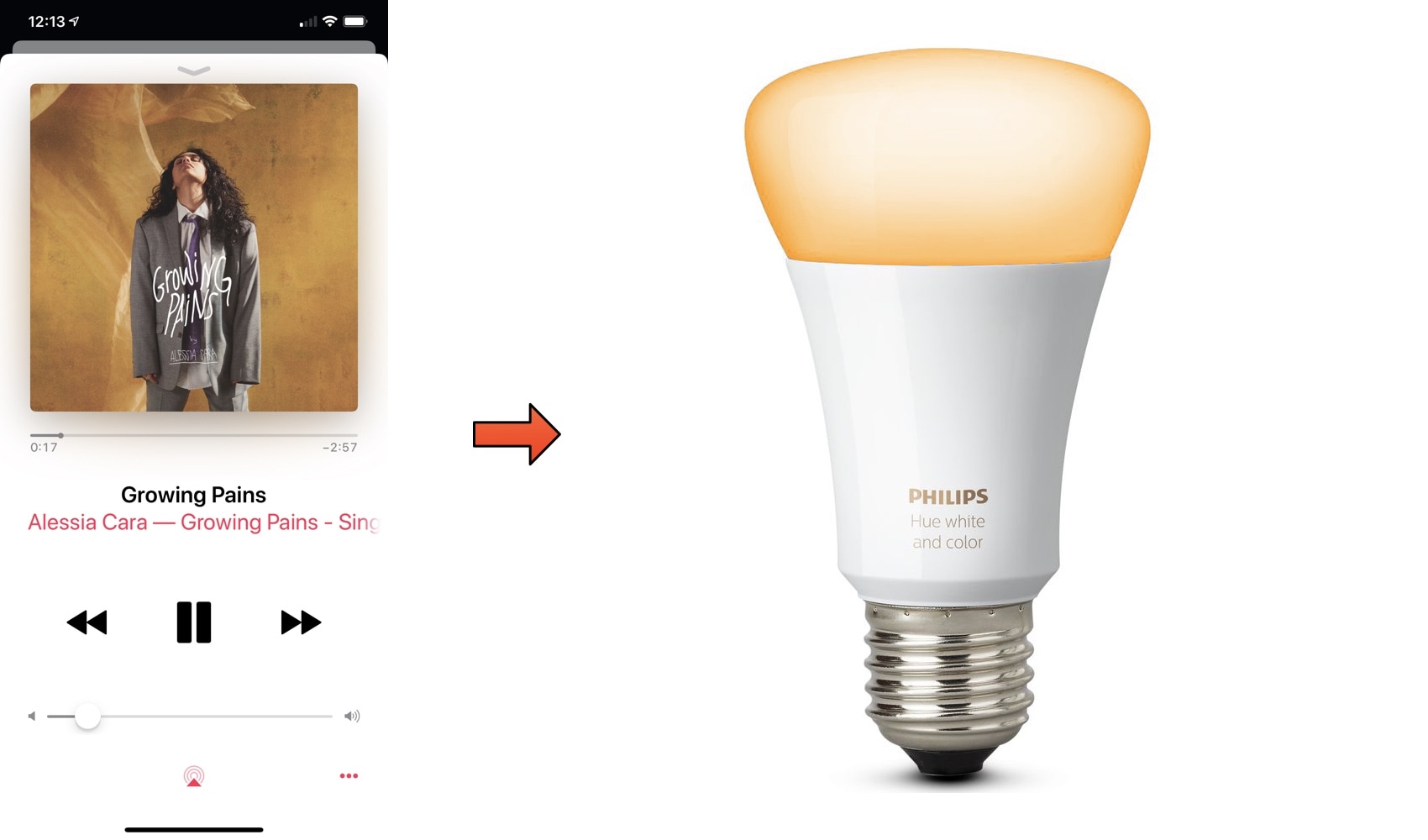
HUE2 is fundamentally a new way to integrate your music-listening experience on iOS with your Philips Hue lighting system. Right out of the box, the tweak colorizes your Philips Hue lights to match the dominant color of the album artwork of any music you might be playing, as depicted above.

Nightshade provides an all-in-one Dark Mode experience for your iPhone or iPad

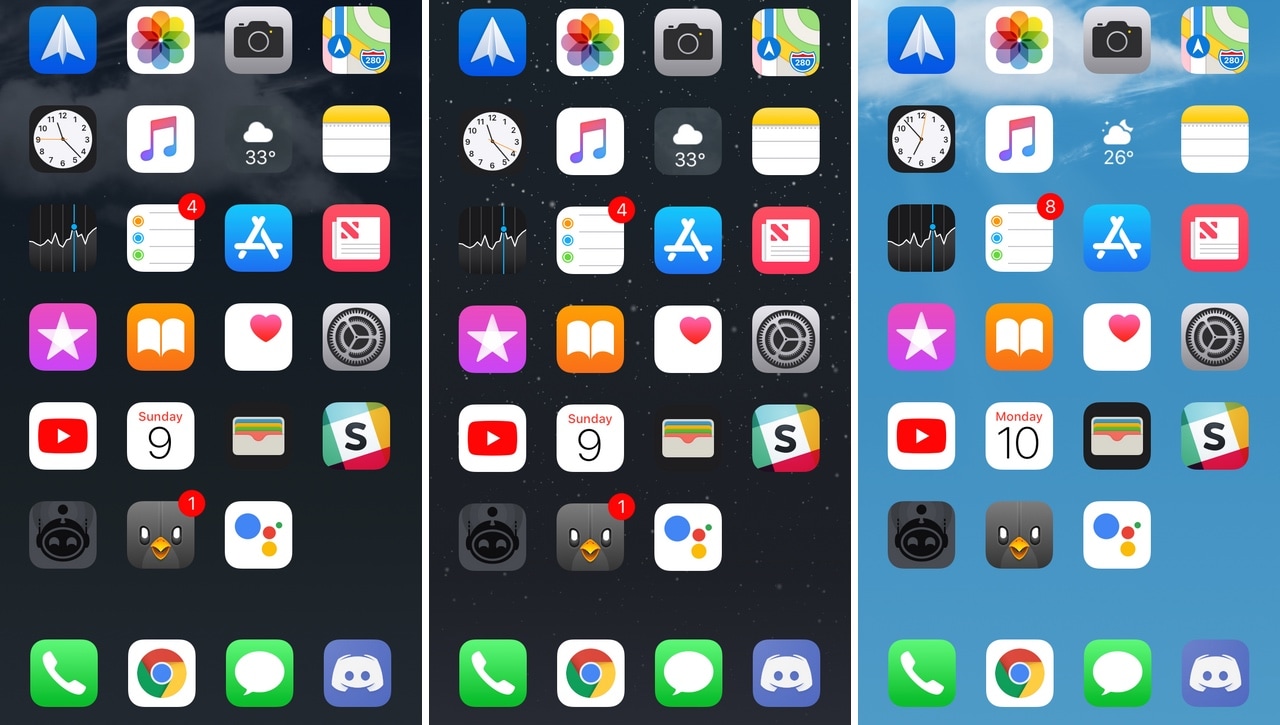
Dark Mode jailbreak tweaks have become quite the hot commodity among iPhone and iPad users, especially considering how Apple officially supports the feature on macOS. But wouldn’t it be nice to have a reliable all-in-one solution for all your apps and user interfaces rather than installing several jailbreak tweaks to achieve the same result?

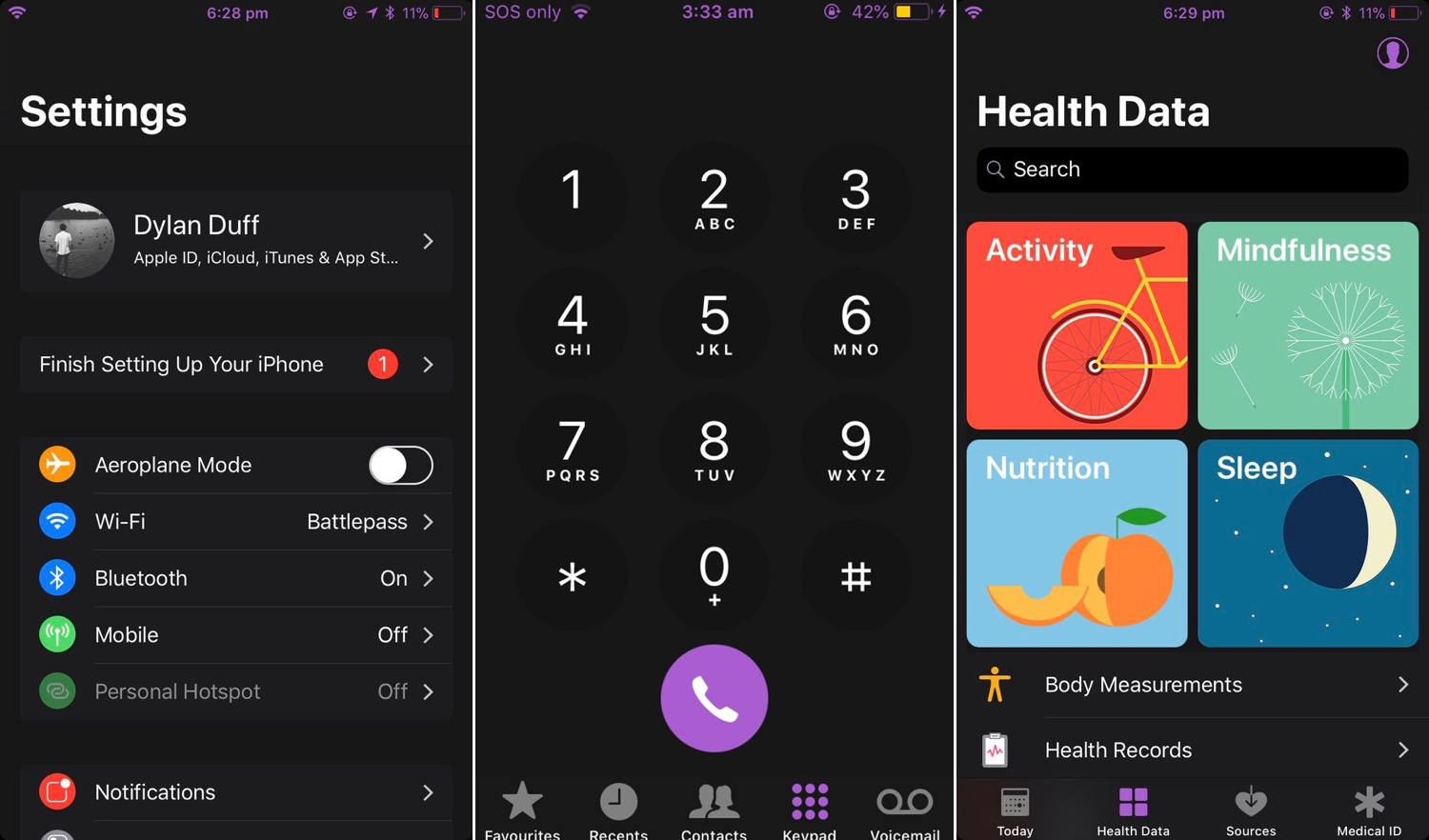
If you answered ‘yes’ to that question, then you’re in luck; a new jailbreak tweak called Nightshade by iOS developer Dylan Duff promises ‘an all-in-one iOS Dark Mode’ that promises to ‘theme almost every aspect of the UI.’

Hide the Control Center grabber from the iPhone X’s Lock screen with NoCCBar

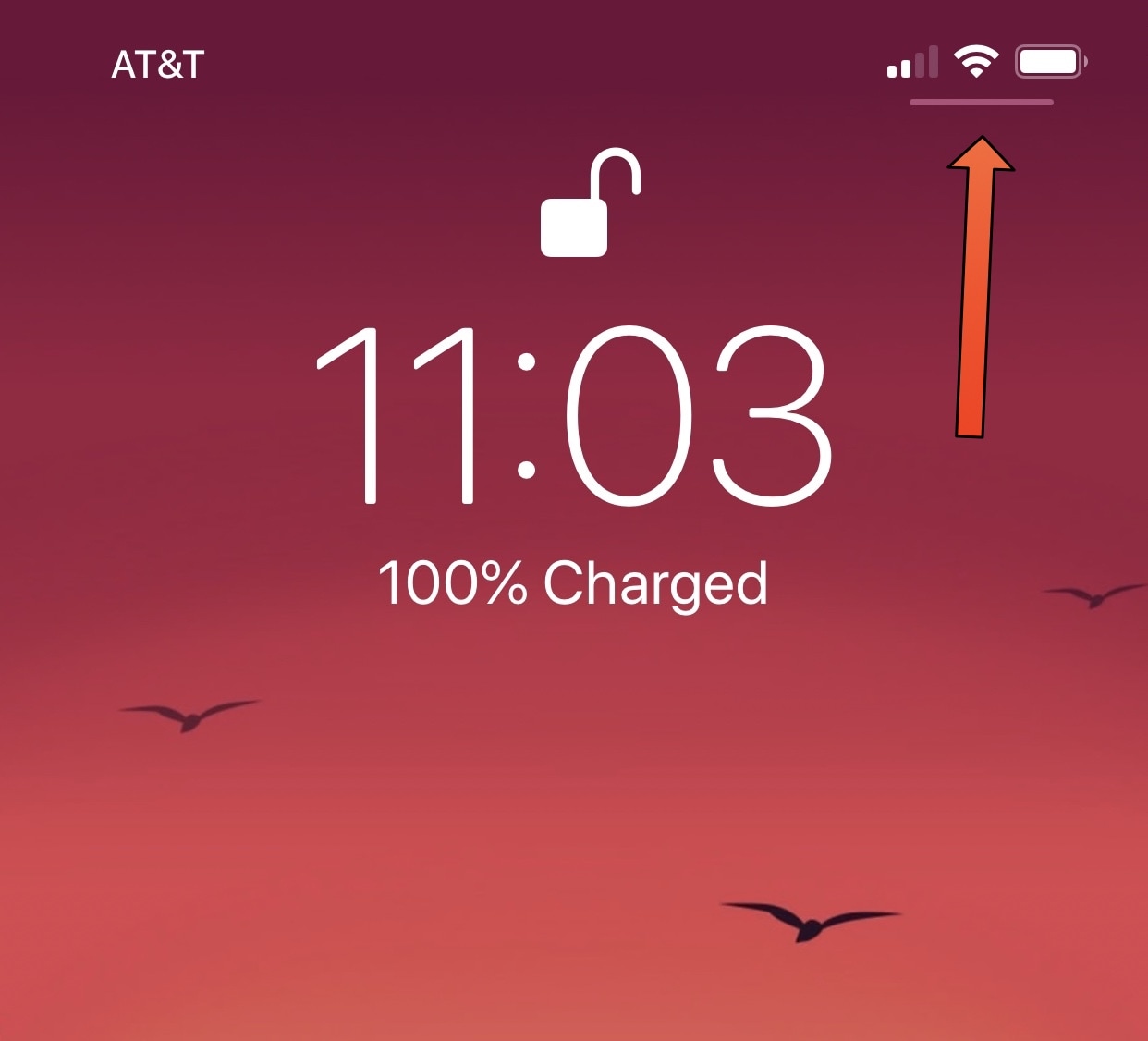
If you have any of Apple’s latest handsets with rounded-corner displays, such as the iPhone X, XS/XS Max, or XR then chances are you’re familiar with the tiny Control Center grabber that appears at the top-right corner of the Lock screen, as depicted above.

For whatever reason, this grabber doesn’t appear anywhere else in iOS besides the Lock screen; yet you can invoke Control Center from anywhere by swiping down from the top-right corner of the display.

Enable animated Weather-centric wallpapers and information system-wide with Asteroid

All iOS devices come standard with a finely-polished Weather app and a Weather-centric Notification Center/Today widget, but wouldn’t it be nice if that same weather information appeared in places that actually mattered?

Asteroid is a new free jailbreak tweak developed by MidnightChips and The Casle that brings live weather information to various interfaces found throughout iOS, such as the Home screen, the Lock screen, and the Weather app icon itself.

LSPullToDismiss clears all pending notifications from the Lock screen with a pull gesture

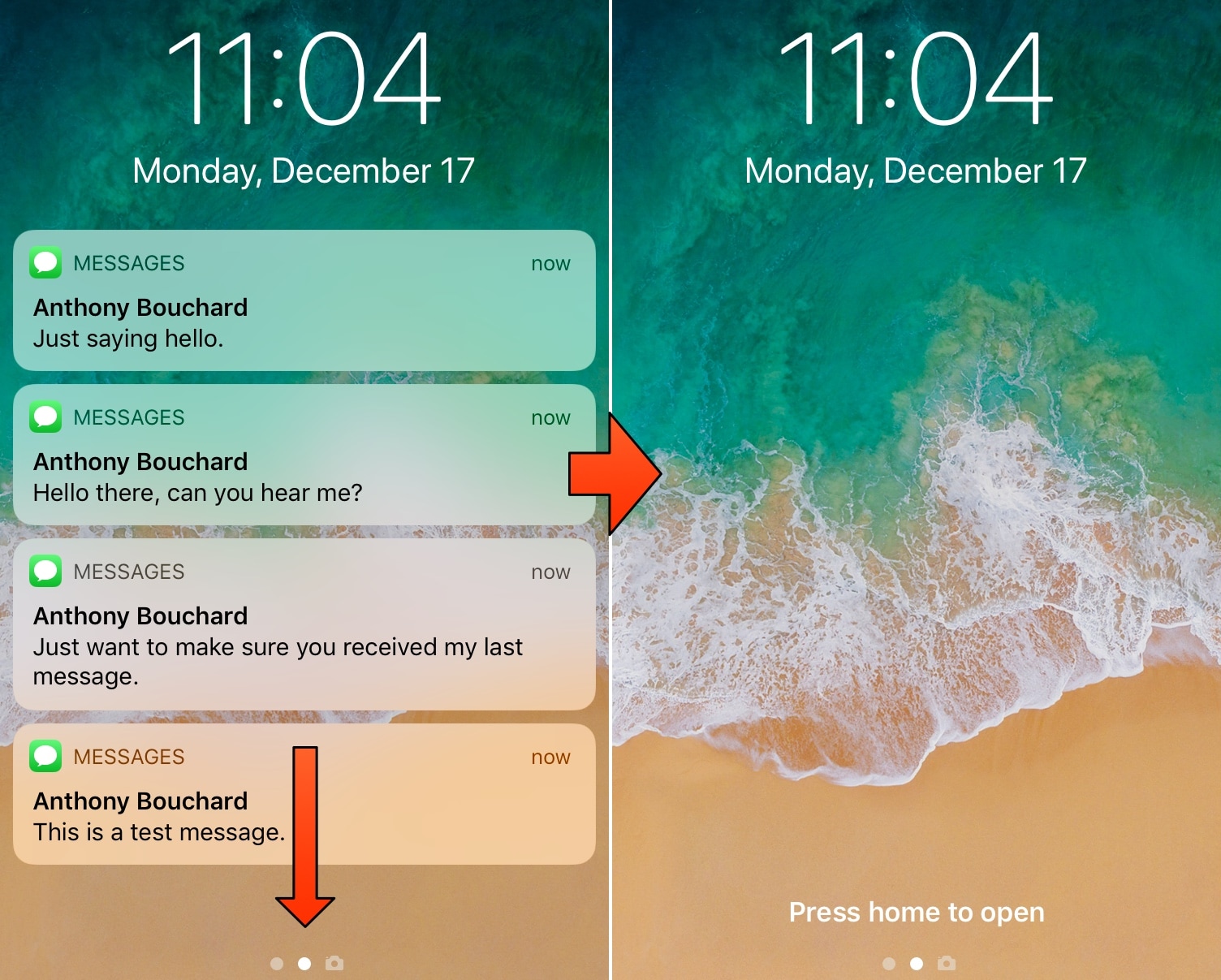
If you’re more popular than the average individual, then you probably get barraged with iMessages and other notifications as you sleep and throughout the day. iOS automatically stacks these missed notifications on your Lock screen to be reviewed later, and you can clear them individually or all in one fell swoop with a 3D Touch gesture.

Apple’s 3D Touch implementation in this regard is neat, but it’s not perfect, and it’s very much a two-step process. A free jailbreak tweak called LSPullToDismiss by iOS developer SparkDev reduces the number of steps required to clear all Lock screen notifications at one time, and it feels more natural than a 3D Touch gesture would.

Customize your Spotify Music app experience with Xanify

Spotify Music is perhaps one of the most popular alternatives to Apple Music on the iOS platform, but if you sport a jailbroken handset, then you probably enjoy the thought of customizing the Spotify app.

Assuming you fall under the category mentioned above, a new free jailbreak tweak called Xanify by iOS developer Codey Moore might be of interest. This tweak lets you address several pain points in Spotify and customize the app to your liking.

Improve your multitasking workflow on iPhone with EasyAccess

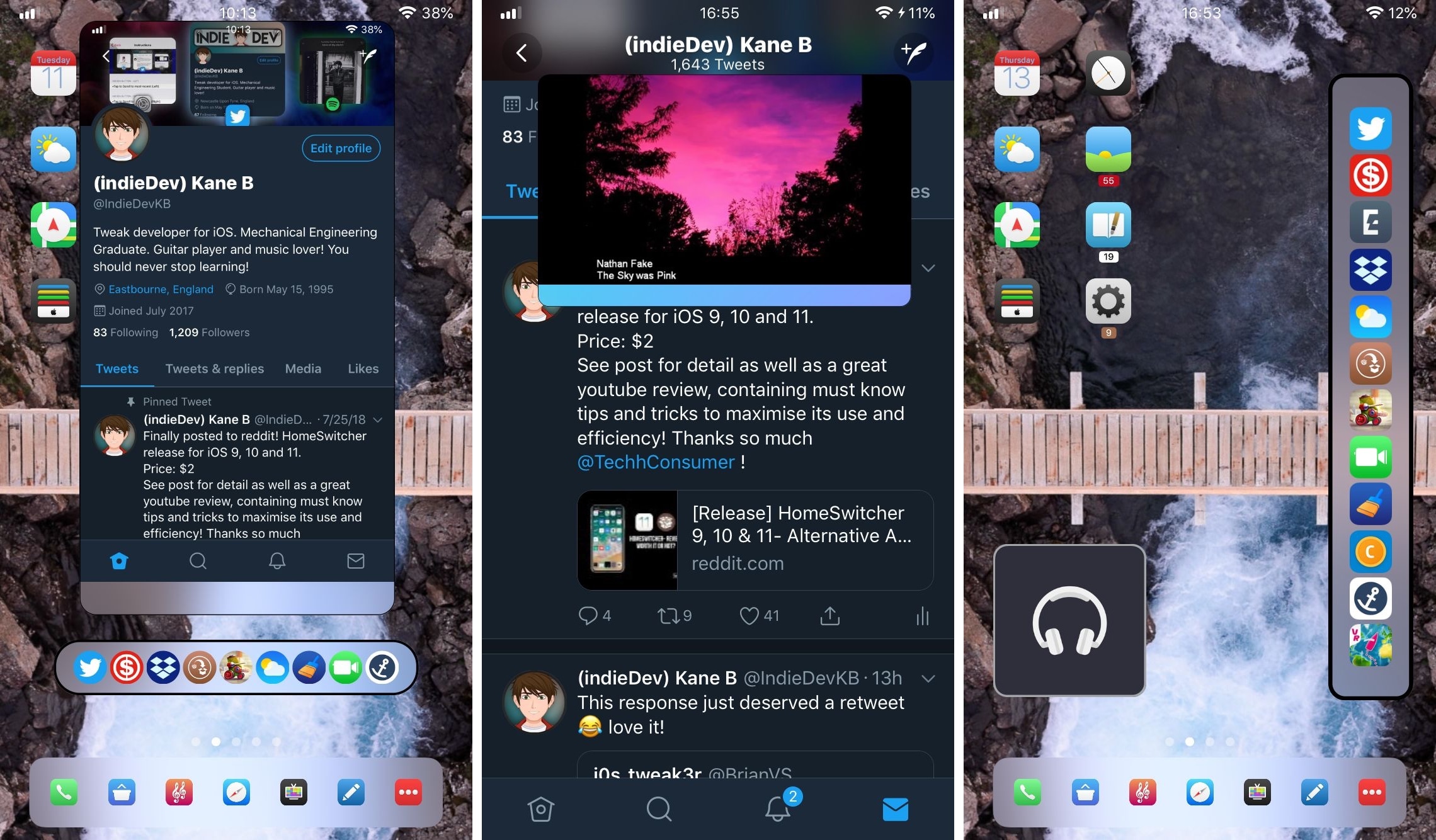
You can undoubtedly multitask on an iPhone or iPad, but Apple's implementation leaves a lot to be desired. That’s why iOS developer Kane Buckthorpe released a new jailbreak tweak called EasyAccess.

As you might come to expect from the tweak’s name, EasyAccess intends to make multitasking more usable on the iOS platform. This tweak lets you perform actions in two apps at the same time and effortlessly move between apps by way of a highly-customizable dock that you can summon at any time with Activator.

NoLowPowerAutoLock disables the 30-second auto-lock when Low Power Mode is turned on

iPhone owners can use the included Low Power Mode to save battery life on their iPhone in a pinch, and while it can be useful, I don’t particularly care for how it forces a 30-second auto-lock down your throat.

Apple doesn’t give you a way to increase the auto-lock timeout on a stock device with Low Power Mode enabled, but jailbreakers can take advantage of a free jailbreak tweak called NoLowPowerAutoLock by iOS developer SparkDev to command differently.

This tweak transforms iOS’ low battery pop-ups into banner notifications

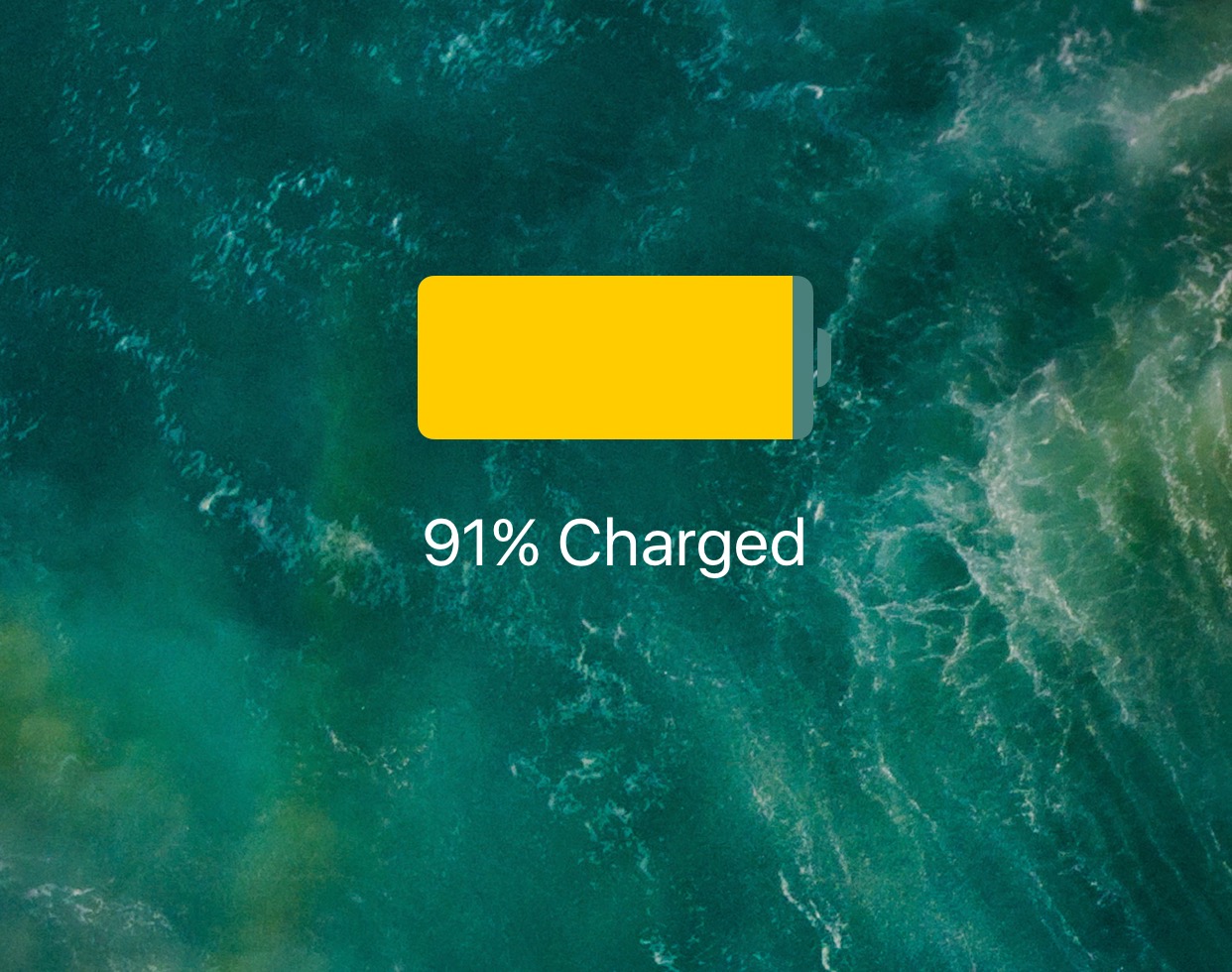
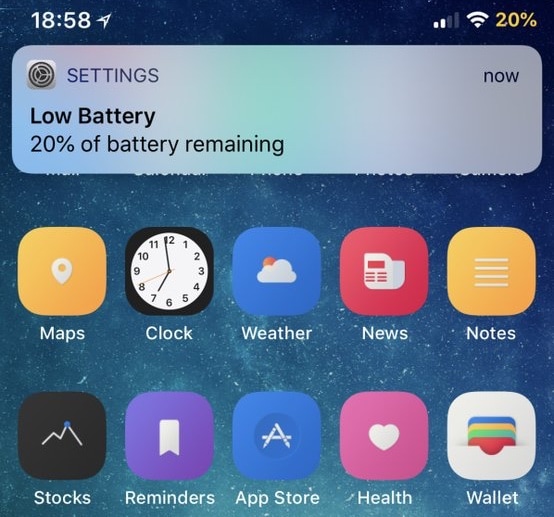
When your iPhone’s battery level dips below 20%, a persistent pop-up alert appears front and center on your display to let you know. Most people cringe at these kinds of notifications because they get in the way of everything, but a free jailbreak tweak called LowBatteryBanner by iOS developer SparkDev can help.

As you might have inferred from the name already, LowBatteryBanner replaces the standard low battery level pop-up alert with something we can all appreciate: a banner notification.

CircleSettings replaces the Settings app’s square icons with round ones

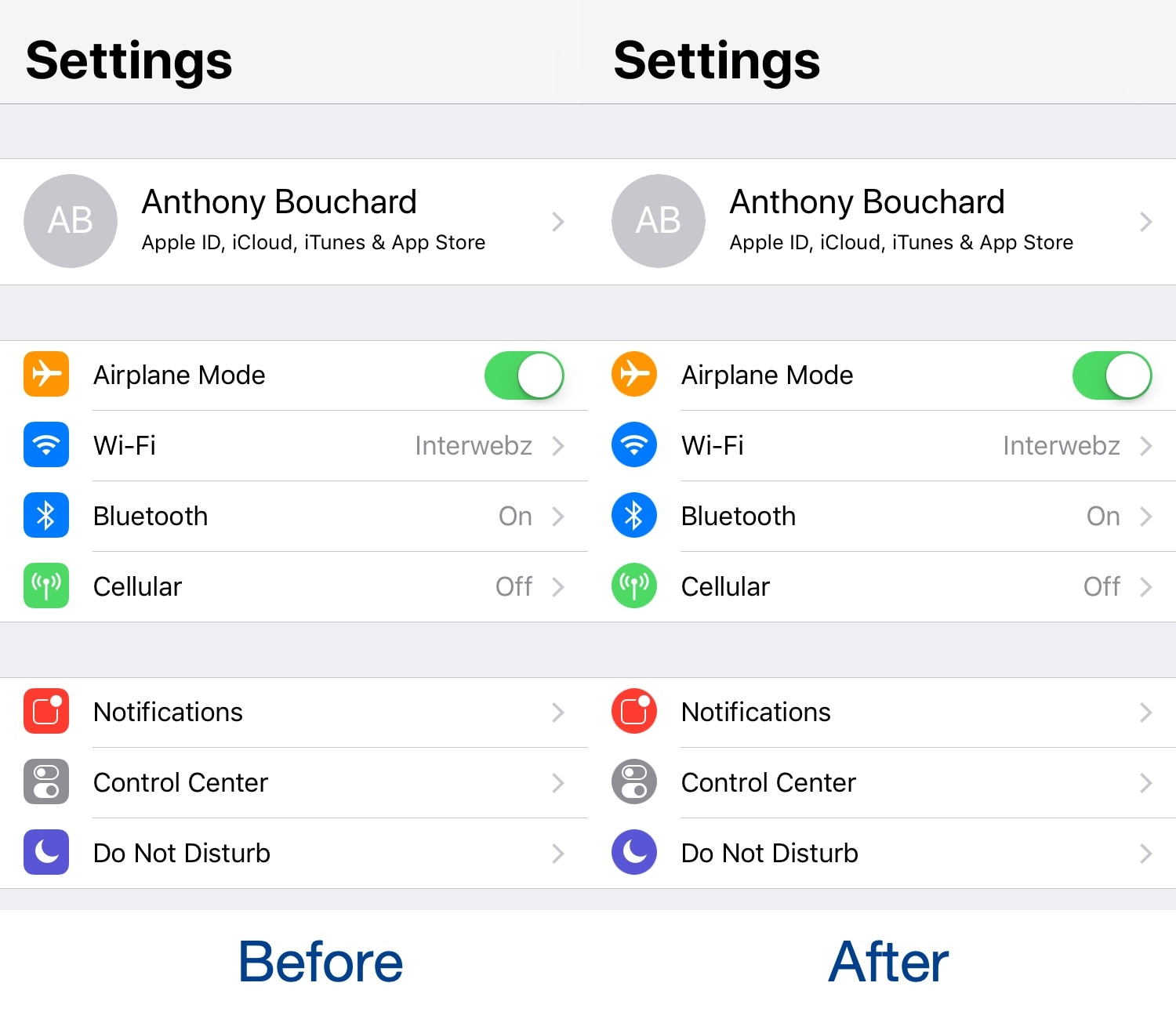
If you’re looking for a quick and easy way to modernize your iPhone or iPad’s Settings app, then you should take a moment out of your day to try a free jailbreak tweak called CircleSettings by iOS developer SparkDev.

As depicted in the screenshot examples above, CircleSettings applies a circular filter over the icons displayed on the left side of the primary page in the Settings app without the need for a theming app like WinterBoard; the result is that they look circular rather than square.

MotionPicture lets you use animated GIFs and video files as iPhone wallpapers

Despite Apple’s attempts to step up its iOS wallpaper experience in recent years, with dynamic wallpapers, Live Photos, and motion, it still leaves a lot to be desired. Fortunately, a new jailbreak tweak called MotionPicture by iOS developer Dev4i can help with this.

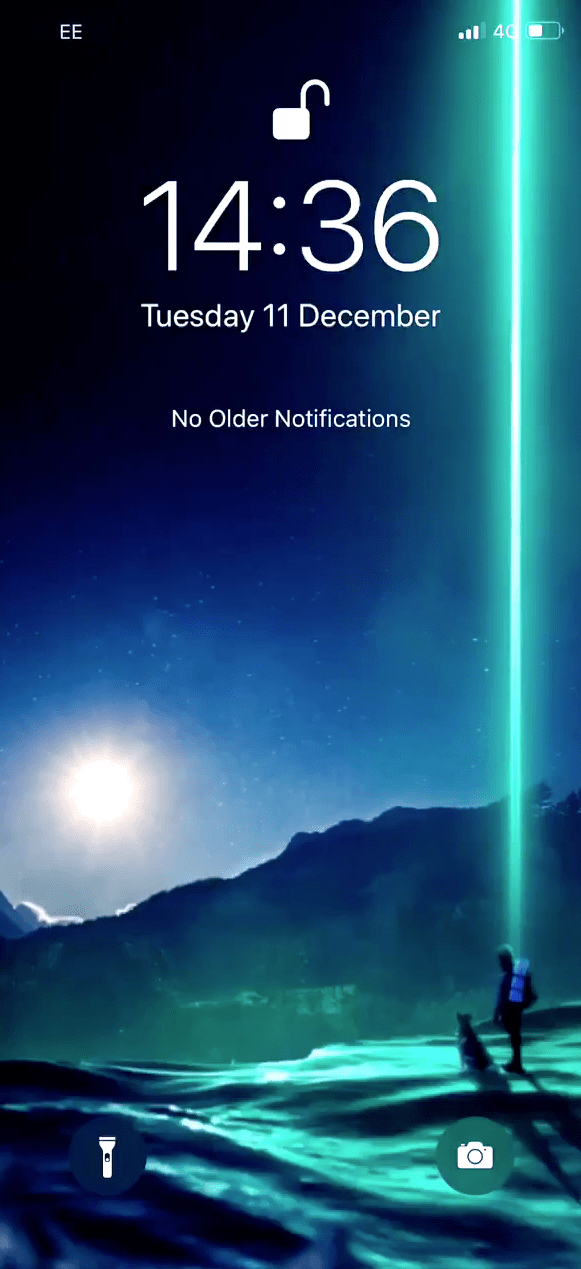
As you may have already inferred from the tweak’s name, MotionPicture lets you have moving wallpapers on your handset's Home screen and Lock screen. Furthermore, MotionPicture works with various file types, giving you the flexibility you deserve for a personalized experience.