UI

Colorize your iPhone’s keyboard however you want with Laetus

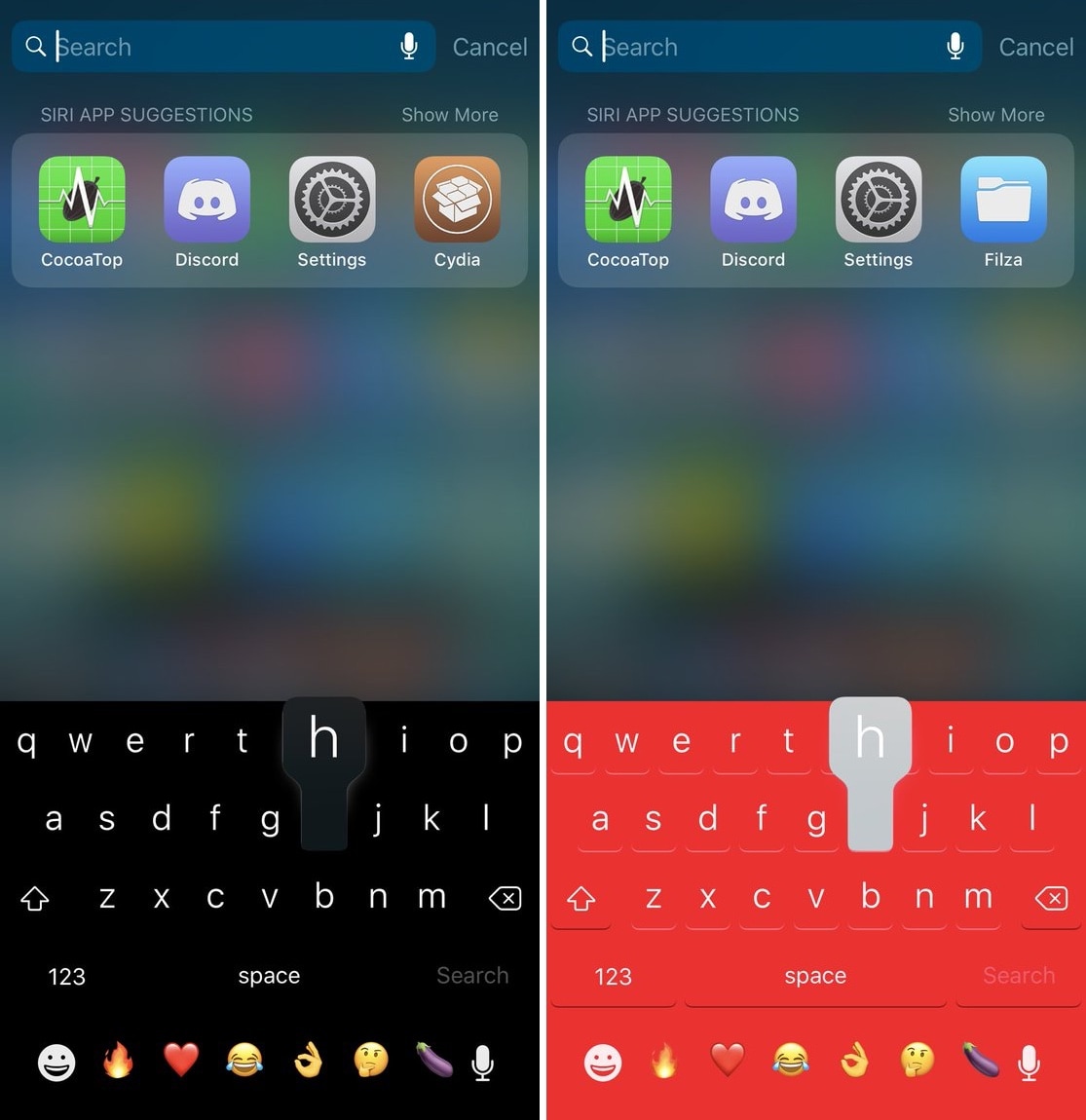
One of the most fundamental reasons for owning a jailbroken iPhone or iPad is having the ability to customize it outside of Apple’s stock parameters. If you’re one to enjoy theming or changing the default colors of iOS, then you might appreciate what a free jailbreak tweak called Laetus by iOS developer SparkDev can do for you.

As depicted in the screenshot examples above, Laetus empowers users to colorize iOS’ native keyboard interface with custom colors. With it, you can change the color of the keyboard background and its key text independently of one another.
Add countdown timers to your pending iPhone alarms with SleepyTime

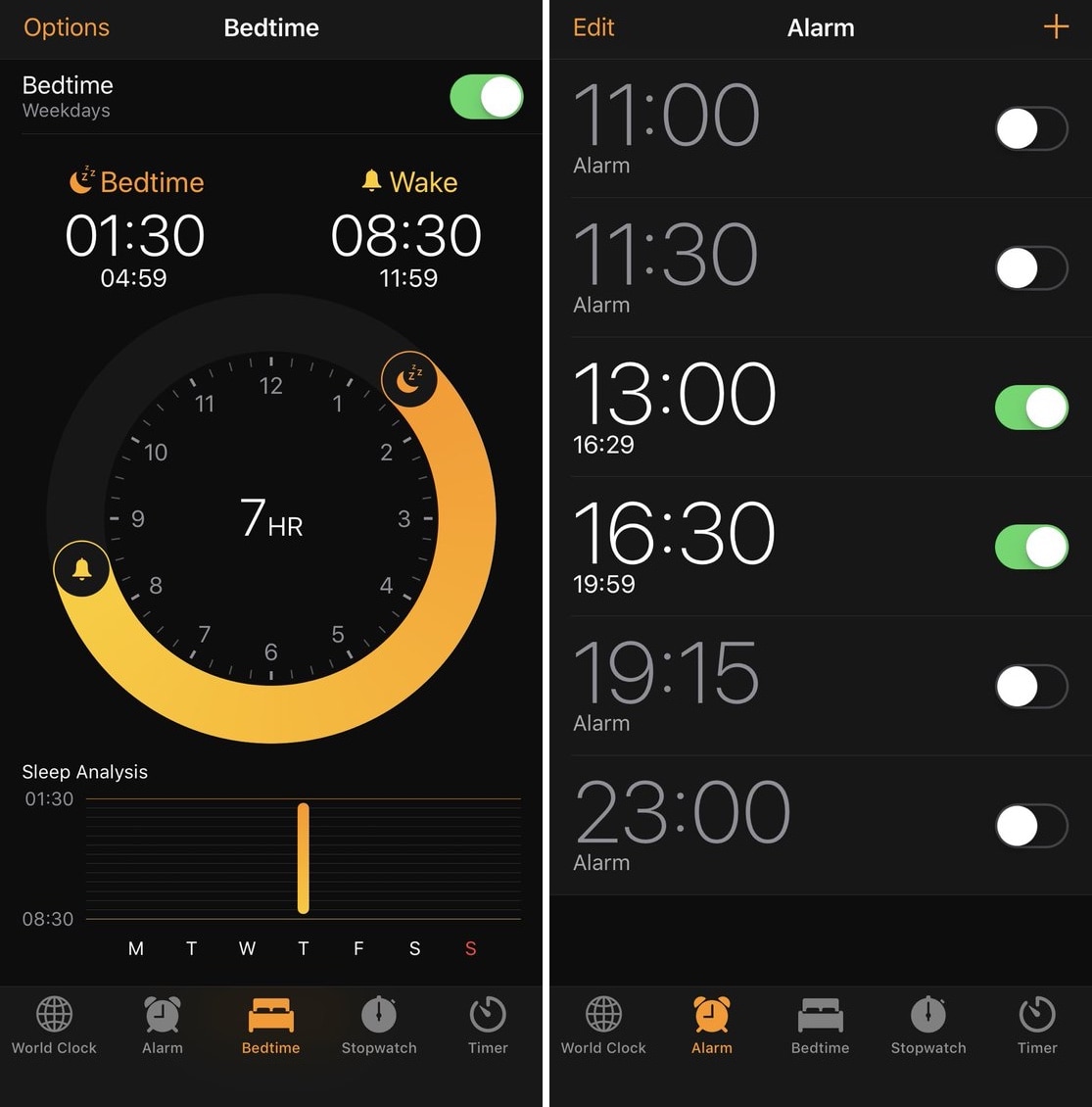
If you get up for class or work every morning, then you’re probably accustomed to setting the alarm on your iPhone to ensure you wake up early enough. iOS’ alarm interface is rather polished right out of the box, but there’s still room for improvement.

A free jailbreak tweak called SleepyTime by iOS developer SparkDev enhances iOS’ alarm interface by displaying the time remaining before one or more of your alarms fire off.

ifConnected augments Low Power Mode with new toggling options

Battery life is one of those essential things that iPhone owners are always trying to improve. The Low Power Mode setting that comes baked into iOS can help with this, but it could still do with some improvements.

Given some of the shortcomings that Low Power Mode exhibits on the iPhone, iOS developer Soh released a new free jailbreak tweak called ifConnected that brings a handful of new toggling features to the platform.

TapticSpotify brings haptic feedback to the Spotify app’s music controls

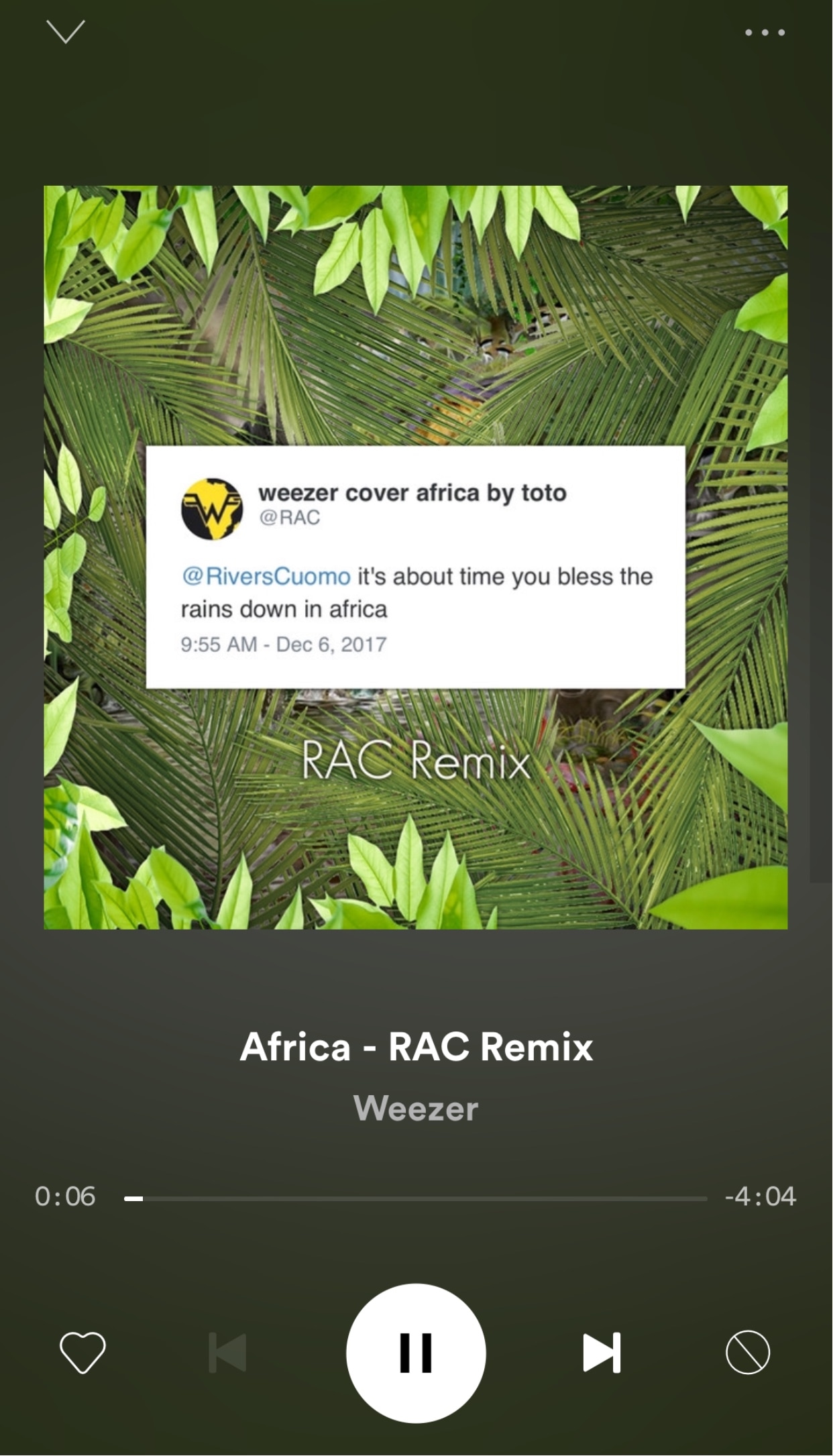
I’ve always had a soft spot for jailbreak tweaks that bring subtle haptic feedback to various parts of my iPhone. That said, anyone who might be in the same boat should consider a new free release called TapticSpotify by iOS developer Chloee.

As you might have already inferred from the tweak’s name, TapticSpotify brings Taptic Engine-driven haptic feedback to the music controls found in the Now Playing section of the official Spotify app.

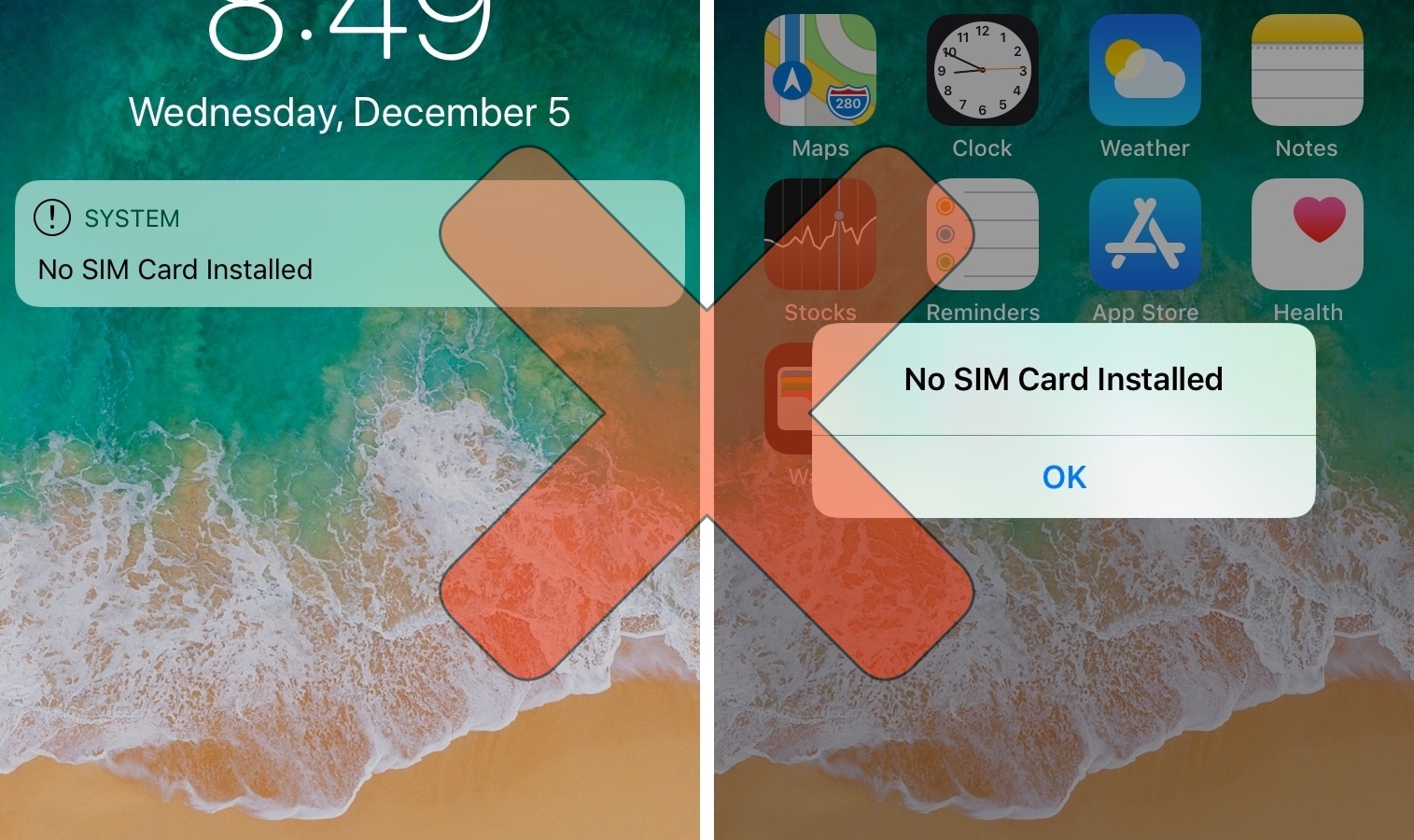
NoSimAlert hides those annoying ‘No SIM Card Installed’ alerts

If you’ve got a stack of old, deactivated iPhones laying around without SIM cards like I do, then you’ve probably become very familiar with iOS’ inherently annoying ‘No SIM’ alerts. Not only does iOS display “No SIM” in the Status Bar, but it feels the need to display Lock screen banners and pop-up alerts to remind you of the obvious not just twice, but three times in a row.

As a jailbreak enthusiast and jailbreak tweak reviewer, I use deactivated and SIM-less iPhones all the time, and I’ve come to loathe these No SIM alerts. Fortunately, a jailbreak tweak called NoSimAlert by iOS developer SparkDev can help tremendously in this department.

Melior is the volume HUD Apple should add to future iterations of iOS

Repeating the sad story about how iOS’ volume HUD leaves a lot to be desired feels a lot like beating a dead horse. You’d think Apple would have done something about this concern by now, but as always, it’s the jailbreak community that offers the fastest refuge.

Melior is a volume HUD-centric jailbreak tweak coded by iOS developer SparkDev and designed by Dennis Bednarz that produces one of the cleanest alternatives to iOS’ terrible volume HUD that we’ve seen.

InstaNotifyFilter hides extraneous in-app notifications from Instagram

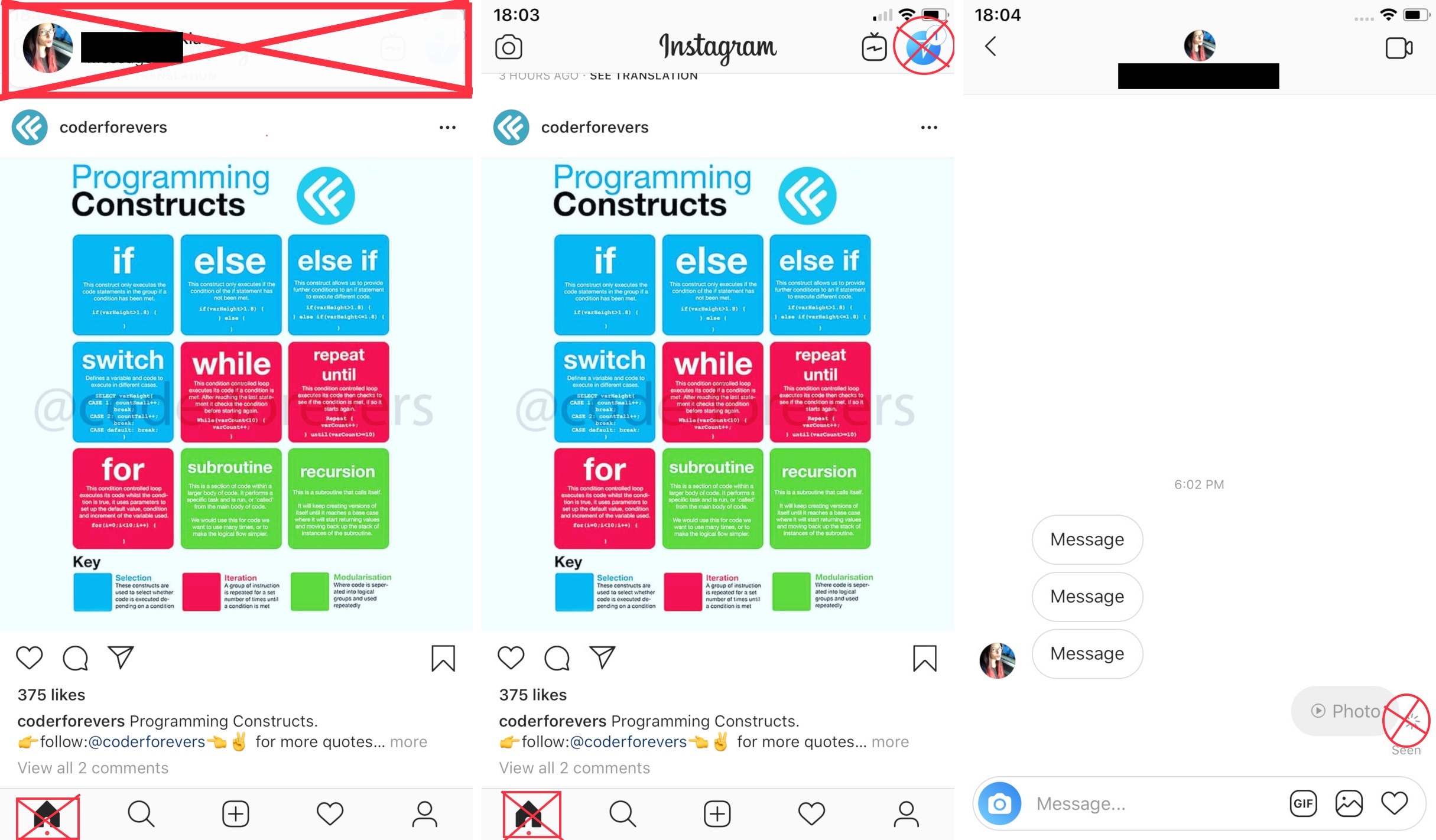
If you frequently use the official Instagram app on your jailbroken iPhone, then you might have something to gain from using a new free jailbreak tweak dubbed InstaNotifyFilter by iOS developer midkin.

As you might have already inferred from the tweak’s name, InstaNotifyFilter filters some of the more extraneous notifications you might receive in the Instagram app, and citing the tweak’s description, it specifically targets the following:

This jailbreak tweak is a classic remake that brings animated crawling ants to iOS

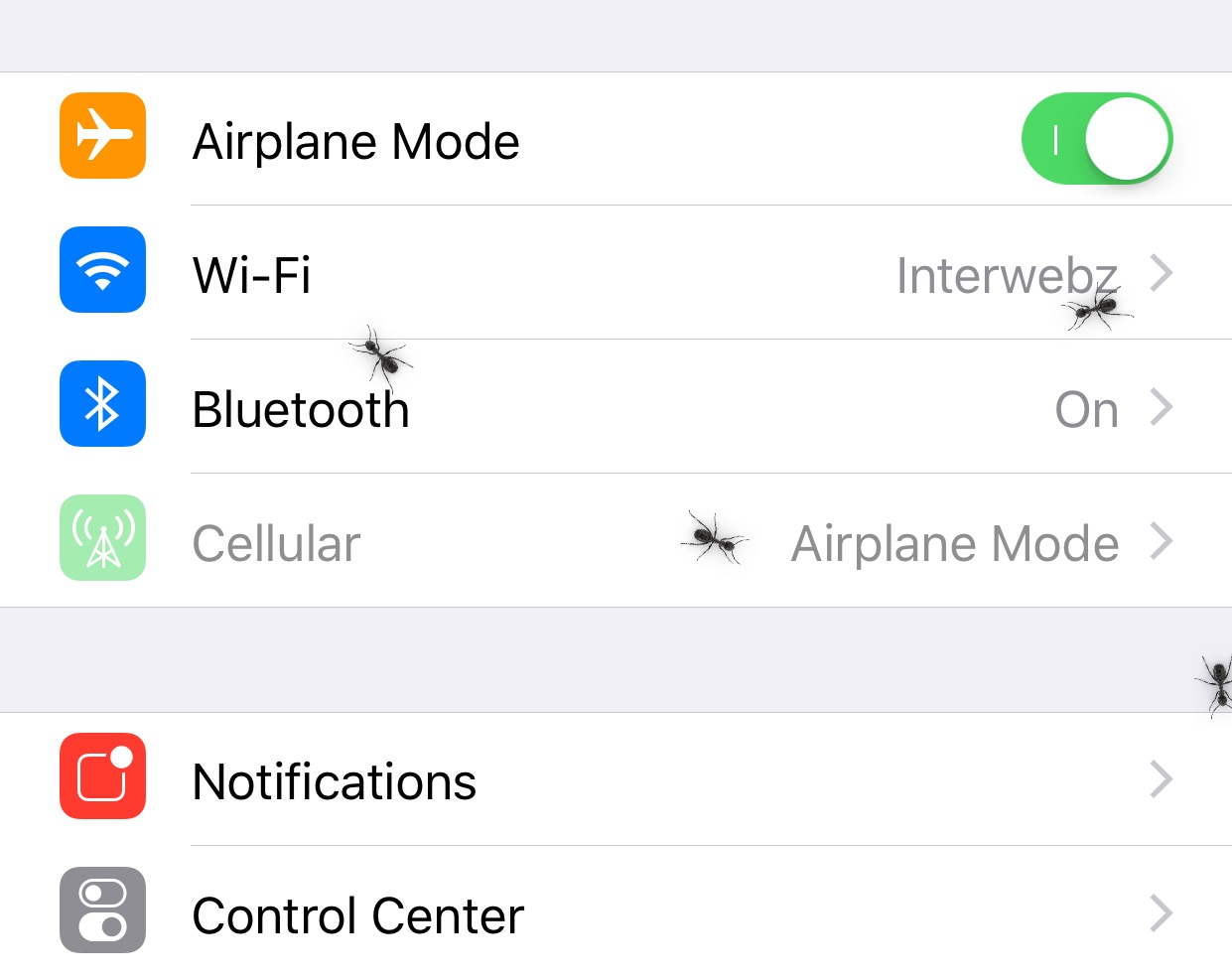
If you’re one to appreciate fun and quirky animations on your jailbroken iPhone or iPad, then a new free jailbreak tweak called Ants by iOS developer SparkDev might be of interest to you.

Once installed, Ants causes an army of animated virtual ants to spawn all over the iOS interface. They appear and crawl around whether you’re on your Home screen or inside of an app.

AutoUnlockX augments the Face ID unlocking experience on jailbroken handsets

If you have an iPhone X or any of Apple’s newer Face ID-enabled iPhones, then you’re undoubtedly familiar with the two-step process required to unlock your handset.

Right out of the box, iOS requires you to swipe up from the bottom of the Lock screen after Face ID recognizes you; but wouldn’t it be nice if your handset unlocked itself automatically? If you’re onboard with this idea, then you should seriously consider checking out a free jailbreak tweak dubbed AutoUnlockX by iOS developer SparkDev.

QuietApps mitigates interruptions while you use specific apps

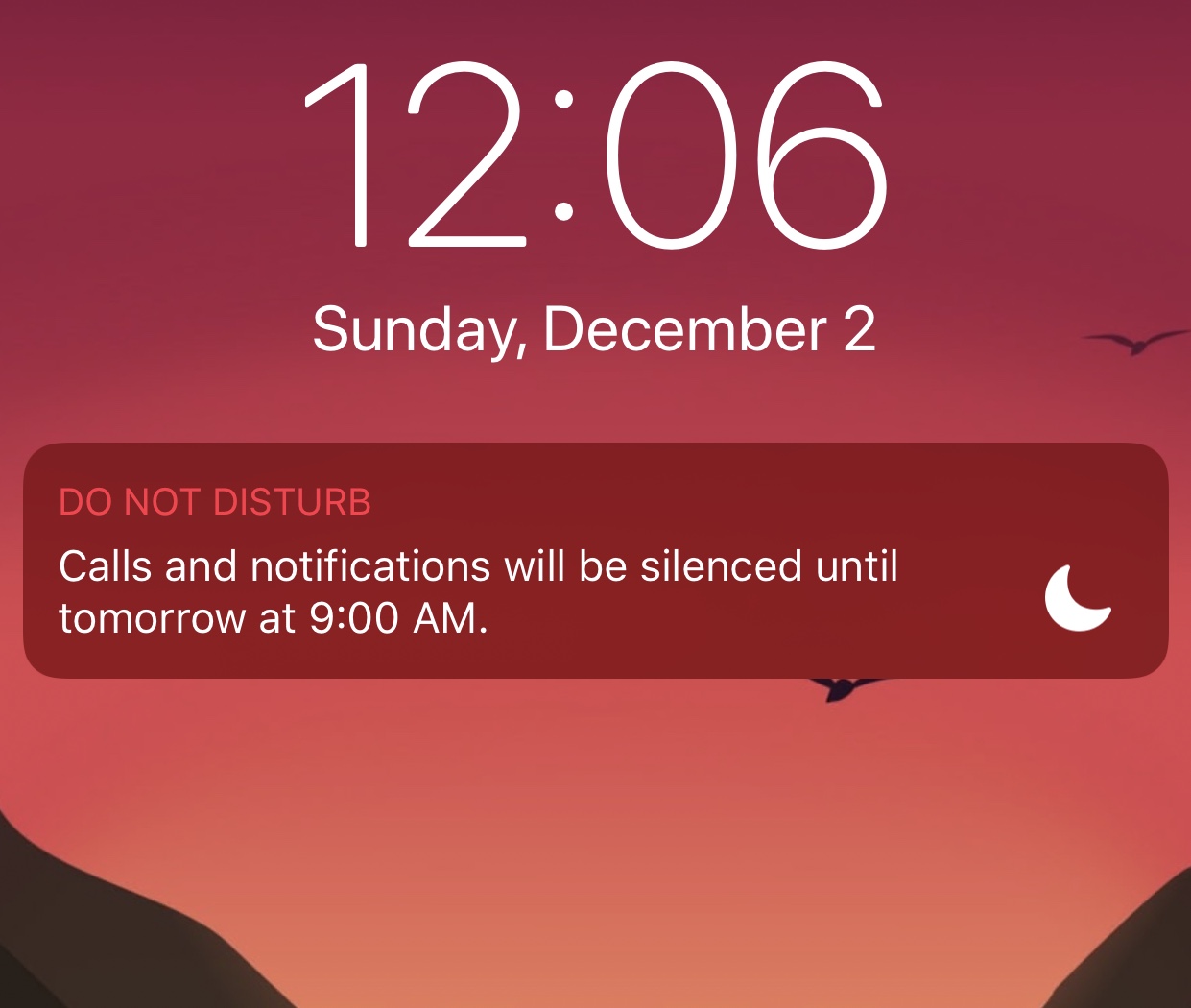
Your iPhone comes with a feature known as Do Not Disturb that can help mitigate the influx of notifications when using your device or sleeping, but have you ever wished you could minimize interruptions while using specific apps?

If so, then we advise checking out a powerful new jailbreak tweak called QuietApps by iOS developer smokin1337. With it, you can configure a plethora of convenience options on a per-app basis.

Bypass Instagram’s 60-second video upload limit with IG Video [jailbreak]

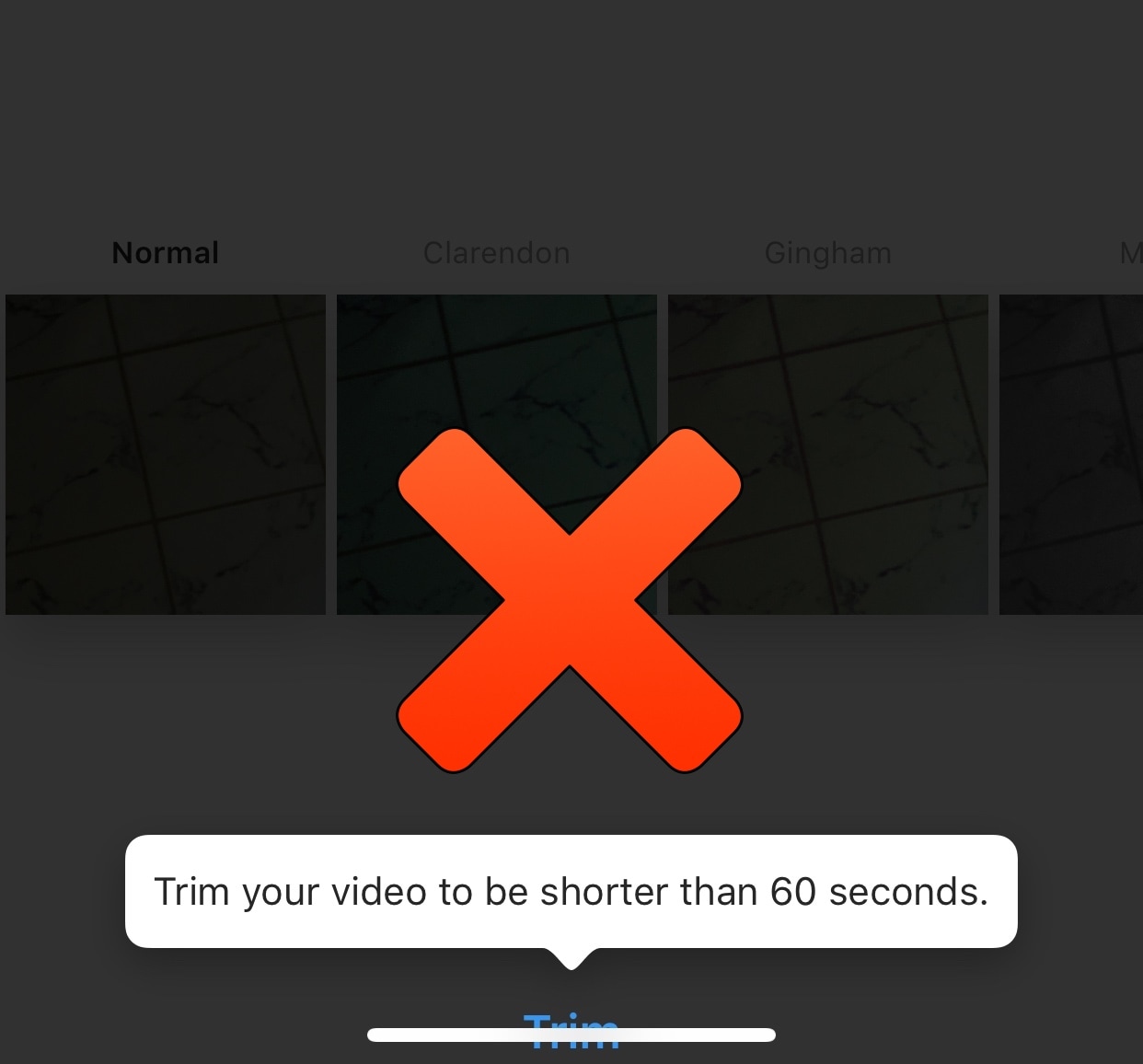
If you’re a frequent Instagram user, then you’ve probably gotten accustomed to the 60-second upload limit that prevents you from sharing longer videos to the platform from your mobile device. Fortunately, jailbreakers can now circumvent this silly restriction with a new free jailbreak tweak called IG Video by iOS developer pxcex.

After you install IG Video, you’ll be able to upload videos longer than 60 seconds to your Instagram account, which means the prompt you see in the screenshot example above no longer has any bearing over what you can upload to Instagram.

Adjust each of your iPhone’s various volume levels independently with SmartVolumeMixer

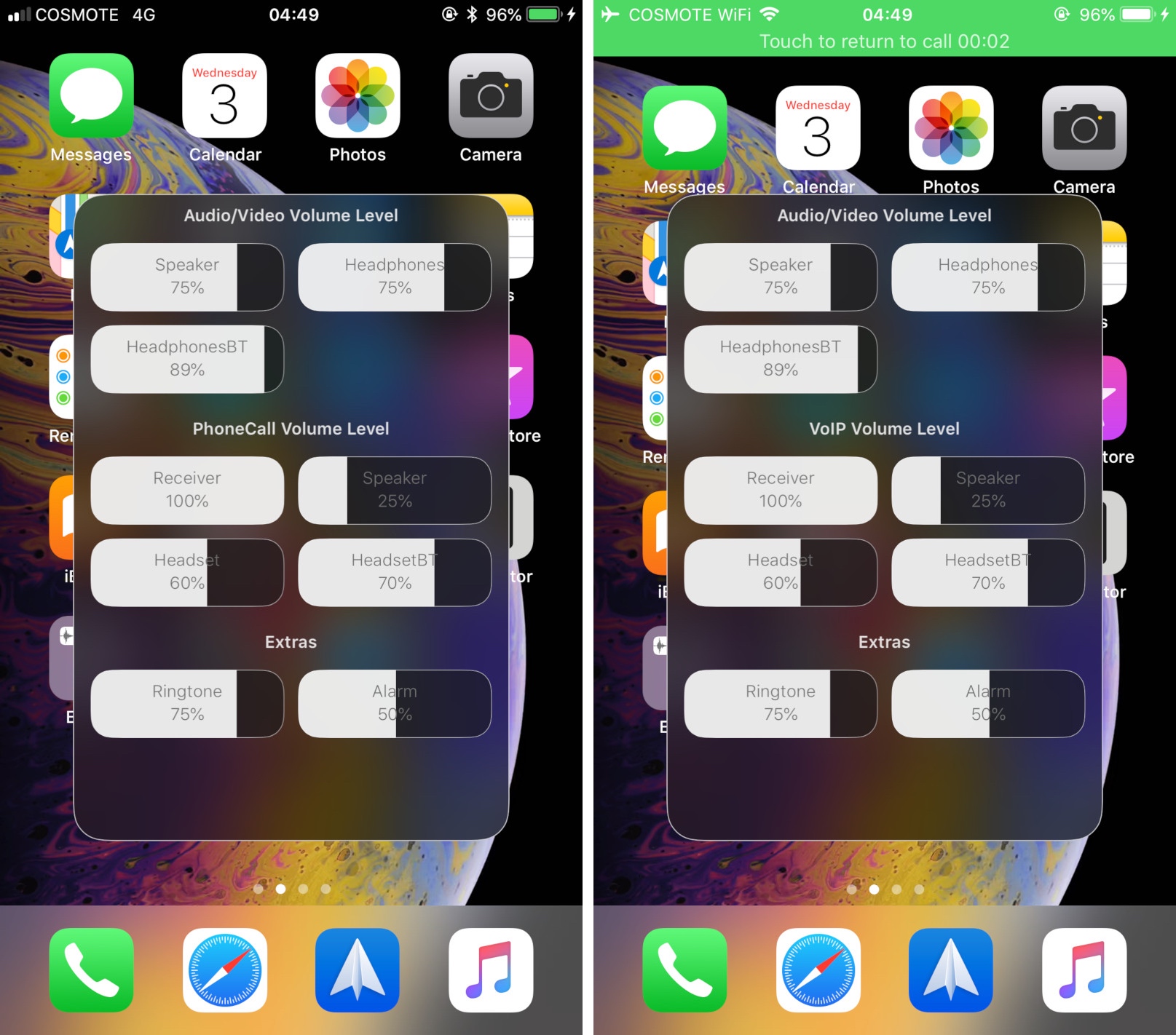
At first glance, it might seem like your iPhone has just one volume control that you can change with the volume buttons at the side of the handset, but there are actually nine different volume controls present on your handset.

It can be challenging to discern which volume control you’re adjusting when you press your device’s volume buttons, and so iOS developer midkin just launched a new jailbreak tweak called SmartVolumeMixer to make life a bit easier in this department.