UI

This tweak turns the Safari app on your Home screen into a real compass

Make the Safari app icon point north like a true compass.

One of my all-time favorite jailbreak tweaks was once LiveClock by iOS developer Ryan Petrich, and while Apple has since implemented its functionality into iOS right out of the box, that never changed my appreciation for small, yet fun and quirky jailbreak tweaks of similar nature.

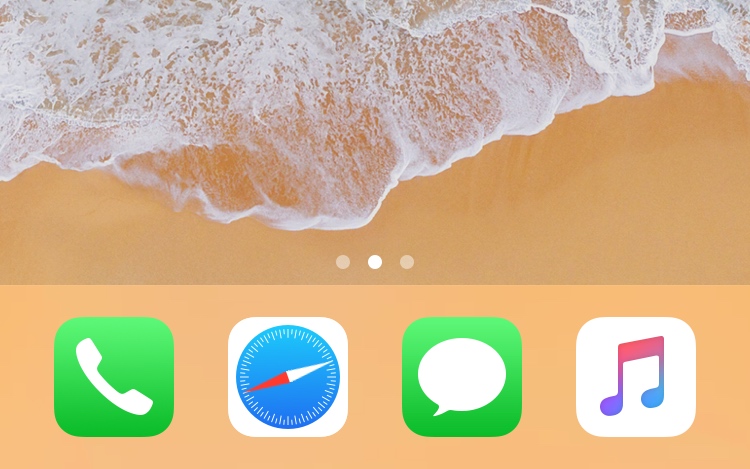
One of the latest jailbreak tweaks to fall under this category of fun and quirkiness is a new and free release called LiveSafari by iOS developer Skitty. Perhaps unsurprisingly, LiveSafari animates the native Safari app icon on your Home screen such that the compass arrow always points to the North.
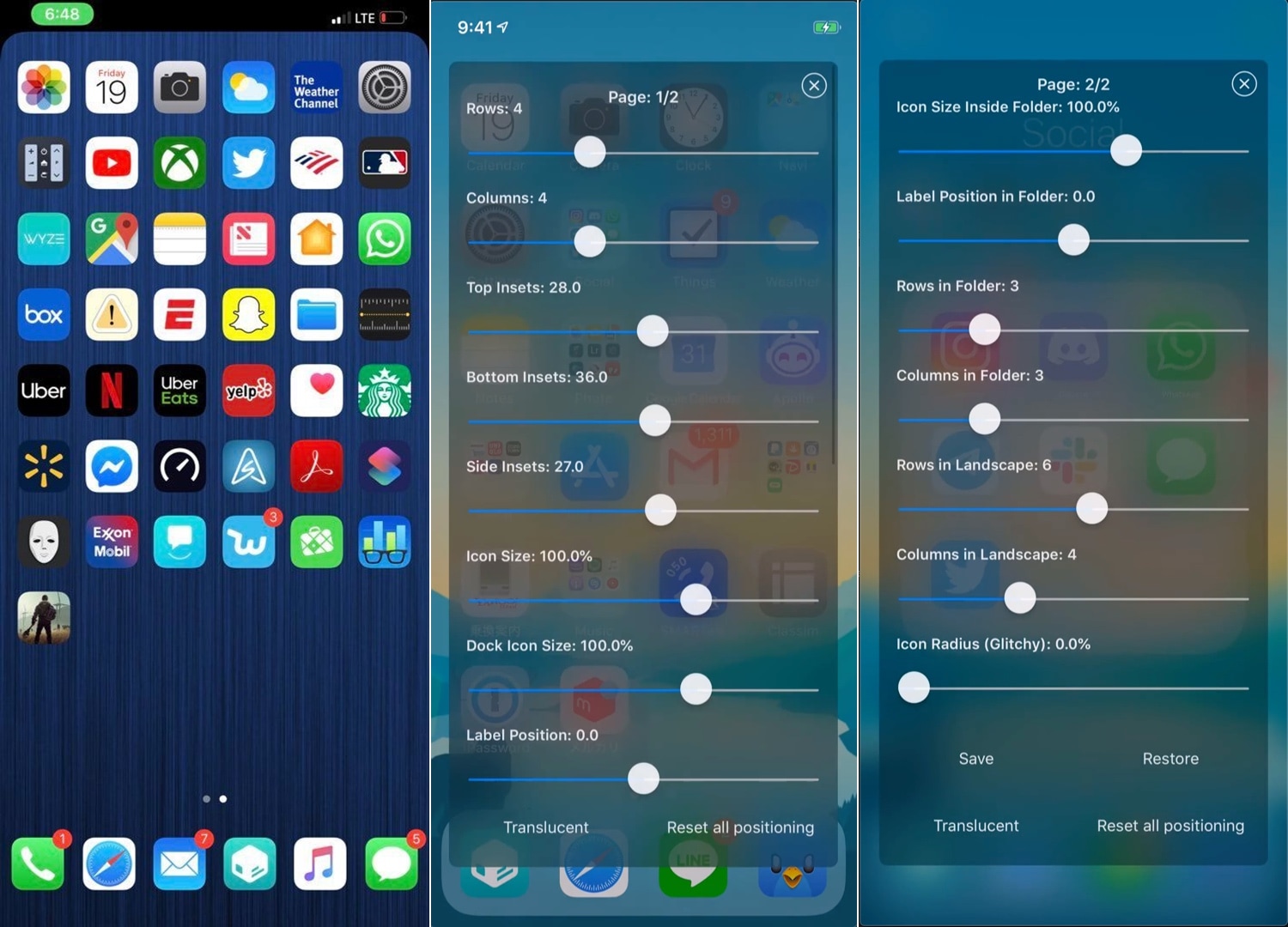
Iconator2 lets you take control over your iPhone’s Home screen layout

While Apple occasionally slaps a fresh coat of paint on your Home screen’s app icons, the grid-centric Home screen functionality has remained mostly unchanged since the very first iteration of iOS. That said, it should come as no surprise to anyone that changing the layout of the Home screen is one of the most popular things to do with a jailbroken iPhone or iPad.

If you’re one to tinker with the Home screen’s layout, and you’ve recently jailbroken iOS 12 with Chimera or unc0ver, then you might take a liking to a newly-released jailbreak tweak called Iconator2 (iOS 12) by iOS developer Soh Satoh.

EasyBrightness makes it easier to revert to an ideal display brightness level

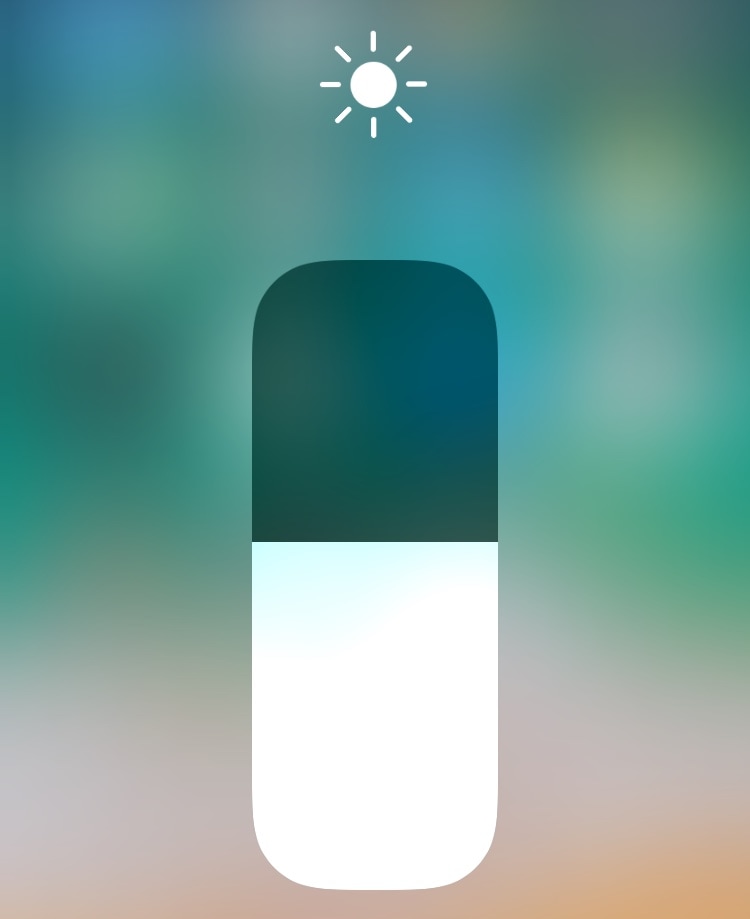
When it comes to your iPhone’s display brightness, you might have a preferred brightness level for both indoor and outdoor usage. Sadly, iOS’ automatic brightness setting tends to be less than optimal, and adjusting the display brightness manually can feel somewhat cumbersome at times.

If you’re in the same boat, then you might want to turn your attention to a newly-released and free jailbreak tweak called EasyBrightness by iOS developer gilesgc. This tweak mitigates the problem discussed above by letting you designate a default display brightness level and making it easy to return to it on demand.

Adjust your iPhone’s native tint color with Rainbow

As you use iOS, you’ll find that Apple loves to use Blue as the system’s natural tint color. You’ll find this blue tint across various UI elements, including, but not limited to: iMessage chat bubbles, links, loading bars, and even those shortcuts that appear at the top right of the interface as you navigate preference panes in the Settings app.

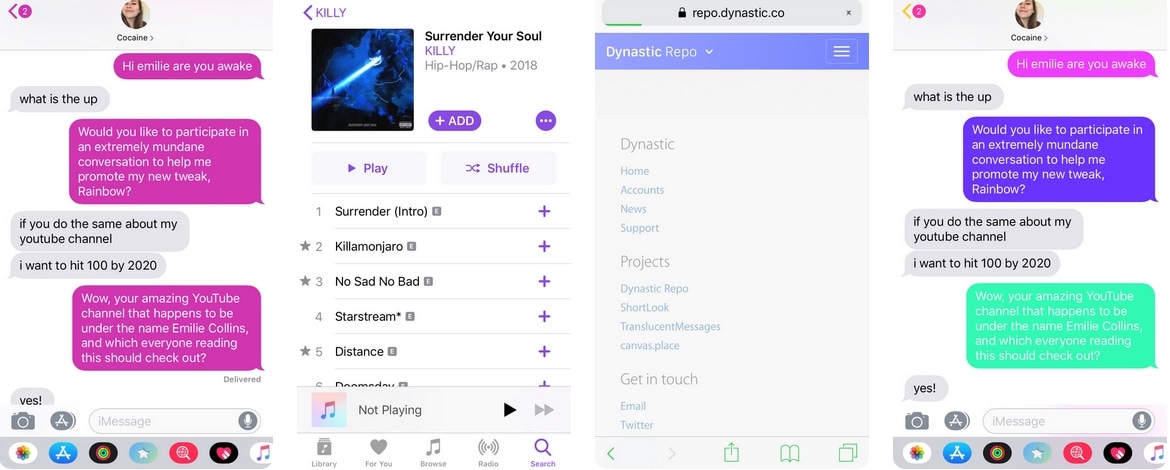
Blue is a cool color, but if you’d rather have more control over your handset’s tint color, then we’d suggest turning your attention to a newly-released jailbreak tweak called Rainbow by iOS developer Justin Proulx, as it lets you change this color to almost anything you could ever want.

MathTeacher brings much-needed upgrades to the native Calculator app

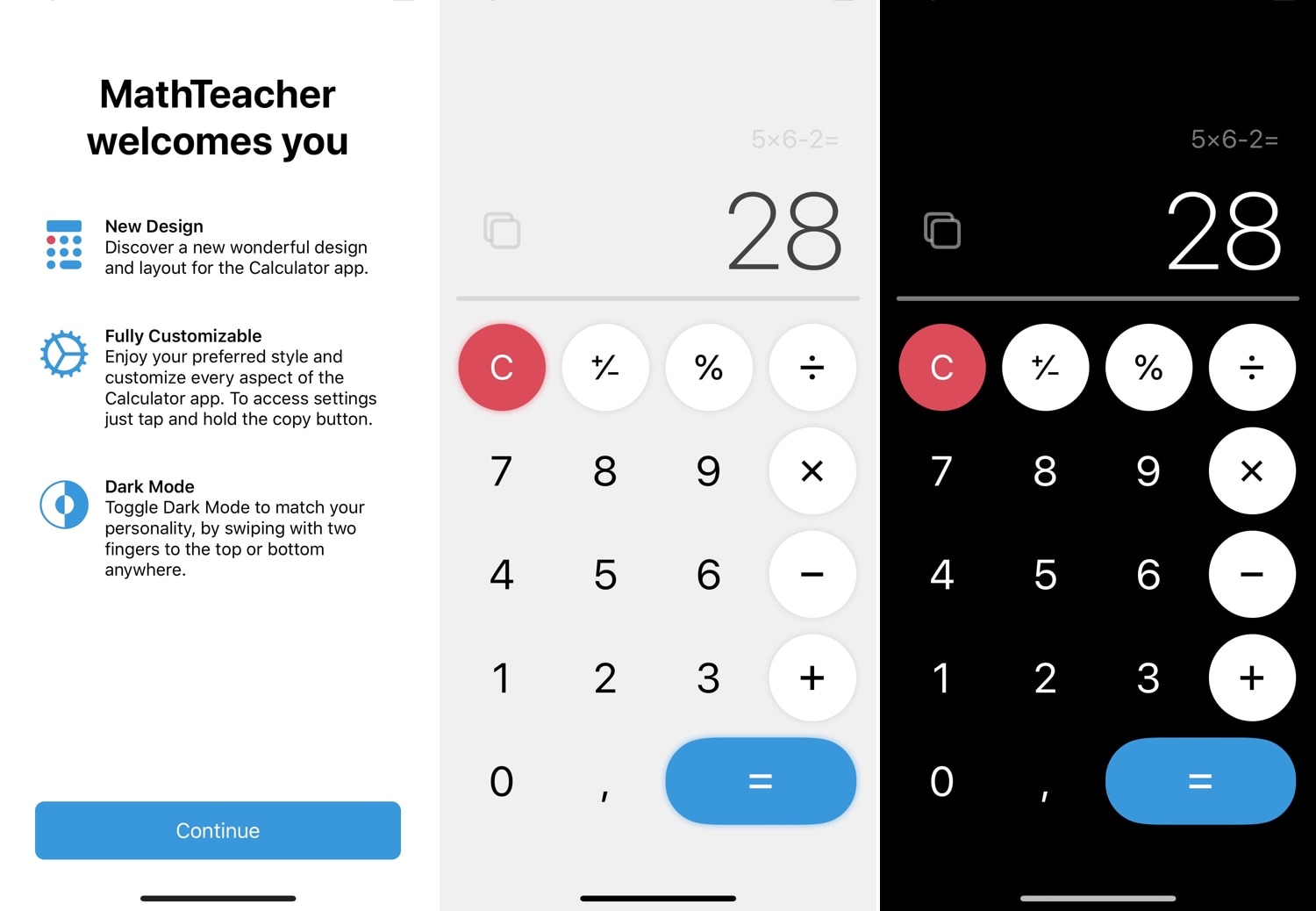
One of the native apps in iOS that doesn’t get the attention it deserves is the Calculator app. While you could download a more robust third-party alternative from the App Store, the fact remains that the native experience is abysmal at best. For that reason, we’re excited to show you a new free jailbreak tweak called MathTeacher by iOS developer Gabriele Filipponi.

As depicted in the screenshot examples above, MathTeacher incorporates several upgrades into iOS’ native Calculator app, making it a significantly more functional math-solving platform than it would have been out of the box.

This tweak improves the timestamps in your iPhone’s call log history

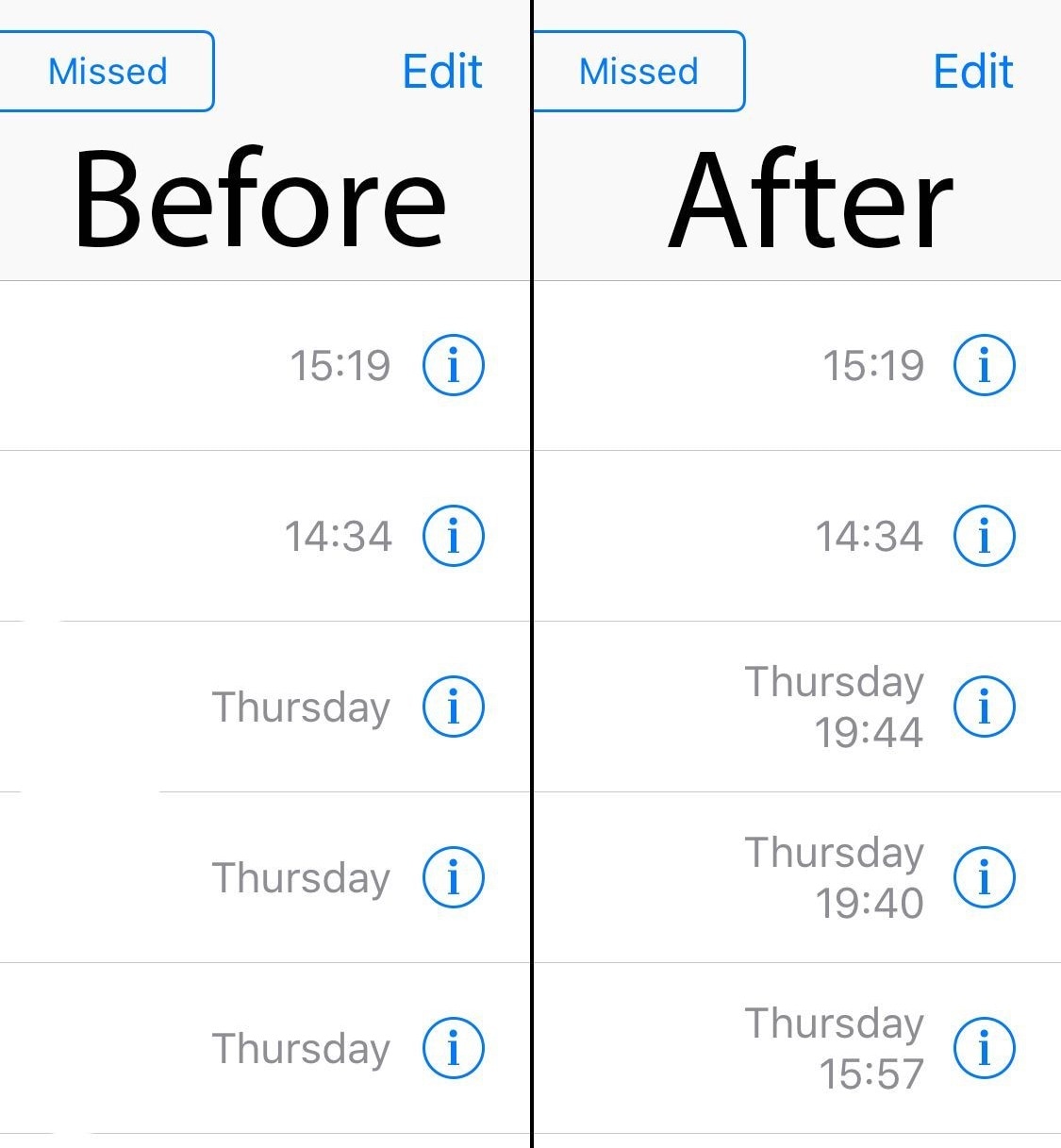
The Recents tab found in the iPhone’s native Phone app is meant to display a running history of your incoming and outgoing phone call activity, making it easier for you to call someone back or reference a phone number if you ever needed to. Sadly, the timestamps for older phone calls tend to become less descriptive over time, showing only the date and not the timeframe.

Thankfully, a new free jailbreak tweak called ExactTimePhone by iOS developer gilshahar7 can fix this problem. As shown in the before and after screenshot examples above, this tweak makes even your oldest phone history items show a timestamp in addition to the date that it transpired.

PowerMenuX: Another refreshing take on iOS’ power down menu

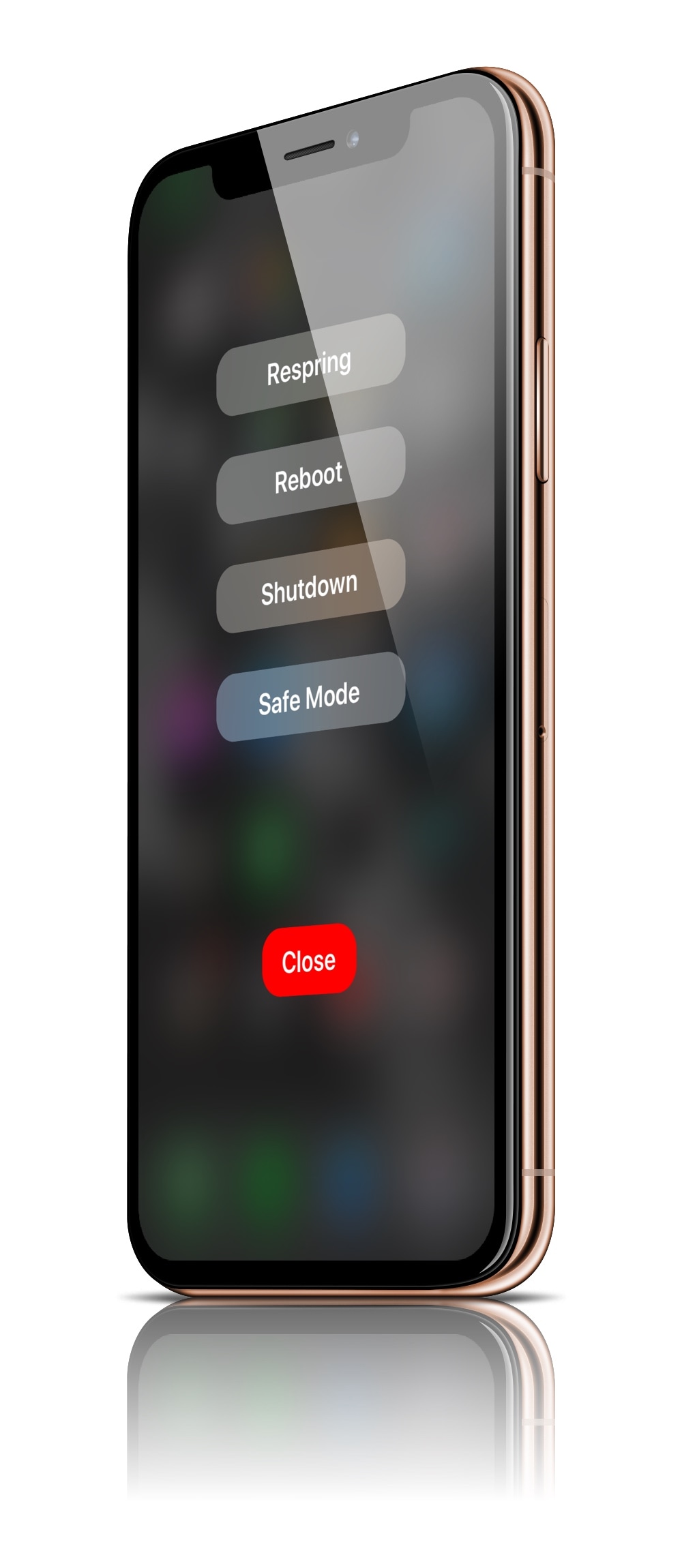
For as long as I’ve written about jailbreak tweaks, I’ve seen many different attempts to rethink the iPhone’s native power down menu. To this day, Apple’s native implementation is barebones and lacking in useful features, but when you jailbreak your device, those limitations seem to disappear.

Despite how many times I’ve covered power down menu-centric jailbreak tweaks in the past, it seems as if they continue to look nicer in terms of minimalism with each new release. With that in mind, I’m excited to share with you a new release called PowerMenuX (All Devices) by iOS developer MayBeMe.

Honey brings the Apple Watch’s Home screen experience to your iPhone

If you own an iPhone and an Apple Watch, then you know that each device’s Home screen functions in a different way. iOS' Home screen is optimized for a larger display, while watchOS' is optimized for a smaller display; but if you have a soft spot for how the Apple Watch’s Home screen works and fancy the same experience on your iPhone, then today's your lucky day because you'll no longer need to settle.

Enter Honey, a newly-released jailbreak tweak by iOS developer Blake Boxberger that ports the Apple Watch’s Home screen experience to iOS devices. As you’ll notice in the screenshot examples above, Honey can be configured to work in several different ways and lets you experience what you love about your Apple Watch right on your iPhone or iPad.

GlyphAlert brings a gorgeous glyph-centric notification system to iOS

iOS’ notification system certainly gets the point across when you receive a notification, but it hasn’t had much of an aesthetic overhaul for quite some time now. If you’re jailbroken and in the market for a somewhat exhilarating new notification experience, then you might take a liking to a newly-released jailbreak tweak dubbed GlyphAlert by iOS developer c1d3r.

Just as the name implies, GlyphAlert takes a glyph-centric approach to letting you know when you have an incoming notification. The glyphs, such as those shown in the screenshot examples above, are animated and can be assigned to specific applications, depending on what they represent.

This jailbreak tweak makes Live Photo-based wallpaper playback entirely automatic

One of the things I like about having an iOS device is that I can set a Live Photo as my wallpaper if I wanted to. On the other hand, animating that Live Photo generally requires some kind of user interaction from the Lock screen, and this tends to make the experience less exciting overall.

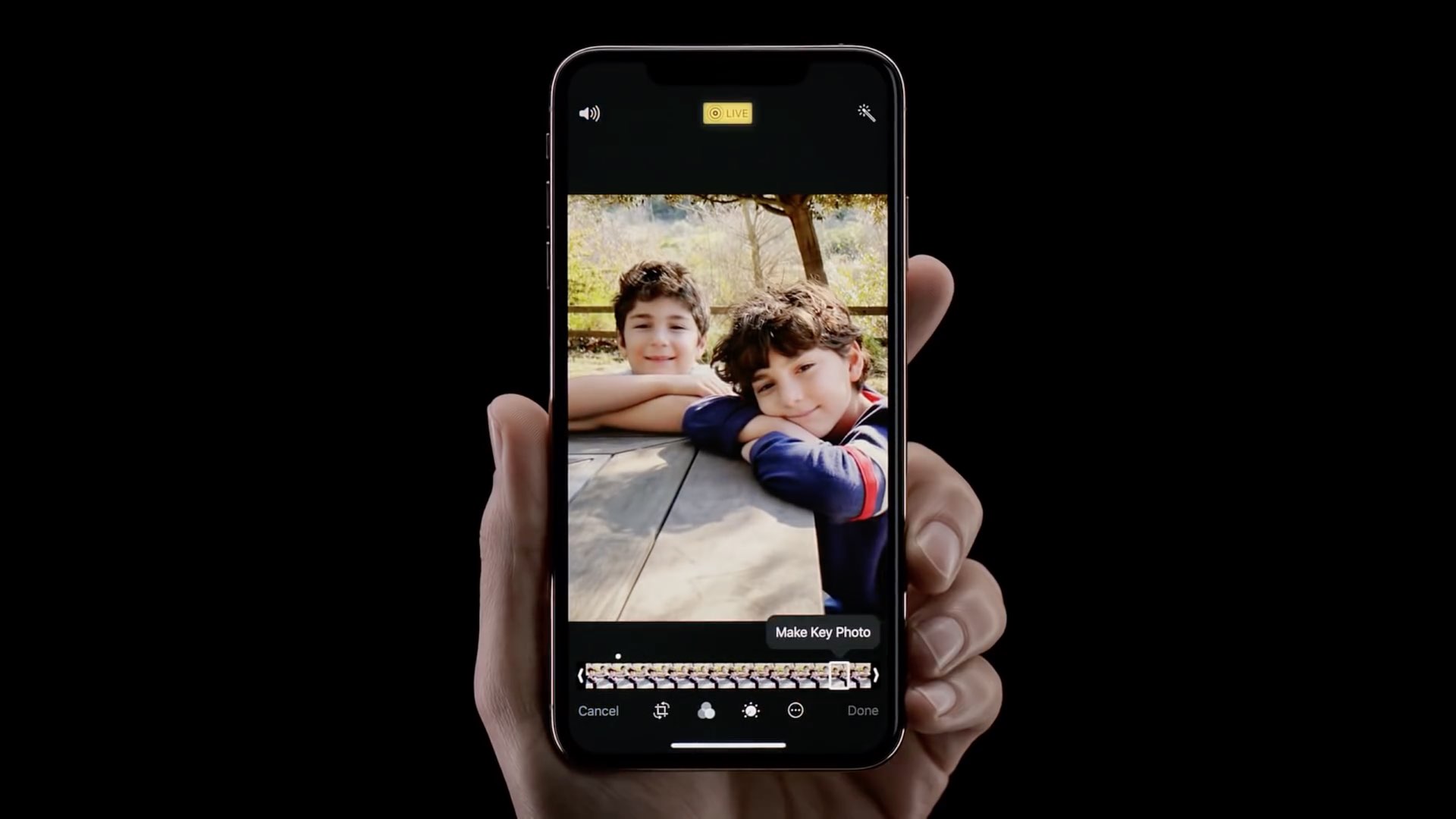
A newly-released jailbreak tweak called AutoDynamicWallpaper(A12 Support) by iOS developer anima gets you around this silly bottleneck by forcing any Live Photo-centric wallpapers you might have to play automatically as the device wakes. With that in mind, you won’t need to interact with your Live Photo-based wallpaper in any way to enjoy its liveliness.

NetworkManager gives iPhone users more control over cellular radio selection

NetworkManagerReborn

As you move from one part of town to the next, your iPhone intelligently moves from one cellular connection to another in an effort to maintain the highest-quality internet connection that it can. Unfortunately, sometimes the iPhone favors slower connections with a higher signal over faster connections with a lower signal, and this can impact performance.

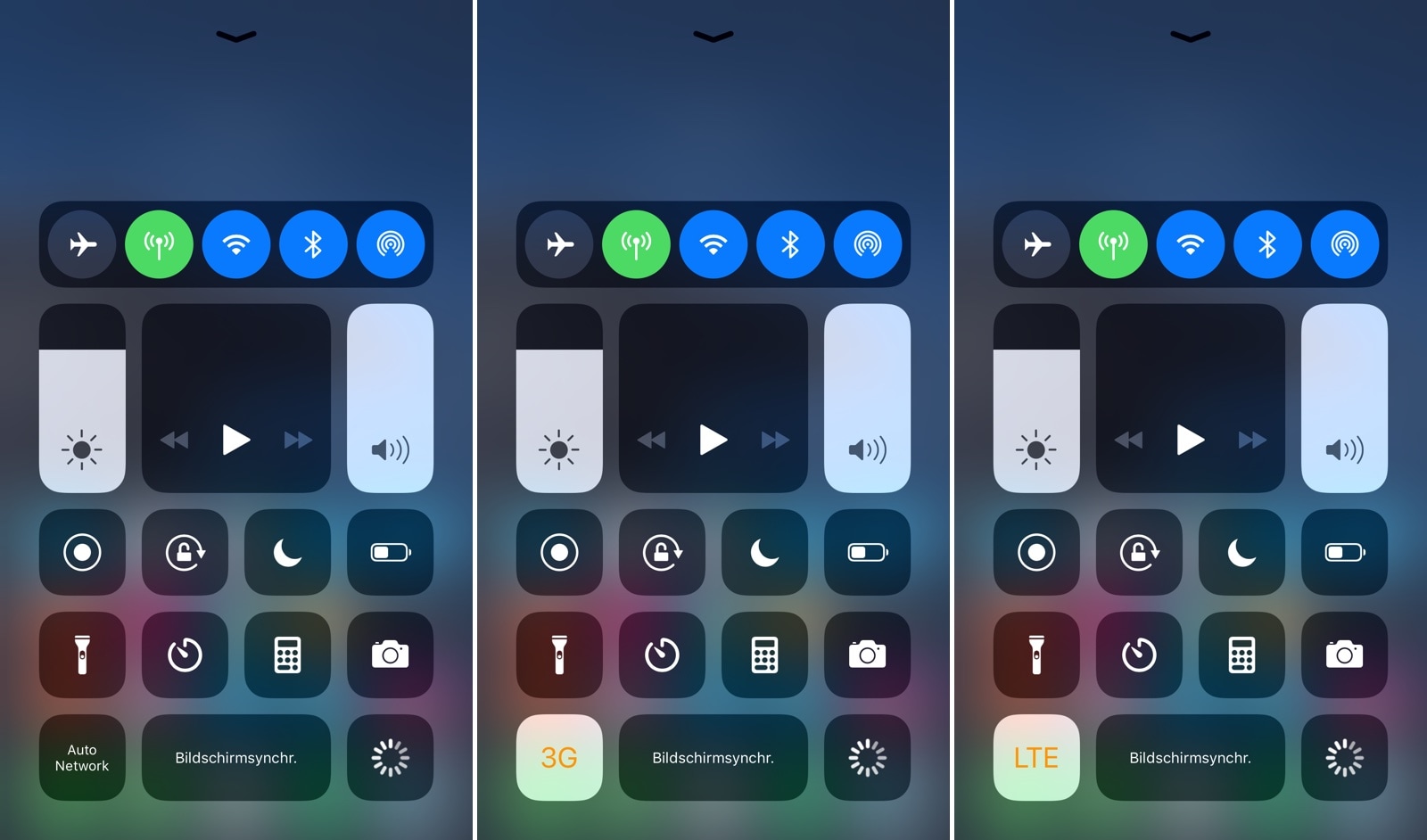
Those who’d like to have more control over their handset’s cellular network selection might take a liking to a newly-released jailbreak tweak dubbed NetworkManager by iOS developer NoisyFlake, as it lets you switch between preferred network type(s) on the fly.

Spotpower lets you respring your iOS device and more from Spotlight

After jailbreaking an iPhone or iPad, you might respring the device from time to time, as it can help you save changes made to jailbreak extensions in addition to other things. With that in mind, wouldn’t it be a good idea to have a dedicated shortcut for respringing or performing other boot options in a pinch?

Those in agreeance may want to check out a newly-released and free jailbreak tweak called Spotpower by iOS developer Castyte, as it makes many of these essential functions more accessible to the common jailbreaker. Moreover, it implements these features into a familiar interface that many will use daily: Apple’s own Spotlight search.