Tweak

BiteSMS Update for JailbreakMe 3.0 Compatibility

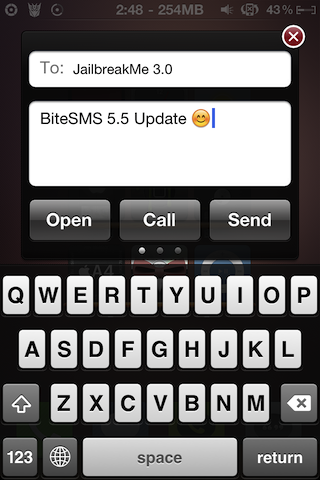
The biteSMS team has pushed out a compatibility update for JailbreakMe 3.0.

Just over a week ago, we discovered that Cydia's popular text messaging tweak, biteSMS, was conflicting with Comex's latest jailbreak, JailbreakMe 3.0.

BiteSMS' quick reply functionality would send users device's into an infinite boot loop. This was quickly confirmed with multiple sources, predominantly the biteSMS support forum, JailbreakQA, and of course our readers here at iDB.
SpotEnhancer: Quickly Launch Apps with Spotlight Commands

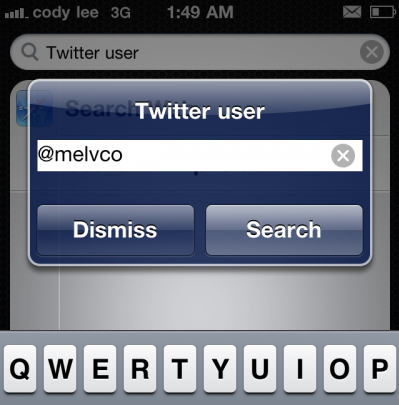
For his final TweakWeek entry, Andrea Oliva gives us SpotEnhancer. This unique jailbreak utility puts a different spin on quick launching apps, by allowing users to open apps with Spotlight Search commands.

SpotEnhancer gives you several commands that can do anything from open a new text message, to launch a Google search. There are even commands for your favorite social networking apps...

New Jailbreak Tweak Easily Displays Song Lyrics on Your iPhone

We've got another TweakWeek entry for you. This one comes from Andrea Oliva and might just be a godsend for folks who enjoy a good impromptu sing-along.

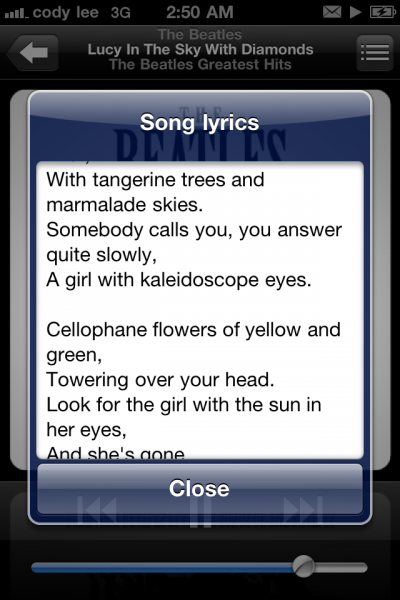
PlayingLyrics is a unique jailbreak utility that can instantly bring up the lyrics of a currently playing track. The cool thing is that you can use Activator to assign a button or gesture to the function, so your song lyrics are available at all times...

‘BookmarksBarEnhancer’ Adds a New Context Menu to Your iPad’s Bookmarks Bar

The bookmarks bar is a handy little feature found in the iPad version of mobile Safari, but it's even more useful with this jailbreak tweak.

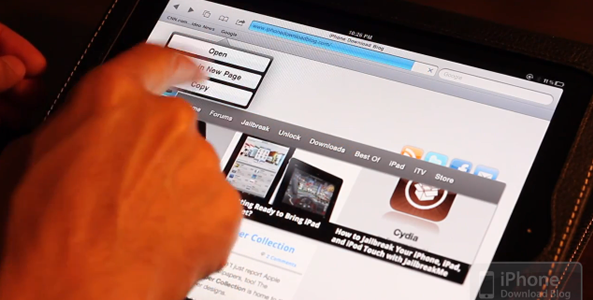
BookmarksBarEnhancer adds a nifty context menu to the items in your bookmarks bar. This menu can be easily invoked by tapping and holding on your bookmark of choice.

Once invoked, you'll be presented with the option to open, open in new window, or copy your favorite items. This is helpful for those times when you want to open a bookmark, but don't want to lose your current page. Check out the full video walkthrough inside...

Name Your iPhone’s SpringBoard Pages With ‘PageNames’

Do you consider yourself to be on the extreme side when it comes to organizing your iPhone’s Home screen? Perhaps you’re crazy about meticulously organizing each and every app in its appropriate folder?

Really, when it comes to organizing your iPhone, there’s no limit to how far you can take it. That’s where a tweak like PageNames comes in.

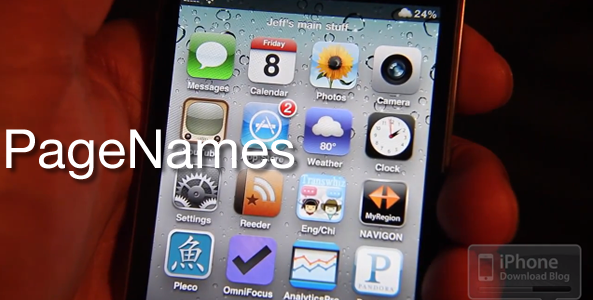
PageNames is a tweak that lets you assign names to specific pages on your iPhone’s Home screen, and this allows for even greater organization. Talk about taking OCD to the next level…

‘LabelSlide’ Changes Your iPhone’s “Slide to Unlock” Text

Did you know that there are already several methods available for altering your iPhone’s “slide to unlock” verbiage?

If you didn’t already know, that’s okay, because LabelSlide has your back.

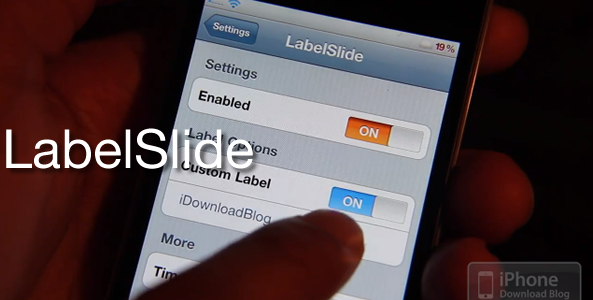
Yep, one of the latest TweakWeek tweaks on the block allows you alter the “slide to unlock” text to anything of your choice. Check inside to see it in action…

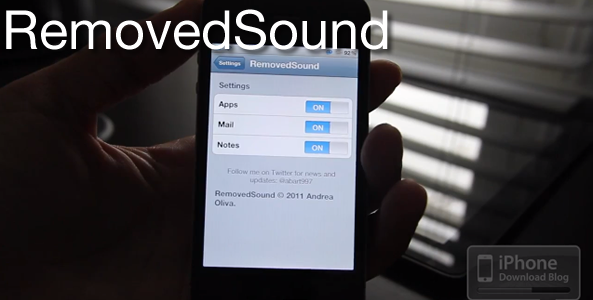
‘RemovedSound’ Brings the Familiar OS X Paper Crumbling Sound to the iPhone

I’ve always wondered why Apple never added the “paper crumbling” trash sound whenever you deleted an app in iOS.

Perhaps they figured that we’d be deleting things more than we do on our desktops, and that it would become annoying after a while.

Regardless of the reasoning, if you've been wanting something like this, then want no longer; RemovedSound -- one of the latest jailbreak TweakWeek tweaks -- has hit the Cydia store…

38 Jailbreak Apps Every iPad User Should Have

Now that you've jailbroken your iPad 2 with JailbreakMe, you're probably wondering what cool jailbreak apps and tweaks to install from Cydia.

If you'd like a little help with making your iPad 2 the best jailbroken device it can be, we've collected a list of 38 jailbreak apps that every iPad user should have...

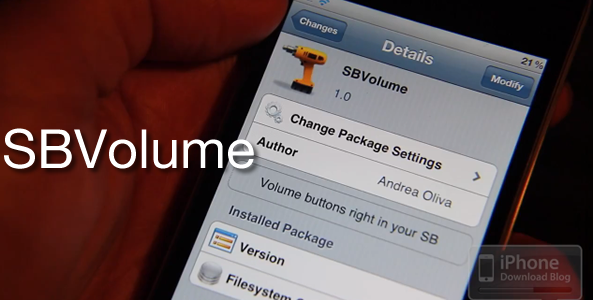
‘SBVolume’ is Great For Those With Broken Volume Buttons

I admit it; I couldn't come up with any valid reasons for SBVolume’s existence during the shooting of my video walkthough, but as always, you commentors picked up on the transgression.

SBVolume is a TweakWeek tweak that places soft volume buttons on your iPhone’s Home screen. It’s definitely not the prettiest implementation in the world, but it would be a welcome addition to anyone’s Home screen that has broken physical volume buttons.

I overlooked that need during the shooting of the video, hence the over-the-top negativity. But still, I stand by my notion that it could look a whole lot better than it does now. Details inside…

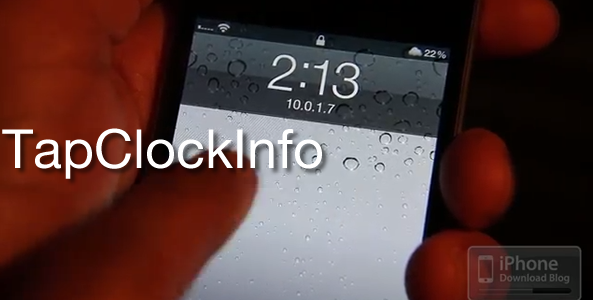
Easily Access Your iPhone’s Vital Statistics With ‘TapClockInfo’

One of the nicest things about SBSettings is the ability to quickly view your iPhone’s important vital statistics such as available RAM and IP Addresses.

What if you could access that same information quickly from your iPhone’s lock screen? Wouldn’t that be neat?

With TapClockInfo -- a jailbreak tweak for the iPhone -- now you can. Check inside for a video demonstration of it in action…

Custom Theme Your iPhone’s App Icons With ‘Bigify+’

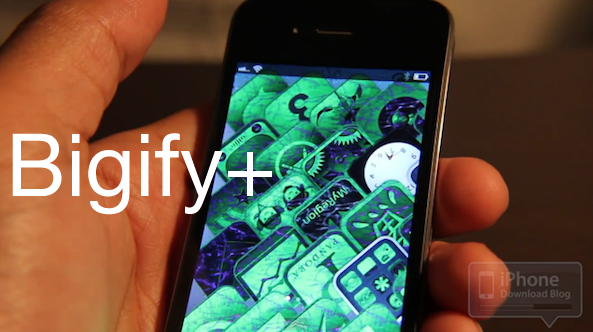
Have you ever wanted to radically -- and I do mean radically -- change the look of your iPhone's app icons?

There are about a million ways to accomplish this feat, and Bigify+ is one of the more straightforward methods of doing so.

At $2.00 on Cydia, Bigify+ gives jailbreakers a wealth of options geared towards changing the way your iPhone's app icons look and feel...

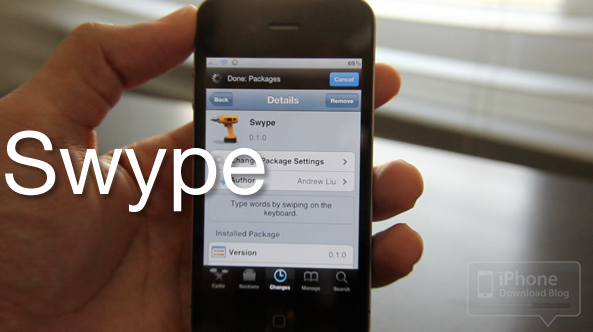
Swype beta Ported to iOS, Lazy Finger iPhone Owners Rejoice!

This morning I stumbled upon a tweet from Josh Tucker of ModMyi indicating that Swype has been ported to iOS. I've confirmed it works on all iOS devices, including the iPad 2.

Needless to say, this exciting news piqued my interest immediately, and I just had to try it out for myself.

The purpose of Swype is to allow you to type without lifting your finger off the keyboard. Many claim that this makes the typing experience much better on a handheld device.

If you didn't know, Swype is available on pretty much every other platform sans iOS, and it's loved by its fans.

Note that you will of course need a jailbroken iPhone to try out Swype, and again it is in beta; so don't expect it to work perfectly.

Check out my video walkthrough of the Swype beta in action...