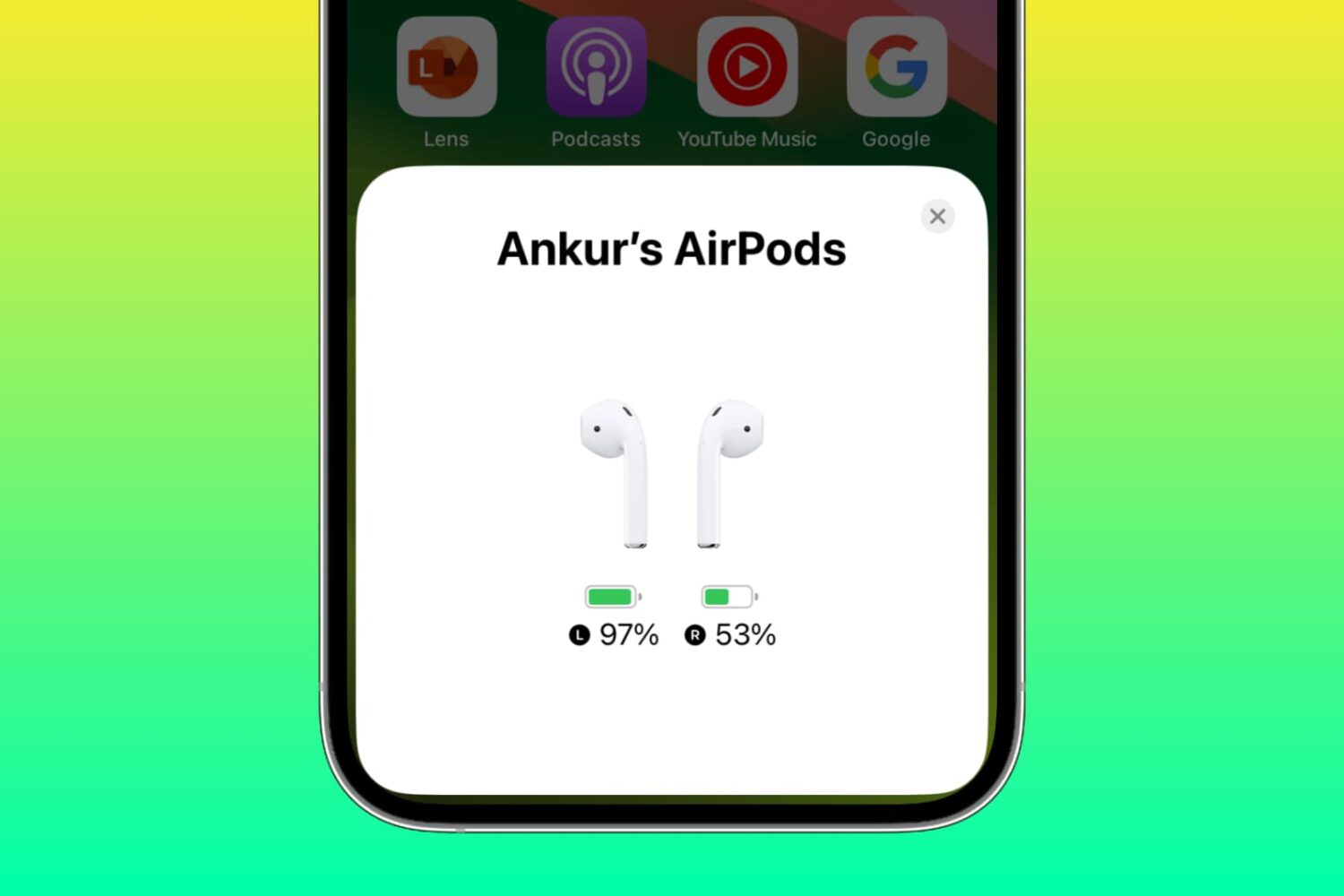
Learn why one AirPod battery is dying faster than the other and how to fix uneven battery drain between the left and right earbuds to get equal listening time.
Fix uneven left and right battery discharge on your AirPods
Learn how to master your Apple devices with our comprehensive tutorials. From iPhone and iPad to Mac, Apple Watch, AirPods, and more, our expert guides will help you unlock the full potential of your Apple products. Discover new features, tips, and tricks each day to enhance your user experience.
Learn why one AirPod battery is dying faster than the other and how to fix uneven battery drain between the left and right earbuds to get equal listening time.
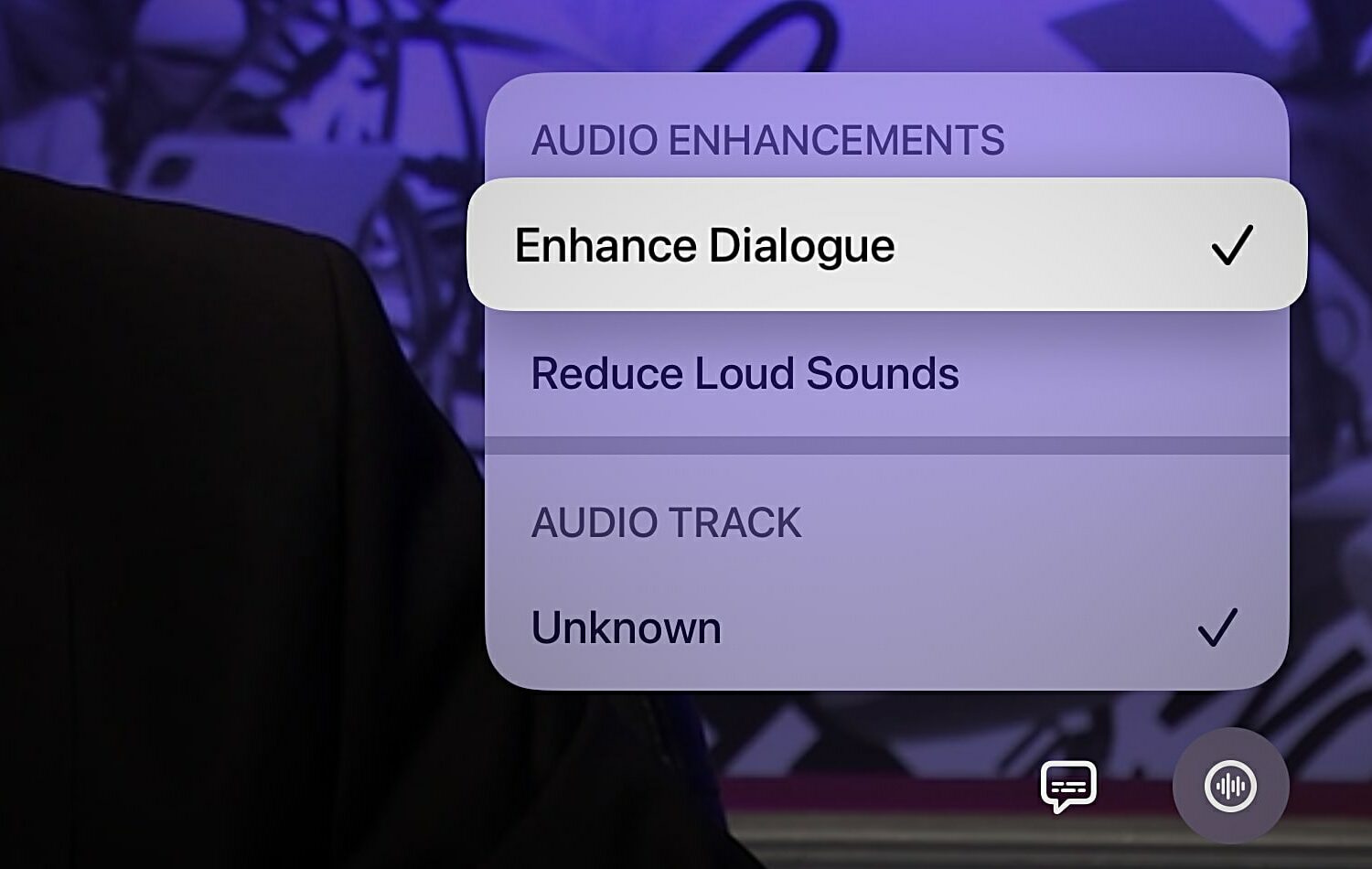
Learn how to use the Enhance Dialogue feature on your Apple TV when you can't clearly hear what the characters in your favorite TV shows and movies are saying.
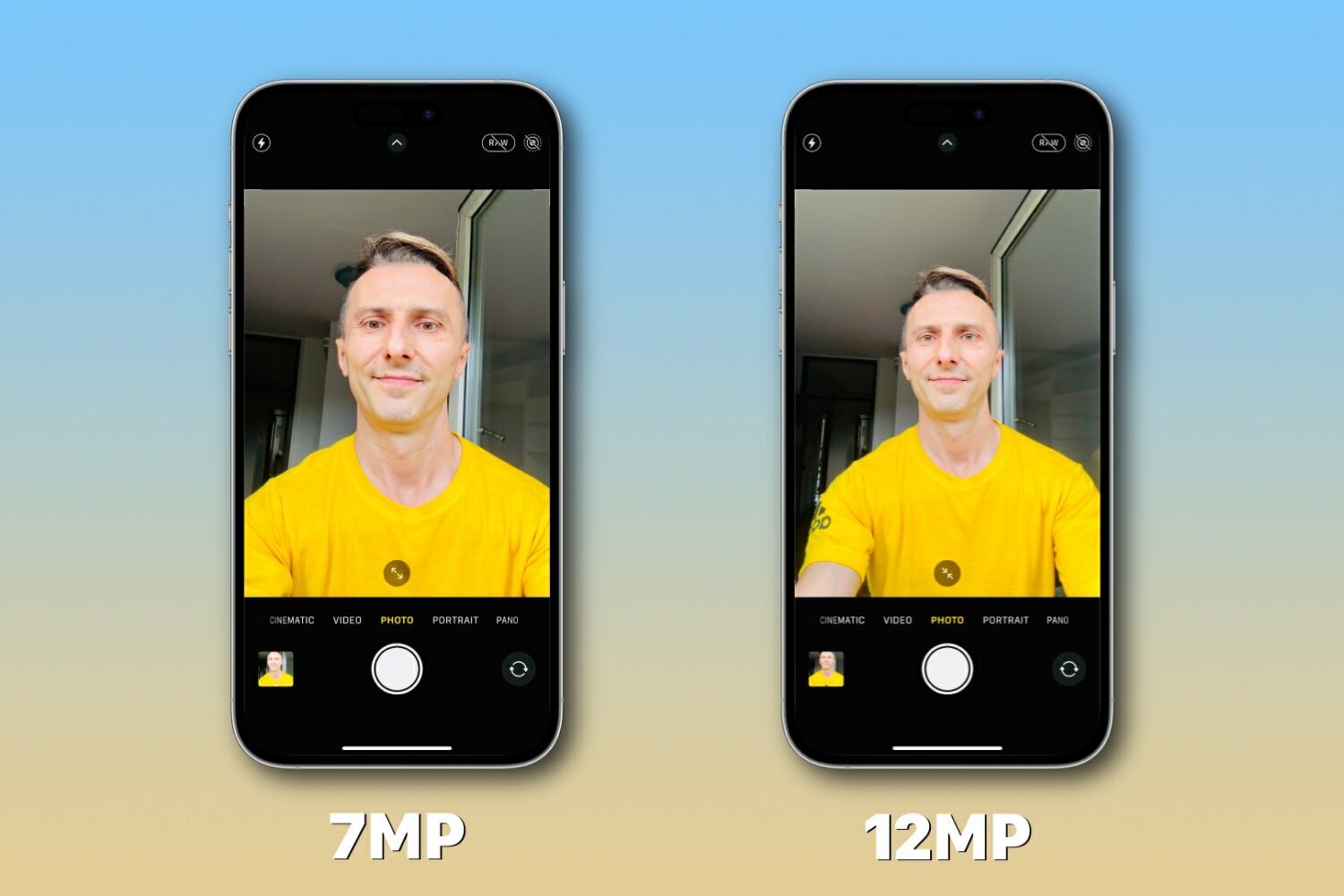
Learn what to do if the resolution of your iPhone selfies is seven megapixels (MP) although the front camera is capable of taking twelve megapixel snaps.
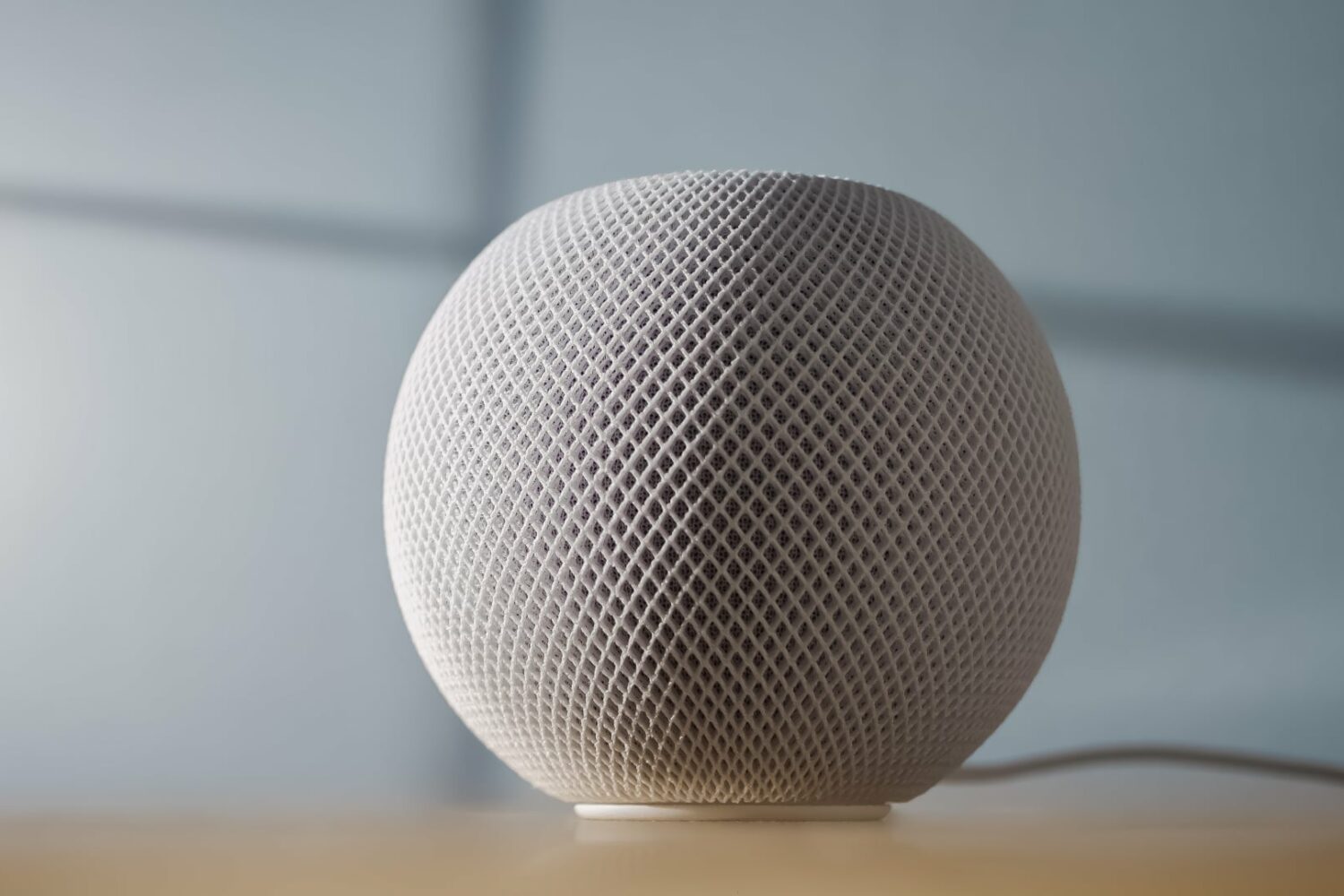
In this tutorial, we'll show you how to set your HomePod to use pre-release software, receive beta updates, revert to the current stable software, and more.
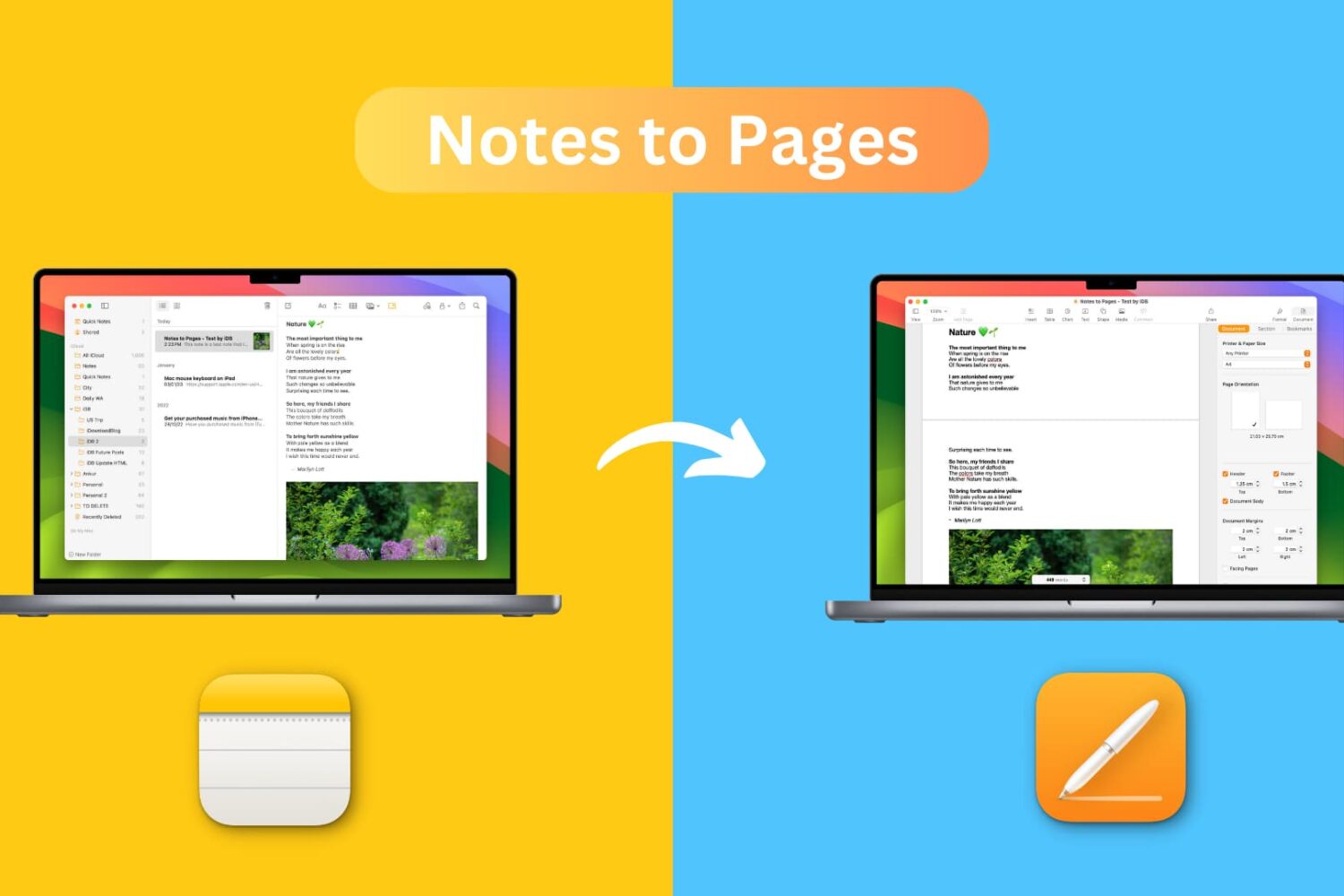
Learn how to transfer a note from the Notes app to the Pages app on your iPhone, iPad, or Mac while retaining most text formatting and attachments like images, drawings, etc.
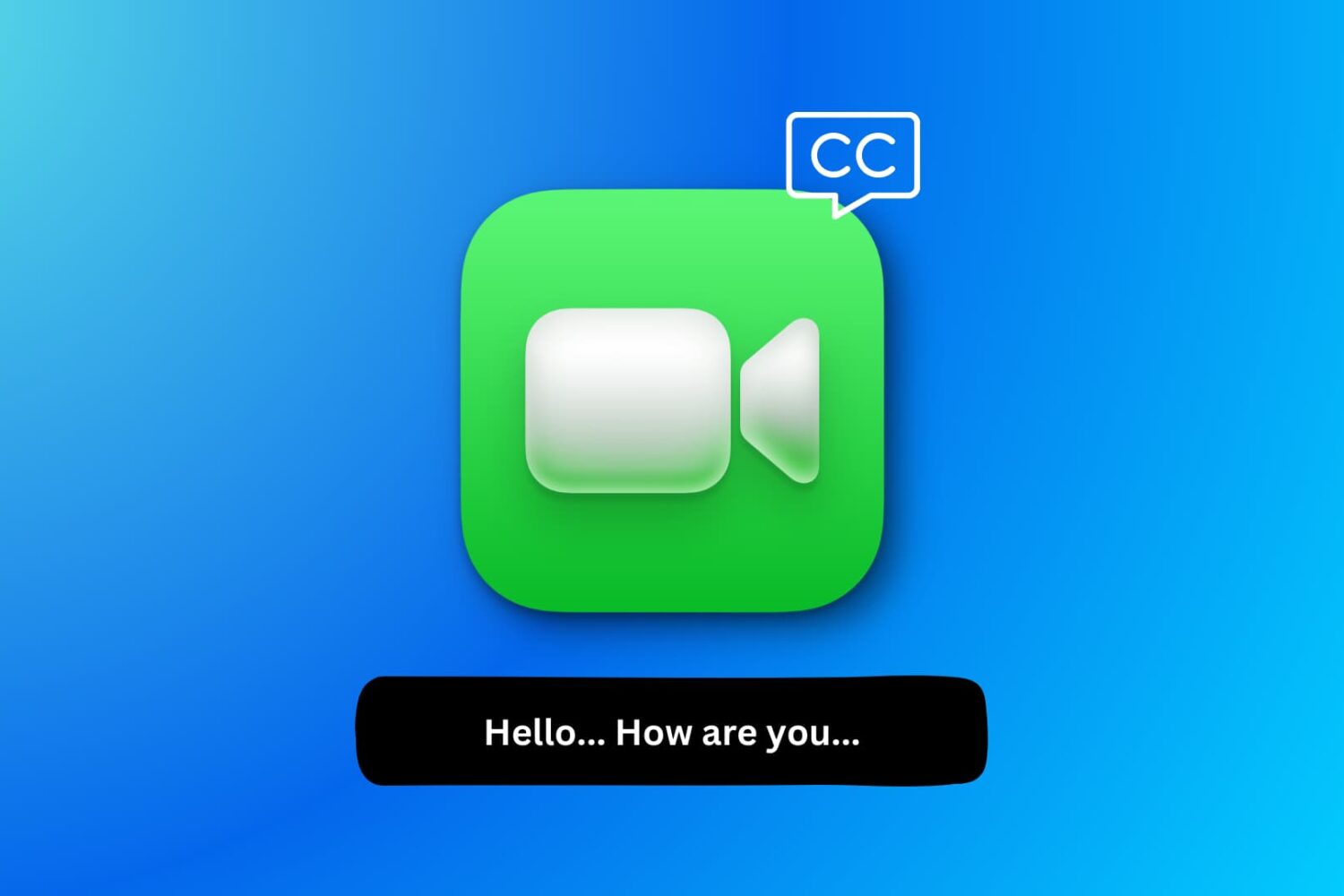
Learn how to use FaceTime Live Captions on your iPhone, iPad, and Mac to view real-time transcriptions of what the other person is saying.

Use your iPhone’s camera level to guide horizon placement in your photographs and perfectly align overhead and top-down shots.

Learn what Live Speech is and how to set it up and use it on your iPhone, iPad, Mac, or Apple Watch to convert typed words into speech.
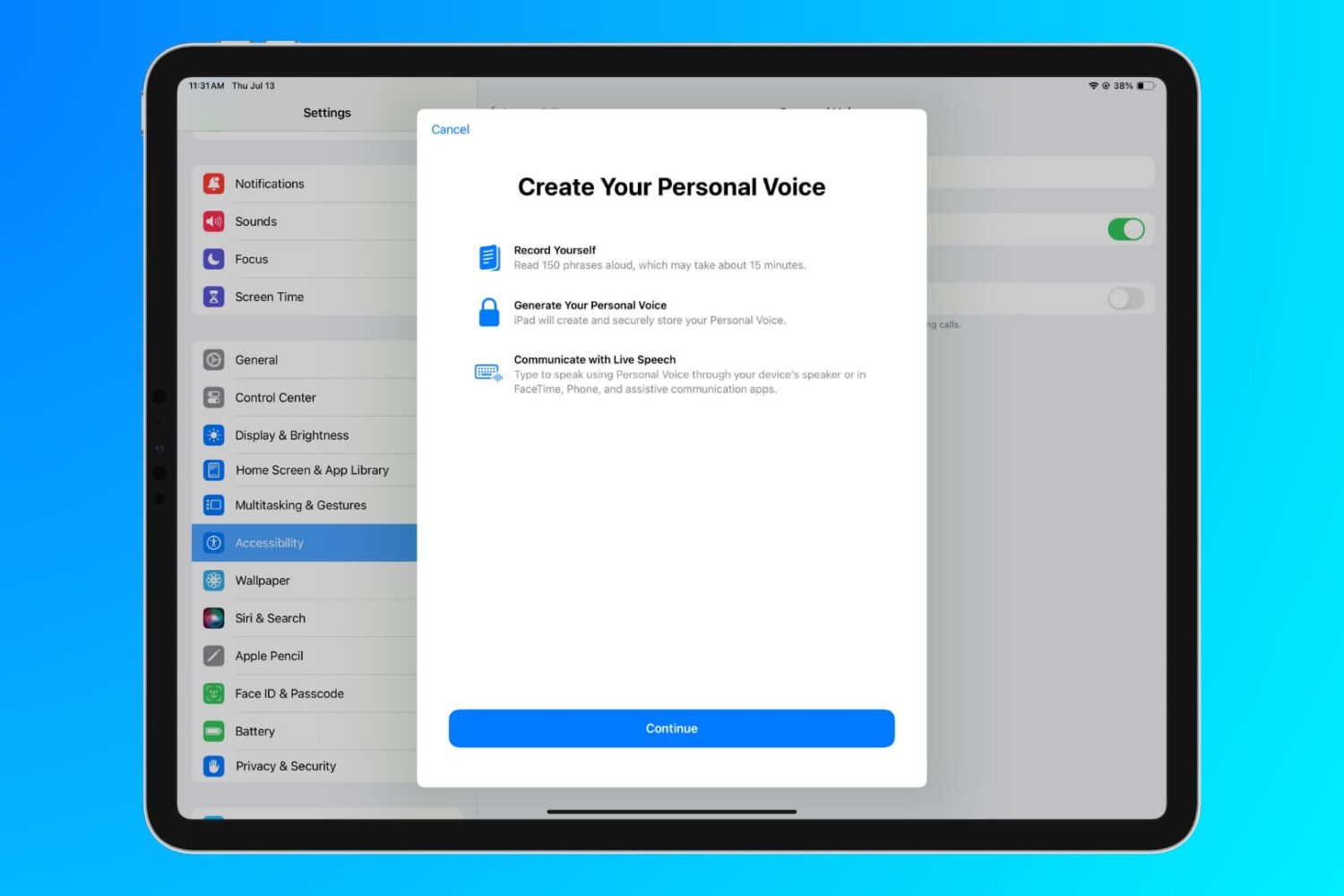
Learn how to use the Personal Voice accessibility feature to create a replica of your voice on iPhone, iPad, and Mac for use with Live Speech.
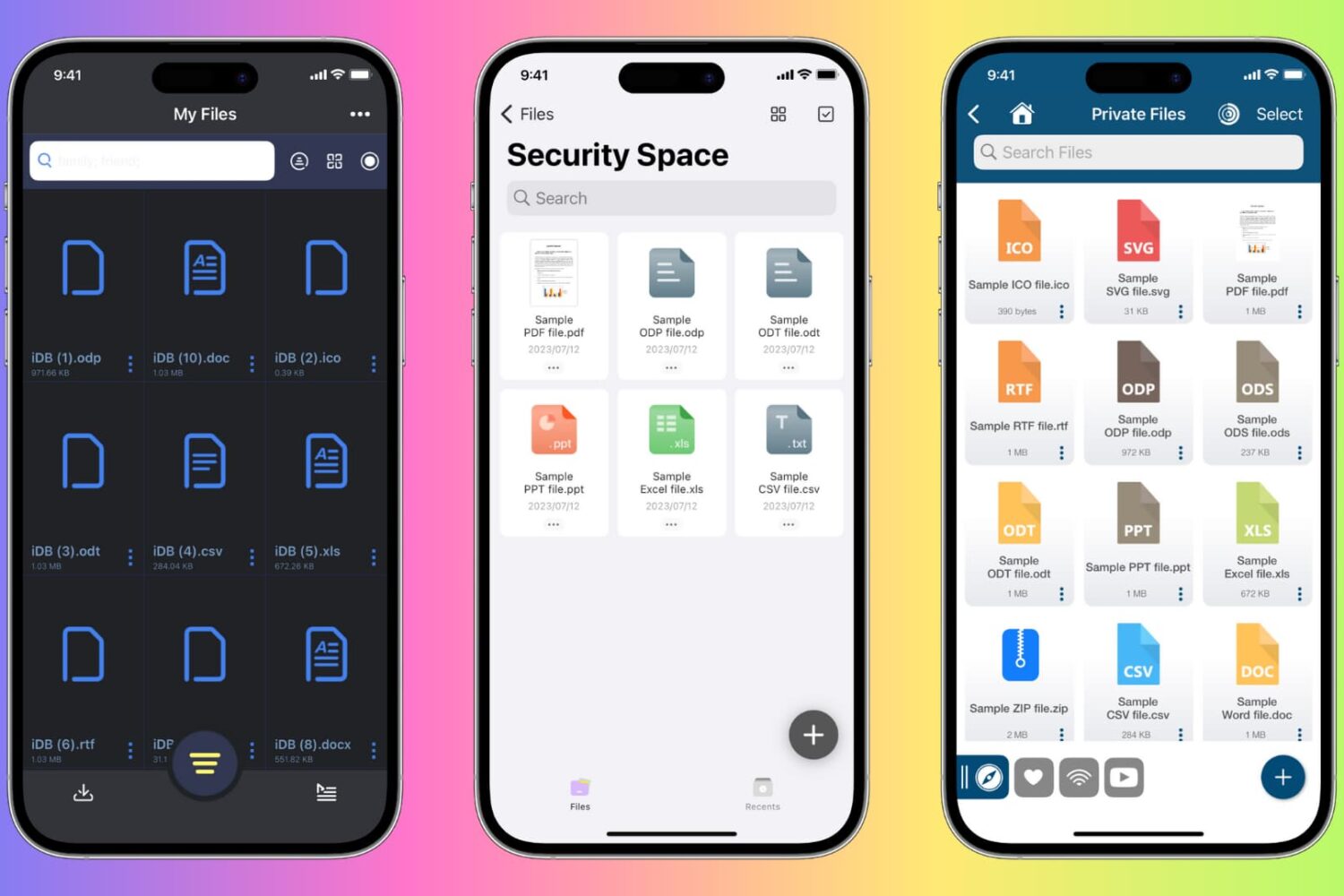
Learn how to protect private documents on your iPhone, iPad, or Mac from prying eyes by locking them with Face ID, Touch ID, or device passcode.