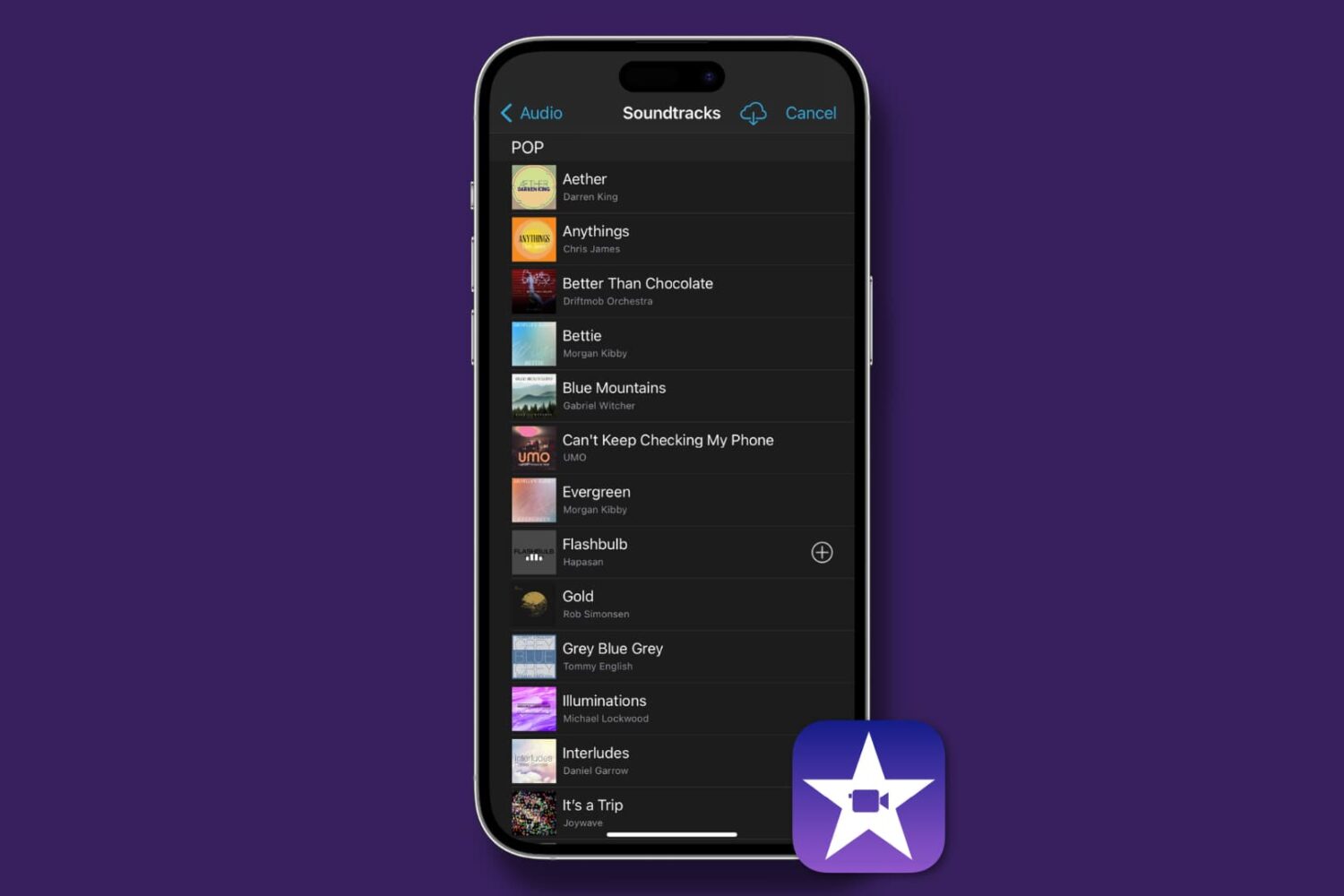
Find out how to add background music and sound effects to your video projects in iMovie on Mac, iPad, and iPhone to make them sound as great as they look!
How to add music and audio effects in iMovie on Mac and iOS
Learn how to master your Apple devices with our comprehensive tutorials. From iPhone and iPad to Mac, Apple Watch, AirPods, and more, our expert guides will help you unlock the full potential of your Apple products. Discover new features, tips, and tricks each day to enhance your user experience.
Find out how to add background music and sound effects to your video projects in iMovie on Mac, iPad, and iPhone to make them sound as great as they look!
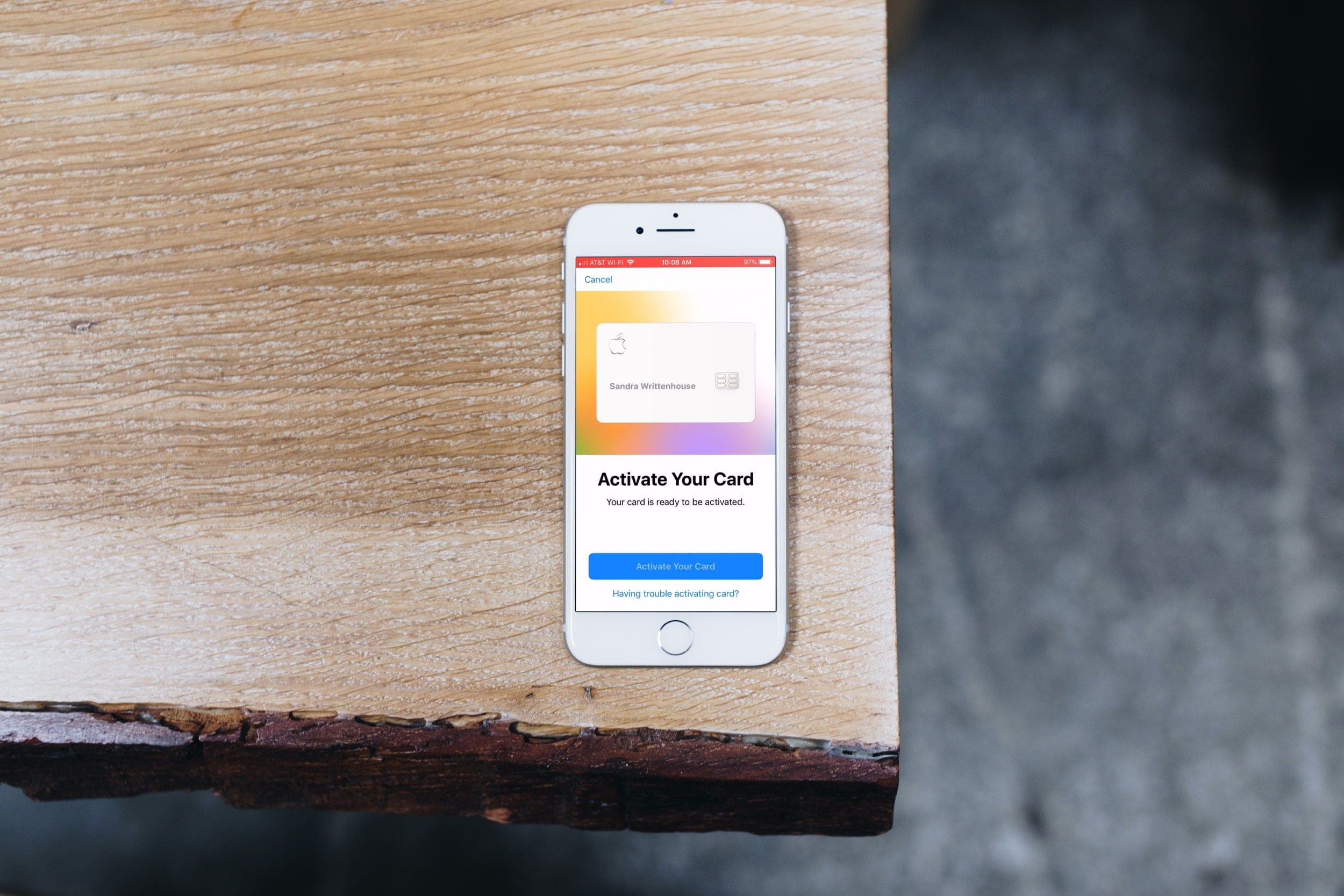
If you’re just now receiving your physical Apple Card, then you’re ready to activate it. And Apple couldn’t have made it any simpler to do so.
But for those who need extra help, this short tutorial shows you how to activate your titanium Apple Card.
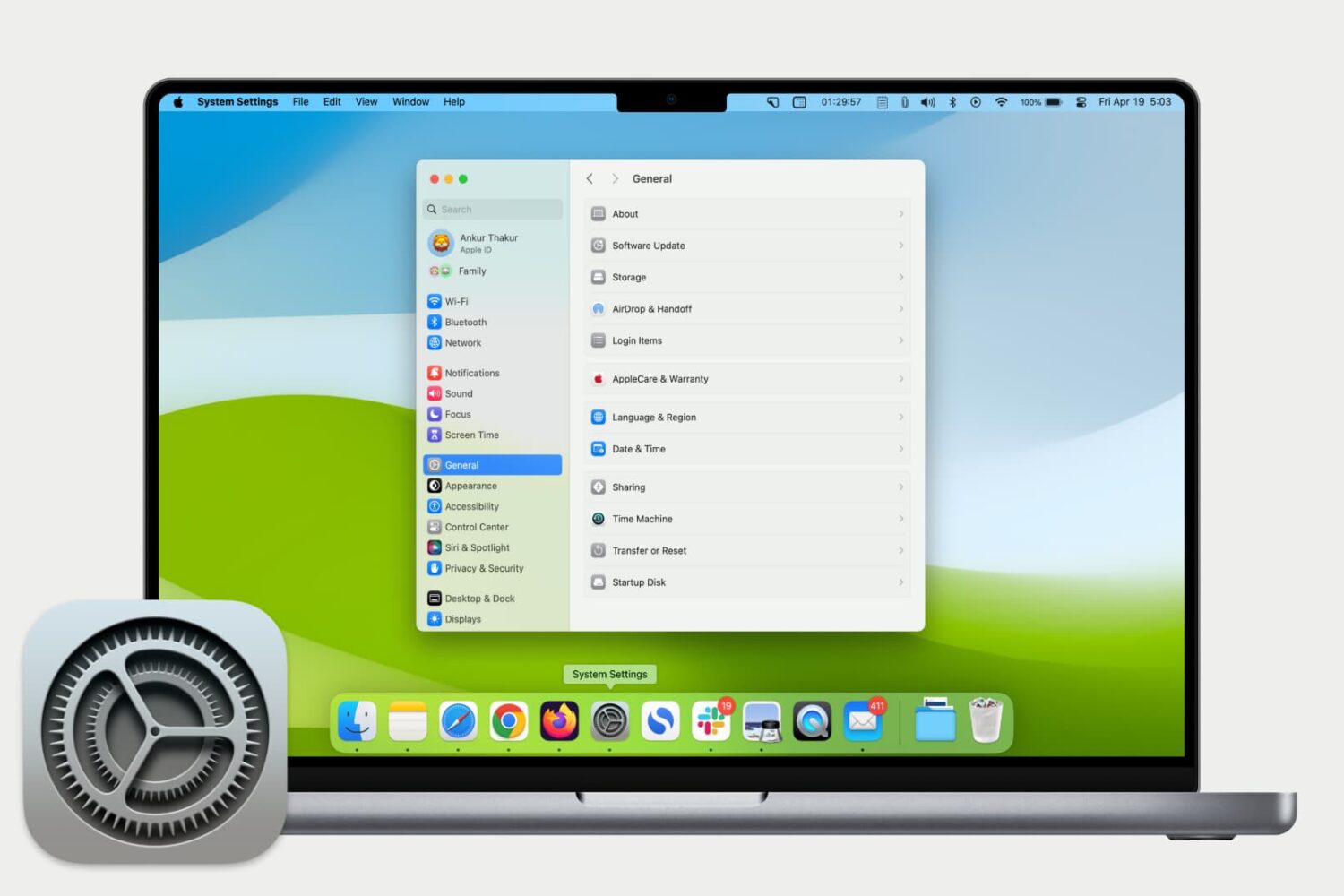
Get used to your Mac System Settings with our helpful guide for accessing, navigating, and finding what you need as a new Mac user.
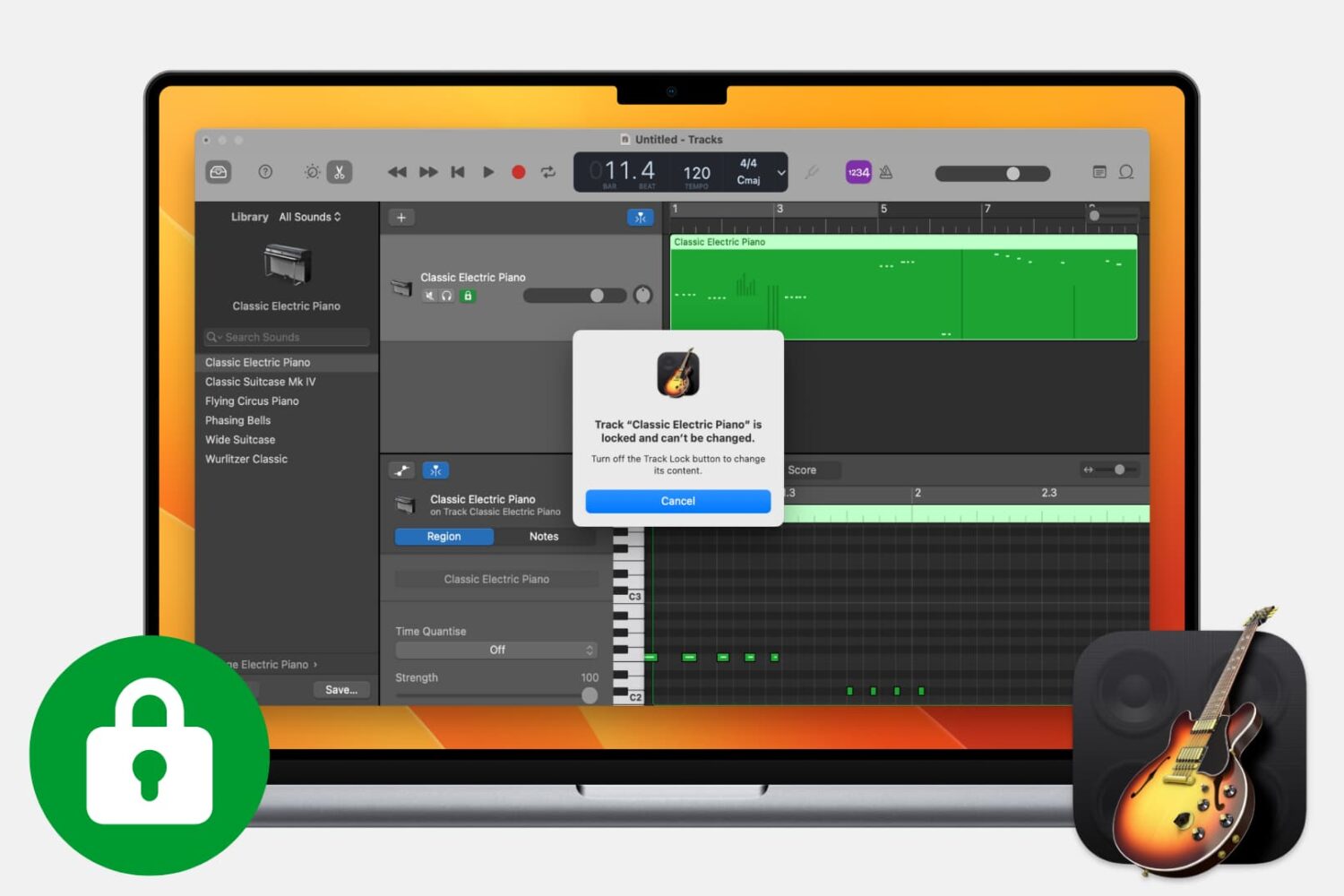
Find out how to lock tracks in GarageBand on Mac to make sure a track is not accidentally changed or deleted.
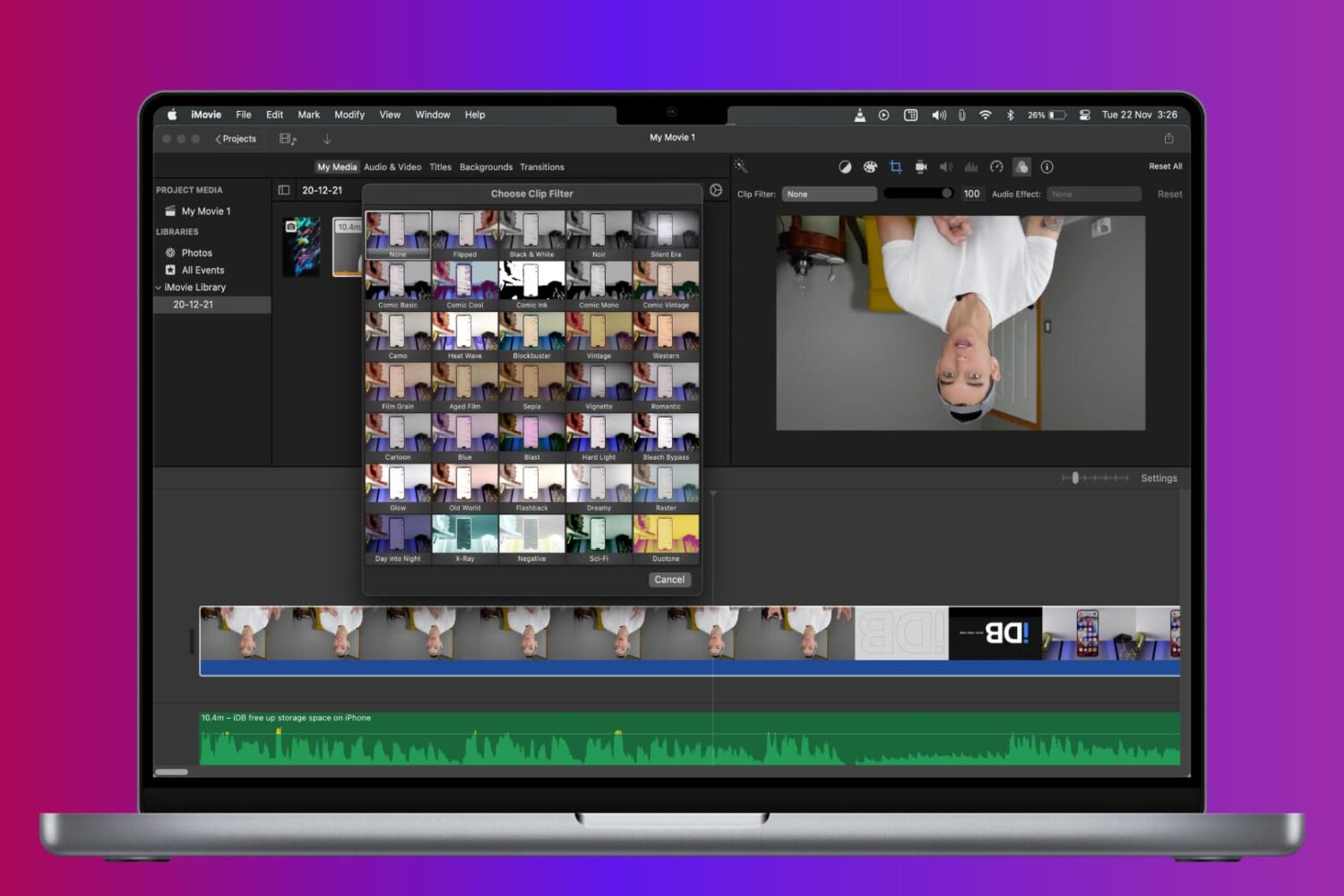
Learn how to rotate, turn, and flip a video in iMovie on Mac, iPad, and iPhone to fix a clip or add cool visual effects to your movie project.
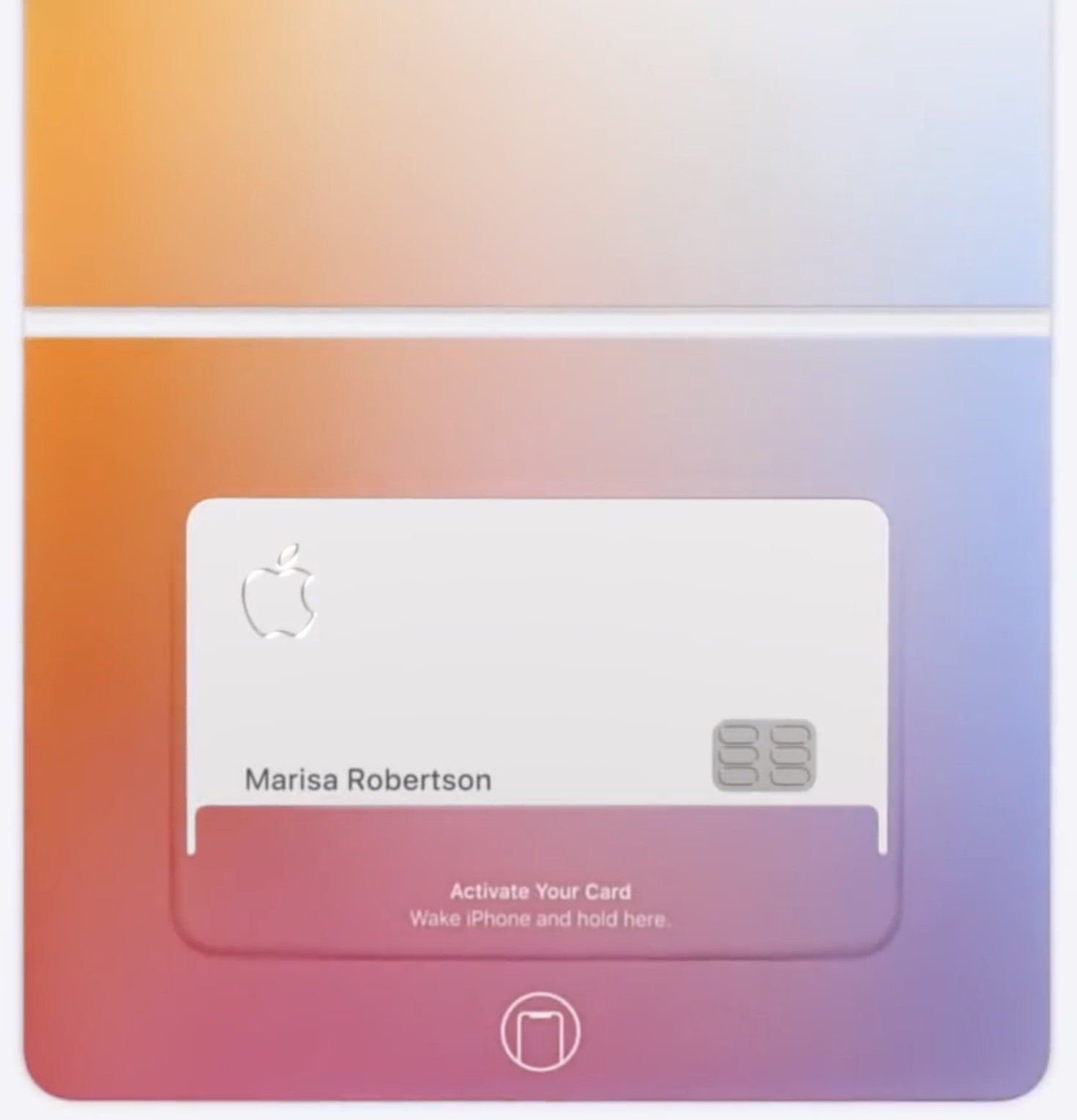
When you sign up for Apple Card, you can optionally order a physical card to make non-Apple Pay purchases on the web. Should your physical Apple Card get damaged, lost or stolen, you can request a replacement titanium Apple Card with just a few taps, and iDB shows you how.

Learn how to unlock the full potential of Siri on your Mac with these tips and tricks to help you work more efficiently.

Apple protects your security by allowing you to regenerate the primary 16-digit number of your Apple Card with just a few taps, providing you with a fresh new credit card number at any time.
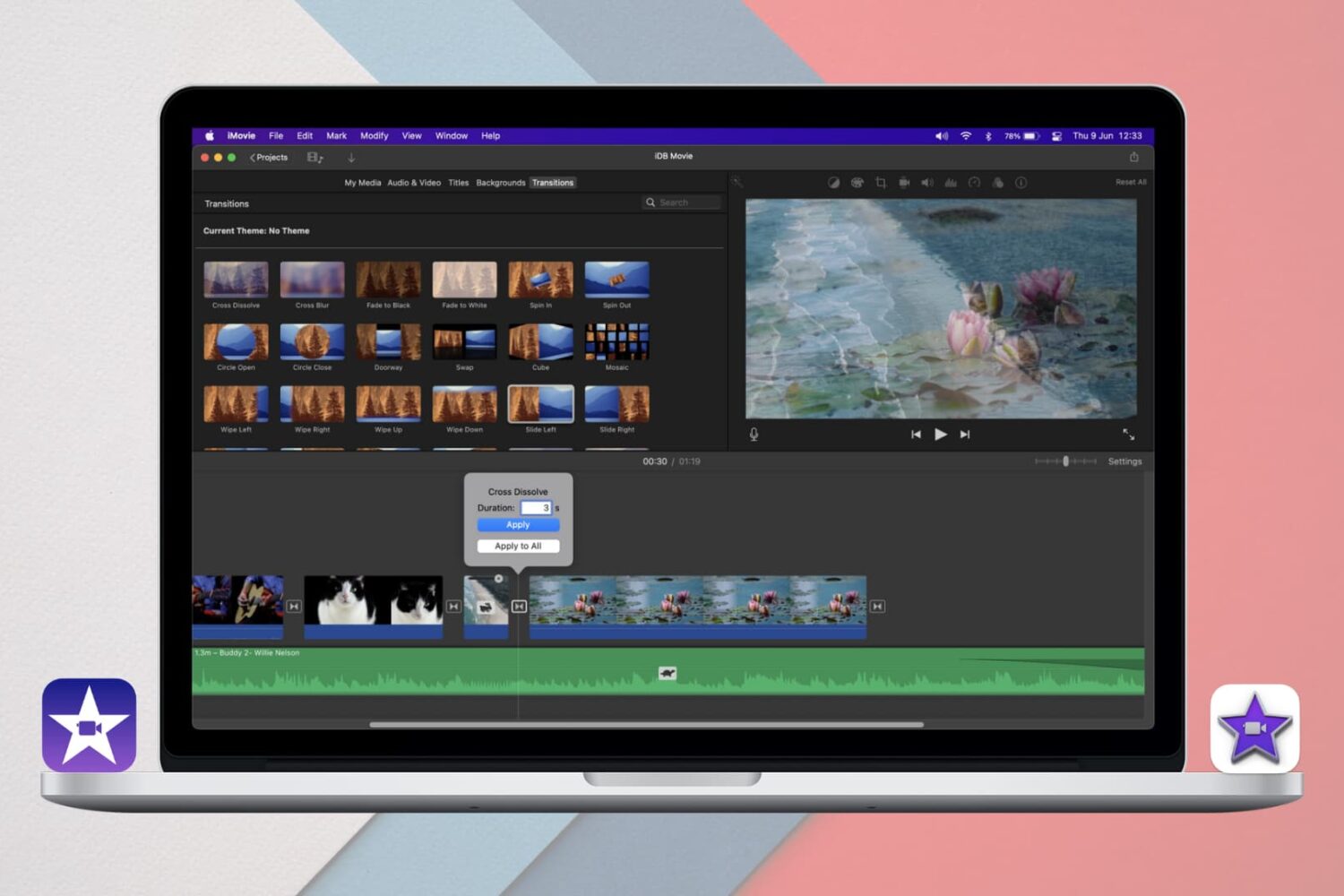
Learn how to add and edit iMovie Transitions on iPhone, iPad, and Mac for a seamless way to move between clips or scenes in your movie projects.

The Metronome in GarageBand offers a steady beat that helps you keep time when you’re recording or just listening to your song. The feature also uses a one-measure Count-in so that you can get ready when you’re recording a song, just like you hear live bands do when performing.
You can turn the Metronome and Count-in on and off as well as adjust the Count-in bars on both Mac and iOS, and this tutorial shows you how.
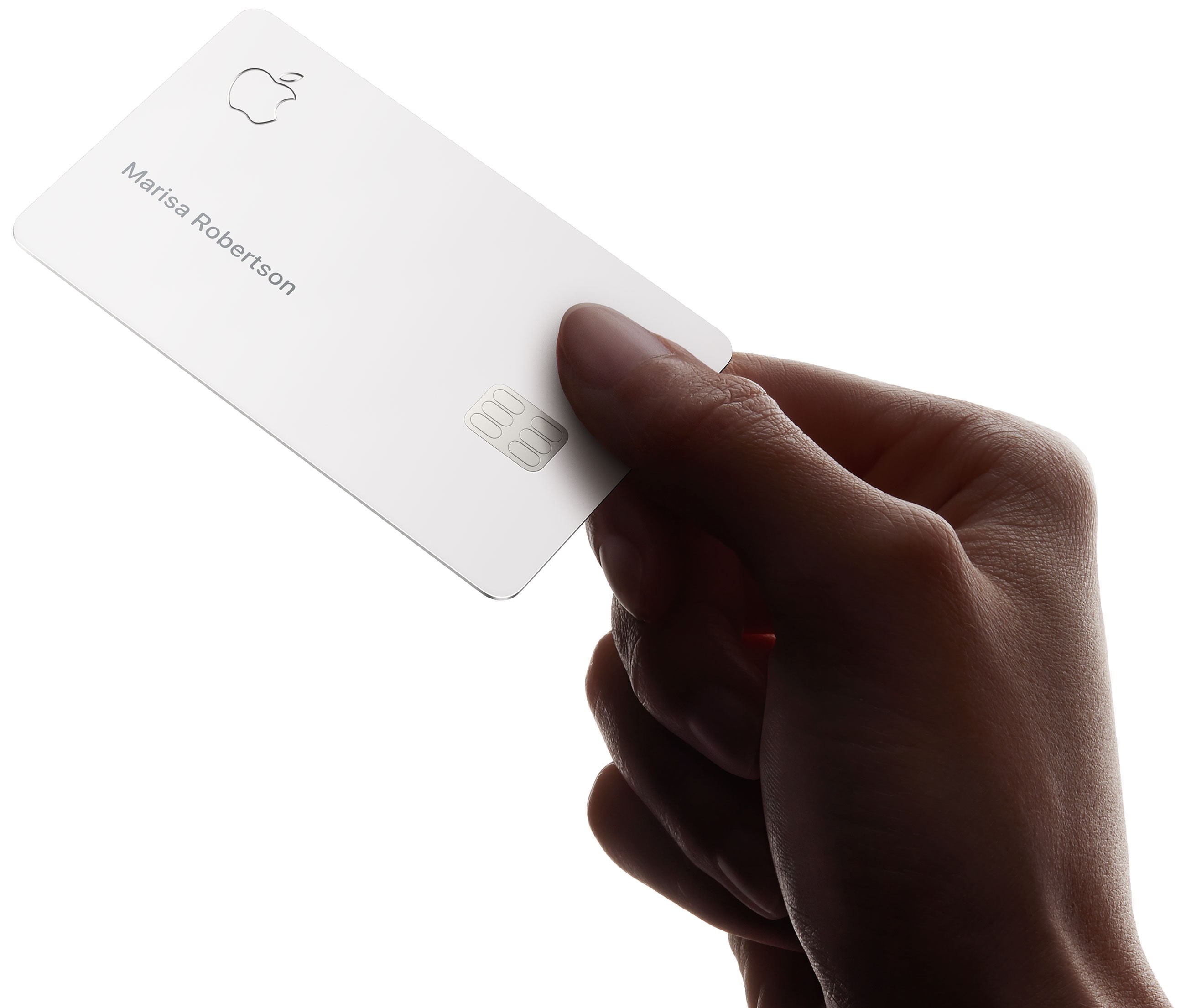
In terms of security, the physical Apple Card omits details like the card number, expiration date and CVV security code — the titanium card only has your laser‑etched name on it. In this step-by-step tutorial, we'll show you how to change the name on your titanium Apple Card.
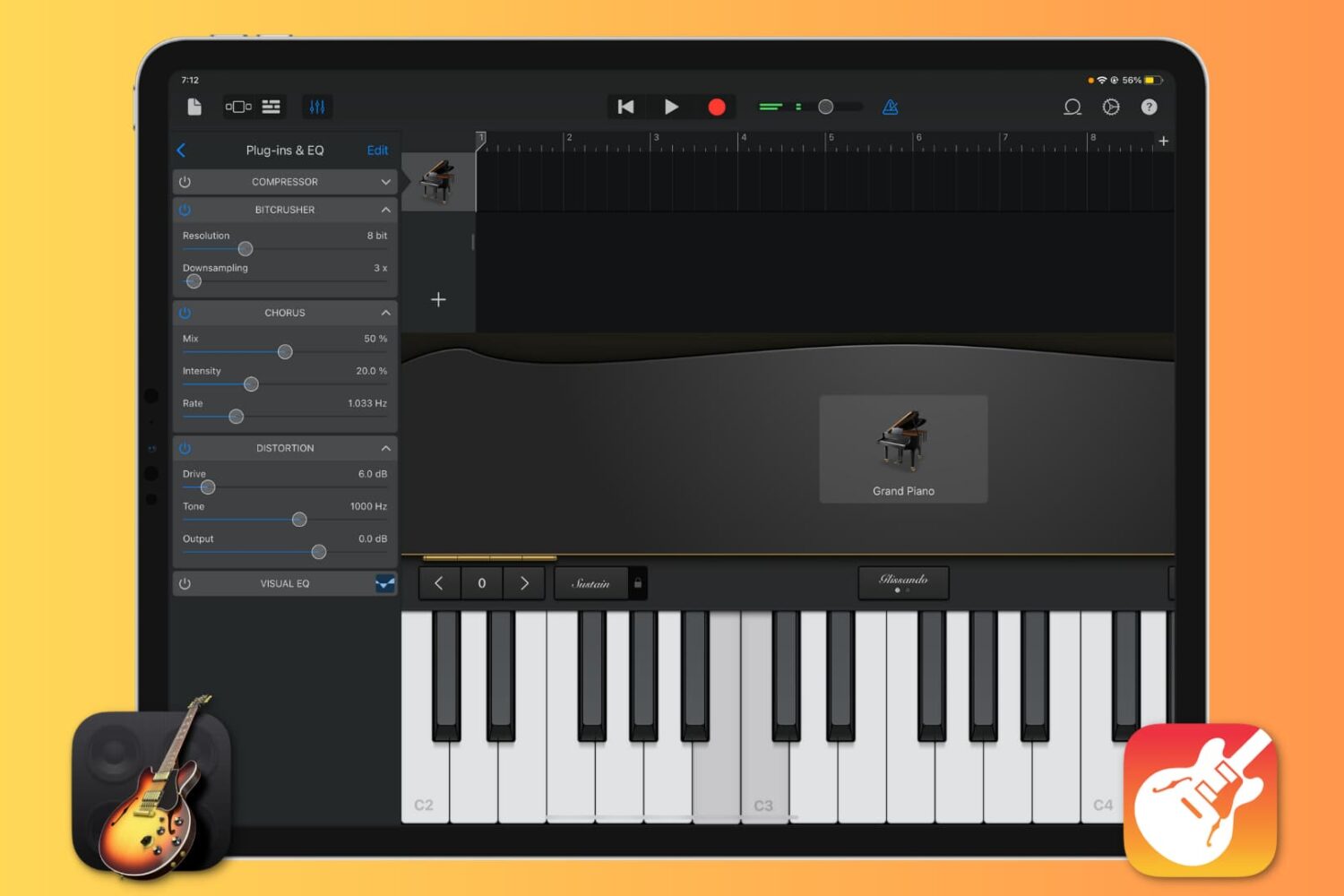
Want to enhance the quality of your music production in GarageBand by using cool sound effects? Learn how to add, edit, reorder, and remove plugins for your tracks, and take your sound to the next level.