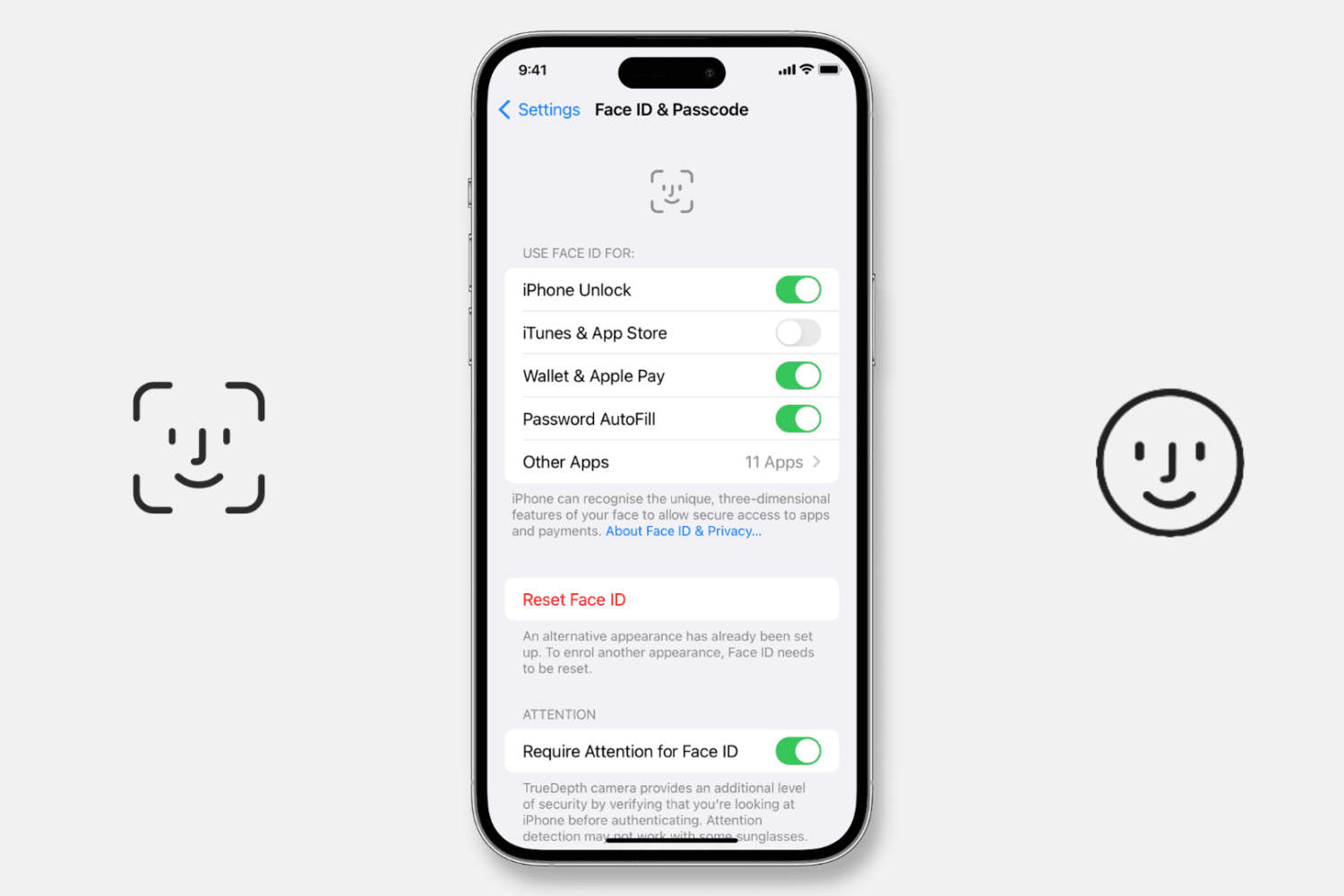
Try our expert troubleshooting tips if Face ID fails to unlock your iPhone or iPad, won’t let you authorize downloads, locked apps, autofill passwords, or use Apple Pay.
Fix Face ID not working on your iPhone or iPad
Stay up-to-date on the latest iPhone news and learn new tips and tricks with our comprehensive tutorials. From software updates to new features, we’ve got you covered.
Try our expert troubleshooting tips if Face ID fails to unlock your iPhone or iPad, won’t let you authorize downloads, locked apps, autofill passwords, or use Apple Pay.
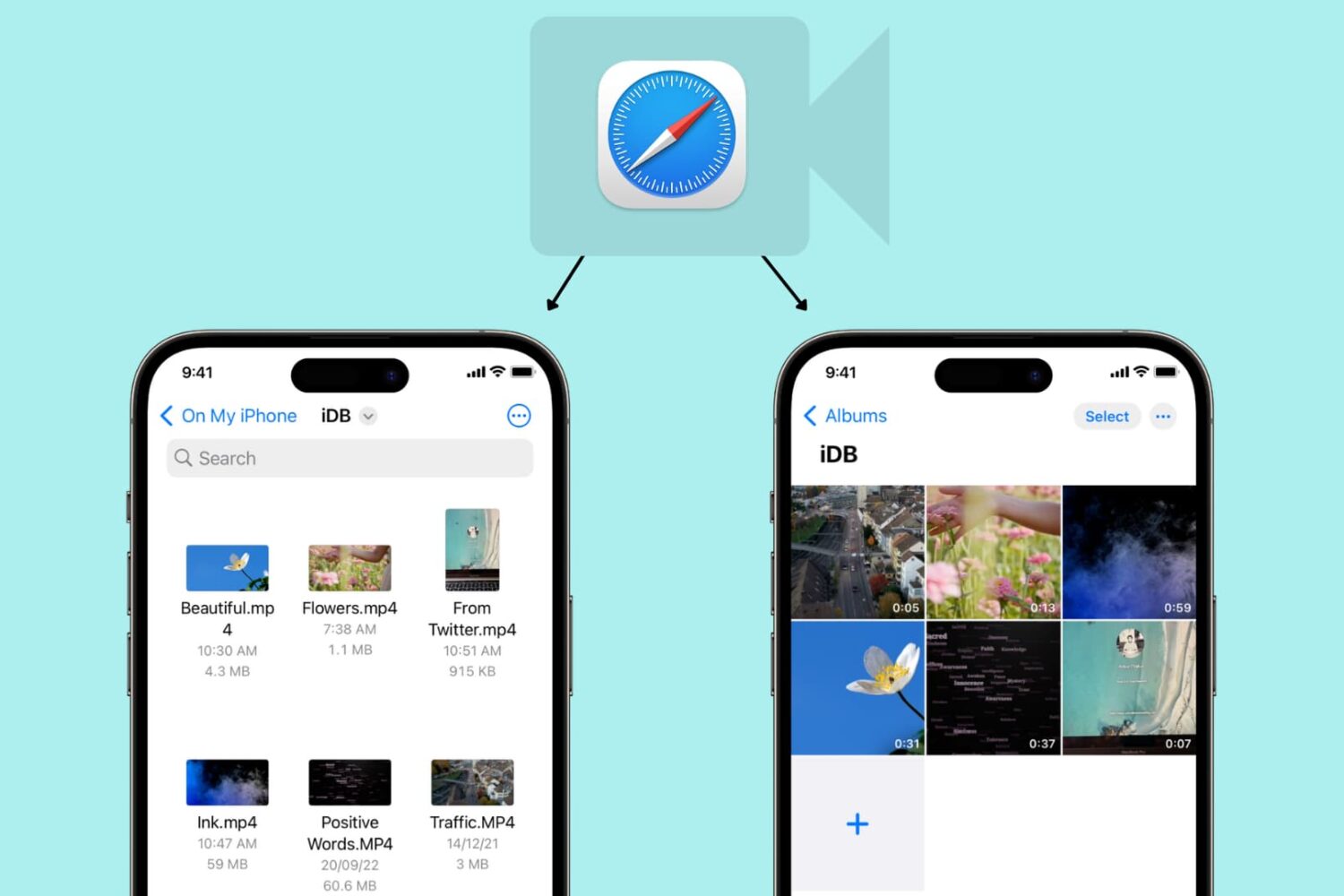
Learn how to use Safari on your iPhone or iPad to download video files directly to the Photos app or Files app for offline viewing.
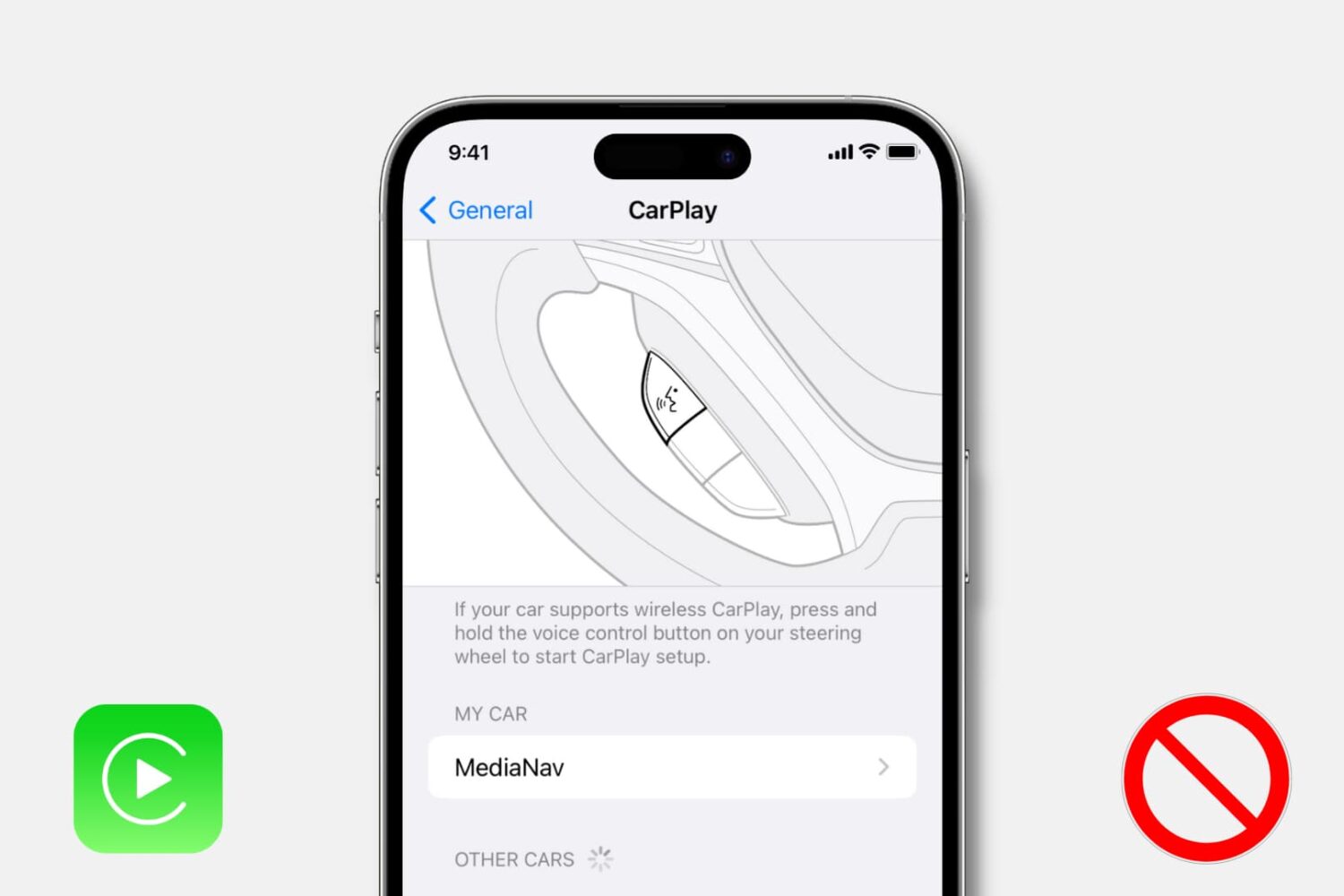
Learn how to turn off CarPlay for a particular car or disable it entirely on your iPhone if you don’t want to use it with any car.
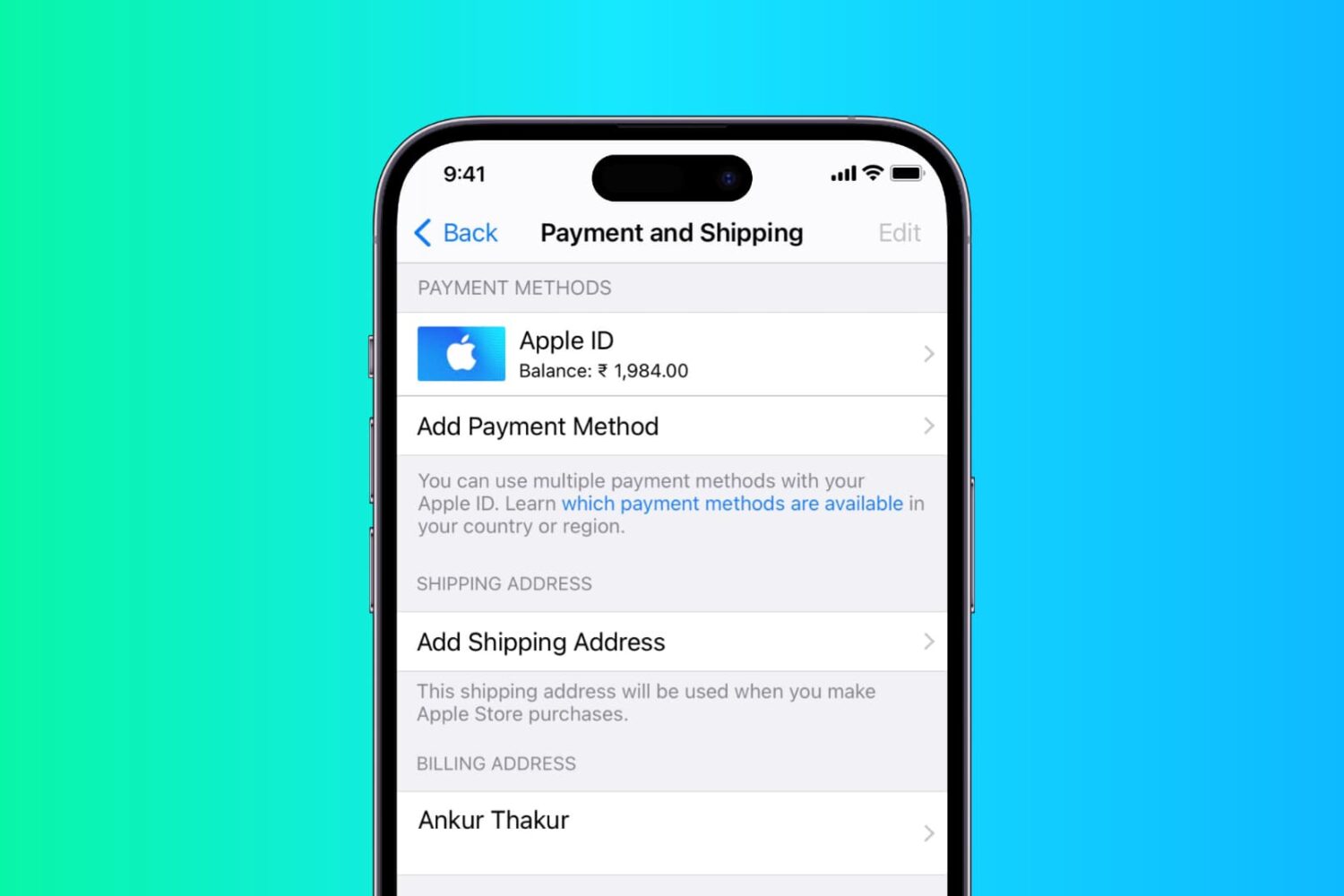
In this step-by-step tutorial, we show you how to add or change the shipping and billing addresses in your Apple Account from iPhone, iPad, or Mac.
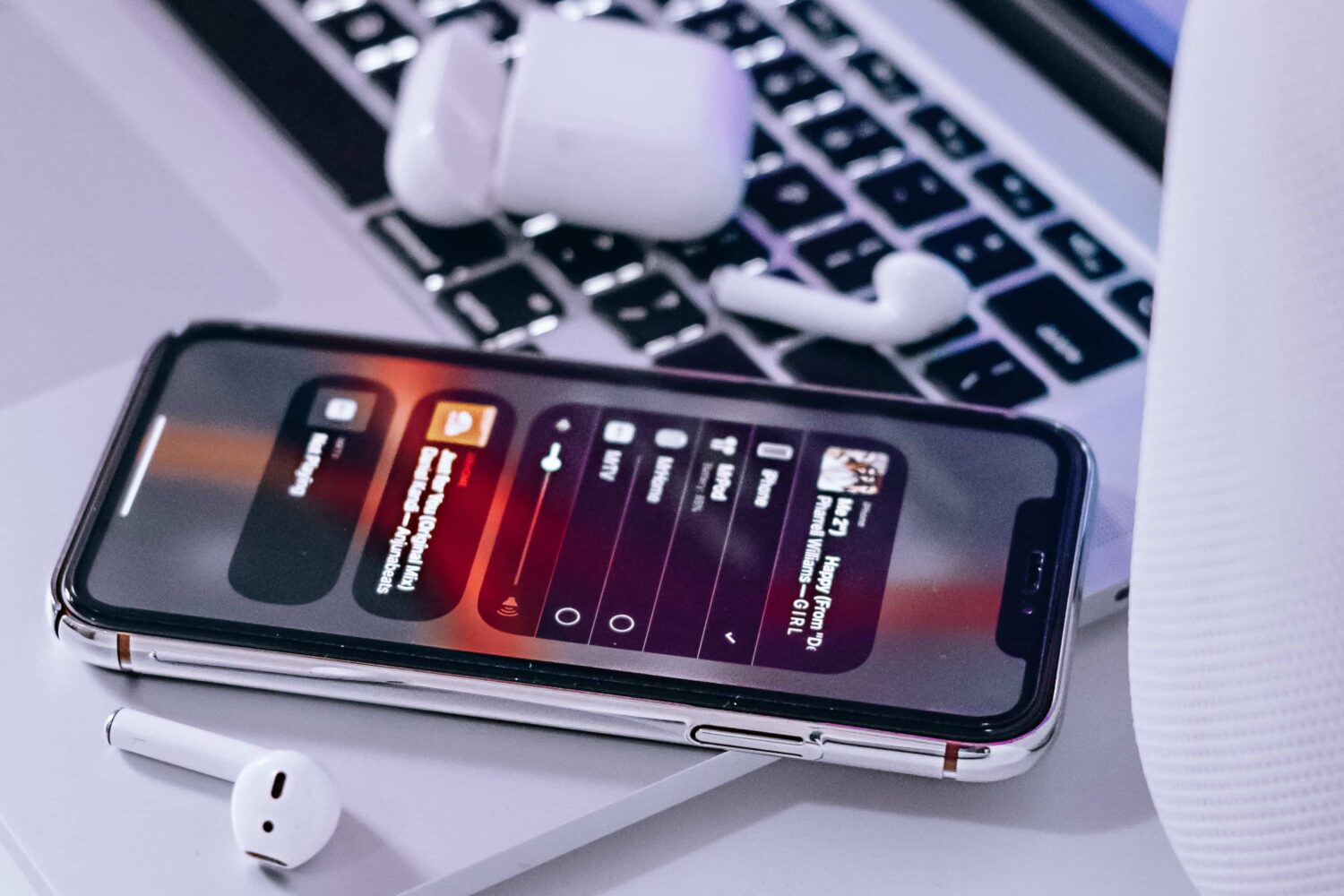
These Apple Music tips and tricks unearth the secret features of the built-in Music app on your iPhone, iPad, Mac and other devices that everyone should be using.
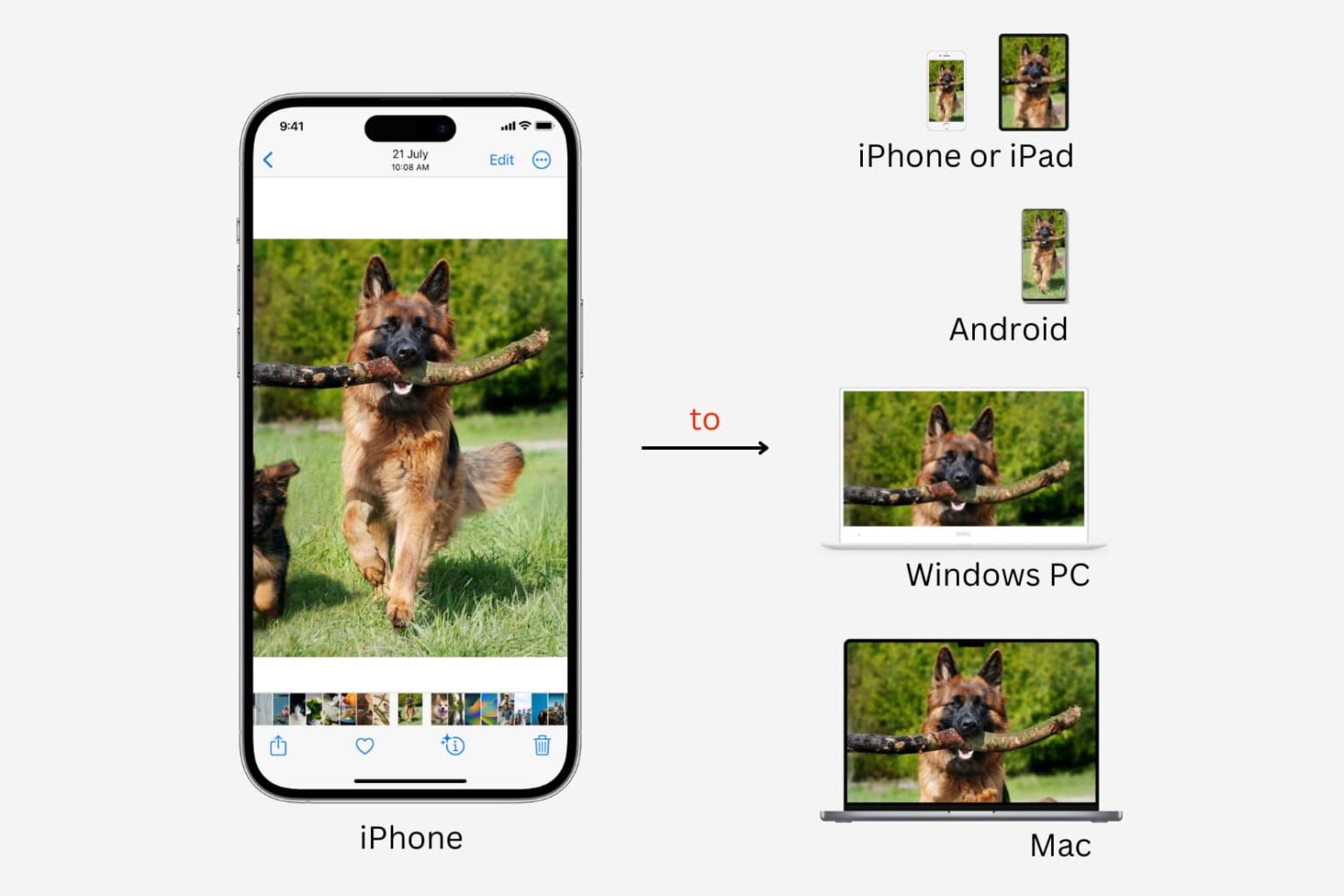
Learn how get photos and videos off your iPhone and transfer them to another iPhone, iPad, Mac, Android phone, or Windows PC.

Several iPhone and iPad games support the use of gaming controllers; using one is an excellent way to snag an advantage over other players who might otherwise rely solely on touch-based controls, especially when it comes to online multiplayer games.
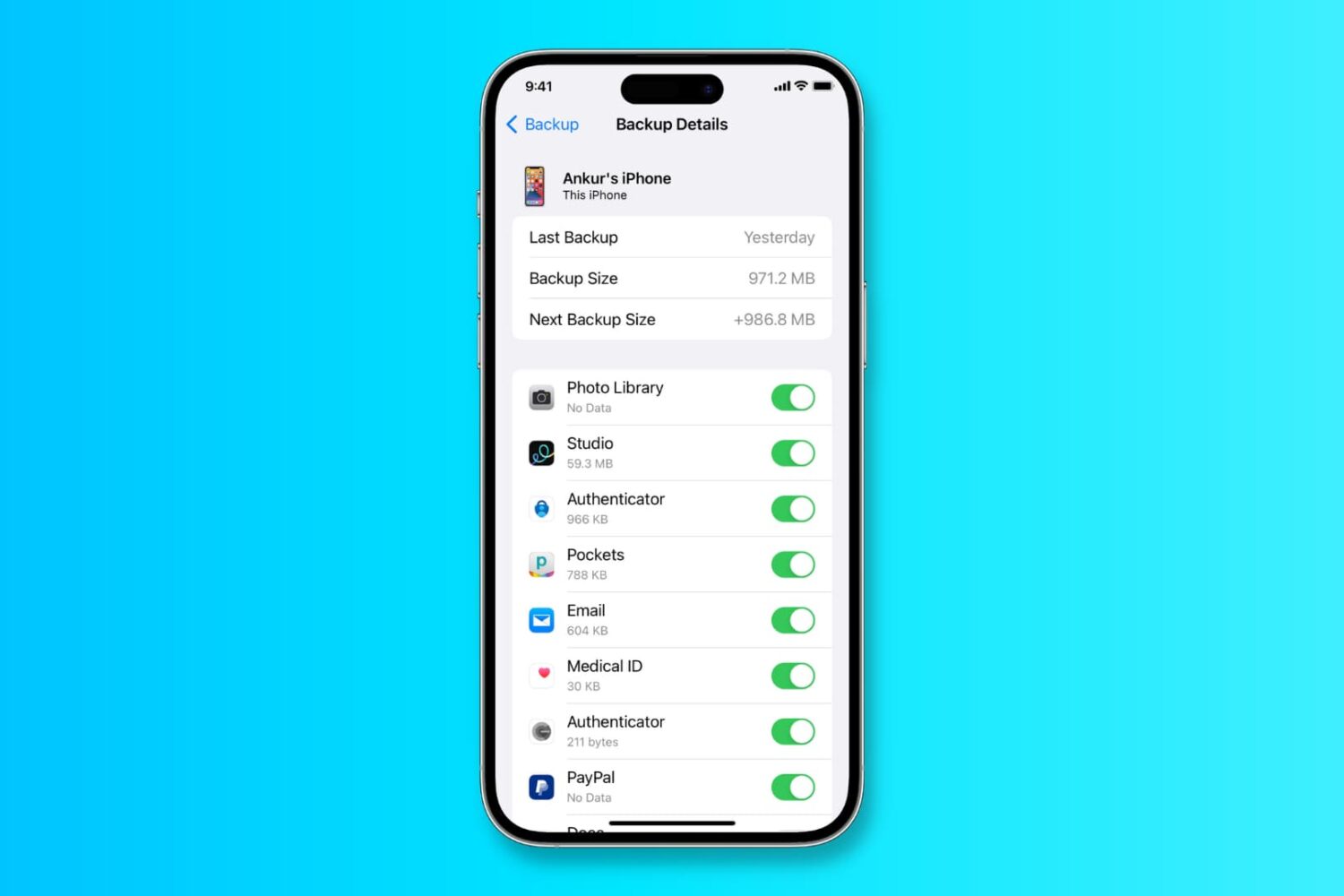
In this tutorial, we will show you how to back up your iPhone or iPad to iCloud, a Mac, or a Windows PC.
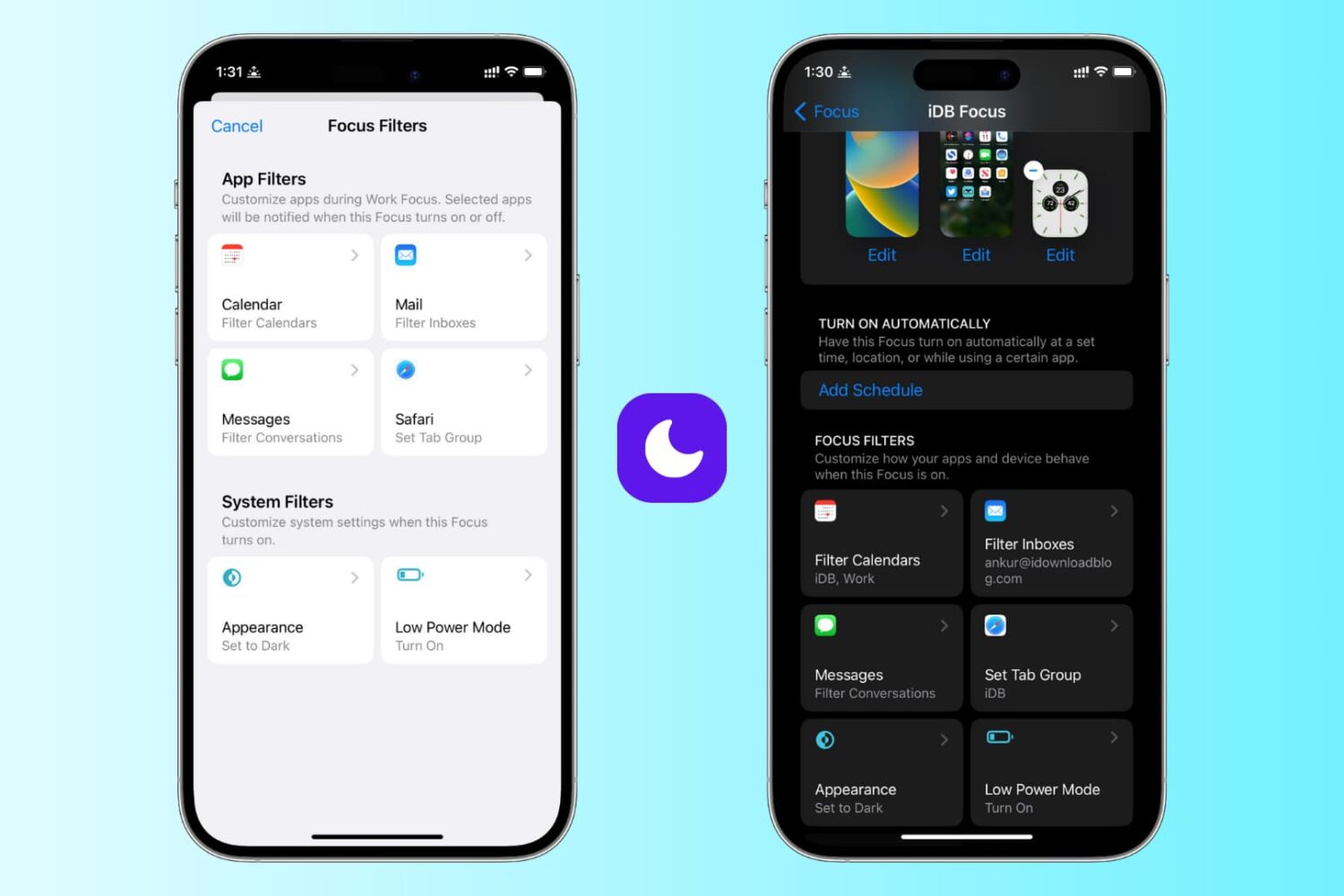
Learn how to use focus filters on iPhone and iPad to increase your productivity and limit outside distractions when a Focus mode is active.
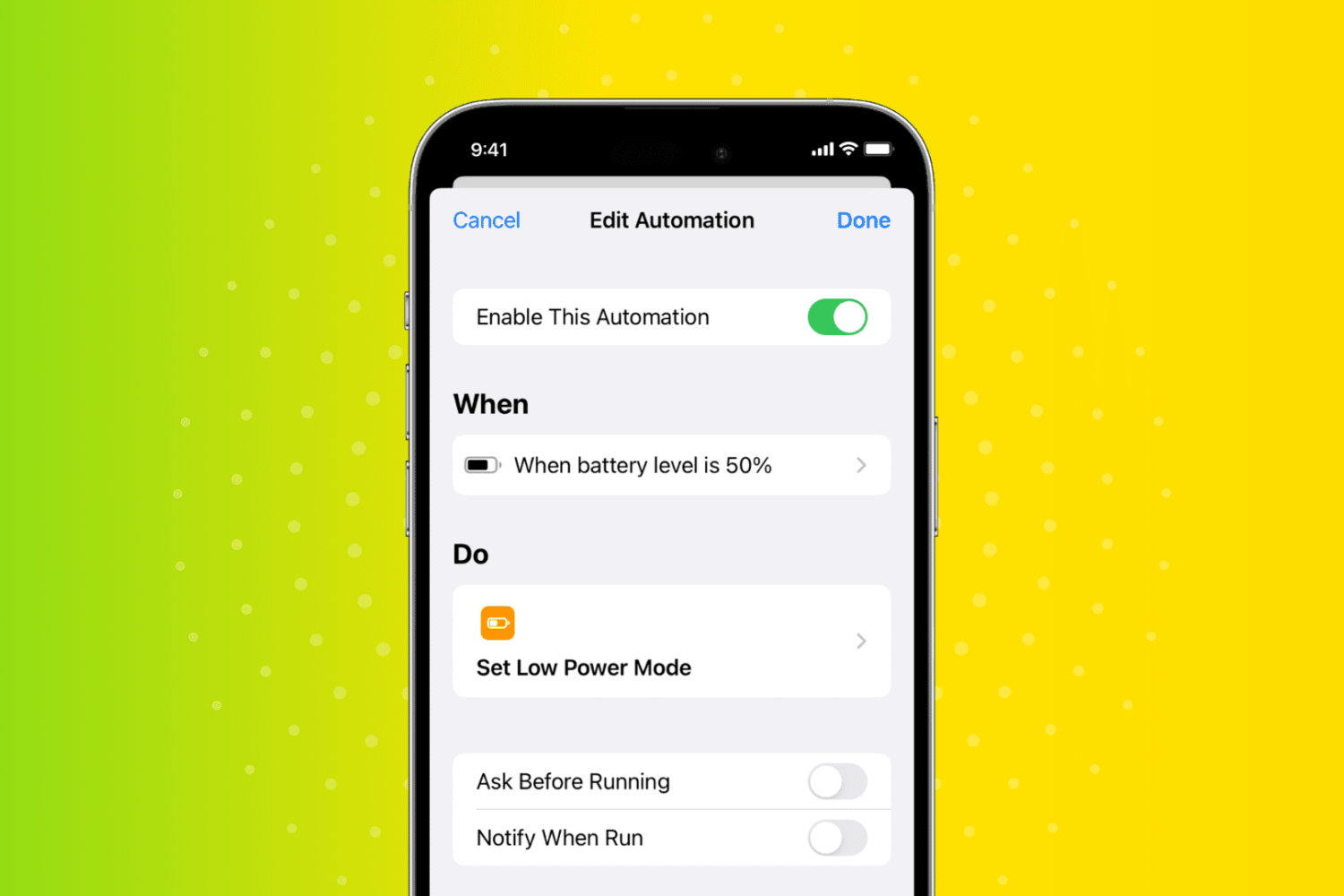
In this quick tutorial, we show you how to have your iPhone or iPad automatically turn on Low Power Mode when the battery charge hits a custom percentage threshold, such as 30%, 40%, 50%, or something else.
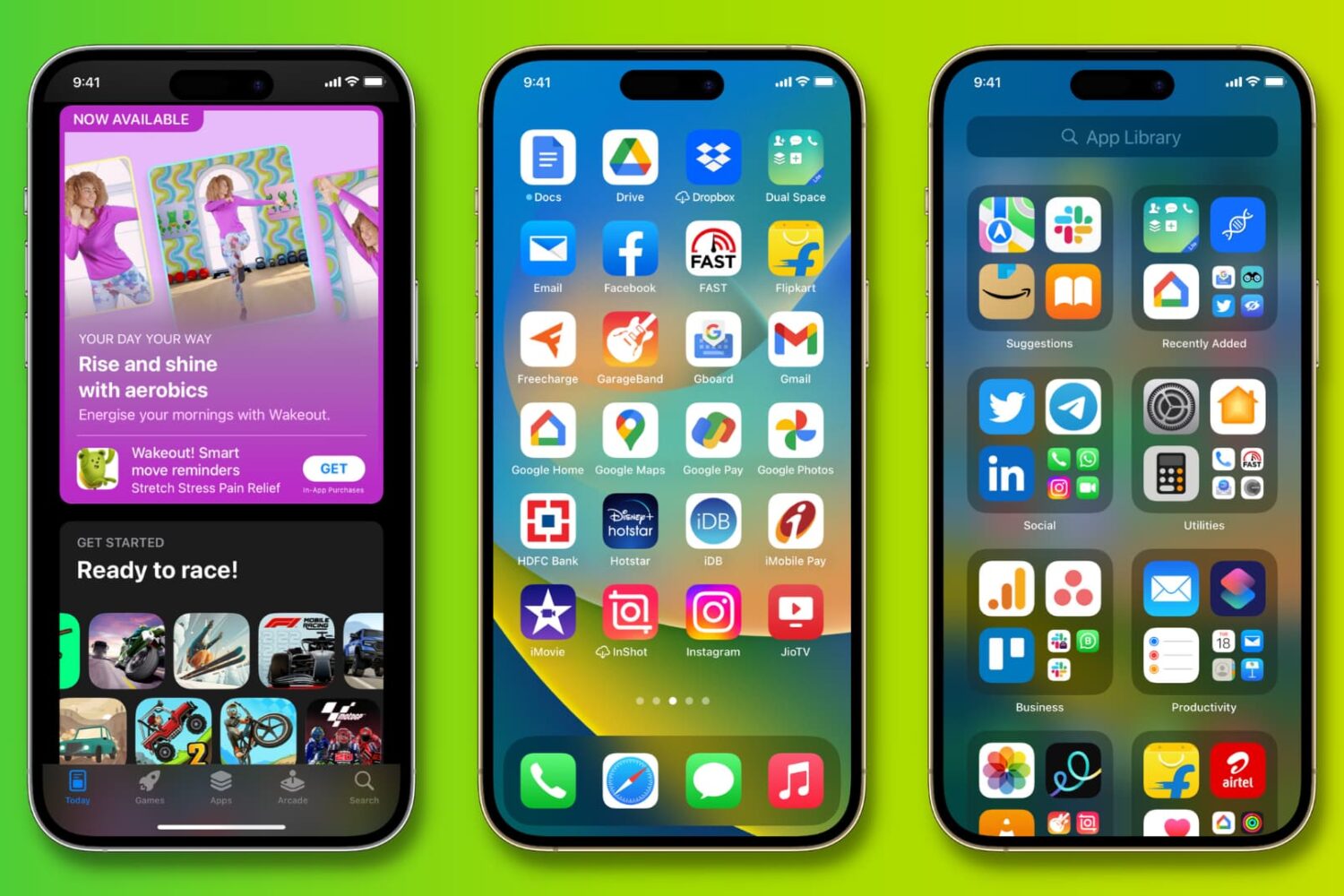
Did you get your first iPhone or iPad? In this step-by-step tutorial, we'll show you how to download free or paid apps on your new iPhone or iPad using the official Apple App Store.

Although WhatsApp on both iPhone and Android phones lacks a built-in recording feature, we have workarounds to help you record audio and video calls.