Some of the things people do in iOS make no sense. Follow along with us as we shed light on common mistakes iPhone owners make, so you can avoid them.
9 common iPhone mistakes you need to stop making
Stay up-to-date on the latest iPhone news and learn new tips and tricks with our comprehensive tutorials. From software updates to new features, we’ve got you covered.
Some of the things people do in iOS make no sense. Follow along with us as we shed light on common mistakes iPhone owners make, so you can avoid them.
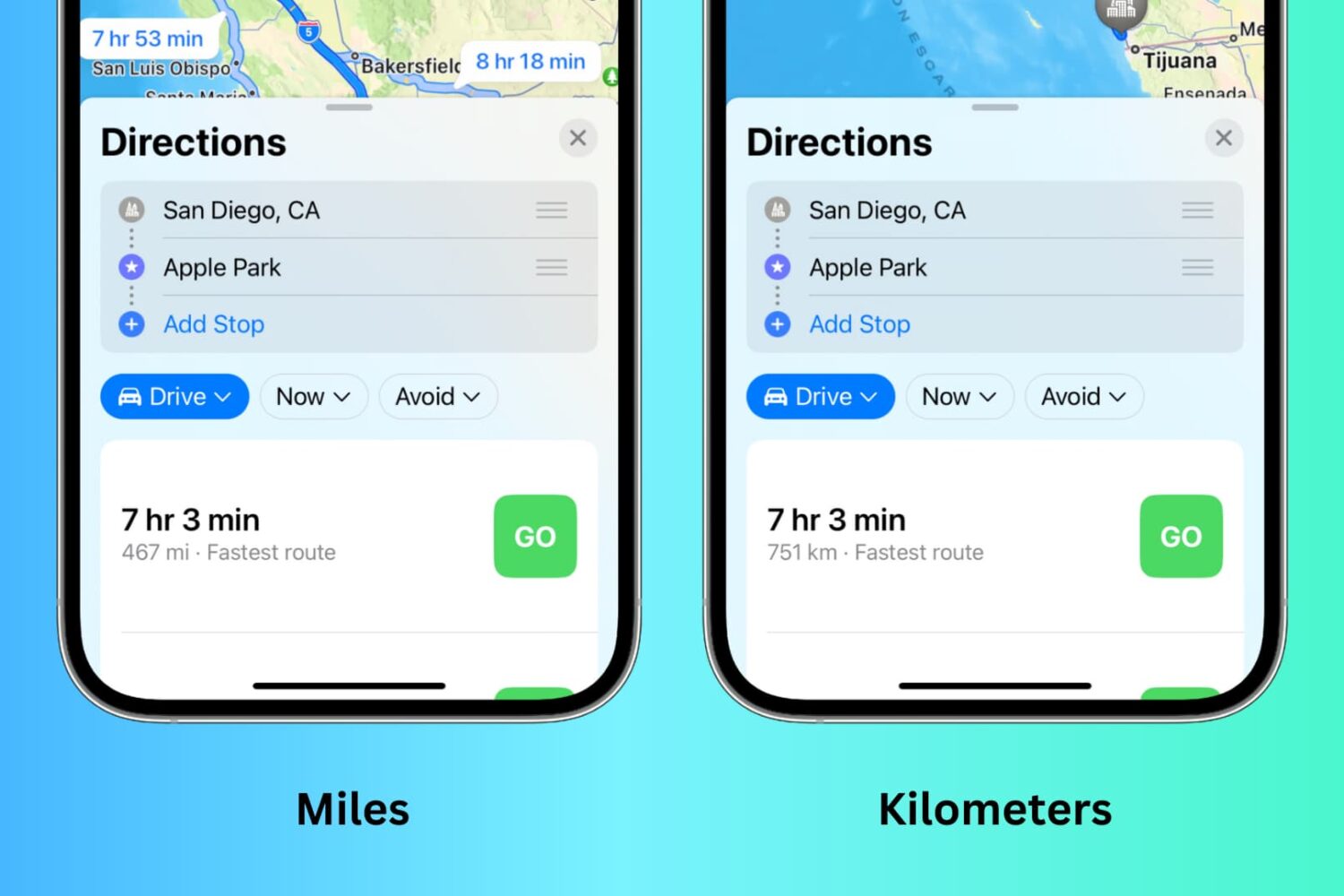
Depending on your preference, you can set the Maps app to display distances and turn-by-turn directions in either kilometers and meters or miles and feet. However, the steps to do that may not be immediately obvious, and that’s where we can help.
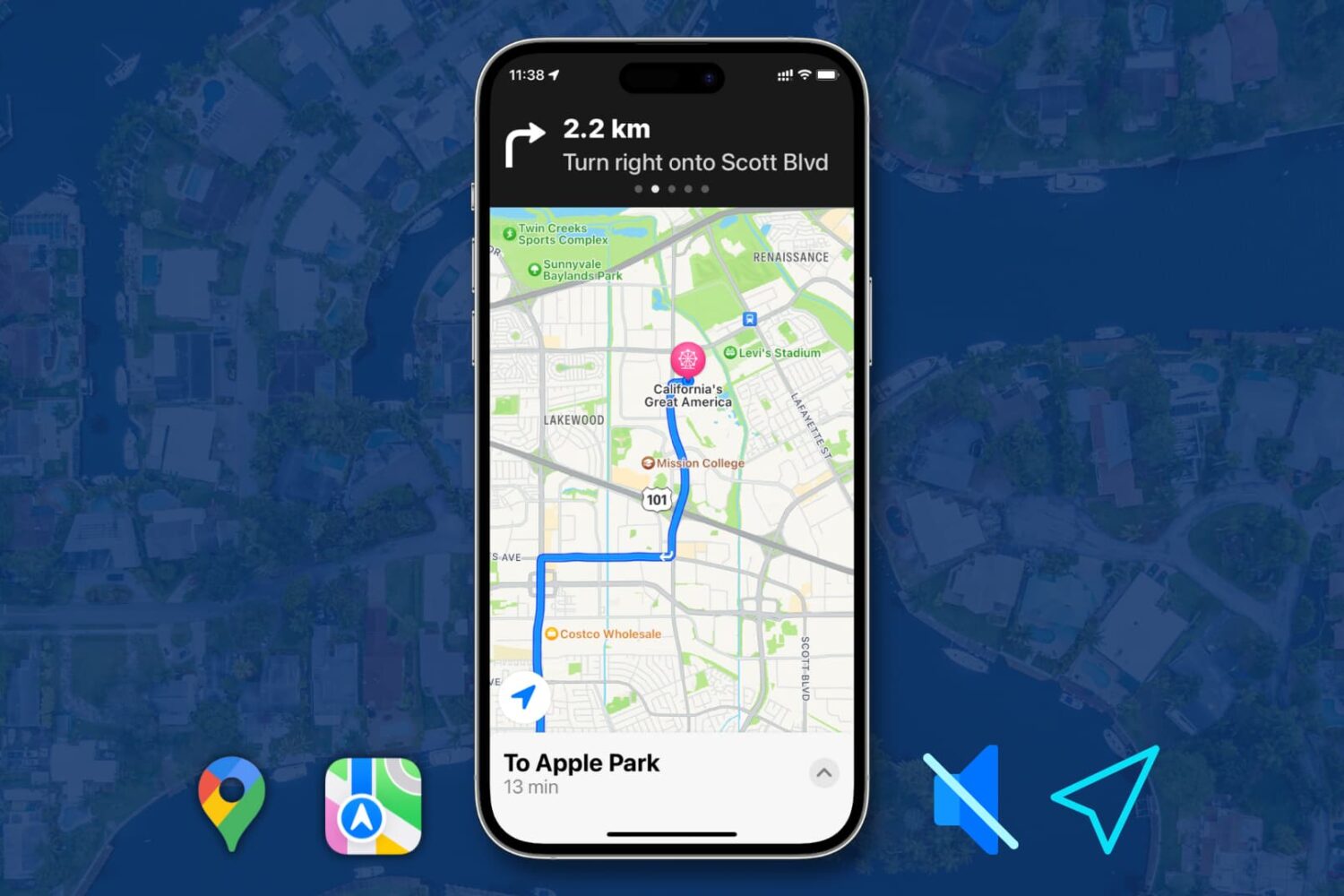
Learn how to turn off or customize spoken turn-by-turn directions in Apple Maps and Google Maps on your iPhone.
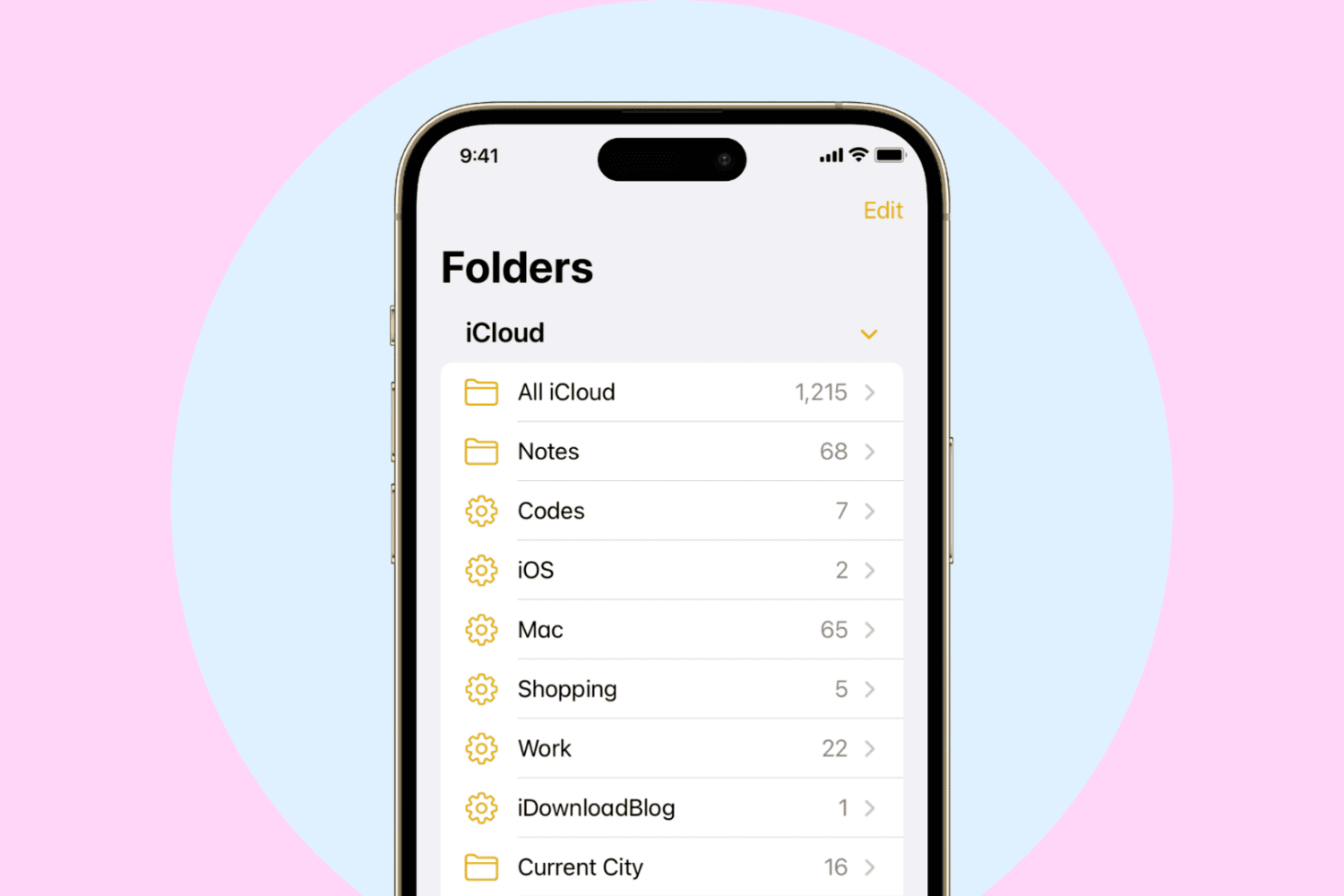
Learn how to create, use, and manage smart folders in Apple Notes on iPhone, iPad, and Mac to automatically organize your thoughts.
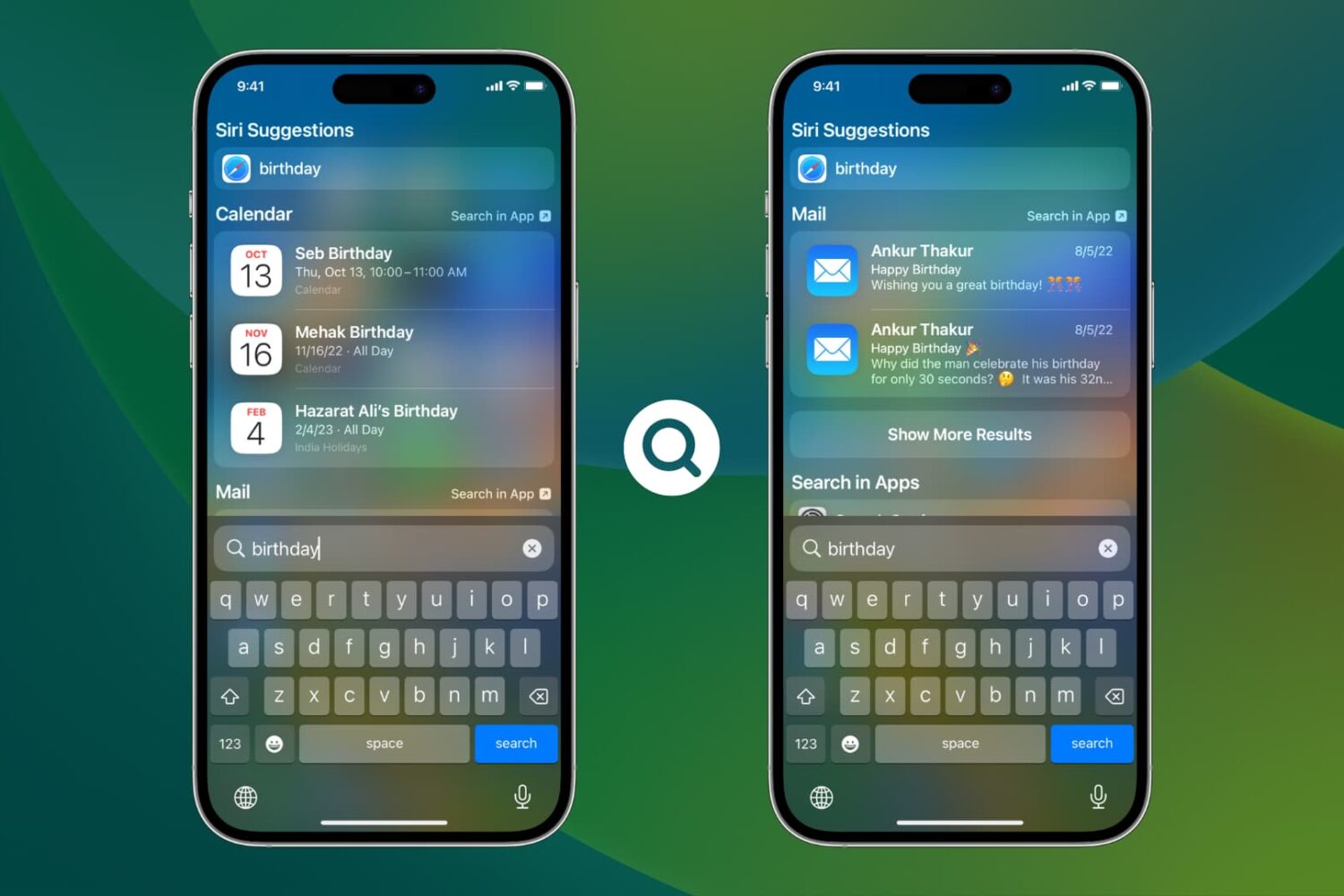
Learn how to exclude in-app data from specific apps in Spotlight Search results on iPhone or iPad to conceal content and increase your privacy.
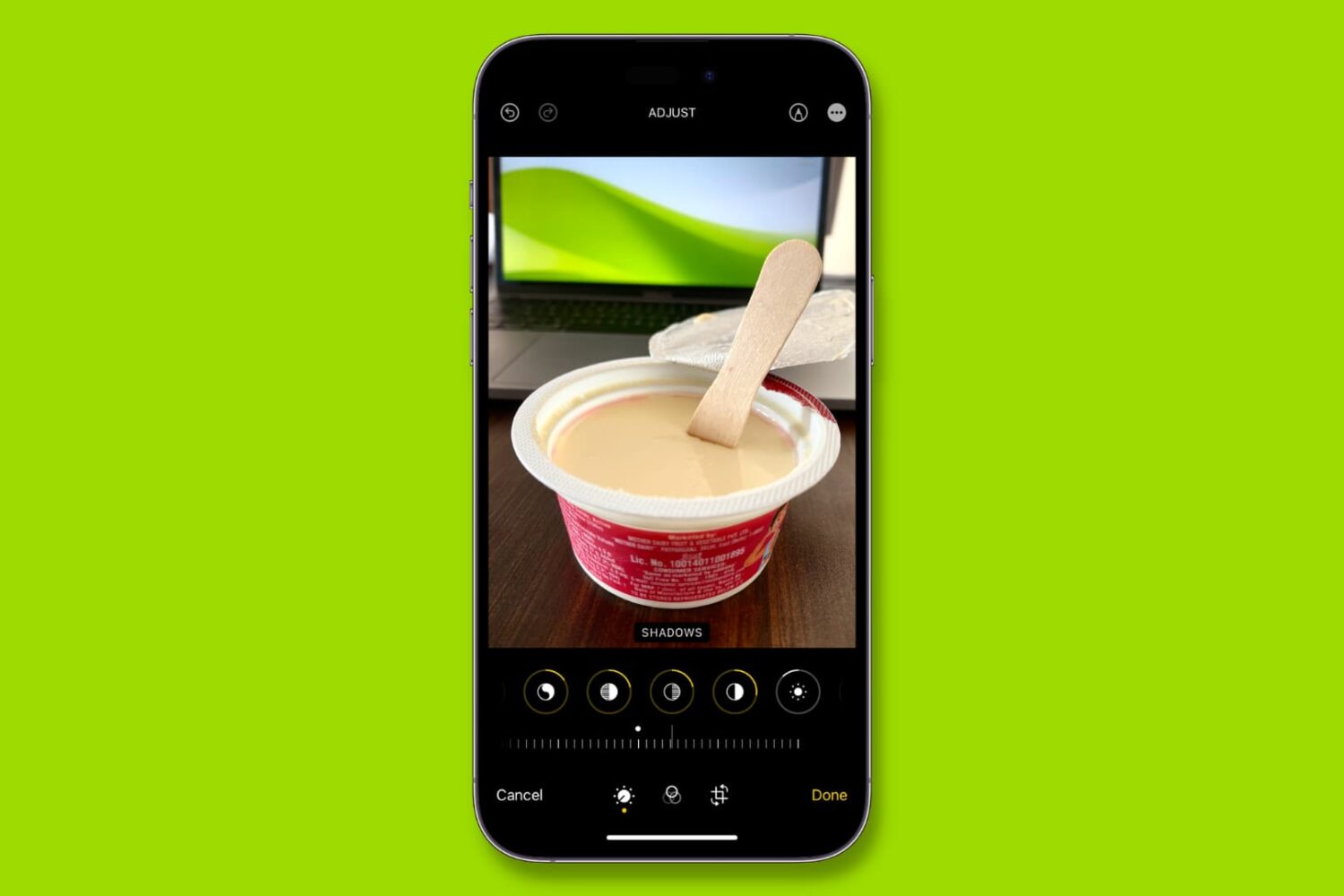
Learn how to copy edits from one photo and paste them onto other images in the Photos app on your iPhone or iPad, allowing you to apply the same adjustments to multiple pictures without editing each one separately.
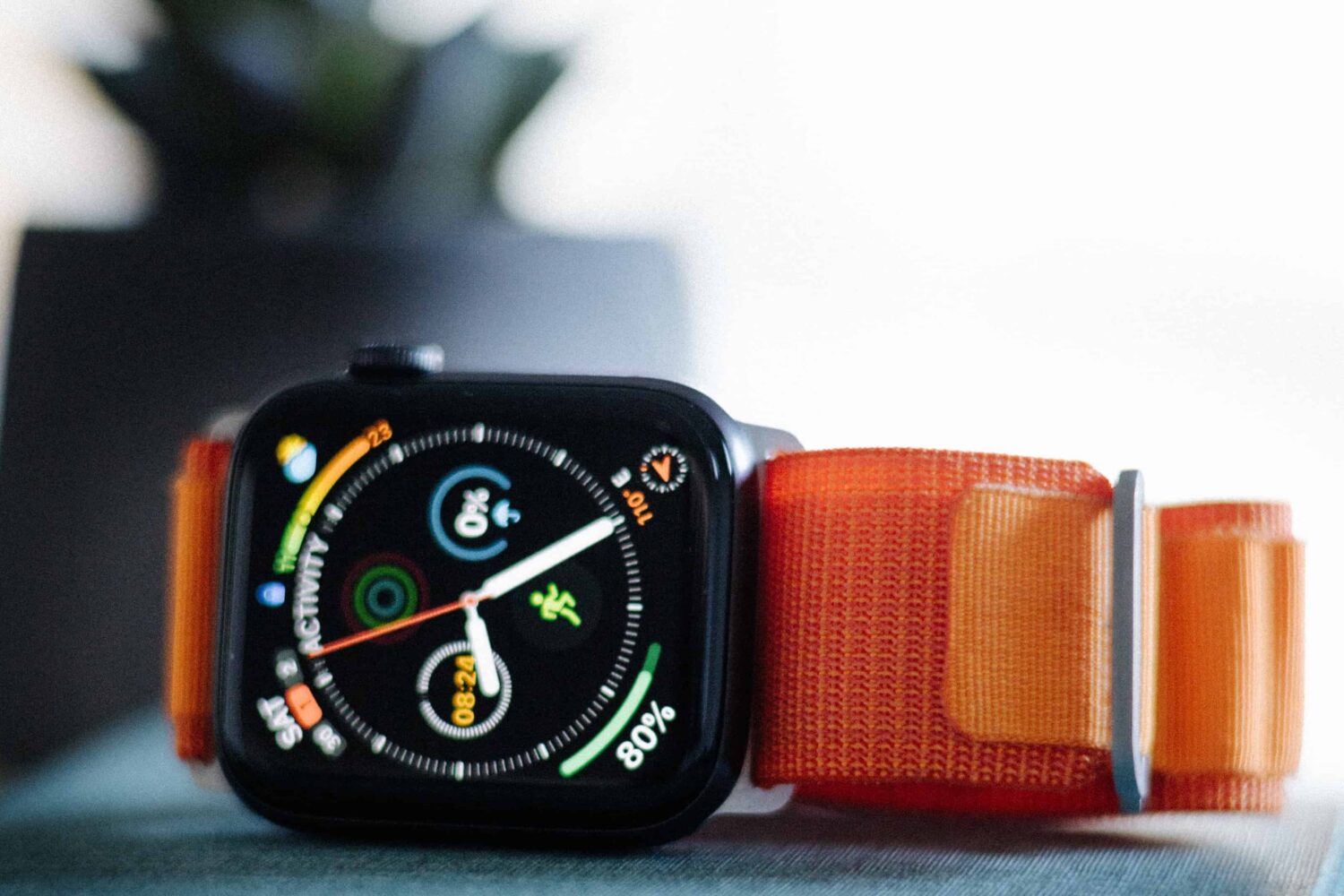
Would using an Apple Watch without its paired iPhone get you through the day? Watch our video to see how useful Apple's warble device is on its own.

Grab your iPhone and follow along with our video roundup highlighting some of the lesser-known, hidden features in Apple's iOS 16 software.
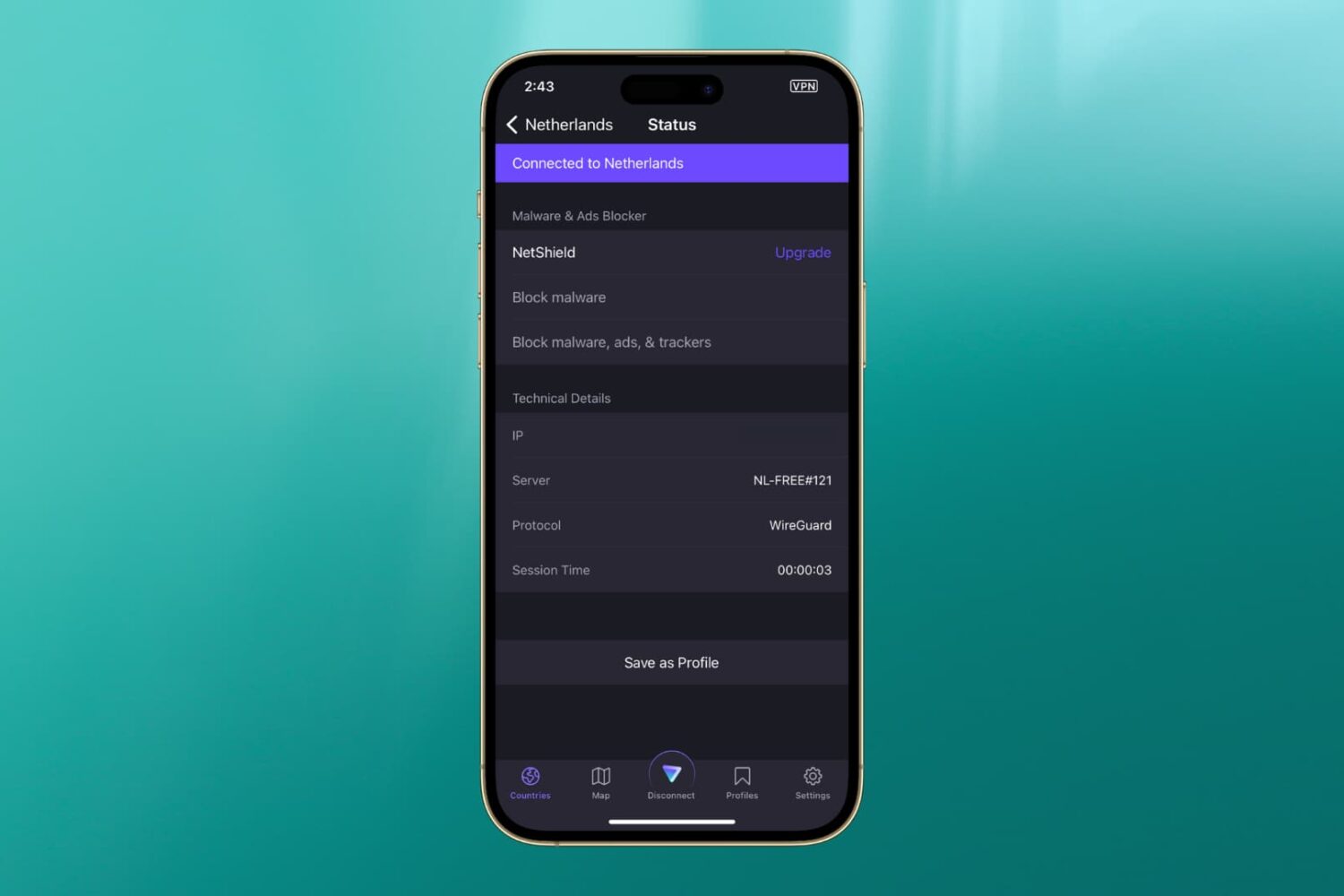
In this guide, we’ve listed the top solutions to fix the most common VPN issues that you may encounter on your iPhone or iPad.
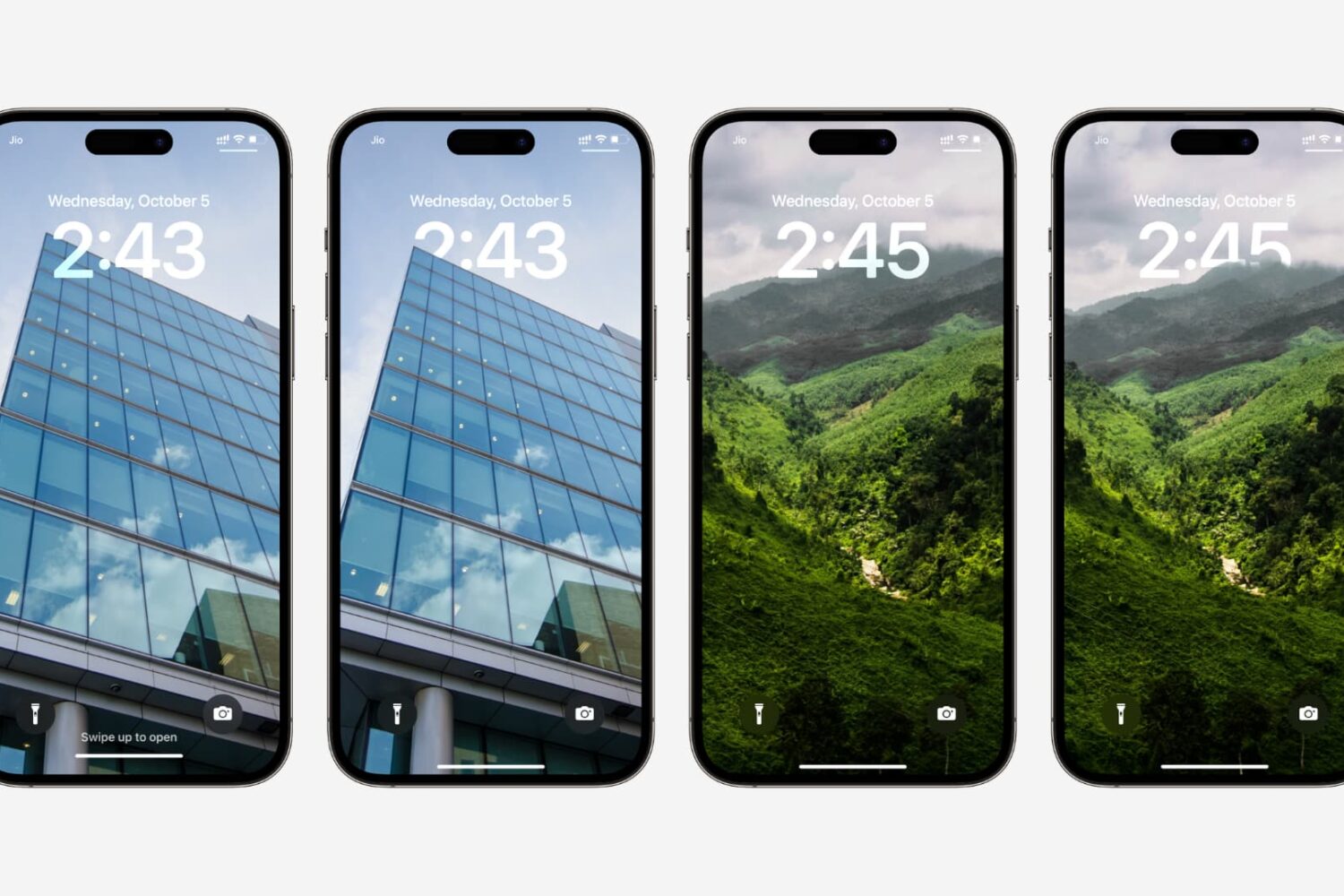
Learn how to fix the multi-layered depth effect not working on your iPhone or iPad’s Lock Screen wallpaper.
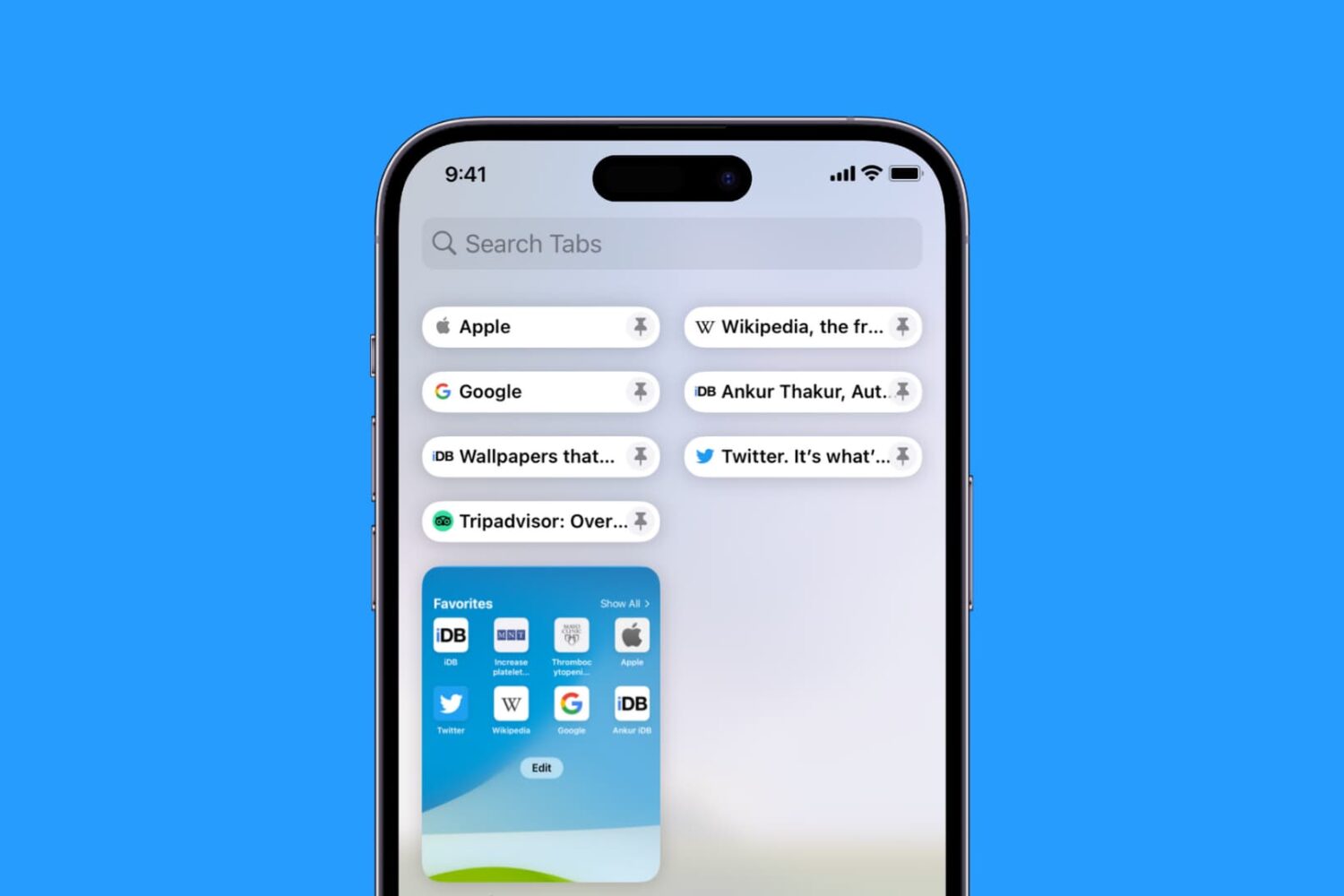
Learn how to pin Safari tabs on your iPhone, iPad, and Mac so that you can quickly get to your favorite websites anytime.
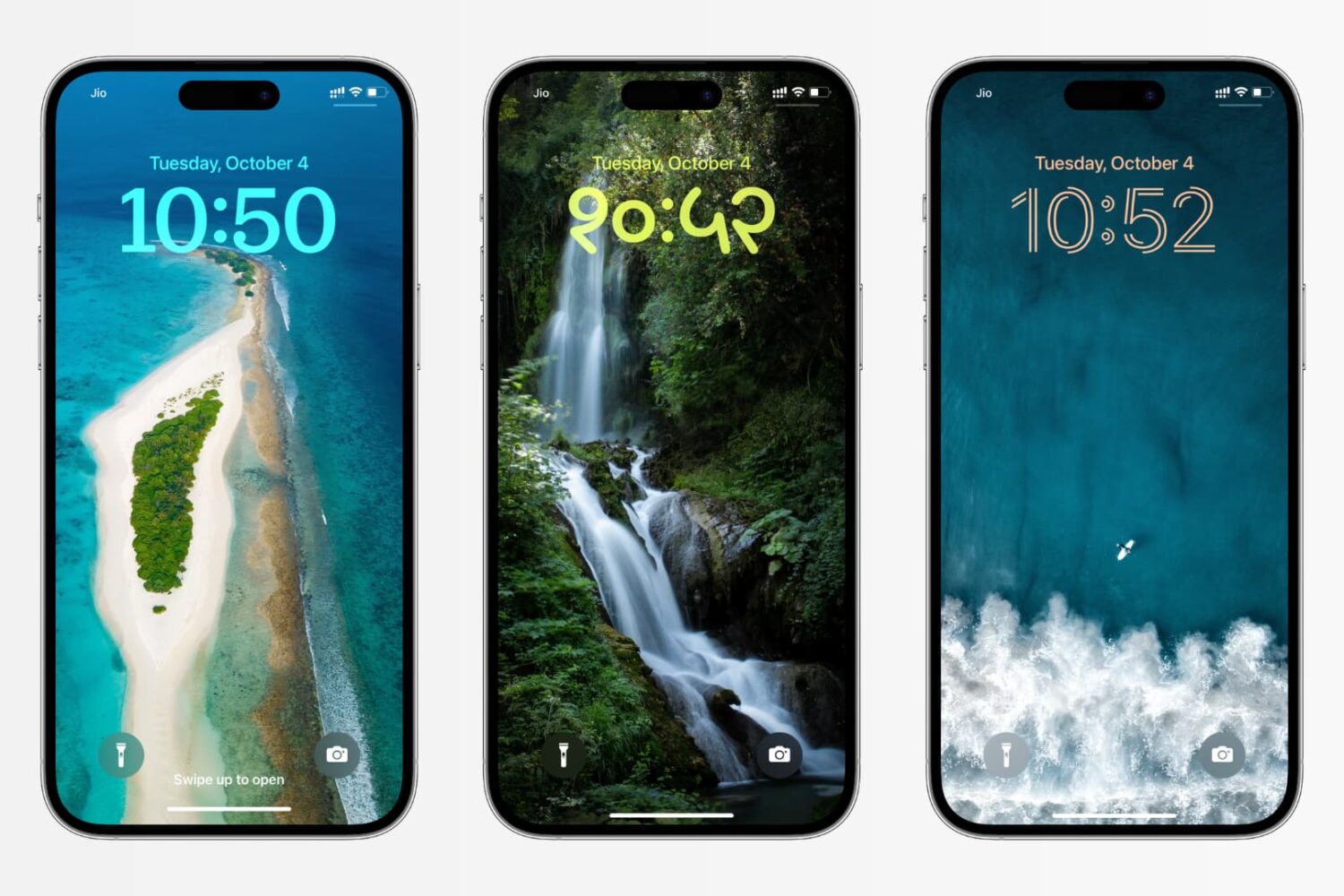
In this tutorial, we’ll show you how to change the color, font, and even the script for the clock on your iPhone or iPad Lock Screen to create a unique look.