iPhone

Stay up-to-date on the latest iPhone news and learn new tips and tricks with our comprehensive tutorials. From software updates to new features, we’ve got you covered.

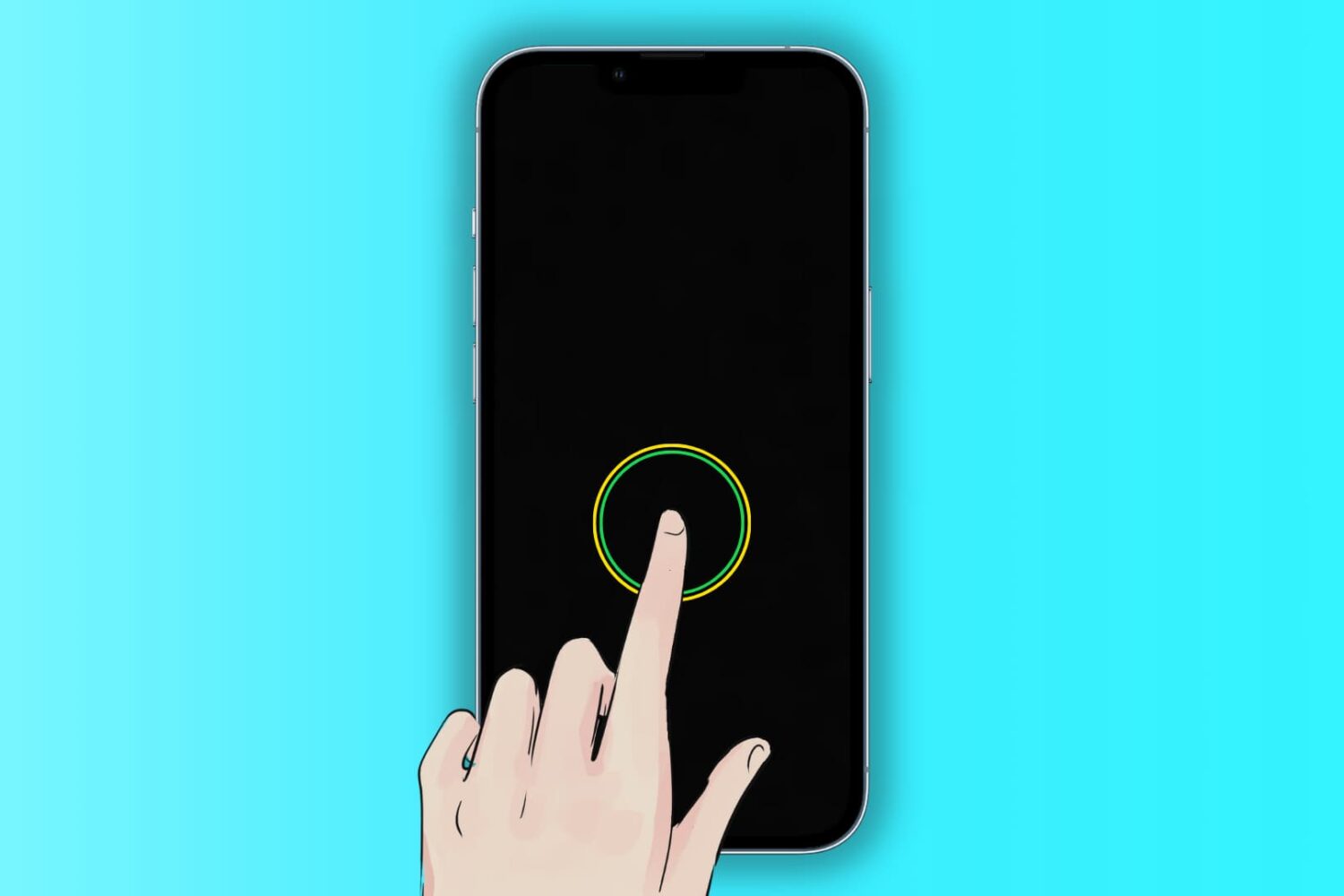
Fix iPhone or iPad not waking by tapping the Lock Screen

Illustration of a locked iPhone showing the black Lock Screen and a finger tapping the screen to wake it

The Tap to Wake feature lets you wake the iPhone and iPad screen with a single tap. When the screen lights up, it triggers Face ID unlock and also enables you to see what’s on your Lock Screen, like date & time, new notifications, missed calls, widgets, texts, etc.

Go through these solutions if Tap to Wake isn’t working for you.