Learn about two ways to message yourself on WhatsApp for creating quick shopping lists, to-dos, storing documents, and more.
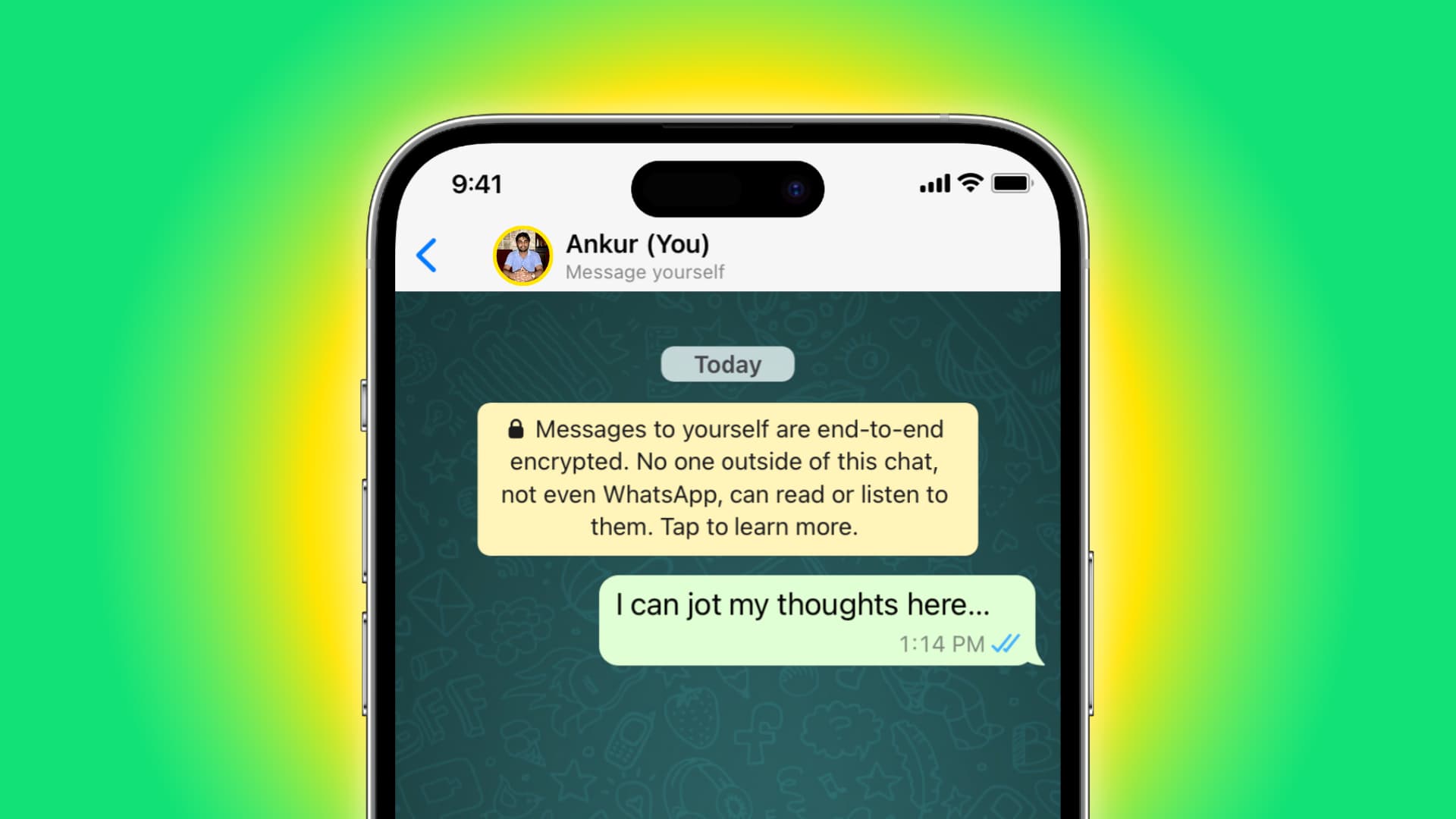
Here are some reasons you’d want to send messages to yourself on WhatsApp:
To-dos: You can message yourself and use that chat as a quick to-do or shopping list.
Store IDs: Since WhatsApp chats are encrypted, you can send yourself frequently used documents like a school ID, government ID, or driver’s license, and they will be saved there.
Daily diary: You can use it as a diary to note your daily activities, and thanks to the WhatsApp chat backup feature, you don’t have to worry about losing your entries.
Save links: You can use it to save web links and visit them later with a tap. I save useful YouTube Shorts videos here, as they can’t be added to YouTube’s Watch Later playlist.
Send messages to yourself on WhatsApp
- Open WhatsApp and tap the new message button at the top of the Chats section.
- Tap the name that has (You) next to it and ‘Message yourself’ underneath it.
- This will start a WhatsApp chat with your own phone number. Type your message or attach photos, videos, documents, etc., and hit send.

Pro tip: Go back to the all chats screen, swipe right on your chat, and tap Pin to stick this conversation to the top of all your chats. This way, you can message yourself quickly, since you no longer have to scroll and find this chat among other conversations.

Create a group and remove all participants
You can also create a new group with just two participants (you and the other person). And then, remove the other person, so you are the only one left in the group. Use it to note stuff privately.

You can use both methods to have two conversations with yourself and keep different things in them. For example, one can be for casual to-dos and stuff, while the other has important documents, IDs, etc.
More WhatsApp tips for you: