Learn how to quickly connect to a Wi-Fi network by scanning a QR code with an iPhone's camera without having to type long, complicated passwords.
How to quickly join a Wi-Fi network using your iPhone Camera app

Stay up-to-date on the latest iPhone news and learn new tips and tricks with our comprehensive tutorials. From software updates to new features, we’ve got you covered.
Learn how to quickly connect to a Wi-Fi network by scanning a QR code with an iPhone's camera without having to type long, complicated passwords.

Scrolling through long lists quickly becomes tiresome. With this secret iPhone gesture, however, you can jump to the most recent item in any list with a single tap.

Check out the quick steps to add hashtags and other Instagram account links to your profile bio section that lead to their corresponding pages.
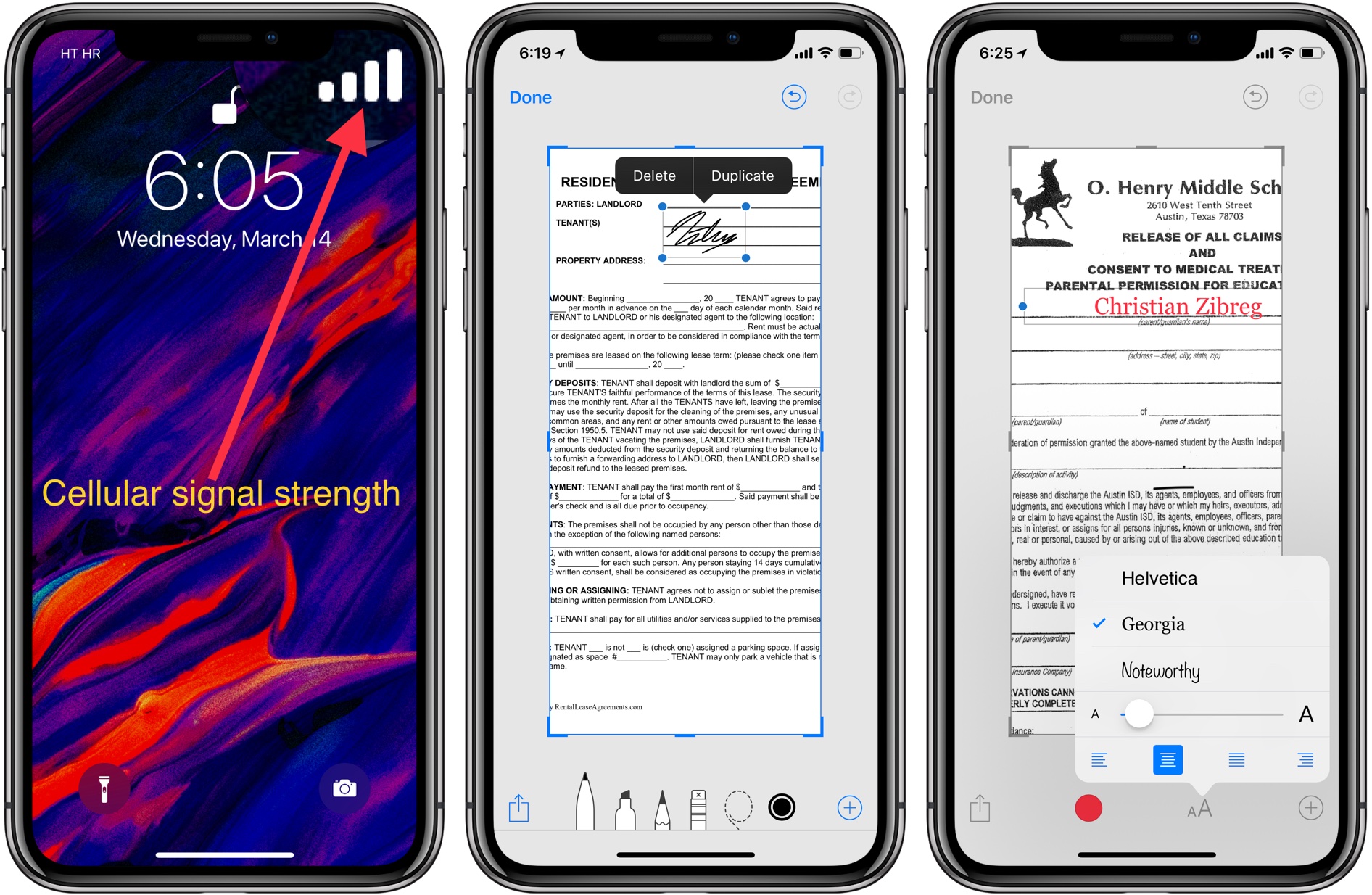
With Instant Markup on iPhone and iPad, you can annotate or quickly edit screenshots right after taking them. You can do things like add text and vector shapes to your screenshots, doodle anything with your finger or Apple Pencil, zoom in on a part of a screenshot to emphasize it, and much more. Let's show you how.

In this tutorial, we will share the easy steps to filter reviews for an app on the iPhone or iPad App Store. This will help you see only the most favorable, critical, recent, or helpful reviews.
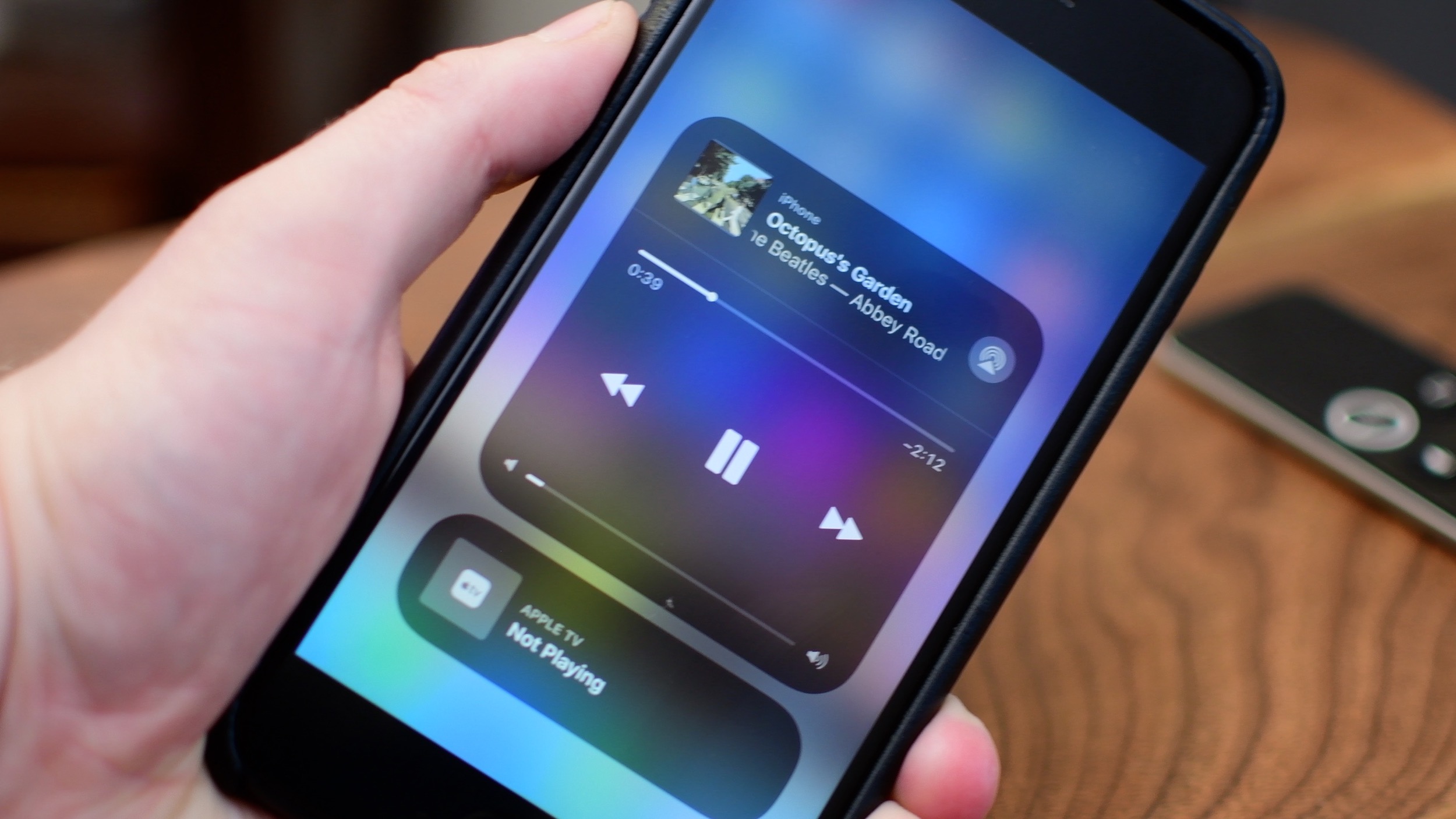
iOS 11 brought a customizable Control Center and also moved AirPlay options around.
Learn how to save an email as a PDF document on your iPhone, iPad, and Mac without having to use third-party apps or any dedicated printing extensions.

In this tutorial, we'll guide you through the steps to download and install the latest software version on your HomePod using your iPhone, iPad, or Mac, so you can enjoy all the newest features on your smart speaker.

One of the ways of keeping your smartphone addiction under control entails checking out how much time you're actually spending in apps on your iPhone, iPad, or iPod touch. iOS includes a feature that allows you to see the time spent on apps, but it's buried counterintuitively in an unlikely place where most people won't bother looking.
Here's how to use it.

Find out how to remove the Finish Setting Up Your iPhone or iPad alert that’s added to the top of the Settings app if you skip a step during device setup.
In this tutorial, we’ll let you in on a little iPhone trick to skip past the screenshot-editing screen and jump directly from your screenshot to the iOS Share Sheet.

Learn how to minimize your Netflix data usage without sacrificing video quality, ensuring smoother streaming and lower bills.