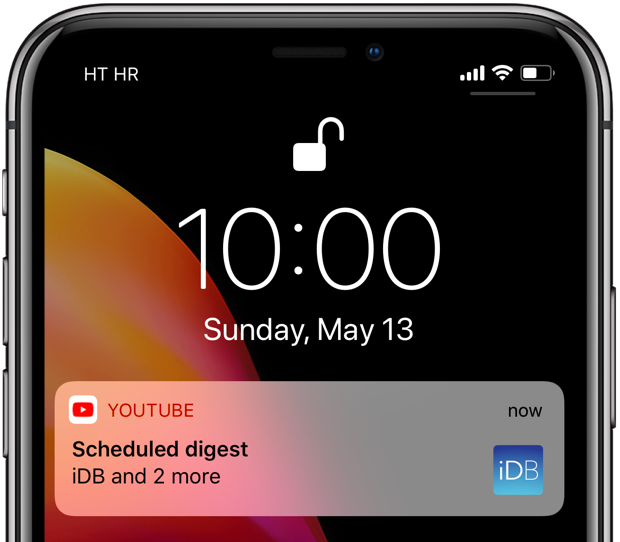
YouTube scheduled digest is a cool feature that will reduce your notification overload.
Notification hell? Here’s how to set up and customize YouTube scheduled digest.
Stay up-to-date on the latest iPhone news and learn new tips and tricks with our comprehensive tutorials. From software updates to new features, we’ve got you covered.
YouTube scheduled digest is a cool feature that will reduce your notification overload.
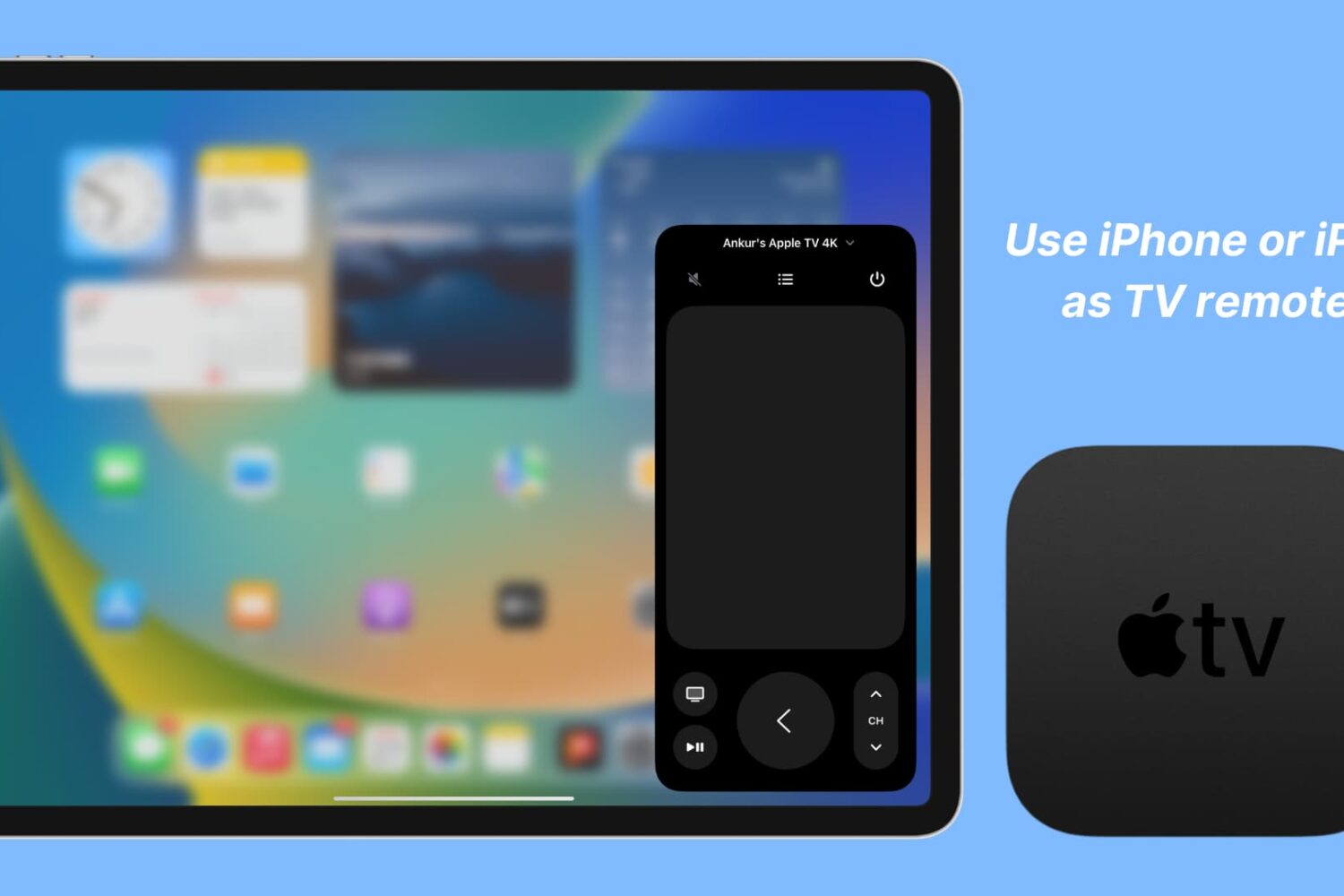
Apple TV owners know the frustration of losing or misplacing their remote. The good news is that with a few simple steps, you can set up your iOS device as an Apple TV remote replacement.
In this article, we will show you how to set up and use your iPhone or iPad as an Apple TV remote, so you can easily navigate and control your Apple TV without the Siri remote.
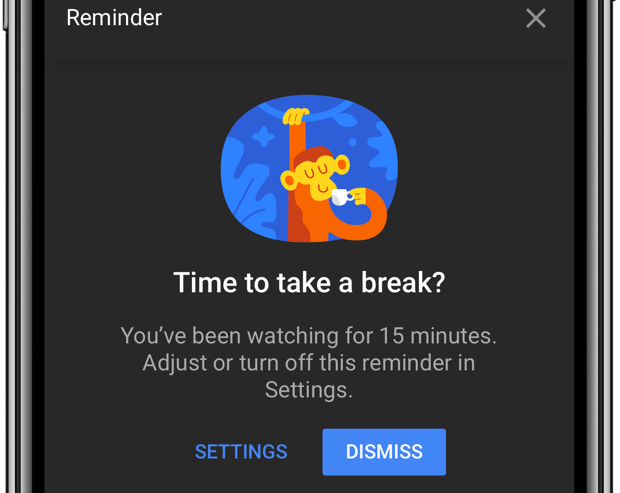
Do you lack self-control? Then you're not surprised that YouTube is a major time-suck.
It's perfectly fine to go down YouTube's rabbit hole every now and then. The world's most-trafficked video site, once a clearinghouse for kitten videos, has become both a cultural phenomenon and a go-to platform for the next-generation of truly innovative video creators.
And with its ever-improving recommendation engine, it’s all too easy to waste precious time on related videos that you didn’t really mean to watch but deemed too interesting to pass on. YouTube's app features custom reminders for when you'd like to take a break from watching.
Learn how to watch YouTube videos in High Dynamic Range (HDR) on your iPhone or iPad to get more realistic colors than standard video.
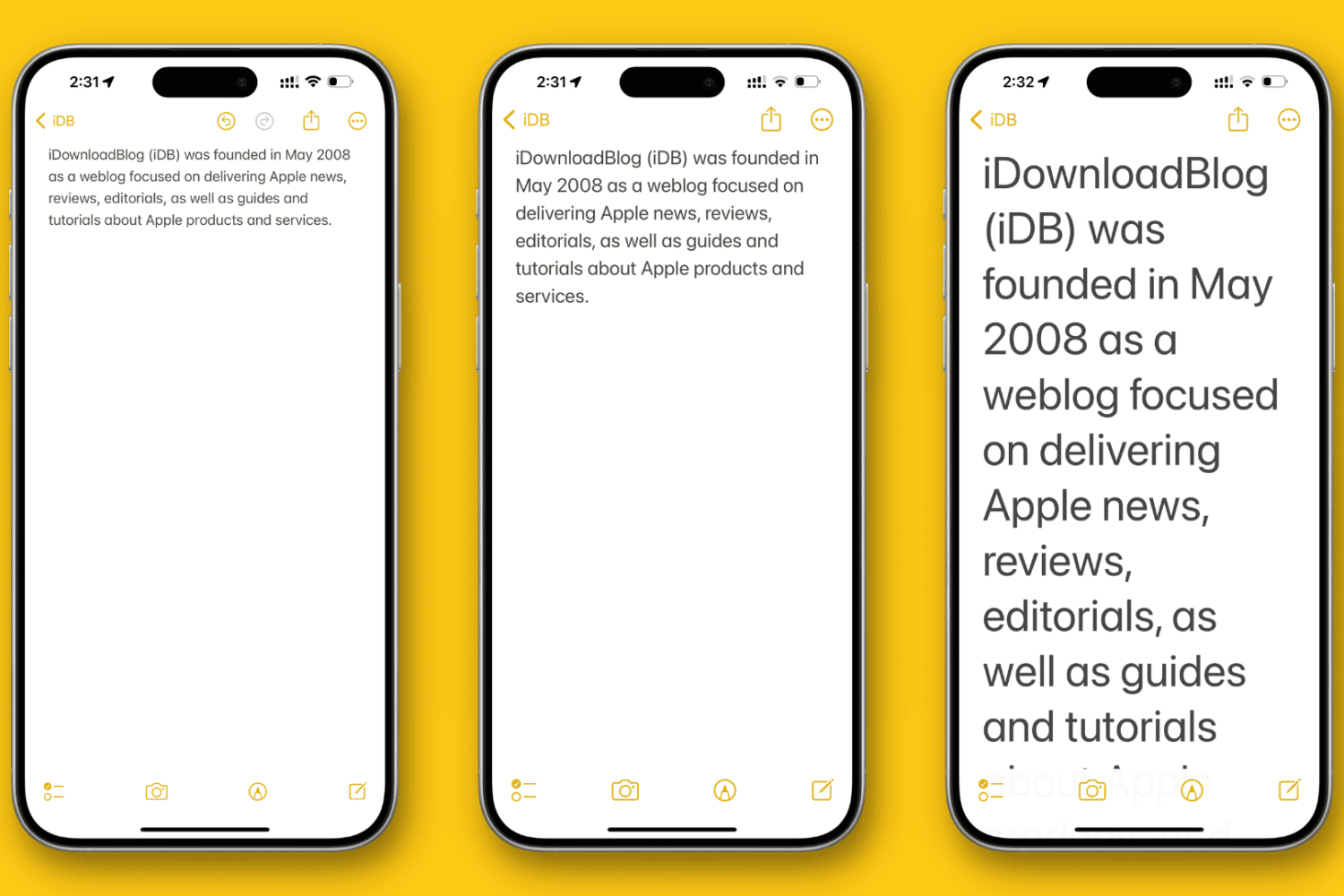
In this tutorial, we’ll show you how to change the overall text size to a level that makes it comfortable to view the contents on your iPhone or iPad screen.
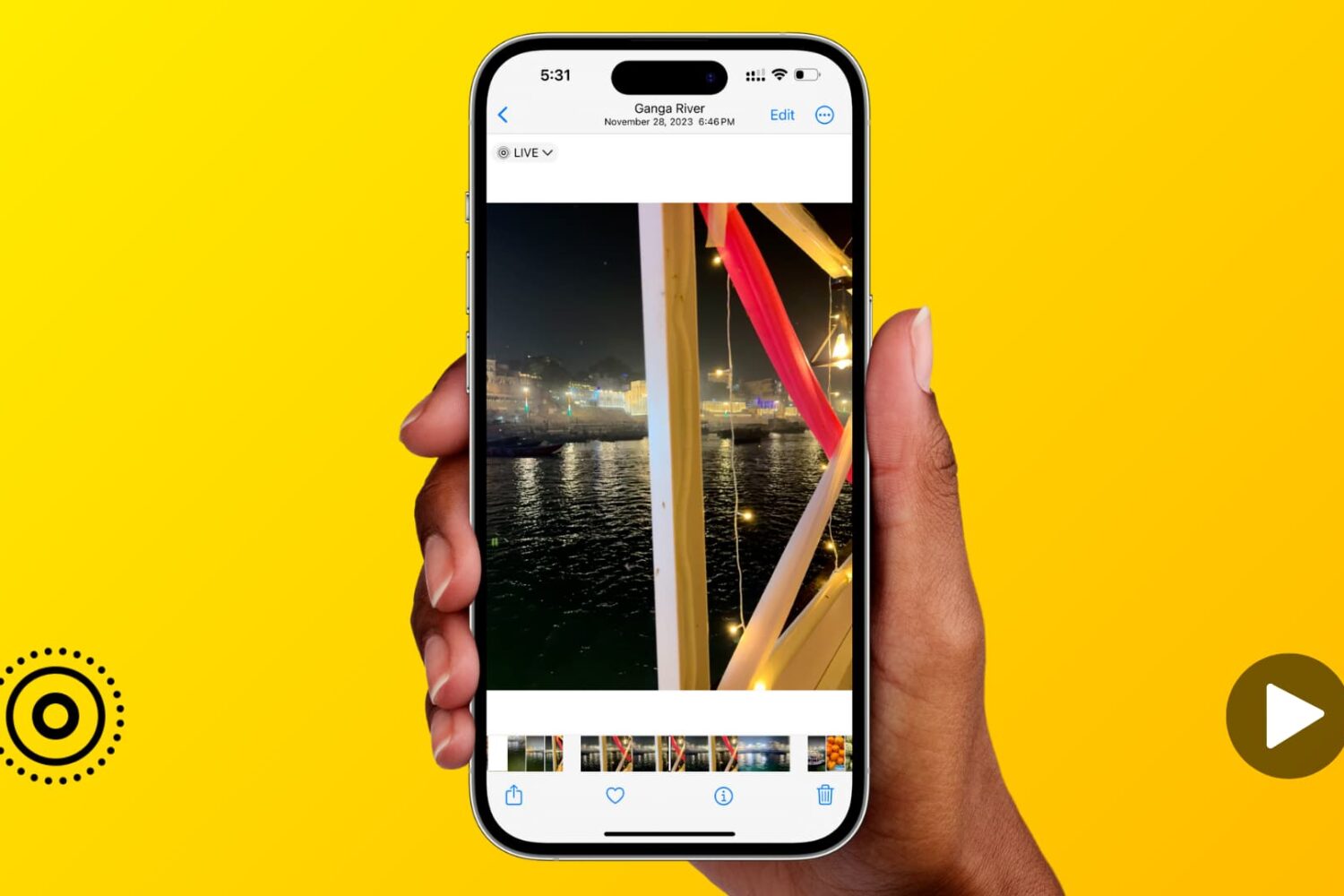
Learn how to expand the image scrubber into a handy video timeline when viewing a Live Photo in the Photos app on your iPhone or iPad.
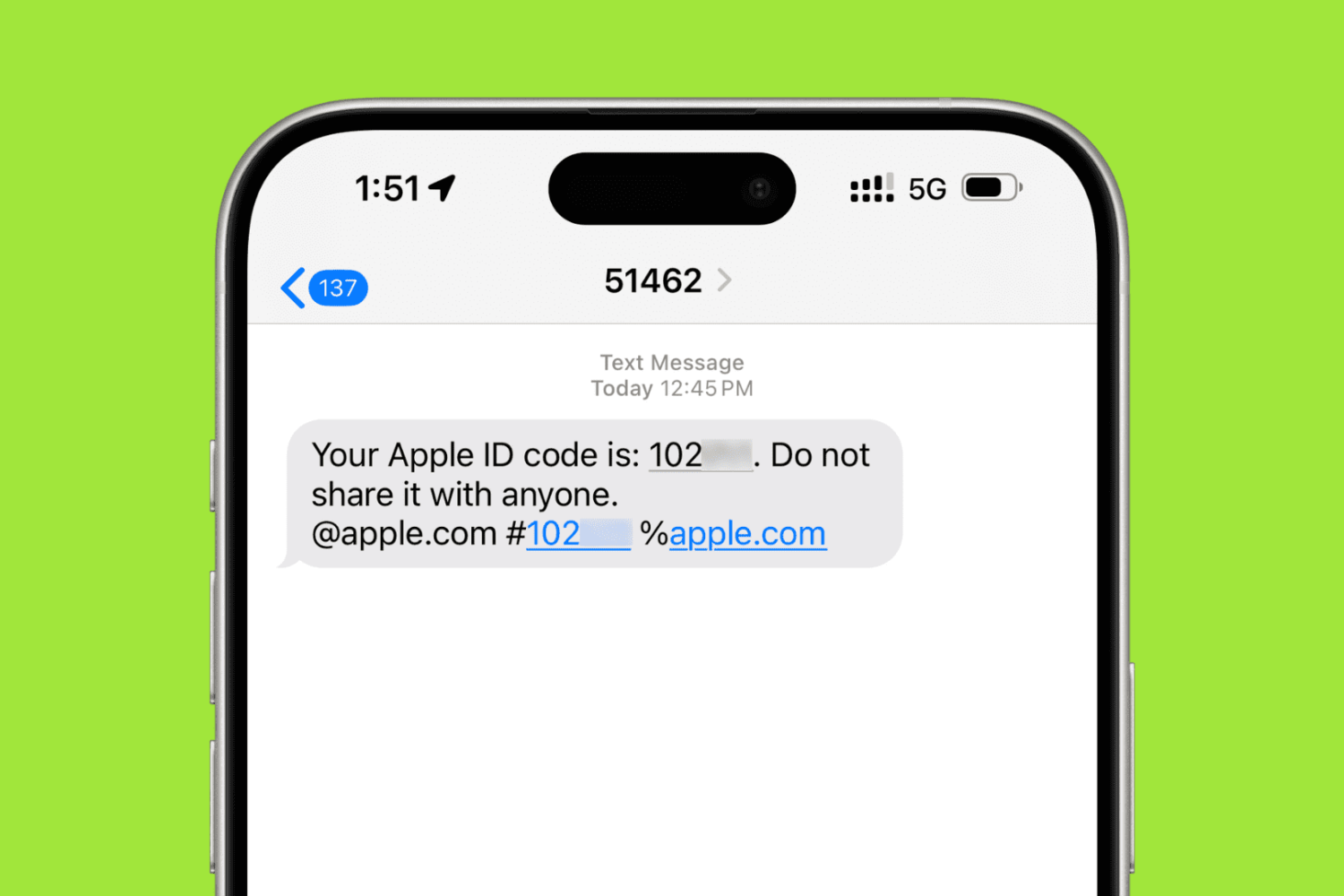
In this step-by-step tutorial, we’ll show you how to add a trusted phone number to your Apple Account for two-factor authentication (2FA) purposes. These steps will also help if you want to remove an existing phone number and stop it from receiving 2FA login codes.

Learn how to enable lines and grids in the background of your notes for a more organized and efficient note-taking experience on iPhone and iPad.

Facebook takes advantage of facial recognition in several ways.
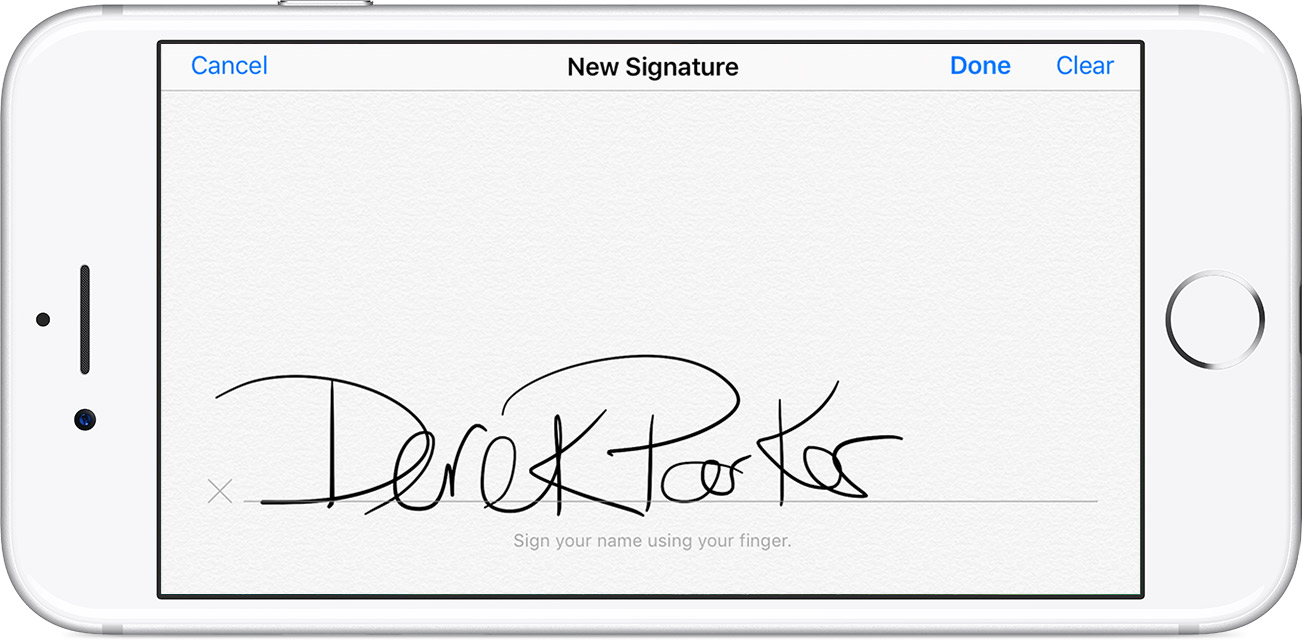
You can digitally sign PDF documents on your iPhone, iPad, or iPod touch without needing any third-party app. Here's how to use Apple's built-in Markup feature to add your signature to a PDF file or manually sign a document.
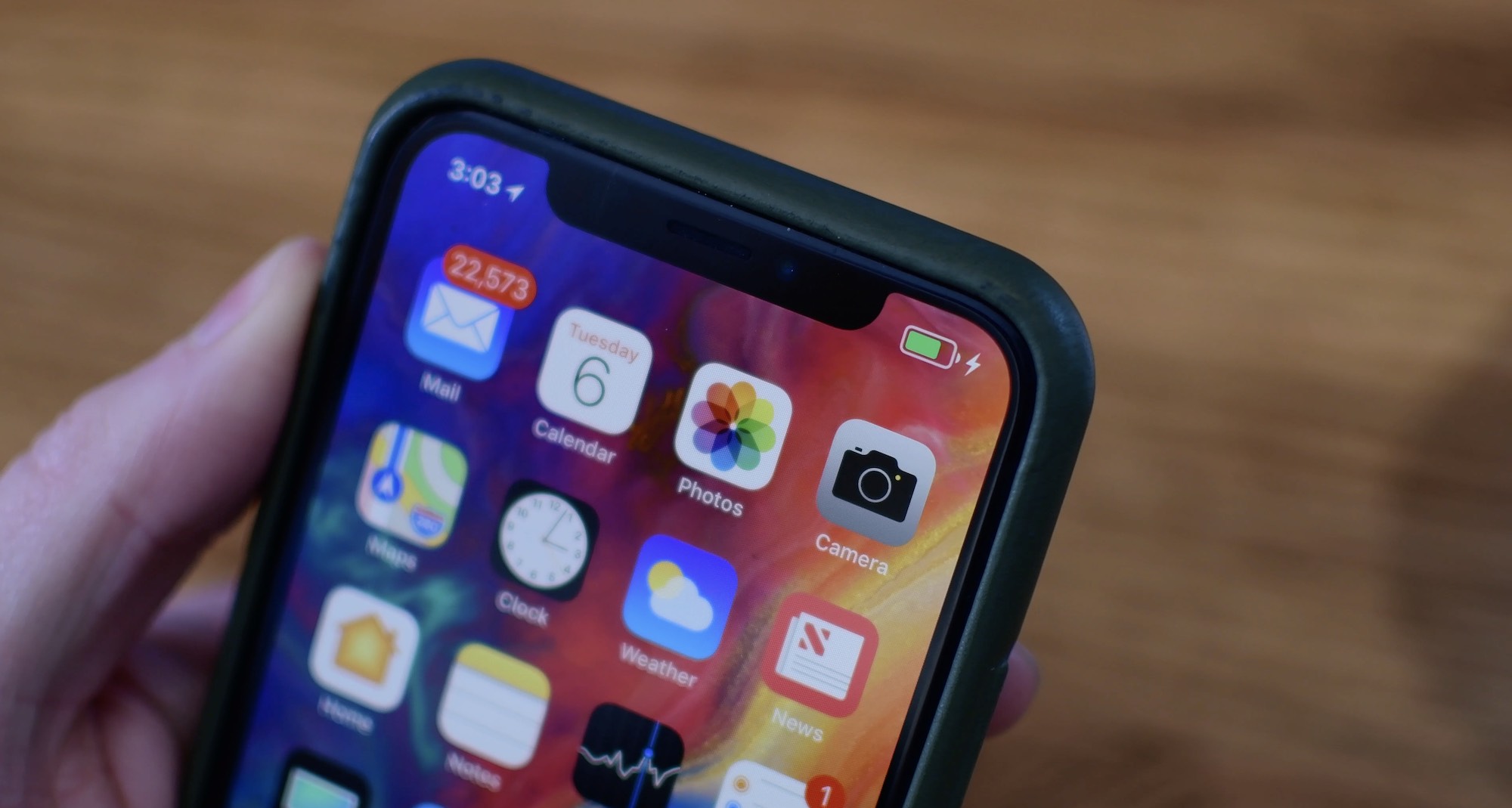
Learn more about your iPhone’s battery health, how it works, and what messages you may see in your battery settings if your performance is affected and you face unexpected shutdowns.
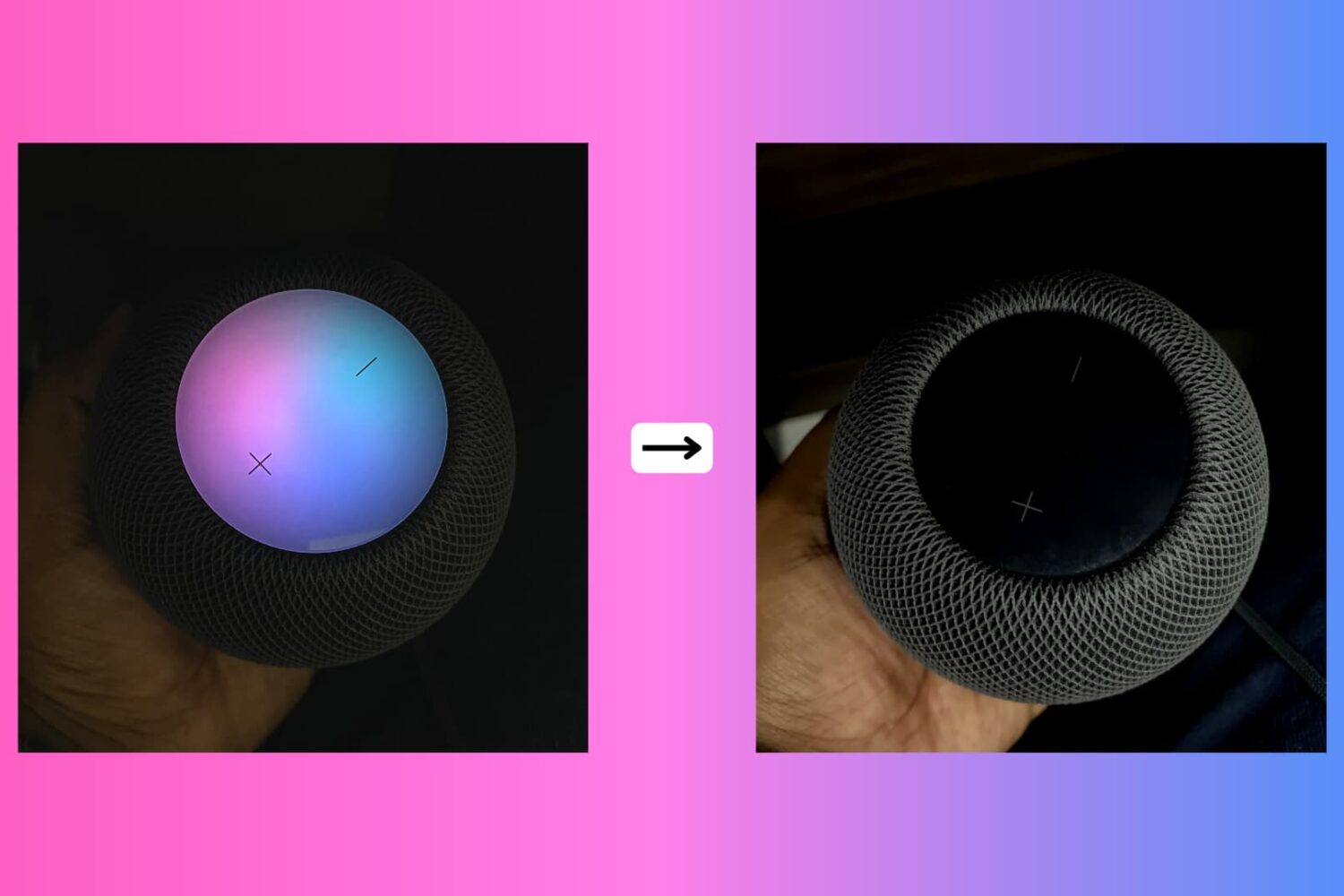
Due to its lack of a screen, HomePod's means of expressing itself are limited to the pulsating, colorful dot on its slick top surface. The design and implementation of the expressive light undoubtedly make for a masterclass in giving an inanimate speaker an air of personality.
While we do have a detailed breakdown of which of HomePod's lights exactly mean what, what we have not done yet is call attention to the fact that the lights can also be shut down - and no, I'm not talking about pulling the plug from the power outlet.
Why would you want your HomePod to become a stale, expressionless object? Well, perhaps you don't want your HomePod to emit as much light in the dark or prefer the look of a sleek black or white speaker sans the play of colors on top! Whatever floats your boat, each to their own, you get the gist. Maybe you just appreciate knowing that there is the option without ever seriously contemplating depriving HomePod of its quirky LED.
Whatever the reason you might decide to neuter your HomePod, there is a simple switch to do (and undo) just that.