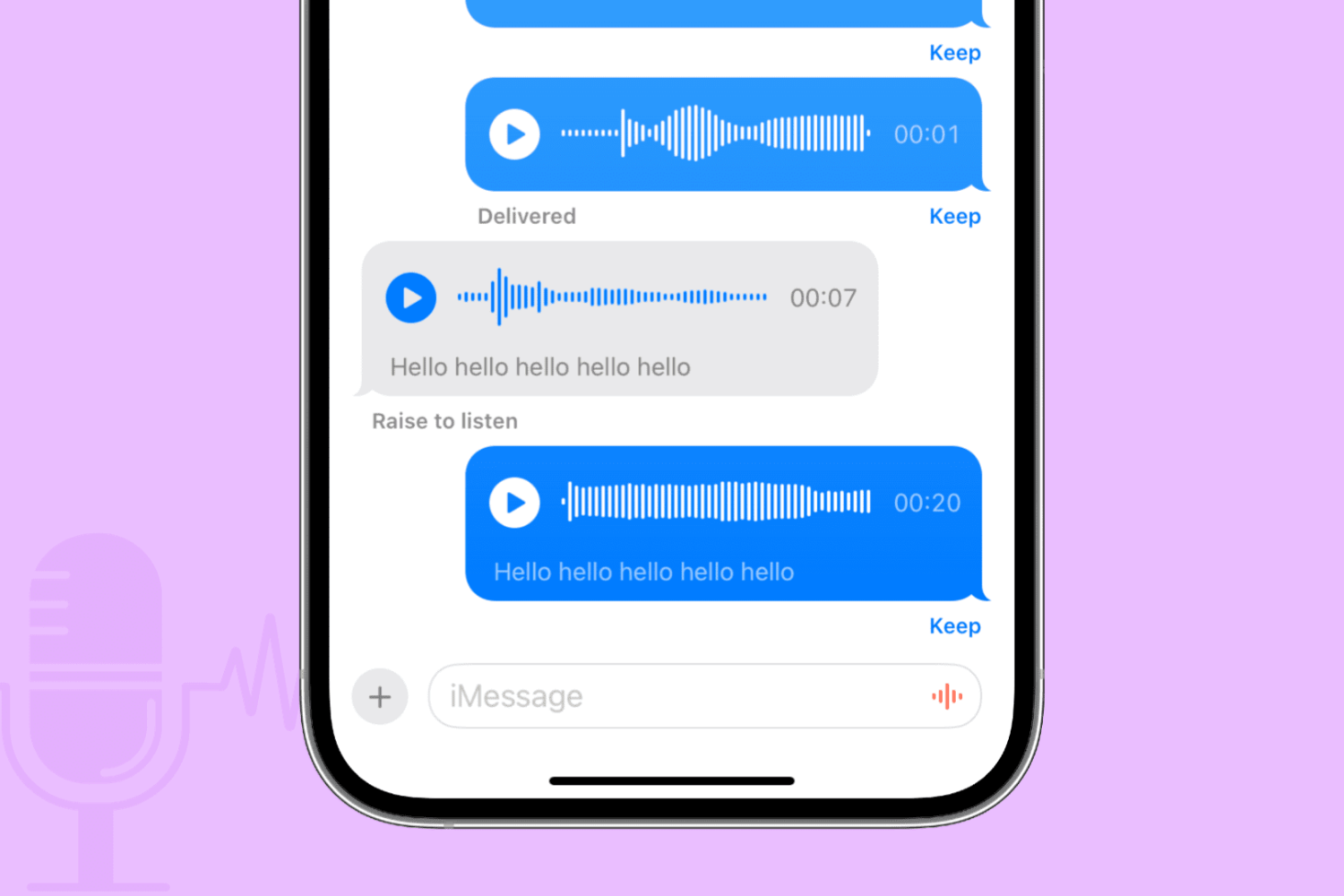
Learn to set precise times in 1-minute increments in the iPhone Calendar app to ensure accurate scheduling for your events.
How to set precise event time in iPhone Calendar
Stay up-to-date on the latest iPhone news and learn new tips and tricks with our comprehensive tutorials. From software updates to new features, we’ve got you covered.
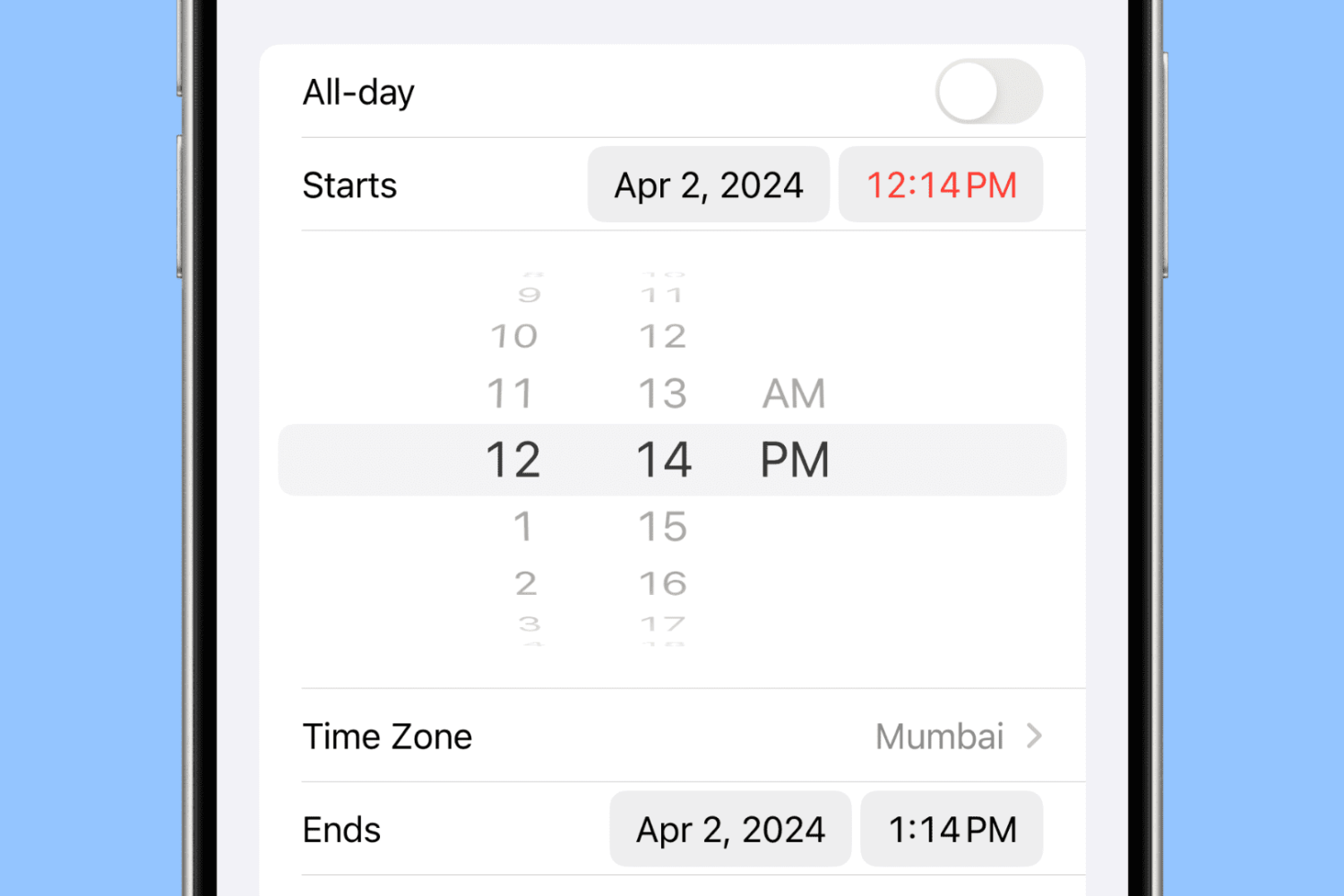
Learn to set precise times in 1-minute increments in the iPhone Calendar app to ensure accurate scheduling for your events.
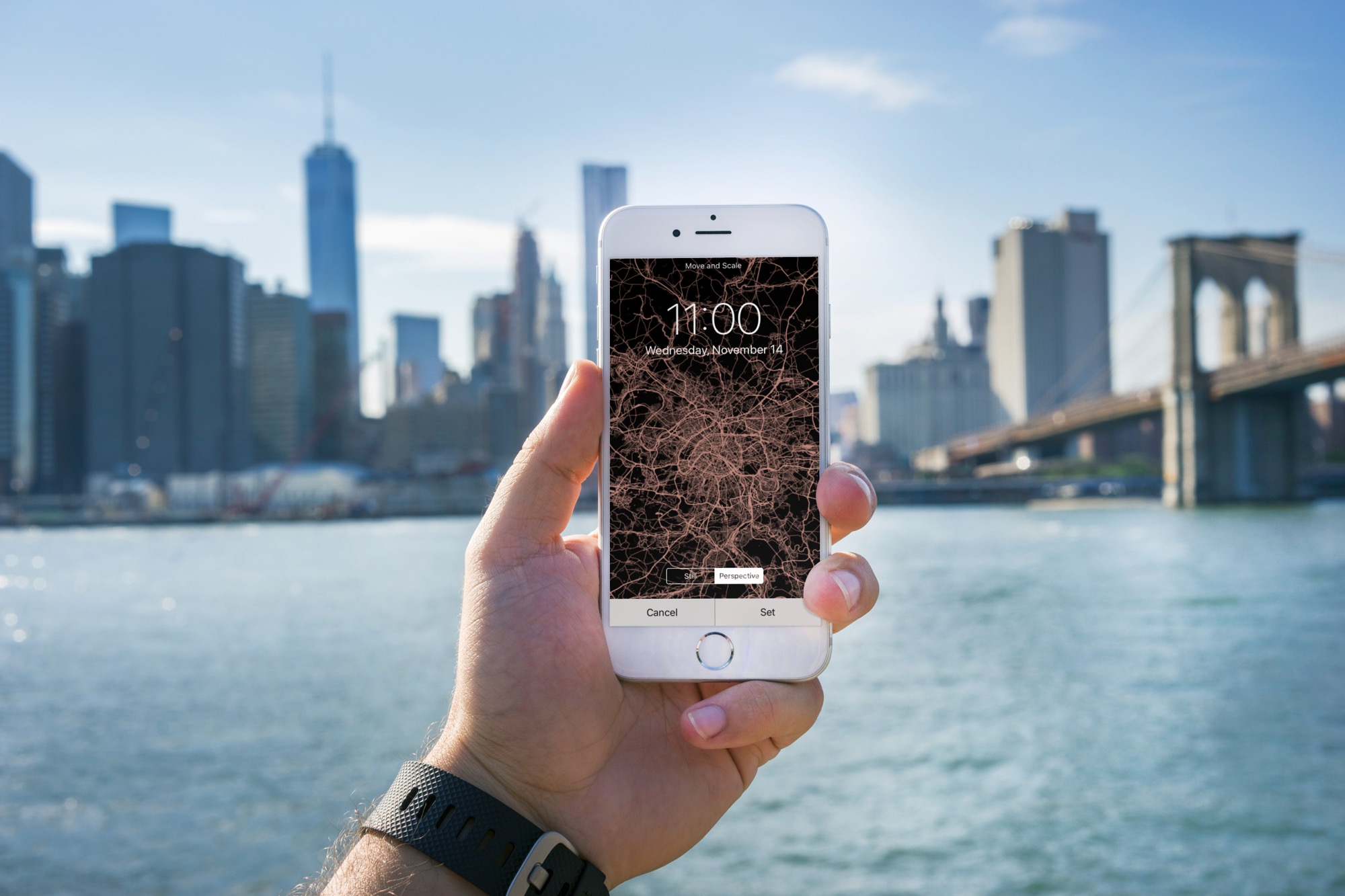
Learn how to turn the map of your location or a desired city into an image and set it as your iPhone Lock Screen and Home Screen wallpaper.
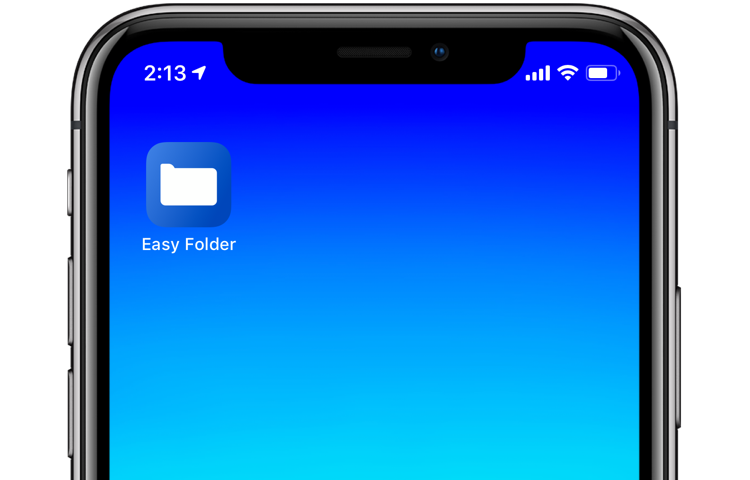
With iOS 12's Shortcuts app, power users can easily automate repetitive tasks by chaining multiple actions together. Your shortcuts are managed and organized in the Shortcuts app, but displaying them to the user as a list via another shortcut is quite challenging. This is where Easy Folder comes into play. This awesome shortcut, create by Reddit user “e10withadot,” acts as a virtual folder to which you can add any number of shortcuts, then easily pick one to execute via a popup menu at run time.
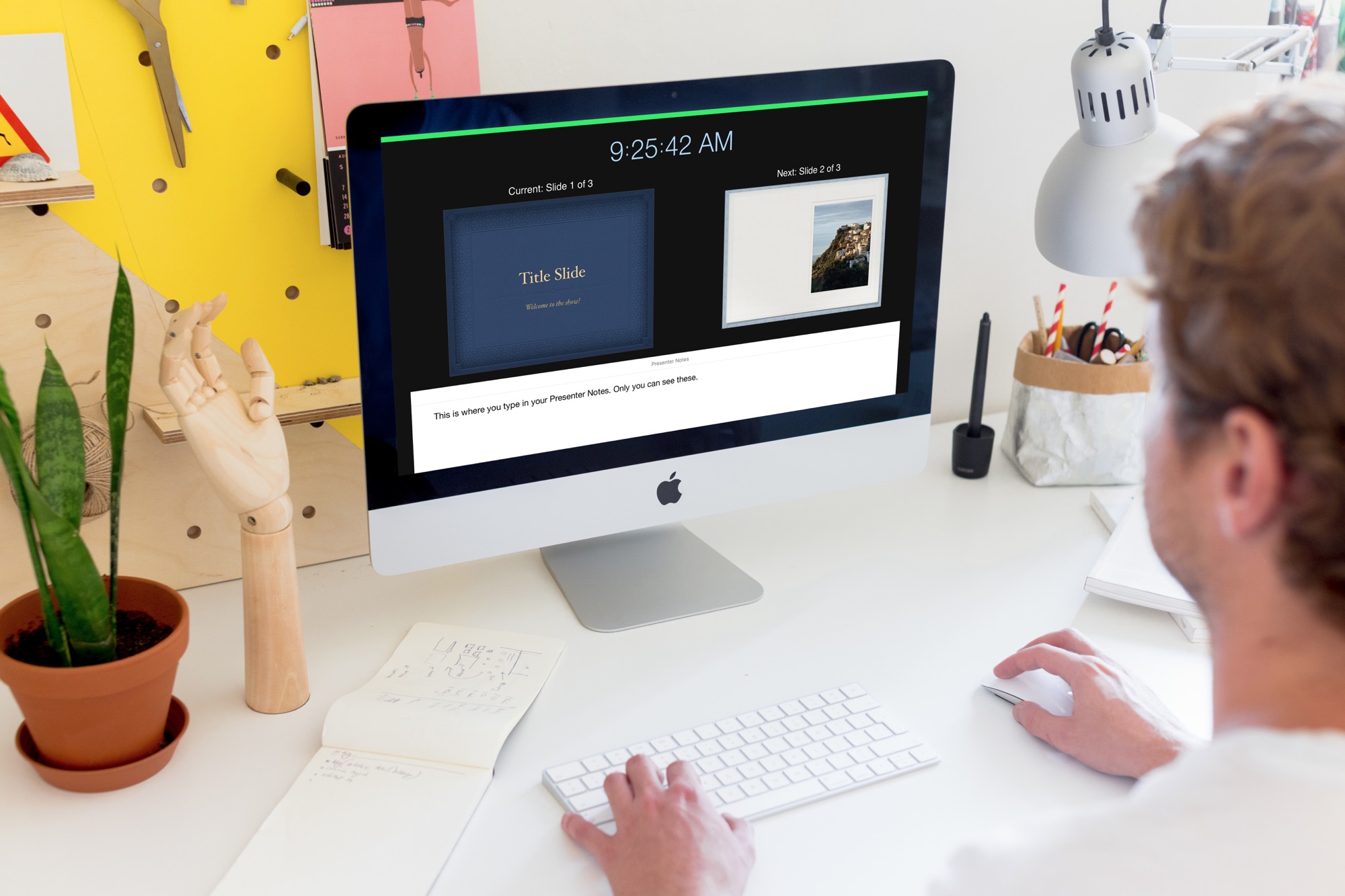
Learn how to create and use Presenter Notes in the Apple Keynote app on Mac, iPad, and iPhone to help you remember what you need to say or emphasize important points during your presentation.

In this tutorial, we’ll go over three easy ways to record your iPhone or iPad screen, with either just the internal audio or both internal and external sounds captured by the microphone.
In this tutorial, we’ll show you how to locate your iPhone’s UDID number to streamline app testing, device registration, troubleshooting, and more.
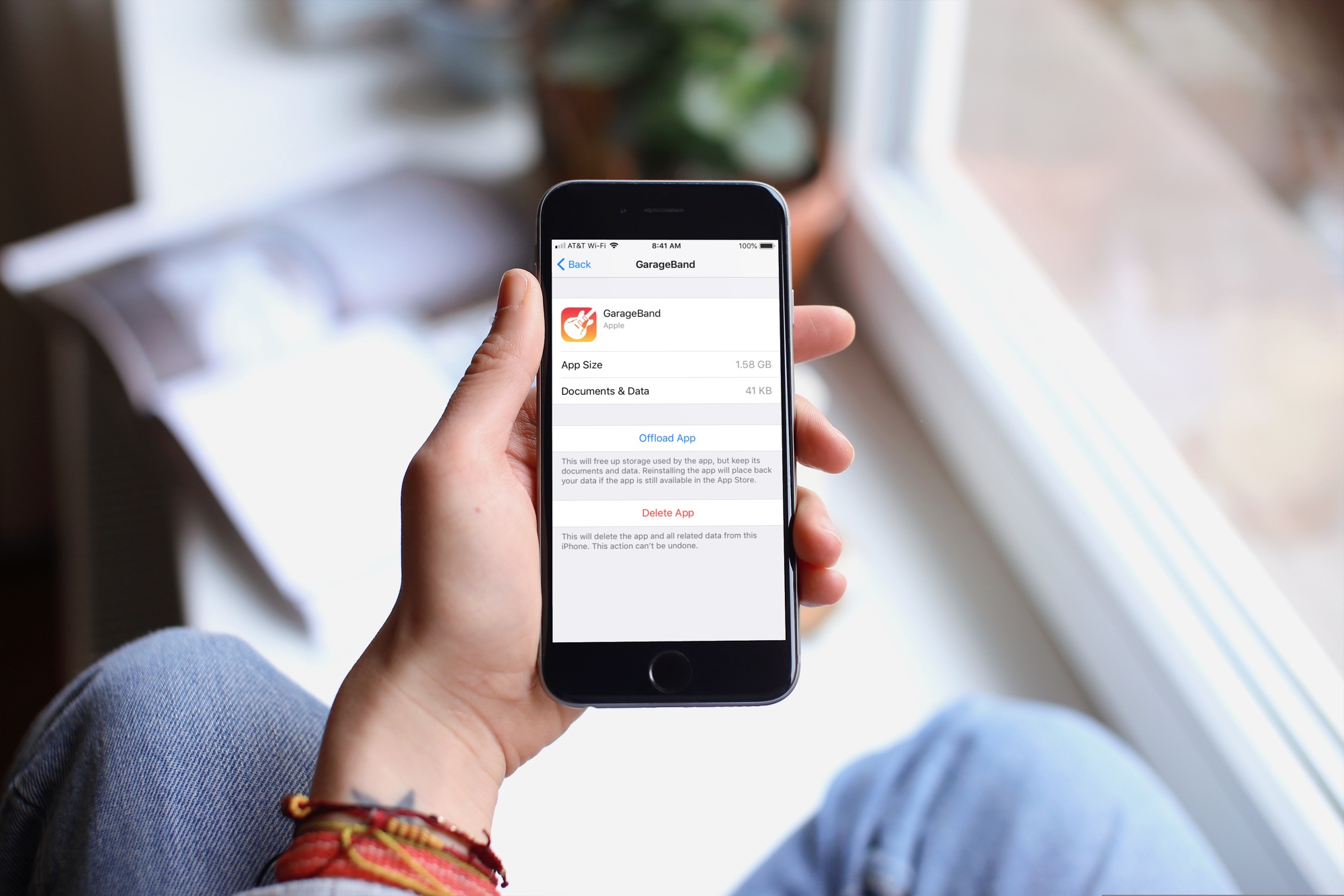
When you get that shiny new iPhone or iPad, you’re going to spend some time getting it just how you want it. One place you’ll likely begin is with the App Store. Whether it’s games or apps that tickle your fancy the most, you’re going to grab them. What comes with downloading the games and apps you want is enough space for them all.
So, why waste space on apps that you will never, ever use when you need it for those you want to use every day? Here’s how to quickly save over 2 GB of storage space on your new iPhone or iPad.
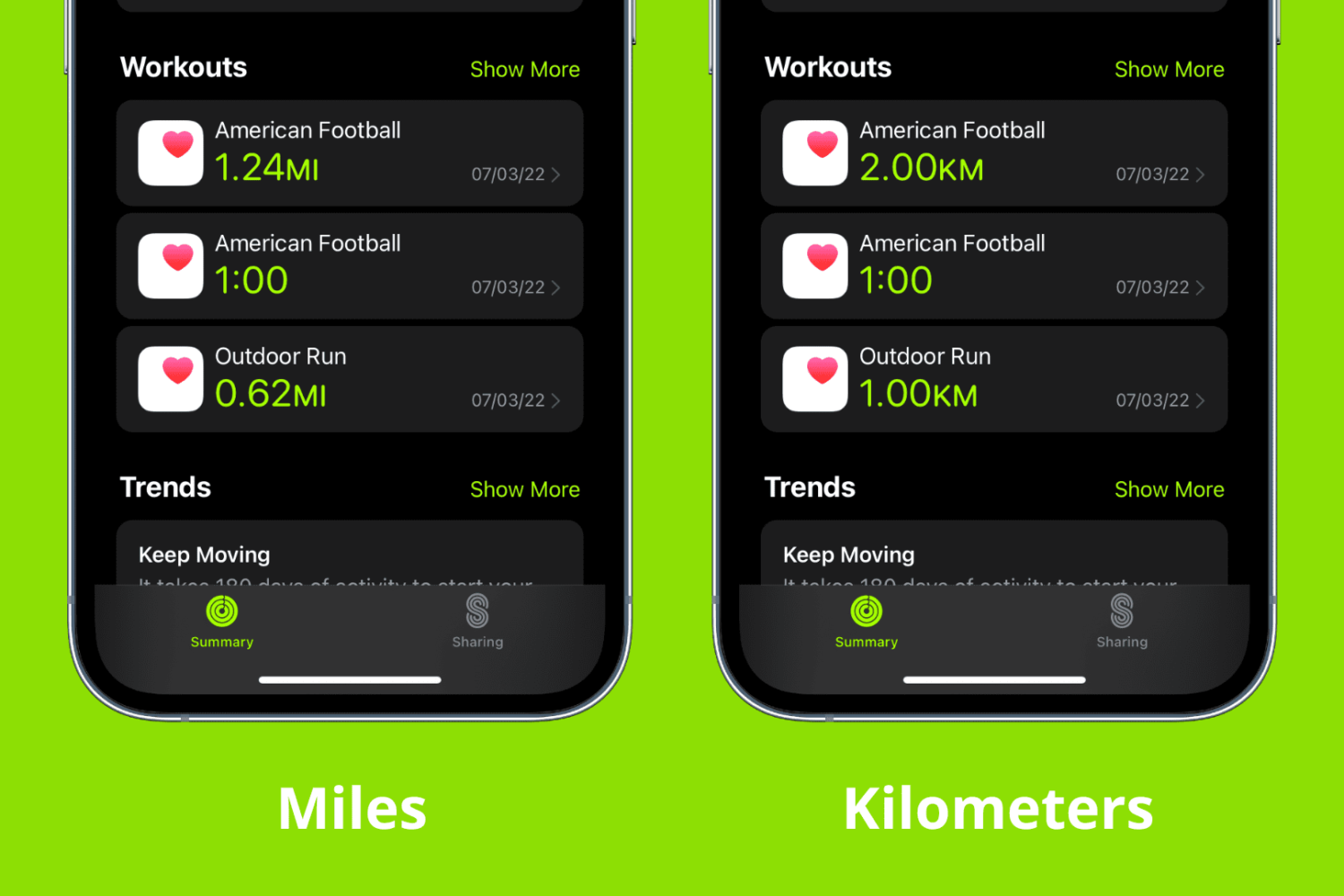
Some simple settings in the Health app can help you better keep track of your activity. For instance, if you prefer to use kilometers instead of miles for tracking your running and walking, you can make this change in just a few taps on your iPhone. The same reflects on your Apple Watch.

The Spark email app by Readdle has a lot of great features that users find helpful on both iOS and Mac. And, the company recently added one more to the list; email templates. This terrific addition to the app makes composing emails that you create on regular basis much simpler.
This tutorial shows you what’s available and how to use Spark email templates.

Check out this quick tip to make phone calls directly on speakerphone using hands-free Siri on your iPhone or iPad.