Learn what to do if you’re not receiving new notification banners or sounds on your Mac for all or specific apps and websites.
Fix no app notifications, banners, and sounds on Mac
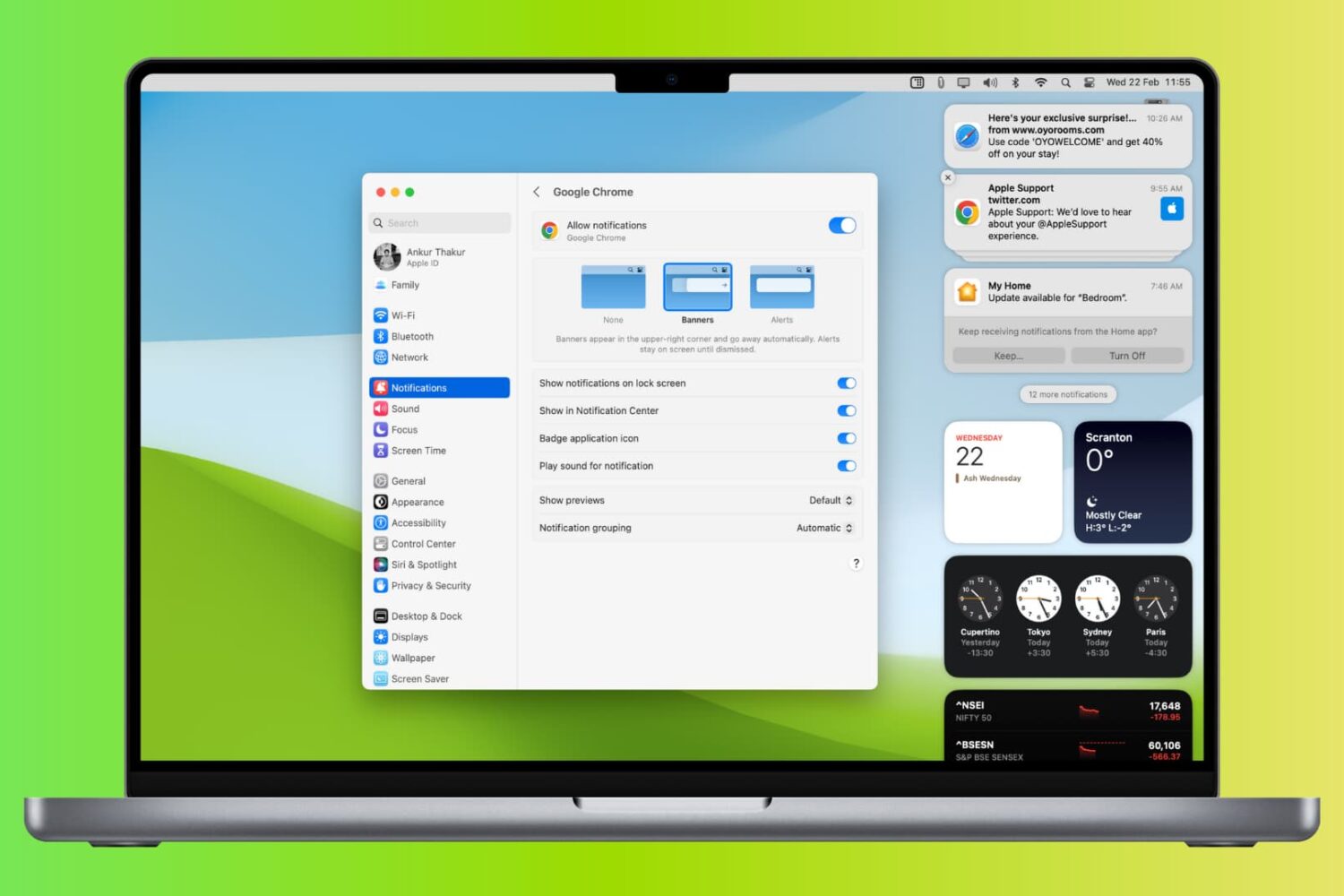
Learn what to do if you’re not receiving new notification banners or sounds on your Mac for all or specific apps and websites.

If you’ve ever wanted a clean and concise Console-style app for iPhones and iPads that would make viewing different types of Syslog/OSLog logs in real time an easy process, then you might want to take a few minutes to check out an app for iOS 13.0 and later devices called Antoine by iOS developer @CoreSerena.
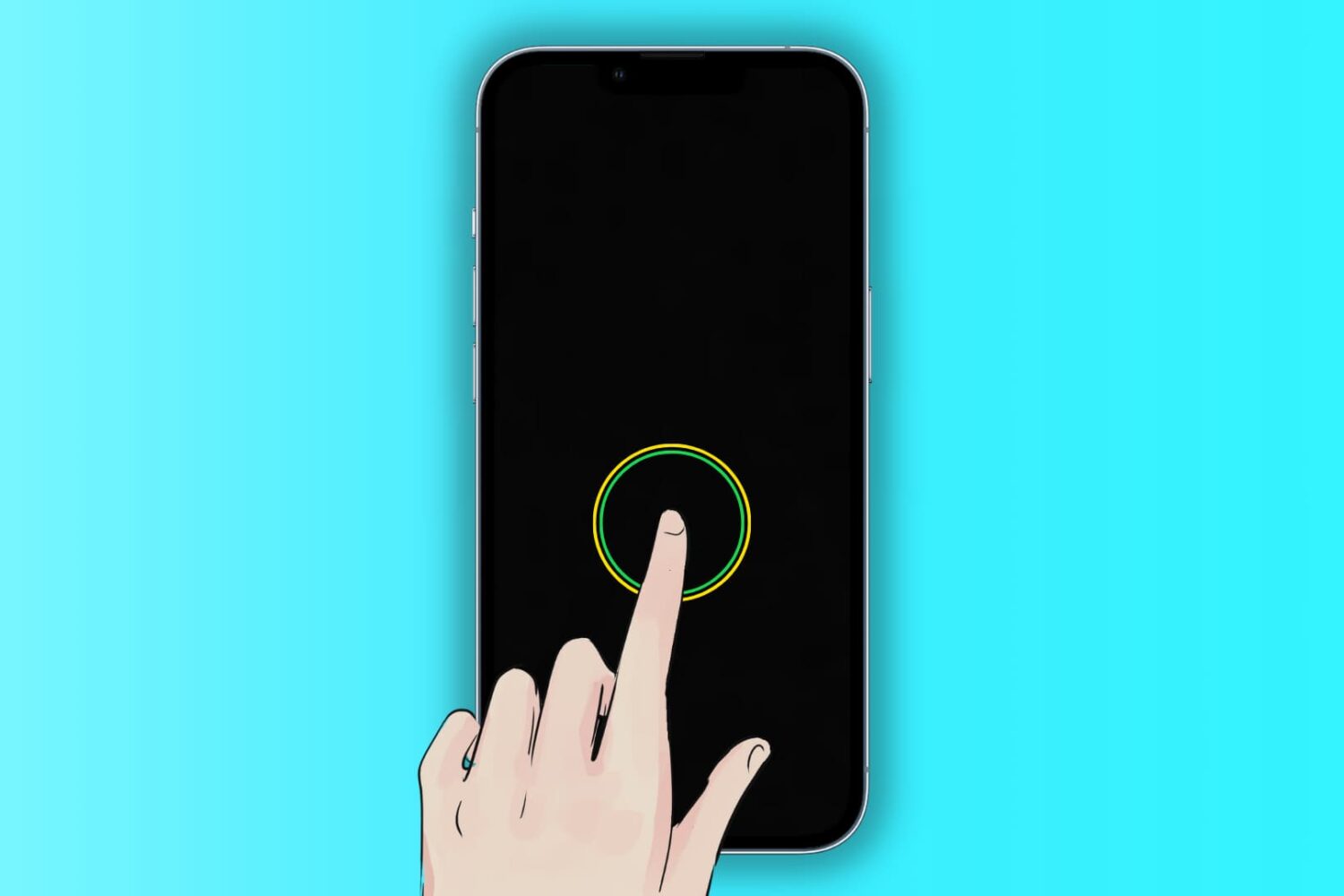
The Tap to Wake feature lets you wake the iPhone and iPad screen with a single tap. When the screen lights up, it triggers Face ID unlock and also enables you to see what’s on your Lock Screen, like date & time, new notifications, missed calls, widgets, texts, etc.
Go through these solutions if Tap to Wake isn’t working for you.
If there’s one thing jailbreak tweak developers find incredibly useful when end users report issues with their tweaks, it’s a crash log. Unfortunately, most people don’t bother to include one when they report issues, which makes troubleshooting that much more difficult on the developer.
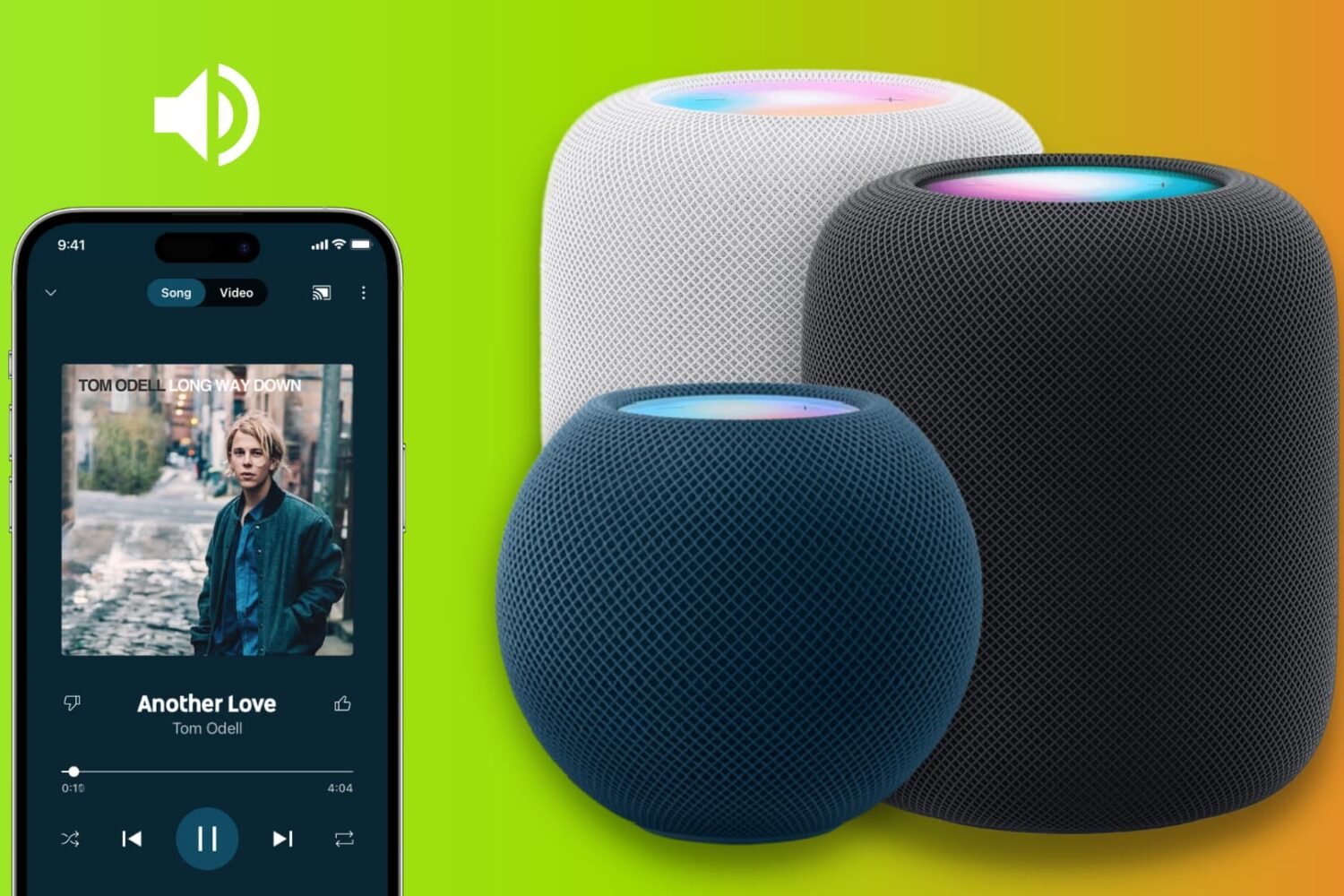
Try these troubleshooting tips to fix AirPlay audio not working on your HomePod speaker from an iPhone, iPad, Mac, or AppleTV.
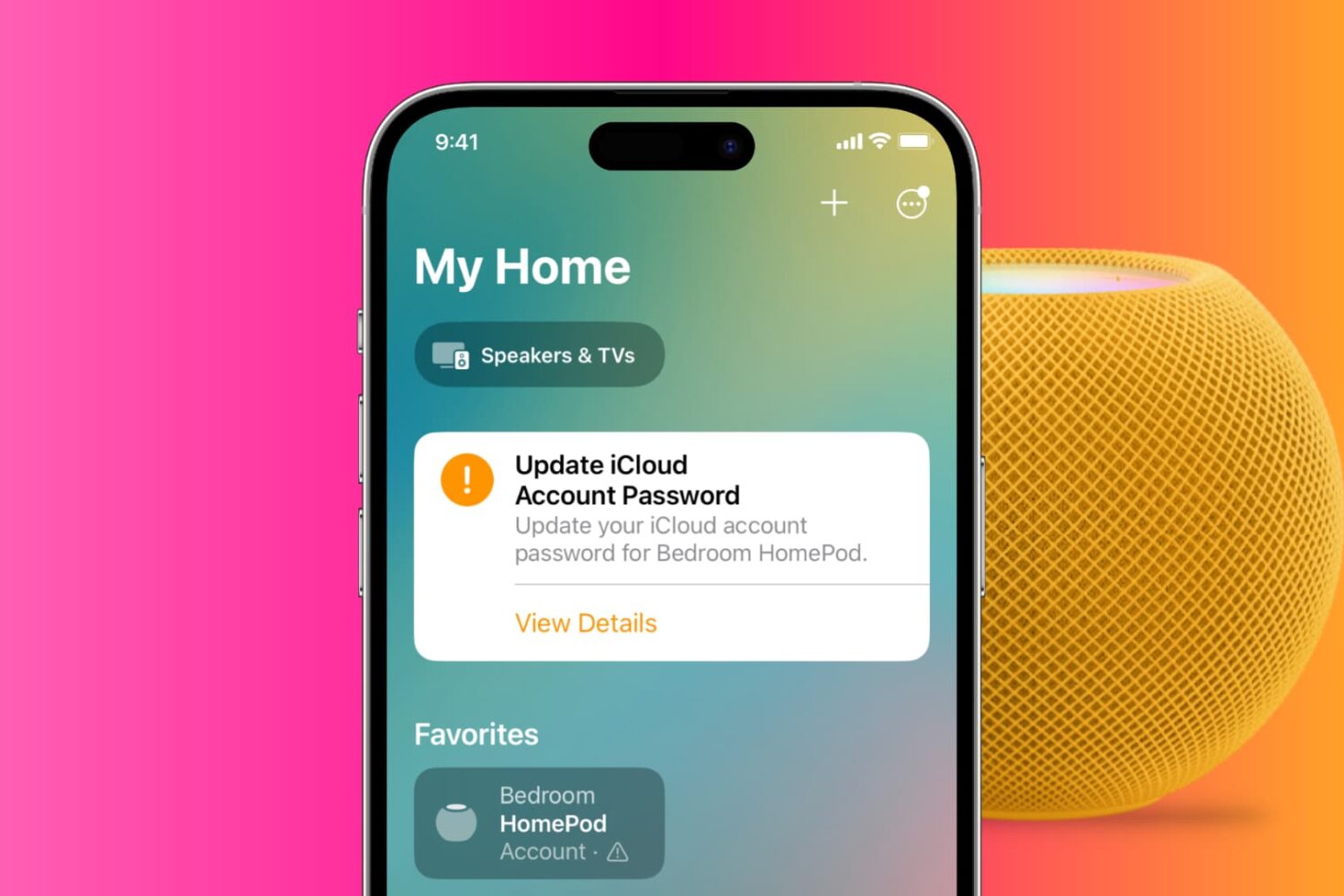
There can be instances where the correct Apple Account or iCloud password fails to authenticate in the Home app on iPhone, iPad, or Mac. This troubleshooting tutorial will go over the most common causes and provide step-by-step instructions to resolve them so you can get back to using your HomePod and other smart devices.
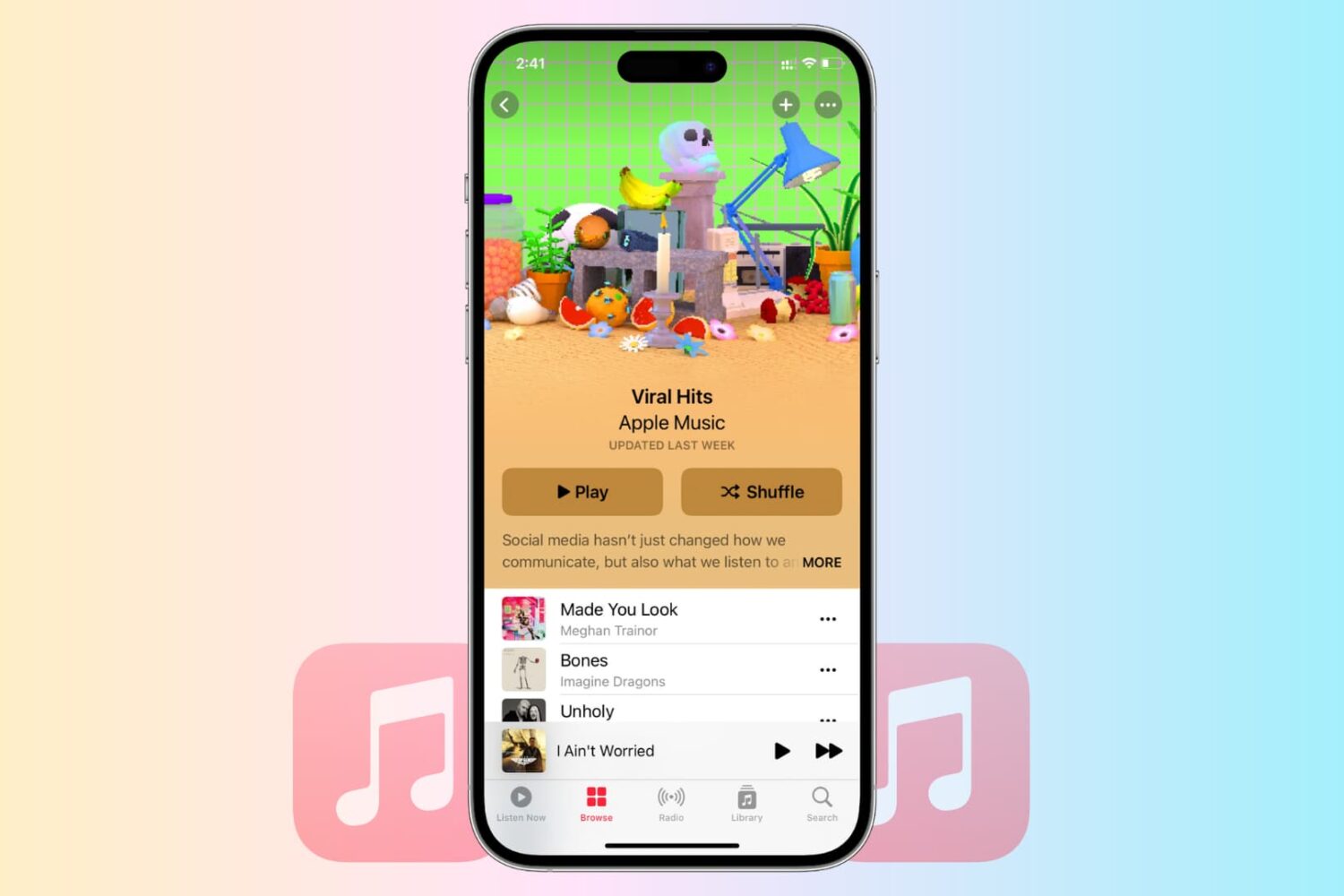
Learn how to troubleshoot and fix common issues that are causing Apple Music to malfunction on your iPhone, iPad, Mac, PC, or Android phone. Whether you’re experiencing issues with streaming, syncing, or playback, we’ve got you covered.
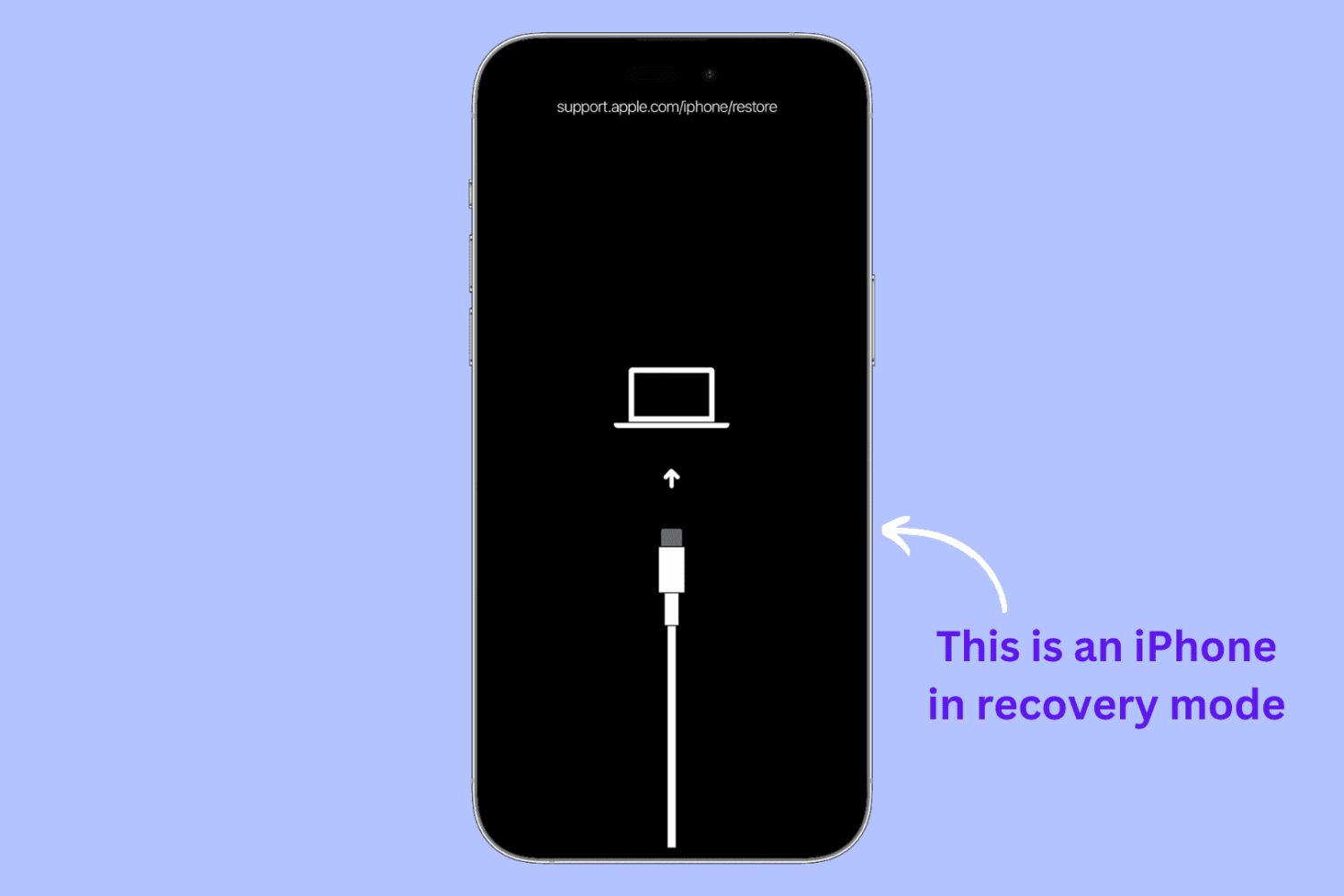
Whether you’re having problems with your iPhone or iPad or perhaps would like to start anew, recovery mode can be a helpful solution.
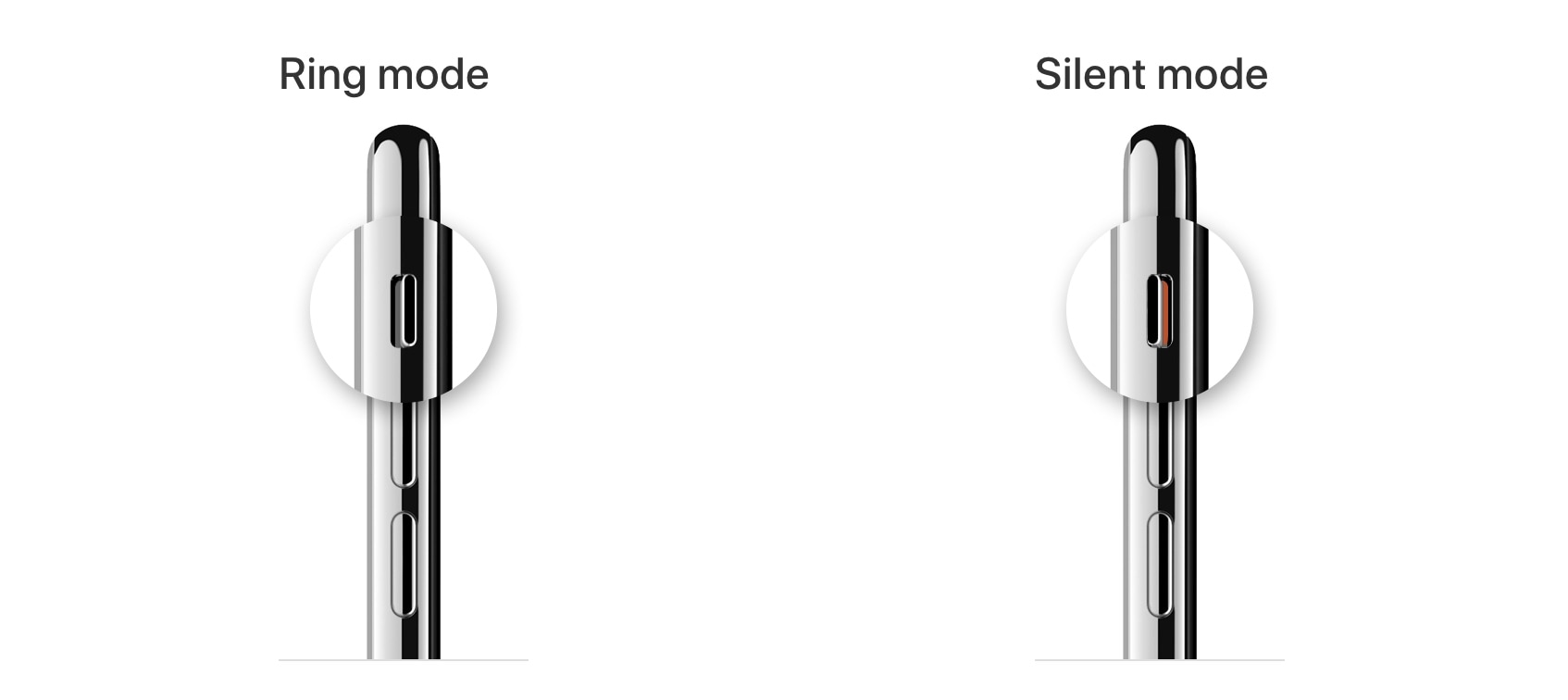
Sometimes one of the most useful ways to troubleshoot a problem on a jailbroken device is to enter Safe Mode and use it to remove a conflicting jailbreak tweak or add-on. The only problem, however, is that entering Safe Mode doesn’t seem as straightforward as it once used to be.
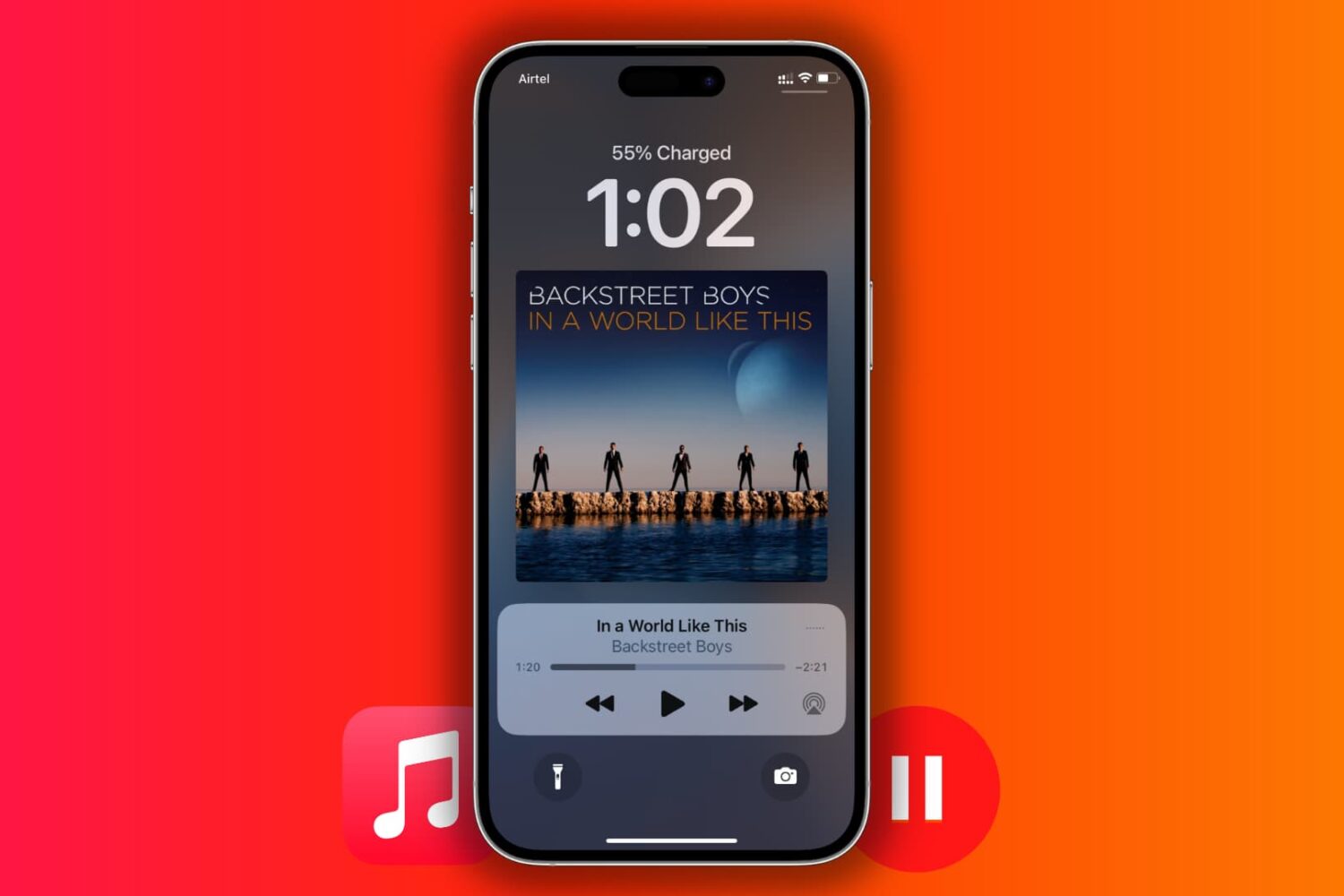
Learn how to fix Apple Music not working or exhibiting interruptions, pauses, or breaks on your iPhone, iPad, Mac, TV, HomePod, Android phone, PC, and other devices.
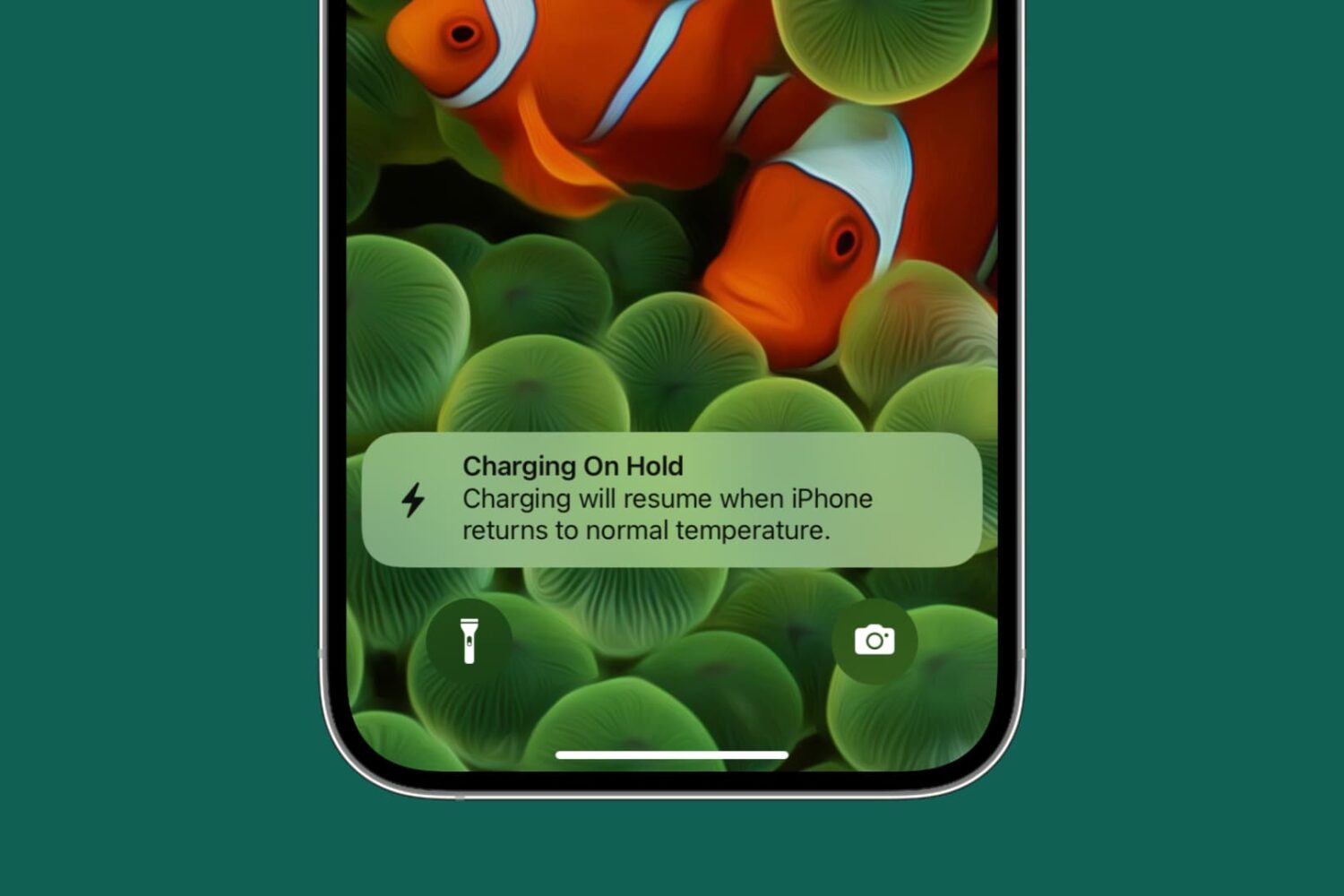
Learn what to do if iPhone or iPad charging is on hold, and an alert pops up informing you that charging will resume when the device “returns to normal temperature.”
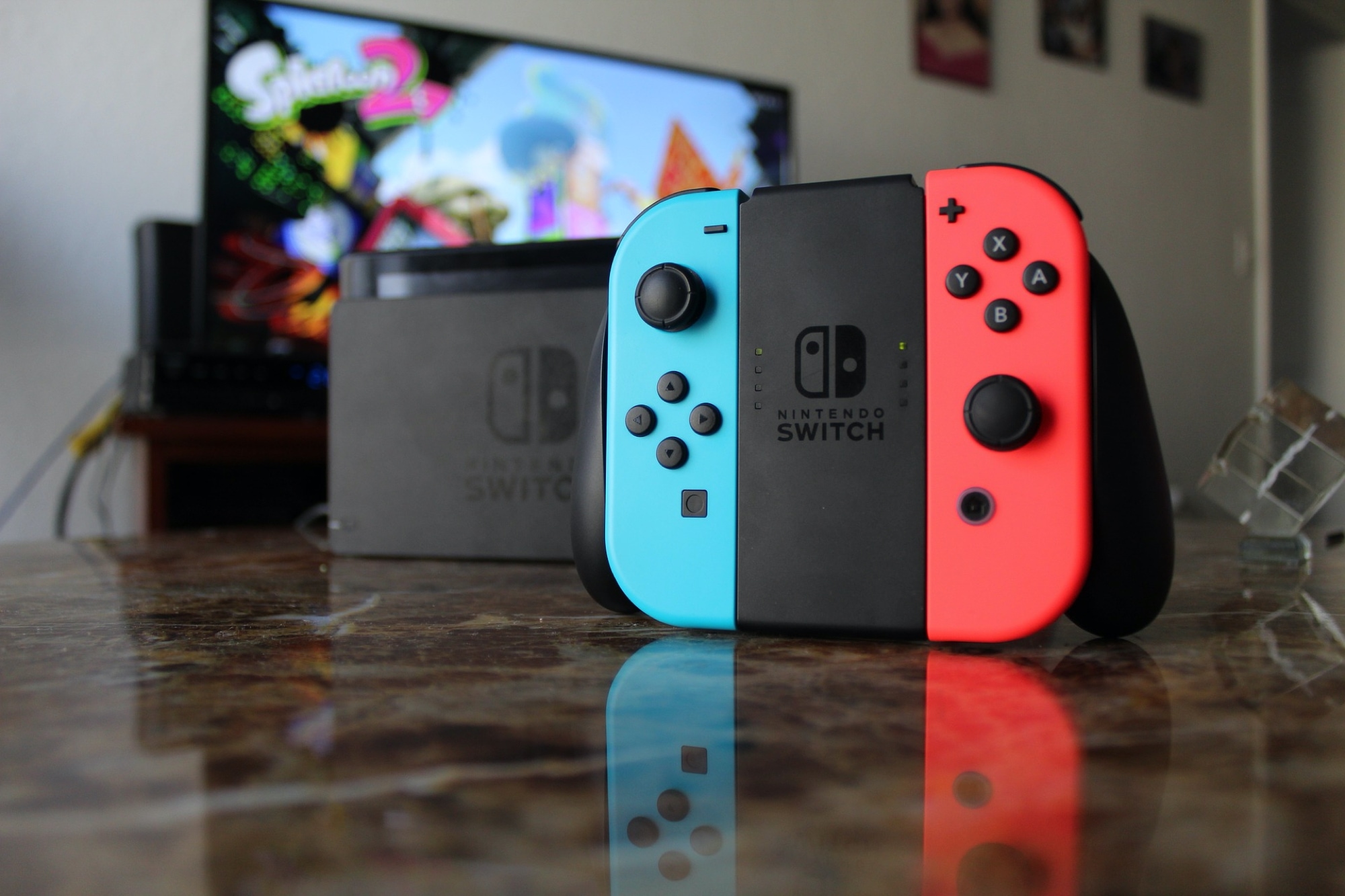
The Nintendo Switch has been around for a few years, but despite all the new iterations of Nintendo’s gaming platform that exist today, one horrid thing still seems to plague them all at some point or another: joystick drifting.