Learn how to use your iPhone or iPad as a wireless remote for controlling a Keynote presentation on your Mac.
How to use iPhone or iPad as a remote for Keynote on Mac
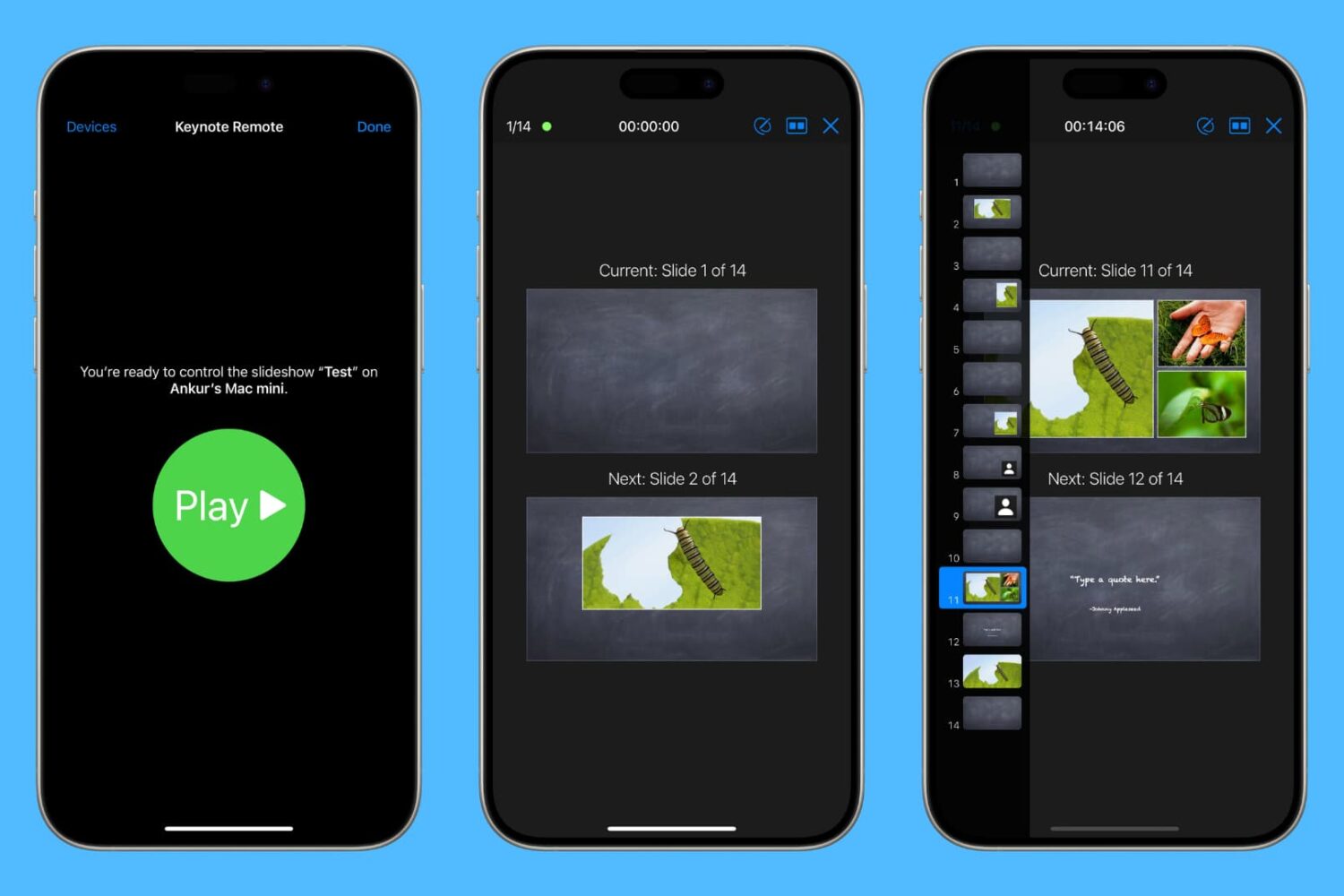
Learn how to use your iPhone or iPad as a wireless remote for controlling a Keynote presentation on your Mac.

Apple's newly-announced macOS Sierra is set to release to the public this Fall as the company revealed at WWDC 2016 this week, and it includes a variety of improvements that will make using your Mac even better than ever.
One of those improvements is Universal Clipboard, which is a Continuity feature that lets you share your clipboard between your iOS device(s) and your Mac.
But what if we told you that you didn't have to wait until the public release of macOS Sierra to enjoy a similar feature on your Mac?
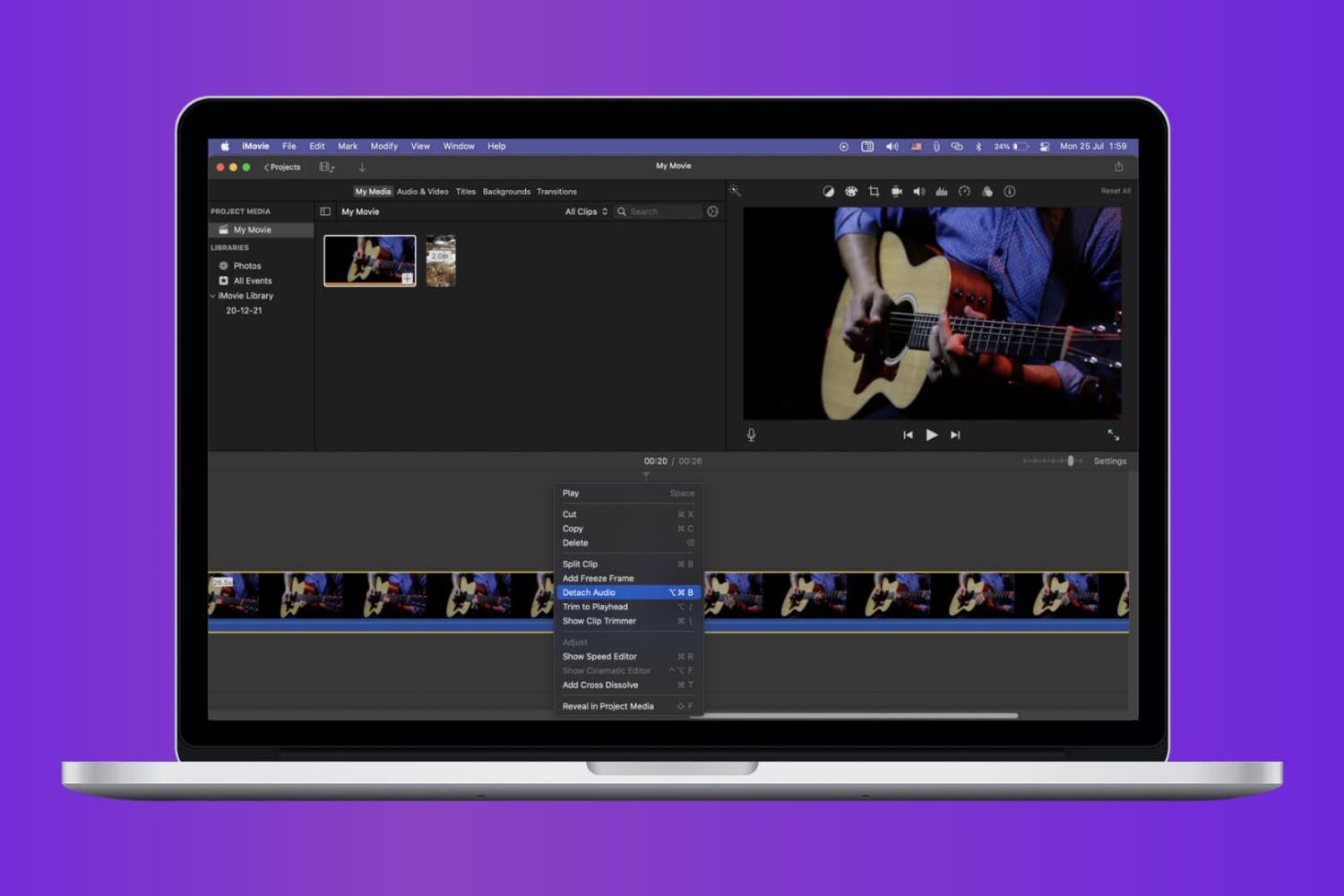
Check out the quick steps to remove audio from a video using iMovie and save that soundless clip locally to your Mac.

When it comes to using your Mac for day-to-day activities, you may want to set up a printer with it so you can print documents, shipping labels, photos, and other important pieces of information.

Learn how to fix iPhone or iPad apps stuck on “Installing…” so you can get your downloads working again.
What happens when a jailbreak tweak bugs out on your device and ends up in a boot loop? Do you try to reboot the device to no avail? Do you take to the internet to ask how to fix it?
How about this: try booting into a form of booting up that Saurik calls 'No Substrate Mode,' then uninstall the faulty tweak.
In this piece, we'll talk about how you can use No Substrate Mode, an under-used feature of jailbroken iPhone or iPad that can truly save you from losing your precious jailbreak when you're unable to turn on your device.

Lots of times you may want to print something, only to find that you have no printer ink or that you aren't near a printer. Your Mac comes with a useful function in the macOS printing menu that lets you save anything you want to print as a PDF file to print or share later. We'll show you how you can make a PDF out of anything you intend to print in this tutorial.

Sometimes when emptying the Trash on your Mac, you may get error messages that tell you files you're trying to delete are in use. When you're looking to delete everything that's in your Trash to free up some storage space, error messages are going to be the last thing you want to see.
In this piece, we'll talk about why you're getting these messages and how to get your Mac to free up the file so you can delete it safely.

There is a ton of VNC software options out there, but Screens by Edovia has by far been my favorite for a number of years because it looks and feels like software Apple could have created themselves.
In this tutorial, I'll show you how you can use the Screens app from your iPhone, iPod touch, or iPad, in combination with Edovia's free Screens Connect software for Mac, to access your Mac remotely.
Although your Mac comes with a Calculator app, you will find that it only supports basic, scientific, and programmer modes.
Unfortunately for those who are in advanced math courses in school, be it grade school or college, or for those that just need a hand in tutoring their children, the Calculator app doesn't come with graphing functionality and it leaves you to fend for yourself.
A little known feature of your Mac, directly out of the box, is that it does have graphing functionality built into its default software, and in this tutorial, we'll show you how to unleash it.

Over the years, I've learned or picked up a few Instagram hacks and tricks that I'm going to share with you. They aren't life changing by any means, but they can be helpful, fun, or just make your Instagram usage more enjoyable. Chances are, you already know some of these tips, but I'm hoping you will still learn a thing or two along the way.
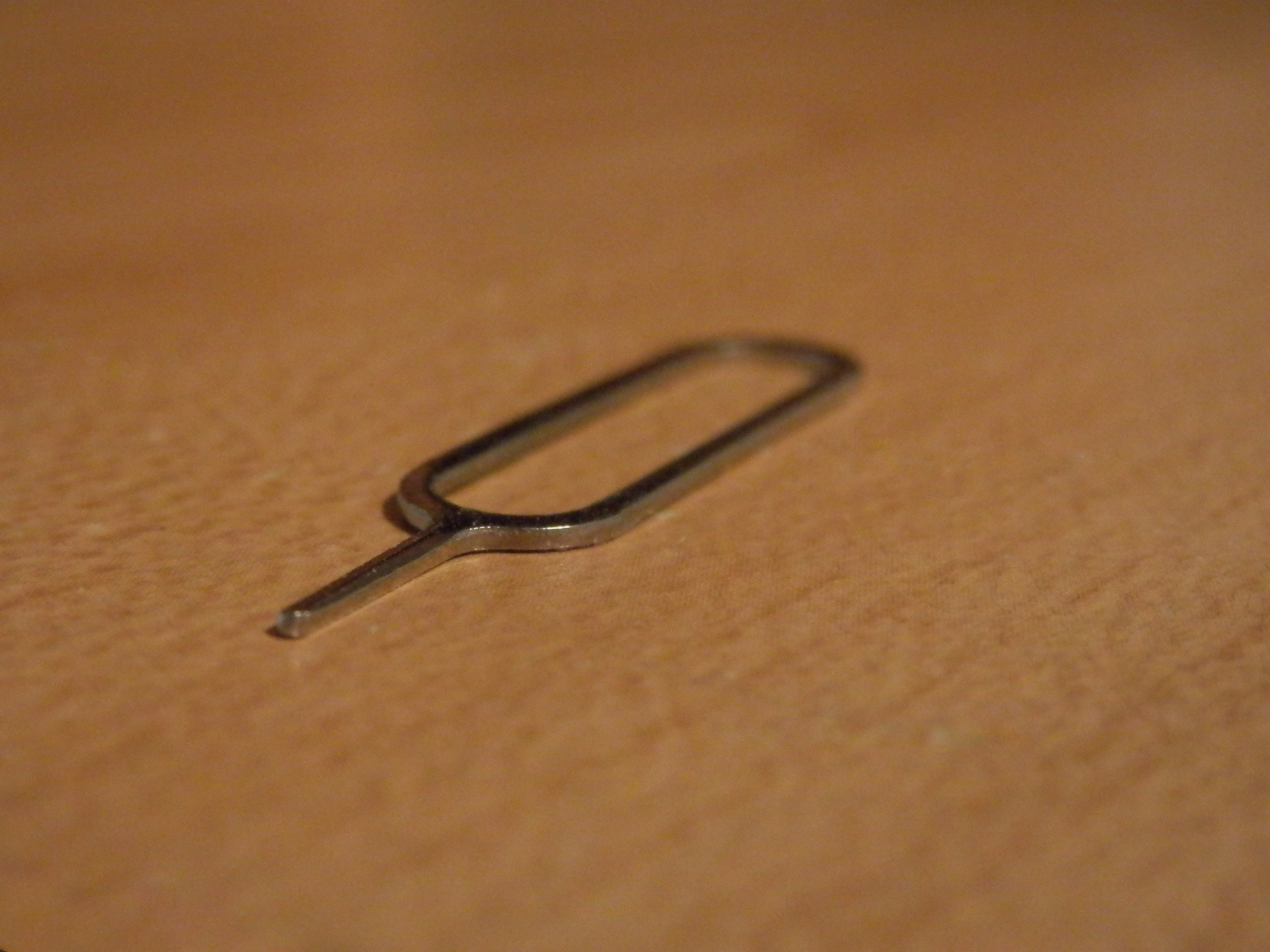
SIM eject tools are useful for getting SIM cards out of iPhones and iPads, and honestly, I would recommend everyone who owns one of these devices carry at least one of them at all times, whether in your wallet or on a key ring.
Of course, there are always those times when you're out and about and don't have a SIM eject tool with you when you really need one. So what alternatives can you use instead?
In this piece, we'll talk about five alternatives to a SIM eject tool you can use to get the SIM card out of your iPhone, iPad, or Android phone.