Find out how to remove the Finish Setting Up Your iPhone or iPad alert that’s added to the top of the Settings app if you skip a step during device setup.
How to get rid of the “Finish Setting Up Your iPhone or iPad” alert

Find out how to remove the Finish Setting Up Your iPhone or iPad alert that’s added to the top of the Settings app if you skip a step during device setup.
In this tutorial, we’ll let you in on a little iPhone trick to skip past the screenshot-editing screen and jump directly from your screenshot to the iOS Share Sheet.
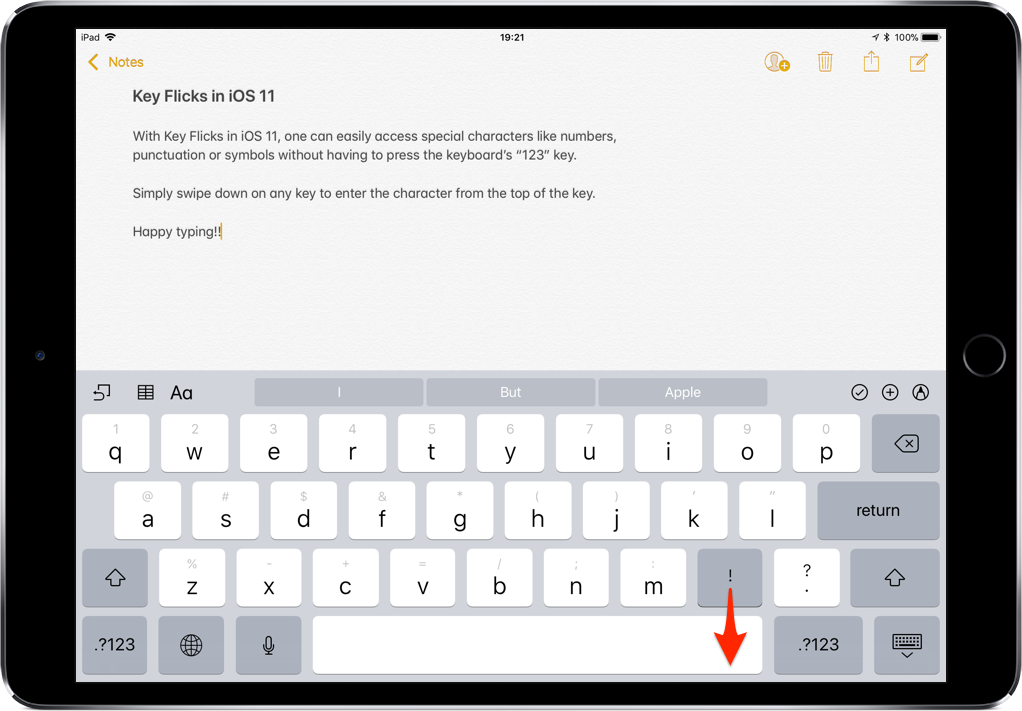
iOS provides a flickable keyboard that makes it easier to type faster on your iPad.
If you don't plan on installing macOS High Sierra for whatever reason, your Mac will still inform you of the software update every now and then via persisting system notifications.
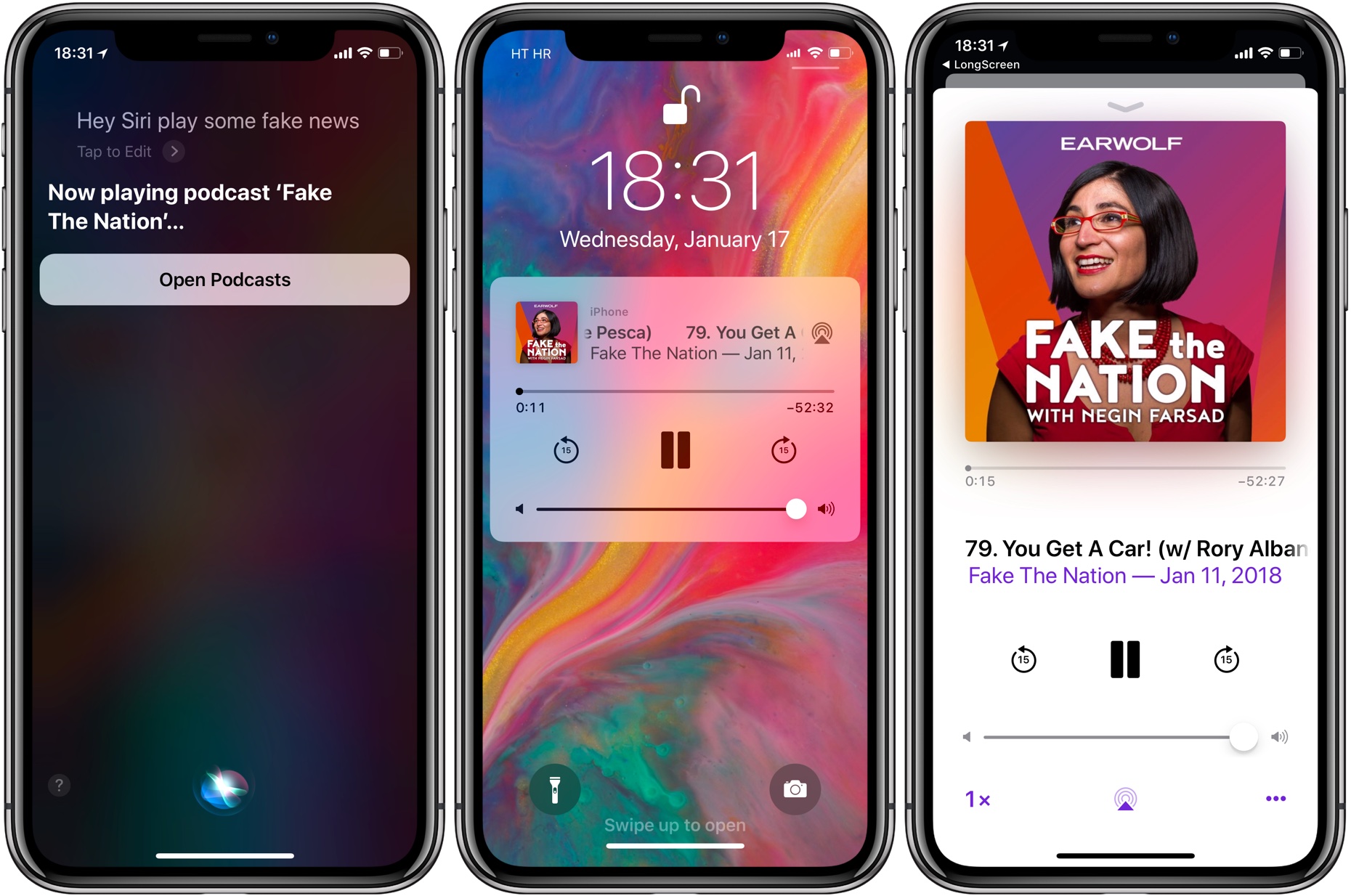
If your iPhone, iPad or iPod touch runs iOS 11.2.5 or later, Siri in hands-free mode can read out the news to you. You can even ask your smart digital assistant to read aloud news stories limited to specific domains, such as sports, business or music, here's how.
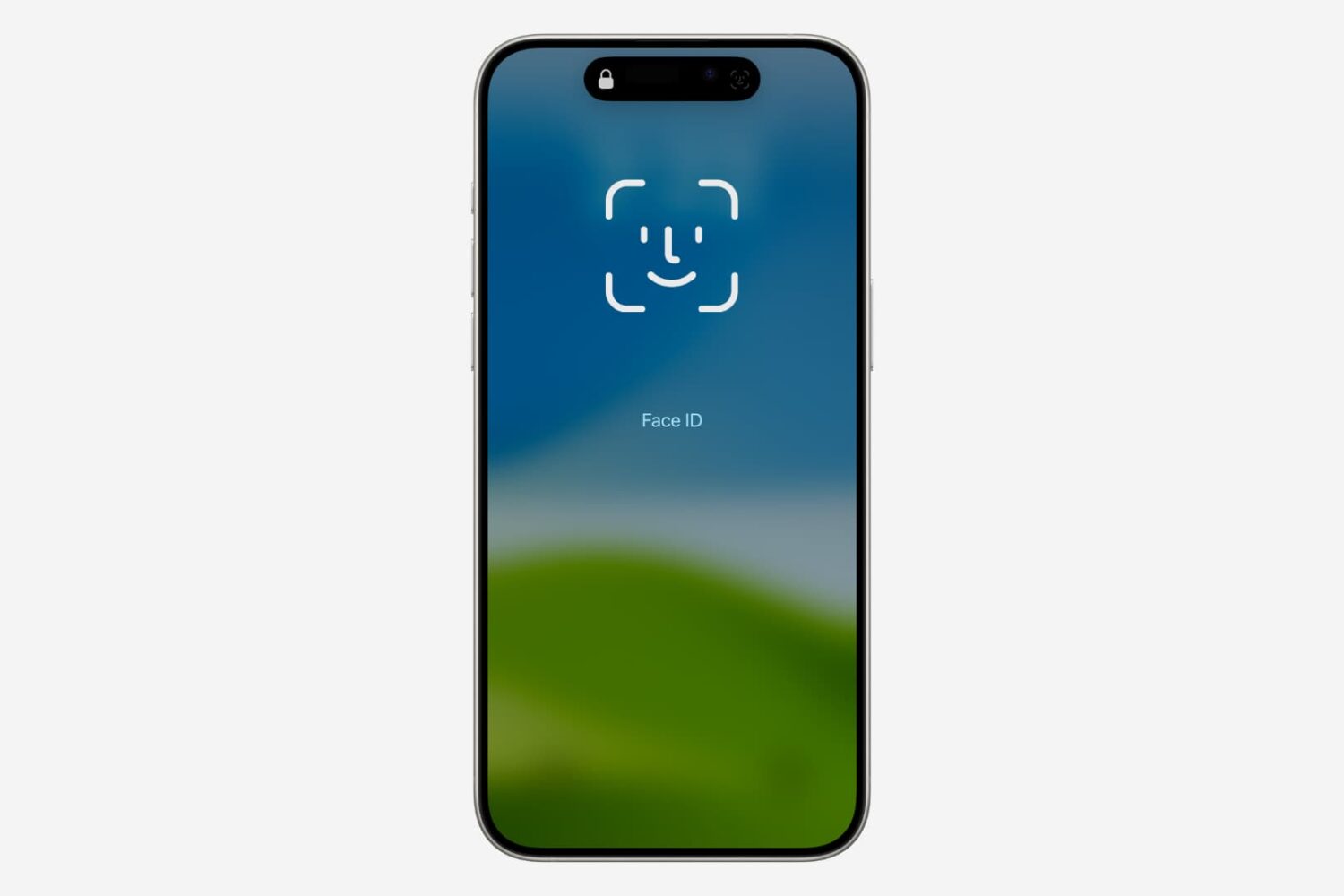
Check out this quick tip that lets you manually go past the failing Face ID screen and type the passcode on your iPhone or iPad to unlock it.
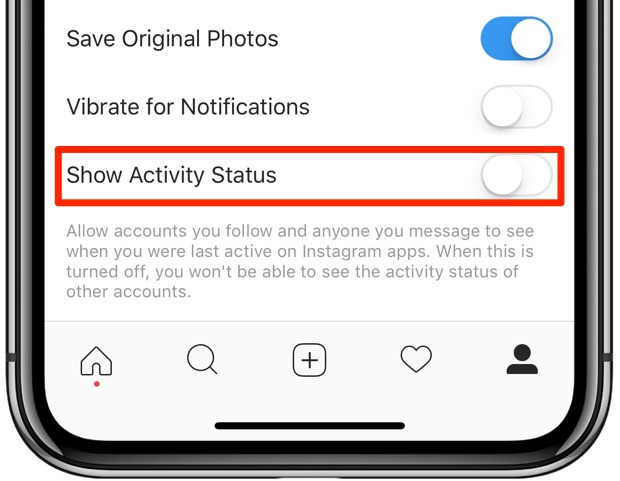
Facebook-owned Instagram is pilfering a feature from Messenger and WhatsApp that makes stalking people a lot easier. It's enabled by default, but can thankfully be turned off at will.

Learn how to block the Podcasts app on your iPhone, iPad, Mac, and Apple TV from automatically playing the next episode of a show after the current one ends.

Find out how to use YouTube permanently in Dark Mode even when your iPhone, iPad, Android phone, Mac, or PC is in Light Mode.

There is no room for approximation in HQ. If you answer a question incorrectly, you are eliminated. However, if you have some social clout and have used your referral code, you might get a few HQ Extra Lives from that, but these usually don't come by that easy.
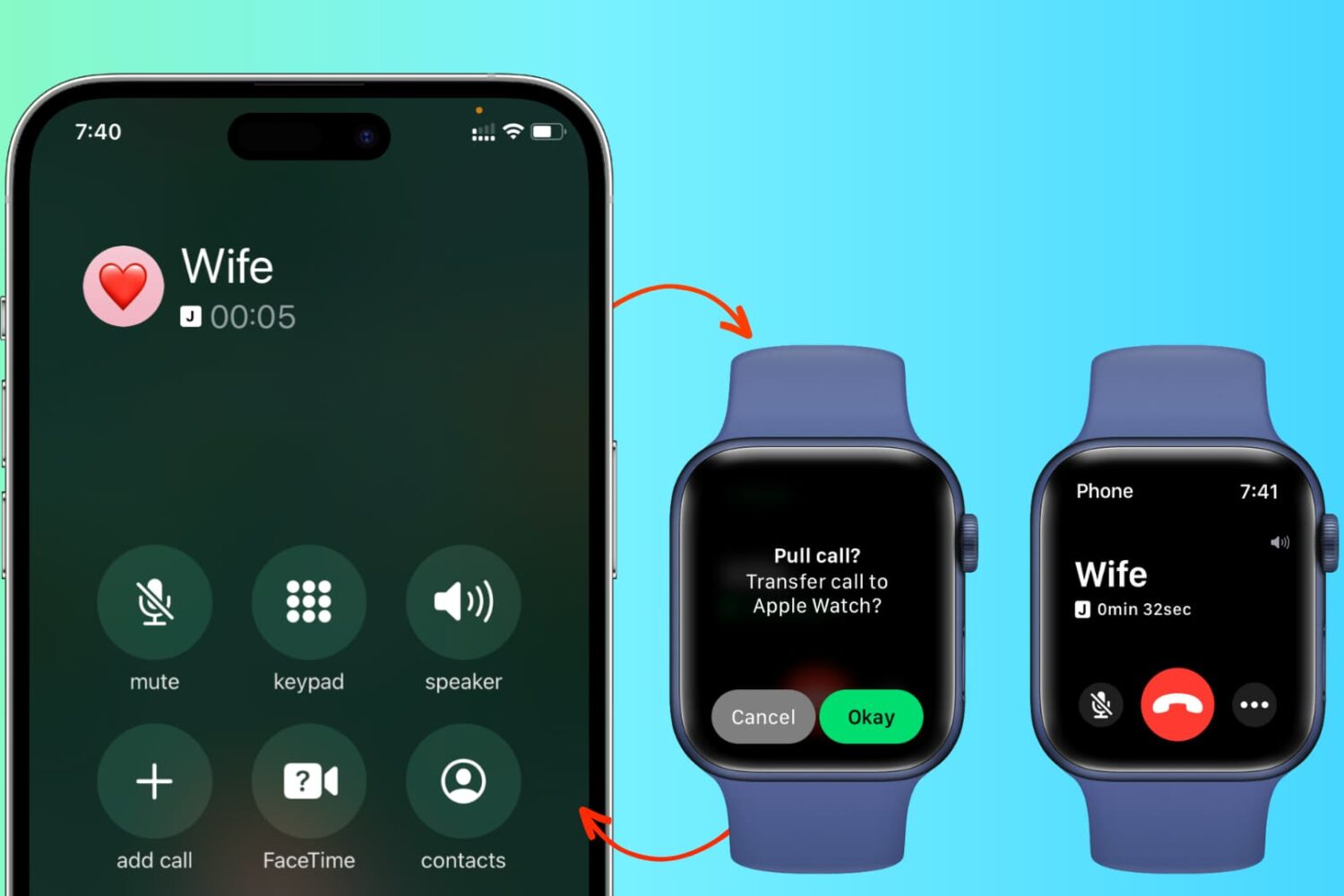
In addition to effortlessly transferring cellular phone calls between your iPhone, iPad, and Mac, you can also switch an in-progress call from your iPhone to your Apple Watch and from your Apple Watch back to your iPhone.