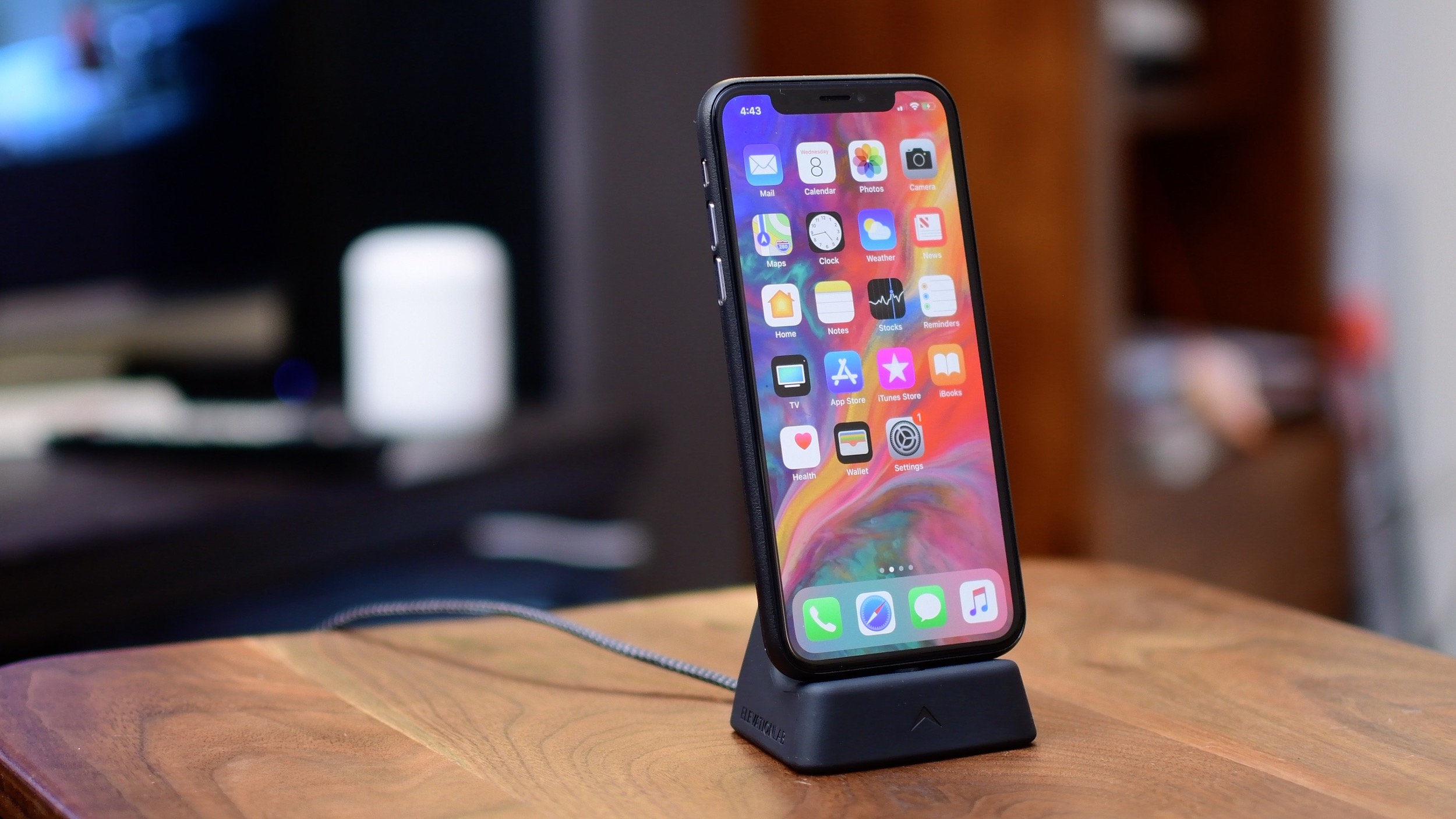
iPhone X offers a whole new way of interacting with your phone.
No Home button? No problem! Here are 10 tips and tricks for your iPhone X
iPhone X offers a whole new way of interacting with your phone.
Can't stand that notch at the very top of the iPhone X display? I don't mind it at all. In fact, I find the notch to be a rather cute design element. Understandably, some folks may deem it visually distracting. If you'd like to conceal the notch, there's now an app for that, too!
Frustrated by Face ID failing to authenticate you every once in a while? This simple setting can fix this problem on your iPhone or iPad Pro.
Learn how to use Reachability on your iPhone to easily reach the top of your screen when using your device with one hand.
You can enter the iOS app switcher at any time while using one app in order to easily switch to another one. Thankfully, iPhones with Face ID (without a front physical Home button) include a gesture allowing you to quickly switch between open apps without having to enter the app switcher at all.
Follow these tips before handing over your Mac to a new owner or sending it to Apple for trade-in to ensure your personal data is erased and Activation Lock is removed.
Because it lacks a Home button, Apple's iPhone X requires users to perform an upward swipe from the bottom edge of the display to get to their Home screen.
A new Apple support document published two days ago recommends a temporary workaround solution for a weird auto-correct bug in iOS 11.1 where typing the letter "i" can replace it with the uppercase letter “A” and a question mark symbol.
Do you already miss the good old Home button on your shiny new iPhone XS? If so, you have several options ahead of you. You can either suck it up and live with it, return your iPhone XS, or replicate the Home button by using the AssistiveTouch accessibility feature to replicate the functions of the Home button.
In addition to releasing a detailed Guided Tour video covering some of the iPhone X basics, including navigating without a Home button, using Apple Pay, Animoji and more, the company published a set of support documents and tips for using the device.
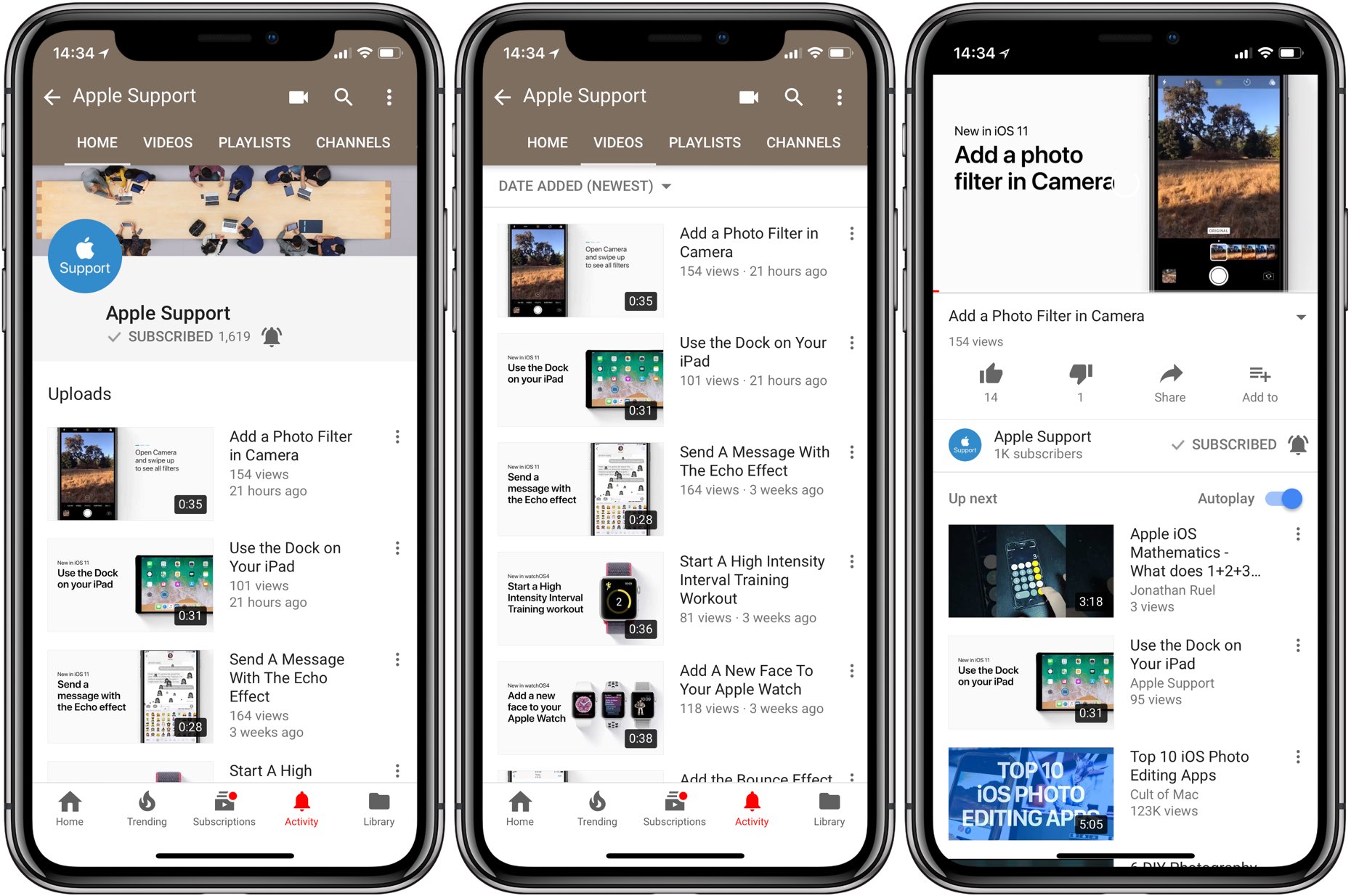
Apple on Friday published a Guided Tour video through its official YouTube channel, highlighting the biggest iPhone X changes in terms of navigation, Face ID, Apple Pay and more.
Instagram users can add a short bio to their profile to tell the world a little bit about themselves, but all text entered into the bio field is left-aligned in the Instagram app by default. If you’re like many others frantically attempting to find a way to center your Instagram bio, then we have you covered.