The Home app gives all your HomeKit accessories a default icon whenever you add them. Did you know, there are other icons you can choose from?
Quick tip: How to change device icons in the Home app
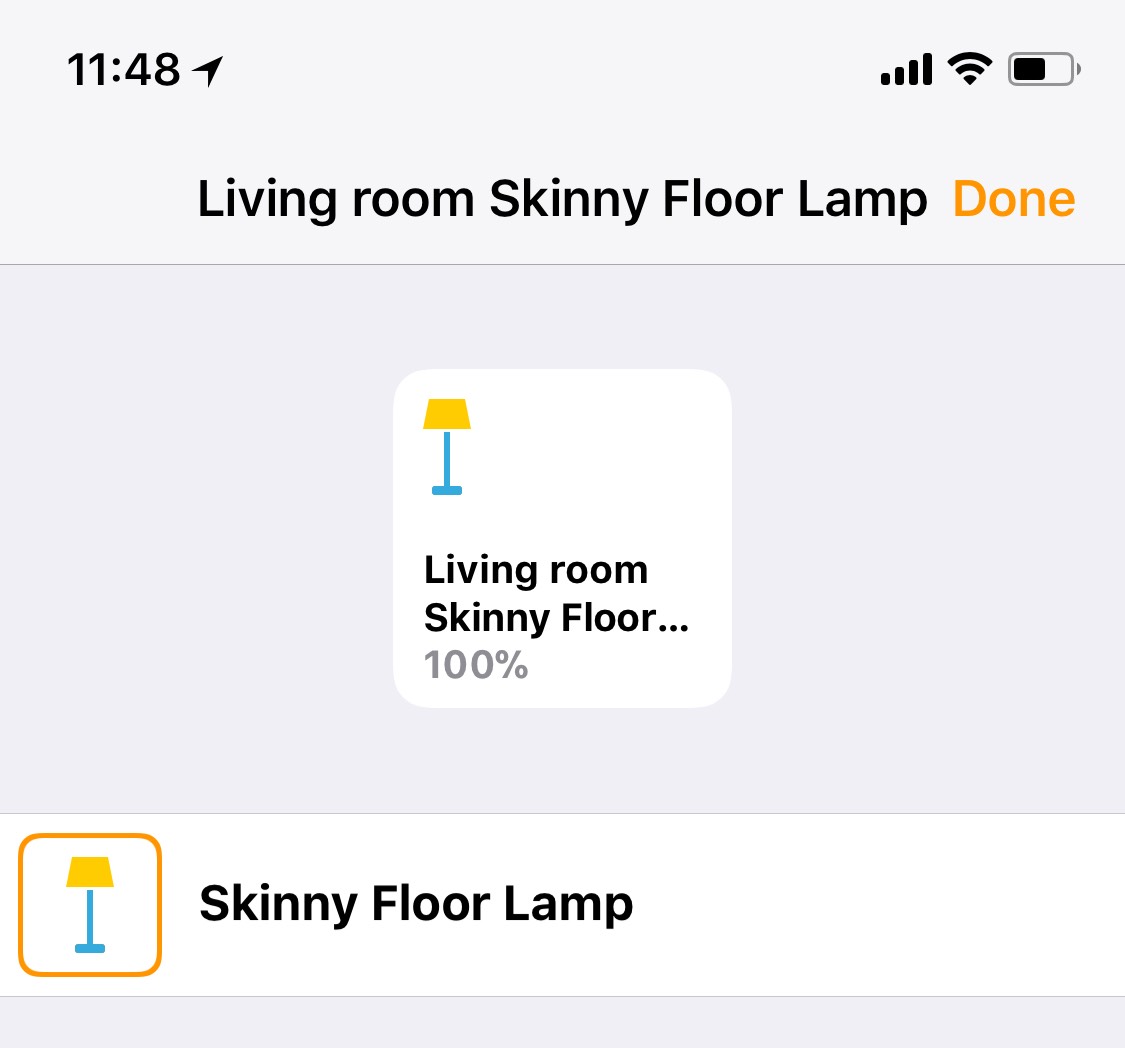
The Home app gives all your HomeKit accessories a default icon whenever you add them. Did you know, there are other icons you can choose from?
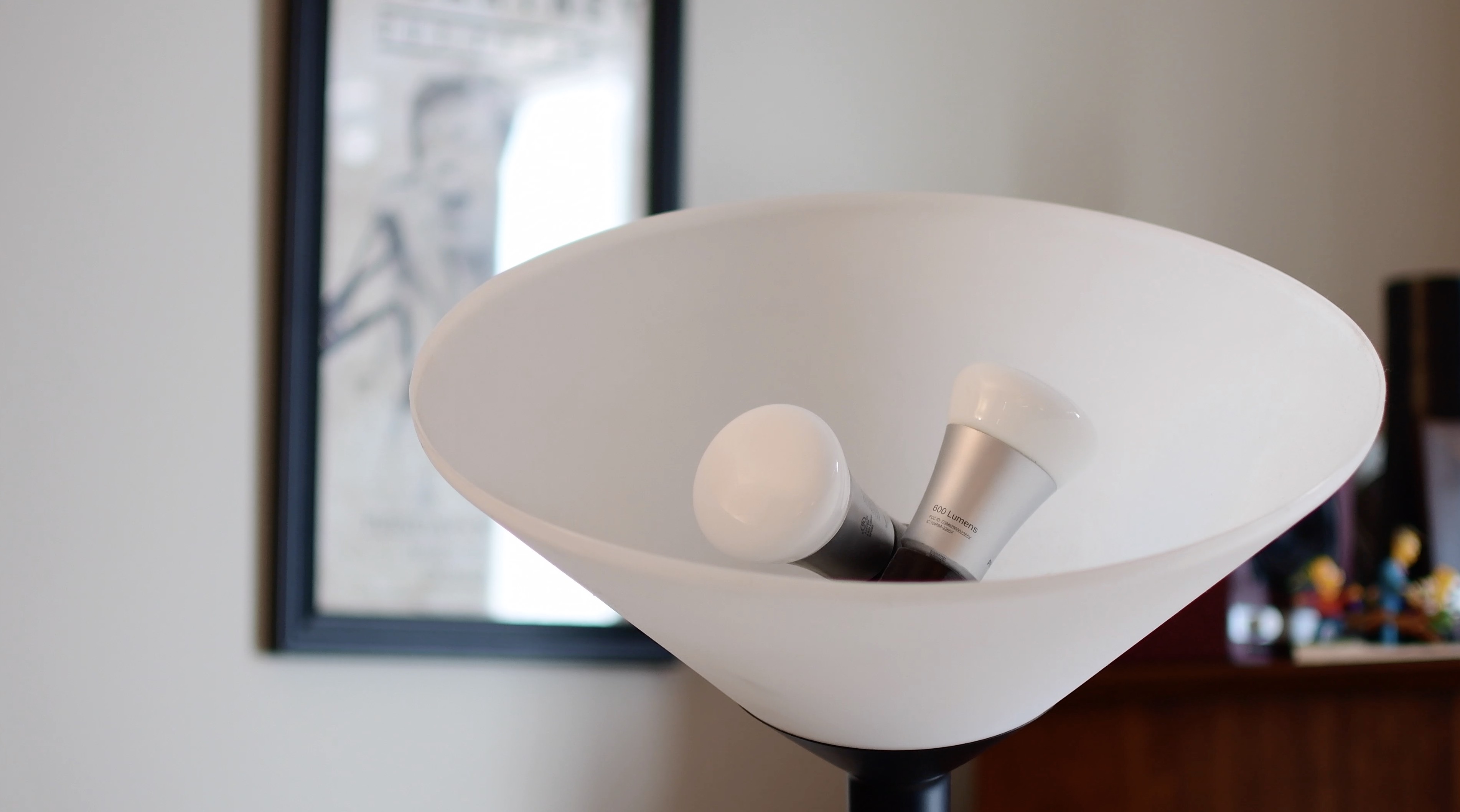
In the second entry to our HomeKit automation series, we take a look at the different grouping methods for accessories. This is especially helpful in lights or fixtures that utilize multiple bulbs.

This tutorial shows you how to find the serial number and the current software version of your HomePod 1st & 2nd generation or HomePod mini.
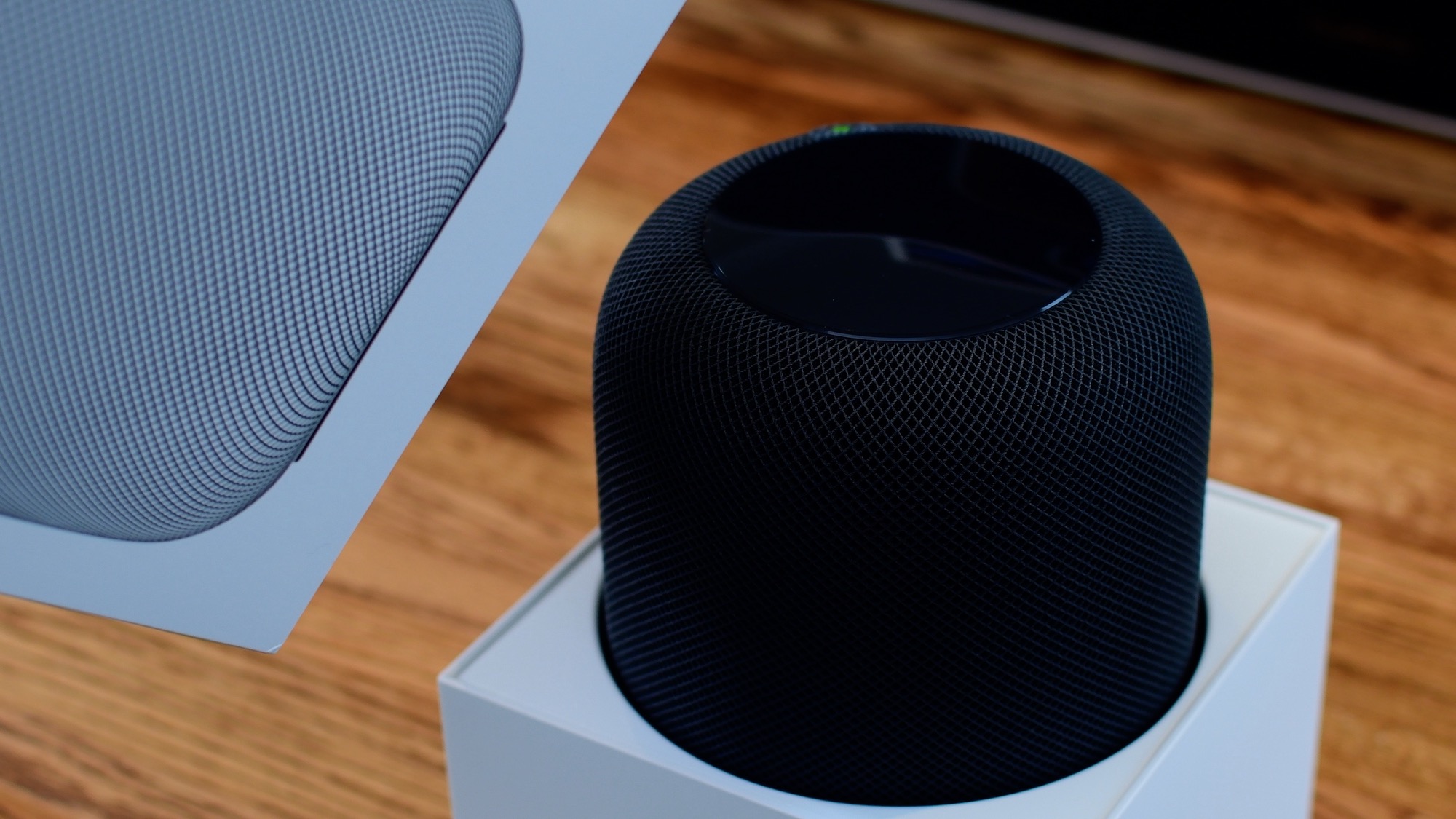
From connecting your HomePod to your Wi-Fi network to setting up Siri, this guide will walk you through the simple steps to get your HomePod up and running in no time, thanks to Apple's Automatic Setup feature.
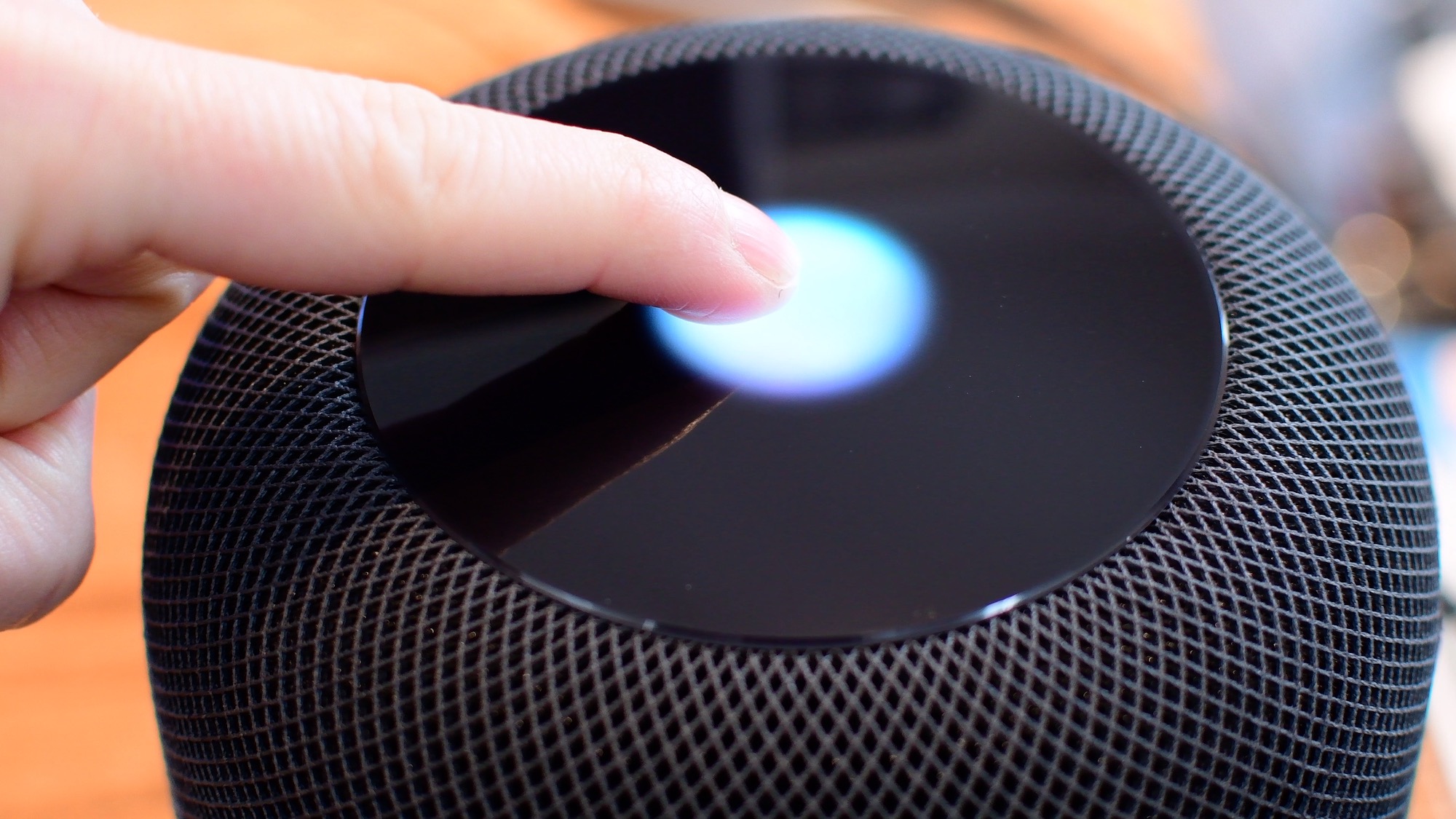
Siri is clearly going to be the best way to control your HomePod or HomePod mini. Everything that you do with touch, you can also do with Siri. However, there are times when it is easier/more convenient to use the touch interface instead. Take a look at this video or scroll down for our written tutorial.

In case you didn't get the memo, macOS High Sierra is the last release of Apple's desktop operating system that supports 32-bit apps out of the box without any compromise.

One of the ways of keeping your smartphone addiction under control entails checking out how much time you're actually spending in apps on your iPhone, iPad, or iPod touch. iOS includes a feature that allows you to see the time spent on apps, but it's buried counterintuitively in an unlikely place where most people won't bother looking.
Here's how to use it.
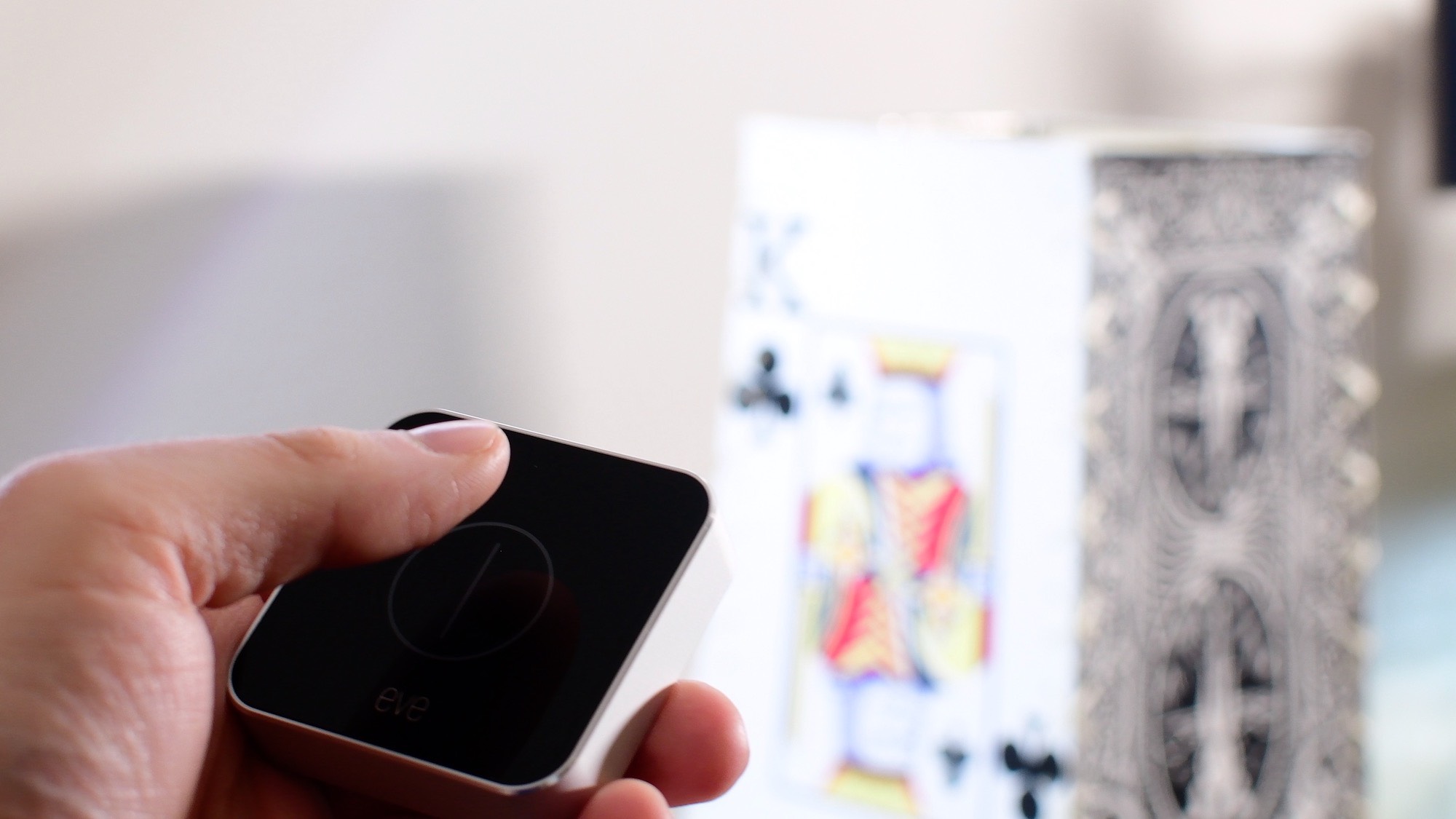
In this first entry into our new HomeKit Automation series, we walk you through fixing one of HomeKit's biggest shortcomings: creating a true toggle button to enable and disable a scene.

Find out how to remove the Finish Setting Up Your iPhone or iPad alert that’s added to the top of the Settings app if you skip a step during device setup.
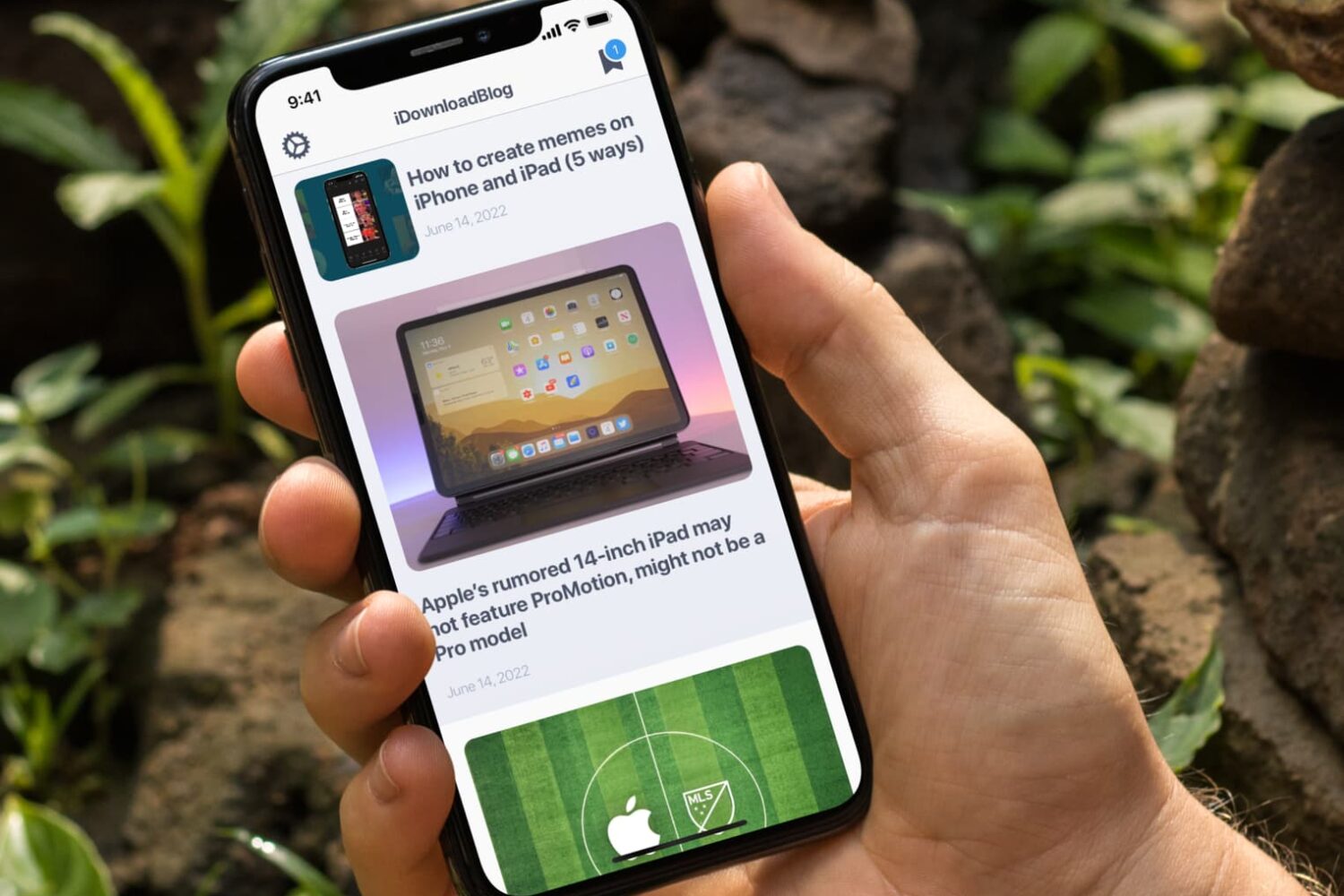
In this tutorial, we’ll let you in on a little iPhone trick to skip past the screenshot-editing screen and jump directly from your screenshot to the iOS Share Sheet.
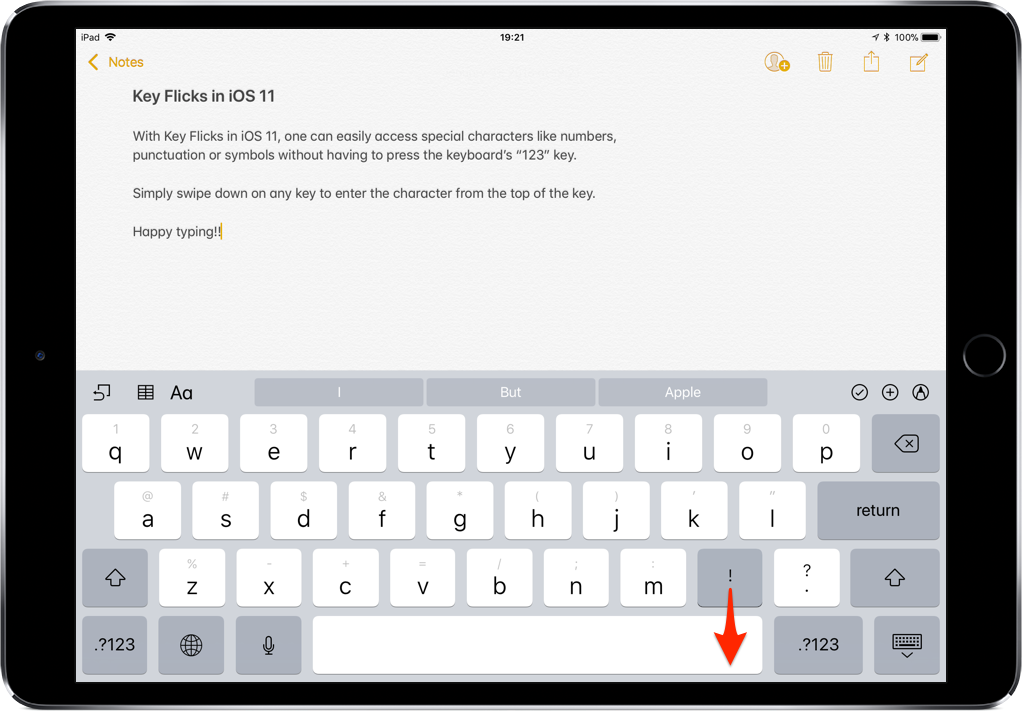
iOS provides a flickable keyboard that makes it easier to type faster on your iPad.
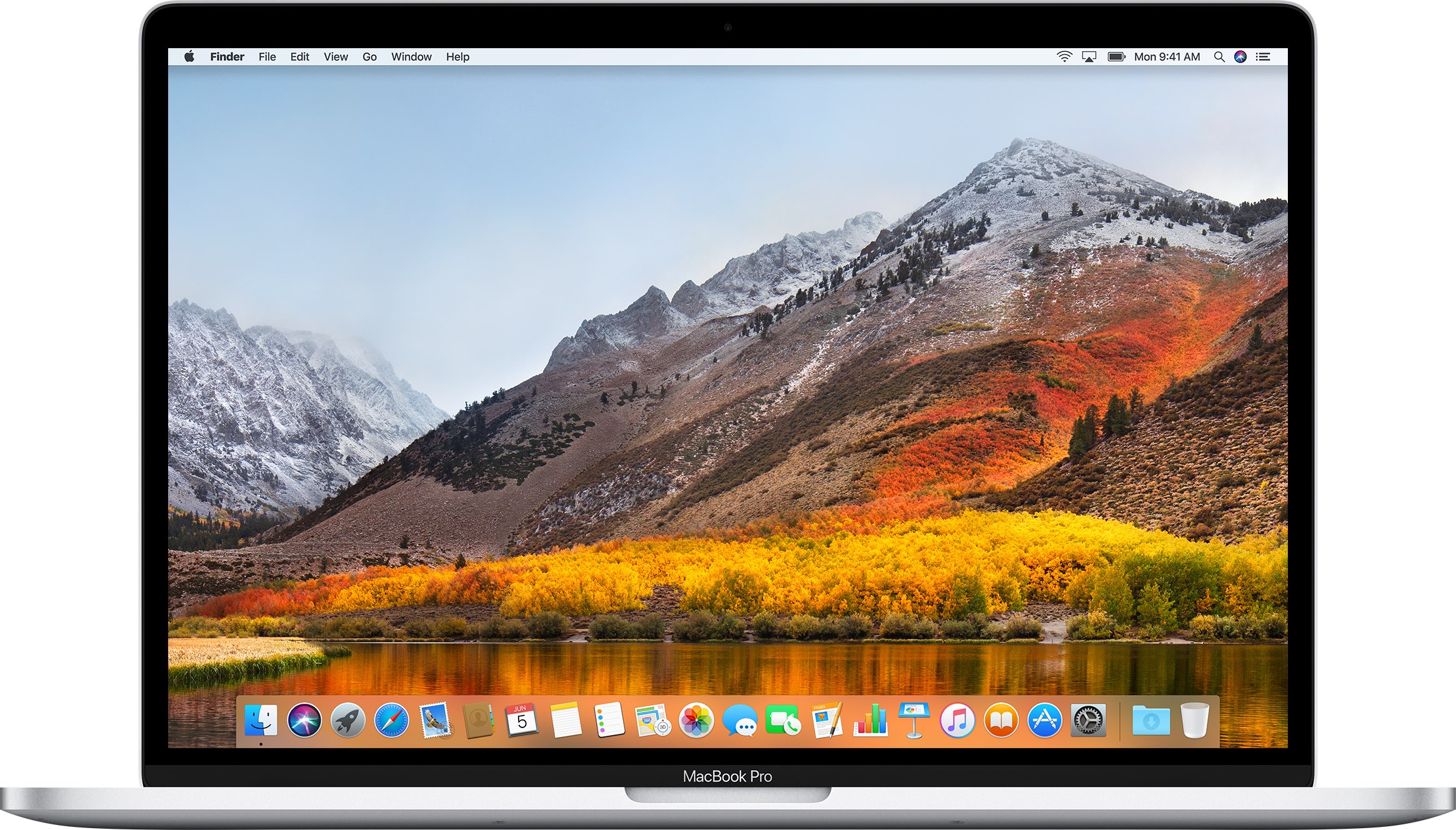
If you don't plan on installing macOS High Sierra for whatever reason, your Mac will still inform you of the software update every now and then via persisting system notifications.