Learn how to change the name of the room your HomePod is kept in using the Home app on your iPhone, iPad, or Mac.
How to rename the room your HomePod is in
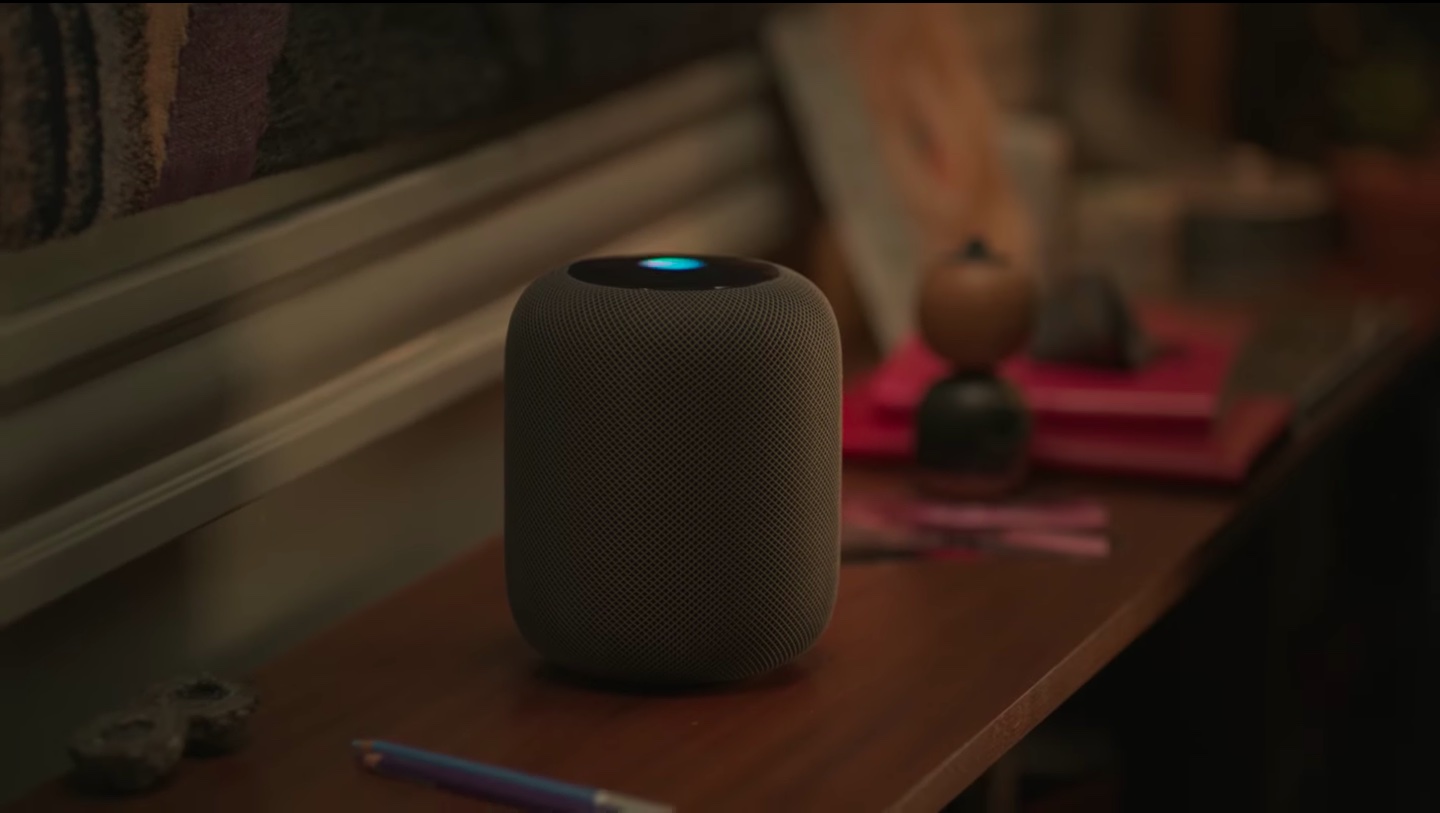
Learn how to change the name of the room your HomePod is kept in using the Home app on your iPhone, iPad, or Mac.
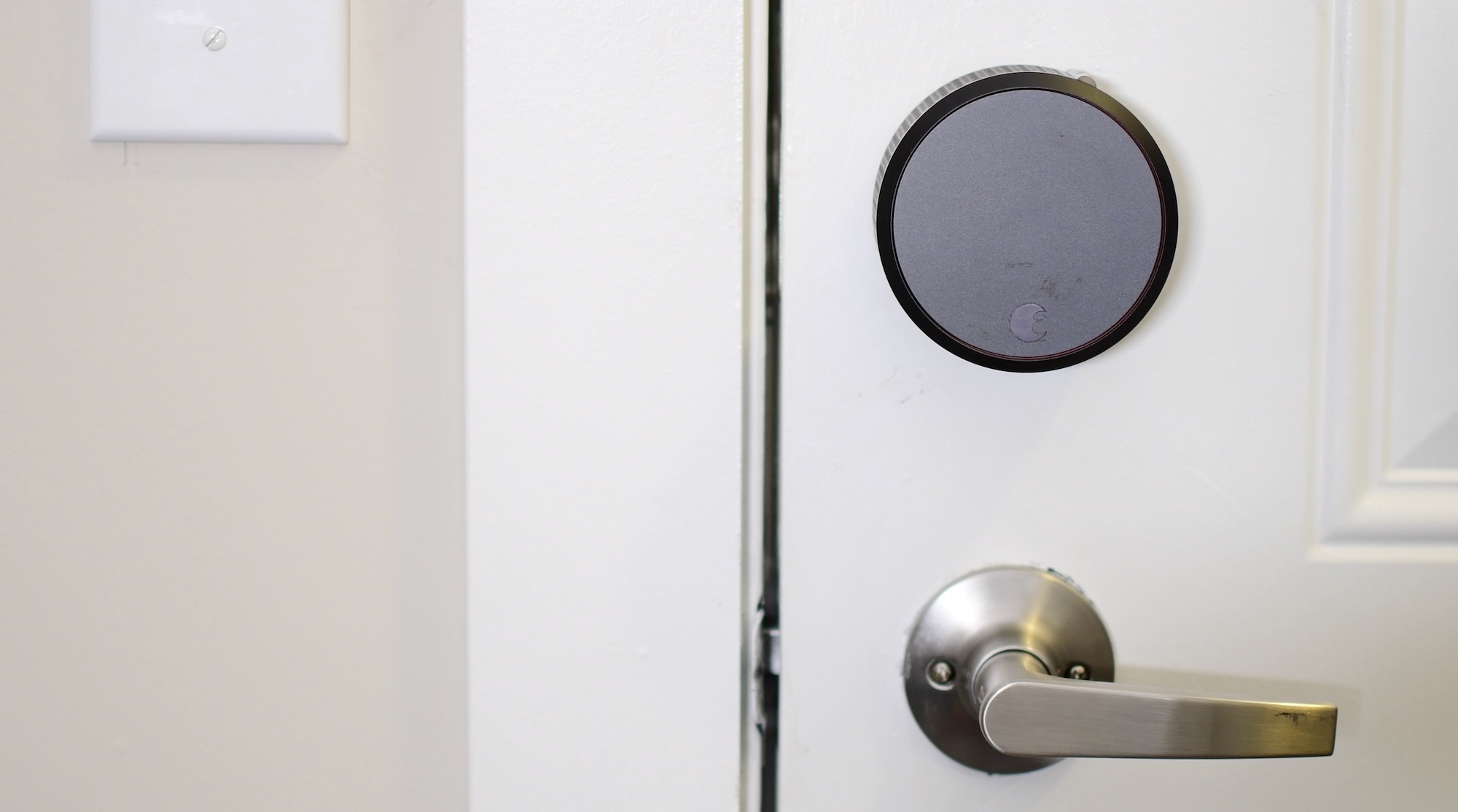
In our third entry to our HomeKit automation series, we explore a simple way to create a door lock status light. While the status light could represent many things, I use it as a way to be sure all my doors are closed and locked.
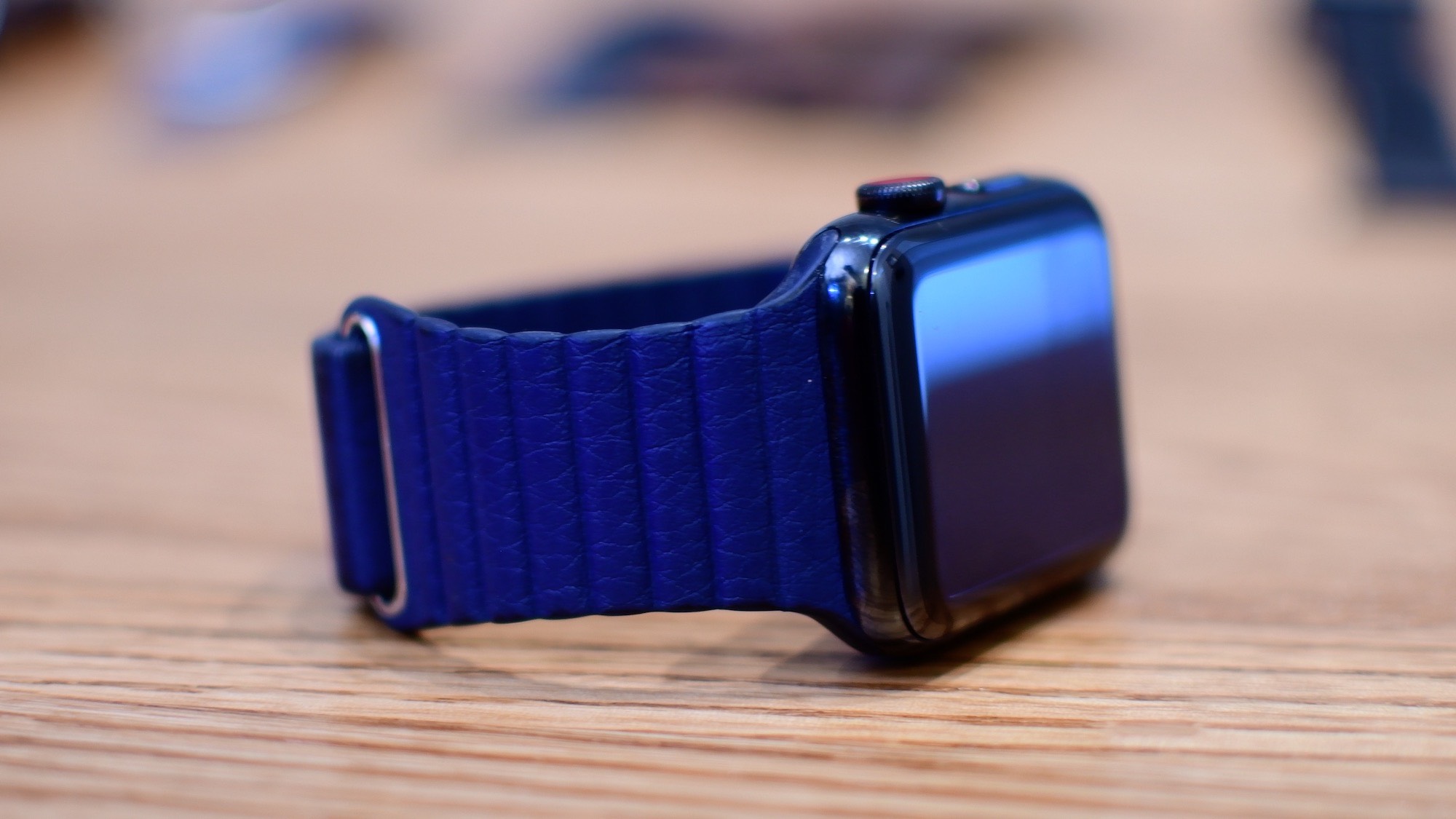
By default, the Dock on your Apple Watch shows your most recently used apps.

Learn how to use the Home app on your iPhone, iPad, or Mac to rename your HomePod so you can differentiate it from other HomePods in your house.

Learn all the ways you can select stuff on your Mac, including contiguous groups of Finder files, multiple non-adjacent items, and more.
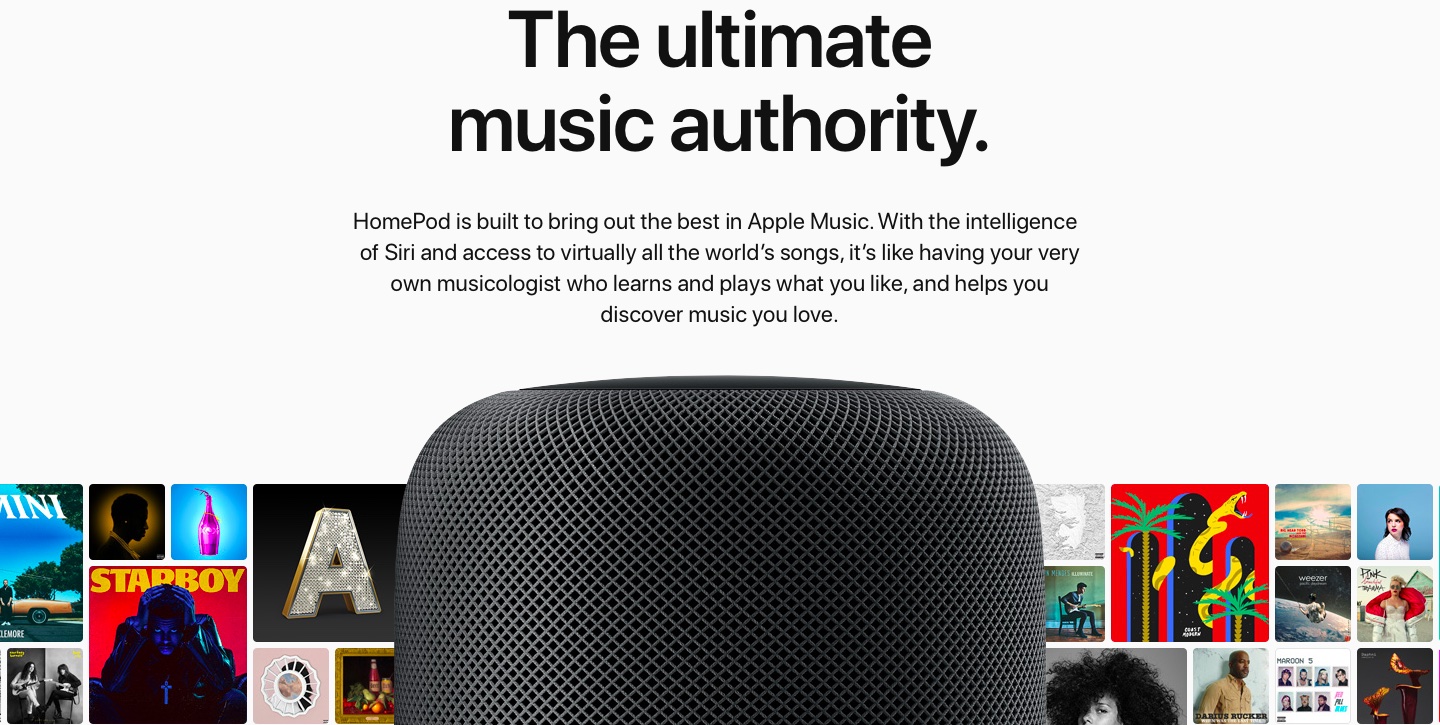
In this tutorial, we’ll show you how to stop your Apple Music recommendations from getting influenced by what your spouse, kids, or family members listen to on the HomePod linked to your Apple Music account.
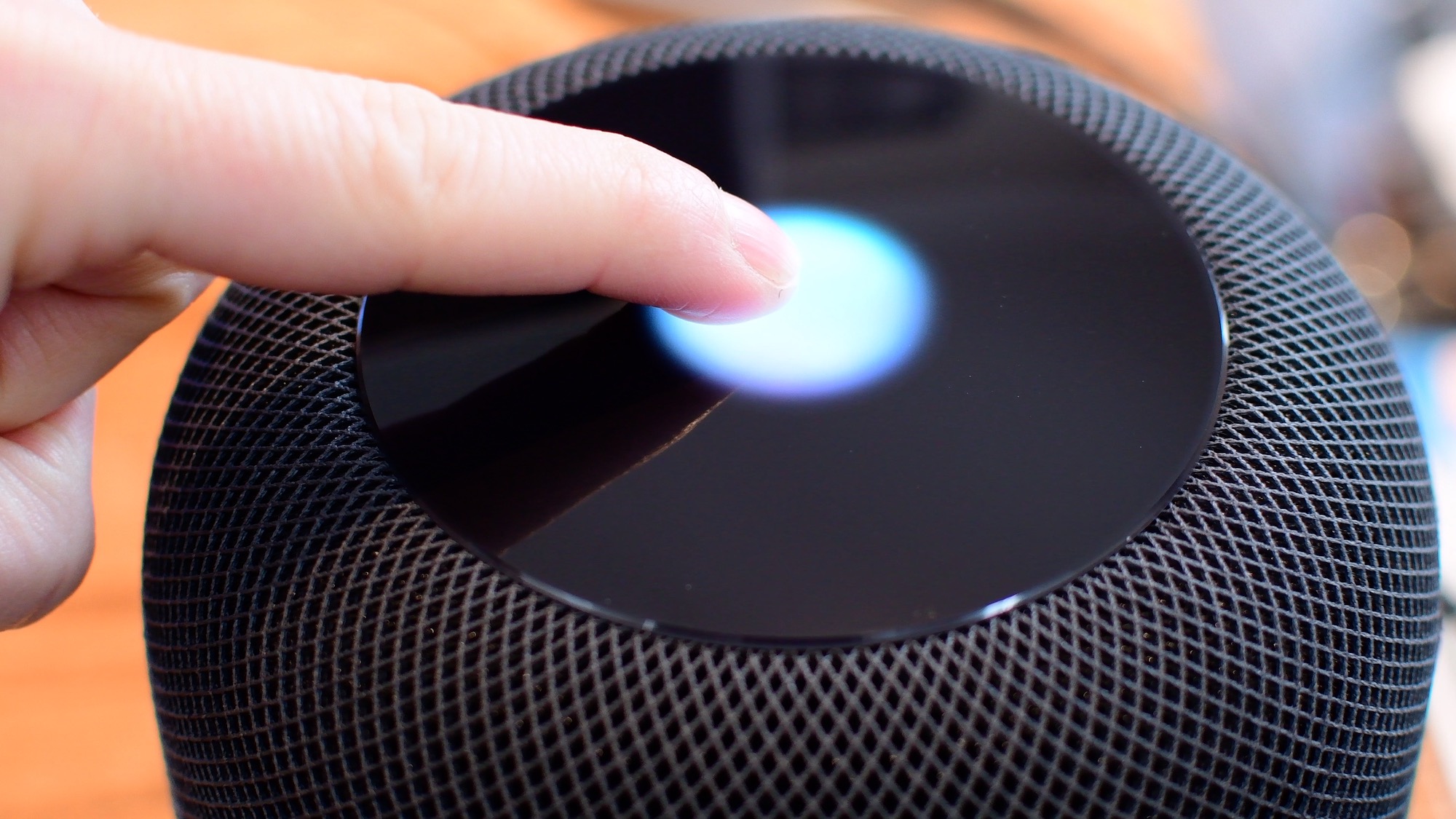
Knowing what the various status lights on the top of your HomePod convey is an important feedback mechanism when using the speaker's touch controls and other interactions.

In this step-by-step tutorial, we’ll show you how to automatically hide and show the Mac Dock, and we’ll even share a pro tip to make the animation faster.

In this tutorial, we will share the easy steps to filter reviews for an app on the iPhone or iPad App Store. This will help you see only the most favorable, critical, recent, or helpful reviews.
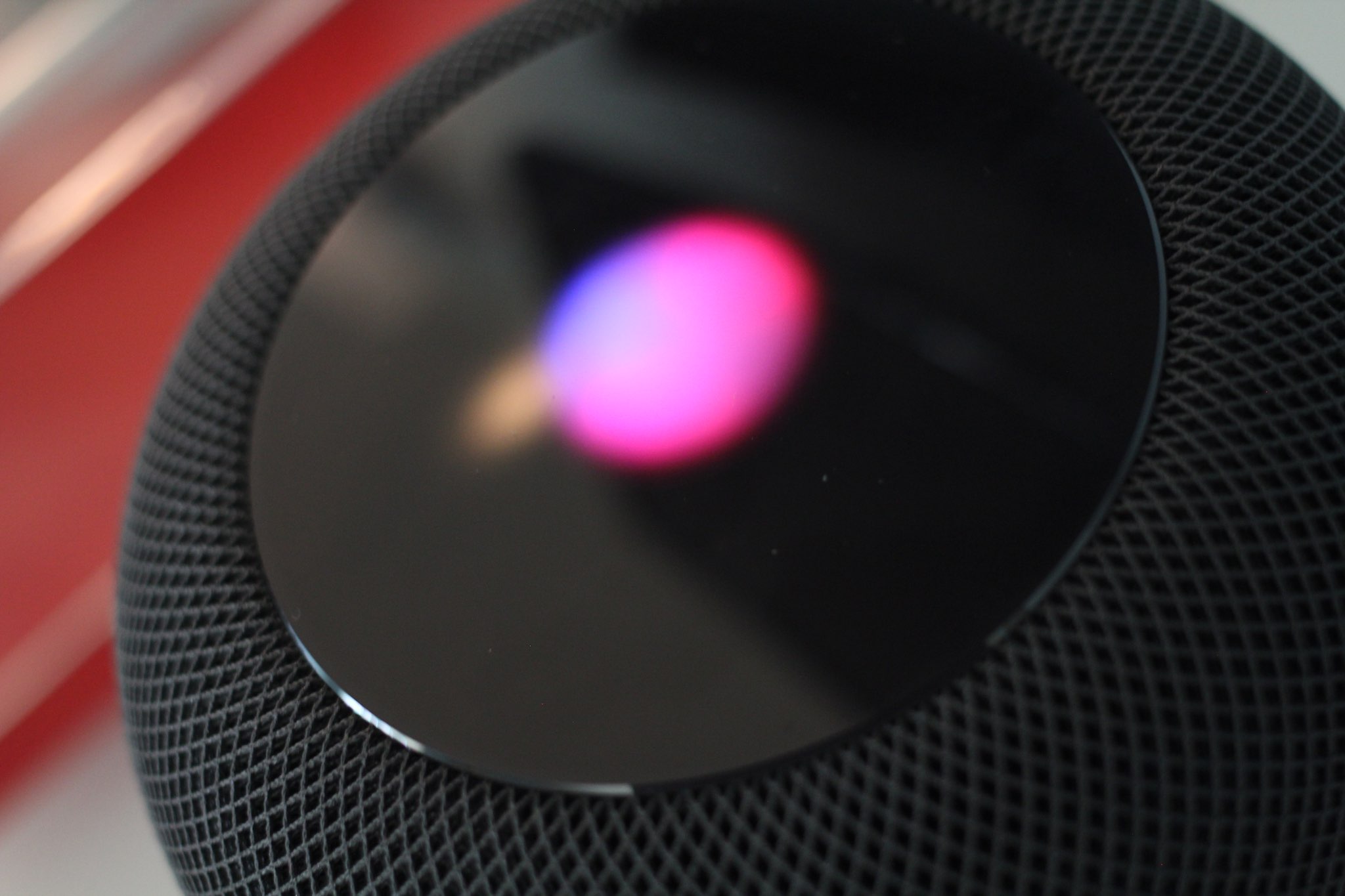
Learn how to turn off personal requests on your HomePod if you don’t want it to access and speak information related to your Contacts, Messages, Notes, Reminders, Calendar, and other installed apps that work with Siri.
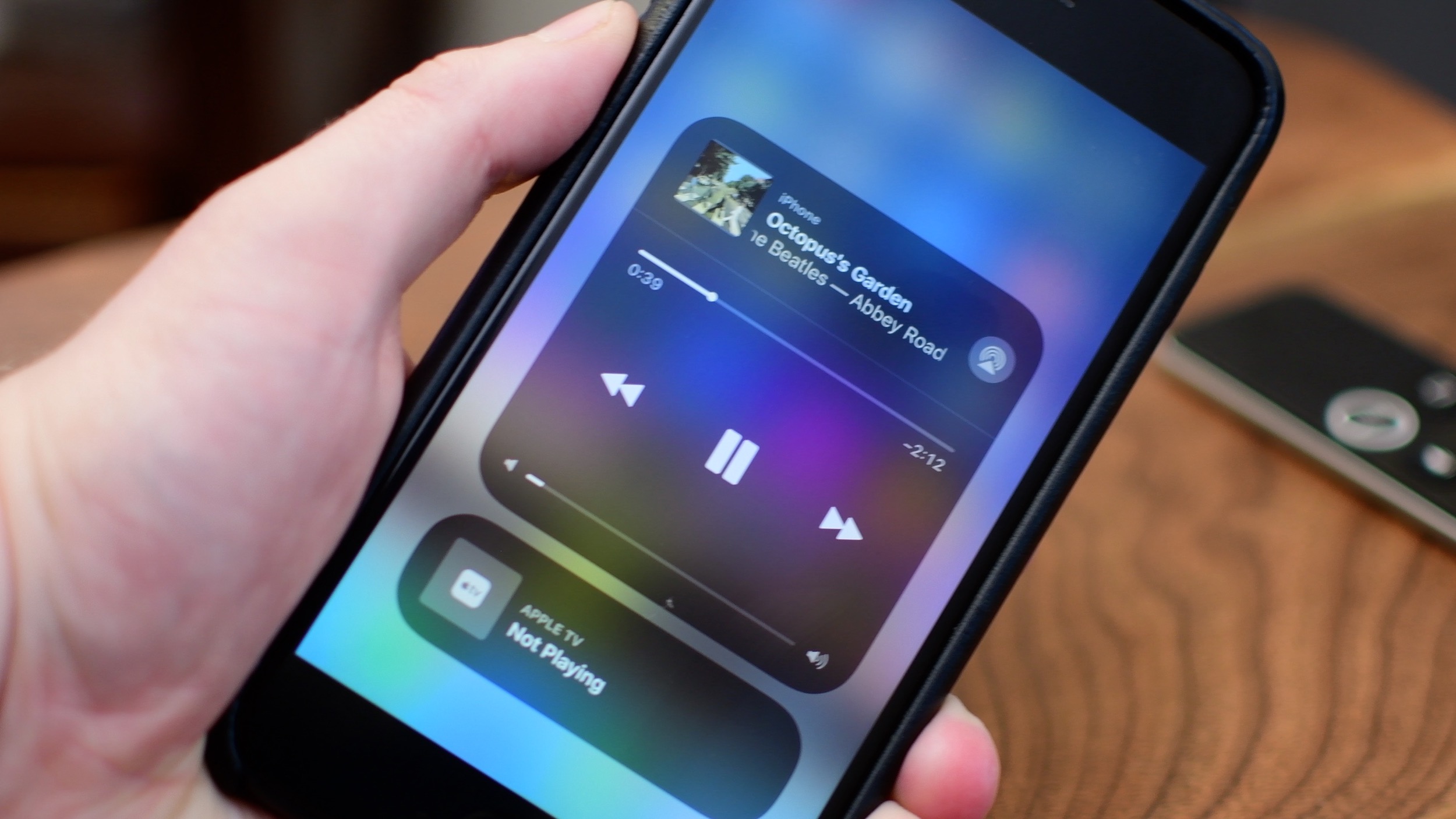
iOS 11 brought a customizable Control Center and also moved AirPlay options around.

Learn how to save an email as a PDF document on your iPhone, iPad, and Mac without having to use third-party apps or any dedicated printing extensions.