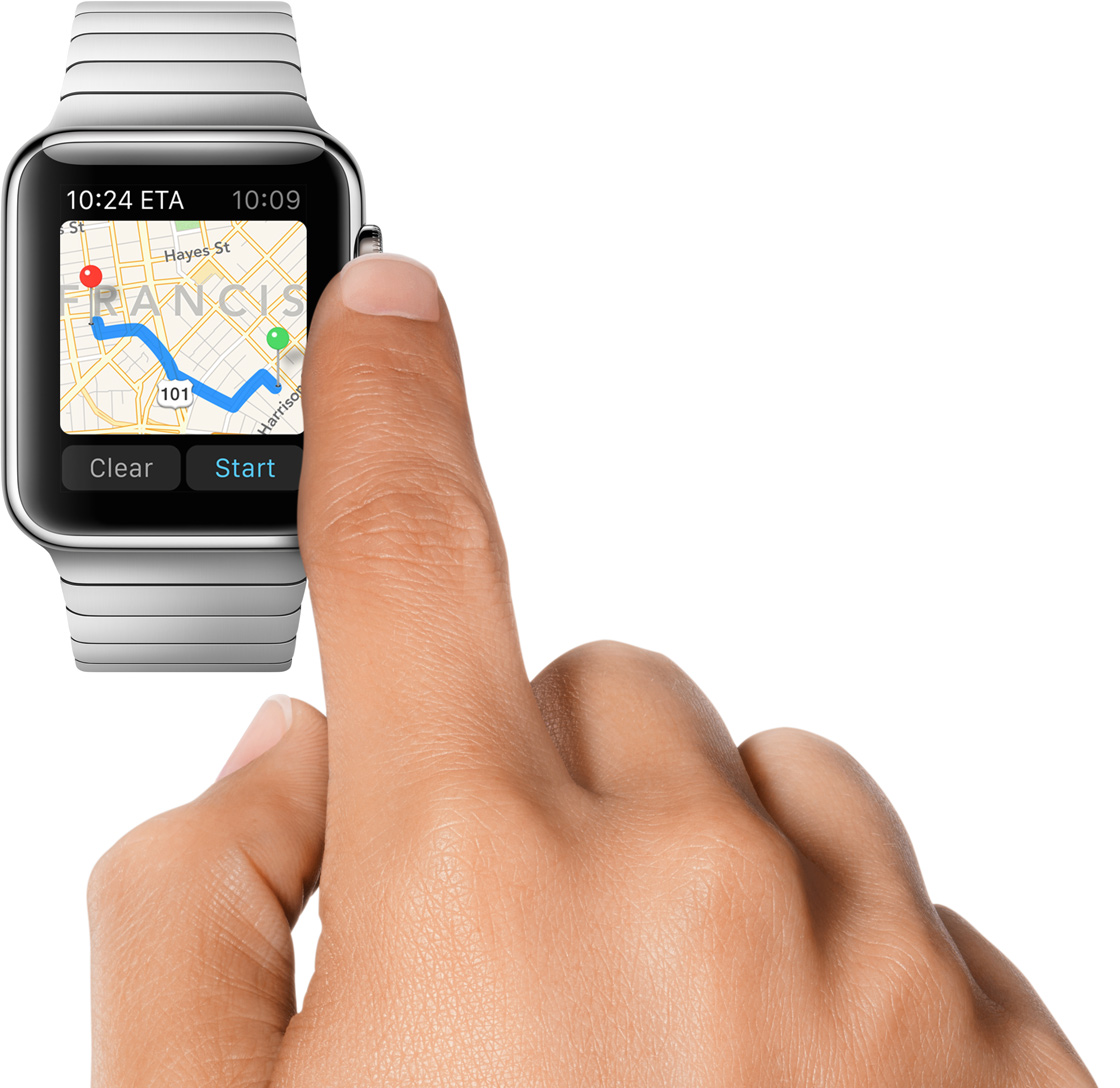
Learn how to manually connect your Apple Watch to an open or password-protected Wi-Fi network when your iPhone isn’t around.
How to connect Apple Watch to Wi-Fi without your iPhone
Learn how to manually connect your Apple Watch to an open or password-protected Wi-Fi network when your iPhone isn’t around.
Apple Watch doesn't have its own Safari browser, but limited WebKit engine integration in watchOS lets you open website links embedded in messages and email. Over time, website data may accumulate, and you should clear it to keep things snappy on your Apple Watch.
Learn how to change the accent and highlight colors of your Mac's user interface to customize and personalize its aesthetics to your liking.
The Do Not Disturb feature on your device is a handy tool for those times when you need to unplug. But, if an emergency pops up, you still want calls or texts from certain contacts to get through.
One way to do this is to add those contacts to your Favorites or create a new group for them. However, there is another way to allow those important phone calls and messages to come through by using the Emergency Bypass setting.
Find out how to block or allow USB data access on your locked iPhone and iPad when it’s connected to a Mac, Windows PC, or other accessories. You can restrict access to protect your device from forced unlocking or allow access if you face difficulties connecting it to other accessories.
Apple's Safari browser that ships with macOS Mojave revives support for favicons. And thanks to iOS 12, favicons in open tabs are available on iPhone and iPad for the first time ever.
Learn how to quickly get your model, OS version, serial number, IMEI, and warranty details of your other Apple devices via iCloud on your iPhone.
Your Apple Watch can remind you to start the correct workout or end the session if you forget. The wearable utilizes the built-in accelerometer and heart rate sensors to identify motion and increased heart rate, both tell-tale signs that you might be working out.
For many workout types, Apple Watch senses when you’re moving and can optionally alert you to start the Workout app. Aside from giving you credit for the exercise you’ve already done, it'll also remind you to end your workout should you get distracted when cooling down.
Follow along for the steps to turn off workout reminders on your Apple Watch.
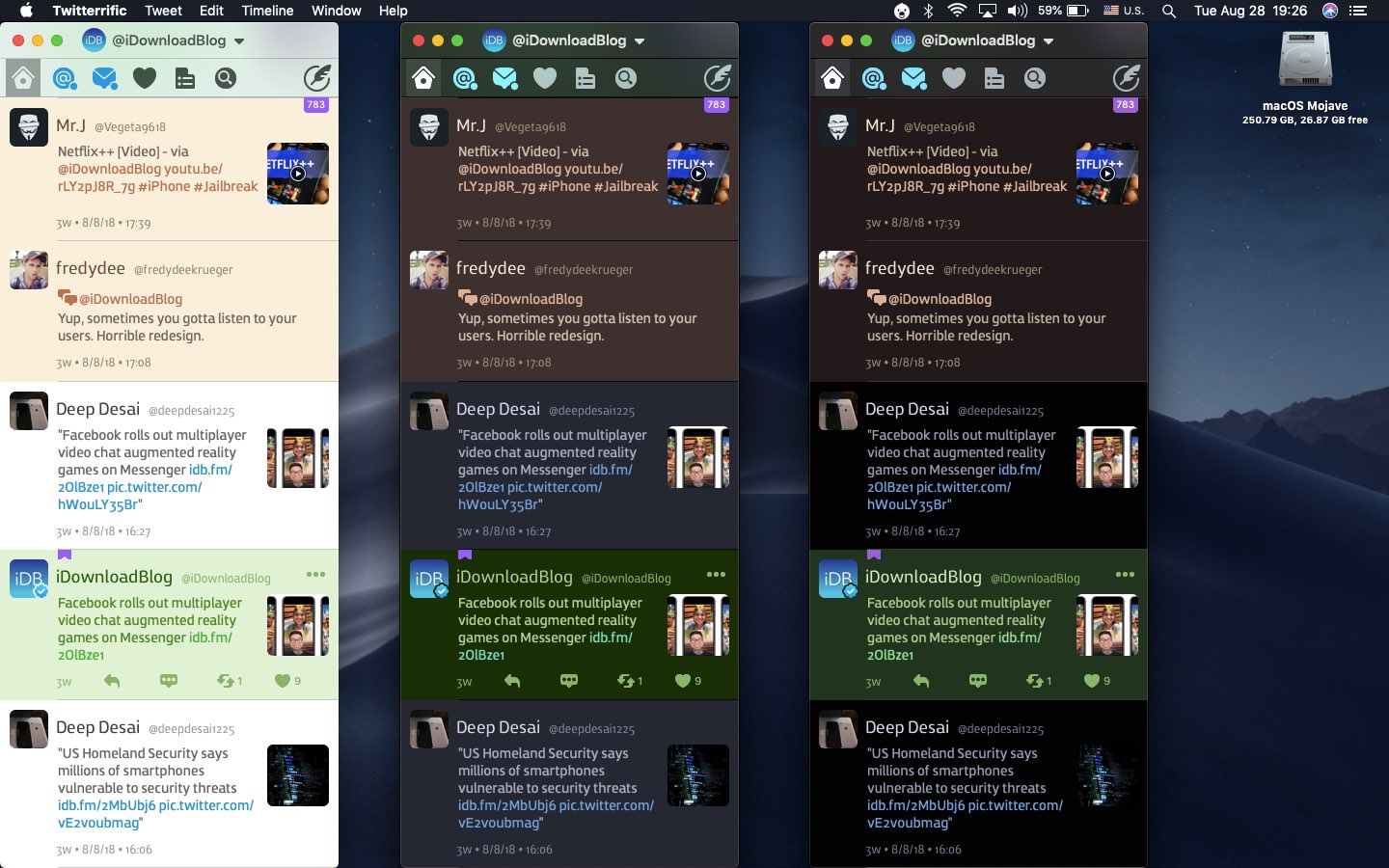
You can easily activate Dark Mode on your Mac desktop and laptop to make the screen easier on your eyes, especially at night.
Here are three quick ways to turn on Dark Mode on your Mac running macOS Mojave or later.
For the sake of consistency, iOSÂ supports iPhone X-style multitasking gestures on iPad. With them, you can interact with multiple apps on the Apple tablet by using new gestures in iOS 12 designed to replace the key functions of the incredibly versatile Home button.
The September 2018 release of the iOS 12 software update brought an easier way for iPhone owners to retry Face IDÂ following an unsuccessful unlock attempt on the Lock screen.