Learn how to quickly create widget stacks on iPhone for better organization and to make the most of the space on your Home Screen.
How to create widget stacks on your iPhone
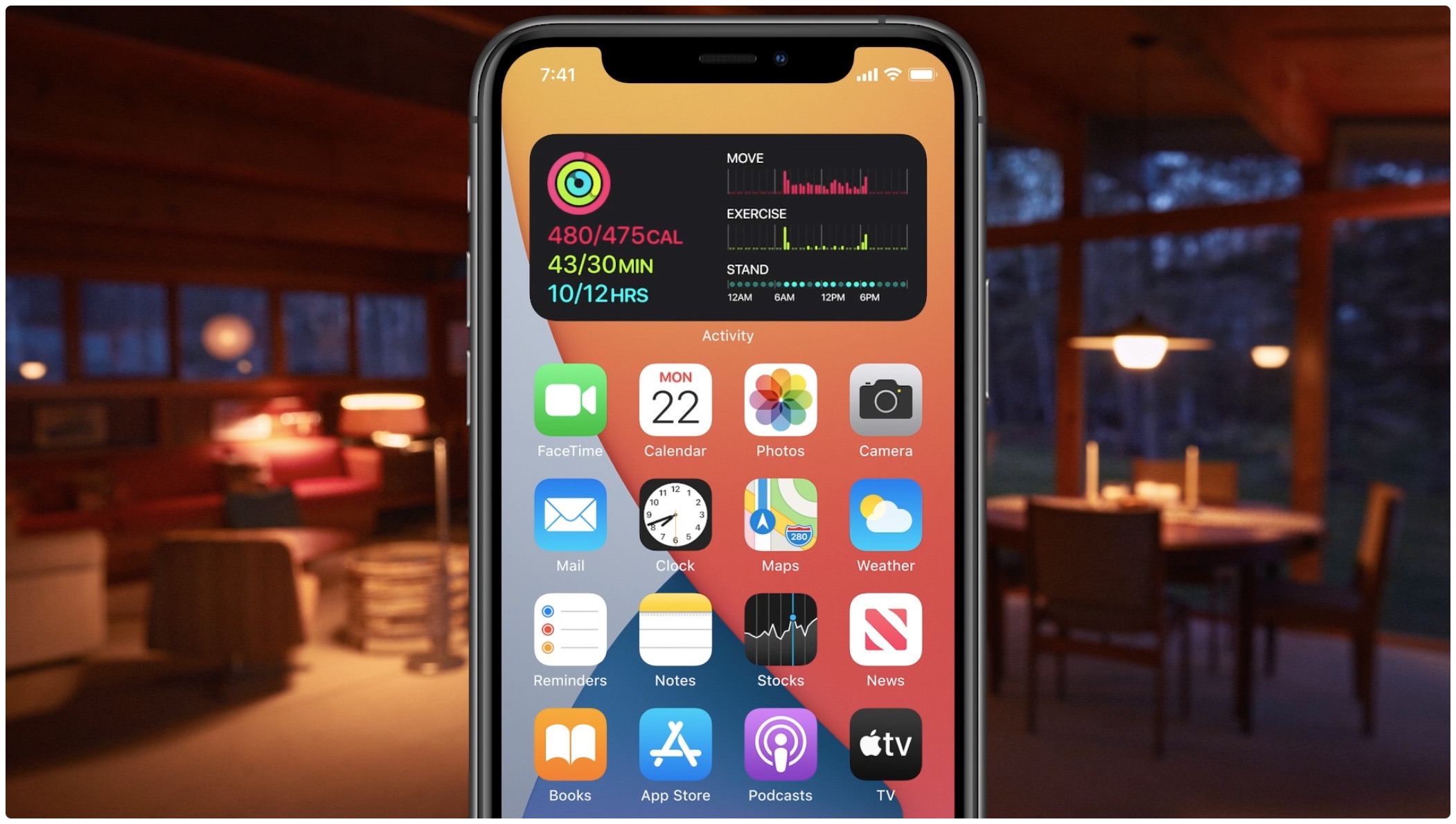
Learn how to quickly create widget stacks on iPhone for better organization and to make the most of the space on your Home Screen.
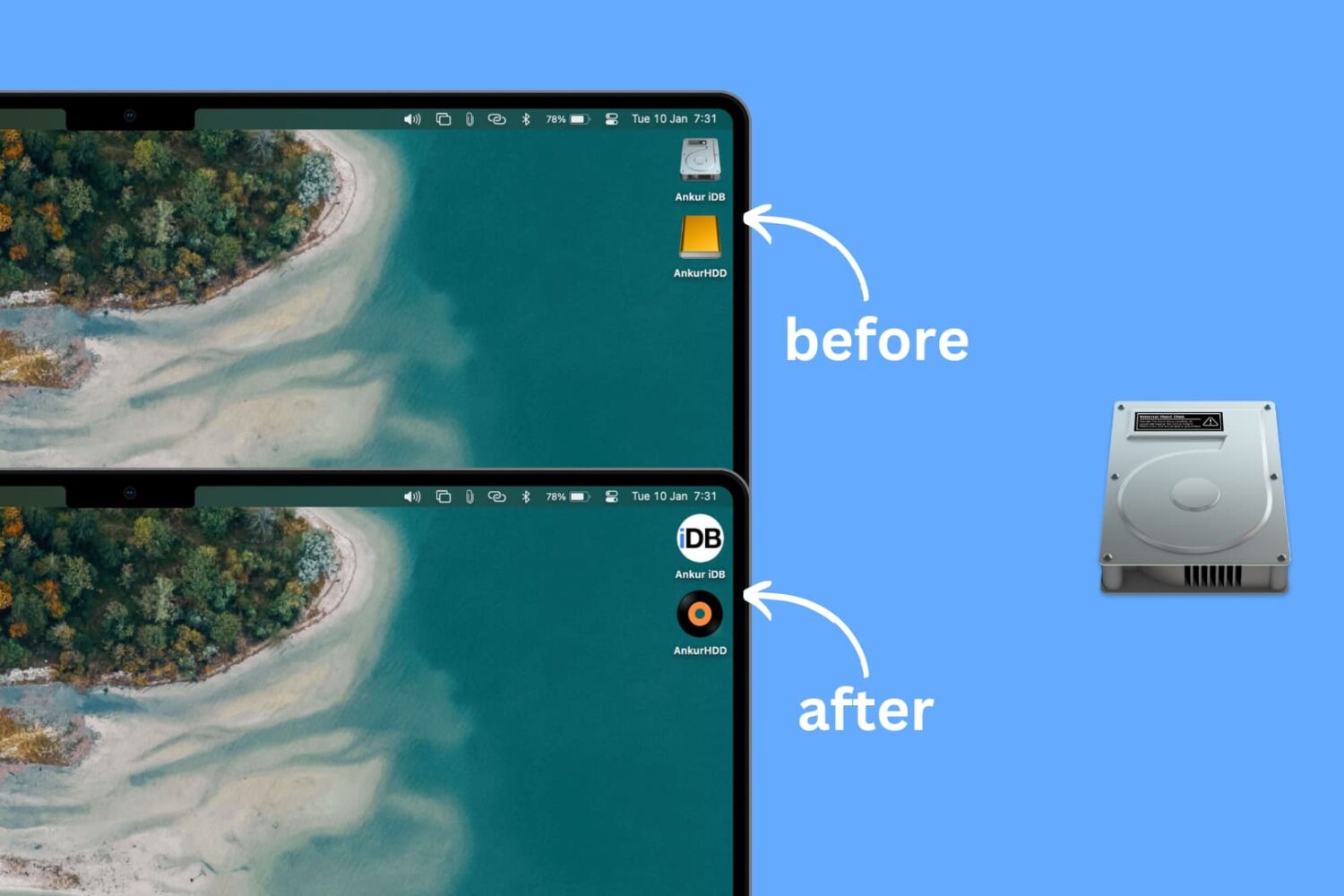
Learn how to personalize the desktop of your Mac with a custom icon for internal and external hard disks, USB thumb drives, and other attached storage devices.
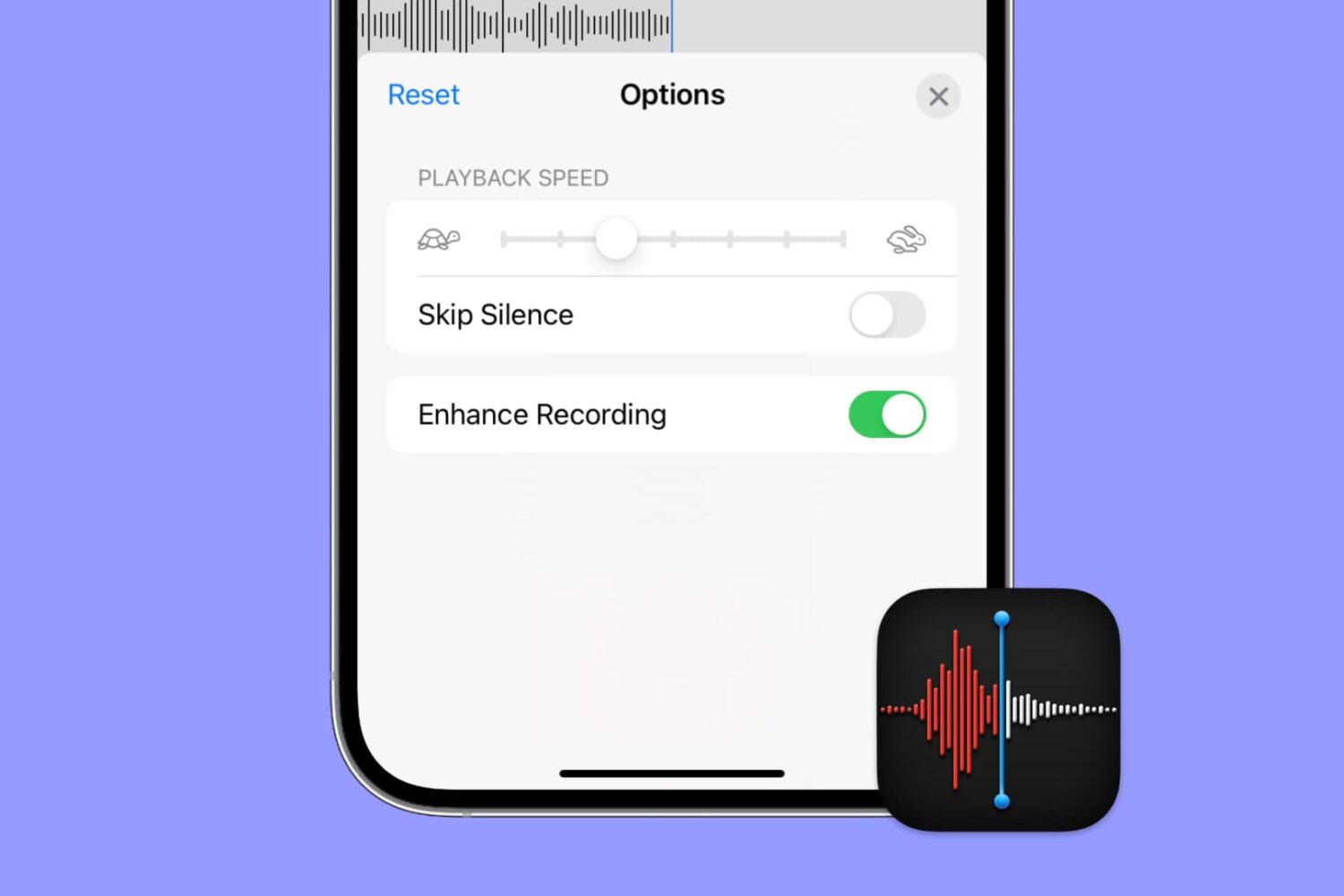
Apple's Voice Memos app has a feature designed to improve the sound quality of your recordings, including existing ones. Follow along with us as we show you how to use Voice Memos' Enhance Recording feature to reduce background noise and room reverberation of your voice notes.

Learn how to master Picture in Picture on your iPhone and iPad to continue a video call or video playback while you use another app.
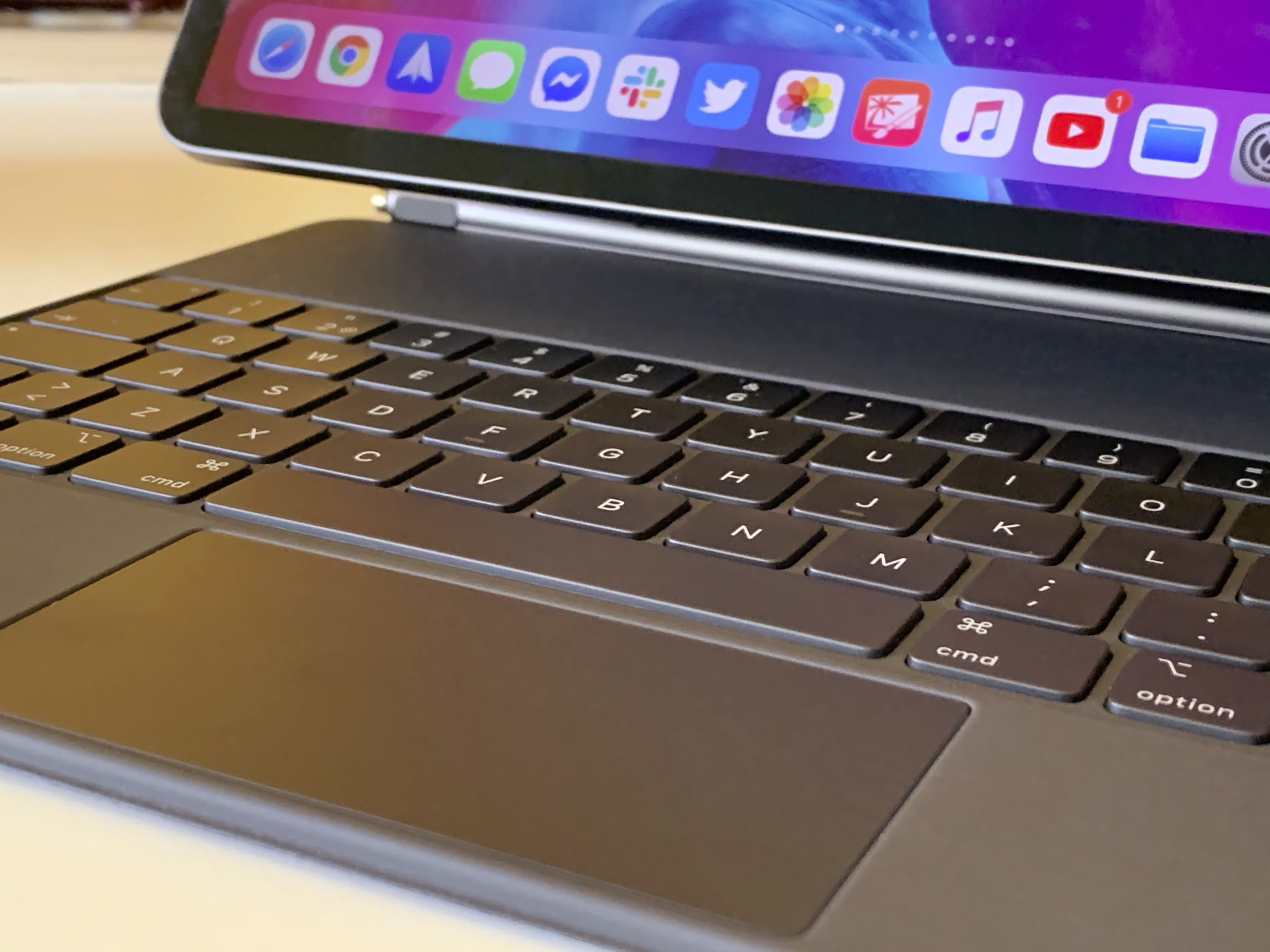
Learn how to disable iPad trackpad inertia to have the onscreen pointer stop moving immediately after you lift your finger from the trackpad.
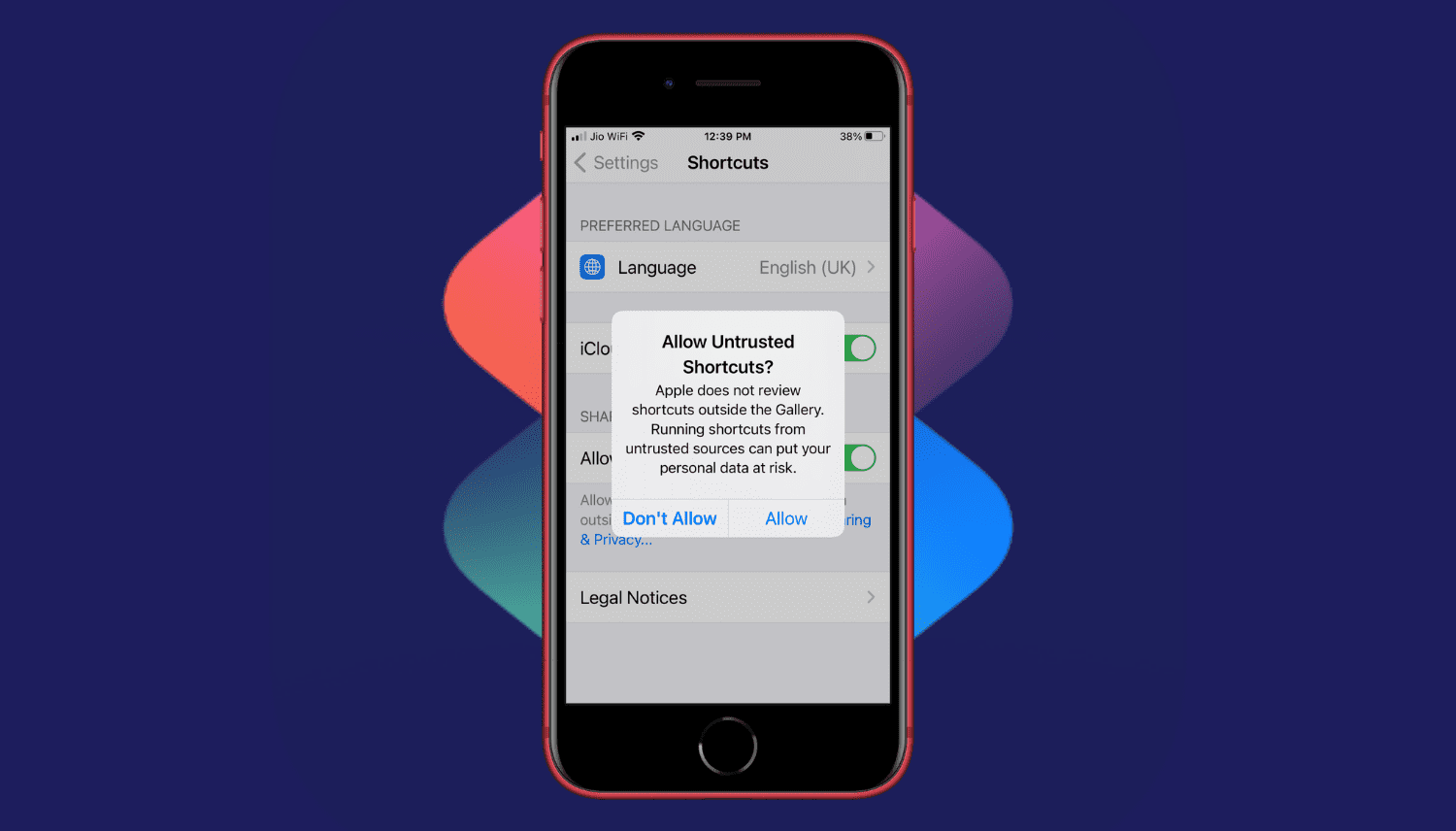
Are you trying to add a shortcut on your iPhone or iPad but can't proceed as your device is blocking unknown shortcuts? Here's how you can easily flip a switch and allow untrusted shortcuts on your iPhone. After this, you can use non-Apple curated shortcuts from elsewhere, like a website, shared via services like iMessage, received from AirDrop, and more.
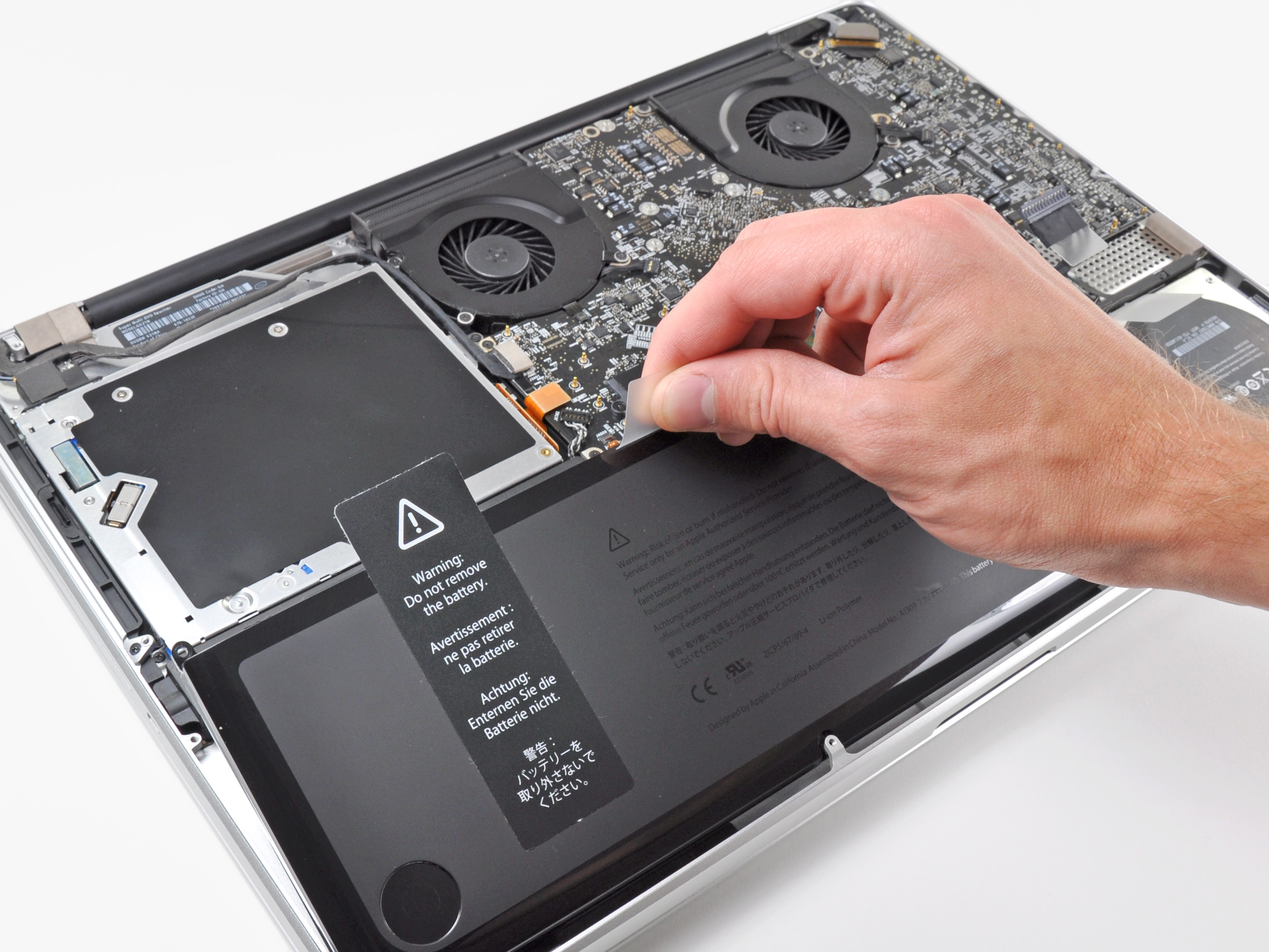
Learn more about the built-in battery health management feature made to improve the lifespan of your MacBook’s battery.
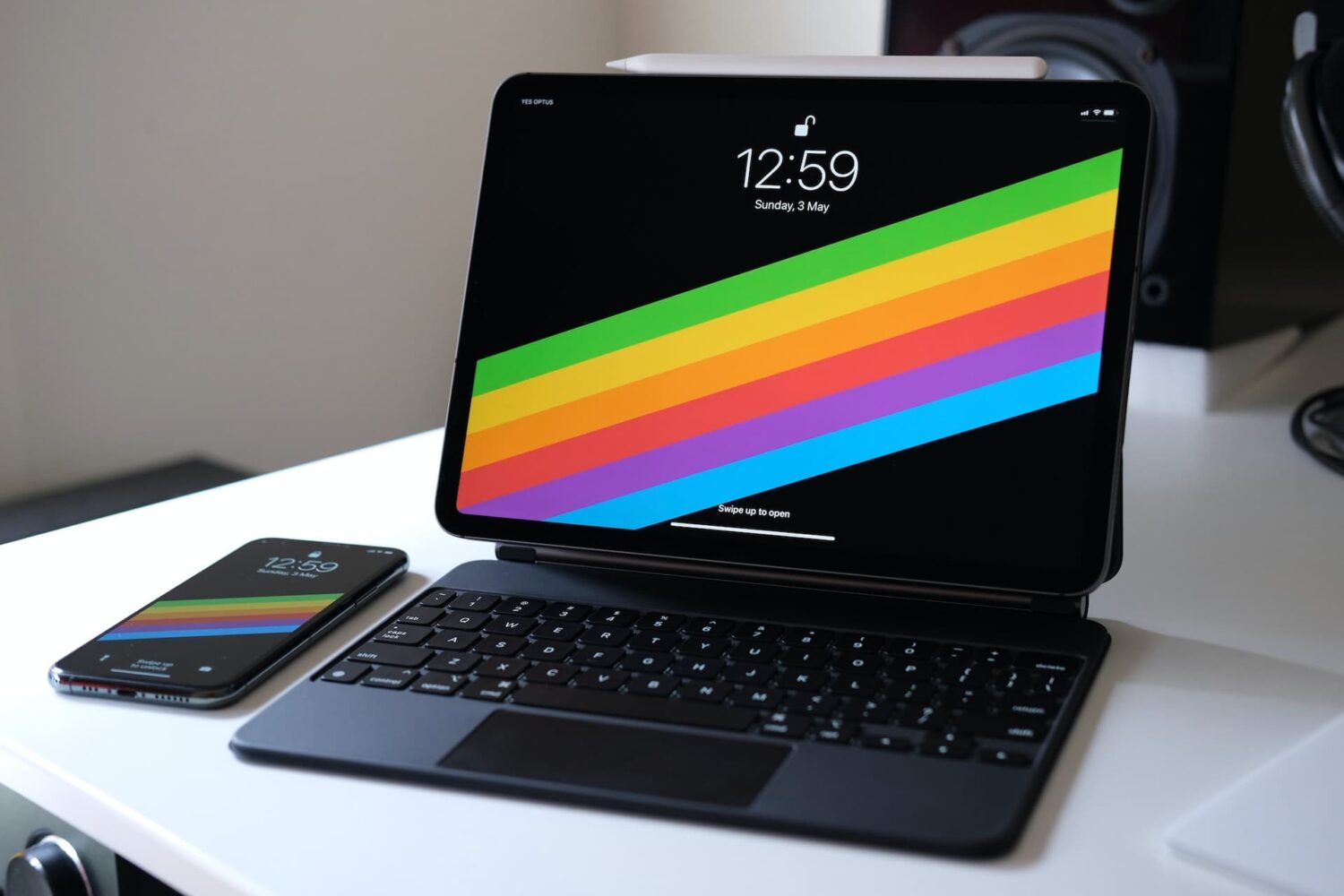
The right-click on the iPad is pretty similar in concept and execution to the long-standing right-click on Mac. In this tutorial, we show you how to do that on iPad with your finger, mouse, or trackpad.

From creating stations and custom playlists to organizing your favorite music systematically and saving power while on the go, here are the top ten Apple Music tips you should know about.
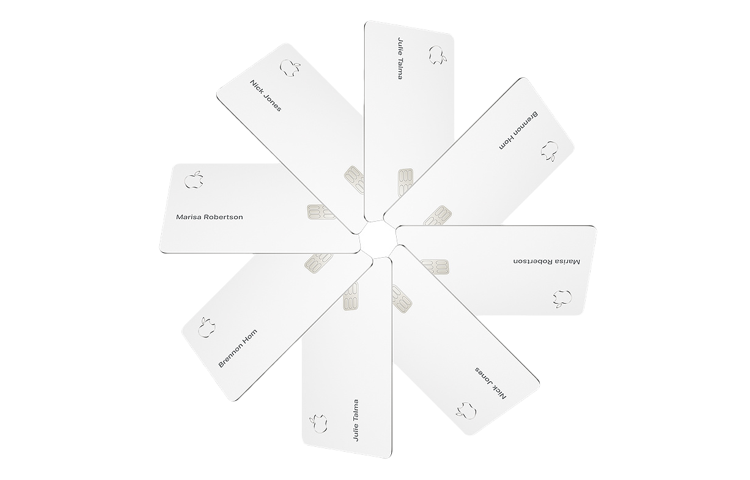
The Apple Card COVID-19 Customer Assistance Program helps those who have been impacted by the novel coronavirus by letting them skip their monthly payment during the time of crisis. Here's how to enroll in Apple's COVID-19 Customer Assistance Program for Apple Card.
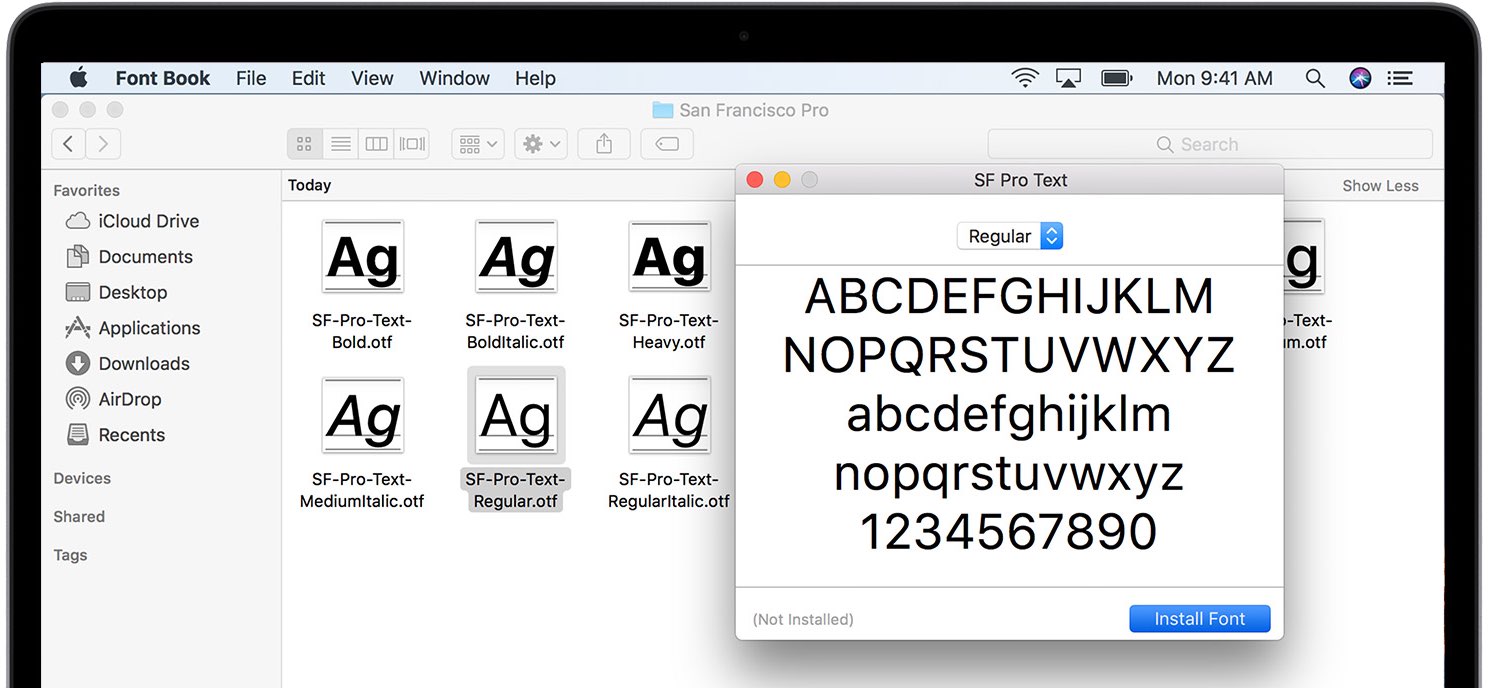
macOS Catalina packs in many licensed fonts and they're beautiful. The vast majority of fonts in Catalina are available out of the box while some must be downloaded. Here's the complete list of all the macOS Catalina fonts, including built-in and downloadable typefaces.
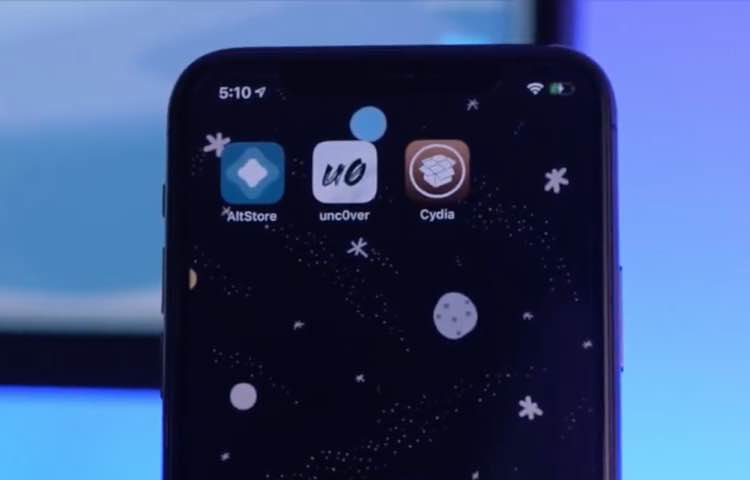
Has it been quite some time since you moved onto jailbreaking and stayed in there for a while? If so, you may want to consider pwning your iPhone again because iOS 13.5 has been successfully jailbroken and there still exist at least a dozen very compelling reasons to jailbreak.