Time

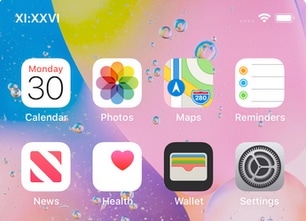
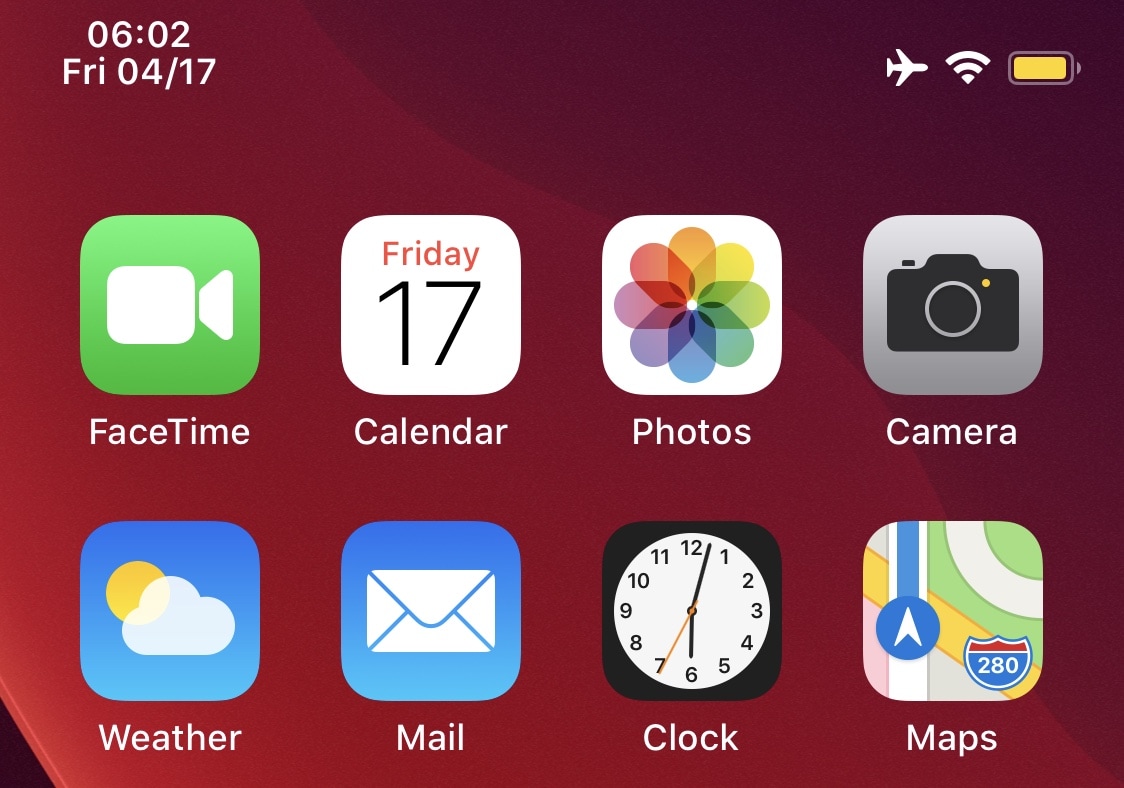
Waqt adds the date to your iPhone’s Status Bar

Apple programmed iOS in such a way that the iPhone’s Status Bar would display the current time. But unlike the iPhone’s larger cousin, the iPad, its Status Bar doesn’t display other pertinent time-centric information like the date.

Fortunately for jailbreakers, a newly released and free jailbreak tweak dubbed Waqt by iOS developer P2KDev can change this apparent shortcoming on Apple's part.
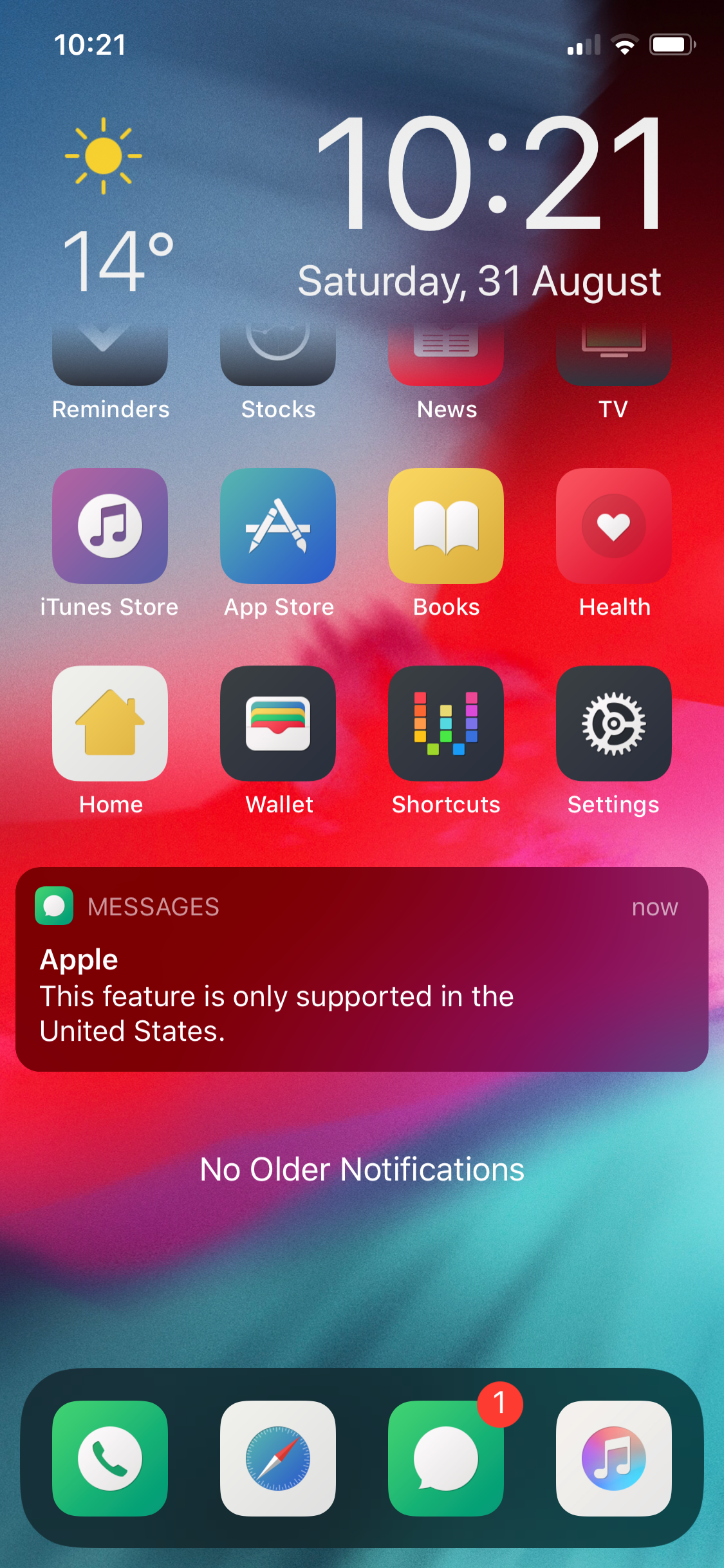
This tweak keeps you mindful about your Contacts’ timezones

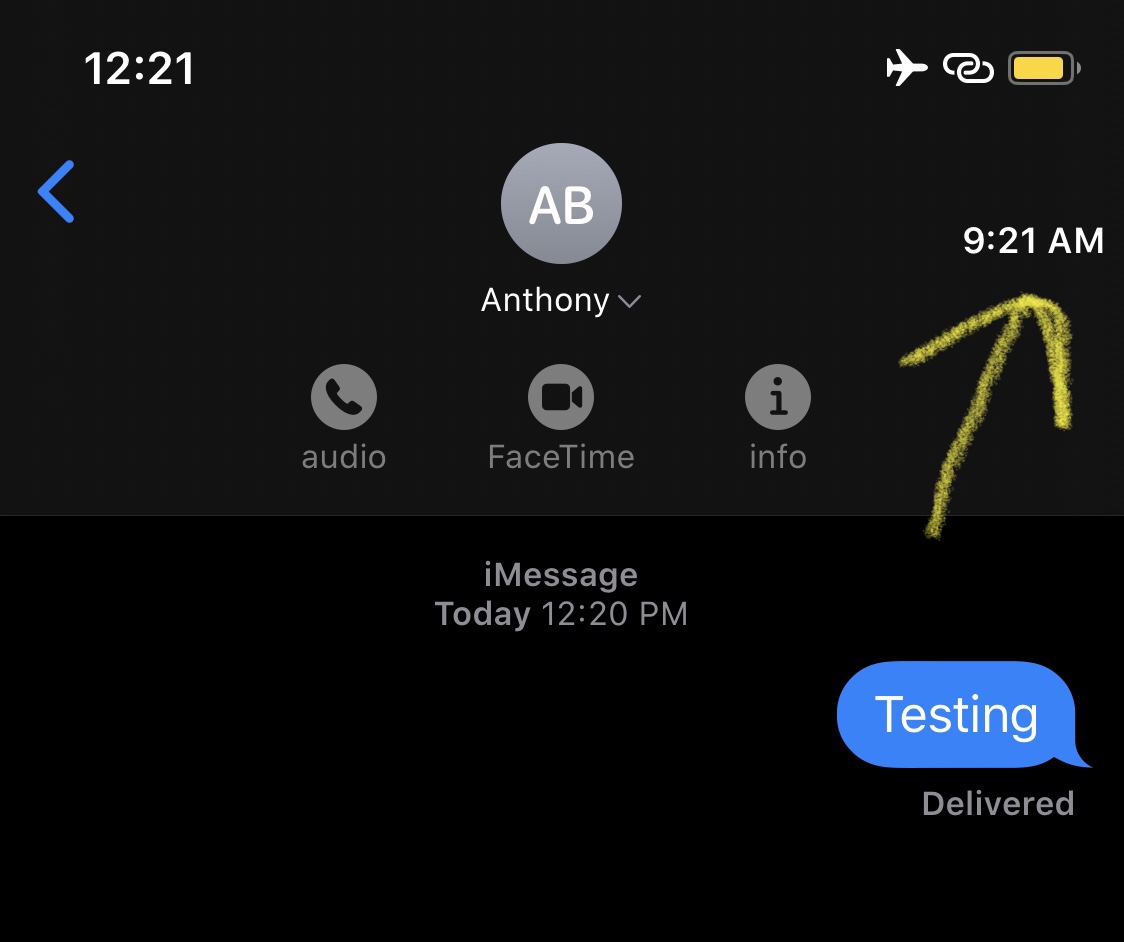
Depending on how many friends or family members you have, chances are that not all of them reside in the same time zone. This can cause headaches when trying to determine when or when not to text somebody, as you almost certainly want a timely response, but also don’t want to wake that person up in the middle of (their) night.

Here to help with this dilemma is a newly released and free jailbreak tweak called ContactTime by iOS developer lint. Just as the tweak’s name implies, ContactTime integrates a full-fledged timezone tool into your Contacts list, and if that wasn’t neat enough, the tweak Even lists your contacts’ time zones in the Messages app for you to see at all times.

The best free time trackers for Mac to log the hours you work

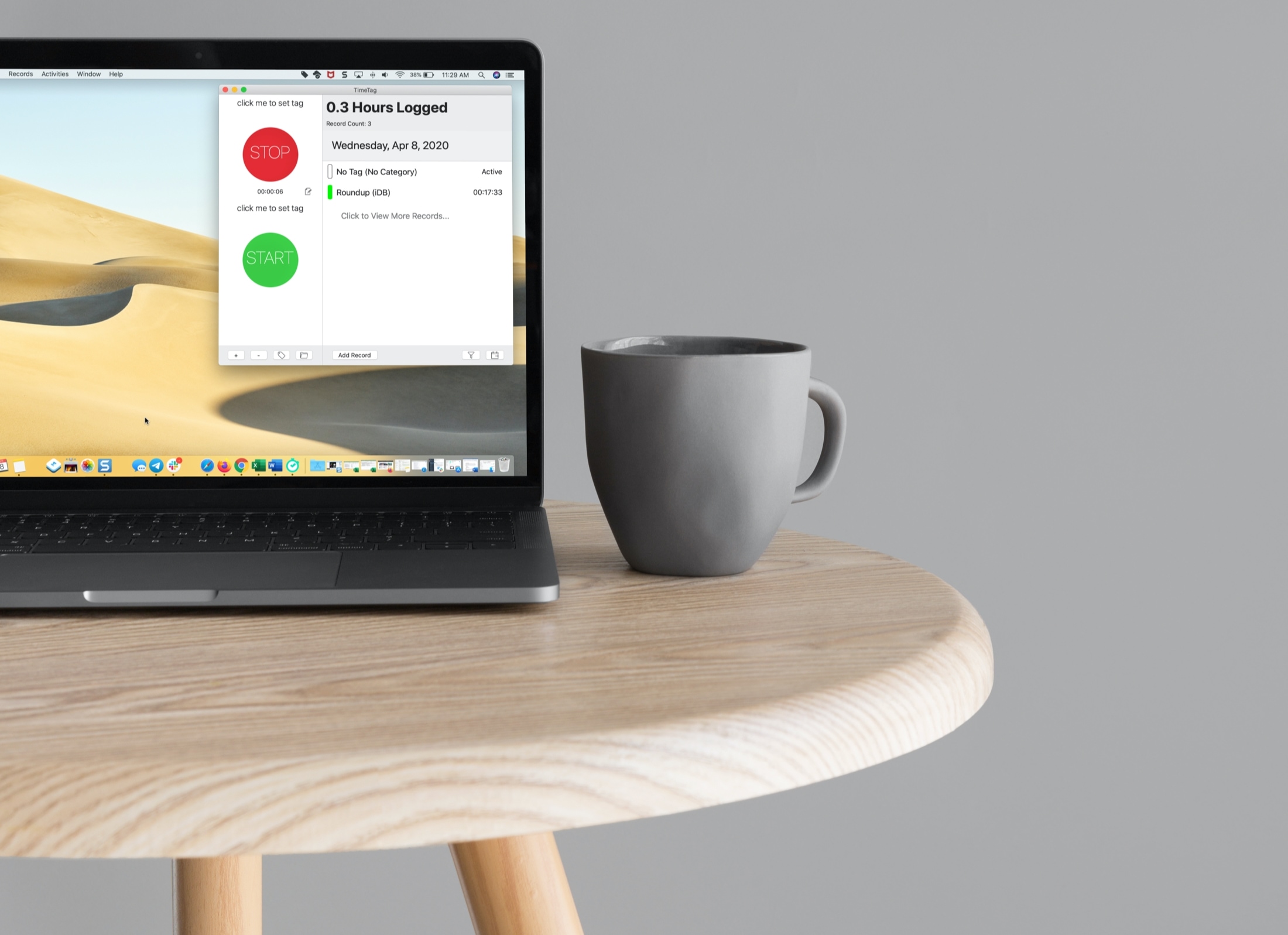
Time Trackers for Mac - TimeTag

If you’re a freelancer, remote worker, or another job type where you need to log your time, then you want a good time tracking app for Mac.

Time trackers come in all shapes and sizes. From those that have a basic start and stop button to those that have built-in task management features, do you have the time to try them all and see which is best for you?

To help you out, we’ve tried several time trackers for Mac and have narrowed that list down to these best ones.

BuzzTime uses vibrations to help you tell the time discreetly

One of the best parts of owning a jailbroken iPhone or iPad is the quirkiness factor — the ability to make your handset do something that stock handsets can’t.

If you enjoy giving your handset special abilities and you’re also typically conscious of the time, then you may come to appreciate the likes of a newly released and free jailbreak tweak called BuzzTime by iOS developer burrit0z.

This tweak makes your iPhone display the time in Roman Numerals

Roman Numerals are an acquired taste, but if you’ve come to appreciate them as a time display more than basic numbers, then we have a gut feeling that you’ll enjoy a newly released and free jailbreak tweak dubbed Tempus Romānum by iOS developer Ryan Nair.

Tempus Romānum can be used to replace both the Lock screen time and Status Bar time with a Roman Numeral-centric display, and it’s very easy to use.

Kalm is a more informative Lock screen for pwned iPhones

The iOS Lock screen has received a plethora of subtle design changes over the years, but they haven’t been quite as audacious as some users would like to see, and personally, I’d like to see more of my most pertinent information directly on my Lock screen every morning without having to swipe anywhere.

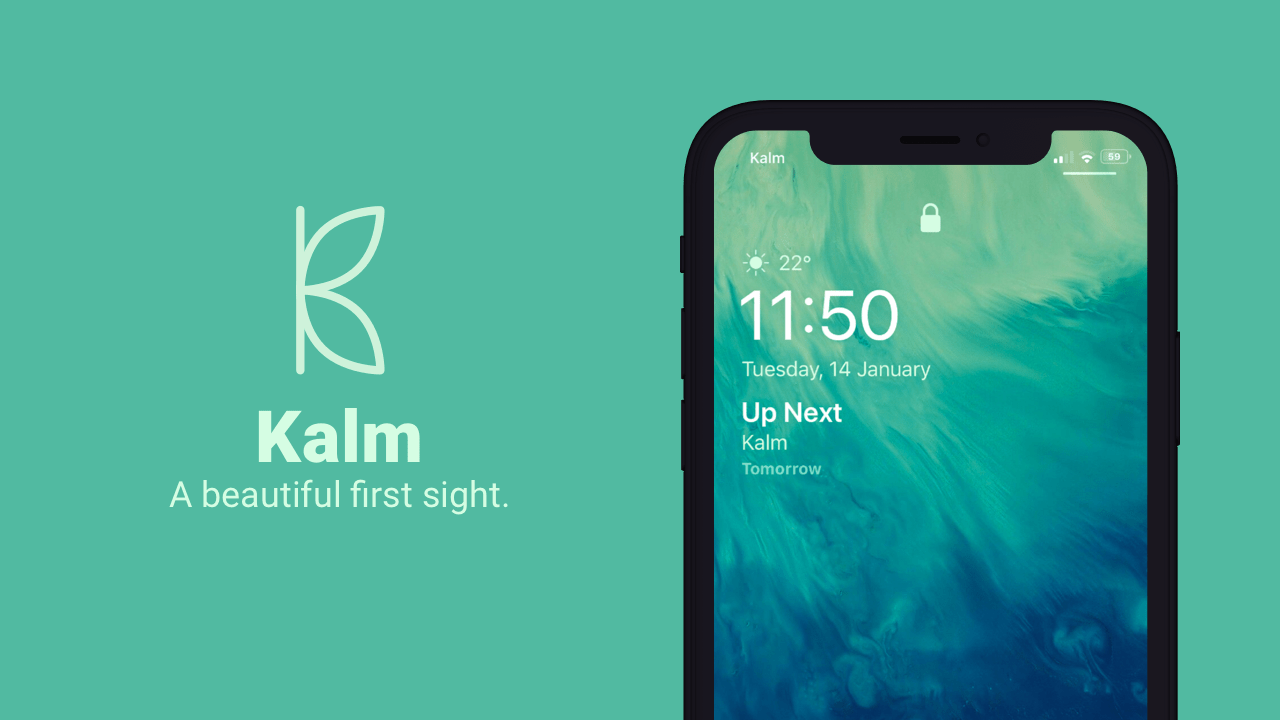
If you’re onboard with this train of thought, then I think you’ll enjoy a newly released jailbreak tweak called Kalm by iOS developer ubik. Kalm brings a beautiful new information-oriented display to your iOS device’s Lock screen, permitting you to see more of what’s going on at a glance with substantially less interaction on your part.

Sakal displays upcoming alarms on the Lock screen

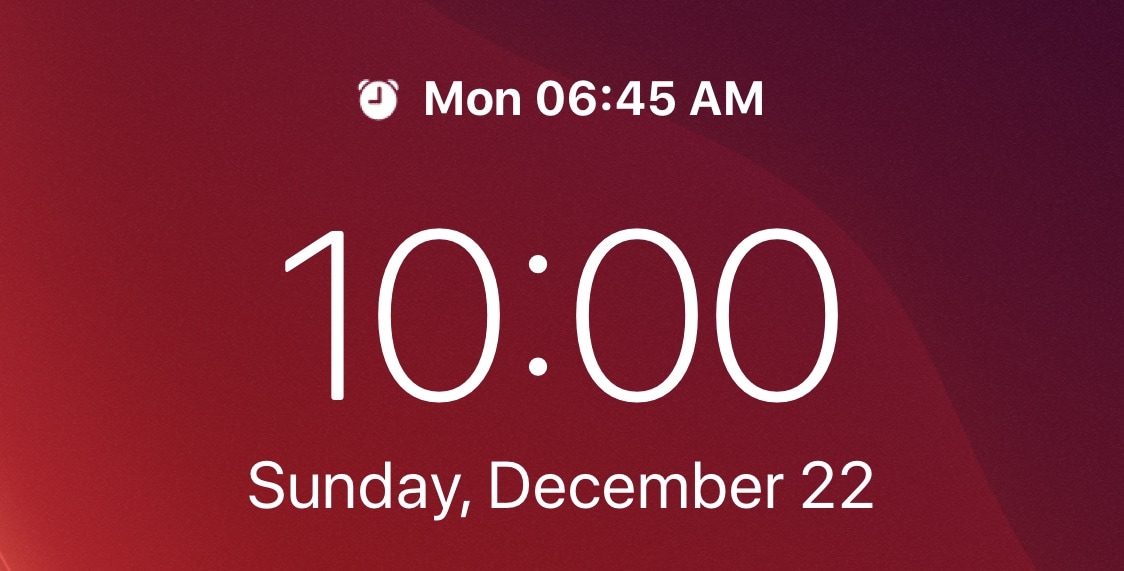
If you’re anything like me, then you probably set a morning alarm each day of the week to ensure you wake up at the proper time to prepare for work in the morning. But wouldn’t it be nice if iOS gave you somewhat of a heads-up when an alarm was set to go off the following day?

A newly released and free jailbreak tweak called Sakal by iOS developer P2KDev does exactly that, and it does this in a very aesthetically pleasing manner.

This tweak displays the Status Bar time as roman numerals

Your iPhone’s Status Bar provides a convenient way to check the time no matter what you might be doing on your device, but a digital time display isn’t everyone’s forte.

For those who demand a fancier Status Bar time display, we recommend checking out a newly released and free jailbreak tweak dubbed Roman by iOS developer Blake Boxberger.

Carabiner gives your iPhone’s Home screen a more unified user experience

Apart from a few refreshed application icons and a nice new wallpaper here and there, Apple hasn’t done much to improve the Home screen experience since the original iPhone. With that in mind, it should come as no surprise to anyone that it’s a point of interest when it comes to customization on jailbroken handsets.

One such example is a brand-new jailbreak tweak release dubbed Carabiner by iOS developer LaughingQuoll. As shown in the screenshot example above, Carabiner crams several interfaces into the Home screen, providing a gorgeous all-in-one experience that provides more information at a glance.

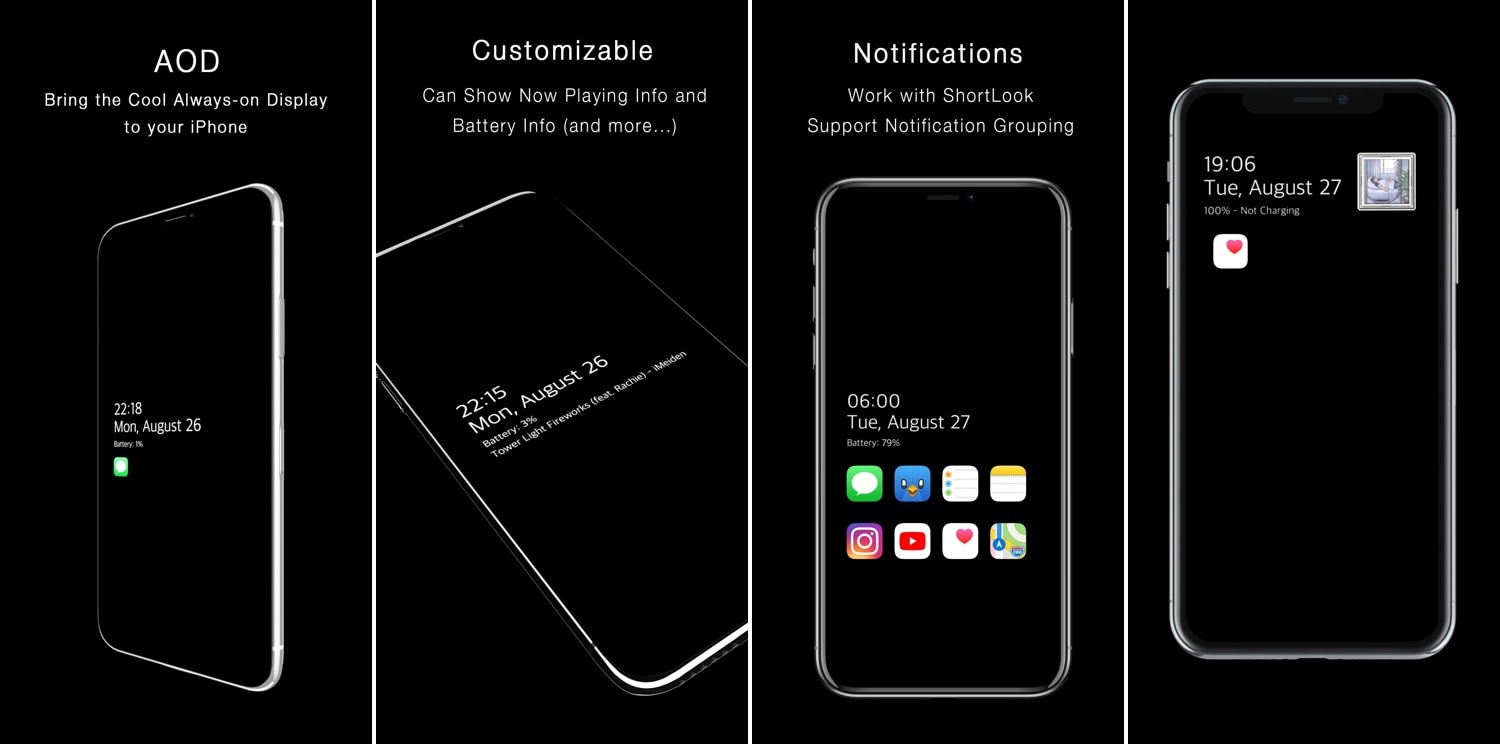
AOD brings an Android-style always-on-display to jailbroken iPhones

One of the cool things that several Android handsets have that the iPhone doesn’t is an always-on-display, which, for those who don’t know, continuously displays information on the Lock screen of OLED display-equipped handsets without ever shutting off, such as the time and any missed notifications. Fortunately for jailbreakers, this is no longer an Android-only feature.

With the help of a newly released jailbreak tweak dubbed AOD by iOS developer Soh Satoh, you can enjoy a true always-on-display experience on jailbroken devices running iOS 12, and while it works best on handsets equipped with OLED displays, it should work with LCD displays too.