Learn how to open and use Control Center on your Apple TV to access important settings, controls, and options without going to the Settings app.
How to open and use Control Center on your Apple TV

Learn how to open and use Control Center on your Apple TV to access important settings, controls, and options without going to the Settings app.
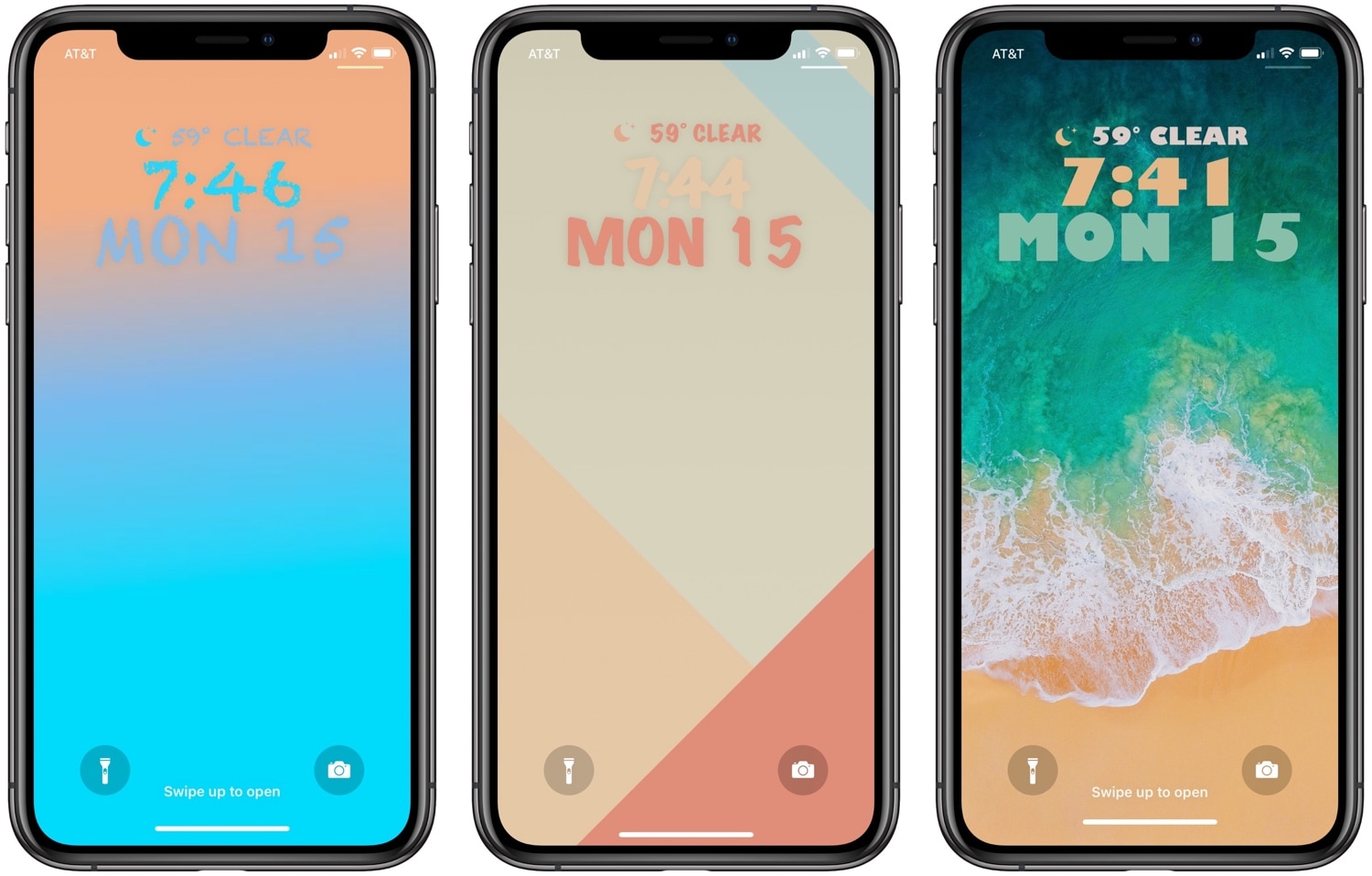
One of the best ways to show your jailbroken device off to the rest of the world is to customize how it looks, and a newly-released jailbreak tweak dubbed Fabric by iOS developer CreatureSurvive will help you do just that.
As you might’ve noticed in the screenshot examples above, Fabric lets you get creative with the text strings that appear on your Lock screen; this includes, but isn’t limited to, the date and time. Not only can you change how large the text is, but you can choose custom fonts and formatting, among other things.
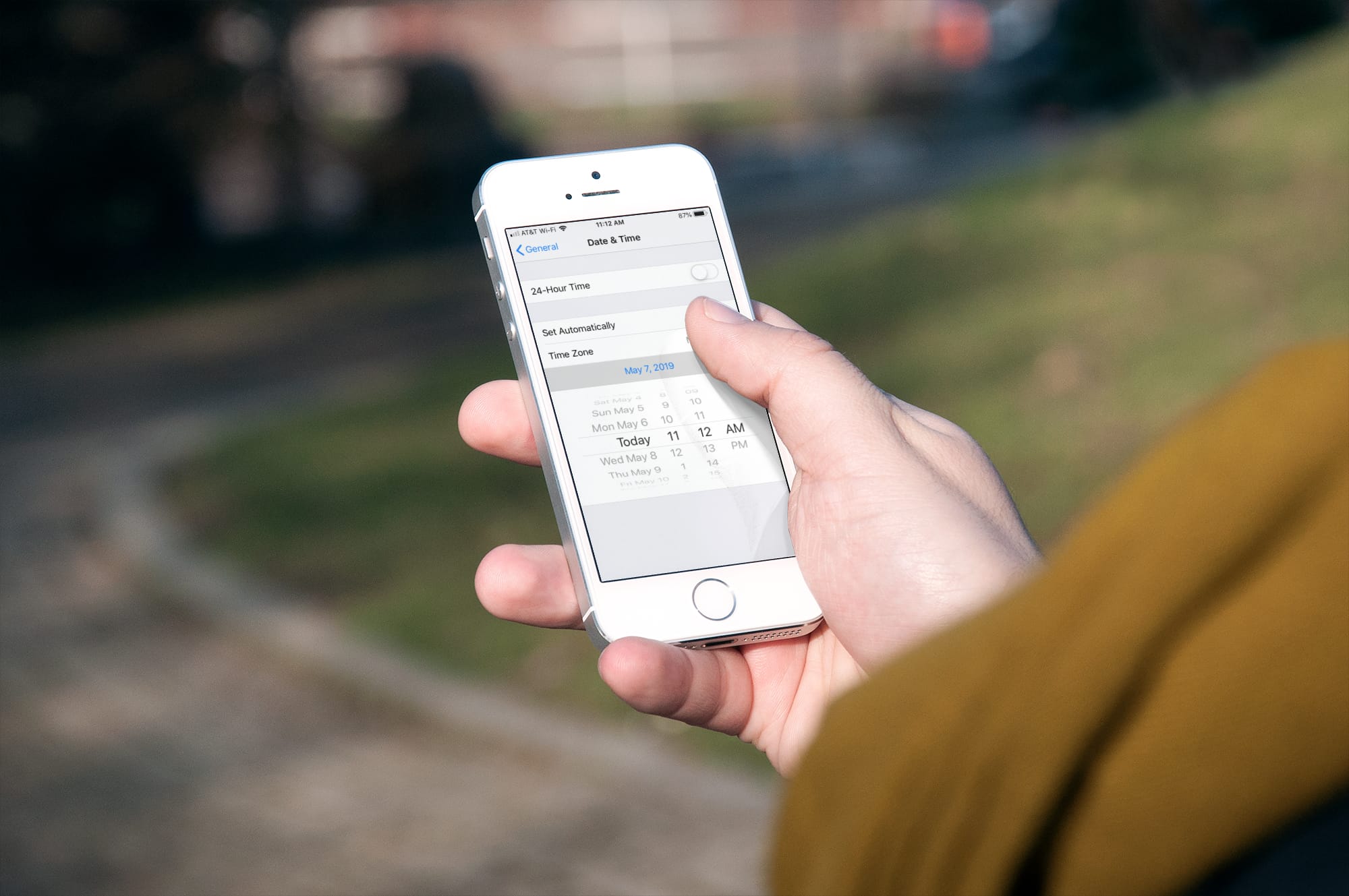
Learn how to stop your iPhone, iPad, or Mac from automatically changing time zones on its own and take back control of date and time into your own hands.
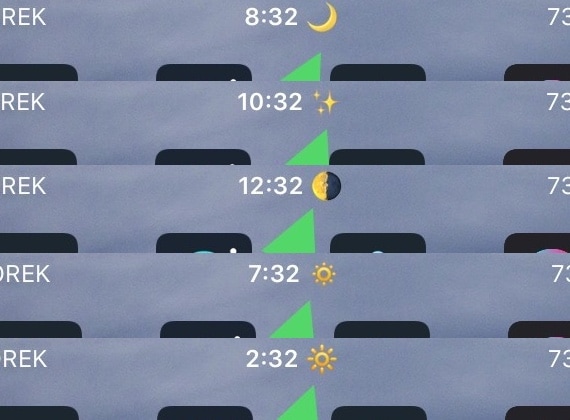
The Status Bar plays host to all sorts of vital information about your handset, including its wireless signal strength, the battery level, and the time. The time indicator is perhaps one of the most frequently-checked indicators of them all, but it tends to be somewhat bland out of the box.
Enter Timemoji, a new free jailbreak tweak by iOS developer 1di4r that replaces the native “A.M.” and “P.M.” indicators with specific Emojis of your choice.

A lot of times when playing full-screen games on my iPhone, I wonder what time it is or how much battery life I have left. It’s inconvenient to pause my game to peek at Control Center or swipe out of the app to glance at the Status Bar, and so I was particularly excited when I saw a new free jailbreak tweak called NCGrabberInfo by iOS developer Antique.
With this tweak, you can grab a peek at both the time and your handset’s remaining battery life even when you’re enjoying a full-screen game; and the best part is, you don’t need to stop playing or leave the app to do it.
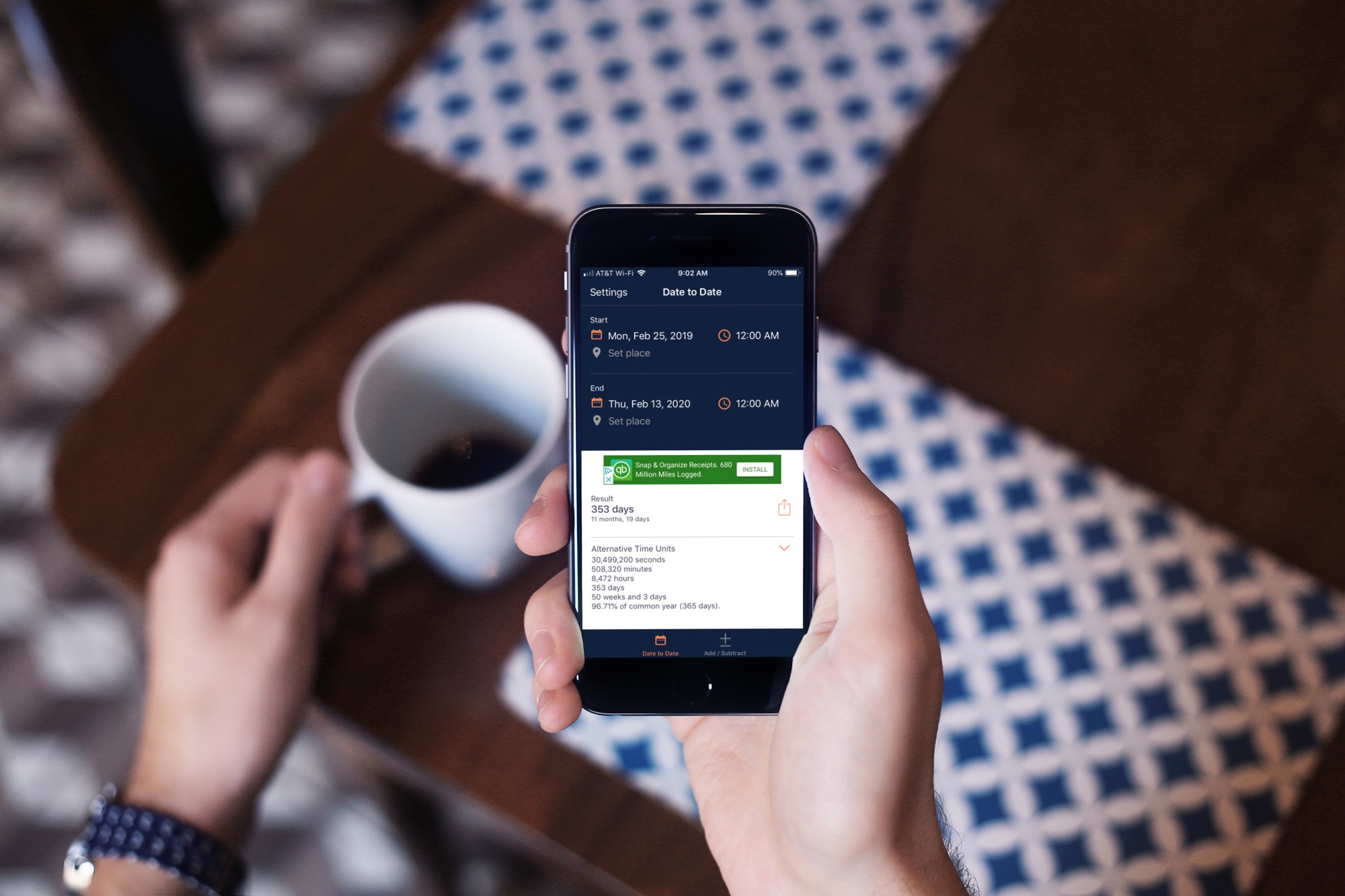
These are the best free date and time calculator apps for your iPhone or iPad to take the work out of manually calculating past or future dates or times.
Many people use the alarm feature in their iPhone’s Clock app to wake up on time for school or work every morning, but sometimes users will hit the stop button and inadvertently fall back asleep, defeating the purpose of setting the alarm in the first place.
You could create a cascade of alarms to prevent this from being a problem, or you could use a new free jailbreak tweak called AlarmGroups by iOS developer Fouad Raheb, which streamlines the process of generating and grouping multiple alarms to ensure you wake up every morning.
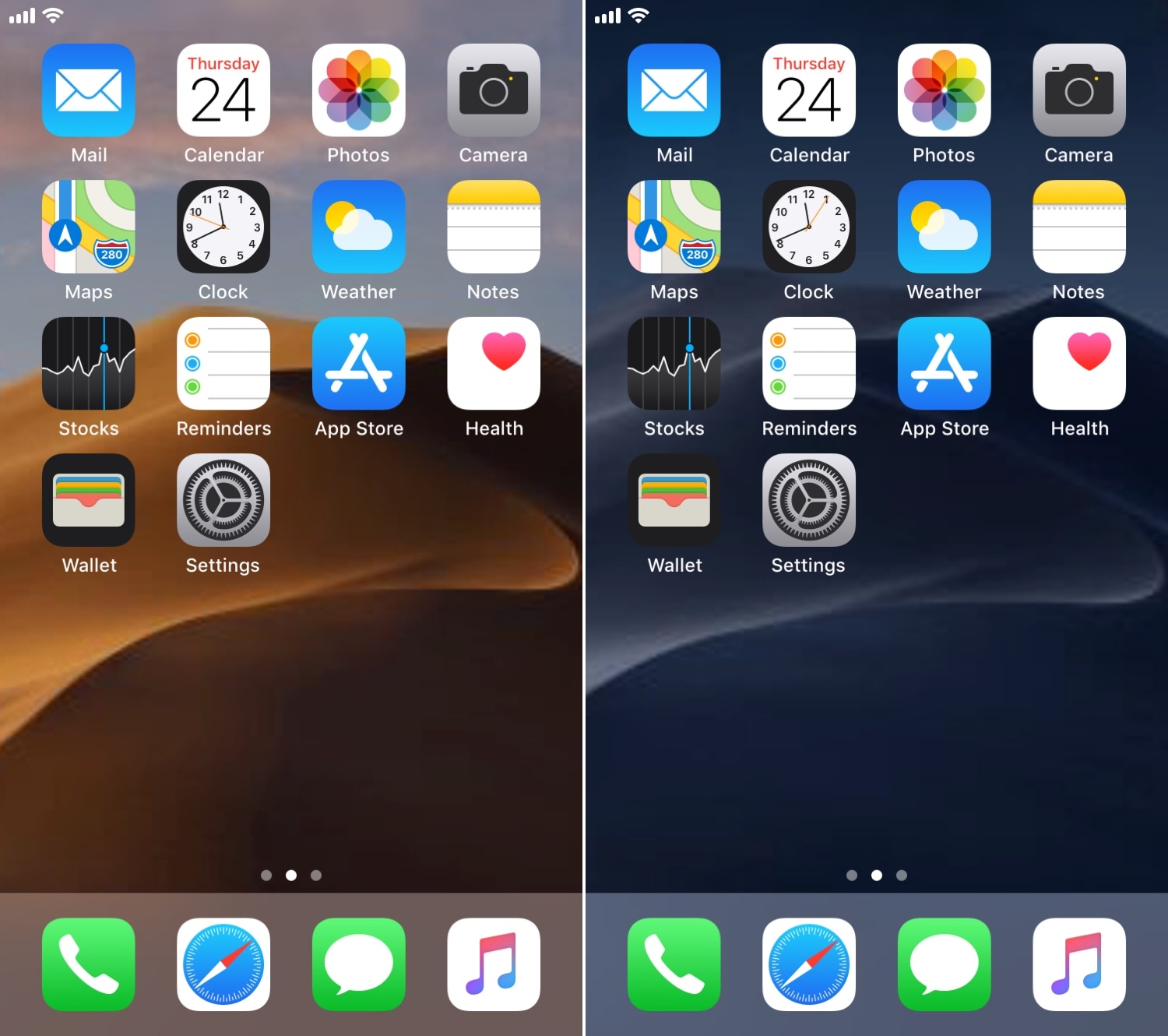
One of my favorite features in macOS Mojave is the dynamic wallpaper, which changes from a daytime desert landscape during the day to a nighttime desert landscape come nightfall. Apple is evidently capable of implementing something like this on the iOS platform as well, but they haven’t yet; and there’s no guarantee they ever will.
Fortunately, jailbreakers don’t need to wait. A free jailbreak tweak called AutoWall by iOS developer Julio Verne lets you have time-centric dynamic wallpapers on your iPhone or iPad – perfect for replicating macOS Mojave’s treasured feature on the iOS platform.
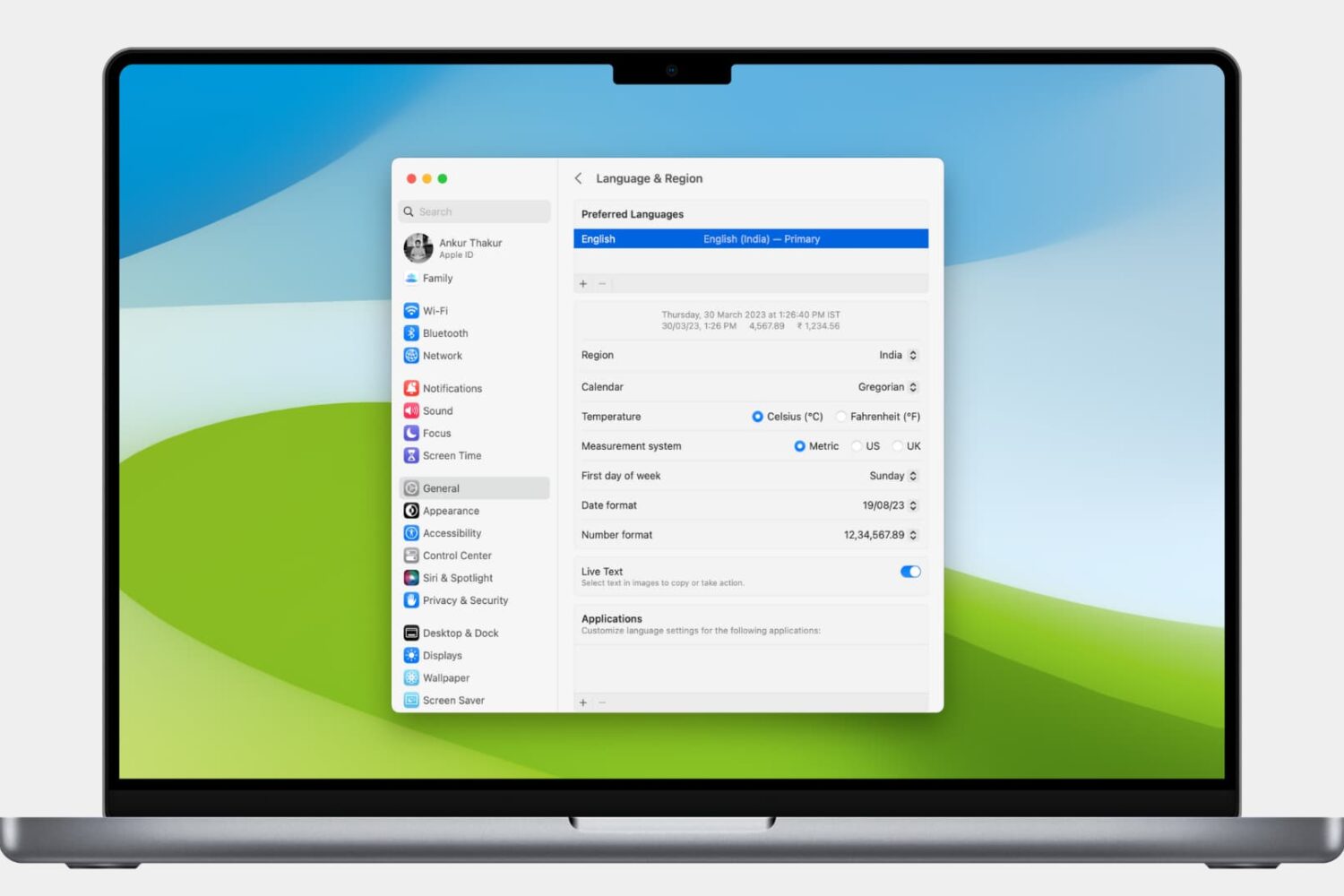
Learn how to customize the date and time formats on your Mac, and change the currency type or measurement units for a localized macOS experience.
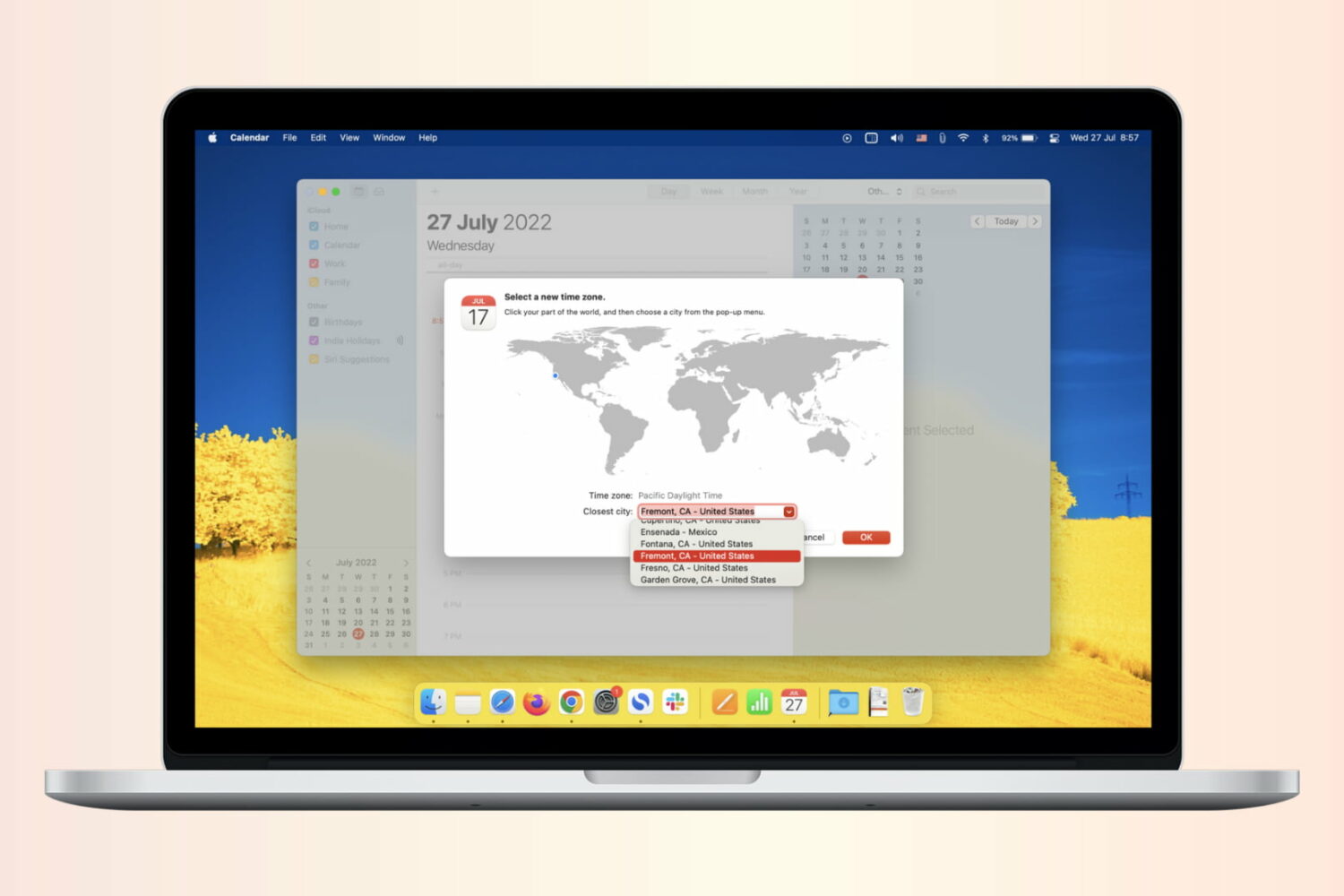
If you work with people in different time zones, scheduling remote meetings can get difficult. You may be in the eastern time zone, with others in the Pacific, European, or Asian time zones. To make this a bit easier, the Calendar app gives you a way to plan for various locations. Here’s how to add and use time zone support for Calendar events.
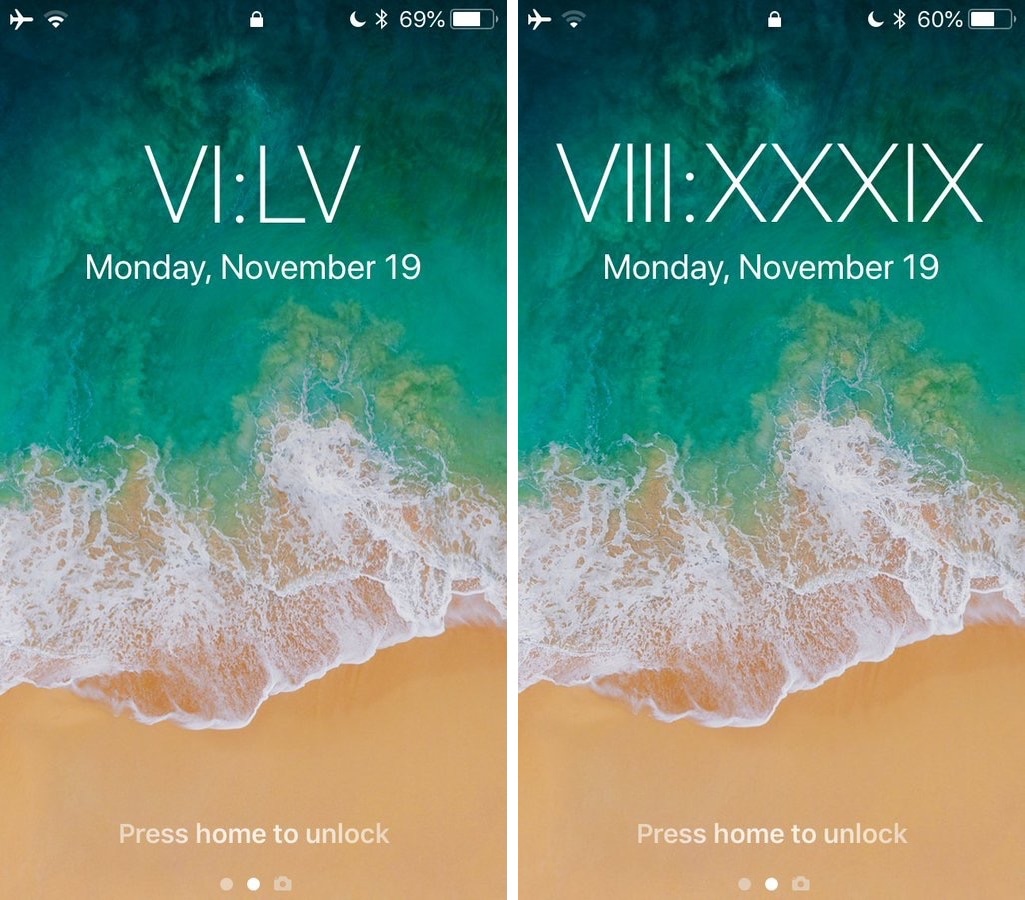
Looking to spice up your iPhone’s Lock screen a bit? If so, then you might take an interest in a new free jailbreak tweak called RomanLockscreenTime by iOS developer Cole Cabral.
As you may have gathered already from the tweak’s name, RomanLockscreenTime replaces the standard numeric time display on your Lock screen with Roman numerals, as shown above.